

Akiflow
টাস্ক পরিকল্পনা এবং ক্যালেন্ডার ব্যবস্থাপনার জন্য AI সহকারী, যে স্বয়ংক্রিয়ভাবে ই-মেইল ব্যবস্থা সক্রিয় করা হয় ও আপনার নির্ধারিত সময়সূচী সম্পর্কে জানায়।.
র্যাঙ্কিংয়ে অবস্থান
সারসংক্ষেপ
Akofiফ্লো নিউরাল নেটওয়ার্ক বর্ণনা
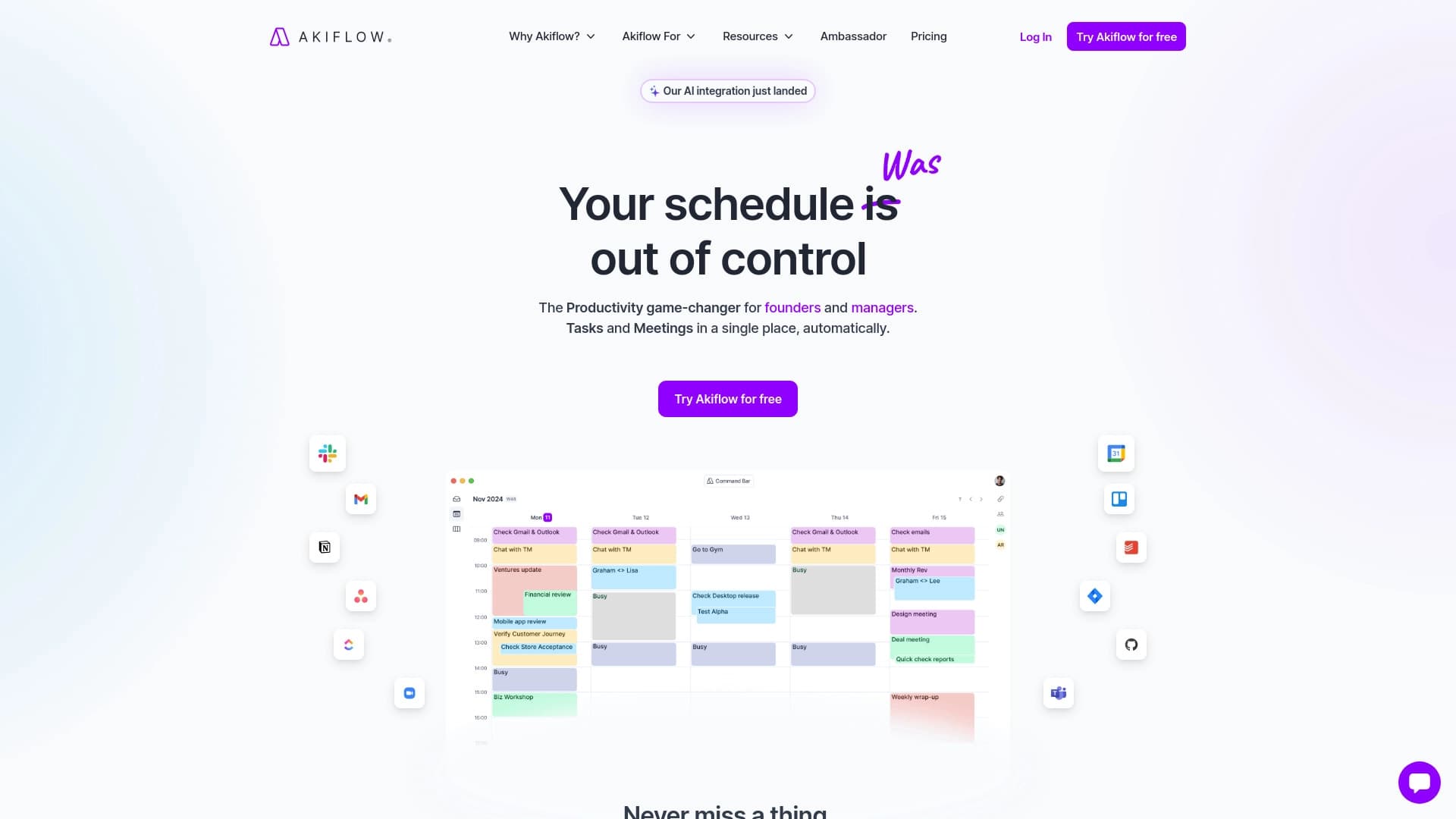
কর্ম পরিকল্পনা এবং ক্যালেন্ডার ব্যবস্থাপনার জন্য ডিজাইনকৃত একটি বুদ্ধিমান সহকারী। ইমেইল থেকে তথ্য পাঠানো এবং মিটিং এর সময় খুঁজে বের করার পরিবর্তে, ব্যবহারকারীর প্রতিনিধিেরা এই নিউরাল নেটওয়ার্কের জন্য কাজ করে। সার্ভিসের ধারা অনুযায়ী কাজ পরিচালনা করা হয়: এটি ই-মেইলের বিশ্লেষণ করে, সেগুলো তাদের কাজে রূপান্তর করে, তালিকা অনুযায়ী মুক্ত স্লট খুঁজে বের করে এবং আসন্ন সময়সীমার বিষয়ে স্মরণ করিয়ে দেয়।
এই টুলের মূল লক্ষ্য হচ্ছে যান্ত্রিক শিডিউল ব্যবস্থাপনায় ব্যয় হওয়া। আকিফ্লো স্বয়ংক্রিয় ভাবে কাজ করে, জরুরিভাবে কাজ করে, আর বিভিন্ন ঘটনার জন্য বিশেষ স্লট নির্বাচন করে। এর ফলে ব্যবহারকারীদের কাজ শেষ না করে প্রকৃত কাজ শেষ করার উপর মনোযোগ প্রদান করতে দেয়।
Aikyফ্লো অক্ষরস
| অক্ষর | মান |
|---|---|
| ধরন | টাস্ক এবং ক্যালেন্ডার ব্যবস্থাপনার জন্য AI সহকারী |
| শ্রেণীবিভাগ | সহকারী, টাস্ক ম্যানেজমেন্ট টুল, অটোরান টুল, উৎপাদন টুল, সভা সংক্রান্ত সরঞ্জাম |
| প্ল্যাটফর্ম | ওয়েব-সাইট: |
| মুক্তকারী | উপলব্ধ (অভিজ্ঞ টাস্ক ব্যবস্থাপনা) |
| '%s' প্রিন্টারে টোনার শেষ হয়ে গেছে।Developer | আকিফ্লো |
| মাসিক পরিদর্শন | ৩৮৮.৯৪ |
আকিফ্লোর জন্য উপযুক্ত কে?
ব্যস্ত পেশা
ব্যবহারকারীদের লক্ষ্য হচ্ছে, যারা তাদের কাজের তালিকা থেকে বিশৃঙ্খলা কমাতে চায়। এইসব মানুষ যারা ই-মেইল, মিটিং আর সময়ের প্রবাহের বিশাল প্রবাহের সাথে কাজ করে - ম্যানেজার, ফ্রিল্যান্সার, উদ্যোক্তাদের।
সমর্থনের সমর্থক
আকিফ্লো তাদের কাছে আবেদন করবেন যারা ইমেইল, ক্যালেন্ডার এবং কাজের তালিকায় পরিবর্তন না করে অর্থপূর্ণ কাজ করতে চান। আদর্শ ব্যবহারকারী হলেন একজন যিনি অটোমেট রুটিন চান আর নিজের কাজের উপর নিয়ন্ত্রণ না হারিয়ে আরও বেশি সময় পান।
আকিফ্লো ব্যবহার করতে হবে?
'আকি' থেকে সহজ অনুরোধ
সহায়ক ব্যবস্থার সাথে ইন্টারেক্ট করতে ছোট টেক্সট কমান্ডে নির্মিত হয়েছে । 'Aki' নামটির মাধ্যমে সরাসরি ঠিকানা দিয়ে একটি নির্দিষ্ট সময়সীমা, একটি নতুন কাজ বা বই চালু করার অনুরোধ জানানো হবে। কয়েক মাস লাগবে.
সর্বনিম্ন সহায়িকা সম্বন্ধীয় কর্ম
পুরো টাস্ক ম্যানেজমেন্ট প্রক্রিয়া এসেছে অনুরোধ করার জন্য... এর সহকারী স্বাধীনভাবে সিস্টেমের মধ্যে কাজ রেকর্ড করে, তার গুরুত্বের তালিকায় অবস্থান নির্ধারণ করে এবং মনে করিয়ে দেয় যে, অনেক ক্ষেত্রে ব্যবহারকারীদেরকে নিজ নিজ ক্ষেত্রে পূর্ণরূপে পূরণ করতে হবে।
কি-র গোপনীয় বৈশিষ্ট্য
- সভার সময় কমান্ডে দেওয়া বর্ষপঞ্জির ওপর স্বয়ংক্রিয় সৃষ্টি করে ।
- মর্নিং সারসংক্ষেপ — প্রতিদিন সকালে সার্ভিসটি একটি সংক্ষিপ্ত বিবরণ পাঠায়।
- স্বয়ংক্রিয়ভাবে ই-মেইল রূপান্তর করা হবে %s এ বার্তা কপি করা হচ্ছে
- অনুসন্ধানের তথ্য মুছে ফেলুন ( AI) অংশগ্রহণকারীদের খুঁজে পাওয়া এবং সভার জন্য উপযুক্ত সময় খুঁজে বের করা।
- অ্যালার্ম ( মথি ২৪: ১৪; প্রকা.
Akkyledtz
সংযোগ বিচ্ছিন্ন করা হয়েছে
আকিফ্লো কেবল একটি কাজের তালিকা সংরক্ষণ করে না- এটি সময়সীমা অনুসারে কাজ করে এবং গুরুত্বের সাথে। স্বাধীন ভাবে এই পদ্ধতি নির্ধারণ করে যে কোন কাজের প্রতি সবার মনোযোগ প্রদান করা উচিত এবং আসন্ন নির্ধারিত সময়ের কথা মনে রাখা উচিত। ব্যবহারকারীদের মনে সব সময় নির্ধারিত রাখতে হবে না।
Internth পরিকল্পনা পরিকল্পনা
AI-র সকল সভার তথ্য বিশ্লেষণ করে, তারা তাদের প্রাপ্যতা বিবেচনা করে এবং সাথে সাথে সাথে নির্ধারিত সময়ের অঞ্চল নির্বাচন করে। "আপনি কখন আছেন?
নিয়মিত কাজ লোড করা
এই সেবা সংগঠনের কাজের অংশ হিসেবে কাজ করে, যা এখন কোন বিষয়ের ওপর মনোযোগ কেন্দ্রীভূত করে । এর ফলে, প্রকৃত গুরুত্বপূর্ণ কাজের জন্য জ্ঞান এবং সময়কে হ্রাস করে ।
Akkyledvatas
সীমা অতিক্রান্ত
কাজ আর শিডিউল ম্যানেজমেন্ট দৃশ্য সিস্টেমের মধ্যে আংশিকভাবে কোড করা হয়েছে। এর ফলে কোন ধরনের অ-বাণিজ্যিক কাজের প্রবাহ বা অস্বাভাবিক তালিকা থেকে ব্যবহারকারীদের জন্য অসুবিধা সৃষ্টি হতে পারে। ( ১ তীম.
প্রযুক্তিগত ত্রুটি
সেবার অভিজ্ঞতা হয়তো বিঘ্নজনক হতে পারে: কোনো স্মরণলিপির মধ্যে আগুন না - ও হতে পারে, কোনো কাজ হয়তো “অন্তর্ ” অথবা অন্যান্য ডিভাইসের সাথে যুক্ত হতে পারে। যখন পরিষ্কার করার বিষয় সবচেয়ে বেশি হয়, তখন এই সরঞ্জামের কার্যক্ষমতা হ্রাস পায়।
ইন্টারনেট নির্ভরতা
সংযোগের জন্য স্থায়ী নেটওয়ার্ক সংযোগ উপলব্ধ করা হয়েছে ও সুসংগতির বৈশিষ্ট্যের ফলে সম্পূর্ণভাবে সমাপ্ত হয়েছে। একমাত্র বৈধ অপারেশন অফলাইন মোডে পাওয়া যাবে, যা ভ্রমণকালে অথবা অনিশ্চয়তাপূর্ণ সংযোগের মধ্যে সীমাবদ্ধ থাকে।
আকিফ্লোরু কি সমাধান করেছে?
- [ অধ্যয়ন প্রশ্নাবলি] সকল অংশগ্রহণকারীর যোগ্যতা বিবেচনা করে সভাগুলোর জন্য স্বয়ংক্রিয় নির্বাচন।
- আগমনকারী মেইল ডাউনলোড প্রক্রিয়া তথ্য ছাড়া ই-মেইলকে তথ্য গঠন করতে হবে।
- ডেডলাইন নিয়ন্ত্রণ জরুরি কাজ শেষ করার জন্য সময় ও সময় নির্ধারিত থাকে ।
- সভার পরিকল্পনা বর্ষপঞ্জির তথ্য বিনা - বর্ষপঞ্জির বিষয়বস্তু পরিচালনা ও পরিচালনা করা হচ্ছে।
Akiফ্লোপ্রচিং
মুক্তকারী
মৌলিক টাস্ক ব্যবস্থাপনার উদ্দেশ্যে উপলব্ধ করা হয়। কোন ধরনের সহযোগিতার প্রয়োজন?
চিত্র প্রদর্শকName
বর্ষপঞ্জি ও বর্ষপঞ্জির সাথে কাজ করার জন্য উন্নত প্ল্যান নির্বাচন করুন।
প্রিমিয়াম টাই
সর্বোচ্চ পদ্ধতিতে ক্ষমতা ও গুরুত্ব প্রদান করে। AI সংক্রান্ত সম্পূর্ণ বৈশিষ্ট্যের জন্য প্রযোজ্য অনুমতি সহ ব্যবহারকারীদের জন্য প্রযোজ্য যেগুলোর সংখ্যা।
Akofiফ্লোর্স
সার্ভিসটি বিনামূল্যেরিয়াম মডেলে পরিচালনা করা হয়: ব্যবহারকারীরা বিনামূল্যের জন্য শুরু করতে পারেন এবং পুনরায় ক্ষমতা বৃদ্ধির জন্য একটি খরচের পরিকল্পনা চালু করতে পারেন। অফ-লাইন অবস্থায় ব্যবহারের জন্য চিহ্নিত বর্ষপঞ্জি ও কর্মতালিকার পৃথক বিন্যাসের তালিকা উপলব্ধ রয়েছে, কিন্তু ইন্টারনেট সংযোগ সম্পূর্ণ করার জন্য অন-লাইন অবস্থায় থাকা আবশ্যক। সব অপশন। ওয়েব ব্রাউজারের সাথে ব্যবহারের জন্য পরিসেবাটি প্রস্তুত করা হয়েছে এবং অতিরিক্ত সফ্টওয়্যার ইনস্টল করার জন্য এটি ব্যবহার করা হচ্ছে না।
Akofiফ্লো আভার
Akyryle চালু হয়েছে ডেভেলপারের ওয়েবসাইট। এই পরিষেবাটির একটি বিনামূল্যে টাইগার আছে যা আর্থিক বিনিয়োগ ছাড়াই টুলটির মৌলিক ক্ষমতা দূর করতে দেয়। পেশাদারি ব্যবহারের জন্য Paidd সাবস্ক্রিপশন প্রসারিতভাবে ব্যবহার করা হয়।
কিভাবে আকিফ্লো বিকল্প বিকল্প থেকে আলাদা
Akyledy এর অবস্থান শুধু সহকারী হিসাবে নয় বরং একটি পূর্ণ সময়ের ব্যবস্থাপনা টুল হিসাবে। অধিকাংশ পরিকল্পনাবিদের বিপরীতে, এটি একটি সিস্টেমের মধ্যে ক্যালেন্ডার এবং ইমেইল পরিষেবাকে একত্রিত করে, স্বয়ংক্রিয়ভাবে অ্যালার্ম তৈরি করে এবং কর্ম সঞ্চালনের জন্য একটি নিউরাল নেটওয়ার্ক ব্যবহার করে। থেরিওনের মতো সার্ভিস। কিন্তু তারা বিভিন্ন সমস্যা সমাধান করতে পারে — লেখা ও বিষয়বস্তু প্রজন্মের সঙ্গে কাজ করে । অন্যদিকে আকিফ্লো বিশেষ করে কর্মফলের আয়োজনের উপর মনোযোগ প্রদান করে, এমনকি বিনামূল্যের টলারেও তারা পরিকল্পনা করে থাকে।
অন্তর্ভুক্ত
Akyledy এর একটি AI সহকারী, যা কর্ম এবং শিডিউল পরিচালনার কাজে সহায়তা করে। এই সকল সেবাকে কাজে রূপান্তরিত করা হয়, সভার জন্য উপযুক্ত সময় খুঁজে বের করে এবং গুরুত্বপূর্ণ সময়সীমা স্মরণ করিয়ে দেয়। ব্যবহারকারীদের জন্য যান্ত্রিক ক্যালেন্ডারের কাজের সময় কমানোর জন্য ব্যয় করা এবং কাজ শেষ করার উপর মনোযোগ প্রদান করা উপকারী হবে; তবে কর্ম প্রবাহের সীমিততা এবং সম্ভাব্য প্রযুক্তিগত ত্রুটিগুলোকে একাউন্ট হিসেবে গ্রহণ করা উচিত।
সাধারণ প্রশ্নোত্তর
অতিরিক্ত দেখুন
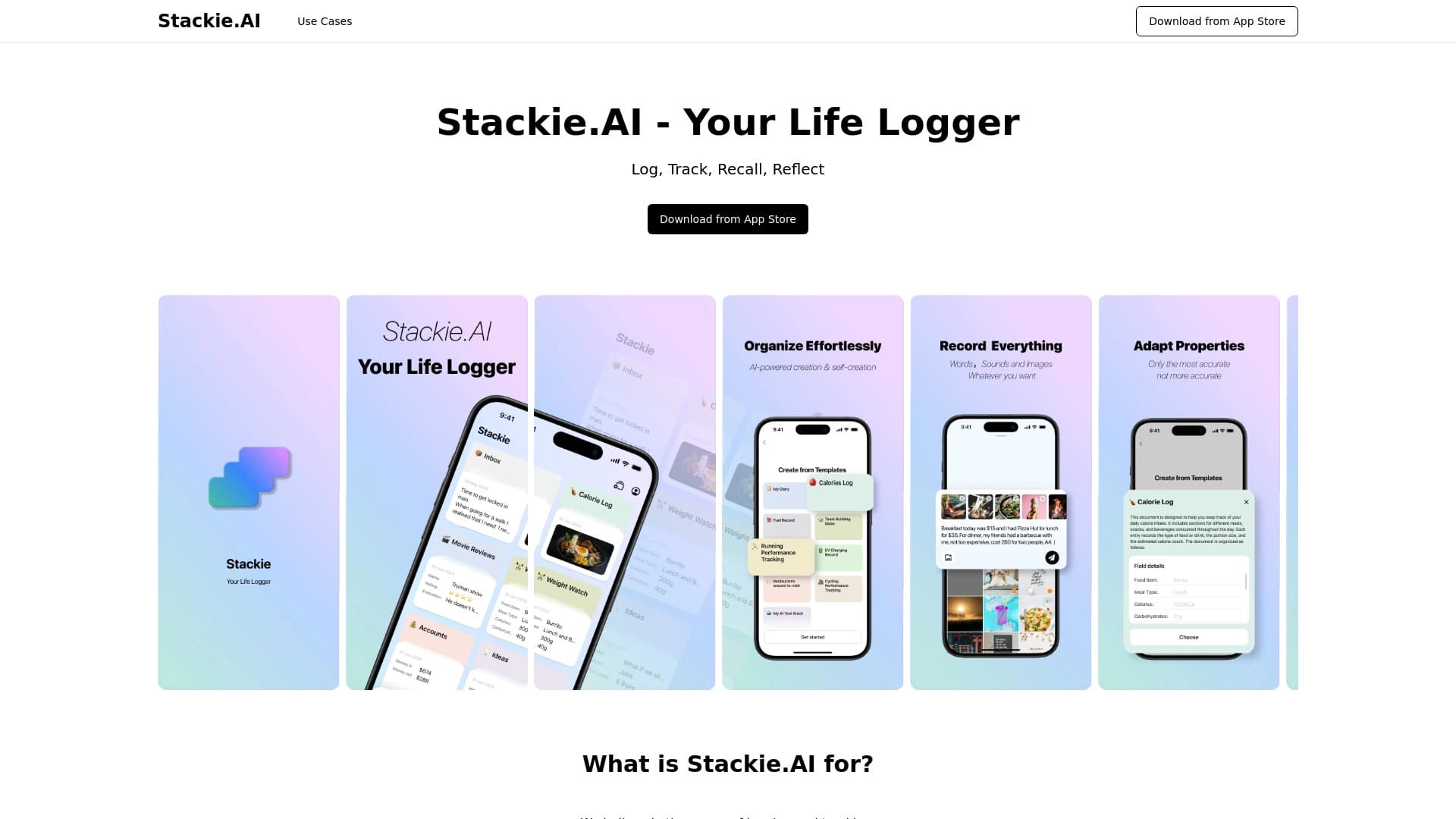
জীবনের কাটা টুল যা আপনাকে প্রতিদিনের কাজকর্ম এবং অভ্যাস রেকর্ড, ট্র্যাক এবং বিশ্লেষণ করতে দেয়।.
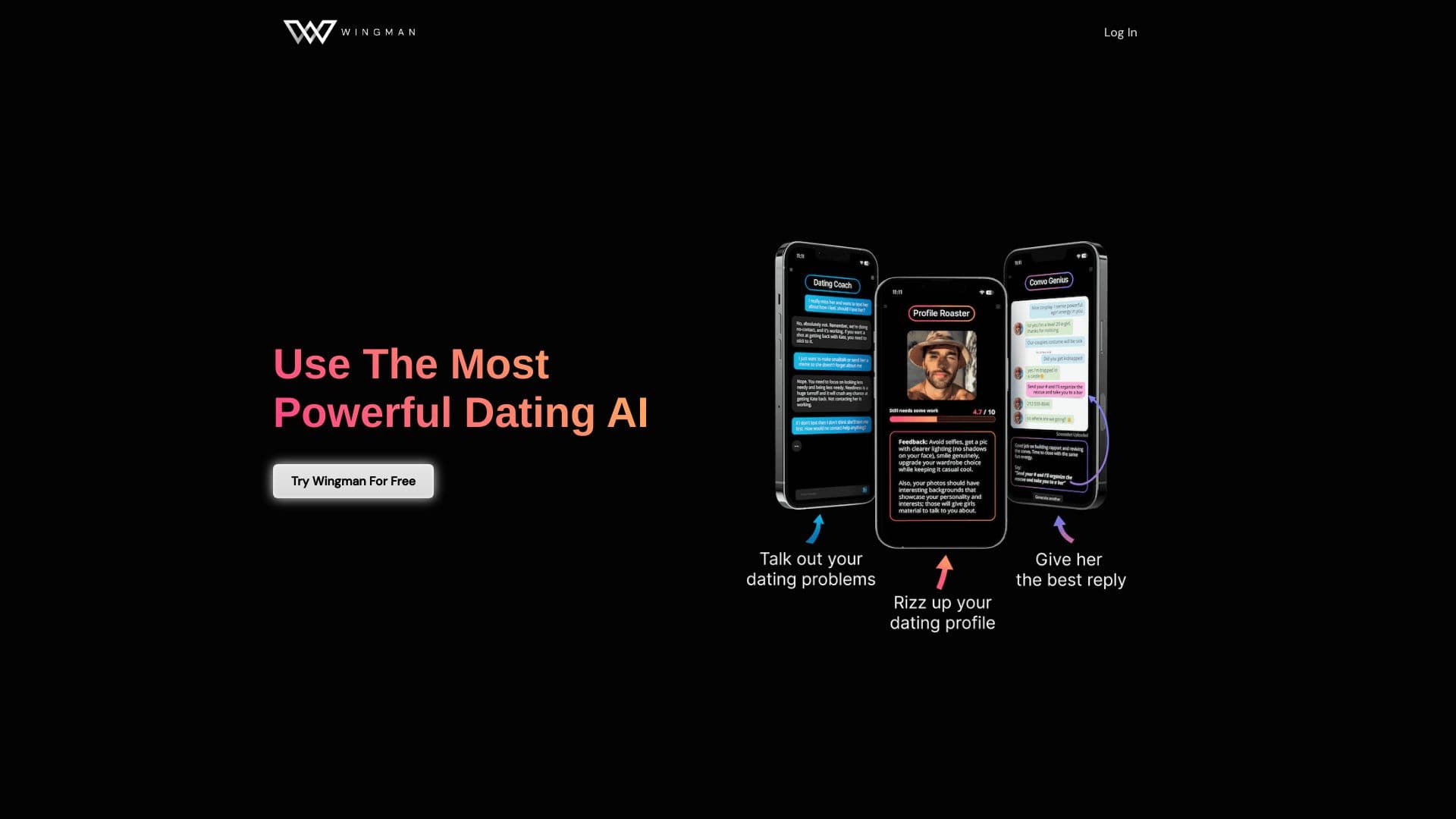
এ ছাড়া, যিহোবার সাক্ষিদের দ্বারা প্রকাশিত ।.
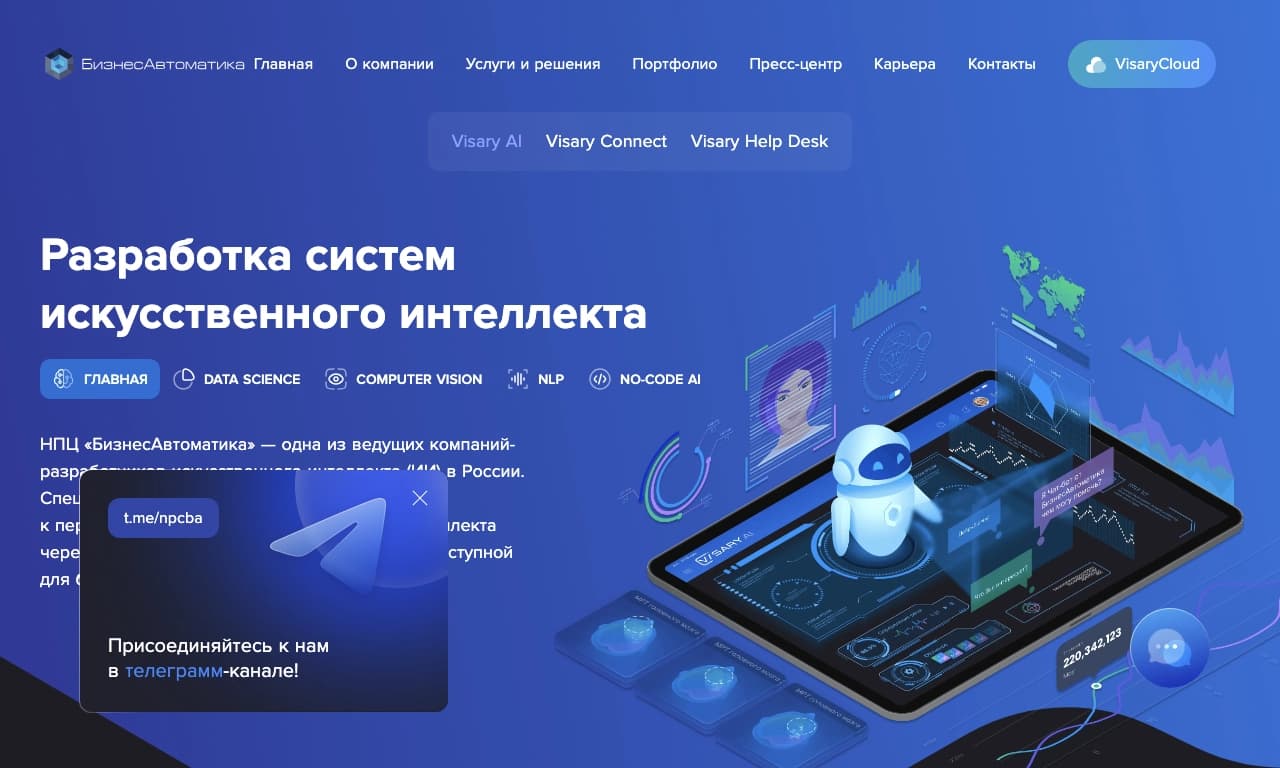

লেখার কোড ছাড়া নিউরাল নেটওয়ার্ক তৈরি এবং কনফিগার করার জন্য কোন কোড নেই।.

একটি অনলাইন সেবা যা আপনাকে PDF নথি দিয়ে আড্ডা দিতে দেয়: প্রশ্ন করুন এবং সূত্র থেকে উত্তর পেতে পারেন।.
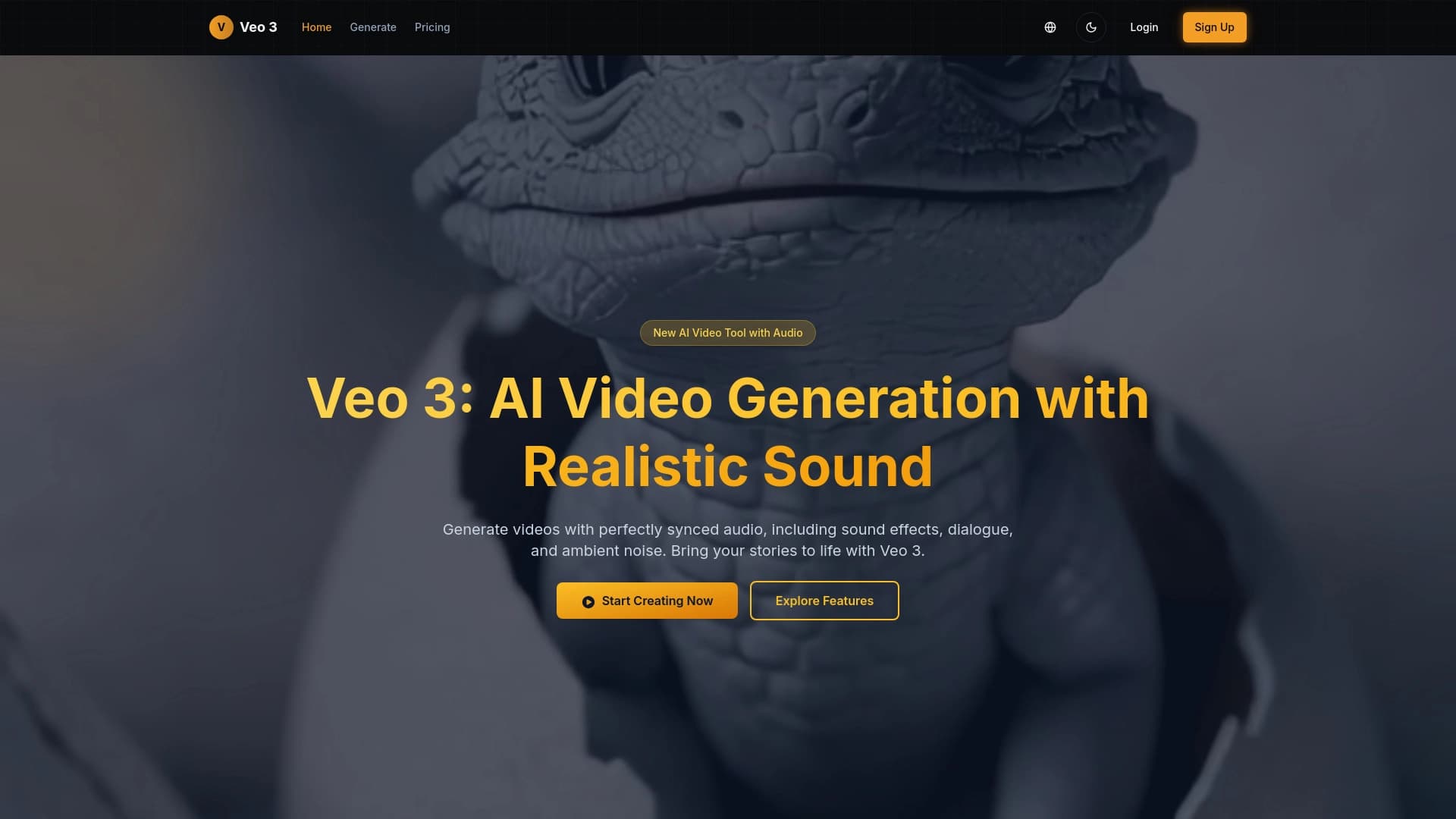
গুগল ডিপইনড-এর নেট নেটওয়ার্ক ভিডিও বিশ্লেষণ এবং প্রক্রিয়াকরণের জন্য তৈরি করা হয়েছে।.

রিমোট চাকুরির জন্য সার্ভিস, কৃত্রিম বুদ্ধিমত্তা ব্যবহার করে।.

এই উপস্থাপনার জন্য একটি গঠন সার্ভিস যা বিভিন্ন তথ্য সংগ্রহ, ডিজাইন এবং উপাত্ত বিশ্লেষণের জন্য একাধিক AI এজেন্ট ব্যবহার করে।.
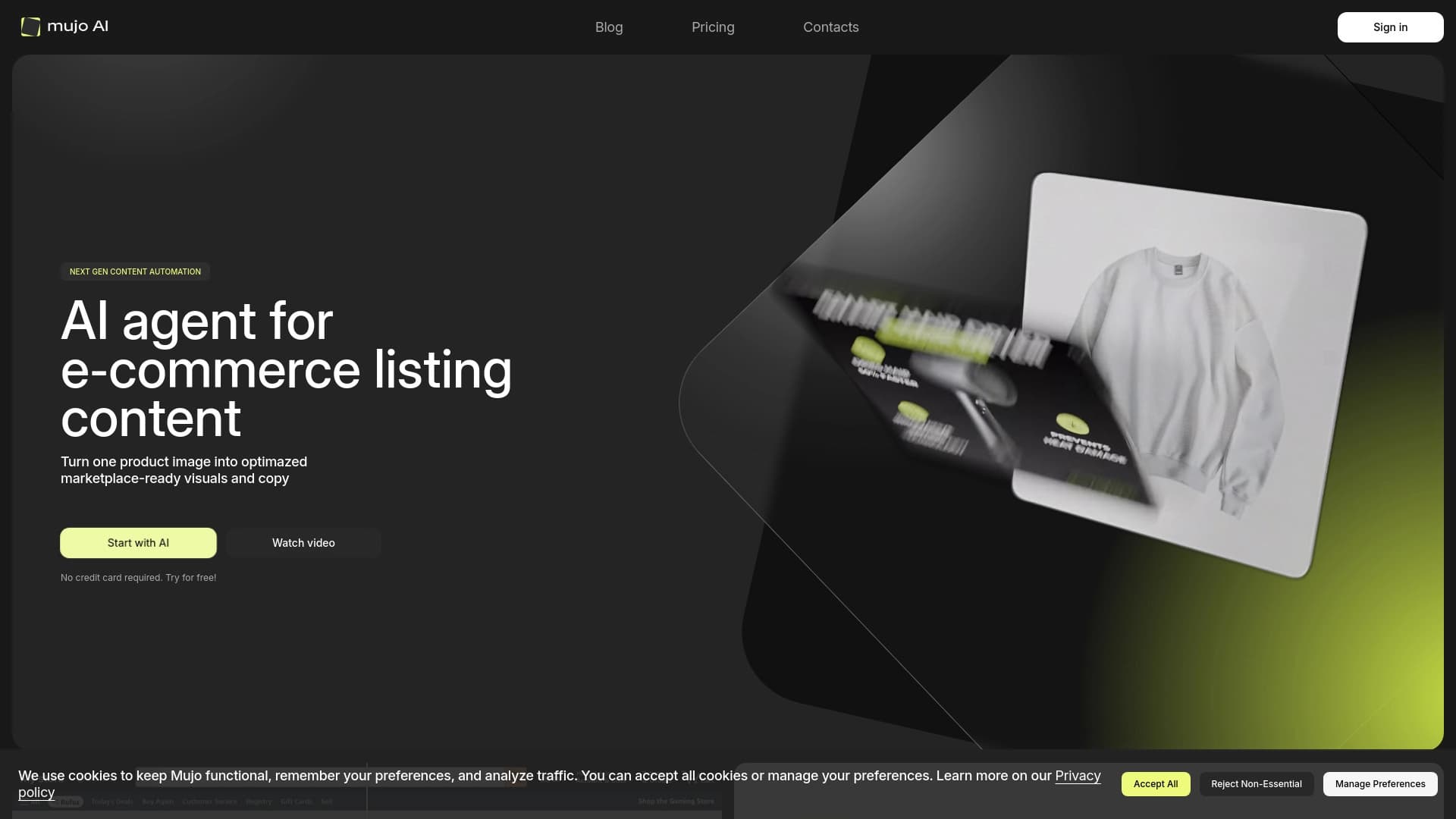

অনলাইন স্টোর এবং বাজারে পণ্য কার্ডের জন্য অটোমেট উপাদান তৈরি করা হয়েছে।.