

Ajelix AI Excel Tools
एआई-सहायक जो स्प्रेडशीट के साथ काम को स्वचालित करता है, जिसमें फॉर्मूला निर्माण और डेटा विश्लेषण शामिल है।

रैंकिंग में स्थान
अवलोकन
Ajelix AI एक्सेल उपकरण अवलोकन
Ajelix AI एक्सेल उपकरण AI-powered टूल का एक सूट है जिसे स्प्रेडशीट कार्य को स्वचालित करने के लिए डिज़ाइन किया गया है। तंत्रिका नेटवर्क Excel और Google शीट उपयोगकर्ताओं को नियमित संचालन को संभालने में मदद करता है: पाठ विवरण से सूत्र उत्पन्न करना, जटिल कोड को पार करना, फाइलों का अनुवाद करना और डेटा दृश्यकरण तैयार करना। समाधान एक फ्रीमियम मॉडल पर काम करता है - बुनियादी सुविधाएँ मुफ्त में उपलब्ध हैं, जबकि उन्नत कार्यों को सदस्यता के माध्यम से अनलॉक किया जाता है।
सेवा की मुख्य विशेषता प्राकृतिक भाषा में डेटा के साथ बातचीत करने की क्षमता है। मैन्युअल रूप से जटिल सूत्रों या मैक्रोज़ लिखने के बजाय, उपयोगकर्ता शब्दों में अपने कार्य का वर्णन करते हैं, और तंत्रिका नेटवर्क एक तैयार समाधान का सुझाव देता है। उपकरण एक वेब इंटरफ़ेस के माध्यम से और एक एक्सेल ऐड-इन के रूप में उपलब्ध है, जिससे ब्राउज़र में और सीधे आवेदन के भीतर दोनों का उपयोग करना सुविधाजनक हो जाता है।
Ajelix AI Excel Tools विनिर्देशों
| विशिष्टता | मूल्य |
|---|---|
| प्रकार | स्प्रेडशीट कार्य के लिए एआई सहायक |
| श्रेणी | उत्पादकता, डेटा विश्लेषण, स्वचालन, एक्सेल कार्य |
| डेवलपर | AJELIX, SIA |
| प्लेटफार्म | वेब, एक्सेल ऐड-इन |
| स्प्रेडशीट समर्थन | एक्सेल, गूगल शीट्स |
| वितरण मॉडल | फ्रीमियम |
| नि: शुल्क स्तर | हाँ (basic) |
| संपादकीय रेटिंग | 10 में से 8.8 |
| उपयोगकर्ता रेटिंग | 4.8 |
| प्रकाशन तिथि | सितम्बर 23, 2025 |
कौन Ajelix AI Excel उपकरण है?
प्रोग्रामिंग अनुभव के बिना शुरुआती और उपयोगकर्ता
सेवा उन लोगों के लिए डिज़ाइन की गई है जो स्प्रेडशीट के साथ काम करते हैं लेकिन सूत्रों या कोड लिखने के गहरे ज्ञान की कमी है। शब्दों में कार्य का वर्णन करें - और तंत्रिका नेटवर्क एक तैयार समाधान का सुझाव देता है। यह उन लोगों के लिए विशेष रूप से उपयोगी है जो ऑनलाइन सही सूत्र की खोज में बहुत समय बिताते हैं या मदद के लिए अधिक अनुभवी सहयोगियों से पूछते हैं।
व्यापार उपयोगकर्ताओं और प्रबंधकों
प्रबंधक, व्यापार मालिकों और विभाग के प्रमुख नियमित रिपोर्टिंग को गति देने के लिए Ajelix का उपयोग कर सकते हैं। सेवा pivot टेबल बनाने में मदद करती है, डेटा संचालित प्रस्तुतियों को तैयार करती है, और स्प्रेडशीट गणना के विवरण को समझने की आवश्यकता के बिना अंतर्दृष्टि प्राप्त करती है।
विश्लेषकों और वित्त पेशेवरों
विश्लेषकों के लिए, उपकरण दोहराव प्रक्रियाओं को स्वचालित करने, डेटा में विसंगतियों का पता लगाने और रुझानों की पहचान करने के लिए उपयोगी है। सूचना की बड़ी मात्रा को मैन्युअल रूप से जांच करने के बजाय, तंत्रिका नेटवर्क जल्दी से पैटर्न पाता है और सिफारिशें उत्पन्न करता है, काम करने के समय की बचत करता है।
Ajelix AI Excel Tools का उपयोग कैसे करें?
शुरू करना और पंजीकरण करना
सेवा का उपयोग करने के लिए, आपको ajelix.com पर एक मुफ्त खाता बनाने की आवश्यकता है। पंजीकरण प्रक्रिया को बैंक कार्ड से लिंक करने की आवश्यकता नहीं है - ईमेल पुष्टि के तुरंत बाद बुनियादी उपकरण उपलब्ध हैं।
वेब इंटरफ़ेस और ऐड-इन के माध्यम से कार्य करना
उपकरण दो तरीकों से उपलब्ध हैं: वेबसाइट के माध्यम से और एक्सेल ऐड-इन के माध्यम से। वेब संस्करण में, उपयोगकर्ता ब्राउज़र में स्प्रेडशीट के साथ काम करते हैं, फ़ाइलों को अपलोड करते हैं या क्लाउड से डेटा कनेक्ट करते हैं। एक्सेल ऐड-इन सीधे आवेदन में एकीकृत होता है और खिड़कियों के बीच स्विच किए बिना एआई सुविधाओं का उपयोग करने की अनुमति देता है।
मुख्य उपयोग परिदृश्य
एक सूत्र उत्पन्न करने के लिए, बस इसे शब्दों में वर्णित करें। पार्स कोड के लिए, एक मौजूदा स्क्रिप्ट पेस्ट करें - तंत्रिका नेटवर्क सादे भाषा में तर्क की व्याख्या करेगा। VBA और Google Apps स्क्रिप्ट के लिए एक स्क्रिप्ट जनरेटर भी है: आप बता सकते हैं कि मैक्रो क्या करना चाहिए? , और एआई संबंधित कोड लिखेंगे। एक एक्सेल फ़ाइल का अनुवाद करने के लिए, बस इसे अपलोड करें सेवा के लिए और लक्ष्य भाषा का चयन करें।
Ajelix AI Excel Tools की प्रमुख विशेषताएं
फ़ॉर्मूला पीढ़ी और सुधार
सेवा के मुख्य कार्यों में से एक पाठ विवरण से Excel और Google शीट्स के लिए सूत्र बना रहा है। उपयोगकर्ता शब्दों में कार्य को तैयार करता है और तंत्रिका नेटवर्क एक तैयार सूत्र देता है जिसे तुरंत स्प्रेडशीट में कॉपी किया जा सकता है। यदि मौजूदा सूत्रों में त्रुटियां होती हैं, तो उपकरण उन्हें ढूंढने और ठीक करने में भी मदद करता है।
कोड स्पष्टीकरण और पीढ़ी
Ajelix न केवल लिख सकता है बल्कि कोड को भी समझा सकता है। यह समझने योग्य भाषा में VBA स्क्रिप्ट और Google Apps स्क्रिप्ट को तोड़ देता है - शुरुआती के लिए उपयुक्त। एक नया मैक्रो उत्पन्न करने के लिए, बस शब्दों में वर्णन करें कि यह क्या करना चाहिए , और तंत्रिका नेटवर्क संबंधित कोड लिखेंगे।
डेटा और रिपोर्ट के साथ काम करना
सेवा में डेटा विश्लेषण के लिए 18 से अधिक एआई उपकरण शामिल हैं। यह चार्ट और विज़ुअलाइज़ेशन जनरेशन प्रदान करता है, रिपोर्टों से मुख्य अंतर्दृष्टि की निकासी, और anomaly और प्रवृत्ति का पता लगाने। निष्कर्ष और सिफारिशें सारणीबद्ध डेटा से उत्पन्न होती हैं, और रिपोर्ट और प्रस्तुतियां तैयार की जा सकती हैं - आईटी विभाग को शामिल करने की आवश्यकता के बिना।
अतिरिक्त क्षमताओं
उपयोगकर्ताओं को भाषाओं के बीच Excel फ़ाइलों को ट्रांसलेट करने के लिए उपयोग किया जाता है, जो उन्हें टीम के साथ साझा करने की क्षमता के साथ एक व्यक्तिगत पुस्तकालय में तैयार किए गए सूत्रों को सहेजता है, और कीवर्ड पर आधारित एक स्प्रेडशीट टेम्पलेट जनरेटर। यह सब नियमित संचालन के साथ काम करता है।
Ajelix AI Excel Tools के लाभ
- नियमित कार्यों पर समय बचाता है: तंत्रिका नेटवर्क स्वचालित रूप से सूत्रों, लिपियों और स्पष्टीकरणों को उपयोगकर्ताओं के बजाय बनाता है जो अपने स्वयं के समाधान के लिए घंटों की खोज करते हैं।
- उपयोग में आसानी: उपकरण प्राकृतिक भाषा में काम करता है, तकनीकी प्रशिक्षण के बिना लोगों के लिए बाधा को हटा देता है।
- त्रुटियों का कम जोखिम: स्वचालित गणना सूत्रों और गणना में त्रुटियों की संख्या कम हो जाती है।
- स्वतंत्र रिपोर्ट तैयारीसेवा आईटी विशेषज्ञों की मदद के बिना पेशेवर रिपोर्ट, पिवट टेबल और चार्ट उत्पन्न करने की अनुमति देती है।
- शुरू करने के लिए स्वतंत्र: आप एक कार्ड को जोड़ने के बिना टूल का परीक्षण कर सकते हैं और देख सकते हैं कि क्या यह आपके वर्तमान वर्कफ़्लो को फिट बैठता है।
Ajelix AI Excel उपकरण के नुकसान
- इनपुट डेटा गुणवत्ता पर निर्भरतायदि इनपुट डेटा गलत या अधूरी है, तो तंत्रिका नेटवर्क गलत परिणाम उत्पन्न करेगा।
- सीमित विन्यास लचीलापन: सेवा टेम्पलेट परिदृश्य के साथ काम करती है और गैर मानक व्यावसायिक प्रक्रियाओं को संभाल नहीं सकती है जिन्हें कस्टम सेटअप की आवश्यकता होती है।
- डेटा रिसाव जोखिम: डेटा क्लाउड के माध्यम से प्रसारित होता है, इसलिए गोपनीयता की कोई 100% गारंटी नहीं है - गोपनीय सामग्री के साथ काम करते समय सावधानीपूर्वक सलाह दी जाती है।
Ajelix AI Excel Tools क्या कार्य करता है?
- पाठ विवरण से एक्सेल और गूगल शीट्स के लिए सूत्र उत्पन्न करना।
- VBA कोड और Google Apps स्क्रिप्ट को समझाना और पार करना।
- दोहराव क्रियाओं को स्वचालित करने के लिए मैक्रोज़ बनाना और फिक्सिंग करना।
- विभिन्न भाषाओं के बीच Excel फ़ाइलों को ट्रांसलेट करना।
- सारणीबद्ध डेटा के आधार पर रिपोर्ट, प्रस्तुतीकरण और दृश्यीकरण तैयार करना।
- डेटा में विसंगतियों, रुझानों और प्रमुख अंतर्दृष्टि का पता लगाना।
- कीवर्ड से स्प्रेडशीट टेम्पलेट बनाना।
- नियमित रिपोर्टिंग में नियमित संचालन को स्वचालित करना।
Ajelix AI Excel Tools मूल्य निर्धारण
सेवा एक फ्रीमियम मॉडल पर काम करती है। मूल्य निर्धारण संरचना में कई एक्सेस स्तर शामिल हैं:
- बेसिक (मुक्त): कोई समय सीमा के साथ कोर उपकरण प्रदान करता है। कार्यक्षमता से परिचित होने के लिए उपयुक्त।
- पेशेवर: उन्नत सुविधाओं और प्राथमिकता उपयोगकर्ता समर्थन शामिल है।
- प्रीमियम: उपकरणों की पूरी श्रृंखला को अनलॉक करें, सभी क्षमताओं तक असीमित पहुंच और प्रीमियम समर्थन।
फ्री टियर आपको बैंक कार्ड को जोड़ने के बिना शुरू करने की अनुमति देता है और मूल्यांकन करता है कि टूल आपके वर्तमान कार्यों को कितनी अच्छी तरह फिट बैठता है।
Ajelix AI Excel Tools के लिए उपयोग की शर्तें
शुरू करने के लिए, आपको सेवा की वेबसाइट पर एक मुफ्त खाता बनाने की आवश्यकता है। पंजीकरण के बाद, उपकरण वेब इंटरफ़ेस या एक्सेल ऐड-इन के माध्यम से उपलब्ध हो जाते हैं। सेवा का उपयोग करते समय, यह ध्यान रखना महत्वपूर्ण है कि डेटा क्लाउड सर्वर के माध्यम से प्रसारित होता है - यह गोपनीय जानकारी के लिए संभावित जोखिम रखता है। संवेदनशील कॉर्पोरेट डेटा अपलोड करते समय सावधानी की सिफारिश की जाती है, और आपको सेवा की गोपनीयता नीति की समीक्षा करनी चाहिए।
Ajelix AI Excel Tools की उपलब्धता
सेवा ajelix.com वेबसाइट के माध्यम से ऑनलाइन और एक एक्सेल ऐड-इन के रूप में उपलब्ध है। एक्सेल और गूगल शीट समर्थित हैं। वेब संस्करण विशेष रूप से प्रमुख ऑपरेटिंग सिस्टम पर ब्राउज़रों में काम करता है।
कैसे Ajelix AI Excel उपकरण विकल्प से अलग है
Ajelix और सामान्य प्रयोजन AI समाधान जैसे ChatGPT के बीच मुख्य अंतर स्प्रेडशीट के साथ एकीकरण की गहराई है। सामान्य उत्तर के बजाय, सेवा विशिष्ट स्प्रेडशीट संदर्भ के अनुरूप तैयार-से-उपयोग सूत्रों, कोड और दृश्यता प्रदान करती है। Google Apps स्क्रिप्ट और VBA के लिए समर्थन मैनुअल प्रोग्रामिंग के बिना मैक्रोज़ के साथ काम करने की अनुमति देता है।
क्लिकअप ब्रेन या विक्टर एआई जैसे उद्यम प्लेटफार्मों के विपरीत, जो परियोजना प्रबंधन और टीम सहयोग पर ध्यान केंद्रित करता है, Ajelix विशेष रूप से सारणीबद्ध डेटा प्रसंस्करण पर केंद्रित है। उपकरण में स्प्रेडशीट विश्लेषण के लिए 18 से अधिक विशिष्ट एआई कार्य शामिल हैं, जिनमें एनोमाली डिटेक्शन और रिपोर्ट जनरेशन — कार्यक्षमता शामिल है जो विकल्प में कम आम या अधिक सतही रूप से लागू होती है।
निष्कर्ष
Ajelix AI एक्सेल उपकरण Excel और Google शीट्स के साथ काम करने के लिए एक व्यावहारिक टूलकिट है। सेवा मुख्य उपयोगकर्ता आवश्यकताओं को कवर करती है: सूत्र पीढ़ी, कोड पार्सिंग, फ़ाइल अनुवाद, और टेम्पलेट्स और रिपोर्ट बनाना। समाधान दोनों शुरुआती और पेशेवरों को नियमित संचालन पर समय बचाने के लिए सूट करता है। हालांकि, गोपनीय डेटा के साथ काम करते समय सेवा में अनुकूलन और संभावित जोखिमों की सीमा होती है, जिसे दैनिक कार्यों के लिए एक उपकरण चुनने पर विचार किया जाना चाहिए।
अक्सर पूछे जाने वाले प्रश्न
यह भी देखें

TikTok कैप्चा (rotate, puzzle, 3D shapes) को स्वचालित रूप से हल करने के लिए API।

कॉर्पोरेट AI सहायक जो डेटा विश्लेषण और व्यावसायिक कार्यों के स्वचालन के लिए है, और इसे कंपनी के अपने डेटा पर प्रशिक्षित किया जा सकता है।


जनरेटिव एआई प्लेटफ़ॉर्म जो भर्ती के लिए वॉयस इंटरव्यू को स्वचालित करता है।


AI-आधारित प्लेटफ़ॉर्म जो ऐप्स में उपयोगकर्ता सहायता के लिए चैटबॉट और टिकट प्रणाली प्रदान करता है।


वर्चुअल या वास्तविक पात्रों के साथ टेक्स्ट से बहुभाषी वीडियो बनाने की सेवा।
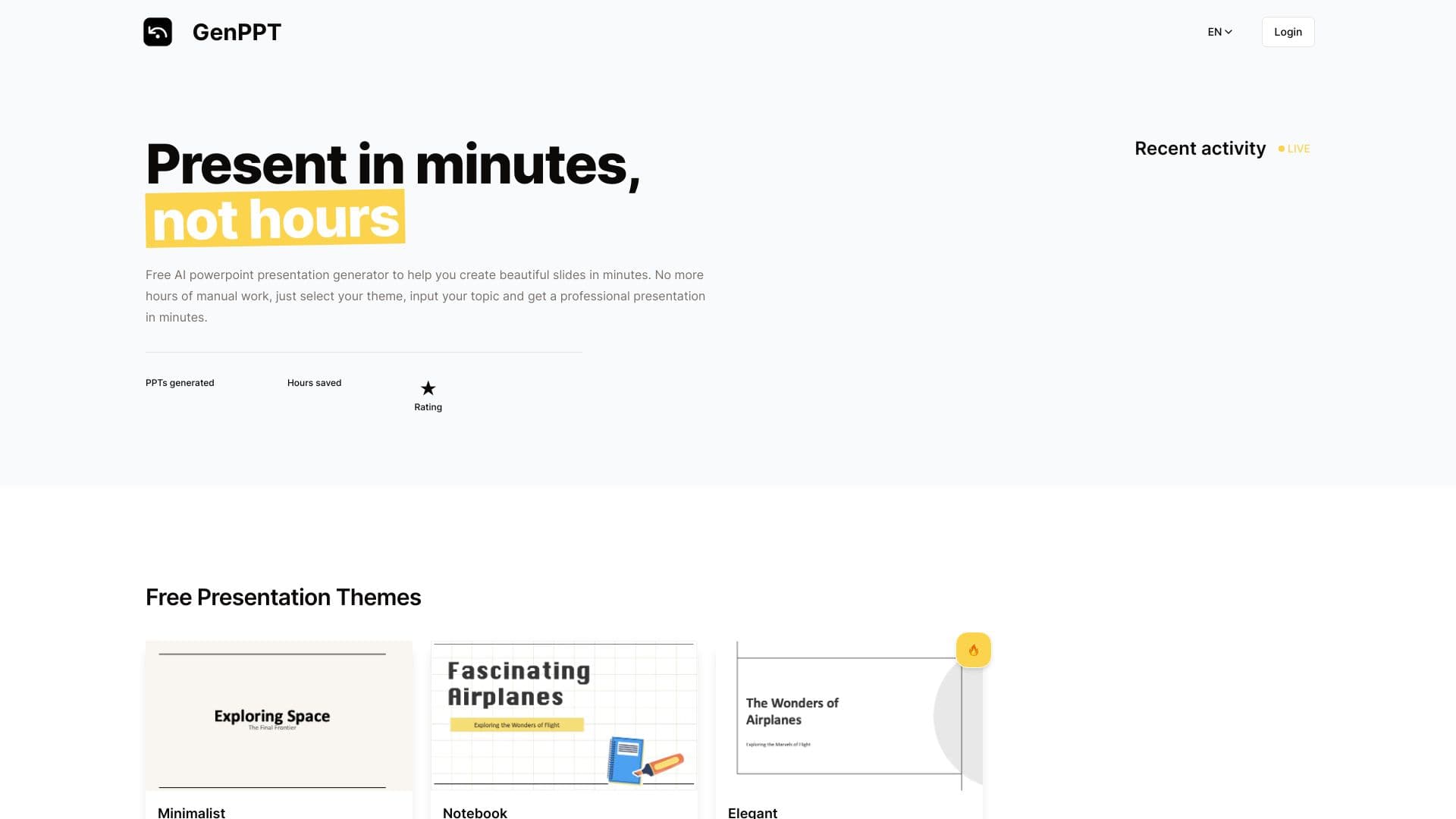
ऑनलाइन टूल जो तैयार थीम और दर्ज किए गए टेक्स्ट के आधार पर पेशेवर PowerPoint प्रस्तुतियाँ जल्दी से बनाता है।


संचार के लिए वेब प्लेटफॉर्म और एआई पात्रों के साथ भूमिका निभाना।.


स्वचालित रूप से कोल्ड सेल्स के लिए X (Twitter) पर व्यक्तिगत डायरेक्ट संदेश भेजता है।