
AiShot
Neural network for turning regular selfies into professional portraits via WhatsApp.

Overview
AiShot Neural Network Description
AiShot is an AI-powered service that works through the popular messenger WhatsApp. Its main goal is to turn a user's regular selfies into high-quality, professionally looking portraits that can be used on social media, business profiles, resumes, or job boards. Instead of booking a photo studio session and spending time and money on a shoot, the user simply sends their selfies to the assistant in WhatsApp and receives ready-to-use processed images within 10-15 minutes. The service operates on a freemium model: there is a free trial version, as well as paid packages for those who need more images and styles. The developers also promise a money-back guarantee if the user is not satisfied with the result.
AiShot Features
| Feature | Value |
|---|---|
| Type | Image generator |
| Categories | Selfie and portrait generators, Profile photo generators, Image and photo generators, Text content generators |
| Platform | WhatsApp (website) |
| Monthly visits | 170.5K |
| Developer | AiShot |
| Free plan availability | Trial version available |
| Package pricing | Individual, Premium, Business |
Who is AiShot suitable for?
Social media users and business profiles
AiShot will be a useful tool for those who want to quickly update their avatar or create a quality photo for their personal brand. This is especially relevant for people who are active on social media and want to look professional without visiting a photo studio.
Job seekers and professionals
The service is aimed at people who need photos for resumes, job boards, or professional platforms like LinkedIn. AiShot allows you to turn a home selfie into a portrait that matches a business dress code and creates the right impression on an employer.
How to use AiShot?
Step 1: Message the assistant on WhatsApp
To get started, the user simply messages the service assistant via WhatsApp. The entire process of communication and file upload happens right in the messenger.
Step 2: Send your selfies
Through the chat, you need to send several clear selfies. It is recommended to choose photos taken in good lighting, without other people, and with minimal distracting details in the background — this improves the quality of the result.
Step 3: Get your ready portraits
After image processing, which takes about 10-15 minutes, the user receives the finished AI portraits directly in the WhatsApp chat. They can then be used for any purpose.
Key Features of AiShot
- Turning selfies into professional portraits: The main function of the service, which allows you to turn ordinary photos into studio-quality images using AI.
- Customizing looks for different roles and events: The user can specify the purpose of the photos — a business meeting, a creative shoot, or another scenario.
- Style selection: The service offers a choice of processing styles, including business, creative, and other options.
- Fast generation: Processing and returning the result takes approximately 10-15 minutes.
- Money-back guarantee: If the user is not satisfied with the result, the service refunds the money upon contacting support.
Advantages of AiShot
Time savings and no need for a photo studio
The service allows you to get a quality portrait without a photographer. An ordinary selfie becomes a studio-level image, and the user doesn't need to leave home or coordinate schedules with a photographer.
Individual approach to style
AiShot provides the ability to choose a style that suits you — from business to creative. This makes the service a flexible tool for different tasks and life situations.
Speed of getting results
Ready portraits arrive within 10-15 minutes after uploading the original selfies. This makes AiShot a convenient solution for situations where an image is needed urgently — for example, for submitting a resume or updating a profile.
Disadvantages of AiShot
Risk of template-like results
When using neural networks for photo processing, there is a risk of getting a template-like result where individual facial features are partially lost. The final image may look less natural than desired.
Privacy concerns
Since the service requires uploading personal photos, there is a certain risk of data leakage. Despite the developers' assurances about deleting images after generation, this factor should be considered when using the service.
Incorrect processing of some angles
Due to an unfavorable angle in the original selfie, the face in the output can sometimes appear distorted. This limitation imposes certain requirements on the selection of photos for upload.
What tasks does AiShot solve?
- Quickly creating an avatar for social media: The service allows you to update your profile photo in a short time without hiring a professional photographer.
- Creating portraits for resumes and job boards: The user can get a photo suitable for a business context, which will increase the chances of success in employment.
- Turning selfies into LinkedIn photos: A professional portrait for a business platform can be obtained from an ordinary home photo.
AiShot Pricing
The service operates on a freemium model. Users have the opportunity to test the service for free — a trial version is provided. Paid packages are divided into three tiers:
- Individual package — includes 100 images and unlimited style selection.
- Premium — an extended set of features.
- Business — the maximum set of features for business use.
Terms of Use for AiShot
Photo upload
To use the service, you need to send your selfies via WhatsApp. It is important to choose clear photos taken in good lighting, without other people or unnecessary details in the background.
Processing and data deletion
After portrait generation, the uploaded photos are not stored on the server and are not shared with third parties. Everything is deleted as soon as the result is ready. The developers promise data confidentiality.
Refunds
If the user is not satisfied with the result, they simply need to contact support, and the money will be refunded without unnecessary questions. The money-back guarantee applies to paid plans.
AiShot Availability
The service is available through the website and WhatsApp. A device with the messenger installed and internet access is required. The interface language on the website is not specified, and no regional restrictions are mentioned — which suggests the service may be usable from different countries.
How AiShot differs from alternatives
Working through a messenger
The main difference between AiShot and alternatives like Midjourney, Kandinsky, or Leonardo.ai is the way you interact with the service. There is no need to work with a complex web interface or learn graphic editors — the entire process happens in a simple and familiar WhatsApp chat.
Speed and simplicity
While classic image generators require the user to enter text prompts themselves, AiShot automates the process. You just send a selfie — and after a short time, you get a ready portrait without having to manually configure generation parameters.
Focus on a specific task
Most alternatives, including Flux.1, Nano Banana, and Yandex Art, are universal image generators. AiShot, on the other hand, is tailored to one specific task — creating portraits from selfies — which makes it simpler and more understandable for regular users without experience with neural networks.
Conclusion
AiShot is a fast and simple way to get quality portraits from selfies using only WhatsApp. The service is ideal for situations where you urgently need to update your avatar, prepare a photo for a resume or business profile, and don't have the time or desire to go to a photo studio. However, before using it, it's worth considering risks such as potentially template-like results, loss of individual features, and privacy concerns when uploading personal photos. Given the free trial version and money-back guarantee, every user can safely try the service and decide whether it meets their expectations.
Frequently asked questions
See also
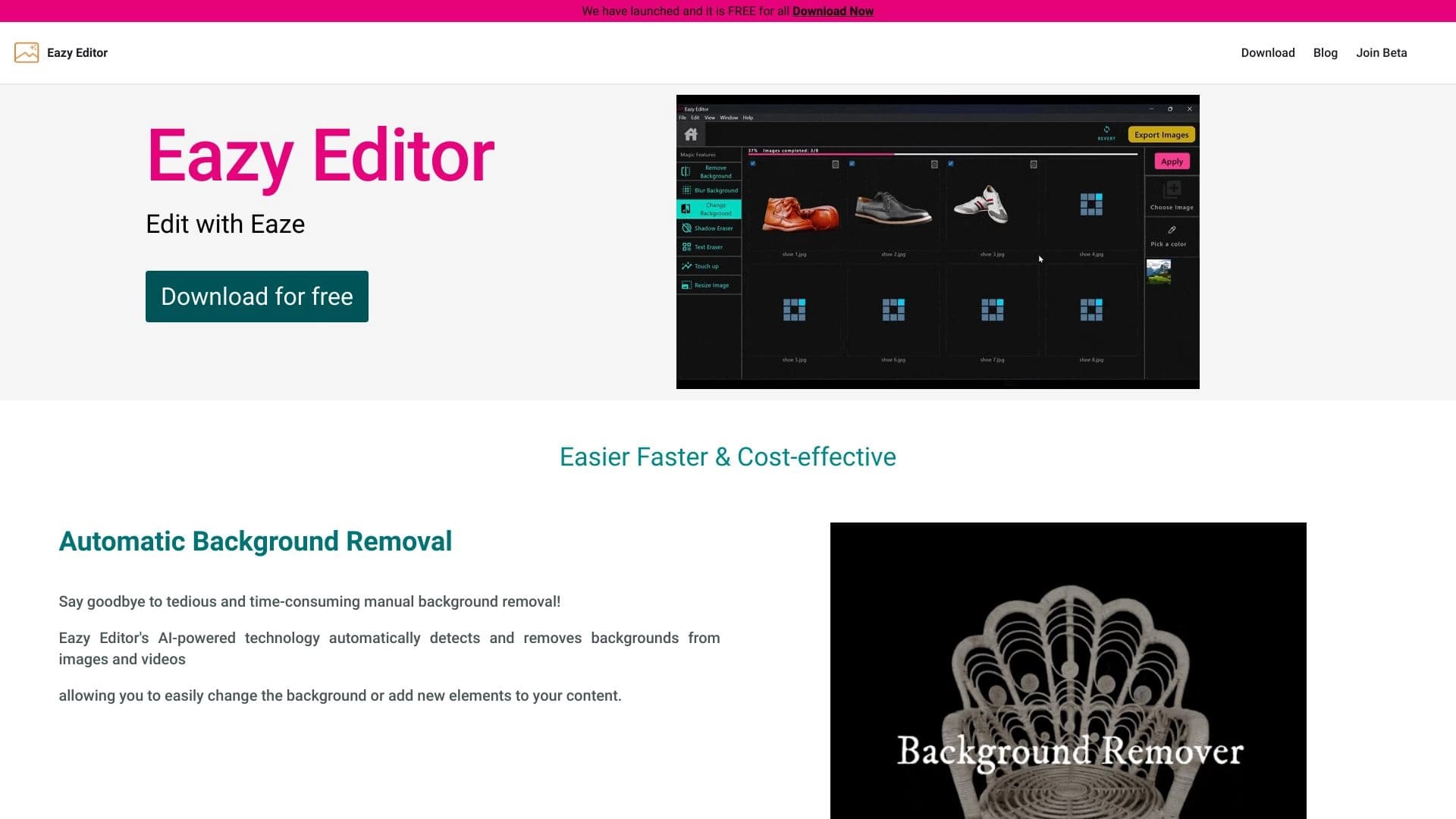
Simple and easy-to-use photo editor with an intuitive interface.


An open platform for generating images and other visual content from text descriptions using AI.

Catalog of AI tools with educational materials and guides for selecting neural networks.


AI toolkit for video generation and editing, including avatars, lip-sync, and voice cloning.

Mobile app for photo editing and creating stylized avatars using AI.
AIJOURNEY is a catalog and search platform for discovering AI tools, updated daily.


A multifunctional AI assistant for generating texts, images, and audio.


AI platform for creating and editing videos, working directly in the Chrome browser.