
AiPassportPhotos
Online service for preparing document photos for passports, visas, and other identification documents, as well as for stylizing portraits in a cartoon or anime style.
Overview
AiPassportPhotos
Description of the AiPassportPhotos neural network
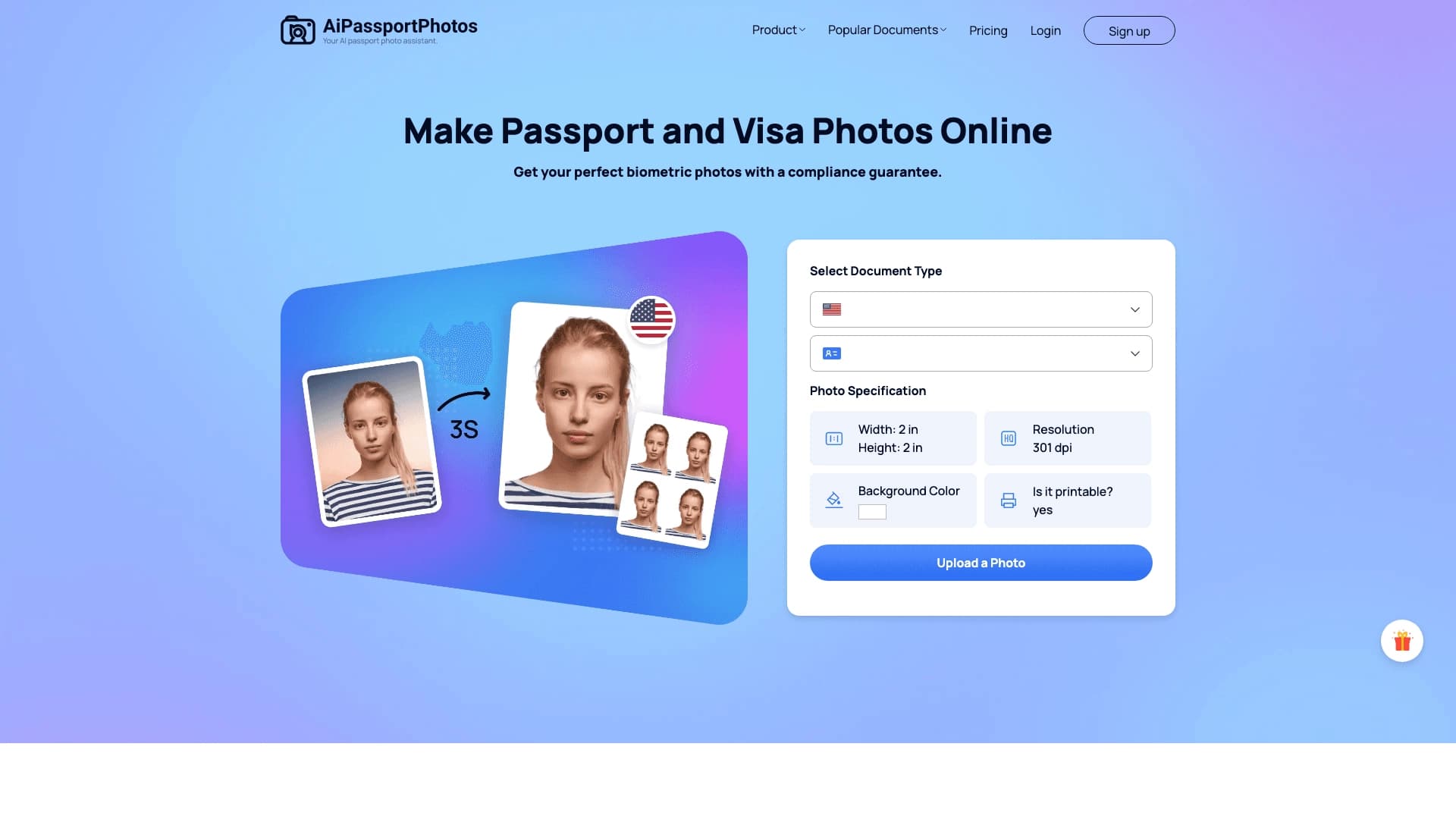
AiPassportPhotos is an online service that works in the browser and solves two main tasks. The first mode for preparing document photos automatically processes uploaded images: it removes the background, adjusts the size, and crops the image to meet the requirements of a specific document, whether it is a passport, visa, or another ID. The service checks whether the image complies with the standards and allows you to obtain a technically correct document photo from a regular selfie or portrait.
The second mode is responsible for creative stylization: the tool turns ordinary photos into cartoon or anime portraits right in the browser, without manual processing. The user just needs to upload an image and press one button to get a ready stylized image in a few seconds, which can be edited, saved, or shared on social media. Thus, the service covers both technical needs for document photos and the tasks of creating avatars and creative content.
AiPassportPhotos characteristics
| Characteristic | Value |
|---|---|
| Type | Web service for preparing document photos and stylizing portraits |
| Categories | Photography, avatar generation, image editing, photo enhancement, image-to-image |
| Platforms | Web browser (online service) |
| Distribution model | Freemium |
| Website | www.aipassportphotos.com |
| Publication date in the catalog | May 2, 2026 |
| Interface languages | Not specified |
| Free plan | Not specified |
Who is the AiPassportPhotos neural network suitable for?
People who need a document photo
The tool is suitable for anyone who needs a quick and technically correct photo for a passport, visa, or another ID. Instead of going to a photo studio, users can get a suitable photo from their own selfie or portrait without spending time on manual processing.
Bloggers, gamers, and streamers
The second mode of the service is aimed at those who want to update their avatar or add anime aesthetics to their social media. Bloggers, gamers, and streamers can quickly get stylized portraits for profiles and creative content.
Anyone who values speed and simplicity
The service is designed for users without photo editor skills. Minimal actions and automatic processing make the tool accessible to everyone who wants to get a stylized image or a document photo without extra effort.
How to use the AiPassportPhotos neural network?
Uploading a photo
Everything happens right in the browser, without installing software. The user uploads a suitable image — a selfie, portrait, photo of friends, a couple, or even a pet, depending on the selected mode.
One click and waiting for the result
After uploading, you only need to press one button. In document mode, the service will automatically remove the background, adjust the head position, fit the size, and check compliance with the requirements. For stylization, the neural network will turn the photo into a cartoon or anime portrait in a few seconds.
Editing and export
The finished result can be easily edited, saved, or shared on social media. The process is fully automated and does not require manual markup or drawing skills.
Main features of AiPassportPhotos
Preparing document photos
The tool automatically replaces the background with white, adjusts the head position according to the requirements, automatically crops to the required size, and checks compliance with the document.
Portrait stylization
The second mode turns ordinary photos into stylish anime and cartoon selfies in one click. Suitable for selfies, portraits, photos of friends, couples, and pets.
Automation and convenience
Both functions work fully automatically: upload a photo, one click, and the result is ready. The service makes it easy to edit the resulting image, conveniently export it, and share it on social media.
Advantages of AiPassportPhotos
Automatic processing without manual work
The service does not require manual markup — all work happens automatically. Users do not need photo editor or drawing skills, which makes the tool accessible to everyone.
Speed and simplicity
The finished image is obtained in a few seconds with minimal user actions. Just upload a photo and press one button to get the result.
Works right in the browser
The service works online and therefore does not require installing additional software. This is convenient and allows using the tool from any device with internet access.
Versatility of use
The tool covers two needs at once: obtaining a technically correct document photo and creating stylized avatars and creative content for profiles, stories, and social media.
Disadvantages of AiPassportPhotos
The service is focused on careful technical preparation of images rather than artistic retouching, so its capabilities in deep creative editing are limited. Also, the source data does not specify the specific details of the free plan and available interface languages, which may be important for some users. The exact limitations of the free version and the full list of available features should be checked directly on the service website.
What tasks does AiPassportPhotos solve?
Getting a document photo
The service solves the task of getting a passport or visa photo from a regular selfie or portrait. It handles the technical preparation of the image: white background, correct head position, and the required sizes, checking compliance with document requirements.
Creating creative avatars
The second area of tasks is turning ordinary photos into cartoon and anime avatars. This allows you to quickly get creative content for profiles, stories, and social media without manual processing.
Quick image preparation
Both tasks are solved fully automatically and in a short time, which saves the user's effort and allows getting ready images almost instantly.
AiPassportPhotos pricing
The service's distribution model is freemium, which implies both free and paid usage levels. However, the exact terms of the free plan, the cost of the paid subscription, and the available set of features within each plan are not specified in the source data. For current pricing information, it is recommended to refer to the official service website.
AiPassportPhotos terms of use
Detailed terms of use, rules for processing uploaded photos, and the privacy policy are not disclosed in the provided data. It is known that the service works in a web browser, and uploading and processing images are performed automatically online. Before starting to work with personal photos, it is worth reviewing the service's terms and data processing policy on the official website.
AiPassportPhotos availability
The service works as an online solution in a web browser, so no additional software installation is required to use it. Regional restrictions or the need to use a VPN are not specified in the source data. Exact information about the service's availability in specific countries and interface languages should be clarified on the official website.
How is AiPassportPhotos different from analogs?
The main distinctive feature of AiPassportPhotos is the combination of two different areas in one tool. On the one hand, the service covers technical needs for preparing correct document photos with automatic background replacement, cropping, and compliance checking. On the other hand, it offers quick stylization of portraits in a cartoon or anime style for creative tasks.
While many analogs specialize in one of these areas, AiPassportPhotos combines the utilitarian function of document photos with entertainment stylization. At the same time, all work is done automatically in the browser without manual markup or photo editor skills. According to the catalog data, among similar services in the area of stylization and image generation, tools such as TryHairNow, PixReunion, TogetherShot, FamilyGen, AI Age Checker, and Face Age Detector can be mentioned, which solve related but different tasks.
Conclusion
AiPassportPhotos is a versatile online service that combines two modes of operation: automatic preparation of technically correct document photos for passports, visas, and other IDs, as well as quick stylization of portraits in a cartoon or anime style. Everything works right in the browser and does not require manual processing or special skills. The tool is suitable for those who need to get a neat document photo from a selfie and those who want to update an avatar or create creative content for social media. Although the details of pricing plans and terms of use require clarification, the service offers a simple and fast solution for two popular tasks.
Frequently asked questions
See also
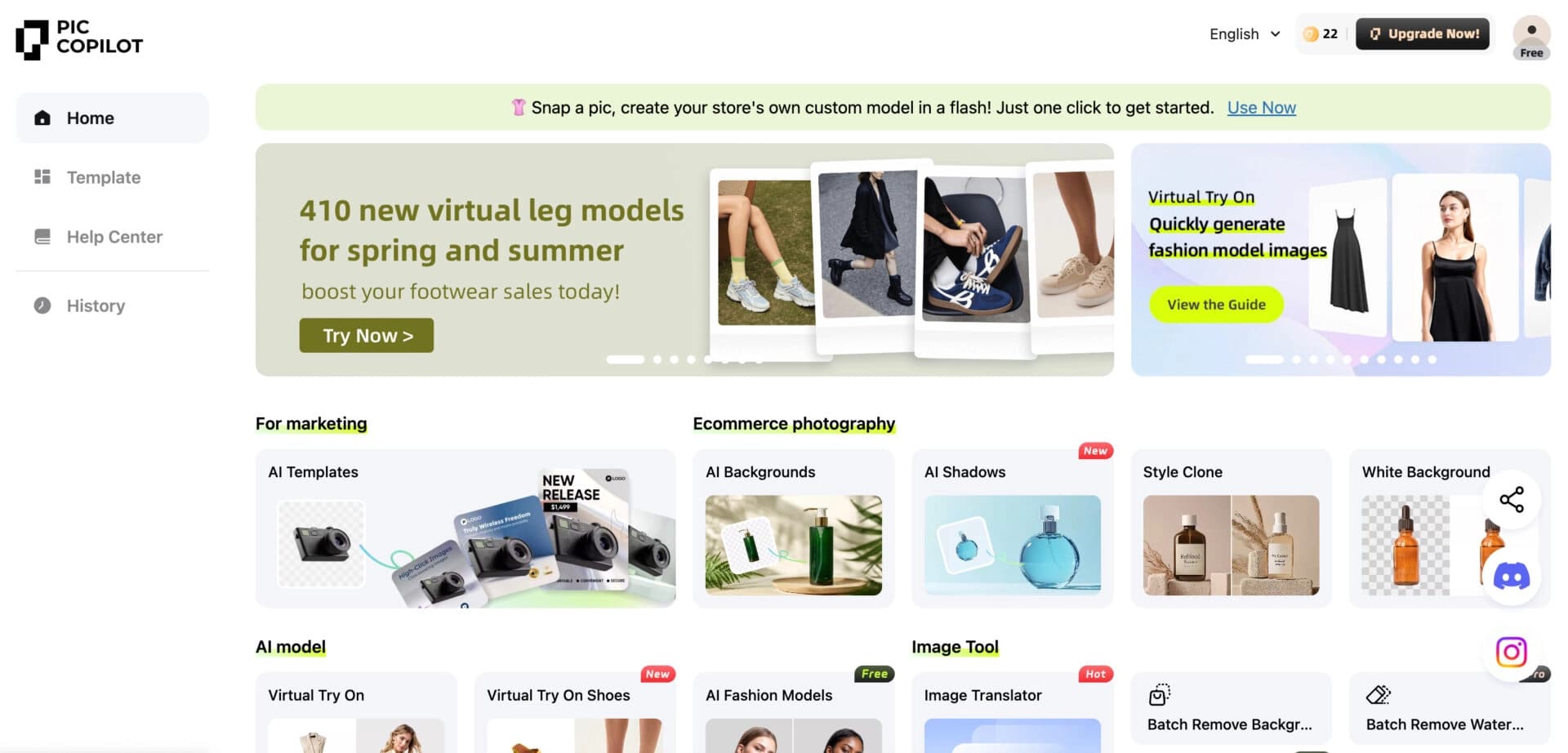

Neural network from Alibaba for processing and generating product images for online stores.

Online photo editor with AI-powered features.
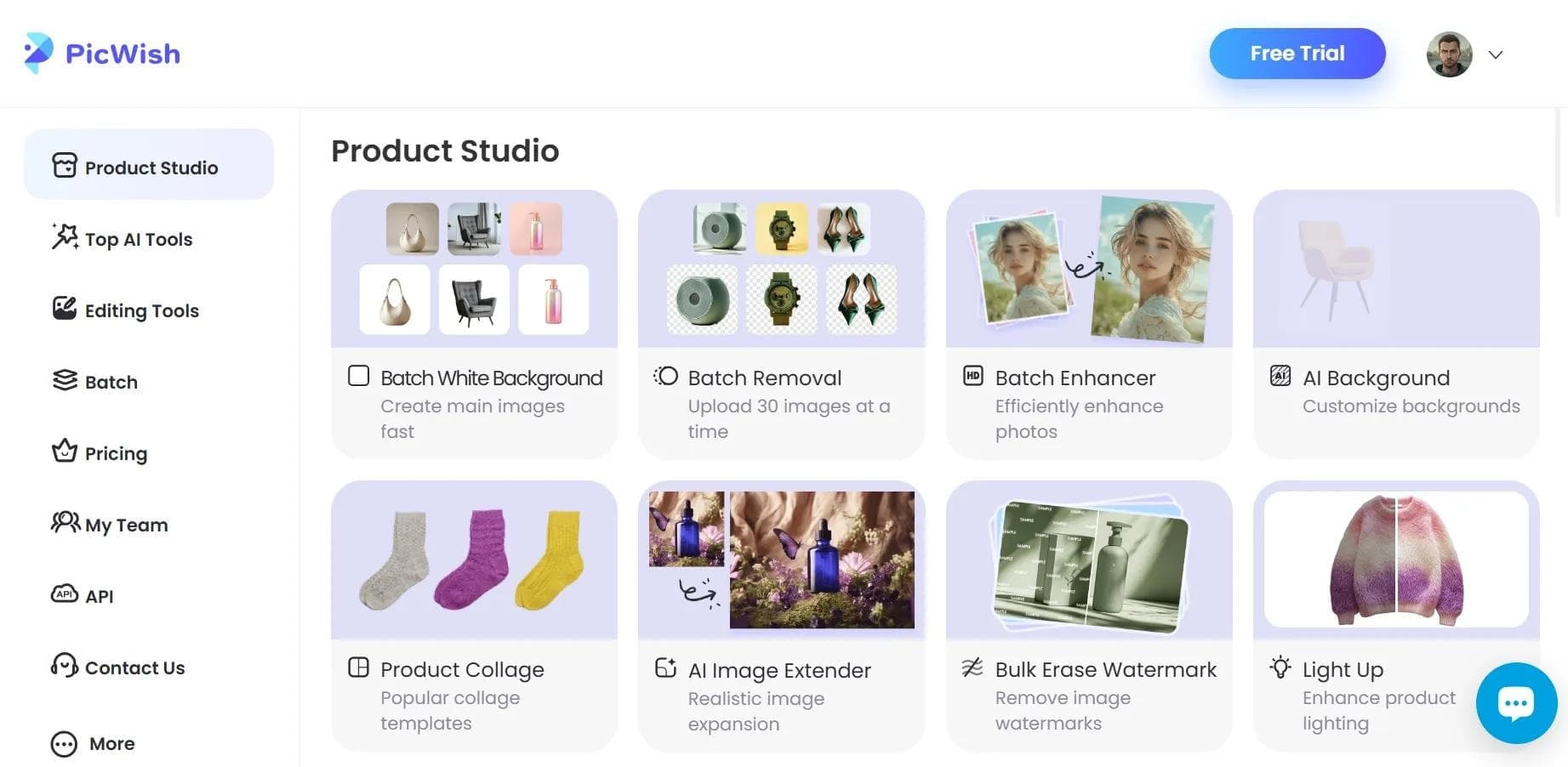

AI tool for automatic photo processing: background removal, quality enhancement, and image retouching.
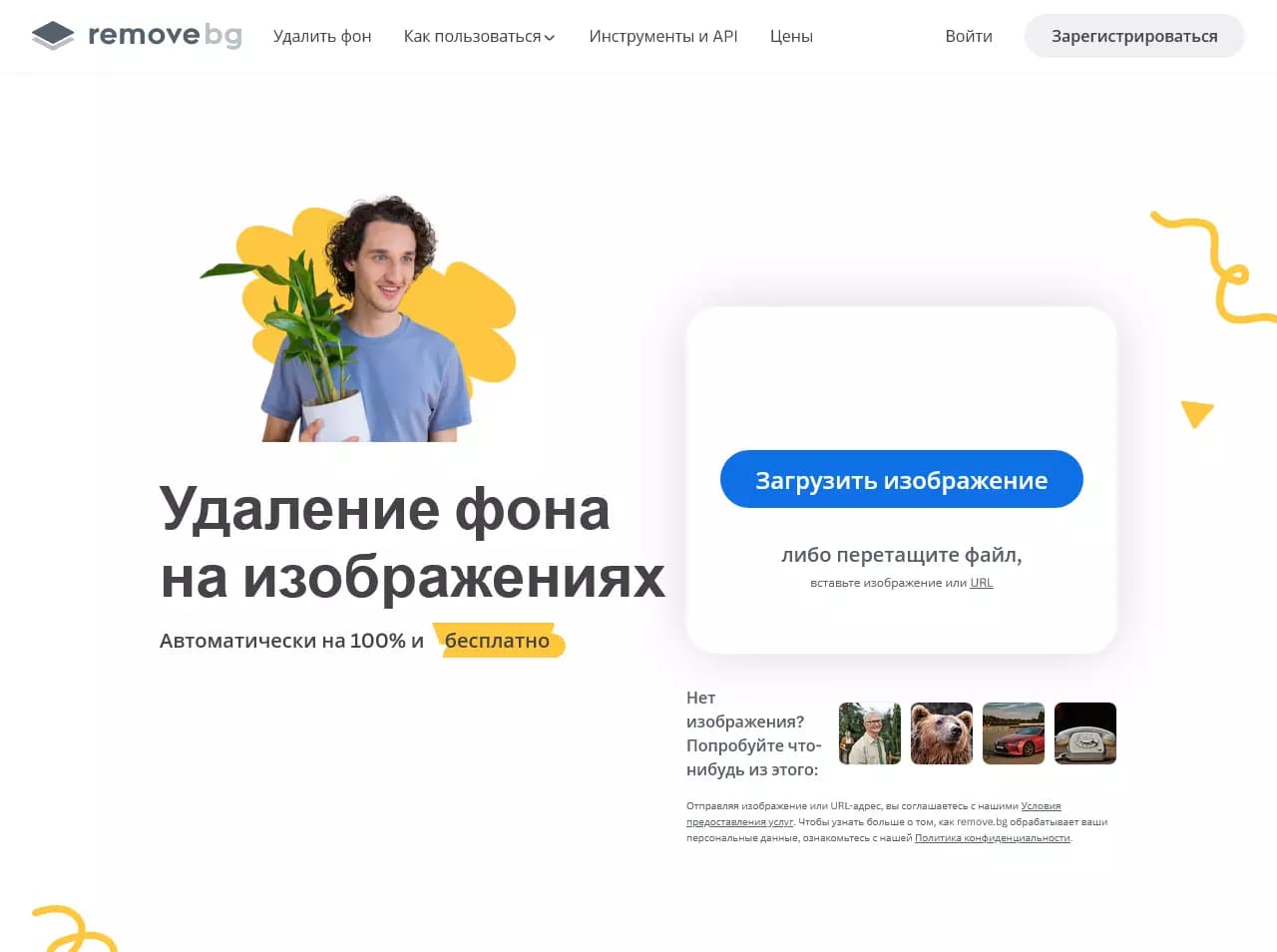

AI-powered web service for automatically removing backgrounds from images in seconds.

Online platform for photo editing, collage creation, and graphic design using AI tools.

Cross-platform video editor with AI features for creating and editing videos.
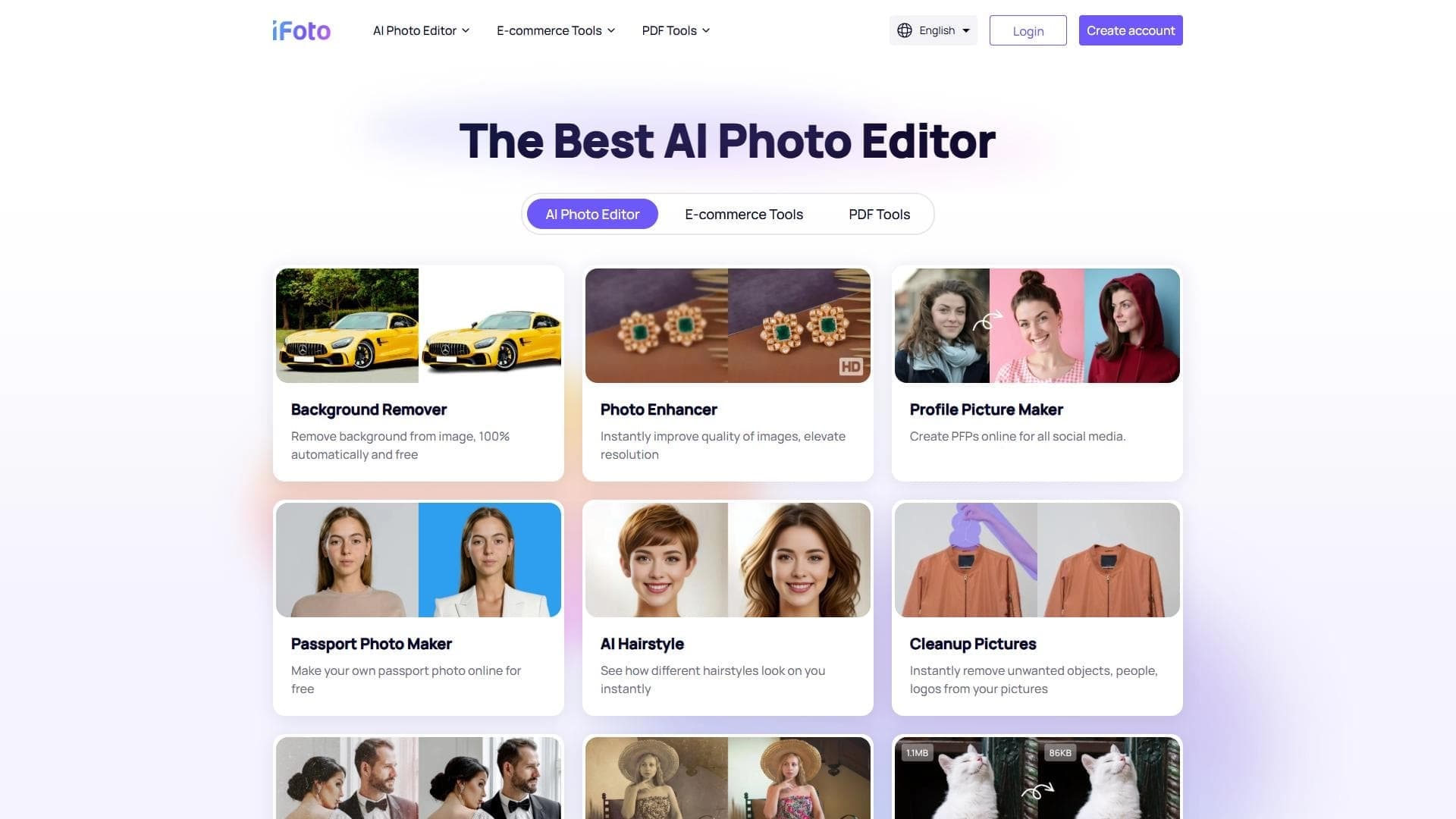

AI photo editor for online stores that automatically changes backgrounds, generates realistic models for clothing try-on, and enhances product images.
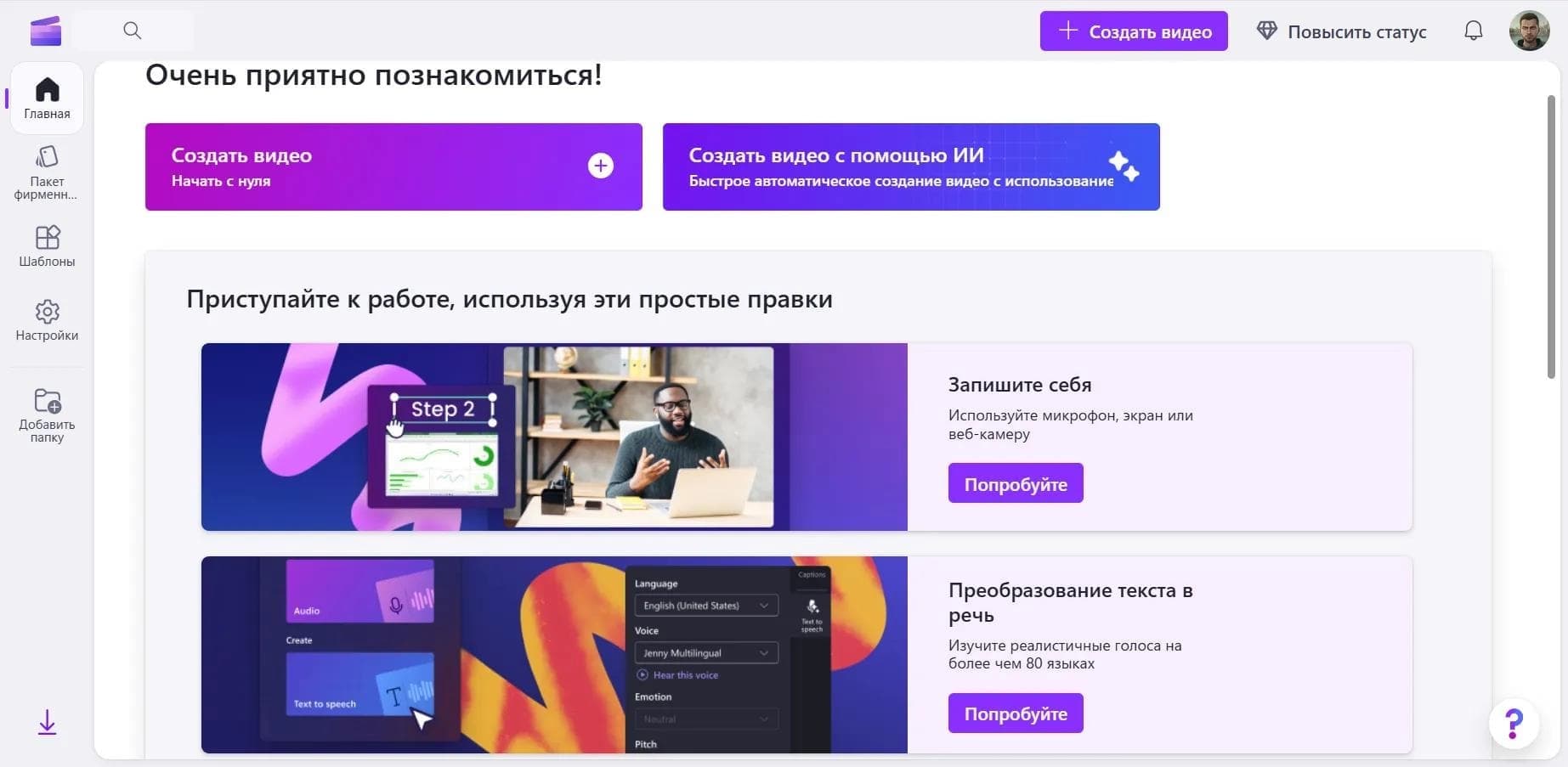

Online video editor from Microsoft with AI-powered features for quick editing right in your browser.