
aicut
Aicut is an AI-powered online service for automatically creating short videos from text without showing the author's face.
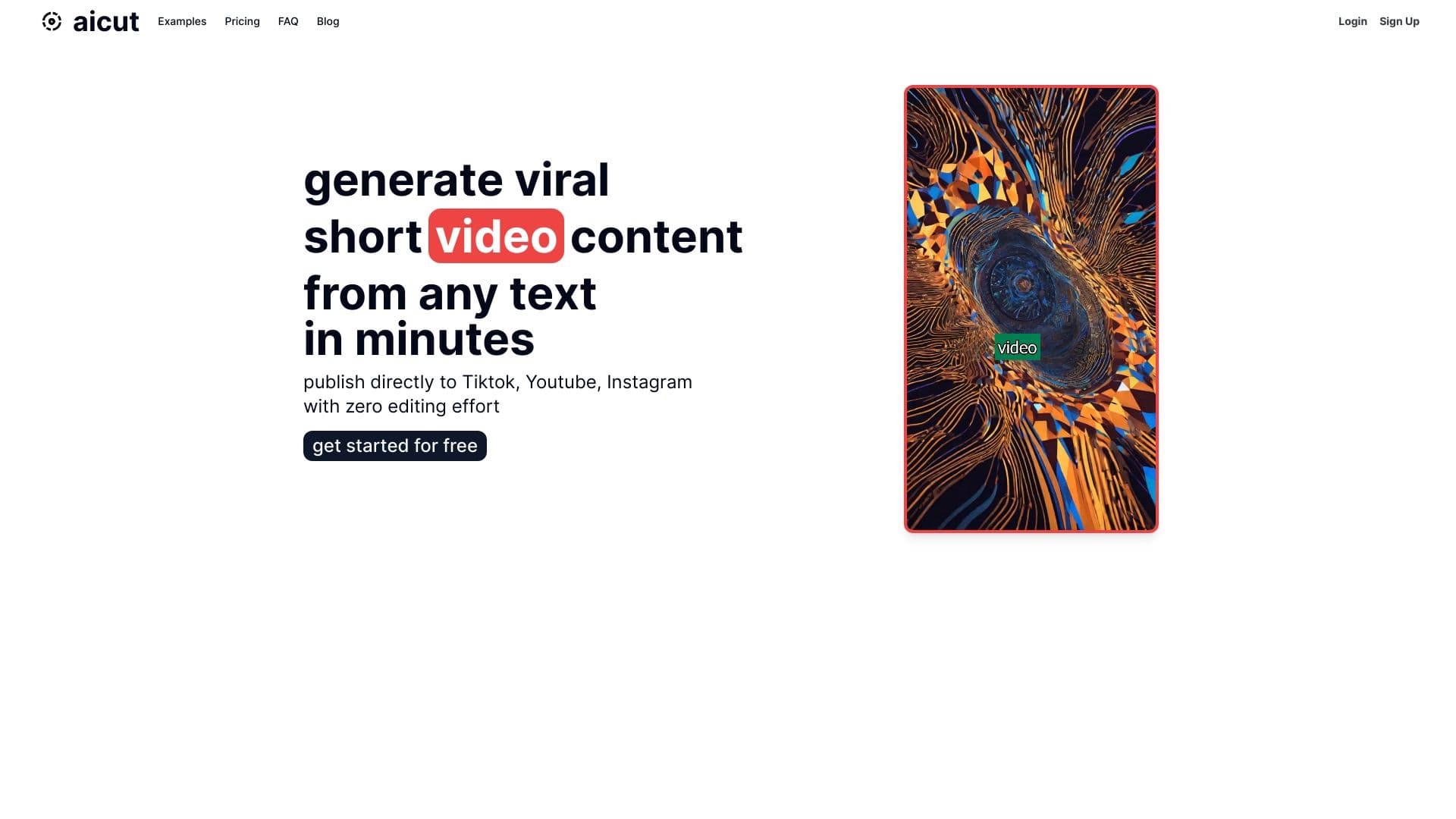
Overview
Aicut is an online service that uses artificial intelligence to turn a text script into a finished short video. The tool's main feature is creating so-called "faceless" videos, where the author does not appear on camera. The neural network independently selects visuals, adds voiceover, subtitles, and music, then assembles everything into a single vertical clip.
The service is designed for fast content production for social platforms, primarily TikTok and YouTube Shorts. Users don't need to learn video editors or spend time on manual editing—just write a script, set the parameters, and get a finished video within a couple of minutes.
How it works
Working with Aicut follows a simple scheme: the user enters text into a dedicated field or asks the AI to generate a script on its own. Then a visual style for the future video is selected, and the system automatically assembles the clip, combining matched images, animation, and text elements. The result is a vertical video ready for upload to social networks.
Key feature—no face on camera
Unlike many other video generators, Aicut focuses on author anonymity. This allows you to run content channels without revealing your identity and avoid the costs of shooting with a person on camera. This approach makes the service convenient for those who want to scale video production without hiring actors, presenters, or additional equipment—all you need is quality written material.
Aicut characteristics
| Characteristic | Value |
|---|---|
| Type | Video generator |
| Categories | Subtitle and caption generators, text content generators, text-to-video generators, TikTok content tools, social media assistants |
| Developer | AICUT Technologies |
| Platform | Web application (aicut.pro website) |
| Free plan available | Yes |
| Average monthly traffic | 147.4K |
| User rating | 5/5 (according to the catalog, 4 reviews) |
Who is Aicut suitable for?
Content creators and bloggers
The tool is designed for authors who run TikTok and YouTube Shorts channels and need regular video output. Aicut covers the need for daily content without manual editing or shooting. The service is also suitable for beginners who are just starting out in video production and have no experience with professional editors.
Marketers, brands, and businesses
SMM specialists and marketers can use Aicut to run social media campaigns and maintain activity on brand accounts. The tool will be useful for small business owners who want to promote products through short videos but lack the resources for full-scale shooting. Educational projects can also use the service to create training videos without showing the lecturer's face.
Authors who prefer anonymity
A separate category of users is those who deliberately choose the "faceless" format: niche channel authors, reviewers, and creators of motivational and entertainment content who don't want to reveal their identity to the audience.
How to use Aicut?
Step-by-step video creation process
- Sign up on the website. To get started, you need to create an account at aicut.pro.
- Enter the script. The user writes the text manually or asks the AI to come up with a script automatically.
- Set up the visuals. Choose the design style, images, music, voiceover, and subtitles.
- Preview and edit. You can review the finished result before downloading and make adjustments if needed.
- Publish. The video can be downloaded to your device or scheduled for publication on social networks right away.
How long it takes to create
The service assembles a video in a few minutes—this is one of its key advantages. Thanks to automation, users don't have to manually sync the audio track with the image, pick transitions, or fine-tune subtitle timing—the neural network handles all of that.
Text requirements
The quality of the final video directly depends on the original script. The more structured and substantive the text, the better the video will be. A poorly developed or overly vague script can lead to a templated and bland result.
Key features of Aicut
AI script generation
The service can independently come up with text for a future video—just set a topic or key points, and the neural network will prepare a script for voiceover.
Voice synthesis
Aicut includes a voiceover feature: the script text is automatically converted into speech. Users can choose a suitable voice from the available options.
Automatic video editing
The system itself selects visual elements, combines them with the audio track and subtitles, and creates a finished clip. No author involvement in editing is required.
Platform-specific video settings
Videos are created in a vertical format optimized for TikTok, YouTube Shorts, and similar platforms. Both direct publishing and file download are available.
Aicut advantages
Fast video production
Aicut's main plus is speed. A video is created in a couple of minutes, allowing for regular, high-volume content output without increasing workload.
Simplicity and accessibility
No editing skills, camera equipment, microphones, or studio lighting are needed. All that's required from the user is quality text. This makes the tool accessible to authors of any skill level.
Flexible settings
Despite the automation, users can influence the final look of the video: change visual styles, voiceover, music, and subtitles. Configuration takes minimal time.
Anonymity
The service allows you to run channels without appearing on camera, preserving the author's privacy and lowering the barrier to entry into video content.
Aicut disadvantages
Templated results
Since editing is fully automated, videos often end up looking similar to each other—the same transitions, image types, and overall structure repeat. The set of available styles and templates is limited, so achieving a truly unique video is difficult.
Dependence on text quality
The final result is determined by the original script. If the text is weak, muddled, or unstructured, the video will look accordingly, even with perfect neural network performance.
Limited set of tools
Aicut is a narrowly focused tool, not a full-fledged video editor. It's not designed for deep customization, complex effects, or fine-grained animation control.
What tasks does Aicut solve?
- Automating short video creation from text—turning a script into a finished video without manual editing.
- Saving time on video production—producing a video in minutes instead of hours of editor work.
- Ensuring regular publications—maintaining a content plan for TikTok and YouTube Shorts without pausing for shooting and editing.
- Creating anonymous content—producing videos without showing the author's face.
- Launching marketing campaigns—quickly creating promo videos to promote products and services on social media.
Aicut pricing
Free plan
Users have access to a free version that includes 1 video token, several styles and captions, and the ability to publish to TikTok. Importantly, the free plan does not add a watermark to videos.
"Creator" plan
The cost is listed on the official website. The plan includes 30 video tokens, improved rendering quality, and access to all styles and captions. Auto-publishing to TikTok is planned for the near future.
"Premium" plan
The price is not listed on the official website—for current pricing and plan details, it's recommended to check the service's page. Aicut also offers pay-as-you-go purchases—you can buy additional video tokens without subscribing.
Aicut terms of use
Registration on the service website is required to get started. The free version is limited to one video token—enough to test the functionality and evaluate the quality of the result. If the free plan's capabilities aren't enough, you can switch to a paid subscription or purchase tokens separately.
Aicut availability
The service works online through a browser and requires no software installation. Access to the platform is via the aicut.pro website. The service's audience is global—main traffic comes from Germany, the US, Brazil, Nigeria, and the UK. No regional restrictions or VPN requirements are indicated on the official page.
How Aicut differs from alternatives
Aicut's key difference from most competing services is full process automation. Many alternatives require uploading your own video materials, working with templates, or having the user appear on camera. Aicut, by contrast, positions itself as a tool that fully independently assembles a video from text and requires neither appearing in front of the camera nor having source video files.
The focus on anonymity is another distinguishing feature. While competitors are more often aimed at blogger-entrepreneurs or brands willing to be filmed, Aicut targets creators who prefer to stay incognito and build content around a topic rather than the author's personality. That said, no direct comparison with alternatives is provided on the official page—the assessment of differences is based on reviews and feature analysis.
Conclusion
Aicut is a practical online tool for quickly generating short faceless videos from a text script. The service is aimed at content creators for TikTok and YouTube Shorts, marketers, and business owners who need to regularly publish videos without manual editing or shooting. Its main advantages are speed, ease of use, and the ability to run channels anonymously. At the same time, users should consider the limited set of styles and the high dependence of the result on the quality of the source text: with a weak script, videos risk coming out templated and bland. For authors willing to focus on the textual part, Aicut will be a reliable assistant in content production.
Pricing
Frequently asked questions
See also
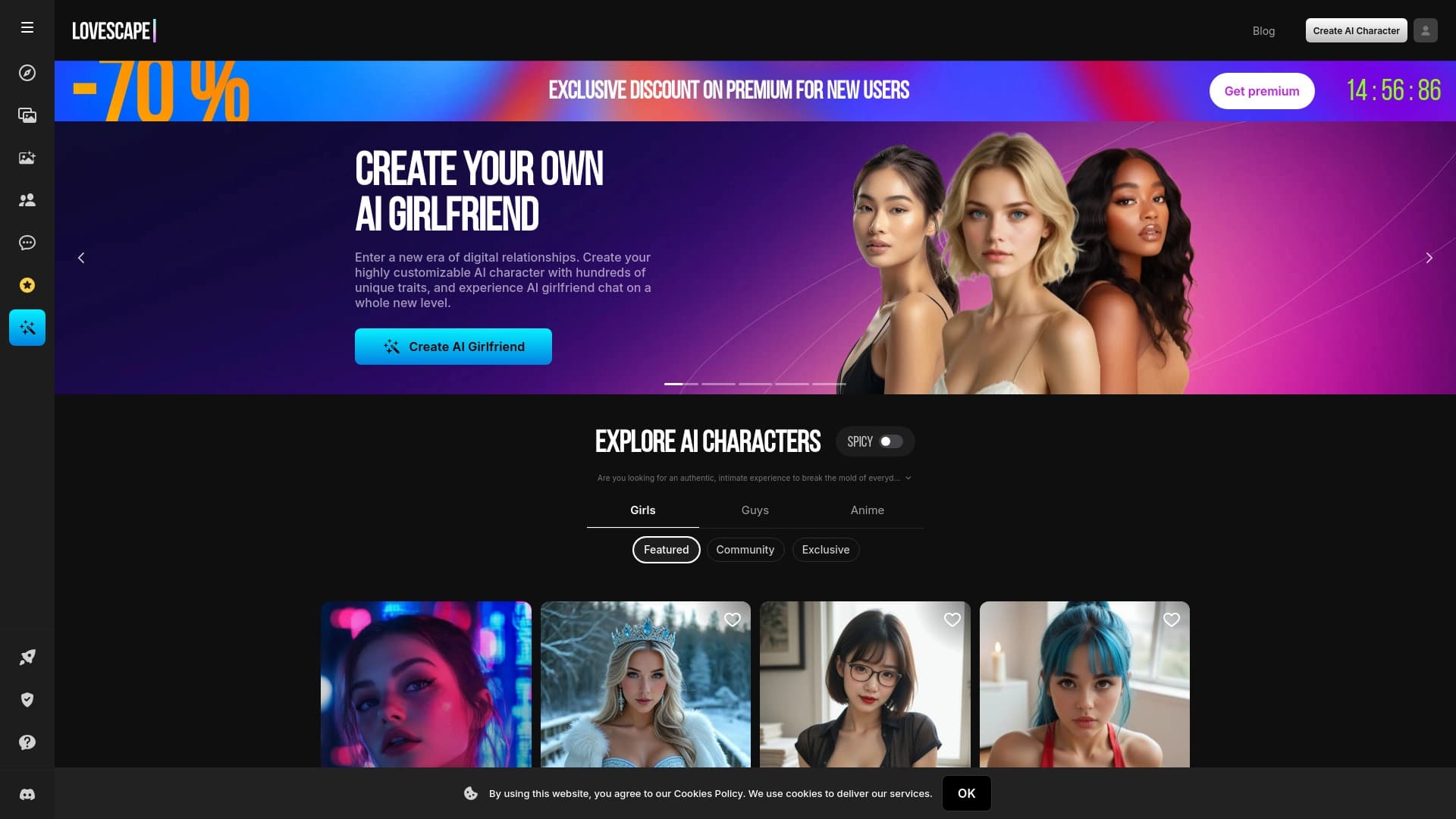

Service for generating adult content with AI characters, images, and short videos.
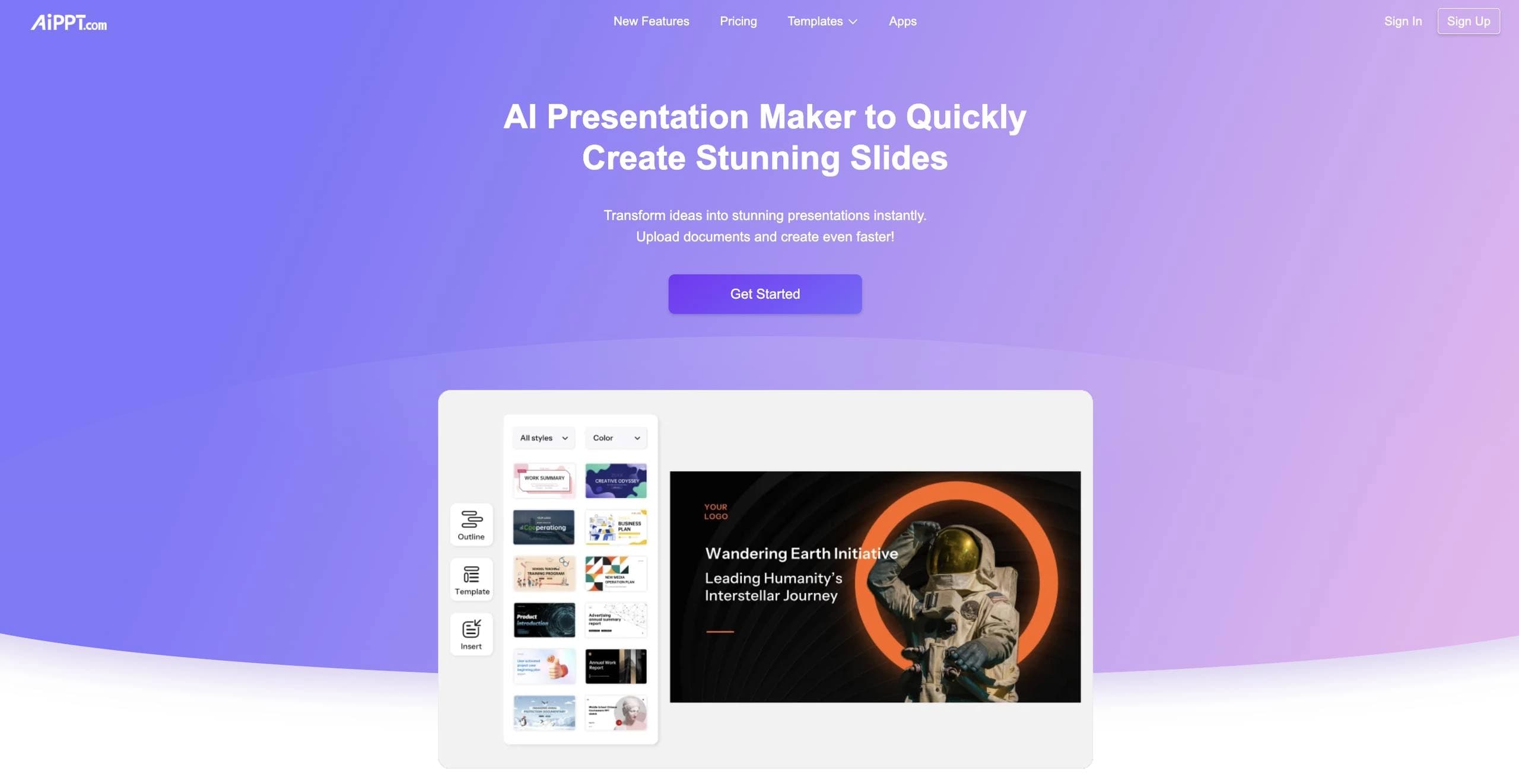

Online service with artificial intelligence that automatically creates presentations on a given topic.
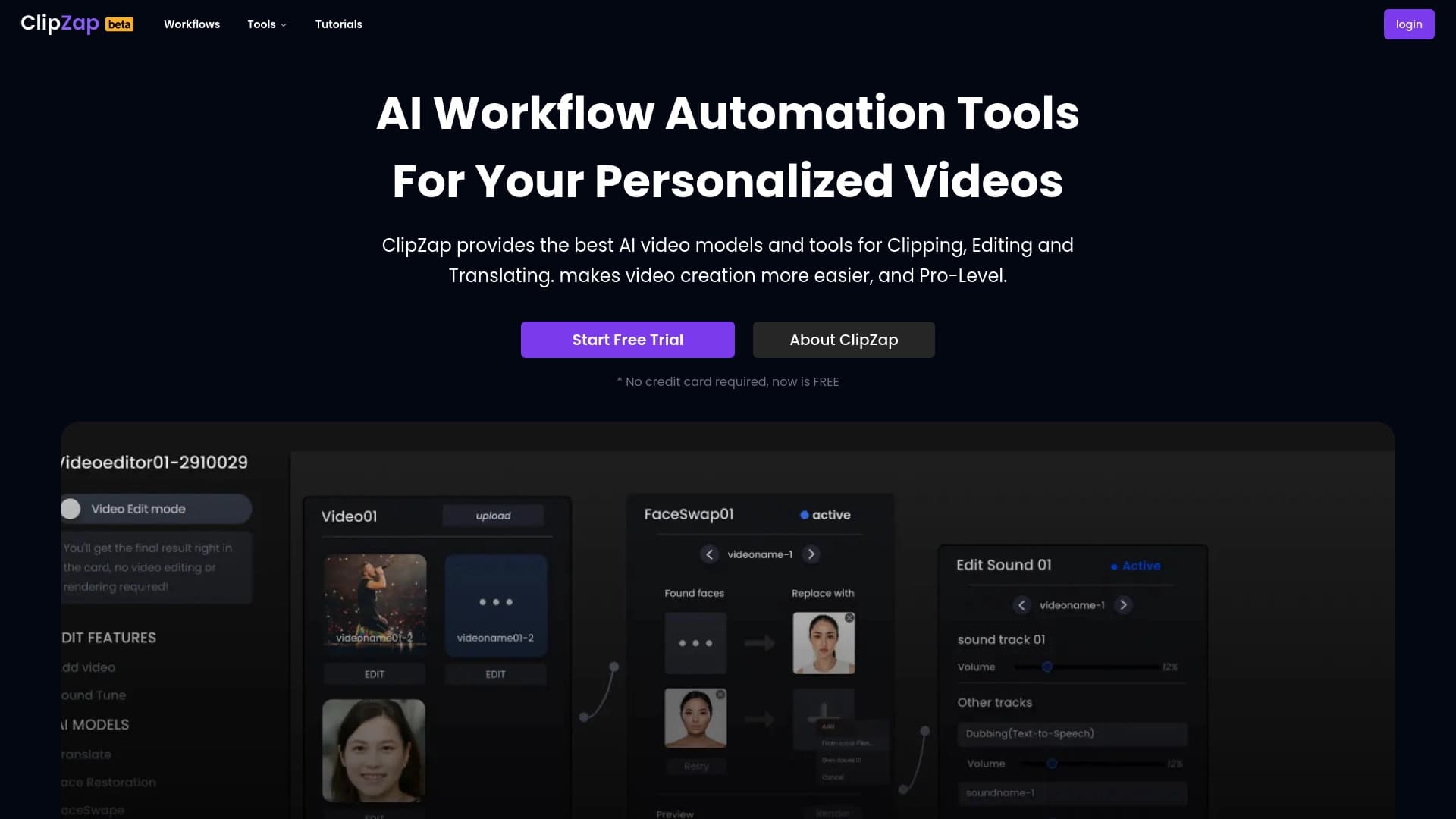

AI-powered platform for automated video clip creation, editing, and translation.

Browser and desktop AI editor for fast background removal and batch photo processing.

A neural network for generating short videos from text descriptions or images.
Online tool for generating voice and sound effects synchronized with video.

Service for generating short vertical videos using a neural network via API or mobile app.

Service for tracking brand mentions in generative AI responses.