
AiCanvas
Ferramenta online para criação e edição colaborativa de imagens com IA.
Visão geral
Descrição da Rede Neural do AiCanvas
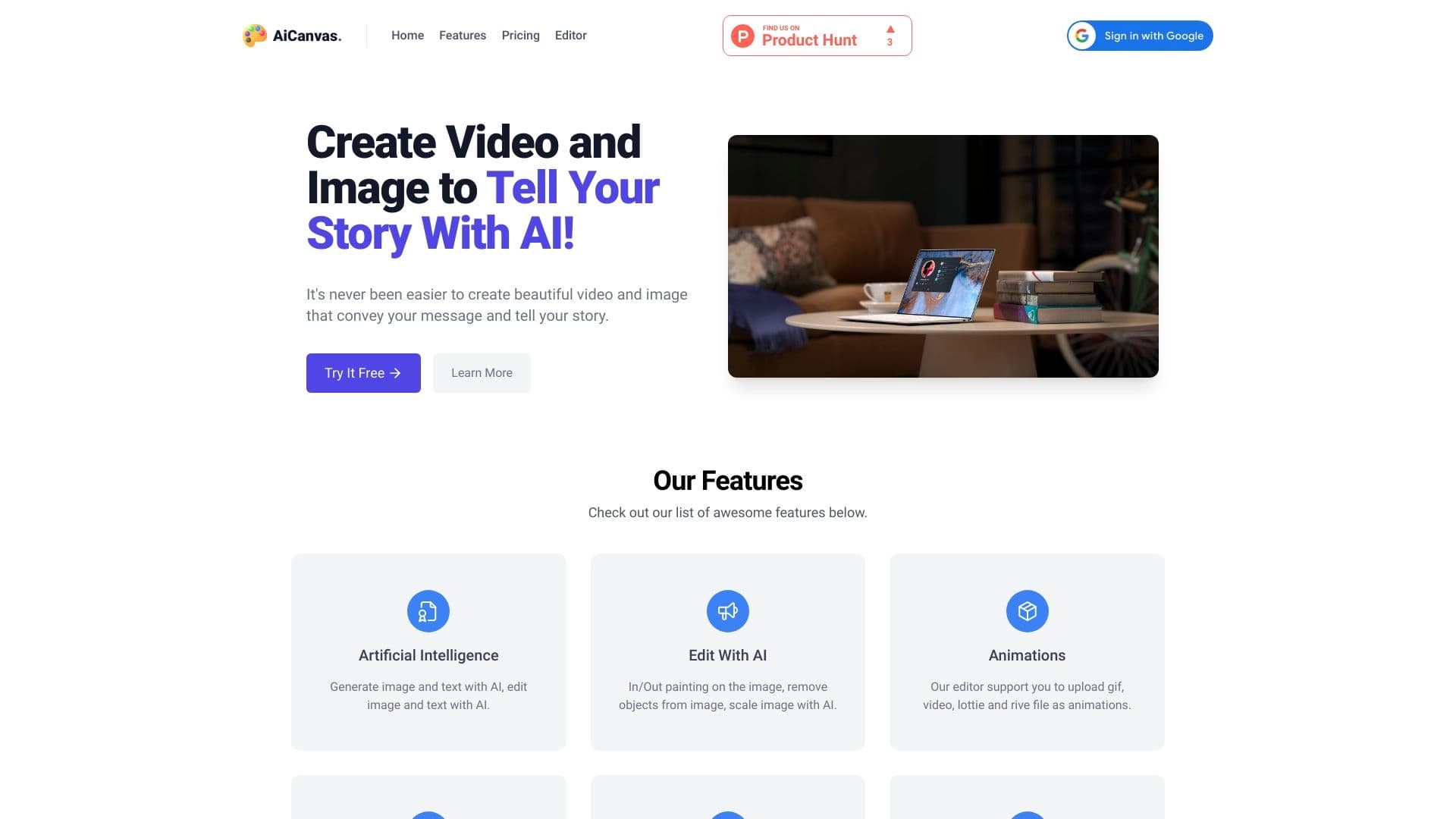
AiCanvas é uma ferramenta de imagem colaborativa criada pela Kive. A solução combina capacidades de IA gerativas com as características de um editor gráfico completo, acessível através de um navegador web.
A ferramenta está posicionada como uma plataforma para colaboração em equipe sobre conteúdo visual. Os usuários podem gerar imagens a partir de prompts de texto usando estilos predefinidos, bem como editar imagens existentes: adicionar texto, remover objetos indesejados e estender imagens além de seu frame original. Uma característica separada é a criação de storyboards com descrições de texto detalhadas, tornando o serviço valioso em ambientes de design e animação.
Característica chave: Colaboração
O foco principal do AiCanvas é a colaboração. O serviço permite que vários participantes trabalhem no mesmo projeto simultaneamente, diferenciando-o de muitos geradores de imagens pessoais. Essa abordagem é voltada para equipes onde a sincronização das ações e o acesso compartilhado aos resultados são importantes.
Características do AiCanvas
| Característica | Valor |
|---|---|
| Tipo | Rede neural para geração de imagens |
| Categoria | Geração de imagens, Design, Universal |
| Plataformas | Web |
| Classificação da página | 4.2 / 5 |
| Avaliação editorial (NeuroFolder) | 9.2 de 10 |
| Data da revisão editorial | 06.10.2024 |
| Modelo de distribuição | Não especificado |
Para quem AiCanvas é adequado?
Designers e Profissionais Criativos
Em primeiro lugar, o serviço é projetado para designers que trabalham com conteúdo visual. A capacidade de gerar rapidamente imagens em estilos especificados, adicionar texto e remover elementos indesejados acelera significativamente as tarefas de rotina na preparação de layouts e ilustrações.
Animadores e Roteiros
Graças ao recurso de criação do storyboard com descrições textuais detalhadas, a ferramenta será útil para animadores e especialistas em pré-visualização. AiCanvas permite visualização rápida de sequências de cena, simplificando a preparação para animação ou produção de vídeo.
Audiência Ampla
Apesar de seu foco profissional, a interface e funcionalidade do serviço são intuitivas, tornando a ferramenta adequada para usuários do dia-a-dia também — desde a criação de cartões de saudação até a geração de ilustrações para projetos pessoais.
Como utilizar AiCanvas?
Uma instrução detalhada sobre a utilização do serviço não é descrita nas fontes disponíveis. No entanto, com base em sua funcionalidade e arquitetura do navegador, o princípio geral de trabalho parece como segue.
Começar pelo Navegador Web
Como o AiCanvas está disponível exclusivamente através da web, os usuários simplesmente precisam abrir o site de serviço em um navegador. Nenhuma instalação adicional de software é necessária.
Trabalhando com imagens
Para criar uma imagem, uma descrição de texto (prompt) é usada com a opção de selecionar um estilo predefinido. A edição inclui operações para selecionar e remover objetos, adicionar camadas de texto e estender a tela além de seus limites originais.
Principais características de AiCanvas
Geração de imagens a partir de Descrições de Texto
Os usuários podem criar imagens descrevendo o resultado desejado em texto. O serviço suporta a aplicação de estilos predefinidos, permitindo um estilo visual unificado em um projeto ou combinando a estética desejada para uma tarefa.
Edição de Imagens
A ferramenta fornece um conjunto de funções para modificação de imagem:
- Adicionando texto às imagens. Permite sobrepor legendas em imagens existentes ou objetos gerados.
- Removendo elementos indesejados. Permite apagar objetos ou defeitos desnecessários de uma imagem.
- A pintura. Uma característica que estende uma imagem além de seus limites originais, logicamente continuando a cena.
Criação do Storyboard
Uma função especializada para construir storyboards. Os usuários podem criar uma sequência de quadros, acompanhando cada um com uma descrição detalhada do texto, o que é conveniente para planejar fotos ou vídeos animados.
Vantagens de AiCanvas
Abordagem orientada para a equipa
Uma das principais vantagens é o foco na colaboração. A capacidade de edição coletiva e acesso ao projeto torna o serviço uma ferramenta conveniente para estúdios de design e equipes remotas.
Conjunto de Ferramentas Universal
AiCanvas combina as funções de um gerador de imagens e editor. A presença de estilos predefinidos, ferramentas de texto, remoção de objetos e pintura cobre as necessidades básicas do designer sem alternar entre diferentes programas.
Suporte ao Storyboard
O recurso de criação de storyboard com descrições de texto, raro entre serviços semelhantes, expande a gama de aplicações e diferencia a ferramenta de geradores de imagem estritamente focados. Isto é especialmente valioso para animadores e diretores.
Desvantagens de AiCanvas
Completar a Dependência do Navegador
O AiCanvas funciona apenas através de um navegador web. Para usuários acostumados a aplicativos de desktop com cache local e modo offline, a falta de uma versão autônoma pode parecer uma limitação significativa. Além disso, o desempenho depende da qualidade da conexão à internet.
Que tarefas AiCanvas resolve?
Geração e Desenho de Imagens
A principal tarefa do serviço é criar conteúdo visual com IA. Permite produzir rapidamente imagens a partir de descrições de texto e refiná-las no editor, acelerando o processo de desenvolvimento do conceito de design.
Preparação do Storyboard
A ferramenta resolve a tarefa de visualizar scripts e sequências de cenas. A capacidade de acompanhar quadros com descrições textuais detalhadas ajuda a capturar o conceito para posterior transferência para animação ou produção de vídeo.
Trabalho de Projeto Colaborativo
O AiCanvas permite a colaboração em tempo real em projetos visuais. Isso resolve a tarefa de coordenar as ações da equipe, permitindo que os participantes vejam mudanças e façam edições em um espaço de trabalho compartilhado.
Preços de AiCanvas
As informações oficiais sobre os preços dos serviços e os planos de subscrição não são especificadas nas fontes disponíveis. Para informações de preços atuais, os usuários devem se referir ao site oficial do desenvolvedor. A página de catálogo da qual os dados foram tomados também carece de uma seção de preços.
Termos de Uso do AiCanvas
Os termos de uso para o serviço não são oficialmente descritos em fontes disponíveis. Requisitos do usuário, restrições de idade ou políticas de licenciamento aplicadas pela Kive são desconhecidos. Recomenda-se esclarecer os termos diretamente sobre o recurso oficial do serviço antes de iniciar o trabalho.
Disponibilidade do AiCanvas
Plataformas
AiCanvas está disponível exclusivamente como uma versão web. É necessário um navegador moderno e uma conexão estável à internet. Nenhum desktop ou aplicativos móveis são fornecidos.
Como AiCanvas Difere de Alternativas
Foco na Colaboração
Ao contrário de muitas redes neurais pessoais focadas na geração de imagens individuais, AiCanvas foi originalmente projetado como uma ferramenta para o trabalho em equipe. A capacidade de editar projetos colaborativamente é a principal diferença da maioria dos geradores simples.
Combinação de Editor e Gerador
Muitos serviços oferecem apenas geração baseada em prompt. AiCanvas combina geração com funções de editor completas: adicionar texto, remover objetos, outpining. Isso permite completar o fluxo de trabalho completo da imagem em uma única janela do navegador.
Conclusão
AiCanvas é uma ferramenta baseada em navegador profissionalmente orientada para geração e edição de imagens colaborativas da Kive. Ele aborda as necessidades de designers e animadores, oferecendo recursos da criação de imagens de prompts de texto em estilos especificados para remover objetos e estender quadros. A capacidade única de criação de storyboards com anotações de texto diferencia o serviço de geradores regulares e o torna útil para pré-visualização de projetos. A ferramenta recebeu altas classificações editoriais. Apesar de algumas barreiras de entrada, AiCanvas representa uma solução equilibrada para a colaboração da equipe em conteúdo visual.
Perguntas mais frequentes
Consulte também
O serviço analisa fotos da aparência e das roupas, oferecendo conselhos personalizados de estilo.

Plataforma para criar avatares digitais e influenciadores virtuais usando IA.


Serviço online baseado em rede neural para transformar fotos comuns em retratos artísticos estilizados e avatares.

Catálogo de redes neurais e ferramentas online para geração de imagens, animações e vídeos.


Ferramenta de IA para criar apresentações, documentos e páginas da web a partir de uma descrição de texto.
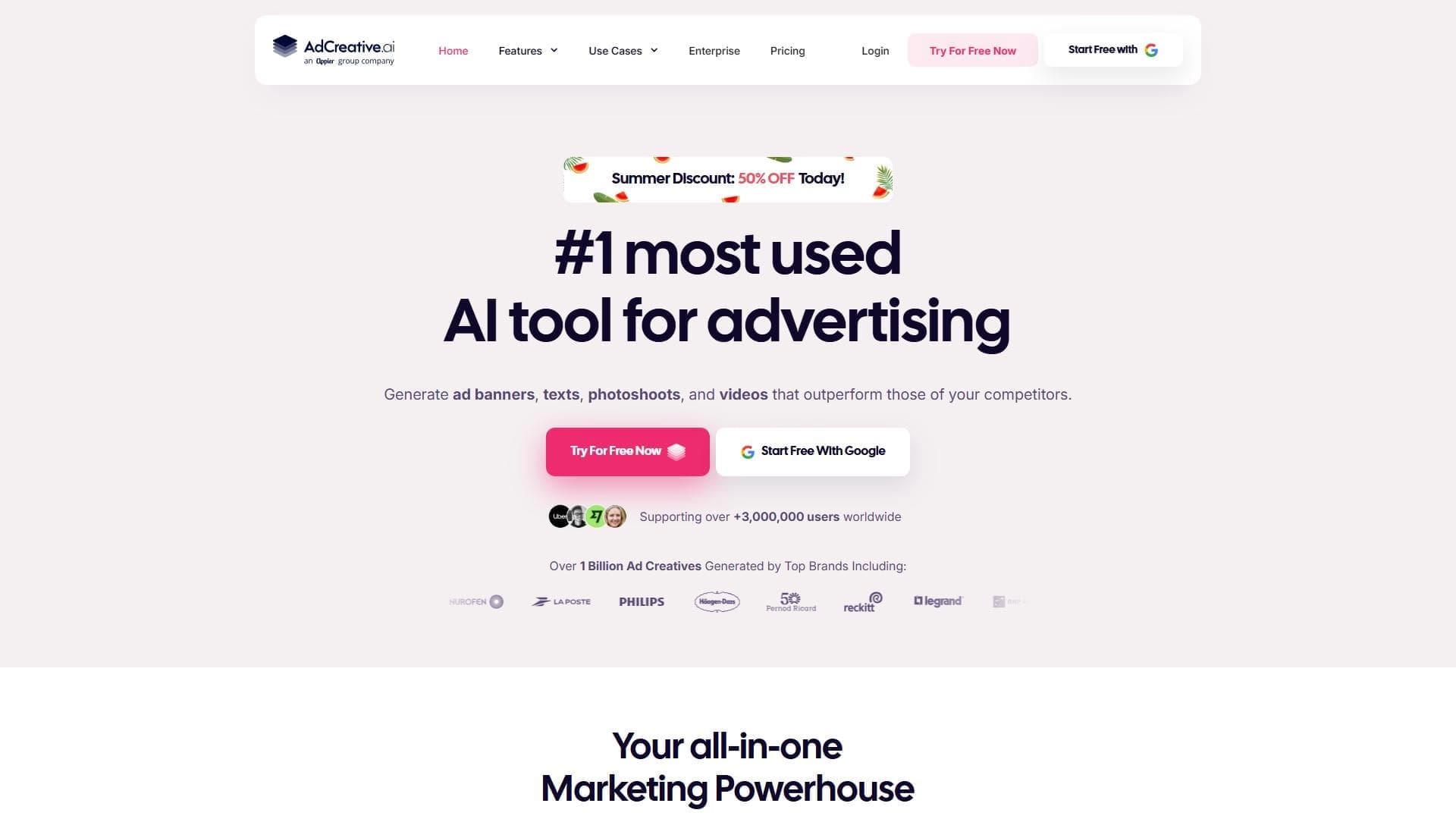

Plataforma baseada em IA para geração automática de banners publicitários, textos e vídeos, otimizados para conversão.


Rede neural para gerar imagens e vídeos curtos de descrições de texto.
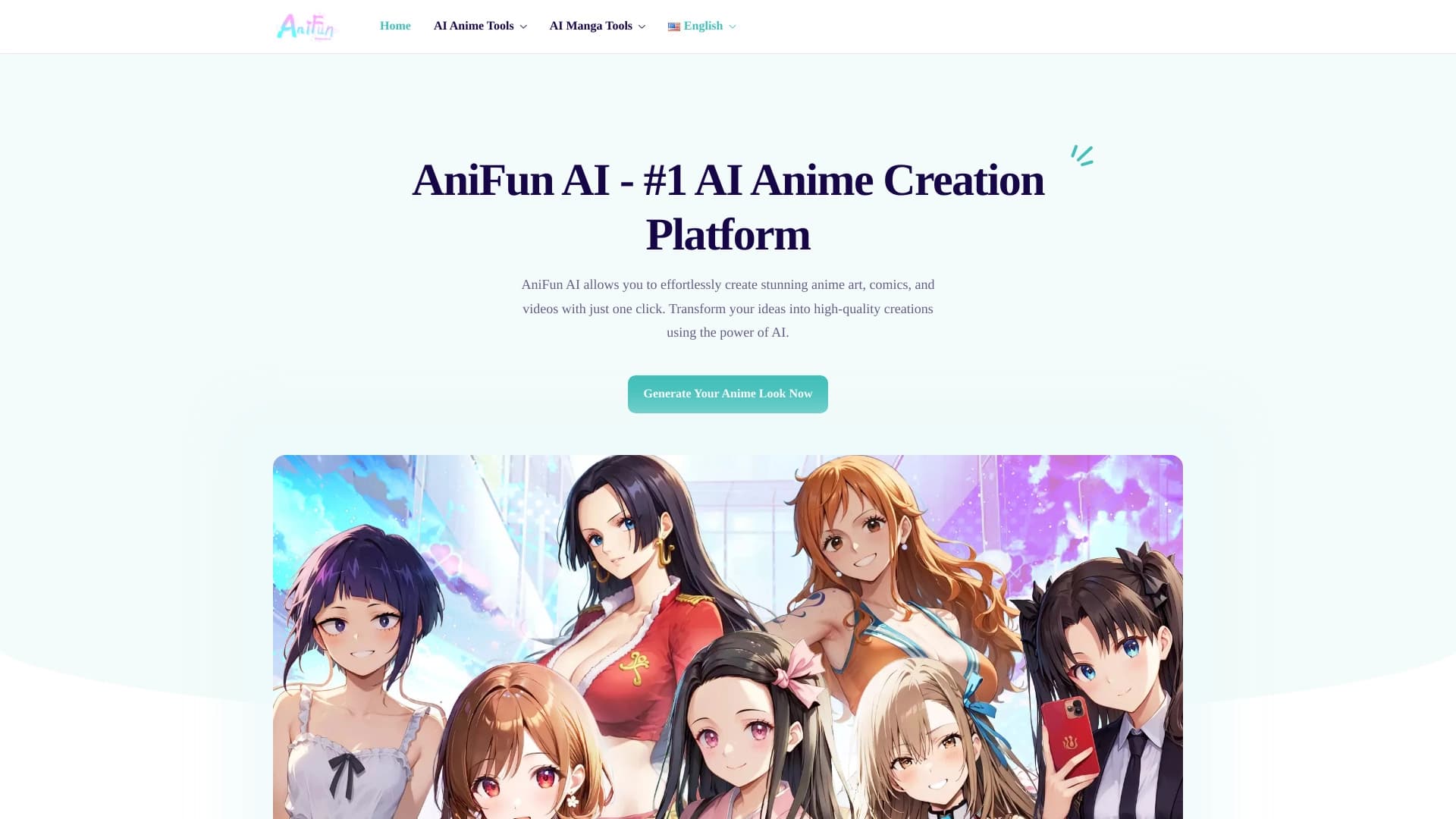

Plataforma para criar arte de anime, quadrinhos e vídeos com IA.