
Aiarty
Десктопное приложение для улучшения и масштабирования изображений и видео с помощью ИИ, а также удаления фона.
Обзор
Aiarty
Описание нейросети Aiarty
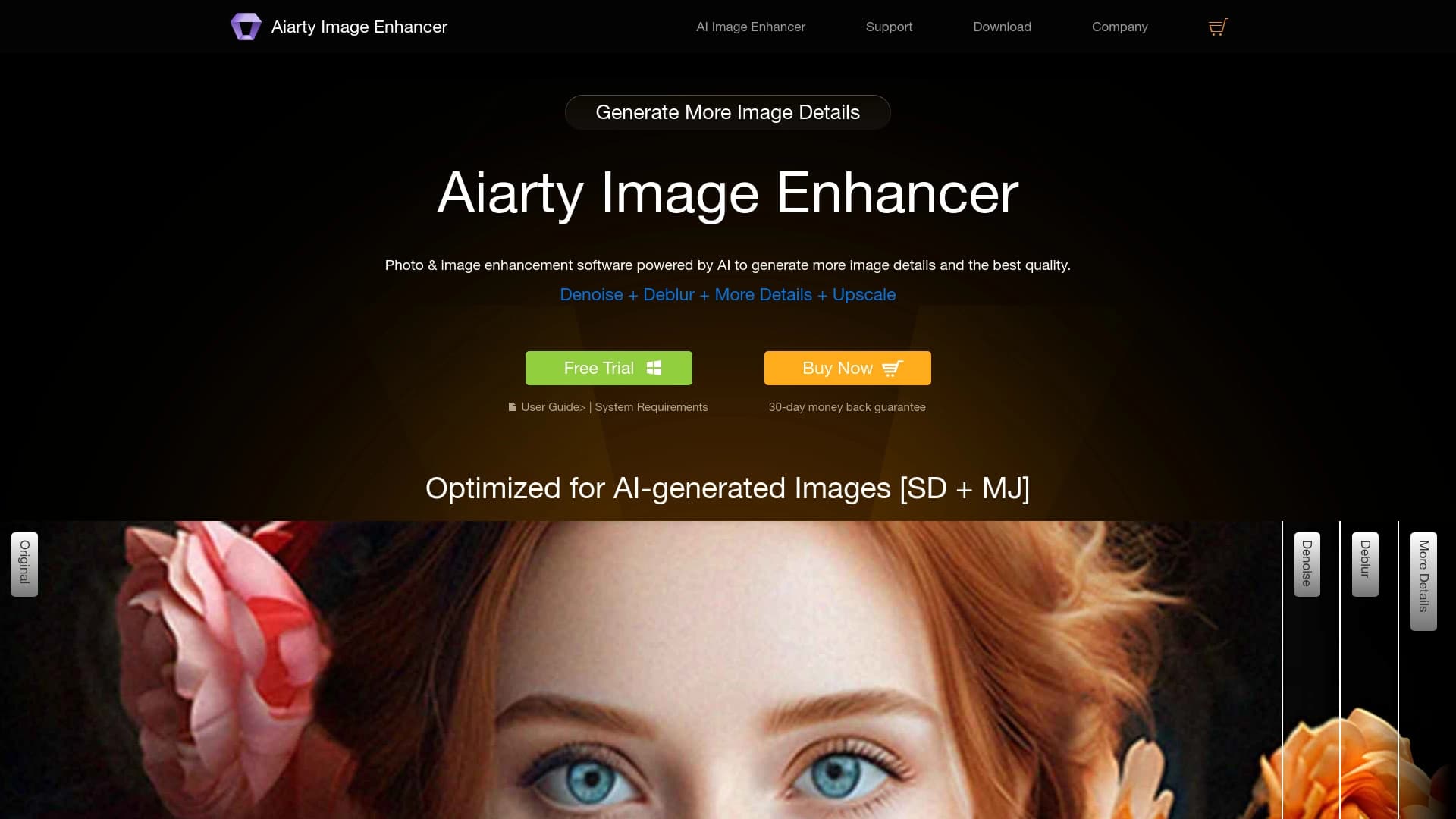
Aiarty — это десктопное приложение, которое объединяет в себе три мощных инструмента для работы с визуальным контентом: улучшение изображений, обработку видео и удаление фона. В основе программы лежат нейросети, обученные на обширной базе данных — 9,48 миллиона HD/4K изображений и 120 часах видео. Это позволяет алгоритмам генерировать реалистичные детали при увеличении разрешения, избегая эффекта «пластиковой» картинки.
Главная особенность Aiarty — полностью локальная обработка. Все операции выполняются на устройстве пользователя, без загрузки файлов на сторонние серверы. Это обеспечивает конфиденциальность данных и возможность работы без постоянного подключения к интернету. Приложение оптимизировано для работы как на GPU, так и на CPU, а также специально адаптировано для современных AI PC.
Программа позволяет увеличивать разрешение изображений вплоть до 32K, а видео — до 4K с интерполяцией кадров до 120 FPS. Модуль удаления фона справляется со сложными объектами: волосами, мехом, стеклом и кружевом, создавая точную альфа-маску. Встроенный AI-ластик помогает убирать лишние объекты из кадра, а HDR-буст и коррекция цвета улучшают общее визуальное восприятие.
Характеристики Aiarty
| Характеристика | Значение |
|---|---|
| Тип | Настольное ПО на базе ИИ |
| Категории | Улучшение фото, Редактирование изображений, Улучшение видео, Удаление фона, Восстановление фотографий |
| Разработчик | Digiarty Software, Inc. (опыт с 2006 года) |
| Платформы | Windows, macOS |
| Поддержка GPU/CPU | Да, оптимизировано под AI PC |
| Максимальное разрешение изображений | до 32K |
| Максимальное разрешение видео | до 4K |
| Интерполяция кадров видео | до 60/120 FPS |
| Модель распространения | Платно (есть бесплатный пробный период) |
| Обработка данных | Локально, без загрузки на серверы |
| Дата публикации | 18 декабря 2025 |
| Веб-сайт | www.aiarty.com |
Для кого подходит нейросеть Aiarty?
Профессиональные фотографы и ретушёры
Aiarty будет полезна фотографам, которым требуется восстанавливать старые или размытые снимки, повышать резкость и детализацию, а также готовить изображения к печати на больших форматах. Возможность апскейла до 32K позволяет использовать программу для создания постеров и декоративных элементов без потери качества.
Дизайнеры и визуальные контент-мейкеры
Специалисты, работающие с графикой для презентаций, баннеров и рекламных макетов, оценят возможность быстрого улучшения качества изображений и удаления лишних объектов. Встроенный AI-ластик и HDR-буст помогают довести картинку до нужного вида без использования сложных графических редакторов.
Специалисты e-commerce
Для интернет-магазинов и маркетплейсов Aiarty предлагает решение для пакетной подготовки карточек товаров. Модуль интеллектуального удаления фона с точным выделением сложных краёв позволяет быстро вырезать товары и заменять фон, что критически важно для создания единообразного каталога.
Как использовать нейросеть Aiarty?
Установка и запуск
Для начала работы необходимо скачать десктопное приложение с официального сайта aiarty.com и установить его на свой компьютер. Программа доступна для Windows и macOS. После установки все три модуля — улучшение изображений, обработка видео и удаление фона — доступны для бесплатного пробного использования.
Интерфейс и рабочий процесс
Aiarty имеет интуитивно понятный интерфейс, который позволяет быстро разобраться в функционале. Пользователю достаточно загрузить файл, выбрать нужный модуль и задать параметры обработки. Для пакетной обработки больших объёмов файлов предусмотрена оптимизация под AI PC, что значительно ускоряет рабочий процесс.
Основные функции Aiarty
Улучшение изображений
Нейросеть повышает разрешение фотографий до 4K, 8K или даже 32K, генерируя реалистичные детали. Алгоритм эффективно убирает шум и размытость, усиливает чёткость и делает контуры более яркими. Встроенный HDR-буст и коррекция цвета позволяют улучшить общее визуальное восприятие снимка без ручной настройки.
Обработка видео
Aiarty умеет повышать разрешение видео до Full HD или 4K, удаляя размытость, шум и артефакты. Функция интерполяции кадров позволяет создавать плавное видео с частотой 60 или 120 FPS, что особенно полезно при восстановлении старых записей и улучшении промо-роликов.
Удаление фона и AI-ластик
Модуль интеллектуального маттинга обеспечивает точное выделение сложных объектов — волос, меха, стекла, кружева и прозрачных тканей. Это делает возможным качественное вырезание объектов и замену фона для e-commerce и рекламных макетов. AI-ластик позволяет удалять лишние объекты из кадра, заполняя образовавшиеся пустоты правдоподобным содержимым.
Преимущества Aiarty
- Три инструмента в одном приложении — апскейл изображений, улучшение видео и удаление фона без необходимости покупать отдельные программы.
- Полностью локальная обработка — все операции выполняются на устройстве пользователя, что гарантирует конфиденциальность данных.
- Высокое качество восстановления — модели обучены на 9,48 млн HD/4K изображений и 120 часах видео, что позволяет избежать «пластикового» AI-эффекта.
- Точная альфа-маска для сложных краёв — технология уверенно справляется с волосами, мехом, кружевом и стеклом.
- Опытный разработчик — компания Digiarty Software работает на рынке с 2006 года.
- Оптимизация для AI PC — ускоренная обработка больших партий файлов на настольных компьютерах.
- Возможность масштабирования до 32K — сверхвысокое разрешение для печати и профессионального использования.
Недостатки Aiarty
- Возможные артефакты генерации — иногда нейросеть дорисовывает элементы, которых не было в оригинале, что приводит к появлению странных деталей.
- Высокие требования к оборудованию — программа требует мощного компьютера, на слабых ПК может не запускаться или работать медленно.
- Ограниченная поддержка форматов — не все форматы и типы изображений поддерживаются программой.
- Платная модель распространения — хотя есть бесплатный пробный период, для полноценной работы требуется оформление подписки.
Какие задачи решает Aiarty
Восстановление и подготовка изображений
Aiarty эффективно решает задачу повышения качества и разрешения фотографий для печати на больших холстах, ретуши, создания баннеров и каталогов. Инструмент отлично справляется с восстановлением старых, размытых или зашумлённых снимков, делая их пригодными для презентаций, постеров и декоративных элементов.
Улучшение видеоматериалов
Программа позволяет восстанавливать старые видеозаписи, улучшать промо- и обучающие видео без необходимости пересъёмки. Повышение разрешения до 4K, устранение шума и размытия, а также интерполяция кадров до 120 FPS делают видео более качественными и плавными.
Подготовка контента для e-commerce
Для интернет-магазинов Aiarty предлагает решение по пакетной замене фонов для карточек товаров. Точное выделение сложных контуров и умная замена фона позволяют быстро подготовить большую партию изображений для рекламных макетов и каталогов. AI-ластик помогает удалять лишние объекты прямо в кадре.
Цены Aiarty
Бесплатный тариф
Базовый тариф включает основные функции улучшения изображений и доступен бесплатно. Все три модуля — апскейл фото, обработка видео и удаление фона — можно протестировать в рамках пробного периода без ограничений по функционалу.
Платные подписки
Стандартный тариф стоит 999 рублей в месяц и предоставляет расширенные инструменты устранения шума и повышения чёткости. Профессиональный тариф за 1999 рублей в месяц открывает максимальное качество обработки с поддержкой сверхвысокого разрешения до 32K.
Условия использования Aiarty
Программа распространяется по модели платной подписки с возможностью бесплатного тестирования. Для начала работы необходимо скачать приложение с официального сайта разработчика. Пробный период позволяет оценить шумоподавление, улучшение чёткости и увеличение разрешения без каких-либо финансовых вложений. Для активации полной версии требуется оформить подписку на одном из доступных тарифов.
Доступность Aiarty
Платформы и регионы
Aiarty доступна как десктопное приложение для Windows и macOS. Скачать программу можно на официальном сайте aiarty.com. Информация о поддерживаемых языках, регионах и необходимости использования VPN на странице не указана.
Требования к оборудованию
Для комфортной работы с программой рекомендуется использовать мощные компьютеры с поддержкой GPU. Aiarty оптимизирована для работы на современных AI PC, что обеспечивает ускоренную обработку больших партий файлов. При этом программа поддерживает обработку как на GPU, так и на CPU.
Чем отличается Aiarty от аналогов
Главное отличие Aiarty от конкурентов — комплексный подход: три инструмента в одном приложении. Вместо покупки отдельных программ для апскейла изображений, обработки видео и удаления фона, пользователь получает единое решение. Среди аналогов можно выделить Kolors by Kuaishou, Pixlio AI, ImgExpand, Leonardo.ai, Kandinsky и Midjourney, но ни один из них не предлагает такого же сочетания функций локально.
Второе важное преимущество — полностью автономная работа без загрузки данных на серверы. Это выгодно отличает Aiarty от облачных сервисов вроде Yandex Art, где для обработки требуется интернет-соединение. Возможность масштабирования изображений до 32K — редкая характеристика даже среди профессиональных инструментов. Дополнительно стоит отметить точную обработку сложных краёв при удалении фона и интерполяцию видео до 120 FPS — функции, которые редко встречаются в комбинированных решениях.
Заключение
Aiarty — это функциональное десктопное приложение для профессиональной работы с изображениями и видео на основе искусственного интеллекта. Оно объединяет апскейл фото до 32K, улучшение видео до 4K с интерполяцией кадров и интеллектуальное удаление фона с точным выделением сложных объектов. Главные преимущества — локальная обработка без загрузки данных на серверы, обучение на обширной базе данных и наличие бесплатного пробного периода. Среди недостатков — высокие требования к оборудованию, возможные артефакты генерации и платная подписка. Программа подойдёт фотографам, дизайнерам, специалистам e-commerce и всем, кто работает с визуальным контентом и нуждается в инструменте для восстановления и улучшения качества изображений и видео.
Тарифы
Часто задаваемые вопросы



Смотрите также


Сервис для виртуальной примерки одежды с помощью ИИ.


Веб-сервис для генерации аниме-изображений по текстовым запросам с помощью ИИ.


Онлайн-инструмент для создания дипфейков и редактирования изображений с помощью ИИ.


ИИ-ассистент для создания текстового контента, изображений и работы с голосом, ориентированный на русскоязычных пользователей.
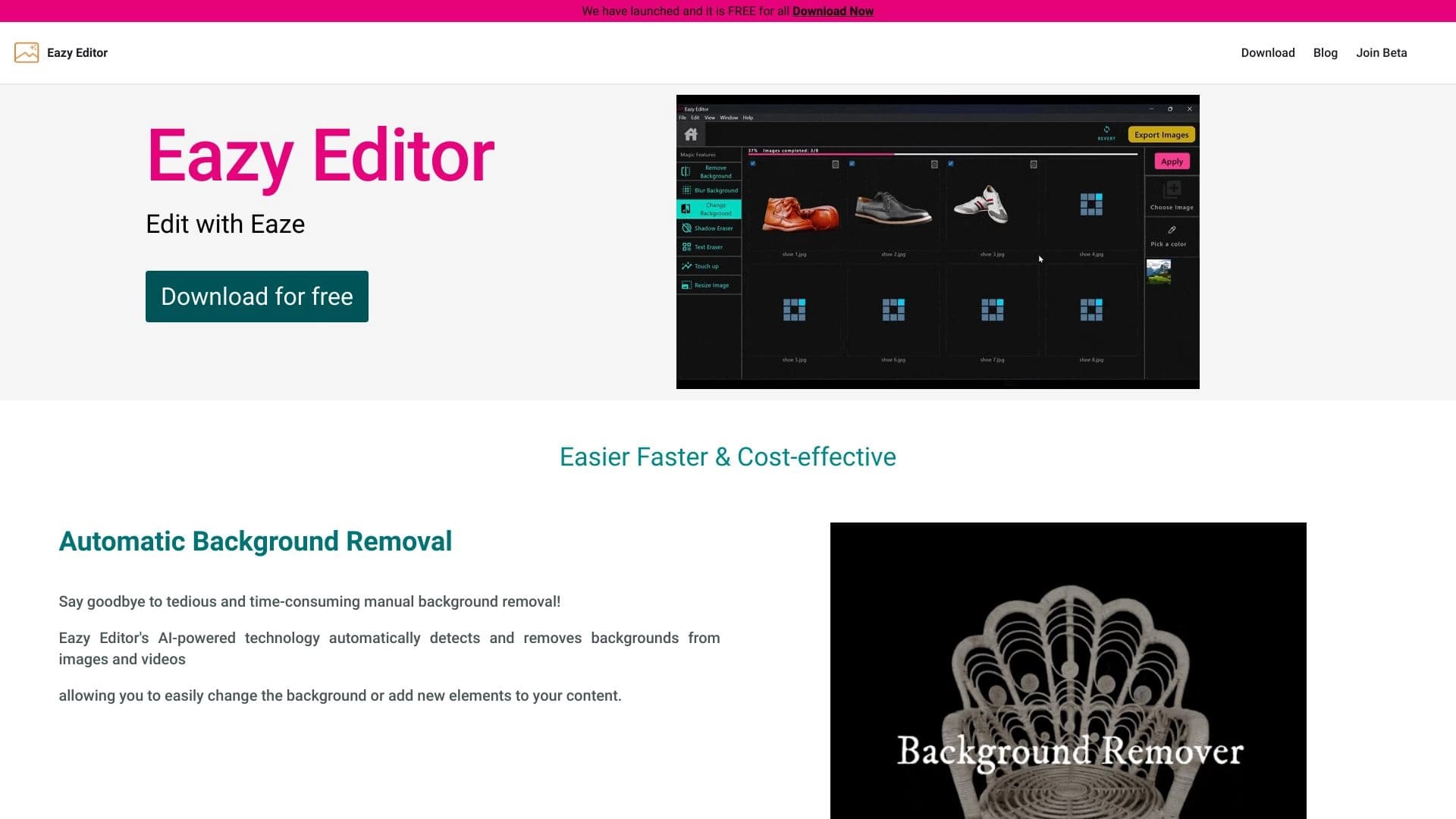
Простой и удобный редактор фото с интуитивно понятным интерфейсом.


AI-помощник для быстрого создания и редактирования текстов в различных форматах.

Каталог AI-инструментов с обучающими материалами и руководствами для подбора нейросетей.

AI-инструмент для обработки изображений товаров и генерации профессиональных фотографий с виртуальными моделями.