
AI Workbench
AI Workbench convierte imágenes estáticas en cortos videos animados basados en una descripción de texto.
Examen
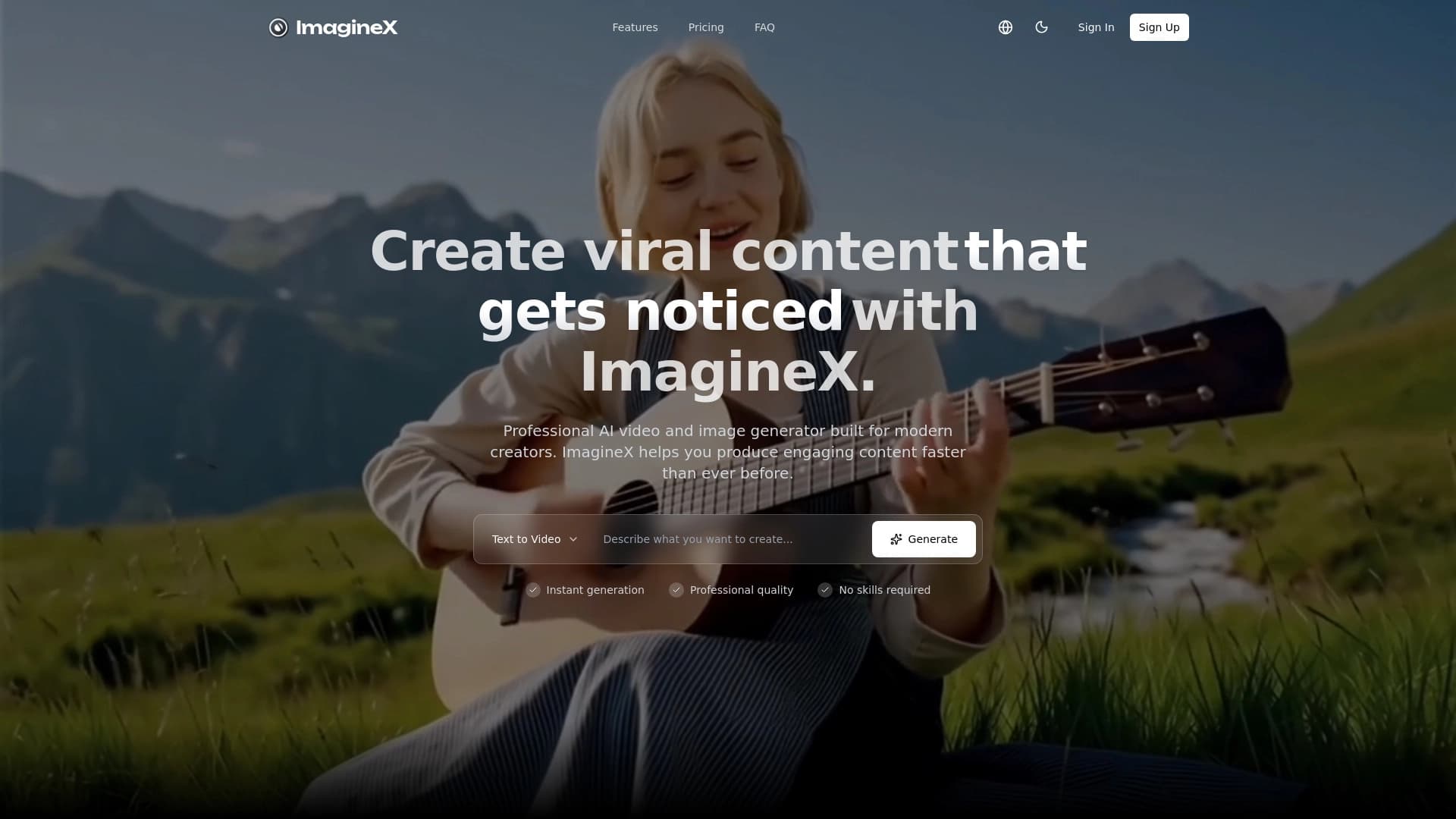
AI Workbench es una herramienta en línea alimentada por el imaginex. plataforma de vídeo. Su propósito principal es para convertir imágenes estáticas en cortos de vídeo animados basados en una descripción de texto. En lugar de editar manualmente vídeo o utilizar software complejo, el usuario sube una imagen, añade un mensaje de texto, y consigue una escena terminada con movimiento.
El servicio está orientado hacia resultados rápidos: funciona tanto para proyectos duros como para versiones finales de clips. La plataforma también admite el formato básico y la configuración de calidad, permitiendo que el archivo de salida se adapte a una tarea específica, desde historias verticales hasta vídeo de pantalla ancha.
AI Workbench Características
| Característica | Valor |
|---|---|
| Tipo | Conversión de imagen a caballo-AI-video |
| Categoría | Imagen → Video, generación de vídeo |
| Plataformas | Web (imaginex.video) |
| Disponibilidad gratuita del nivel | No especificado |
| Apoyo a la relación entre los aspectos | De 9:16 a 21:9 |
| Resoluciones disponibles | 480p, 720p, 1080p |
| Características adicionales | Historia de la generación, galería de ejemplo, sistema de crédito |
| Idiomas internos | No especificado |
| VPN requerida | No especificado |
¿Para quién es AI Workbench?
Creadores y creadores de contenido
AI Workbench es útil para los autores que administran regularmente cuentas de redes sociales y necesitan insertos cortos de animación. Les permite llevar rápidamente ilustraciones, cubiertas o obras de arte a la vida sin pasar tiempo aprendiendo editores de vídeo.
Especialistas en marketing y publicidad
La herramienta es perfecta para probar creativos de anuncios: puede generar rápidamente varias variantes de banner animado o insertar para ver qué formato resona mejor con el público.
Producción de vídeo y editores
El servicio permite crear tomas adicionales, fondos y transiciones para la edición. En lugar de buscar imágenes de stock, puede tomar su propia imagen estática y convertirla en una escena en movimiento con la duración deseada.
Cómo utilizar AI Workbench
Trabajar con el servicio sigue un simple proceso de tres pasos:
- Sube una imagen. Elija el archivo que desee animar — puede ser una foto, ilustración o arte conceptual.
- Introduzca un mensaje de texto. Describa en palabras qué movimiento debe contener la escena. Por ejemplo, "el balance de árboles en el viento" o "el zoom de cámara baja hacia el tema".
- Ajuste los ajustes y la generación de inicio. Establecer la relación de aspecto, resolución y duración del clip, luego ejecutar el proceso y esperar el resultado.
Después de la generación, el servicio ahorra el trabajo a la historia, para que pueda volver a las variantes exitosas en cualquier momento.
Características principales de AI Workbench
Ajustes de formato flexibles
La herramienta soporta ratios de aspecto desde vertical 9:16 (para historias y carretes) hasta panorámica 21:9 (para vídeos de pantalla ancha). Esto le permite preparar clips para una plataforma específica de inmediato sin necesidad de recortar.
Opciones de calidad y duración
Existen tres niveles de resolución: 480p, 720p y 1080p. La primera funciona bien para proyectos y pruebas duros, mientras que la resolución máxima se puede utilizar para versiones finales. La duración del clip también es ajustable.
Historia de la generación y galería de ejemplo
Todos los vídeos generados se guardan en su cuenta personal, lo que facilita la comparación de los resultados. El servicio también incluye una sección con indicaciones de ejemplo y estilos visuales — ayuda a los principiantes a entender qué descripciones funcionan mejor.
AI Workbench Ventajas
- Formato versatilidad. La capacidad de elegir una relación de aspecto de 9:16 a 21:9 hace que el servicio sea adecuado para cualquier plataforma, desde videos verticales cortos hasta clips de pantalla ancha.
- Flexibilidad de calidad. Los diferentes niveles de resolución permiten utilizar la herramienta para proyectos rápidos (480p) así como versiones de alta calidad (1080p).
- Historia de la generación. Todo el trabajo anterior sigue siendo accesible, simplificando los retornos a clips exitosos o reutilizando los avisos.
- Base de aprendizaje. La sección de ejemplos ayuda a los principiantes a acelerar más rápido: puede navegar por los avisos y estilos visuales listos.
Limitaciones al Workbench
Fuentes públicas no mencionan las restricciones de servicio, como la ausencia de un nivel libre, marcas de agua en vídeos de salida, o posibles demoras de generación. Tampoco hay datos sobre la estabilidad bajo alta carga o si el servicio admite el procesamiento de archivos por lotes.
¿Qué tareas resuelve AI Workbench?
Llevar imágenes estáticas a la vida
La herramienta resuelve la tarea principal: convertir imágenes (ilusiones, fotos, arte conceptual) en escenas cortas de animación. Esto es especialmente útil cuando necesitas "revivir" en visuales sin rodaje ni edición compleja.
Creación de contenidos para redes sociales
El servicio le permite producir rápidamente videos cortos para historias, clips e insercións de anuncios. Con la configuración de formato vertical, puede obtener un archivo listo para su publicación de inmediato.
Preparación de materiales para edición
AI Workbench se puede utilizar como una herramienta de soporte para la producción: generación de fondos, tomas adicionales o transiciones que luego se utilizan en la edición de vídeo más compleja.
Imposición de precios
Los datos oficiales de precios para el servicio no están disponibles en fuentes públicas. Se menciona que el servicio utiliza un sistema de crédito para hacer un seguimiento del costo de cada generación, pero no se revelan planes y tarifas específicos. Para información actualizada, debe consultar el sitio web oficial de la plataforma.
AI Workbench términos de uso
Los detalles del acuerdo de licencia, las reglas para el uso comercial de los vídeos generados y las condiciones de almacenamiento para los archivos cargados no se describen en fuentes públicas. También se desconoce si el registro se requiere para utilizar el servicio o si existen límites para las generaciones libres. Se recomienda revisar los términos directamente en el sitio web de la plataforma antes de comenzar.
Disponibilidad de banco de trabajo AI
AI Workbench está disponible sólo a través de una interfaz web en el imaginex. plataforma de vídeo. Data on supported interface languages, regions where the service officially operates, and whether a VPN is needed is absent from public sources. Esto significa que la disponibilidad puede ser geográfica o técnicamente limitada, y debe comprobar si el sitio se abre de su región antes de utilizarlo.
Cómo el Workbench AI difiere de las alternativas
La principal diferencia entre AI Workbench y muchos servicios similares es su estrecha integración con el imaginex. plataforma de vídeo, que ya se ha demostrado en la creación de imagen y vídeo. La herramienta en sí se centra específicamente en la combinación "imagen + texto = video", mientras que los competidores a menudo ofrecen la generación completa de vídeo desde cero.
Además, el servicio ofrece una amplia gama de ajustes de formato, de 9:16 a 21:9, adecuados tanto para las redes sociales verticales como para las pantallas horizontales. La capacidad de elegir resoluciones arriba a 1080p también lo distingue de los servicios limitados a una o dos opciones de calidad. La historia de la generación salvadora simplifica el trabajo iterativo, y el ejemplos sección baja la barrera de entrada para principiantes.
Conclusión
AI Workbench de imaginex.video es una herramienta práctica para convertir imágenes estáticas en cortos de vídeo. Proporciona el control del usuario sobre la relación de aspecto, resolución y duración, lo que lo hace útil para creadores de contenido, marketers y equipos de producción. Sus principales fortalezas son la flexibilidad de formato, la historia de la generación y una galería de ejemplo integrada para el aprendizaje. La falta de información sobre los precios y los términos completos de uso se compensa con la sencillez del enfoque: subir una imagen, añadir un impulso y obtener un clip terminado.
Preguntas frecuentes
Vea también


Plataforma generadora para crear imágenes realistas y videos cortos de texto o imágenes con control sobre el estilo y movimiento de cámara.

Un servicio de creación de presentaciones que utiliza múltiples agentes de IA para la reunión de información, diseño y análisis de datos.


Plataforma AI para crear y editar videos, trabajando directamente en el navegador Chrome.


Servicio de ropa virtual propulsada por AI.


Herramienta de IA en línea para crear imágenes profundas y de edición.


Asistente de inteligencia para crear y editar textos rápidamente en varios formatos.


Una plataforma abierta para generar imágenes y otros contenidos visuales de descripciones de texto usando AI.

Modelo insignia de Google (Gemini 3 Pro Image) para generar y editar imágenes de alta resolución con una adhesión precisa a los impulsos.