

AI Word Changer
Pharpsing এবং ইংরেজি পাঠ্যাংশের উন্নতির জন্য AI চালিত সার্ভিস।.
সারসংক্ষেপ
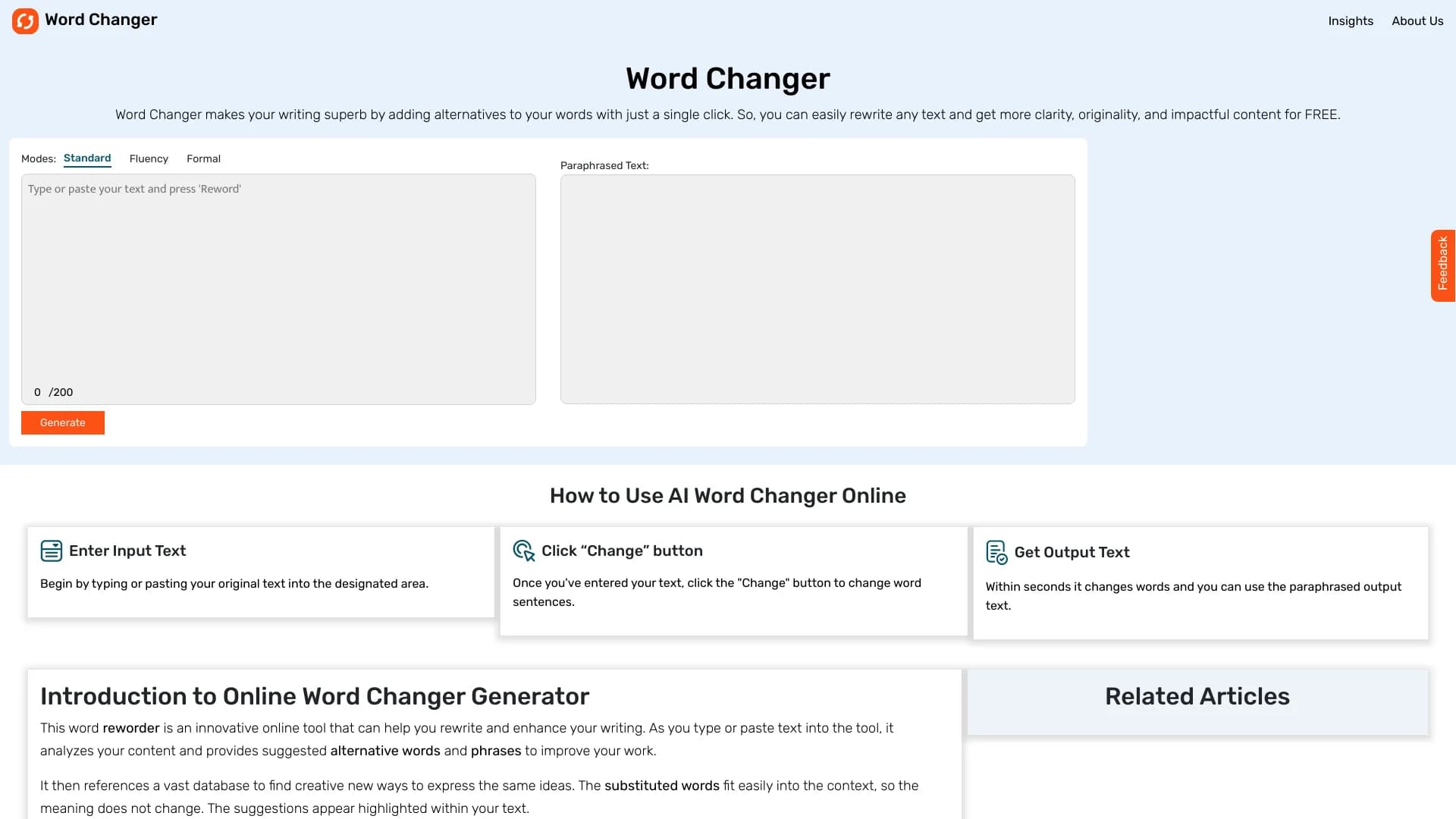
AI ওয়ার্ড চেঞ্জার হচ্ছে একটি অনলাইন সার্ভিস যা কৃত্রিম বুদ্ধিমত্তা ব্যবহার করে ইংরেজি পাঠ্যাংশকে অনুবাদ করার জন্য ডিজাইন করা হয়েছে। নিউরাল নেটওয়ার্ক কেবলমাত্র স্বতন্ত্র শব্দগুলোকে ব্যবহার করে না; এর মূল অর্থ সংরক্ষণ করার সময় এটির প্রসঙ্গ ও অন্যান্য গঠন বিশ্লেষণ করে।
এই হাতিয়ারের মূল লক্ষ্য হচ্ছে আরও বেশি প্রকাশ করা, অনন্য এবং নির্দিষ্ট একটা পরিস্থিতির সাথে খাপ খাইয়ে নেওয়া। এই পরিষেবাটি সঠিক নিঃসন্দেহ ধূমপায়ীকে খুঁজে বের করার নিয়মিত কাজ পরিচালনা করে এবং ব্যবহারকারীর তৈরি করা একটি উন্নত সংস্করণ সরবরাহ করে, যা কিনা স্বয়ং তা পরিষ্কার করা যাবে।
সার্ভিস কিভাবে কাজ করে
AI ওয়ার্ড চেঞ্জার-এর সাথে কাজ করা “পিপ” - ক্লিক করুন। ব্যবহারকারী একটি উৎসর্গীকৃত ক্ষেত্রে টেক্সট আপলোড করে, পছন্দসই প্রক্রিয়াকরণ মোড নির্বাচন করুন সিস্টেম সেকেন্ডের মধ্যে একটি বিকল্প সংস্করণ পেশ করা হয়। প্যারাসোর্সিং করার সময়, AI নির্বাচিত মোডের বিভিন্ন বৈশিষ্ট্য বিবেচনা করে থাকে।
কি-র বৈশিষ্ট্য
এখানে যে বৈশিষ্ট্য রয়েছে তা নমনীয়ভাবে সাজানো। সাধারণ মোড, শিক্ষা এবং সৃজনশীল অপশনগুলো সহজলভ্য, একই সাথে একটি “মানবাচক” ফাংশন যা মেশিনের সাধারণ চিহ্ন মুছে ফেলে। এর ফলে অন্যান্য নিউরাল নেটওয়ার্কের দ্বারা নির্মিত টেক্সটের সাথে কাজের জন্য এই সার্ভিস কার্যকর হবে।
AI শব্দের বৈশিষ্ট্য পরিবর্তন করুন
| বৈশিষ্ট্য | মান |
|---|---|
| ধরন | টেক্সট স্টাইলের জন্য অনলাইন টুল |
| শ্রেণীবিভাগ | কোড লেখা, লেখার দিক পরিবর্তন (অবচিত) |
| সমর্থিত ভাষা | ইংরেজি, স্প্যানিশ, পর্তুগীজ, ফরাসী, ইন্দোনেশিয়া |
| মোডের ধরন | আদর্শ, শিক্ষাবিদ, সৃজনশীল, অনানুষ্ঠানিক, আলোচনা, মানবিকতা |
| টেক্সট দৈর্ঘ্য | শর্টেন, প্রসারণ |
| ডিস্ট্রিবিউশন মডেল | মুক্তিয়াম |
| ওয়েব-সাইট: | WordRefer.net |
( ২ তীম.
AI ওয়ার্ড চেঞ্জার যে কারো লক্ষ্য হচ্ছে, যারা নিয়মিত ইংরেজী ভাষার টেক্সটের সাথে কাজ করে এবং দ্রুত তাদের গুণগত মান উন্নত করতে হবে।
ছাত্র এবং গবেষক
এই হাতিয়ারটি রচনা, কাগজপত্র এবং শিক্ষাগত কর্মের প্রস্তুতির জন্য উপকারী। শিক্ষাবিদ মোড একটা সাধারণ রীতিতে টেক্সট নিয়ে আসতে, পুনরাবৃত্তি দূর করতে এবং যুক্তিকে স্পষ্ট করতে সাহায্য করে ।
লেখক ও ব্লগার
লেখক, লেখক, প্রতিলিপিকারী এবং বিষয়বস্তু নির্মাতারা এই সার্ভিস ব্যবহার করতে পারেন, নতুন টায়ারের স্বর পরিবর্তন করতে পারেন, একটা লেখার স্বর পরিবর্তন করতে পারেন অথবা বিভিন্ন শ্রোতাদের সঙ্গে একটি প্রবন্ধ খাপ খাইয়ে নিতে পারেন ।
বাজারকারী এবং যোগাযোগ বিশেষজ্ঞ
ইমেইল, বিজ্ঞাপন এবং সামাজিক মিডিয়া পোস্ট লেখার জন্য এটি প্রয়োজনীয়। সাধারণ ও কথোপকথনের স্টাইলের মধ্যে পরিবর্তন করার ক্ষমতা একটি নির্দিষ্ট যোগাযোগের চ্যানেলের সঙ্গে দ্রুত খাপ খাইয়ে নিতে পারে।
AI শব্দ পরিবর্তন পদ্ধতি
টুল ব্যবহার করার প্রক্রিয়া খুবই সহজ এবং এর কোন বিশেষ দক্ষতা নেই।
ধাপের অনুক্রম
- net.
- টেক্সট ইনপুট ক্ষেত্রের মধ্যে বা ব্যবহারকারী দ্বারা এটি স্বয়ং তৈরি করা হবে।
- প্রয়োজন হলে প্রসেসিং স্টাইল নির্বাচন করুন (শিক্ষামূলক, সৃজনশীল, ইত্যাদি)।
- ক্লিক করুন পরিবর্তন বোতাম।
- ফলাফলটা পর্যালোচনা করুন এবং সেটি নিজেই কপি করুন ।
ব্যবহার পরামর্শ
এর উত্তম ফলাফলের জন্য গ্লুকোজের ত্রুটি ও স্পষ্টপূজা করার আগে মূল পাঠ্যাংশ পরীক্ষা করা সুপারিশ করা হয় । একটা নতুন সংস্করণ তৈরি করার পর, এটার অর্থ নিশ্চিত করার জন্য সম্পূর্ণভাবে পড়া উপযুক্ত ।
AI ওয়ার্ড পরিবর্তকের প্রধান বৈশিষ্ট্য
এর মধ্যে বিভিন্ন বৈশিষ্ট্য রয়েছে, যেগুলো পাঠ্যাংশের সঙ্গে কাজ করার সময় মূল চাহিদাকে তুলে ধরে ।
মোডের ধরন
এই সেবা বেশ কিছু পূর্বসূরী প্রস্তাব দেয়: (সাধারণ) শিক্ষাবিদ (সাধারণ), বৈজ্ঞানিক এবং ব্যবসায়িক লেখা), সৃজনশীল (শিল্প এবং সৃজনশীল উপাদান), অনানুষ্ঠানিক এবং কথোপকথন ( প্রতিদিন যোগাযোগের জন্য)। এটা মানুষ স্বাভাবিক মান ধার্য করা হয়; এটাকে একের অধিক প্রাকৃতিক রূপে পুনরায় বিন্যাস করা হয়।
টেক্সট দৈর্ঘ্য
ব্যবহারকারী শুধুমাত্র টেক্সটের বদলে এর দৈর্ঘ্য পরিবর্তন করতে পারবেন না। স্বল্প দৈর্ঘ্যের এই ফাংশনের সাথে তুলনা বা সংক্ষিপ্ত বর্ণনার জন্য প্রয়োজনীয়, আর প্রসারিত ফাংশন আরো বিস্তারিত তথ্য যোগ করে।
অতিরিক্ত ক্ষমতা
অন্যান্য বৈশিষ্ট্যের অন্তর্ভুক্ত হল, প্রথম ব্যক্তির লেখা পরিবর্তন করা, যা ব্যক্তিগত চিঠি বা বক্তব্যের ক্ষেত্রে সুবিধাজনক হতে পারে । এখানে পাঁচটি ভাষায় অনুবাদ করা যাবে, যার মধ্যে ইংরেজি, স্প্যানিশ, পর্তুগীজ, ফরাসী এবং ইন্দোনেশিয়ার ভাষাও রয়েছে ।
AI শব্দের পরিবর্তন
- বিচক্ষণতা এবং বিবেচনা: এই যন্ত্রটি আরো সঠিক ভাবে প্রস্তুতি নেয়, বাতিল করে দেয় এবং পুনরাবৃত্তি করে, এদিকে মূল অর্থ সংরক্ষণ করে।
- ব্যবহারের অনুমতি: ইন্টারফেসটি একটি একক ইনপুট ক্ষেত্রের এবং একটি বাটন থেকে ছোট, যা নির্দেশ বা জটিল বৈশিষ্ট্য ছাড়াই দ্রুত আরম্ভ হবে।
- অ্যাপ্লিকেশনের প্রারম্ভ: প্রবন্ধ, চিঠি, প্রবন্ধ, সামাজিক মিডিয়া পোস্ট এবং শিক্ষাবিদদের জন্য উপযুক্ত।
- বহুভাষী সমর্থন৫টা ভিন্ন ভাষার সাথে কাজ করে, ব্যবহারকারী শ্রোতাদের সংখ্যা বৃদ্ধি করে।
AI ওয়ার্ড চেঞ্জার এর প্রকাশ
সার্ভিসের অসুবিধা সম্পর্কে বিস্তারিত তথ্য উপলব্ধ নেই। বেশির ভাগ মুক্তিয়াম টুলের মতো ধরে নেওয়া যেতে পারে যে, কিছু উন্নত বৈশিষ্ট্য কেবল অর্থ সংস্করণে পাওয়া যায় । এছাড়াও বিনামূল্যে টাইারে লিখিত টেক্সটের ভলিউমের উপরও হয়তো সীমাবদ্ধতা থাকতে পারে, কিন্তু সরকারি ওয়েবসাইটে যে পরিমাণ ব্যবহার করা প্রয়োজন তার সঠিক সংজ্ঞা যাচাই করতে হবে।
AI ওয়ার্ড পরিবর্তন কী সমাধান করে?
জানতে হলে, টেক্সট বিষয়বস্তুর সাথে যুক্ত কয়েকটি কী-এর সঙ্গে সম্পর্কযুক্ত কী-এর জন্য AI ওয়ার্ড পরিবর্তন করা হয়েছে।
[ পাদটীকা]
এর মূল কাজটি হচ্ছে ইংরেজি ভাষায় তাদের স্টাইলকে উন্নত করা এবং পাঠ করা। এই সেবা বিকল্প খুরিং বেছে নেয়, বিষয়বস্তুকে আরো মূল করে তোলে।
সংক্ষিপ্ত বর্ণনা
এই টুলটি বিভিন্ন উদ্দেশ্যের সাথে খাপ খাইয়ে নিতে সাহায্য করে: এটি ব্যবসার যোগাযোগের জন্য আরও একটি আনুষ্ঠানিক স্বর প্রদান করে, যার মাধ্যমে তা একটি ব্লগকে জীবন্ত করে তোলে, অথবা আলোচনার জন্য তা সহজ করে তোলে।
"মানুষ করা"
মানব ফাংশন একটি নির্দিষ্ট প্রক্রিয়াকে সমাধান করে- একটি "সাধারণ" স্টাইল থেকে সরিয়ে। এটি বিশেষ করে প্রাসঙ্গিক যখন অন্যান্য নিউরাল নেটওয়ার্ক দ্বারা তৈরি লেখা পোস্ট করা হয়, তাদের স্বাভাবিকতা বৃদ্ধি করে এবং পরে AI সনাক্তের ঝুঁকি কমিয়ে দেয়।
AI ওয়ার্ড পরিবর্তক
মূল উপাদানের উপাদানে এই পরিকল্পনার বিস্তারিত প্রদান করা হয়নি। এটা জানা আছে যে সার্ভিসের কাজ করে মুক্তিয়াম বিতরণ মডেল। এর মানে হলো বিনামূল্যের জন্য মৌলিক কার্যকারীতা পাওয়া যাচ্ছে, যদিও উন্নত বৈশিষ্ট্য ব্যবহার করার জন্য একটি ফি প্রদান করা যেতে পারে (যেমন, ভলিউম সীমা অপসারণ অথবা সকল মোড ব্যবহার করা)। ওয়েব সাইট-এ সরাসরি শব্দ চেঞ্জার.
AI ওয়ার্ডের পরিবর্তক- এর জন্য ব্যবহার করার সময়কাল
এই সেবার জন্য ব্যবহারের বিস্তারিত বর্ণনা, যার মধ্যে ব্যবহারকারী চুক্তি এবং ব্যক্তিগত গোপনীয়তা নীতি রয়েছে, তারা সরকারি ওয়েবসাইট চেঞ্জ. উৎসের তথ্য অনুযায়ী ব্যবহারের শর্তাবলী বর্ণনা করা হয়নি। একটি নিয়ম হিসেবে, আপলোডকৃত টেক্সট ও ফ্রিকোয়েন্সির জন্য এই ধরনের সার্ভিসের প্রয়োজন মুক্ত সংস্করণ-তে অনুরোধ করা হয়েছে। কাজ শুরু করার আগে সার্ভিস নিয়মাবলী পর্যালোচনা করা সুপারিশ করা হয়।
AI শব্দের পরিবর্তনর ক্ষমতা
AI ওয়ার্ড পরিবর্তক একটি অনলাইন টুল হিসেবে উপলব্ধ রয়েছে। যেকোন আধুনিক ওয়েব ব্রাউজার ও ইন্টারনেট ব্যবহারের জন্য এটি ব্যবহার করা আবশ্যক। এই সার্ভিসটির অতিরিক্ত সফটওয়্যার ইনস্টল করার প্রয়োজন নেই এবং শব্দ চেঞ্জ.net. এটা যেকোনো ডিভাইসের — ব্যক্তিগত কম্পিউটার থেকে মোবাইল ফোন এবং ট্যাবলেটের — ওপর নির্ভর করে ।
ভ্রমণ অধ্যক্ষ
টেক্সট প্যারাফারিং টুলসের বাজার অনেক বিস্তৃত, আর AI ওয়ার্ড চেঞ্জার এর বেশ কিছু স্বতন্ত্র বৈশিষ্ট্য আছে যা প্রতিযোগীদের থেকে আলাদা। বিকল্পগুলোর মধ্যে রয়েছে সেন্টিথোজিরো, ল্যাপ্লুস, টেক্সট প্লুস, Jollus, OlfOOOO, এবং রোবট।
বহুভাষীতার উপর মনোযোগ দিন
কেবল ইংরেজি ভাষার মধ্যে সীমাবদ্ধ নয় (ইংরেজি, স্প্যানিশ, পর্তুগীজ, ফরাসী, ফরাসী, ইন্দোনেশিয়ায়) পাঁচ ভাষাকে সমর্থন করে । কিছু ভাষার জন্য, একটি মানসম্মত সেবা পাওয়া আরও কঠিন, যা শ্রোতাদের জন্য এই ভাষাগুলোতে কাজ করার জন্য আলাদা করে ।
বিশেষ "মানুষিক মোড"
যদিও অন্যান্য AI যন্ত্রে "মানবীয়তা" ফাংশন চালু আছে, কিন্তু এই মোডটি শিক্ষা আর সৃজনশীল স্টাইলের সাথে মিলে এই সেবাটির একটি ব্যাপক সমাধান। এর ফলে শুধুমাত্র "সাংবিধান" ব্যবহার করা যাবে না, বরং একই সাথে প্রত্যাশিত দিকে টেক্সটের মান উন্নত হবে।
মাত্রা ও গতি
AI শব্দ পরিবর্তনক ইন্টারফেসটি অত্যন্ত সাধারণ এবং বৈশিষ্ট্যের সাথে সুসংগত নয় । এটা বিভিন্ন বহুমুখী সম্পাদক যেমন জিয়াও রাইটার বা অনিবন্ধিত এক্সপার্ট এর অনুকূলভাবে নির্ধারণ করে, যা অফিস টুলগুলোর বৃহত্তর সেট সরবরাহ করে কিন্তু শেখার জন্য সময় প্রয়োজন। এখানে, প্রধান গুরুত্ব একটা নির্দিষ্ট কাজ শেষ করার আগেই — প্যারাসুট ।
অন্তর্ভুক্ত
কিছু ভাষায় পাঠ্যাংশের উন্নতির জন্য বার বার চেষ্টা করা হচ্ছে, যেগুলোর ওপর জোর দেওয়া হয়েছে স্টাইল নমনীয়। শিক্ষা, সৃজনশীল এবং কথোপকথন মোডের মধ্যে পরিবর্তন করার ক্ষমতা, একই সাথে সংক্ষিপ্ত বিষয় অথবা বিস্তৃত টেক্সটের কার্য, এটিকে একটি বহুমুখী টুল হিসেবে তৈরি করে। "মানবীয়তা" মোডের উপস্থিতি নির্ধারণের জন্য এটি বিশেষভাবে কার্যকর। বিনামূল্যেমিয়াম মডেলকে ধন্যবাদ, ব্যবহারকারীরা প্রাথমিক বিনিয়োগ ছাড়াই মৌলিক দক্ষতা মূল্যায়ন করতে পারে, যা বাড়তি সুবিধা।
সাধারণ প্রশ্নোত্তর
অতিরিক্ত দেখুন
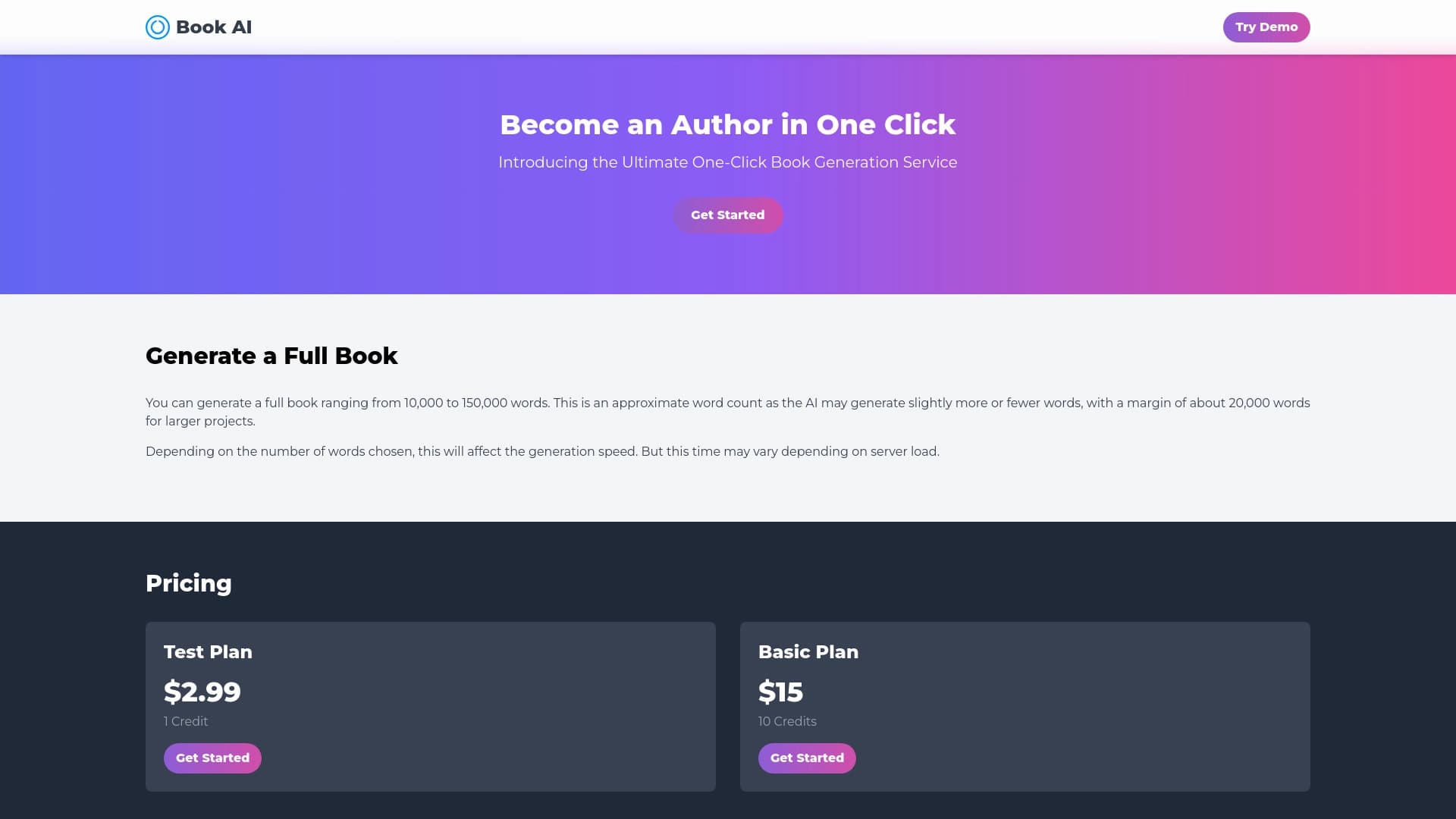

একটি অনুরোধের মাধ্যমে সম্পূর্ণ বই লেখার জন্য অনলাইন সার্ভিস।.
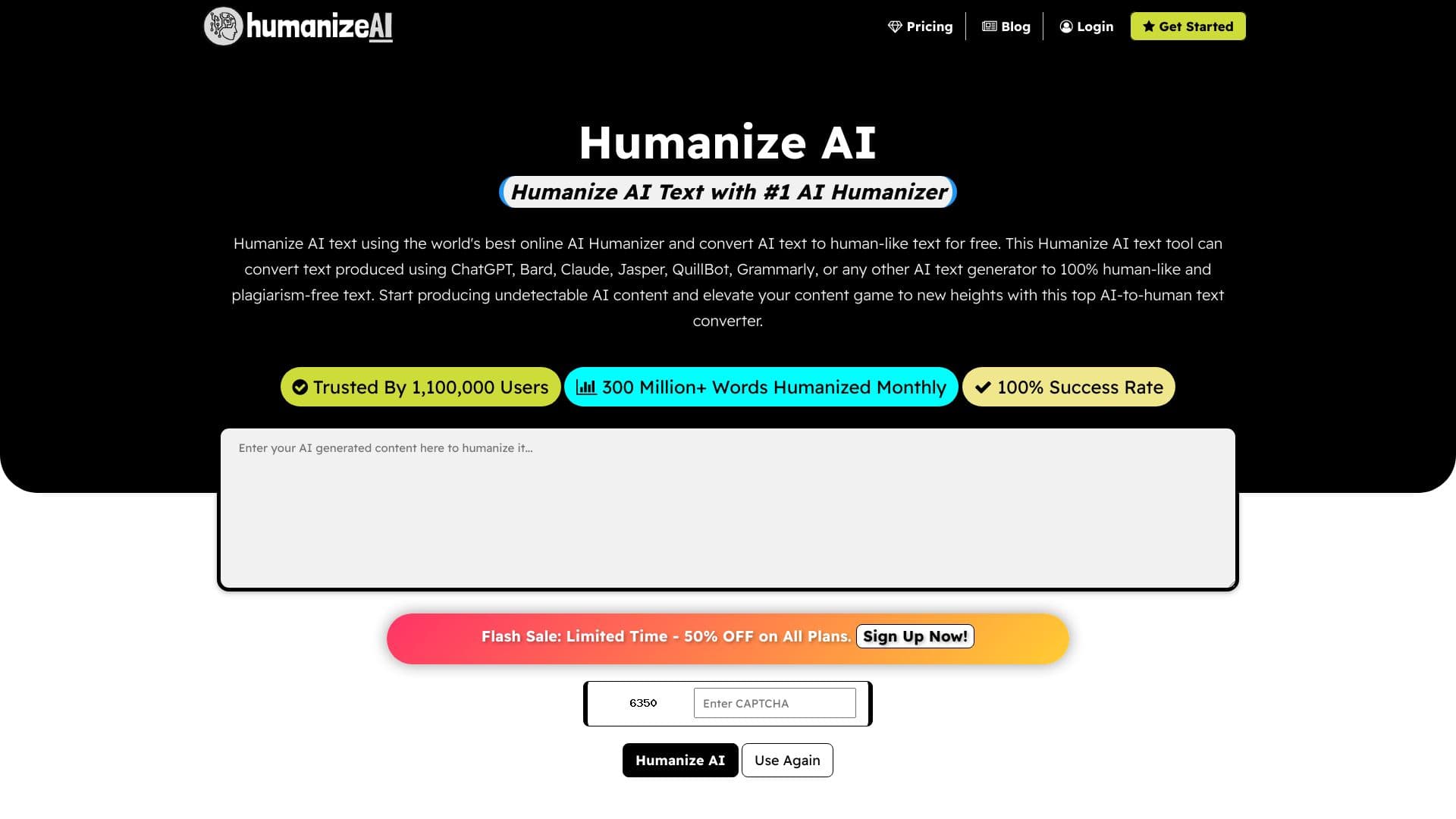

একটি অনলাইন সেবা যা একটি নিউরাল নেটওয়ার্ক দ্বারা তৈরি করা টেক্সটকে আরো প্রাকৃতিক এবং মানুষের মত করে তুলে ধরে।.


SEO-প্লটি বহুভাষী উপাদান তৈরি করার জন্য AI টুল।.

নিয়মিত ব্রাউজার সংক্রান্ত কর্ম সঞ্চালনের জন্য AI এজেন্ট, যেমন ফর্ম পূরণ এবং তথ্য সংগ্রহ করার জন্য।.


ব্যবসা এবং SEO-এর জন্য তৈরি করা ২০০টিরও বেশী তৈরি করা সেট, চ্যাটজিপি, ক্লড এবং গেমিনে সম্ভব।.

ক্রোম এক্সটেনশন যা আপনাকে শিক্ষা খেলায় জয়ী হতে সাহায্য করবে, তা উত্তর এবং উদ্ভাবনের পরামর্শ দিয়ে।.


নিউরাল নেটওয়ার্কের সাথে আলাপ, টেক্সট এবং ছবি তৈরি, অনুবাদ এবং অনুবাদ করার জন্য তৈরি করা হচ্ছে এমন একটি ব্রাউজার।.

Apple ডিভাইসের জন্য AI কি-বোর্ড দ্বারা সংশোধন, অনুবাদ ও প্রতিক্রিয়া নির্মাণের সুবিধা উপলব্ধ করা হয়।.