

AI Web Designer
यह एक AI-आधारित सेवा है जो किसी मौजूदा वेबसाइट के URL से तुरंत उसका नया डिज़ाइन तैयार करती है।
अवलोकन
एआई वेब डिजाइनर तंत्रिका नेटवर्क विवरण
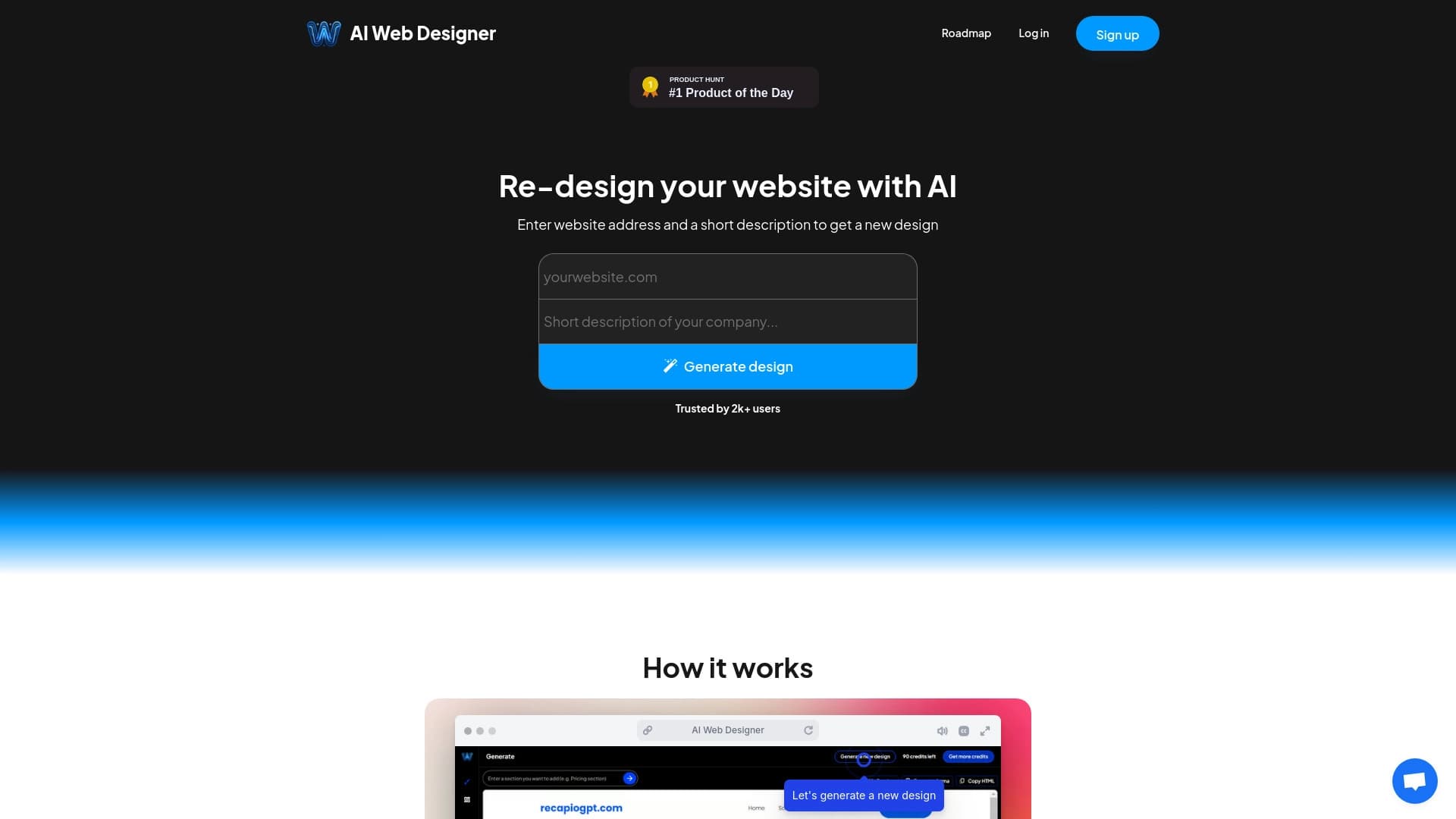
एआई वेब डिजाइनर वेबसाइट फिर से डिजाइन के लिए एक एआई संचालित मंच है। सेवा आपको मौजूदा वेब संसाधन की उपस्थिति को जल्दी से अद्यतन करने की अनुमति देती है: बस पेज यूआरएल में प्रवेश करें, और तंत्रिका नेटवर्क सामग्री का विश्लेषण करेगा और एक वैकल्पिक डिजाइन का सुझाव देगा। परिणामस्वरूप लेआउट को अंतर्निहित संपादक में संपादित किया जा सकता है और फिर एचटीएमएल फ़ाइल में निर्यात किया जाता है या सीधे आगे के काम के लिए फिग्मा में।
उपकरण का मुख्य लक्ष्य किसी वेबसाइट को अद्यतन करने के लिए आवश्यक समय और प्रयास को कम करना है। उपयोगकर्ता को वेब डिज़ाइन या कोड लिखने की जटिलताओं को समझने की आवश्यकता नहीं है: एक नया रूप बनाना सिर्फ सेकंड लेता है। यह सेवा व्यक्तिगत पृष्ठों को अद्यतन करने और एक संसाधन के पूर्ण रूपांतरण के लिए दोनों उपयुक्त है, जबकि इसकी संरचना और सामग्री को संरक्षित करता है।
एआई वेब डिजाइनर सुविधाएँ
| फ़ीचर | मूल्य |
|---|---|
| प्रकार | एआई-powered वेबसाइट फिर से डिजाइन मंच |
| श्रेणियाँ | वेबसाइट निर्माण उपकरण, छवि और फोटो जनरेटर, लोगो पीढ़ी उपकरण, एआई वेबसाइट जनरेटर, पृष्ठभूमि छवि निर्माण उपकरण |
| नि: शुल्क योजना | हाँ (एक परियोजना के लिए कोर सुविधाएँ) |
| मासिक यात्रा | 388.9K |
| डेवलपर | एआई वेब डिजाइनर |
कौन है AI वेब डिजाइनर?
डिजाइन अनुभव के बिना वेबसाइट मालिकों
उपकरण का उद्देश्य उन लोगों पर है जो अपने संसाधन के रूप को ताज़ा करना चाहते हैं लेकिन वेब डिज़ाइन और प्रोग्रामिंग के गहरे ज्ञान की कमी है। पूरी प्रक्रिया - पीढ़ी से निर्यात तक - शुरुआती के लिए भी समझने योग्य है: कोई जटिल सेटिंग्स या मैनुअल कोडिंग की आवश्यकता नहीं है।
एजेंसियां और फ्रीलांसर
सेवा पेशेवरों के लिए सहायक उपकरण के रूप में काम कर सकती है। एजेंसियां और स्वतंत्र विशेषज्ञ ग्राहक परियोजनाओं के लिए नींव के रूप में उत्पन्न लेआउट का उपयोग कर सकते हैं। तंत्रिका नेटवर्क उपयोग को प्रतिबंधित नहीं करता है: उत्पन्न डिजाइन को अपने ब्रांड के तहत बेचा जा सकता है, काम के शुरुआती चरणों में समय बचा सकता है।
एआई वेब डिजाइनर का उपयोग कैसे करें
कार्यप्रवाह अत्यंत सरल है और इसमें तीन चरण होते हैं। सबसे पहले, उपयोगकर्ता वेबसाइट के यूआरएल में प्रवेश करता है जिसका डिज़ाइन अद्यतन करने की आवश्यकता है। इसके बाद तंत्रिका नेटवर्क पृष्ठ संरचना और सामग्री का विश्लेषण करता है और एक नया डिज़ाइन उत्पन्न करता है - यह सिर्फ सेकंड लेता है।
इसके बाद, परिणामस्वरूप लेआउट को परिष्कृत किया जा सकता है। अंतर्निहित संपादक विवरण के लिए त्वरित परिवर्तन की अनुमति देता है: तत्व संरेखण, रंग योजना, लोगो और अन्य घटक। संपादन उपकरण सरल और सहज होने के लिए डिज़ाइन किए गए हैं, इसलिए उपयोगकर्ता अतिरिक्त प्रयास के बिना अपनी शैली में डिजाइन को अनुकूलित कर सकते हैं।
अंतिम चरण निर्यात है। समाप्त लेआउट स्वयं होस्टिंग के लिए एक HTML संस्करण के रूप में डाउनलोड किया जा सकता है। वैकल्पिक रूप से, आप सीधे फिग्मा में काम का निर्यात कर सकते हैं, जहां यह परिष्कृत करने, प्रोटोटाइप बनाने या टीम के साथ सहयोग करने के लिए सुविधाजनक है।
एआई वेब डिजाइनर की मुख्य विशेषताएं
तत्काल फिर से डिजाइन पीढ़ी
सेवा की मुख्य क्षमता सेकंड में एक वेबसाइट की उपस्थिति को फिर से डिजाइन कर रही है। मैन्युअल रूप से एक लेआउट तैयार करने के बजाय, उपयोगकर्ताओं को लगभग तुरंत एक तैयार विकल्प डिजाइन मिलता है।
कुछ क्लिकों में संपादन और निर्यात
उत्पन्न डिजाइन एक अंतिम उत्पाद नहीं है - इसे आपकी आवश्यकताओं के अनुरूप परिष्कृत किया जा सकता है। अंतर्निहित संपादक तत्वों को संशोधित करने के लिए बुनियादी उपकरण प्रदान करता है। एक्सपोर्टिंग परिणाम सीधा है: आप डिजाइन को HTML फ़ाइल के रूप में डाउनलोड कर सकते हैं या आगे उपयोग के लिए Figma को लेआउट स्थानांतरित कर सकते हैं।
परियोजना की जरूरतों के लिए अनुकूलन
एक डिजाइन उत्पन्न करते समय, तंत्रिका नेटवर्क विशेष परियोजना की विशिष्टताओं और आवश्यकताओं को ध्यान में रखता है। यह आपको केवल सार्वभौमिक टेम्पलेट्स के बजाय साइट की विशेषताओं से मेल खाने वाले डिज़ाइन विकल्प प्राप्त करने की अनुमति देता है।
एआई वेब डिजाइनर के लाभ
दृश्य अद्यतन की गति
सेवा का मुख्य लाभ सिर्फ कुछ ही मिनटों में एक नया डिज़ाइन पूरा करने की क्षमता है। यह विशेष रूप से मूल्यवान है जब आपको एक नई दृश्य अवधारणा का शीघ्र परीक्षण करना होगा या तुरंत एक पुराना वेबसाइट अपडेट करना होगा।
शुरुआती के लिए सुलभता
संपादन और निर्यात की सादगी विशेष प्रशिक्षण के बिना लोगों के लिए आकर्षक उपकरण बनाती है। रचना सिद्धांतों या मास्टर कोड संपादकों का अध्ययन करने की कोई आवश्यकता नहीं है - सभी संचालन सहज रूप से स्पष्ट हैं।
निर्यात के माध्यम से लचीलापन
एक लेआउट को फिग्मा में स्थानांतरित करने या HTML संस्करण डाउनलोड करने की क्षमता अतिरिक्त संभावनाओं को खोलती है: अपनी खुद की होस्टिंग पर तैयार पृष्ठ को तैनात करने के लिए एक पेशेवर वातावरण में डिजाइन को परिष्कृत करने से।
एआई वेब डिजाइनर के नुकसान
सीमित रचनात्मक स्वतंत्रता
एल्गोरिथ्म अक्सर टेम्पलेट आधारित समाधान का सुझाव देते हैं। उपयोगकर्ता एक अद्वितीय और अपरंपरागत डिजाइन की उम्मीद कर सकते हैं कि उत्पन्न विकल्प समान दिखते हैं, जिससे परियोजना की व्यक्तित्व को कम किया जा सकता है।
मैनुअल शोधन की आवश्यकता
स्वचालन के बावजूद, अंतिम गुणवत्ता को अक्सर मानव हस्तक्षेप की आवश्यकता होती है। आपको संरेखण को समायोजित करने की आवश्यकता हो सकती है, रंग पैलेट को ठीक-ट्यून करें, या लोगो को प्रतिस्थापित या परिष्कृत करें - चीजें तंत्रिका नेटवर्क हमेशा निर्दोष रूप से संभाल नहीं करता है।
अंतिम लेआउट की समानता
चूंकि सेवा एल्गोरिदम और शैलियों के सीमित सेट का उपयोग करती है, विभिन्न वेबसाइटों के डिजाइन समान दिख सकते हैं। यह प्रतियोगियों से बाहर खड़े होने के लिए प्रयास करने वाले ब्रांडों के लिए एक समस्या हो सकती है।
क्या समस्या है क्या AI वेब डिजाइनर हल?
लाइटनिंग-फास्ट वेबसाइट फिर से डिजाइन
सेवा का प्राथमिक कार्य मौजूदा वेबसाइटों की उपस्थिति को जल्दी से अद्यतन कर रहा है। यह मांग में है जब आपको लंबे विकास चक्र के बिना तुरंत दृश्यों को ताज़ा करने की आवश्यकता होती है।
अन्य प्लेटफार्मों पर लेआउट का आसान हस्तांतरण
उपकरण मौजूदा वर्कफ़्लो में एकीकरण को सरल बनाता है। उत्पन्न डिजाइन को सहयोग और शोधन के लिए फिग्मा को निर्यात किया जा सकता है, या अपने सर्वर पर तैनात करने या डेवलपर्स को सौंपने के लिए HTML कोड के रूप में बचाया जा सकता है।
एआई वेब डिजाइनर मूल्य निर्धारण
सेवा तीन मूल्य निर्धारण योजनाएं प्रदान करती है। The The most of the नि: शुल्क योजना इसमें मुख्य विशेषताएं शामिल हैं और एक परियोजना की अनुमति देता है। The The most of the स्टार्टर योजना लागत 499 प्रति माह - यह एकाधिक परियोजनाओं और बुनियादी क्षमताओं तक पहुंच प्रदान करता है। The The most of the व्यावसायिक योजना प्रति माह 1306 RUB की कीमत है और उन्नत सुविधाओं को अनलॉक करता है, साथ ही प्राथमिकता उपयोगकर्ता समर्थन भी करता है।
एआई वेब डिजाइनर के लिए उपयोग की शर्तें
सेवा उपयोगकर्ताओं को उत्पन्न परिणामों का उपयोग करने की स्वतंत्रता देता है। उत्पन्न लेआउट वाणिज्यिक प्रयोजनों के लिए इस्तेमाल किया जा सकता है: एजेंसियां और फ्रीलांसर तंत्रिका नेटवर्क से प्रतिबंध के बिना अपने ब्रांड के तहत परिणामी डिजाइन बेच सकते हैं। निर्यात के बाद डिजाइन को संपादित करना भी कोई बाधा नहीं है - संपादक उपकरण वांछित शैली में लेआउट के त्वरित बदलाव और अनुकूलन की अनुमति देते हैं।
यह ध्यान रखना महत्वपूर्ण है कि स्वचालन के बावजूद, अंतिम गुणवत्ता को मैनुअल शोधन की आवश्यकता हो सकती है। तैयार डिजाइन को प्रकाशित करने से पहले तत्व संरेखण, रंग और लोगो को सही करने की सलाह दी जाती है।
एआई वेब डिजाइनर उपलब्धता
एआई वेब डिजाइनर ब्राउज़र के माध्यम से सुलभ है, जो इंटरनेट एक्सेस - डेस्कटॉप कंप्यूटर, लैपटॉप और टैबलेट के साथ किसी भी डिवाइस पर उपयोग की अनुमति देता है। सेवा लगातार एक महत्वपूर्ण दर्शकों को आकर्षित करती है: लगभग 388.9K उपयोगकर्ता इसे मासिक रूप से देखते हैं, जो बाजार में उपकरण की मांग को दर्शाता है।
एक मुफ्त योजना की उपलब्धता उन उपयोगकर्ताओं की एक विस्तृत श्रृंखला को सुलभ बनाती है जो प्रारंभिक निवेश के बिना एआई रीडिज़ाइन की कोशिश करना चाहते हैं। मुक्त योजना पर एक परियोजना की सीमा आपको भुगतान योजनाओं में जाने से पहले कार्यक्षमता का मूल्यांकन करने की अनुमति देती है।
कैसे विकल्प से एआई वेब डिजाइनर डिफर्स
बाजार छवि उत्पादन और दृश्य सामग्री कार्य के लिए कई उपकरण प्रदान करता है, जिसमें लियोनार्डो.ई, मिडजर्नी, फ्लक्स.1 और अन्य शामिल हैं। हालांकि, एआई वेब डिजाइनर एक अलग आला पर कब्जा कर लेता है - यह विशेष रूप से खरोंच से छवियों को उत्पन्न करने के बजाय मौजूदा वेबसाइटों को फिर से डिजाइन करने में माहिर है।
सार्वभौमिक तंत्रिका नेटवर्क के विपरीत चित्रण या फोटो बनाने पर ध्यान केंद्रित किया गया, यह सेवा मौजूदा वेब संसाधन का विश्लेषण करती है और संरचना और सामग्री को संरक्षित करते समय वैकल्पिक स्टाइल का सुझाव देती है। एक अन्य अंतरकर्ता Figma और HTML प्रारूप के लिए परिणाम निर्यात करने की क्षमता है, जो इसे केवल एक दृश्य विचार जनरेटर के बजाय वेब विकास के लिए एक व्यावहारिक उपकरण बनाता है।
निष्कर्ष
एआई वेब डिजाइनर डिजाइन या प्रोग्रामिंग के गहरे ज्ञान के बिना वेबसाइटों की उपस्थिति को जल्दी से अद्यतन करने के लिए एक व्यावहारिक उपकरण है। यह मुख्य कार्य को हल करता है - फिर से डिजाइन पर बचत का समय - तैयार किए गए लेआउट की पेशकश करके जिन्हें परिष्कृत और सुविधाजनक प्रारूपों में निर्यात किया जा सकता है। सेवा छोटे वेबसाइट मालिकों के साथ-साथ एजेंसियों और फ्रीलांसरों के लिए नियमित प्रक्रियाओं को गति देने के लिए उपयोगी होगी। हालांकि, यह सीमाओं पर विचार करने लायक है: टेम्पलेट समाधान की ओर एक प्रवृत्ति, परिणाम की संभावित समानता, और मैनुअल शोधन की आवश्यकता। फिर भी, वेबसाइट अद्यतन या वर्कफ़्लो में सहायक उपकरण के लिए एक प्रारंभिक बिंदु के रूप में, एआई वेब डिजाइनर पूरी तरह से अपने उद्देश्य को सही ठहराते हैं।
शुल्क
अक्सर पूछे जाने वाले प्रश्न
यह भी देखें

एआई का उपयोग करके लघु वीडियो में पाठ स्क्रिप्ट का अनुवाद करने के लिए सेवा।.
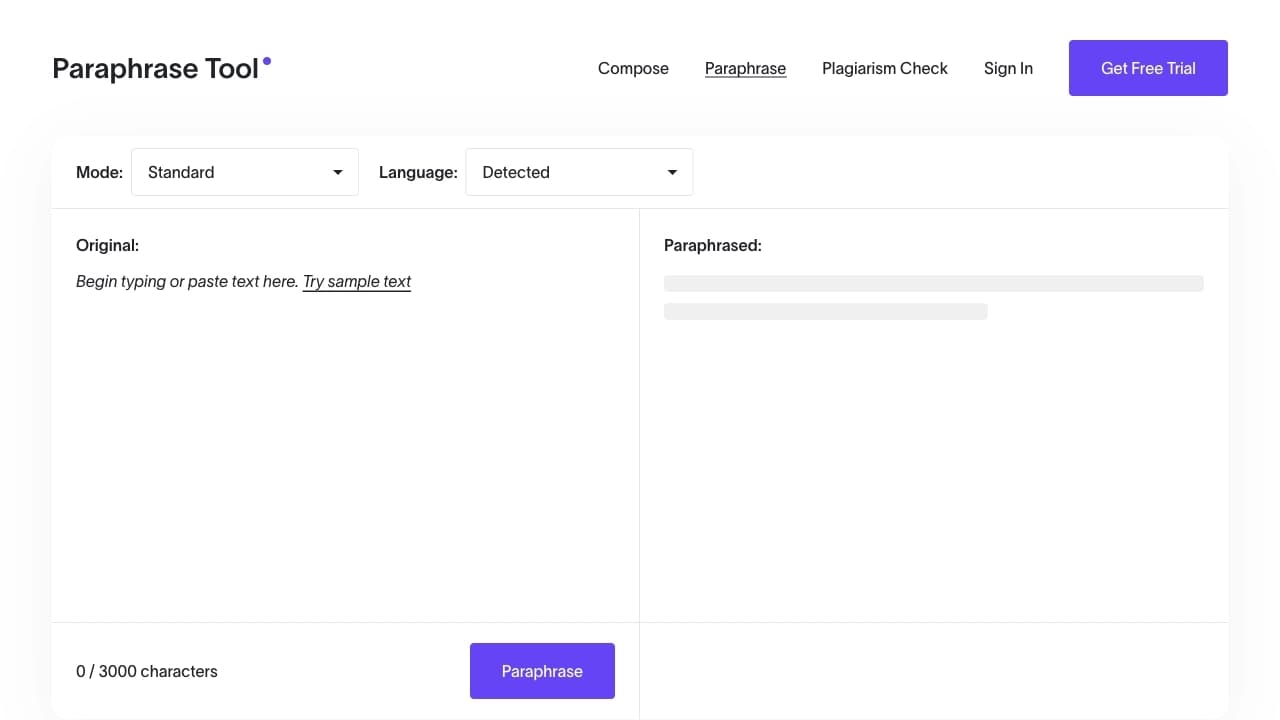

ऑनलाइन AI-आधारित सेवा जो टेक्स्ट को दोबारा लिखने और साहित्यिक चोरी की जाँच के लिए है।
एक AI लोगो जनरेटर जो मिनटों में अद्वितीय विकल्प बनाता है।
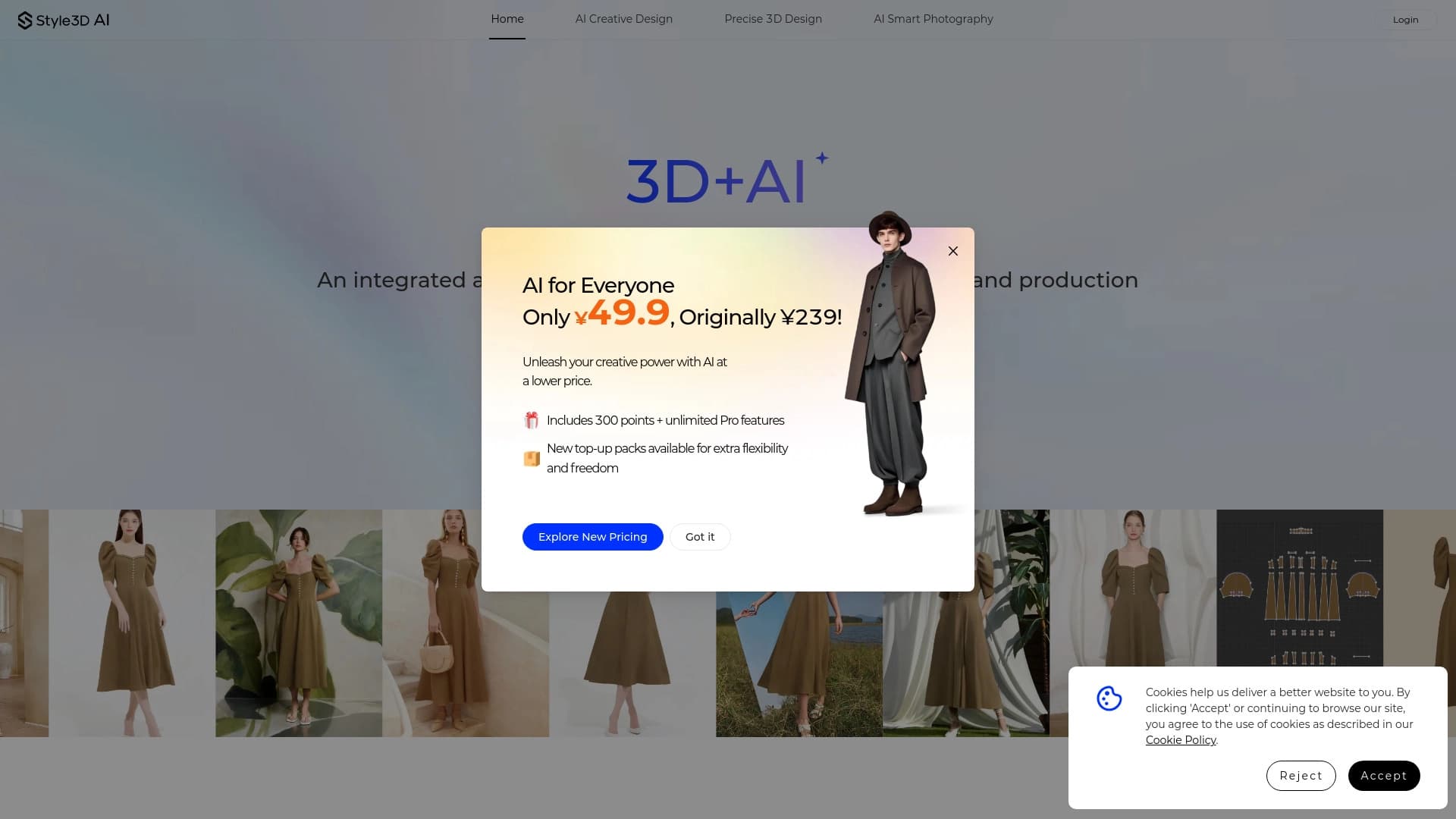

डिजिटल फैशन प्लेटफ़ॉर्म जो 3D कपड़े डिज़ाइन टूल, AI फिटिंग और वर्चुअल फोटोशूट निर्माण को जोड़ता है।
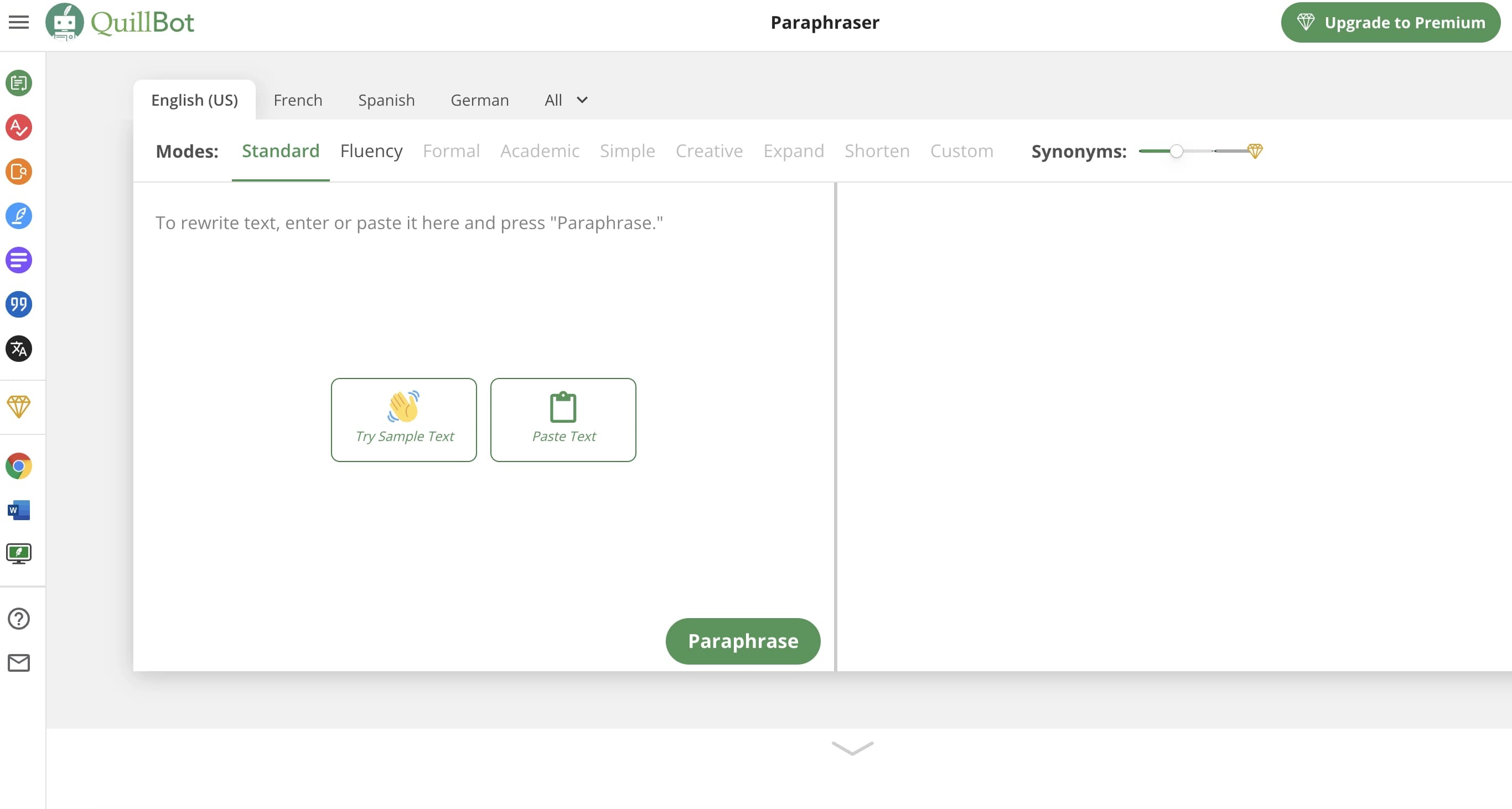
AI-असिस्टेंट जो टेक्स्ट को दोबारा लिखने, व्याकरण जाँचने और सारांशित करने में मदद करता है।

जन्मदिन के निमंत्रण और बधाई संदेश बनाने और अनुकूलित करने के लिए एक ऑनलाइन सेवा, जो कृत्रिम बुद्धिमत्ता का उपयोग करती है।


एआई-सेवा जो वीडियो, छवियों या टेक्स्ट के मूड के अनुसार कानूनी लाइसेंस के साथ स्वचालित रूप से संगीत चुनती है।


पाठ विवरण से छवियों को उत्पन्न करने और आभासी पात्रों के साथ संवाद करने के लिए वेब सेवा।.