
AI Viggle
Serviço para animação de personagens com base em fotos carregadas e um roteiro definido.
Visão geral
AI Viggle Neural Network Descrição
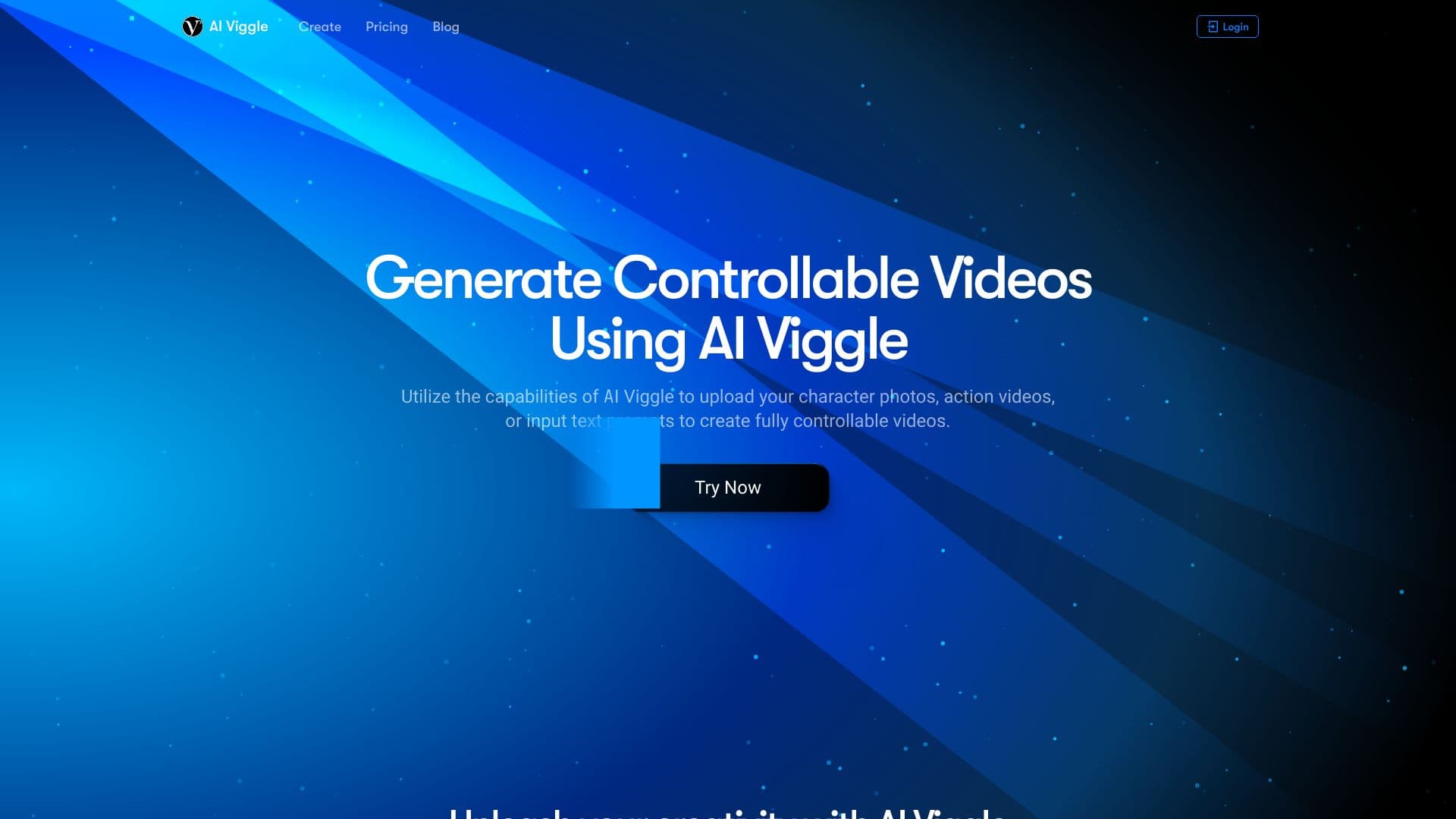
AI Viggle é um serviço online que transforma fotos estáticas e descrições de texto em vídeos animados. Em vez de trabalho complexo de edição de vídeo e captura de movimento, os usuários simplesmente carregam uma imagem de caráter e configuram um cenário de movimento — seja por texto ou uma referência de vídeo pronta. A rede neural independentemente "traz o personagem à vida", fazendo-o realizar as ações desejadas.
A ferramenta é posicionada como uma solução para experimentos criativos rápidos e criação de conteúdo sem profundo conhecimento técnico. Todo o processo acontece no site do desenvolvedor, e a geração de vídeo leva apenas alguns minutos. A IA Viggle opera em um modelo freemium: recursos básicos estão disponíveis gratuitamente, enquanto funções avançadas são desbloqueadas através da assinatura. No entanto, é importante entender que a qualidade do vídeo final depende diretamente da qualidade do material de origem — trabalhar com imagens embaçadas ou de baixo detalhamento pode resultar em artefatos.
Características do Al Viggle
| Característica | Valor |
|---|---|
| Tipo | Ferramentas de imagem para vídeo, geradores de vídeo de IA |
| Plataformas | Sítio Web (interface web) |
| Desenvolvimento | Viggle AI |
| Modelo de distribuição | Freemium (grátis + assinaturas pagas) |
| Disponibilidade de nível livre | Sim — 2 composições, 1 geração, teste gratuito após o registo inicial |
| Modos principais | Modo de mistura (divisão), Modo de animação (animação da descrição) |
| Formatos de entrada | Imagens: JPEG, PNG; Vídeo: MP4, MOV |
| Tempo de geração | Alguns minutos. |
Para quem é Al Viggle?
Usuários criativos e entusiastas
AI Viggle é um ótimo ajuste para aqueles que querem rapidamente trazer um personagem em uma foto para a vida, criar um meme divertido, ou experimentar com animação. A interface simples permite que você domine o básico em alguns minutos, e o nível livre lhe dá a chance de experimentar o serviço sem qualquer investimento.
Criadores e comerciantes de conteúdo
Para criadores de conteúdo executando blogs ou canais de mídia social, a ferramenta pode ser uma maneira de gerar rapidamente clipes animados curtos sem ter que aprender software profissional. Para uso comercial de vídeos, você precisará pagar pelo nível profissional, que desbloqueia a licença correspondente.
Profissionais de Publicidade
A IA Viggle é adequada para criar versões de projetos de materiais de publicidade e visualizar ideias. Com a capacidade de definir movimento via texto e usar referências de vídeo, você pode rapidamente montar um protótipo de vídeo para uma apresentação do cliente ou aprovação interna.
Como usar o Al Viggle?
Processo de criação de vídeo passo a passo
Trabalhar com o serviço segue um algoritmo simples. Primeiro, carregue uma foto de caractere em um formato suportado (JPEG ou PNG). Em seguida, definir o cenário de movimento - isso pode ser feito de duas maneiras: digite uma descrição de texto das ações desejadas ou faça upload de uma referência de vídeo que define a dinâmica. Depois disso, a rede neural processa os dados de entrada e monta o vídeo final.
Modos de Trabalho
A ferramenta oferece dois modos principais. Modo de Mistura permite combinar o seu personagem com outro vídeo — o personagem irá imitar os movimentos do clipe selecionado. Animar o Modo trabalha a partir de uma descrição de texto: você escreve o que o caractere deve fazer , e a rede neural gera animação baseada em Essa instrução. A escolha do modo depende da tarefa e do tipo de material de origem.
Principais características da IA Viggle
Dois Modos de Geração Coreal
Como mencionado, o serviço oferece Mix Mode para misturar um personagem com um vídeo pronto e Animate Mode para animação de um script de texto. Isso permite uma abordagem flexível para a criação de conteúdo — de simplesmente transplantar um personagem para outro clipe para movimentos de encenação totalmente via texto.
Trabalhar com Materiais de Origem
AI Viggle suporta o upload de suas próprias imagens (JPEG, PNG) e arquivos de vídeo (MP4, MOV) como referências de movimento. Isso significa que você não está limitado a modelos embutidos e pode usar quaisquer materiais que considere adequados para sua tarefa.
Geração baseada em texto
Uma característica chave do serviço é a capacidade de controlar animação sem uma referência visual. Basta descrever as ações do personagem em palavras, e a rede neural interpretará a solicitação e criará o vídeo correspondente. Isso abre possibilidades criativas, embora a qualidade do resultado vai depender de como precisa sua redação é.
Vantagens do IA Viggle
Flexibilidade na Escolha do Caracter e Cenário
Ao contrário de muitos serviços baseados em modelos, o AI Viggle permite que você escolha seu próprio personagem enviando suas próprias imagens. Você também pode definir ações através de texto ou através de uma referência de vídeo, dando-lhe mais controle sobre o resultado final.
Fácil de aprender e usar
A interface de serviço é intuitiva e não requer habilidades especiais. De acordo com os desenvolvedores, você pode dominar as funções básicas em alguns minutos, e o próprio processo de geração leva relativamente pouco tempo.
Qualidade sólida com material de boa fonte
Ao usar fotos de alta qualidade e referências claras, o IA Viggle oferece visuais de alta qualidade e animação suave. Para as ferramentas desta classe, esta é uma vantagem importante, especialmente no segmento livre.
Al Viggle Desvantagens
Dependência da qualidade do material de origem
A principal desvantagem é que o resultado depende fortemente dos dados de entrada. Usando imagens embaçadas, de baixo detalhe ou mal cortadas pode levar a artefatos e manchas no vídeo final. Isso limita o uso da ferramenta com fotos não profissionais.
Controle limitado sobre as configurações
A funcionalidade do serviço é largamente limitada a modelos e parâmetros básicos. Os usuários não obtêm controle de animação fino, o que pode não se adequar àqueles que precisam de controle detalhado sobre cada aspecto do movimento.
Exigir recursos de dispositivos
A IA Viggle pode defasar no processamento de vídeos grandes, especialmente em computadores com hardware mais fraco. Trabalho confortável com grandes projetos requer uma máquina bastante poderosa.
Que problemas a IA Viggle resolve?
Criando vídeos controláveis de fotos e texto
O principal objetivo do serviço é dar aos usuários a capacidade de criar vídeos totalmente controláveis a partir de uma combinação de fotos, vídeos e pedidos de texto. Isto abrange uma vasta gama de cenários — do entretenimento ao marketing.
Prototipagem rápida de ideias
Graças à geração rápida, o IA Viggle é conveniente para testar rapidamente conceitos criativos. Em vez de gastar horas em animação frame-by-frame em programas profissionais, você pode obter uma versão rascunho de um vídeo em minutos e avaliar sua viabilidade.
Trazer personagens à vida sem habilidades especiais
O serviço resolve o problema da alta barreira à entrada em animação. Para dar vida a um personagem, os usuários não precisam aprender modelagem 3D ou software de edição de vídeo — basta carregar uma imagem e descrever o cenário.
AI Viggle Prices
Nível Livre
Após o registro inicial, os usuários recebem uma versão de avaliação gratuita. O nível livre inclui um número limitado de operações: 2 composições e 1 geração. Isso é suficiente para uma primeira olhada no serviço e avaliação da qualidade de sua saída.
Nível Básico
O nível básico custa 1490 rublos por mês. A assinatura inclui 300 créditos, vídeo gerado de alta qualidade, velocidade de processamento mais rápida e capacidade de baixar vídeos acabados.
Nível profissional
O nível profissional custa 2990 rublos por mês. Ele fornece uso ilimitado do serviço por um ano, qualidade máxima de vídeo e velocidade de geração, downloads de arquivos, uma licença comercial e um conjunto expandido de parâmetros de personalização.
Termos de Uso do Al Viggle
Para usar vídeos gerados para fins comerciais, você precisa se inscrever no nível profissional. Este plano inclui uma licença comercial que permite legalmente usar o conteúdo criado em publicidade ou outros projetos comerciais. Os níveis livres e básicos não se destinam a tais cenários.
As limitações funcionais também são regidas pelo plano de assinatura: o preço de assinatura afeta diretamente o número de gerações disponíveis, a velocidade de processamento, a qualidade final do vídeo e o grau de controle sobre as configurações. Os usuários que precisam de controle de animação de grãos finos devem considerar o nível profissional, que oferece mais parâmetros.
Disponibilidade do AI Viggle
A IA Viggle está disponível como um serviço web que passa pelo site do desenvolvedor. Não é necessária nenhuma instalação adicional de software — apenas um navegador moderno e uma conexão estável à internet. No entanto, tenha em mente que o processamento de vídeos grandes pode exigir um computador poderoso, como hardware mais fraco pode causar lag e desacelerações.
Como a IA Viggle difere das alternativas
A principal diferença entre a IA Viggle e seus concorrentes é a combinação de facilidade de uso e flexibilidade na escolha de materiais de origem. Os usuários podem carregar qualquer foto e definir movimento, seja via texto ou um vídeo pronto, permitindo um resultado personalizado. Muitas alternativas (como Kling AI, Hailuo ou Pika Labs) oferecem características semelhantes, mas muitas vezes têm uma interface mais complexa ou requerem o uso de modelos de caracteres proprietários.
O modelo de distribuição de freemium também merece destaque: o acesso livre com limitações atrai iniciantes, enquanto os níveis pagos visam casos de uso mais profissionais. Ao mesmo tempo, o IA Viggle fica para trás de algumas alternativas em termos de configurações de granularidade — por exemplo, Sora ou Google VEO podem oferecer um controle mais fino sobre parâmetros de animação, mas geralmente são menos acessíveis ao usuário médio.
Conclusão
AI Viggle é uma ferramenta prática para criar rapidamente vídeos animados de fotos e descrições de texto. Ele ganha você com sua facilidade de aprendizagem, flexibilidade na escolha de materiais de origem e uma barreira de entrada baixa graças ao nível livre. O serviço é um grande ajudante para experiências criativas, prototipagem de vídeos de anúncios e visualização rápida de ideias. No entanto, tenha em mente que a qualidade do resultado depende dos materiais de origem e que as opções de personalização são limitadas. Para fins ocasionais de uso e entretenimento, a ferramenta é excelente, mas para tarefas comerciais sérias, uma solução mais poderosa e flexível pode ser necessária.
Tarifas
Perguntas mais frequentes
Consulte também


Plataforma com inteligência artificial para suporte ao usuário em aplicativos, incluindo chatbot e sistema de tickets.


Serviço online baseado em IA para criar apresentações rapidamente a partir de um tema definido ou de um documento carregado.


Rede neural para geração de artigos otimizados para SEO e automação de gerenciamento de blogs.

Assistente de IA para automatizar tarefas do varejo e otimizar o trabalho de call centers.


BannsAi — serviço com uso de IA para criação rápida de banners publicitários a partir de descrição textual ou referência.


Aimi é um serviço que cria automaticamente música e narração para vídeos, analisando as imagens.


Gerador de imagens de anime por IA a partir de descrição textual, com seleção de modelo.
AIJOURNEY é um catálogo e plataforma de busca para selecionar ferramentas de IA, atualizada diariamente.