

AI Video Generator - Chrome Extension
Ampliación de Chrome que convierte texto, imágenes, o enlaces en vídeos usando múltiples modelos AI.
Examen
AI Video Generator es una extensión del navegador Chrome que automatiza el proceso de crear contenido de vídeo. En lugar de editar manualmente clips, recopilar imágenes de stock o grabar vídeos, el usuario simplemente entra en texto, proporciona un enlace a un artículo, un post de redes sociales o una presentación. La red neuronal analiza independientemente el material, selecciona visuales y animación, los sincroniza con el texto, y luego genera un vídeo terminado en cuestión de minutos.
La herramienta opera en varios modelos de inteligencia artificial, incluyendo Google Veo3 y Runway Gen-4. Esto permite a los usuarios probar diferentes motores de generación sin necesidad de registrarse para cada servicio por separado. La extensión se posiciona como una solución para la creación de contenidos rápidos que elimina la drudgery de edición y la necesidad de equipo profesional. Sin embargo, el resultado final a menudo se ve plantillado y puede requerir refinamiento manual si se necesita un vídeo único o cargado emocionalmente.
Características del Generador de Video AI - Ampliación de Chrome
| Características | Valor |
|---|---|
| Tipo | Chrome extensión del navegador |
| Desarrollador | AI Video Generator Solutions |
| Categorías | Escritor asistentes, subtítulos y generadores de subtítulos, generadores de contenido de texto, generadores de avatar AI, generadores de texto a vídeo, generadores de contenido de vídeo generados por el usuario, generadores de vídeo AI |
| Visitas mensuales | 388,9K |
| Tigre libre | Sí (acceso limitado, marca de agua) |
| Costo básico | 9 dólares mensuales |
| Costo de nivel superior | 15 dólares mensuales |
| Modelo de distribución | Freemium |
¿Quién es el Generador de Video de AI - Ampliación de Chrome para?
Especialistas en marketing y promoción
La herramienta permite la rápida creación de videos promocionales para productos, servicios o campañas sin necesidad de contactar con un estudio de producción. Un vendedor puede generar un borrador de vídeo para probar hipótesis o para publicar en redes sociales dentro de plazos estrictos.
Creadoras de cursos en línea y materiales educativos
Los educadores y los autores del curso pueden convertir conferencias, artículos o presentaciones en formato de vídeo. Esto es conveniente para aquellos que quieren diversificar sus materiales de aprendizaje pero no tienen experiencia en edición de vídeo o grabación de pantalla.
Empresarios y especialistas en comercio electrónico
Los propietarios de tiendas en línea pueden convertir rápidamente tarjetas de producto y descripciones en videos de publicidad cortos. La herramienta también es adecuada para crear instrucciones de uso del producto visual o para diseñar secciones "How to Buy" o "Shipping".
Cómo utilizar AI Video Generator - Chrome Extension?
lanzamiento sencillo a través del mensaje de texto
No necesita entender las interfaces de editor de vídeo. Simplemente introduzca una descripción de texto de lo que debe suceder en el video en el campo dedicado de la extensión. Cuanto más claro sea el impulso, más precisa será la red neuronal seleccionar las imágenes y generar el vídeo.
Generación de un enlace de contenido
La extensión puede analizar el contenido de un enlace. Puedes pegar la URL de tu blog, publicación de redes sociales o presentación en línea, y el algoritmo extraerá puntos clave y los convertirá en un script de vídeo. Después de eso, simplemente haga clic en el botón generar y espere el resultado.
Características clave del generador de vídeo AI - Ampliación de Chrome
- Generación de vídeo de texto o enlace de contenido. Permite crear vídeos basados en una descripción arbitraria o una URL lista.
- Selección automática de imágenes y animación. La red neuronal encuentra elementos visuales que coinciden con el significado del texto, ahorrándole de buscar archivos de stock.
- Sincronización de visuales con texto. Imágenes y animaciones cambian de sincronización con la narrativa, creando la ilusión de una historia cohesiva.
- Creación de vídeo sin cámara, micrófono o actores. Todo el proceso ocurre en el navegador con potencia de computación AI.
- Apoyo a diversos escenarios. La herramienta es adecuada para crear vídeos de marketing, contenido educativo, instrucciones y presentaciones.
Ventajas del Generador de Video de AI - Ampliación de Chrome
Economías
Los vídeos se generan en 5-10 minutos, lo que es significativamente más rápido que la edición manual, la búsqueda de materiales de stock y la grabación de voz. Esto es especialmente valioso cuando usted necesita producir contenido de forma regular.
Accesibilidad para principiantes
La interfaz de la extensión es intuitiva. Usted no necesita experiencia con el software profesional de edición de vídeo o conocimiento de los fundamentos de la escritura — sólo tiene que ser capaz de articular sus pensamientos en texto.
No se necesita equipo caro
Crear contenido no requiere una cámara profesional, iluminación de estudio o micrófonos caros. Un ordenador con el navegador Chrome y una conexión estable a Internet es suficiente.
Desventajas de Generador de Video de AI - Ampliación de Chrome
Resultados ajustados
Los vídeos creados por la red neuronal suelen verse iguales. El algoritmo carece de la capacidad de transmitir emociones sutiles, las dinámicas de escenas complejas, o implementar opciones de dirección no convencionales. Si necesitas un estilo único, tendrás que hacer ediciones manuales.
Dependencia en calidad de conexión a Internet
La herramienta funciona exclusivamente en línea. Con una conexión inestable o lenta, la velocidad de generación puede caer significativamente, y algunas características pueden ser indisponibles.
Limitaciones en la aplicación de ideas no estándar
Si su script va más allá de las plantillas estándar y requiere metáforas visuales no convencionales o transiciones complejas, la automatización puede no hacer frente. Tendrás que usar herramientas adicionales o refinar el vídeo manualmente.
¿Qué tareas hace AI Video Generator - Chrome Extension resolver?
La herramienta resuelve principalmente las siguientes tareas:
- Crear contenido de vídeo sin equipo especial o habilidades de edición. La extensión es adecuada para aquellos que nunca han trabajado con editores de vídeo pero necesitan producir videos regularmente.
- Visualización rápida de materiales de texto. Blogs, artículos, instrucciones y presentaciones se pueden convertir rápidamente en formato de vídeo para publicar en YouTube, redes sociales o portales corporativos.
- Automatizar la rutina de subtítulos y visualización. La red neuronal genera subtítulos y selecciona imágenes en sí misma, ahorrando tiempo en estas operaciones.
- Convertir contenido en formato de vídeo para el comercio electrónico y presentaciones. Tarjetas de producto, descripciones de productos y diapositivas de presentación se convierten en vídeos de promo sin la participación de un diseñador.
Precios para Generador de Video de AI - Chrome Extension
La extensión opera en un modelo de freemium, ofreciendo varios planes de precios:
- Tier libre. Proporciona acceso limitado a las características. Los videos terminados contienen una marca de agua y las opciones de exportación están restringidas.
- Tier básico. Coste 9 dólares al mes. Desbloquea el acceso a la mayoría de las características del generador, incluye la generación de vídeo de alta calidad y elimina la marca de agua.
- Tier Premium. Costos $ 15 por mes. Incluye acceso completo a todas las características, soporte al usuario prioritario y opciones de exportación ampliadas para archivos terminados.
Términos de uso para Generador de Video AI - Ampliación de Chrome
Para utilizar la extensión, necesita instalarla en la Chrome Web Store. La herramienta requiere una conexión estable a Internet, como todos los cálculos y procesamiento de datos se realizan en servidores remotos. El registro puede ser necesario para crear una cuenta y utilizar planes pagados. La extensión es compatible sólo con Google Chrome u otros navegadores basados en cromo (por ejemplo, Microsoft Edge o Opera).
Disponibilidad de Generador de Video de AI - Ampliación de Chrome
La extensión está disponible para su descarga en el catálogo oficial de extensión Chrome Web Store. La instalación tarda unos segundos y no requiere conocimiento técnico profundo. Después de agregar la extensión a su navegador, el icono aparecerá en la barra de herramientas, y usted puede comenzar a crear videos justo después de configurar un plan o elegir el nivel libre.
¿Cómo es AI Video Generator - Chrome Extensión diferente de las alternativas?
La principal diferencia entre esta extensión y herramientas como Leonardo.ai, Midjourney, o DALL-E 3 se encuentra en su formato de trabajo. La mayoría de estas alternativas se especializan en generar imágenes estáticas o tienen funcionalidad limitada para la creación de vídeo. AI Video Generator se centra inicialmente en crear contenido de vídeo del texto, combinando las funciones de un generador de imagen, animador y editor en una sola extensión.
Además, la herramienta proporciona acceso a varios potentes modelos de vídeo a la vez, incluyendo Google Veo3 y Runway Gen-4, sin la necesidad de comprar una suscripción para cada servicio por separado. La ventaja clave de la extensión sobre productos similares es su plena integración en el navegador, lo que le permite crear rápidamente videos directamente desde una pestaña con un artículo de texto o presentación.
Conclusión
AI Video Generator es una extensión práctica de Chrome que resuelve el problema de crear rápidamente contenido de vídeo básico sin equipo especial o habilidades de edición. La herramienta será útil para los marketers, educadores, emprendedores y cualquier persona que necesite convertir el texto regularmente en vídeo. Sus principales fortalezas son la velocidad, una interfaz sencilla y el acceso a múltiples modelos AI simultáneamente. Sin embargo, la naturaleza modelada de los resultados y la necesidad de refinación manual para tareas no estándar significa que esta herramienta se utiliza mejor para el borrador de vídeos o contenidos que no requieren alta expresión artística.
Preguntas frecuentes
Vea también


Servicio basado en AI para la generación automática de contenido de texto en varios formatos.


Una plataforma para chatear con caracteres AI virtuales que puedes crear y personalizar para adaptarse a ti mismo.


Asistente de escritorio AI para macOS, Windows y Linux que lanza a través de hotkey sobre todas las ventanas y combina múltiples modelos de lenguaje en una interfaz.


Una plataforma para chatear con personajes de IA virtuales con generación de imágenes durante la conversación.
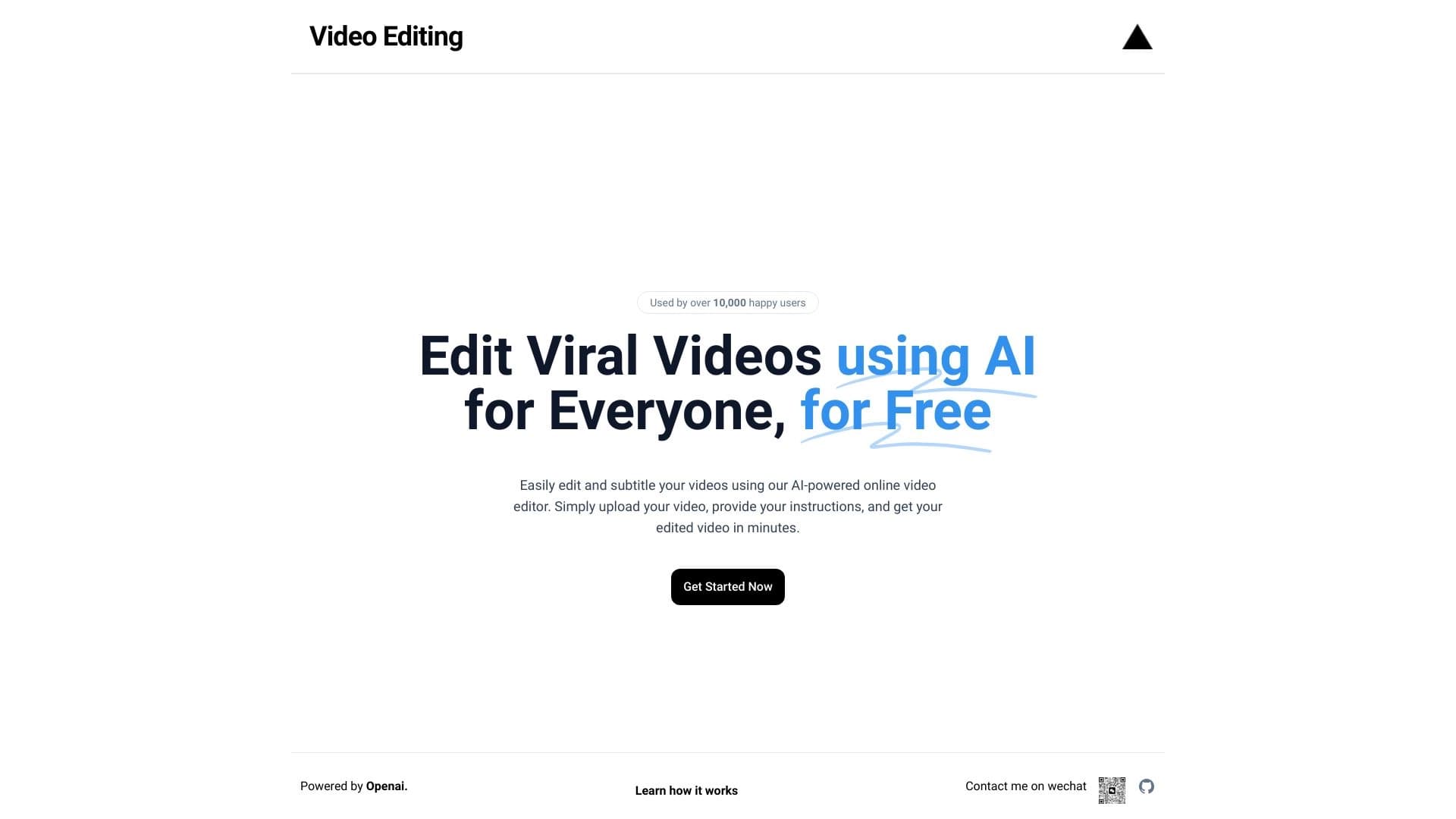
Editor de vídeo con subtítulos automáticos en 50+ idiomas y traducción de contenidos.


Servicio AI para seleccionar automáticamente la música para que coincida con el estado de ánimo de vídeos, imágenes o texto, con licencias legales.


Plataforma basada en AI para crear logos e identidad de marca.


Red neuronal que genera imágenes e ilustraciones basadas en una descripción de texto.