

AI VC
AI VC adalah alat web untuk memproses perintah suara yang mempercepat pengumpulan umpan balik dan diskusi istilah untuk bisnis dan investor.

Tinjau
Deskripsi Jaringan Neural AI VC
Pemrosesan AI VC Pitch adalah alat web yang dirancang untuk memproses perintah suara. Tujuan utamanya adalah untuk mempercepat komunikasi antara bisnis, startup, dan investor. Alih-alih masukan teks tradisional, pengguna dapat memberikan perintah dengan suara, dan sistem mengubahnya menjadi data terstruktur untuk pekerjaan lebih lanjut.
Kasus penggunaan utama adalah mengumpulkan umpan balik dan mendiskusikan istilah kolaborasi. Alat ini mengurangi waktu yang dihabiskan untuk operasi rutin, memungkinkan peserta negosiasi untuk fokus pada bagian konvertif. Berkat kecepatan responnya yang tinggi (hanya 1,67 detik), AI VC menciptakan efek dari dialog langsung, yang terutama penting selama presentasi dan sesi pitch.
Solusinya bekerja sebagai aplikasi web penuh dan tidak memerlukan instalasi perangkat lunak tambahan - cukup buka peramban pada perangkat apapun. Hal ini membuat alat dapat diakses oleh tim yang bekerja dari jarak jauh atau saat pergi.
Fitur AI VC
| Fitur | Nilai |
|---|---|
| Tipe | Alat AI untuk pemrosesan perintah suara |
| Kategori | Bisnis, Asisten AI, Universal |
| Platform | Web (peramban) |
| Waktu respon | 1,67 detik |
| Rating editorial | 8,9 dari 10 |
| Rating pengguna | 4,6 dari 5 |
Untuk siapa Al VC cocok?
Pendiri awal
Pendiri awal menggunakan AI VC untuk menguji ide-ide mereka pada pelanggan dan mitra potensial. Format suara memungkinkan menangkap reaksi spontan dan komentar yang sering hilang dalam survei tertulis. Hal ini membantu iterasi produk lebih cepat dan menyesuaikan strategi sebelum memasuki pasar.
Investor
Bagi para investor, alat ini sangat berharga untuk mendapatkan jawaban dengan cepat untuk mengklarifikasi pertanyaan dan mendiskusikan persyaratan kesepakatan tanpa korespondensi panjang. AI VC membantu permintaan masuk struktur dari startup dan proyek menjanjikan terpisah dari proposal yang kurang maju.
Perwakilan bisnis
Manajer perusahaan dan eksekutif menggunakan asisten suara untuk pertemuan internal, menyesuaikan syarat, dan mengumpulkan pendapat karyawan. Alat ini juga cocok untuk menyelaraskan dengan kontraktor dan mitra ketika keselarasan cepat pada masalah tertentu diperlukan.
Bagaimana menggunakan AI VC?
Memulai
Untuk mulai bekerja dengan AI VC, cukup pergi ke situs web layanan melalui browser. Pendaftaran dan setup area kerja tidak memerlukan keterampilan teknis khusus. Antarmuka intuitif, sehingga perintah pertama dapat diberikan segera setelah log masuk.
Memformat perintah
Untuk mendapatkan jawaban yang benar, penting untuk merumuskan perintah suara dengan jelas dan spesifik. Sebagai contoh, Anda dapat mengajukan pertanyaan tentang istilah kesepakatan atau meminta ringkasan dari tanggapan yang diterima. Sistem memproses permintaan dan mengembalikan respon terstruktur dalam waktu 1.67 detik, yang memungkinkan dialog dinamis.
Integrasi ke arus kerja
Alat ini dirancang untuk digunakan individu dan tim. Hal ini dapat digunakan selama pertemuan online, presentasi, dan negosiasi. Format web menjamin mobilitas: asisten dapat diakses dari perangkat apapun dengan peramban dan mikrofon.
Fitur AI VC Kunci
Pemrosesan perintah suara cepat
Pemrosesan permintaan Real- time adalah fitur kunci dari AI VC. Pengguna tidak membuang-buang waktu mengetik tapi mendapatkan reaksi sistem instan untuk perintah suara. Hal ini sangat berharga dalam situasi di mana kecepatan respon mempengaruhi jalannya negosiasi.
Koleksi Feedback
Alat ini memungkinkan dengan cepat mengumpulkan pendapat peserta tentang produk, presentasi, atau proposal. Sistem struktur respon yang diterima, menyederhanakan analisis mereka dan keputusan-membuat berdasarkan hasil diskusi.
Membahas istilah
AI VC mendukung format percakapan di mana pihak dapat mengklarifikasi rincian kolaborasi, mengajukan pertanyaan, dan menerima penjelasan instan. Ini mempercepat resolusi dari isu-isu perdebatan dan mengurangi jumlah iterasi dalam proses negosiasi.
Optimisasi proses presentasi
Untuk perusahaan yang secara teratur memegang pitches, alat ini menjadi alat tambahan untuk mengelola presentasi. AI VC membantu menjaga kecepatan pidato dengan langsung menjawab pertanyaan penonton dan memberikan pembicara lebih banyak waktu untuk inti laporan.
Kemajuan AI VC
- Kecepatan pemrosesan tinggi - respon dalam 1.67 detik membuat interaksi hampir mulus dan membawa lebih dekat untuk komunikasi hidup.
- Versatilitas penggunaan - Alat ini sama efektifnya bagi bisnis, startup, dan investor, beradaptasi dengan berbagai skenario komunikasi.
- Akses Web Tidak ada instalasi perangkat lunak yang menghemat waktu dan sumber daya dan menyederhanakan penggunaan skala di seluruh tim.
- Umpan balik pengguna positif - Peringkat 4,6 dari 5 dan skor editorial 8,9 dari 10 mengkonfirmasi kualitas dari implementasi layanan.
Penyesalan AI VC
Faktor pembatasan utama adalah ketidakpastian model distribusi layanan, dengan istilah akses akhir subjek untuk berubah. Tidak ada kekurangan signifikan lainnya telah direkam dalam sumber informasi yang tersedia tentang layanan.
Tugas apa yang diselesaikan AI VC?
- Mempercepat umpan balik - mengurangi waktu antara menerima respon dan memprosesnya melalui masukan suara.
- Mengoptimalkan negosiasi - kemampuan untuk mendiskusikan dan menyelaraskan istilah tanpa diskusi teks panjang.
- Meningkatkan efektivitas presentasi - jawaban instan untuk pertanyaan membantu memperhatikan perhatian penonton dan menjaga aliran pidato.
- Otomatis komunikasi rutin - perintah suara mengganti pesan template mengetik, membebaskan waktu untuk pekerjaan substantif.
Harga AI VC
Informasi resmi tentang harga dan tingkat AI VC rencana tidak diterbitkan dalam sumber terbuka. Model distribusi tidak diketahui. Untuk up- to-date informasi atas biaya dan rencana langganan yang tersedia, disarankan untuk menghubungi situs web resmi pengembang atau dukungan layanan tim secara langsung. Di sana Anda dapat mengklarifikasi istilah penggunaan, mungkin diskon untuk startup, dan pilihan lisensi perusahaan.
Terminal Penggunaan AI VC
Istilah penggunaan rinci untuk AI VC saat ini tidak diungkapkan. Diketahui bahwa layanan bekerja sebagai aplikasi web, berarti koneksi internet yang stabil dan perangkat dengan mikrofon diperlukan untuk digunakan. Karena model distribusi alat tidak didefinisikan, pengguna potensial harus hati-hati meninjau syarat-syarat pada situs web layanan sebelum mulai memastikan tidak ada pembatasan atau persyaratan yang tak terduga.
Kesediaan AI VC
AI VC tersedia secara eksklusif melalui web browser. Ini menjamin kompatibilitas antar-platform: layanan dapat digunakan pada komputer yang menjalankan Windows, MacOS, atau Linux, serta pada tablet dan smartphone dengan browsers modern. Arsitektur aplikasi web memungkinkan mulai bekerja tanpa memasang perangkat lunak tambahan.
Bagaimana AI VC berbeda dari alternatif
Perbedaan kunci antara AI VC dan produk serupa adalah penekanan pada kecepatan pemrosesan perintah suara. 1.67-detik metrik set alat selain pesaing, yang waktu respon mungkin lebih panjang. Tanggung jawab tersebut sangat penting untuk skenario diskusi langsung dimana penundaan mengganggu dinamika percakapan.
Tidak seperti asisten AI universal, AI VC pada awalnya berfokus pada komunikasi bisnis: mengumpulkan umpan balik dan menyelaraskan istilah. Hal ini berfokus pada antarmuka khusus pada tugas-tugas negosiasi, yang lebih nyaman bagi penonton target.
Di antara alternatif terdekat adalah Syntera, MP Manager, Umka AI, dan Sniper Search. Layanan-layanan ini juga beroperasi di bidang komunikasi bisnis dan bantuan AI, namun tidak satupun dari mereka mengklaim waktu respon rendah. Namun, harus dicatat bahwa pilihan antara AI VC dan kompetitor sebagian besar tergantung pada tugas-tugas tertentu dan preferensi dari tim tertentu.
Kesimpulan
Al VC Pitch Processing adalah alat modern untuk komunikasi bisnis yang mengubah diskusi istilah dan koleksi umpan balik menjadi bentuk suara. Proses perintah instan (1.67 detik) membuat bekerja dengan layanan cepat dan nyaman, yang sangat penting bagi startup dan investor. Its web-berbasis alam memastikan sebuah penggunaan awal dan fleksibel mudah, sedangkan ulasan pengguna positif mengkonfirmasi nilai praktis dari solusi.
Bagi mereka yang mencari alat yang mempercepat proses negosiasi dan presentasi, AI VC akan menjadi asisten yang berguna. Sebelum mulai menggunakannya, disarankan untuk memeriksa istilah akses saat ini pada situs web resmi layanan.
Pertanyaan yang sering ditanyakan
Lihat juga


Layanan AI untuk perencanaan makanan, pembuatan resep, dan pembuatan daftar makanan otomatis.

Sebuah layanan penciptaan presentasi yang menggunakan beberapa agen AI untuk pengumpulan informasi, desain, dan analisis data.


Agen AI untuk membantu pemrograman dan mengoptimalkan alur kerja pembangunan.

Platform AI untuk sintesis suara dan kloning yang mengubah teks menjadi pidato realistis.

AllChat adalah platform universal yang menggabungkan beberapa model bahasa populer dalam satu antarmuka tunggal untuk komunikasi, generasi gambar, analisa berkas, dan eksekusi kode.


Desktop Al asisten untuk MacOS, Windows, dan Linux yang meluncurkan melalui hotkey di atas semua jendela dan menggabungkan beberapa model bahasa dalam satu antarmuka.


Krom ekstensi yang membantu mengelola tab, sejarah, dan penanda dengan asisten AI.
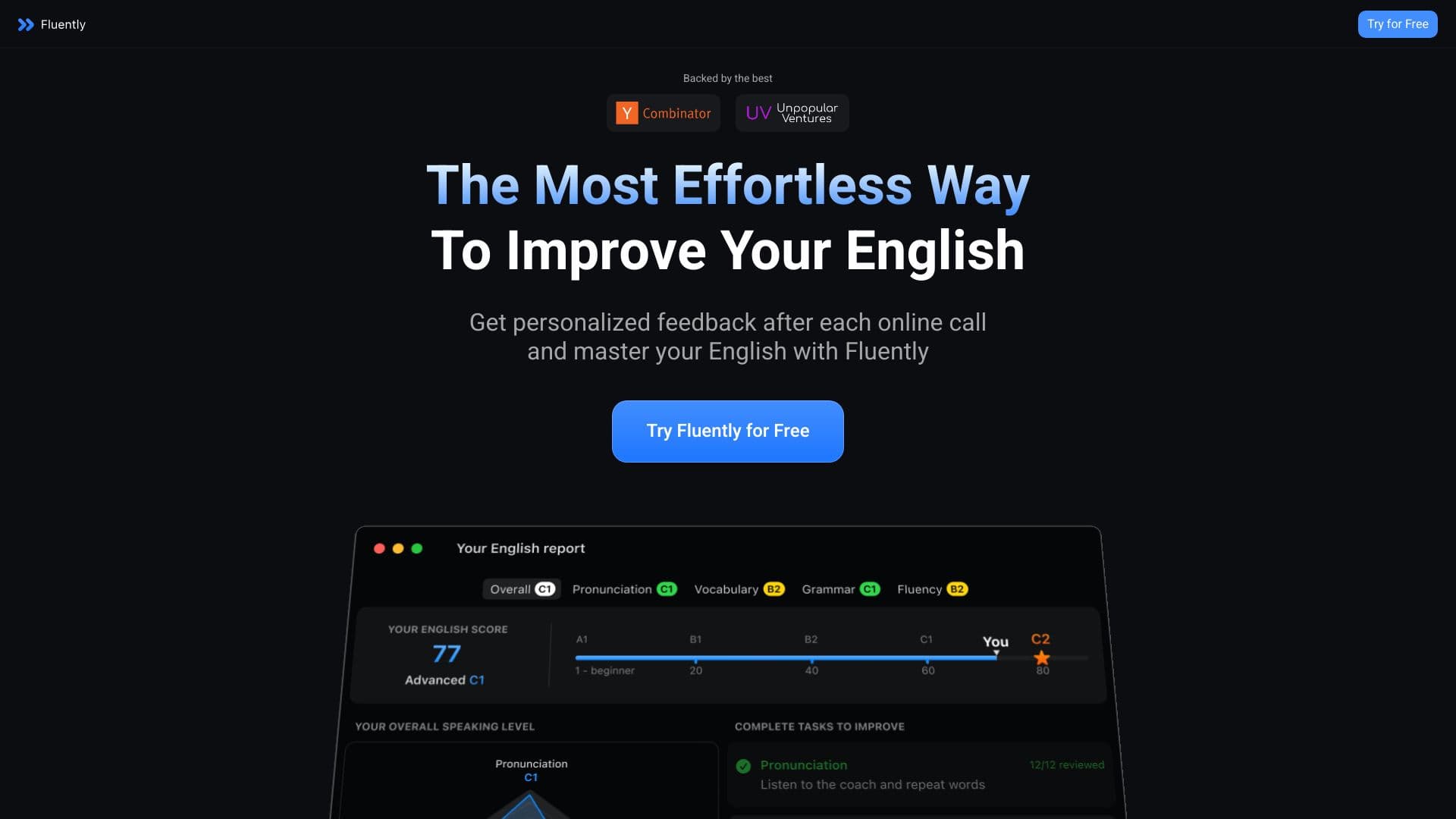

AI berbicara pelatih yang menyediakan real-time umpan balik selama panggilan dan percakapan sehari-hari.