

AI Toolbar
Extensão de navegador que adiciona um assistente de IA à interface web para trabalhar com texto e comandos de voz.

Visão geral
AI Toolbar é uma extensão gratuita do navegador que adiciona um assistente de IA diretamente à interface web. A ferramenta é projetada como um auxiliar universal para o trabalho diário do navegador: pode responder a mensagens, resumir textos longos, traduzir conteúdo, gerar novos textos e aceitar comandos de voz. Um único clique é suficiente para ativar a função necessária sem alternar entre tabulações ou copiar dados para serviços de terceiros.
No núcleo da extensão está um co-piloto integrado que ajuda a redigir e-mails e documentos com contexto e tom em mente. Os usuários também têm acesso a um chatbot para perguntas e análise de texto, e todas as respostas podem ser exportadas para Word ou PDF. A ativação de voz permite controlar o assistente sem usar o teclado, reduzindo a tensão durante longas sessões de computador.
Características da Barra de Ferramentas de IA
| Característica | Valor |
|---|---|
| Tipo | Assistente de IA virtual (extensão do navegador) |
| Categorias | Assistentes de voz, e-mail e comunicação |
| Plano livre | Sim (assistente virtual gratuito) |
| Número de utilizadores | Mais de 70.000 profissionais |
| Disponibilidade | Extensão do navegador (baseada em aitoolbar.co.uk) |
| Condições de utilização | Extensão do navegador |
| Preços | Ferramenta livre |
Para quem é a barra de ferramentas de IA?
Profissionais trabalhando com textos e e-mail
AI Toolbar é construída para especialistas que trabalham com e-mails, documentos e mensagens diariamente. A extensão será útil para gestores, profissionais de RH, jornalistas e qualquer pessoa que passe uma parte significativa do dia em correspondência e preparação de texto. O co-piloto integrado ajuda a elaborar rapidamente respostas e documentos, tendo em conta o contexto e o tom correcto da comunicação.
Especialistas que querem integrar IA em seu fluxo de trabalho
A ferramenta se adapta àqueles que já usam redes neurais no trabalho e querem incorporá-las em sua rotina diária do navegador. AI Toolbar economiza tempo em operações de rotina: em vez de copiar texto em serviços de IA separados, os usuários têm acesso a recursos na interface do navegador. A extensão é projetada para profissionais que valorizam velocidade e conveniência.
Usuários que preferem controle de voz
As pessoas que acharem a digitação longa desconfortável ou querem acelerar seu trabalho apreciarão a ativação da voz. Permite-lhe ditar pedidos e controlar o assistente sem usar o teclado, o que é especialmente relevante para correspondência pesada ou preparação de documentos.
Como usar a barra de ferramentas de IA
Instalando a extensão
Para começar, você precisa instalar AI Toolbar como uma extensão do navegador. Este processo não requer habilidades técnicas especiais e leva o mínimo de tempo. Uma vez instalada, a ferramenta fica disponível no painel do navegador e pode ser usada em qualquer página da web.
Lançando recursos em um clique
O princípio básico de trabalho depende de ações rápidas: para responder a uma mensagem, resumir texto ou traduzir, basta selecionar o conteúdo e ativar o comando desejado através do painel de extensão. O assistente de IA processa a solicitação na aba atual, eliminando a necessidade de alternar entre aplicativos.
Trabalhar com comandos de voz
Para aqueles que querem controlar o assistente sem digitar, a ativação de voz está disponível. O usuário dita uma solicitação, e a IA reconhece a fala e realiza a ação. Esta opção é útil para criar e-mails, documentos e quaisquer tarefas onde a velocidade de entrada importa.
Características da barra de ferramentas de IA chave
Respostas de mensagens e geração de conteúdo
AI Toolbar pode rapidamente formular respostas a mensagens recebidas — pessoais ou empresariais. Algoritmos incorporados selecionam o tom e o conteúdo apropriados. A extensão também pode gerar novo texto: de notas curtas a materiais mais detalhados – tornando-o um auxiliar versátil para tarefas de conteúdo.
Resumo, tradução e tratamento de contexto
A ferramenta efetivamente resume textos longos, ajudando a extrair rapidamente informações-chave. O recurso de tradução funciona na hora, e o co-piloto integrado leva em conta o contexto de uma conversa ou documento ao elaborar e-mails. Isto ajuda a manter o tom certo nas comunicações e alcançar uma formulação precisa.
Chatbot com exportação e controle de voz
O chatbot da extensão responde perguntas, ajuda na geração de ideias e analisa textos. Uma característica importante é exportar respostas para Word ou PDF — conveniente para relatórios, notas e resumos. A ativação de voz complementa a funcionalidade, permitindo que você dite solicitações e controle o assistente por voz.
Vantagens da barra de ferramentas AI
Economia de tempo e foco em tarefas
A extensão automatiza operações de rotina: respostas de mensagens, resumo e tradução. Os usuários não precisam alternar entre múltiplas abas e serviços, o que acelera o trabalho e ajuda a focar nas prioridades. Muitas ações são feitas em um clique sem avisos longos.
Flexibilidade no trabalho com resultados
As respostas do Chatbot e o conteúdo gerado podem ser exportados para formatos convenientes — Word ou PDF. Isso é especialmente útil para profissionais que precisam salvar resultados de trabalho como documentos. A funcionalidade estendida abrange a maioria dos cenários: da correspondência à preparação de materiais de apresentação.
Controle de voz para reduzir a tensão
A ativação da voz do assistente reduz a fadiga da digitação. Os usuários podem dar comandos por voz sem usar o teclado, o que é especialmente importante para aqueles que passam muitas horas no computador ou querem aumentar a velocidade do fluxo de trabalho.
Rendimentos da barra de ferramentas AI
Os dados de fonte disponíveis não contêm informações sobre desvantagens óbvias da ferramenta. A extensão é posicionada como um produto livre e livre de problemas; no entanto, os usuários devem ter em mente que as extensões do navegador podem ter limitações relacionadas ao desempenho em dispositivos mais fracos ou com grandes volumes de dados.
Que tarefas a ferramenta de IA resolve?
Comunicação e correspondência
A ferramenta ajuda a responder rapidamente às mensagens, selecionando o tom e conteúdo apropriados. Isso é eficaz para trabalhar com e-mails e mensageiros quando é importante responder prontamente e profissionalmente.
Trabalho com documentos e textos
AI Toolbar suporta a criação de e-mails e edição de documentos, e também pode agir como um assistente na preparação de relatórios, notas e resumos. O chatbot analisa textos e gera ideias para brainstorming.
Tradução e síntese
Resumir textos longos e traduzir conteúdo são casos de uso chave para a extensão. Combina com o trabalho com materiais estrangeiros, artigos científicos e correspondência volumosa, ajudando a extrair rapidamente a essência.
Preço da barra de ferramentas AI
AI Toolbar é fornecido como um assistente virtual gratuito. Os dados fonte não mencionam planos pagos, assinaturas ou limites no número de ações – permitindo que seja considerado uma ferramenta totalmente gratuita para uso profissional diário.
Termos de utilização da barra de ferramentas de IA
AI Toolbar é distribuída como uma extensão do navegador. Para usá-lo, você precisa instalar a extensão em um navegador suportado. Se os dados não incluirem condições adicionais, tais como registo, assinatura paga ou limites de frequência de solicitação, não devem ser mencionados no artigo.
Disponibilidade da barra de ferramentas AI
A ferramenta está disponível como uma extensão do navegador, permitindo que ele seja usado em vários sistemas operacionais com navegadores suportados (Windows, macOS, Linux). Informações detalhadas sobre compatibilidade com versões específicas do navegador não são fornecidas nos dados de origem, mas o site do projeto está listado como aitoolbar.co.uk.
Como AI Toolbar difere das alternativas
A diferença chave entre AI Toolbar e chatbots online clássico é que é uma extensão do navegador que funciona na interface web. Não há necessidade de abrir abas ou aplicativos separados — todos os recursos estão disponíveis em qualquer site. AI Toolbar se destaca com sua exportação para Word e PDF, bem como controle de voz.
A ferramenta combina todas as principais capacidades de um assistente de IA: correspondência, resumo, traduções, geração de conteúdo, um chatbot e ativação de voz – em um produto gratuito. O copiloto incorporado, que leva em conta o contexto e o tom, torna especialmente conveniente trabalhar com e-mail e documentos.
Conclusão
AI Toolbar é uma extensão gratuita do navegador que fornece uma ampla gama de recursos assistentes de IA para acelerar tarefas de trabalho de rotina. A ferramenta combina manipulação de texto, controle de voz, exportação de resultados para formatos convenientes e integração no fluxo de trabalho diário do navegador. Para os profissionais que querem otimizar as operações diárias e focar em tarefas importantes, AI Toolbar pode se tornar um ajudante confiável.
Perguntas mais frequentes
Consulte também


Plataforma baseada em IA para criar logotipos e identidade de marca.
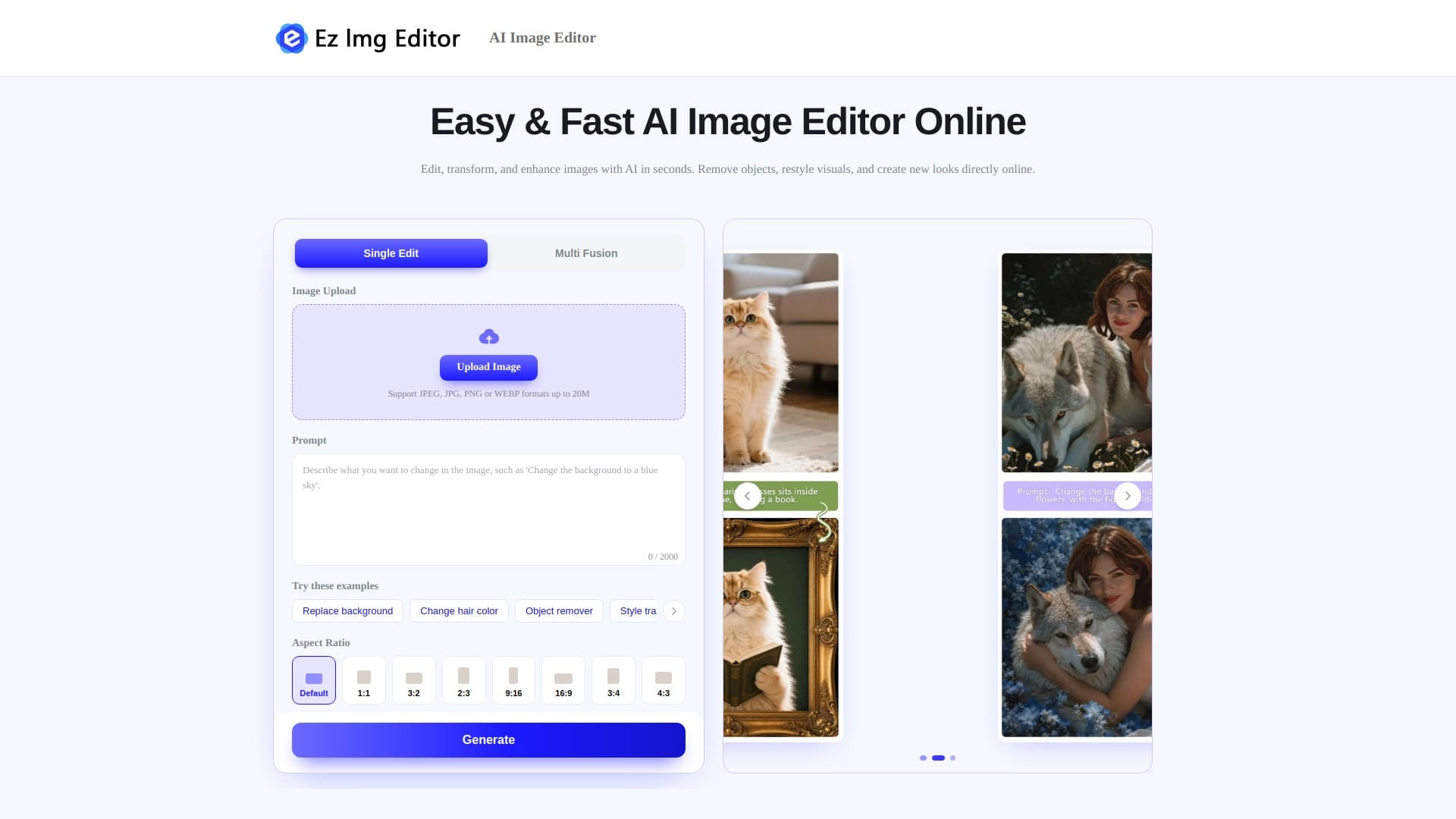

Editor de imagens online com IA para remover objetos, trocar o fundo e melhorar fotos.


Rede neural aberta para resolver problemas complexos em matemática, programação e lógica.
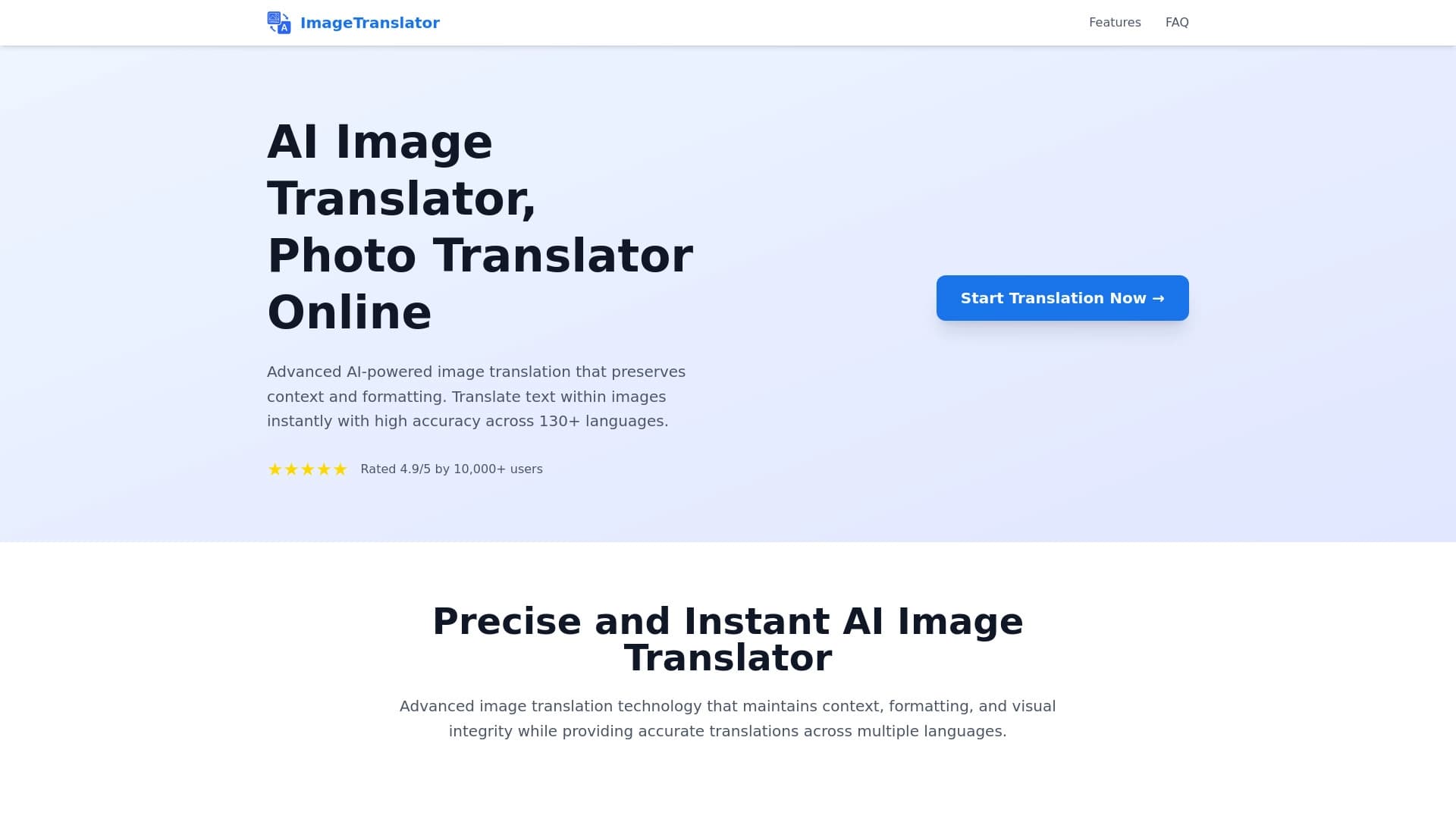
Ferramenta para traduzir texto diretamente em imagens, preservando o design original.


Serviço online baseado em IA para criação automática de apresentações a partir de texto, PDF, áudio, vídeo ou links de URL.
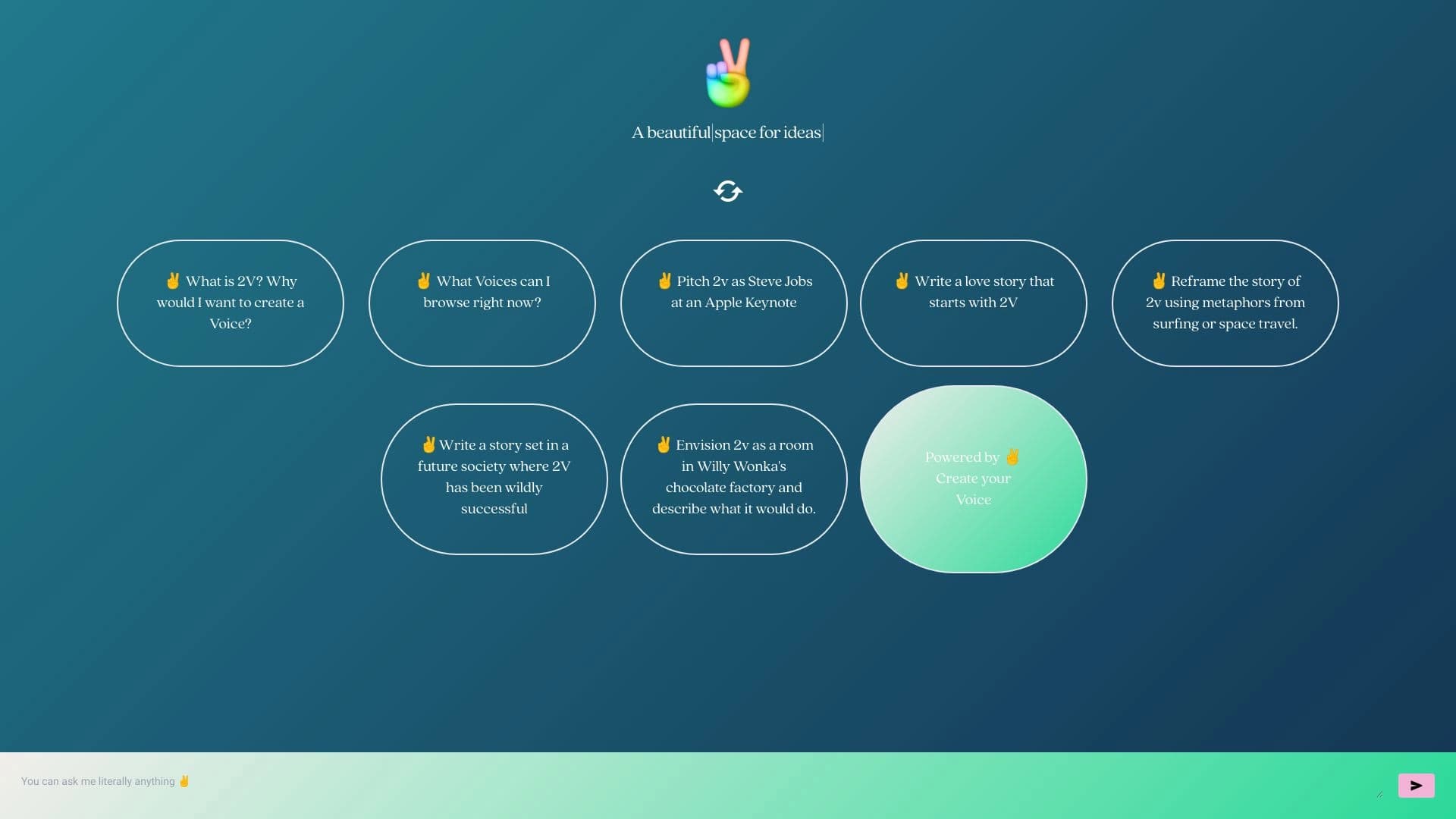
Plataforma online para criar gêmeos digitais interativos com IA com base na biografia, personalidade e experiências pessoais do usuário.

Plataforma com inteligência artificial para análise de dados financeiros e apoio a decisões de investimento.


Serviço de IA para seleção automática de música que combina com o clima de vídeos, imagens ou textos, com licenças legais.