
AI Render — Stable Diffusion in Blender
Plugin para Blender que gera imagens com Stable Diffusion com base em uma descrição textual e na cena 3D atual.
Visão geral
AI Render — é um plugin para Blender que integra os recursos da rede neural Stable Diffusion diretamente na interface do editor 3D. A ideia principal do complemento é criar uma imagem com base em um prompt de texto e na cena 3D atual. O usuário não apenas insere um prompt em um serviço separado, mas usa a geometria da sua cena como base para a geração. Isso permite obter concept arts e visualizações diretamente relacionadas ao modelo que está sendo criado, sem a necessidade de alternar entre diferentes programas.
Princípio de funcionamento com a cena 3D
O plugin analisa a visão atual da câmera, usando-a como composição para a imagem futura. Dessa forma, a renderização no Blender se torna o ponto de partida para o Stable Diffusion. Isso significa que a iluminação, o ângulo e a disposição dos objetos na cena influenciam diretamente o resultado da geração, e a rede neural completa os detalhes e texturas com base no seu prompt de texto.
Integração ao fluxo de trabalho
A principal característica do AI Render é o funcionamento integrado ao ambiente familiar do Blender. O usuário não precisa sair do editor para obter uma imagem. Todo o processo — desde a inserção do prompt até o resultado final — acontece em uma única janela, economizando tempo e permitindo iterar ideias rapidamente, ajustando a cena e a descrição de texto.
Características do AI Render — Stable Diffusion in Blender
| Característica | Valor |
|---|---|
| Tipo de ferramenta | Plugin (complemento) para Blender |
| Modelo de distribuição | Pago |
| Rede neural base | Stable Diffusion |
| Finalidade principal | Geração de imagens a partir de descrição de texto e cena 3D |
| Onde o trabalho é executado | Dentro do editor Blender |
| Fonte de inspiração para a geração | Prompt de texto + geometria da cena atual |
Para quem é indicada a rede neural AI Render — Stable Diffusion in Blender?
Artistas 3D e modeladores
A ferramenta será útil para quem deseja ver rapidamente sua cena sob um novo ângulo. Em vez de ajustar manualmente materiais e iluminação por um longo tempo, você pode definir o estilo desejado por texto, e a rede neural oferecerá variações prontas. Isso é conveniente nas etapas iniciais do trabalho em um projeto.
Concept artists
Para profissionais que criam conceitos de ambientes ou personagens, o AI Render pode atuar como um gerador de ideias. Partindo de modelos 3D simples (blockouts), é possível obter rapidamente um conjunto de imagens em diferentes estilos, que servirão como referências para o desenvolvimento posterior.
Especialistas em visualização
Embora o plugin não substitua fazendas de render completas para a imagem final, ele pode ser usado para criar prévias preliminares ou para experimentar efeitos artísticos não convencionais, difíceis de alcançar com métodos tradicionais.
Como usar a rede neural AI Render — Stable Diffusion in Blender?
Configuração da cena
Você precisará preparar uma cena no Blender. Basta posicionar os objetos e ajustar a câmera no ângulo desejado. Essa composição será usada como base para a geração.
Inserindo o prompt de texto
No painel do plugin, é necessário escrever um prompt de texto — a descrição do que você deseja obter na imagem. O plugin combina essa descrição com os dados da sua cena para formar a solicitação final à rede neural.
Geração e refinamento
Após iniciar o processo, o Stable Diffusion processa a solicitação e retorna a imagem gerada. O resultado pode ser usado como uma imagem independente ou você pode continuar fazendo alterações na cena e nos parâmetros de geração para alcançar um resultado melhor.
Principais funções do AI Render — Stable Diffusion in Blender
- Geração de imagem a partir da cena: uso da visão atual da câmera como base para a IA.
- Prompts de texto: possibilidade de direcionar a rede neural com uma descrição verbal do resultado desejado.
- Fluxo de trabalho integrado: sem necessidade de alternar entre o Blender e serviços web de terceiros, pois tudo acontece dentro do editor.
- Integração com a geometria: o resultado da geração depende diretamente dos objetos no campo de visão da câmera.
Vantagens do AI Render — Stable Diffusion in Blender
- Velocidade de iteração: possibilidade de criar rapidamente múltiplas variações de imagem, alterando o prompt de texto e a cena.
- Integração direta: o plugin se integra harmoniosamente à interface do Blender, sem interromper o ritmo habitual de trabalho.
- Controle de composição: ao contrário da geração "do nada", aqui você controla o ângulo e a disposição dos objetos.
- Economia de recursos: não é necessário gastar tempo ajustando manualmente materiais complexos para obter uma imagem conceitual preliminar.
Desvantagens do AI Render — Stable Diffusion in Blender
- Modelo de distribuição pago: a ferramenta não é gratuita, o que pode ser uma barreira para alguns usuários. O preço não está indicado no site oficial.
- Dependência da qualidade da cena: o resultado é amplamente determinado pela qualidade da preparação da cena 3D. Geometria muito abstrata ou vazia pode gerar resultados imprevisíveis.
- Dados limitados: as fontes disponíveis não trazem informações detalhadas sobre os requisitos técnicos do sistema ou a compatibilidade com versões específicas do Blender, exigindo verificação independente.
Quais problemas o AI Render — Stable Diffusion in Blender resolve
Criação rápida de conceitos
O plugin permite materializar rapidamente uma ideia em forma visual, sem se distrair com o longo processo de configuração de render. Isso é útil para brainstorming e busca de soluções visuais interessantes.
Conexão entre 2D e 3D
A ferramenta ajuda a criar uma ponte entre a modelagem tridimensional e a gráfica bidimensional. O artista pode usar a cena 3D como estrutura e o Stable Diffusion como ferramenta para "completar" os detalhes no estilo desejado.
Prévia antes do trabalho principal
O AI Render pode ser usado para criar versões preliminares de imagens, que ajudam a avaliar a composição geral e a luz antes de iniciar a visualização final trabalhosa.
Preços do AI Render — Stable Diffusion in Blender
O custo exato do complemento não é divulgado nas fontes disponíveis. Sabe-se que o modelo de distribuição é pago, ou seja, para uso completo será necessário adquirir uma licença. Não há informações sobre período de teste gratuito ou possibilidade de assinatura nos dados fornecidos. Para esclarecer o preço atual, é necessário consultar os recursos oficiais do desenvolvedor.
Condições de uso do AI Render — Stable Diffusion in Blender
Devido à falta de informações detalhadas sobre os acordos de licenciamento, só é possível concluir o requisito básico: para usar a ferramenta, é necessário efetuar o pagamento. Não há dados nos materiais fornecidos sobre a necessidade de instalar software adicional (como uma versão local do Stable Diffusion ou acesso a APIs em nuvem). Recomenda-se estudar a documentação do plugin antes da compra.
Disponibilidade do AI Render — Stable Diffusion in Blender
O plugin está disponível para compra e uso no ambiente Blender. No entanto, os dados originais não especificam com quais sistemas operacionais (Windows, macOS, Linux) ele é compatível, nem para quais versões do Blender é destinado. Também não há informações sobre disponibilidade regional ou uso mundial. Antes da instalação, vale verificar a compatibilidade com sua configuração.
Diferenças entre o AI Render — Stable Diffusion in Blender e alternativas
Principal diferença — trabalho com a cena
A principal característica desta ferramenta é o uso da cena 3D como parâmetro de entrada principal. Muitos outros serviços generativos trabalham apenas com descrição de texto ou imagem de referência carregada. Aqui, a geometria do Blender serve como base, dando ao artista controle sem precedentes sobre a composição da imagem final. Você não apenas pede à rede neural para desenhar "uma casa na floresta", mas mostra a ela exatamente como essa casa deve estar posicionada no quadro, sua escala e como a luz incide.
Formato de integração
Se existem outras soluções que rodam como programas separados ou via interface web, o AI Render funciona diretamente dentro do editor. Isso torna o processo de geração parte de um ciclo de produção unificado. Não há necessidade de exportar e importar arquivos, salvar resultados intermediários em pastas separadas — tudo acontece em uma única janela do aplicativo.
Conclusão
O AI Render — Stable Diffusion in Blender representa uma ferramenta interessante para artistas 3D que desejam experimentar a geração com redes neurais. Sua principal vantagem é a profunda integração com o ambiente 3D, permitindo usar os elementos da cena para criar imagens. Apesar do modelo de distribuição pago e da falta de dados técnicos detalhados, este plugin pode ocupar um lugar de destaque no arsenal de profissionais que trabalham com concept art e prototipagem rápida de ideias visuais.
Perguntas mais frequentes
Consulte também
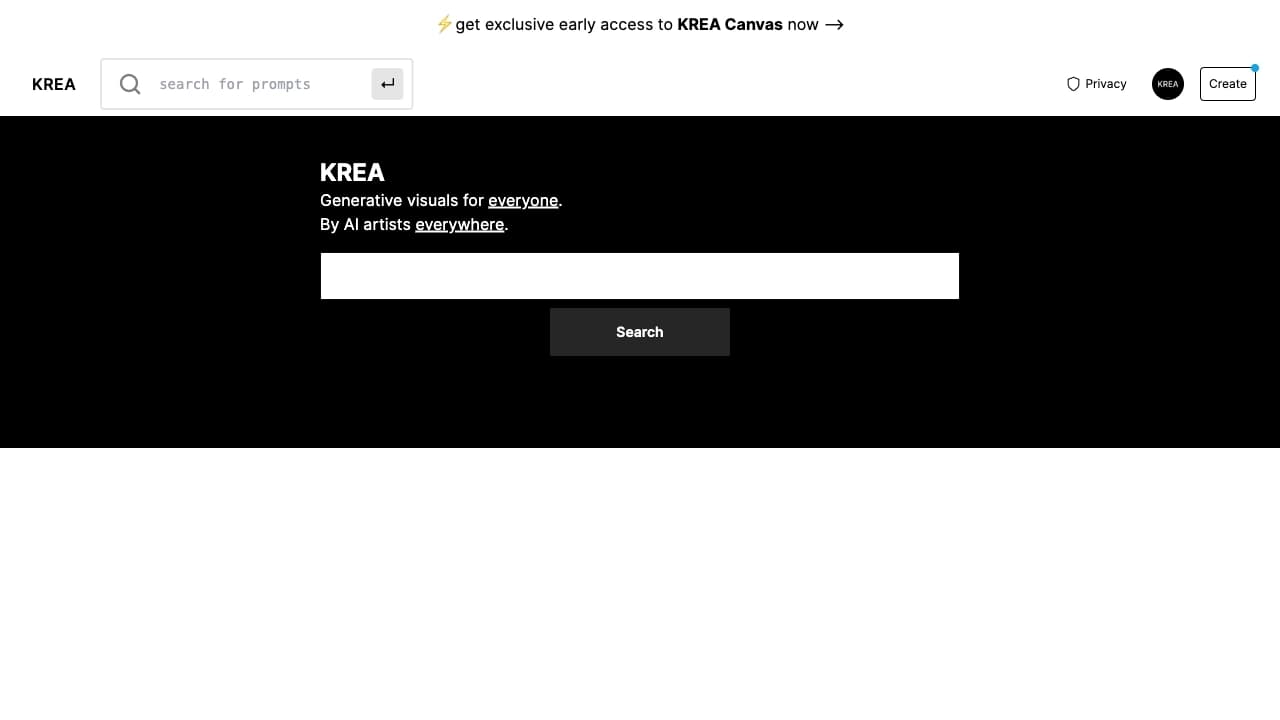

Plataforma com IA para gerar e melhorar imagens, vídeos e logotipos em tempo real.


Um navegador com ferramentas de IA integradas para conversar com redes neurais, gerar textos e imagens, traduzir e resumir páginas.
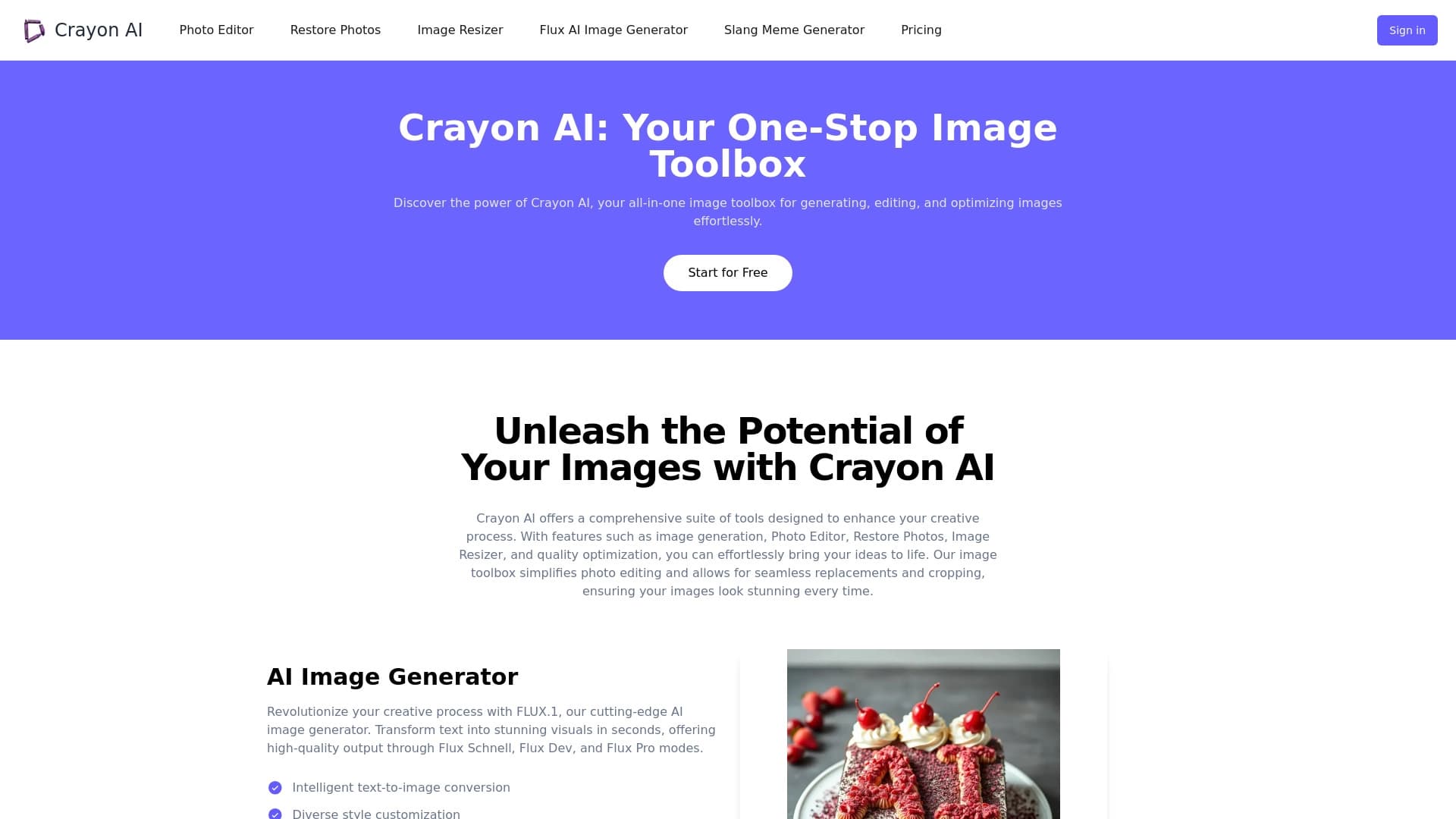
Editor de fotos online com IA para criar, editar e aprimorar imagens diretamente no navegador.

Web service para gerar imagens a partir de prompts de texto e converter fotos e vídeos em obras artísticas.
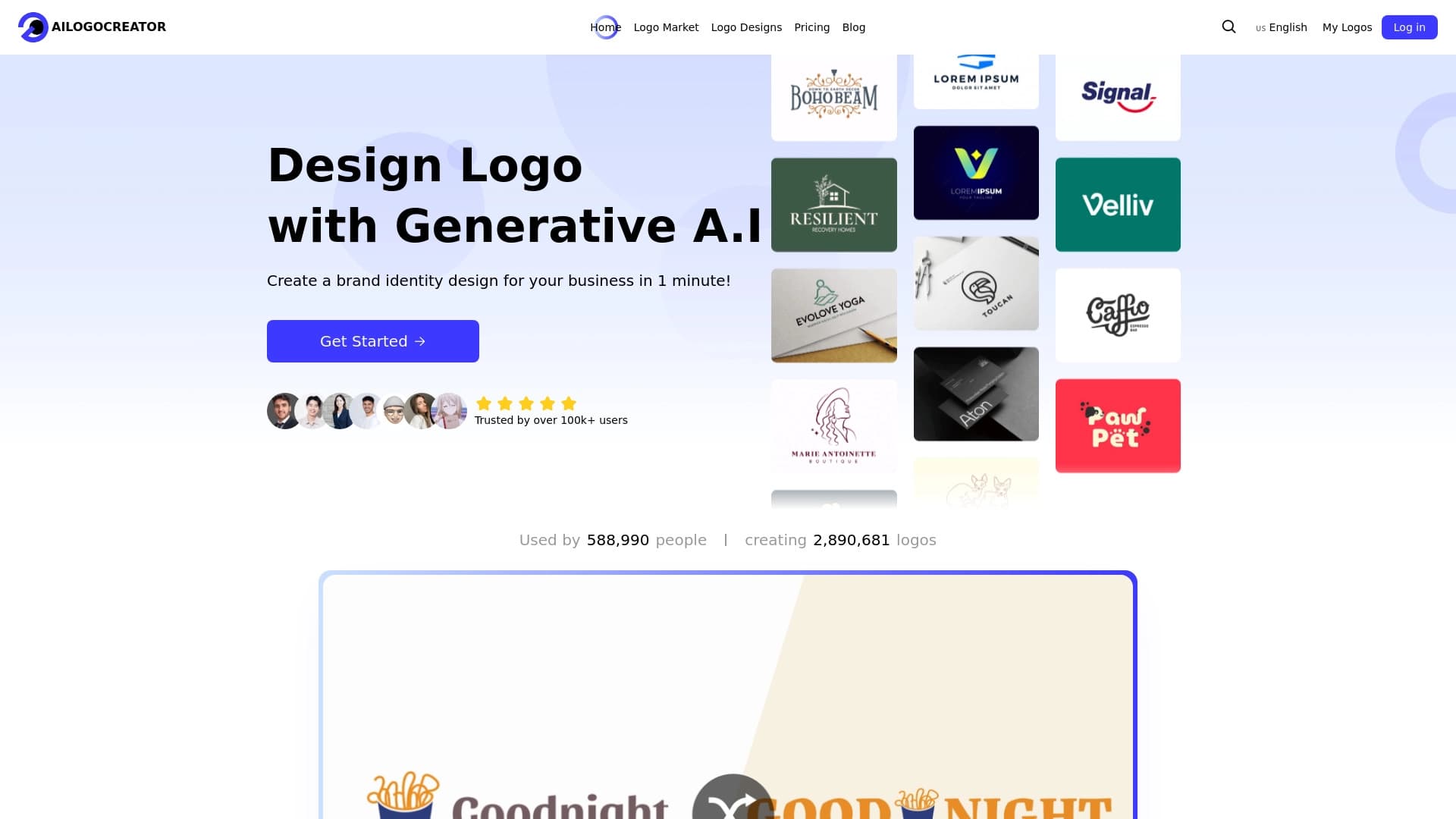
Serviço online para geração de logotipos com uso de redes neurais.

Uma plataforma para gerar imagens, vídeos e áudio usando inteligência artificial a partir de descrições de texto.
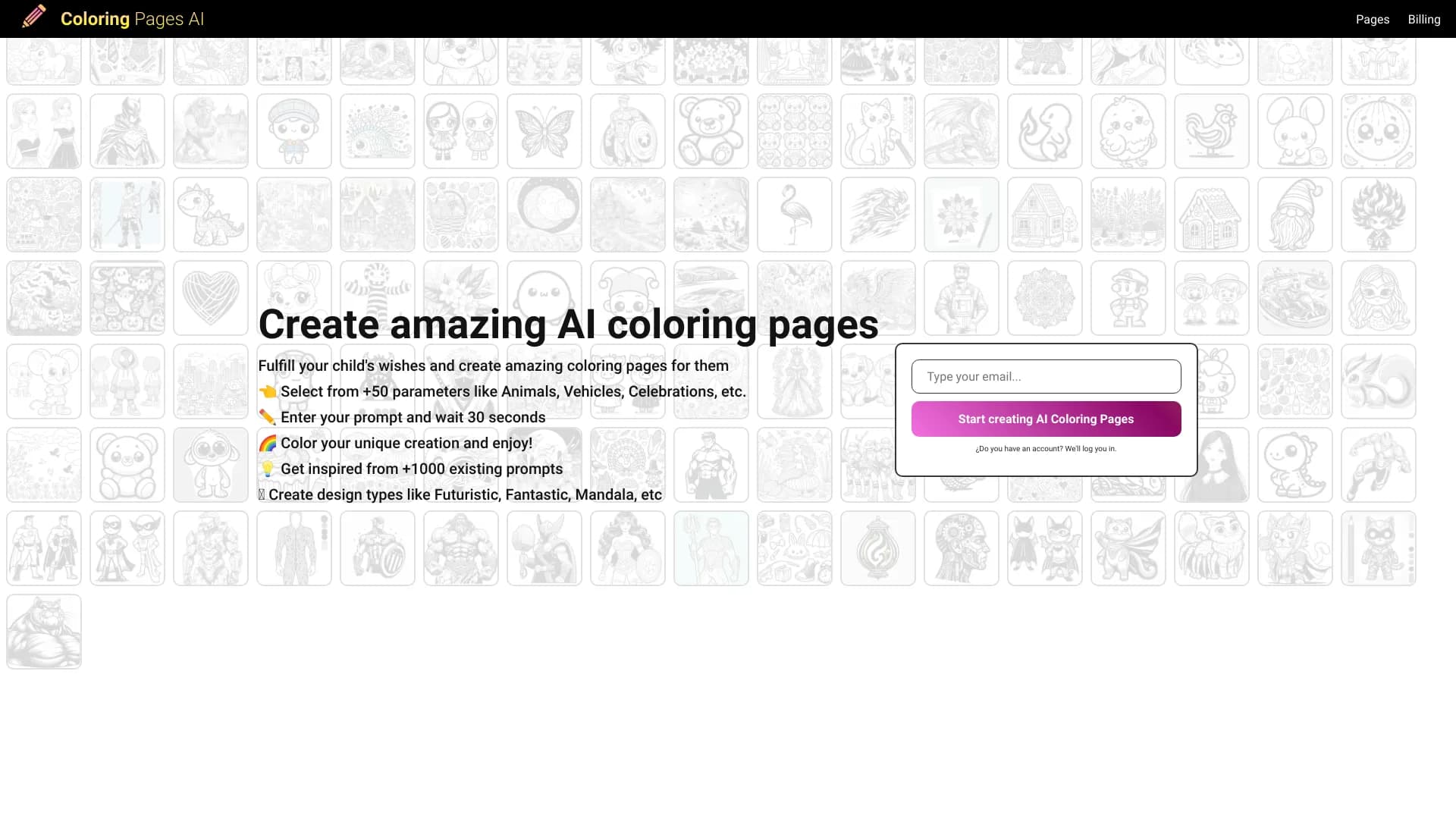

Gerador de páginas para colorir que cria desenhos de contorno a partir de fotos ou descrições textuais.


Plataforma baseada em IA para geração, edição de imagens e criação de criativos publicitários.