
AI Prompt Modifier
Extension Chrome qui accélère le travail avec ChatGPT en gérant et personnalisation des invites.
Aperçu général
AI Prompt Modifier est une extension de navigateur Chrome conçue pour accélérer le travail quotidien avec ChatGPT. L'objectif principal de l'outil est de simplifier le processus de gestion et de personnalisation des invites, afin que les utilisateurs n'aient pas à saisir manuellement les mêmes formulations à chaque fois.
L'extension fonctionne comme un add-on à l'interface ChatGPT: elle ajoute des capacités supplémentaires pour travailler avec les requêtes directement dans la fenêtre de chat. Au lieu de passer du temps à taper des instructions répétitives, vous utilisez des modificateurs pré-faits — ils sont automatiquement ajoutés à votre demande principale.
Idée clé de l'extension
L'essence de AI Prompt Modifier se réduit à trois actions simples: vous sélectionnez le préfixe souhaité (la partie introductive de la requête), ajoutez votre texte, puis appliquez un suffixe (la partie finale) si nécessaire. Toute la structure est envoyée à ChatGPT en un seul bloc. Ceci est particulièrement utile pour ceux qui travaillent régulièrement avec des types similaires de tâches.
Simplicité sur des solutions complexes
Les développeurs ont délibérément choisi de ne pas compliquer l'outil. Il n'y a pas de logique avancée de traitement de texte, de chaînes d'action automatisées ou de scénarios complexes. Il s'agit d'un choix conscient: l'extension résout une tâche spécifique — accélérer le travail par une templatation rapide — et le fait sans caractéristiques inutiles.
Fonctions de modification de l'IA Prompt
| Fonctionnalité | Valeur |
|---|---|
| Type d'outil | Extension du navigateur Chrome |
| Objectif principal | Gestion et personnalisation des appels pour ChatGPT |
| Opérations de base | Ajout de préfixes et de suffixes aux requêtes |
| Organisation rapide | Catégories pour les modèles de regroupement |
| Bibliothèque de modèles | Kits rapides prêts à l'emploi rapide |
| Importation et exportation | Support pour la sauvegarde et le partage des ensembles rapides |
| complexité du traitement | Limité aux paramètres de base, aucune logique complexe |
| Modèle de distribution | Freemium (version gratuite avec fonctions payantes) |
| Intégration | Fonctionne sur le dessus de l'interface ChatGPT |
Pour qui est AI Prompt Modifier adapté?
Utilisateurs travaillant avec des requêtes répétitives
L'outil sera utile pour ceux qui utilisent régulièrement ChatGPT dans des scénarios similaires. Par exemple, si vous écrivez des requêtes pour générer des textes dans un style spécifique chaque jour, définissez les mêmes exigences de format de réponse, ou utilisez des phrases d'introduction standard, l'extension aidera à gagner du temps.
Débutant utilisateurs ChatGPT
Pour les nouveaux arrivants, la bibliothèque de modèles prêts à l'emploi sera un bon point de départ. Au lieu de proposer des formulations de zéro, vous pouvez prendre un préfixe ou suffixe prêt à l'emploi et simplement ajouter votre propre texte. Cela réduit la barrière d'entrée pour travailler avec ChatGPT.
Utilisateurs qui valorisent l'organisation
Ceux qui sont habitués à garder leur matériel de travail structuré apprécieront la caractéristique de catégorisation rapide. Vous pouvez organiser des modèles par sujet ou projet sans perdre de temps à rechercher la bonne formulation dans une longue liste.
Ceux qui ont besoin d'un outil simple
Si vous n'avez pas besoin de constructeurs rapides complexes avec branchement et variables, et l'automatisation de base est suffisante — cette extension fonctionnera pour vous. Il n'est pas surchargé de fonctionnalités, donc vous pouvez le trouver dans quelques minutes.
Comment utiliser AI Prompt Modifier?
Installation et configuration initiale
L'extension est installée de la manière standard à travers le Chrome Web Store. Après l'installation, l'icône apparaîtra dans le panneau du navigateur. Avant de commencer, il vaut la peine de passer quelques minutes à se familiariser avec l'interface : bibliothèque pour comprendre ce qui est déjà disponible.
Créer et appliquer une prompte
Le flux de travail de base ressemble à ceci : vous entrez le texte de la requête principale dans le champ ChatGPT, puis sélectionnez le préfixe et/ou suffixe souhaité parmi ceux proposés par l'extension. Vous pouvez utiliser les deux modèles prêts à l'emploi de la bibliothèque et créer votre propre. Après avoir appliqué le modificateur, le texte final est envoyé au chat.
Gérer vos propres ensembles
Vous pouvez organiser vos invites par catégories, en créant une structure de stockage pratique. Si vous devez déplacer des ensembles vers un autre ordinateur ou les partager avec un collègue — utilisez l'exportation. Le fichier peut être enregistré comme une sauvegarde puis importé lorsque nécessaire.
Principales caractéristiques de l'AI Prompt Modifier
Ajout de préfixes et de suffixes
La fonction de base de l'extension est de modifier une demande des deux côtés. Le préfixe définit le contexte ou le rôle à partir duquel ChatGPT devrait répondre, tandis que le suffixe spécifie les exigences pour le le format de réponse. Les deux parties peuvent être combinées de toute façon.
Catégorisation rapide
Pour une navigation pratique, toutes les invitations peuvent être organisées en catégories. Cela aide à maintenir l'ordre dans la bibliothèque, d'autant plus que le nombre de modèles augmente. Il suffit de sélectionner la catégorie souhaitée — et vous verrez seulement les invites qui lui appartiennent.
Bibliothèque de modèles prêts à l'emploi
L'extension est livrée avec un ensemble d'invites prêtes à l'emploi. Ce sont des structures pré-construites pour des scénarios communs qui peuvent être utilisés immédiatement après l'installation. Tout modèle peut être modifié pour répondre à vos besoins si vous le souhaitez.
Importation et exportation de sets
La fonction d'exportation vous permet d'enregistrer votre collection d'invites actuelle dans un fichier. Ceci est pratique pour créer des sauvegardes ou transférer des paramètres vers un autre appareil. Importer, en conséquence, charge les données enregistrées précédemment dans l'extension.
Avantages de la modification de l'IA Prompt
Accélérer les opérations de routine
Le principal avantage est l'économie de temps. Si vous écrivez souvent des demandes semblables, l'extension élimine le besoin d'entrer des parties répétitives d'introduction et de conclusion à chaque fois. Il suffit de configurer un modèle une fois et de l'utiliser constamment.
Facilité d'apprentissage
L'outil ne nécessite pas d'étude de documentation ou de formation longue. L'interface est intuitive : il vous suffit de sélectionner un préfixe ou un suffixe dans la liste. L'absence de logique complexe signifie qu'il est pratiquement impossible de se confondre dans les paramètres.
Transparence des données
La capacité d'exporter et d'importer des ensembles rapides signifie que l'utilisateur a le plein contrôle de ses données. Les paramètres ne sont pas liés à un compte — vous pouvez toujours enregistrer votre collection localement et la restaurer à tout moment.
Inconvénients de la modification de l'IA
Fonctionnalité limitée
L'outil ne résout que les tâches de base. Si vous avez besoin d'une logique de traitement complexe, de scénarios en plusieurs étapes ou de substitution automatique de variables dans les invites, cette extension ne fonctionnera pas. La fonctionnalité est délibérément limitée à de simples préfixes et suffixes.
Dépendance du navigateur Chrome
L'extension ne fonctionne que dans Chrome. Les utilisateurs de Firefox, Safari ou Edge (en versions non basées sur Chrome) ne seront pas en mesure de l'utiliser. Cette limitation doit être prise en compte lors du choix d'un outil.
Manque d ' informations détaillées
Des renseignements détaillés sur le nombre de modèles disponibles dans la version gratuite, les limites exactes et la fonctionnalité complète du volet payant ne sont pas disponibles dans les sources publiques. Pour bien comprendre les capacités, vous devrez installer et tester vous-même.
Quelles tâches AI Prompt Modifier résout-il ?
| Tâche | Comment c'est résolu |
|---|---|
| Accélérer l'entrée des demandes répétitives | Ajout automatique de préfixes et de suffixes au texte principal |
| Maintenir la cohérence des demandes | Utilisation de modèles normalisés pour des tâches similaires |
| Organisation de l'espace de travail | Catégories d'invites par sujet ou par projet |
| Début rapide pour les débutants | Bibliothèque de formulations éprouvées |
| Sauvegarder les collections rapides | Exportation d'ensembles vers un fichier et importation ultérieure |
| Partage d'invites entre utilisateurs | Exporter la collecte et envoyer le dossier à des collègues |
Prix des modificateurs d'IA
L'outil est distribué sous un modèle freemium. Cela signifie qu'il y a une version gratuite avec un ensemble de fonctionnalités de base, ainsi que des niveaux payants qui débloquent des capacités supplémentaires.
La tarification exacte pour le volet payant, la composition des fonctionnalités disponibles dans la version gratuite et les critères de mise à niveau d'un régime payant ne sont pas publiés dans des sources publiques. Pour obtenir des informations de prix à jour et comparer des plans, vous devez visiter la page officielle de l'extension dans le Chrome Web Store ou le site des développeurs.
Conditions d'utilisation pour AI Prompt Modifier
Extension du navigateur
Navigateur Chrome est nécessaire. L'extension est installée à partir du catalogue officiel Chrome Web Store, qui garantit un examen de sécurité de base par Google.
Modèle de distribution
Le modèle freemium implique une structure d'accès à deux niveaux. Le niveau de base est gratuit, tandis que les fonctionnalités étendues nécessitent un paiement. Les détails sur la répartition des fonctionnalités entre les niveaux doivent être précisés sur la page officielle de l'outil.
Limitation de la responsabilité
L'outil n'est pas un produit officiel OpenAI. C'est une extension tierce qui fonctionne en plus de l'interface ChatGPT. Comme pour tout outil tiers, les utilisateurs devraient évaluer eux-mêmes les risques et s'assurer que l'utilisation de l'extension ne viole pas les conditions de service de ChatGPT.
Disponibilité du modificateur d'IA Prompt
Le canal d'installation primaire est le Chrome Web Store. L'extension est disponible pour les utilisateurs de Chrome sur les systèmes d'exploitation de bureau: Windows, macOS et Linux. Les versions du navigateur mobile ne prennent généralement pas en charge les extensions dans la même mesure, de sorte que toutes les fonctionnalités sont disponibles uniquement sur les appareils de bureau.
L'information sur le support d'autres navigateurs, l'existence d'un site Web officiel avec documentation et des sources de téléchargement supplémentaires n'est pas mentionnée dans les données sources.
Comment AI Prompt Modifier diffère des alternatives
La principale différence est la simplicité. De nombreux outils concurrents offrent des constructeurs rapides à part entière avec un support pour les variables, les conditions et les chaînes à plusieurs étapes. AI Prompt Modifier évite délibérément cette complexité en se concentrant sur trois actions de base : préfixe, texte principal, suffixe.
La deuxième différence est l'accent mis sur l'application instantanée. L'extension s'intègre directement à l'interface ChatGPT, de sorte que vous n'avez pas besoin de basculer entre des onglets ou copier du texte d'une application séparée. Tout se passe dans une fenêtre.
La troisième différence est l'absence d'enregistrement obligatoire et de synchronisation des nuages. Alors que de nombreuses alternatives offrent le stockage en nuage d'invites, ici tout est géré localement, et la sauvegarde est gérée par l'exportation de fichiers.
Il convient de noter qu'il n'y a pas de comparaison directe avec des concurrents spécifiques dans les données de base, de sorte que l'évaluation est basée uniquement sur les caractéristiques décrites de l'outil lui-même.
Conclusion
AI Prompt Modifier est une extension Chrome légère et intuitive qui couvre le besoin de base pour accélérer le travail avec ChatGPT. Il ne prétend pas être un constructeur rapide professionnel, mais il gère avec confiance la tâche d'automatiser les demandes répétitives. La possibilité d'ajouter des préfixes et des suffixes, d'organiser des invites par catégories et d'utiliser des modèles prêts à l'emploi rend l'outil utile pour un large éventail d'utilisateurs — des débutants à ceux qui utilisent régulièrement ChatGPT dans des scénarios de travail. La fonctionnalité limitée peut dissuader les utilisateurs avancés, mais pour la plupart des tâches de base, l'extension est assez suffisante. Le modèle freemium vous permet de démarrer gratuitement et de décider au cours de l'utilisation si vous avez besoin des fonctionnalités supplémentaires de la version payante.
Foire aux questions
Voir aussi

AllChat est une plateforme universelle qui combine plusieurs modèles de langage populaires dans une interface unique pour la communication, la génération d'images, l'analyse de fichiers et l'exécution de code.

Boîte à outils alimentée par l'IA pour optimiser les flux de travail et augmenter la productivité.


Une plate-forme multifonctionnelle pour la création et l'édition de contenus multimédias utilisant l'intelligence artificielle.
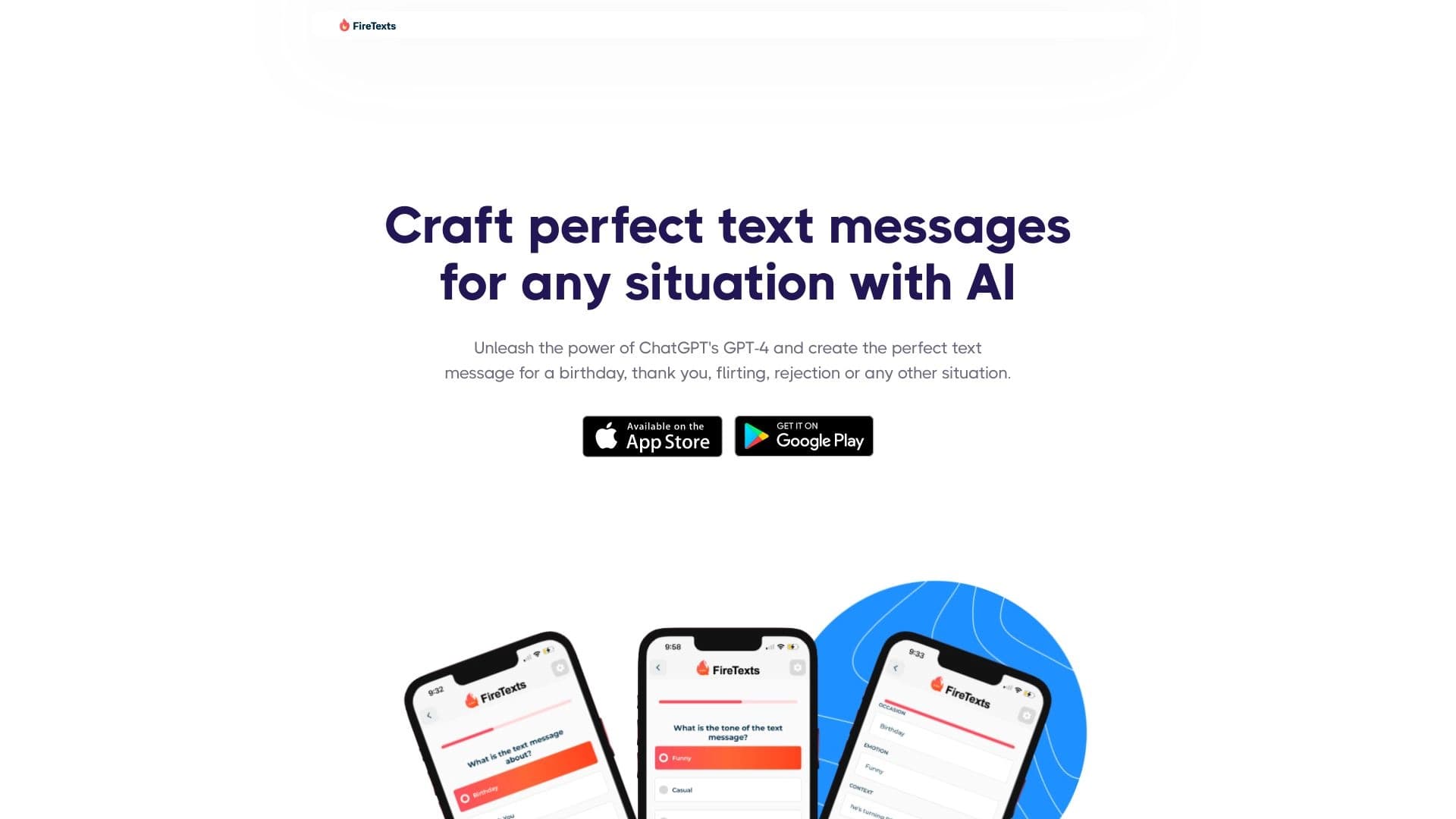

Application mobile alimentée par l'IA qui vous aide à trouver les bons mots pour différentes situations de vie dans votre correspondance.

Clavier AI pour appareils Apple qui accélère la saisie avec corrections, traduction et génération de réponse.

Extension du navigateur et service web avec assistant d'IA : répondre aux questions, résumer des vidéos et des documents et traduire du texte.


Agent d'IA pour aider à la programmation et optimiser le flux de travail de développement.

Plateforme AI pour l'analyse des données financières et les décisions d'investissement.