
AI Prompt Master
Extension Chrome qui accélère la création rapide pour les réseaux neuronaux générateurs en utilisant des modèles prêts à l'emploi et un constructeur.
Aperçu général
AI Prompt Master Neural Network Description
AI Prompt Master est une extension de navigateur pour Chrome conçue pour accélérer et simplifier le travail avec les réseaux neuronaux générateurs. L'outil résout un problème typique auquel sont confrontés les utilisateurs de services ChatGPT, Midjourney et similaires : la difficulté de formuler des appels de haute qualité. Au lieu de passer du temps à réfléchir à travers la structure d'une prompte, l'utilisateur choisit un modèle prêt à l'emploi dans la bibliothèque ou construit sa propre demande en utilisant un constructeur dédié. Le résultat fini est copié en un clic et collé dans l'interface de chat ou de modèle génératif souhaitée.
L'extension fonctionne directement dans le navigateur, le rendant accessible à tout moment lorsque vous travaillez avec des services d'IA. AI Prompt Master est distribué sous un modèle freemium : l'ensemble de fonctionnalités de base est disponible gratuitement, tandis que les capacités avancées sont déverrouillées via un abonnement payant.
Caractéristiques principales de l'IA Prompt
| Fonctionnalité | Valeur |
|---|---|
| Type d'outil | Extension du navigateur (Chrome) |
| Objet | Création d'invites pour les réseaux neuronaux générateurs |
| Compatibilité | ChatGPT, Midjourney et autres modèles générateurs |
| Composantes clés | Bibliothèque de modèles, constructeur rapide |
| Comment ça marche | Copie d'une invitation terminée en un seul clic |
| Modèle de distribution | Freemium (fonctions de base gratuites + abonnement payant) |
Pour qui l'IA Prompt Master convient-il?
Débutants avec AI
Les utilisateurs qui commencent à peine à explorer les réseaux neuronaux générateurs ont souvent du mal à formuler des demandes. Les modèles prêts à l'emploi leur permettent d'obtenir un résultat de travail sans bien comprendre les principes d'ingénierie rapides. L'extension agit comme une sorte d'environnement d'apprentissage : en étudiant des exemples prêts à l'emploi, les débutants comprennent rapidement comment les prompts efficaces sont structurés.
Professionnels travaillant avec AI Daily
Designers, rédacteurs, marketeurs et développeurs qui utilisent les réseaux neuronaux comme outil de travail économisent beaucoup de temps grâce au constructeur. Au lieu de taper manuellement des structures répétitives, ils créent leurs propres préréglages et les appliquent avec des modifications minimales. Pour ces utilisateurs, la capacité de construire une bibliothèque de modèles personnels est particulièrement précieuse.
Comment utiliser AI Prompt Master?
Commencer avec l'extension
Pour utiliser l'outil, il suffit d'installer l'extension dans le navigateur Chrome. Après l'installation, l'icône AI Prompt Master apparaît sur la barre d'outils, et l'extension devient disponible lorsque vous travaillez avec un service génératif.
Création d'une offre via la bibliothèque de modèles
L'utilisateur ouvre l'extension et sélectionne un modèle approprié dans le catalogue. Les catégories de modèles correspondent à des tâches typiques : génération d'images, écriture de texte, création de scripts et autres scénarios. Après avoir sélectionné un modèle, l'utilisateur doit seulement remplir ses données dans les champs et copier l'invite terminée.
Travailler avec le constructeur rapide
Le constructeur permet de construire une demande à partir de zéro en suivant une structure optimale. L'utilisateur remplit séquentiellement les champs suggérés, et l'extension les assemble automatiquement en une prompte cohérente. Cela réduit le risque de manque d'éléments importants de la demande — description du contexte, style, contraintes et autres paramètres qui affectent la qualité du résultat.
Copie et utilisation
L'invite terminée est copiée dans le presse-papiers en un clic et collée dans la conversation avec le réseau neuronal. Il n'est pas nécessaire de basculer entre les onglets ou de transférer manuellement du texte — le processus entier prend quelques secondes.
Principales caractéristiques de AI Prompt Master
Bibliothèque de modèles prêts à l'emploi
L'extension comprend une collection d'invites pour différents types de réseaux neuronaux générateurs. Les modèles couvrent les tâches communes: de la génération d'images à l'écriture de textes marketing et de programmation. L'utilisateur n'a pas besoin de trouver une structure de requête à partir de zéro.
Constructeur sur mesure
En plus des solutions prêtes à l'emploi, un outil de création d'invites personnalisées est disponible. Le constructeur aide à construire une structure de demande logique, y compris tous les composants nécessaires. Les invites créées peuvent être sauvegardées et réutilisées.
Copie rapide
Toutes les instructions sont copiées en un seul clic. Cela élimine l'entrée manuelle de texte et réduit la probabilité d'erreurs lors du transfert d'une requête à l'interface réseau neuronale.
Avantages d'AI Prompt Master
Le principal avantage de l'extension est l'économie de temps lorsque vous travaillez avec des modèles génériques. Au lieu de passer longtemps à réfléchir à travers les formulations, l'utilisateur obtient une prompte de travail en quelques secondes. Ceci est particulièrement perceptible lors de l'exécution de tâches de routine où la structure de demande optimale est déjà connue.
Le deuxième avantage important est d'abaisser la barrière d'entrée pour les débutants. Un utilisateur sans expérience d'ingénierie rapide peut obtenir des résultats de qualité simplement en choisissant un modèle approprié. Cela fait d'IA Prompt Master un outil utile pour un large éventail d'utilisateurs, et pas seulement des spécialistes techniques.
La clarté et l'intuitif de l'interface sont également à noter. Le constructeur est organisé pour guider l'utilisateur à travers tous les éléments rapides séquentiellement, sans exiger de connaissances spécialisées.
Inconvénients d'AI Prompt Master
Le principal facteur limitant est le lien avec le navigateur Chrome. Les utilisateurs de Firefox, Safari ou Edge ne pourront pas utiliser l'extension sans passer à Chrome. Cela réduit considérablement le public potentiel de l'outil.
Un inconvénient important est la fragmentation des fonctionnalités entre les versions gratuites et payantes. Les capacités de base peuvent s'avérer insuffisantes pour les utilisateurs actifs, les obligeant à acheter un abonnement pour accéder à l'ensemble des fonctionnalités. Les utilisateurs qui ne sont pas prêts à payer obtiennent un outil limité.
Il est également important de comprendre que AI Prompt Master n'est pas un réseau neuronal autonome. L'extension aide uniquement à composer des invites mais ne génère pas de contenu. Pour obtenir des résultats, l'utilisateur a encore besoin d'accéder à ChatGPT, Midjourney, ou à un autre modèle génératif.
Quels problèmes AI Prompt Master résout - il?
La tâche principale de l'extension est d'éliminer la barrière entre l'utilisateur et le réseau neuronal générateur. De nombreux utilisateurs évitent de travailler avec l'IA simplement parce qu'ils ne savent pas comment formuler une demande correctement. AI Prompt Master résout ce problème en fournissant des solutions structurées pour des scénarios typiques.
L'outil traite également de la tâche de standardiser les appels au sein d'une équipe. Si plusieurs employés d'une organisation utilisent des réseaux neuronaux dans leur travail, les modèles prêts à l'emploi aident à harmoniser la qualité des demandes et à obtenir des résultats plus prévisibles.
Pour les utilisateurs expérimentés, la tâche pertinente est d'accélérer les opérations de routine. Créer une prompte à partir de zéro chaque fois est un processus à forte intensité de main-d'œuvre, et l'extension permet de le remplacer par la sélection d'une structure prête à l'emploi à partir d'une bibliothèque personnelle.
IA Prompt Master Price
Le coût exact de l'abonnement payé n'est pas indiqué dans les sources disponibles. On sait que AI Prompt Master fonctionne sur un modèle freemium : une partie de la fonctionnalité est disponible gratuitement, tandis que les fonctionnalités avancées nécessitent un abonnement payant. Pour des informations de prix à jour, les utilisateurs doivent se référer au site officiel du produit ou à la page de l'extension dans le catalogue Chrome Web Store.
Conditions d'utilisation pour AI Prompt Master
Pour commencer à utiliser l'extension, il suffit de l'installer à partir du catalogue des extensions Chrome. La version de base de l'outil n'exige pas de paiement; toutefois, un abonnement est nécessaire pour accéder aux fonctionnalités avancées. Les conditions d'utilisation détaillées, y compris les limitations du niveau gratuit et les règles d'abonnement payant, sont publiées par le développeur sur la ressource officielle du produit.
Disponibilité d'AI Prompt Master
L'extension est distribuée par le catalogue Chrome Web Store et s'installe directement dans le navigateur Chrome. L'outil nécessite un appareil avec Chrome installé — à la fois sur le bureau et l'ordinateur portable. L'information sur les versions d'autres navigateurs n'est pas disponible dans les données existantes. L'extension est conçue pour un large public international, la rendant accessible aux utilisateurs du monde entier.
Comment l'IA Prompt Master diffère des alternatives
Format de l'outil
Contrairement à de nombreux services qui offrent une interface Web ou des applications autonomes, AI Prompt Master est implémenté spécifiquement comme une extension de navigateur. C'est un avantage dans le scénario de travail actif avec les réseaux neuronaux: l'outil est toujours à portée de main, ne nécessite aucun changement d'onglet, et fonctionne directement dans le navigateur où ChatGPT ou Midjourney est ouvert.
Fonctionnalité combinée
La principale différence entre AI Prompt Master et ses alternatives est la combinaison d'une bibliothèque de modèles prête à l'emploi et d'un constructeur rapide personnalisé en un seul outil. De nombreux concurrents ne fournissent qu'un seul de ces composants : soit une collection d'exemples, soit un éditeur de requêtes. L'approche combinée fait de l'extension une solution universelle : les débutants peuvent utiliser des modèles prêts à l'emploi, tandis que les utilisateurs expérimentés peuvent construire leur propre base de bonnes pratiques.
Conclusion
AI Prompt Master est un outil pratique pour tous ceux qui travaillent régulièrement avec des réseaux neuronaux générateurs. L'extension simplifie le processus de création d'invites et supprime l'obstacle principal pour les débutants — ne comprenant pas comment formuler correctement les demandes. La bibliothèque de modèles et le constructeur couvrent la plupart des tâches typiques, et la copie en un clic permet d'économiser du temps même pour les utilisateurs expérimentés. Les principales limitations sont liées au navigateur Chrome et la division des fonctions entre les versions gratuites et payantes. Néanmoins, pour les utilisateurs de Chrome qui veulent accélérer leur travail avec l'IA et obtenir de meilleurs résultats, AI Prompt Master peut être un ajout précieux à leur boîte à outils.
Foire aux questions
Voir aussi


Plateforme pour organiser le chat en direct et communiquer avec les visiteurs du site, offrant un widget de chat gratuit pour le support client.
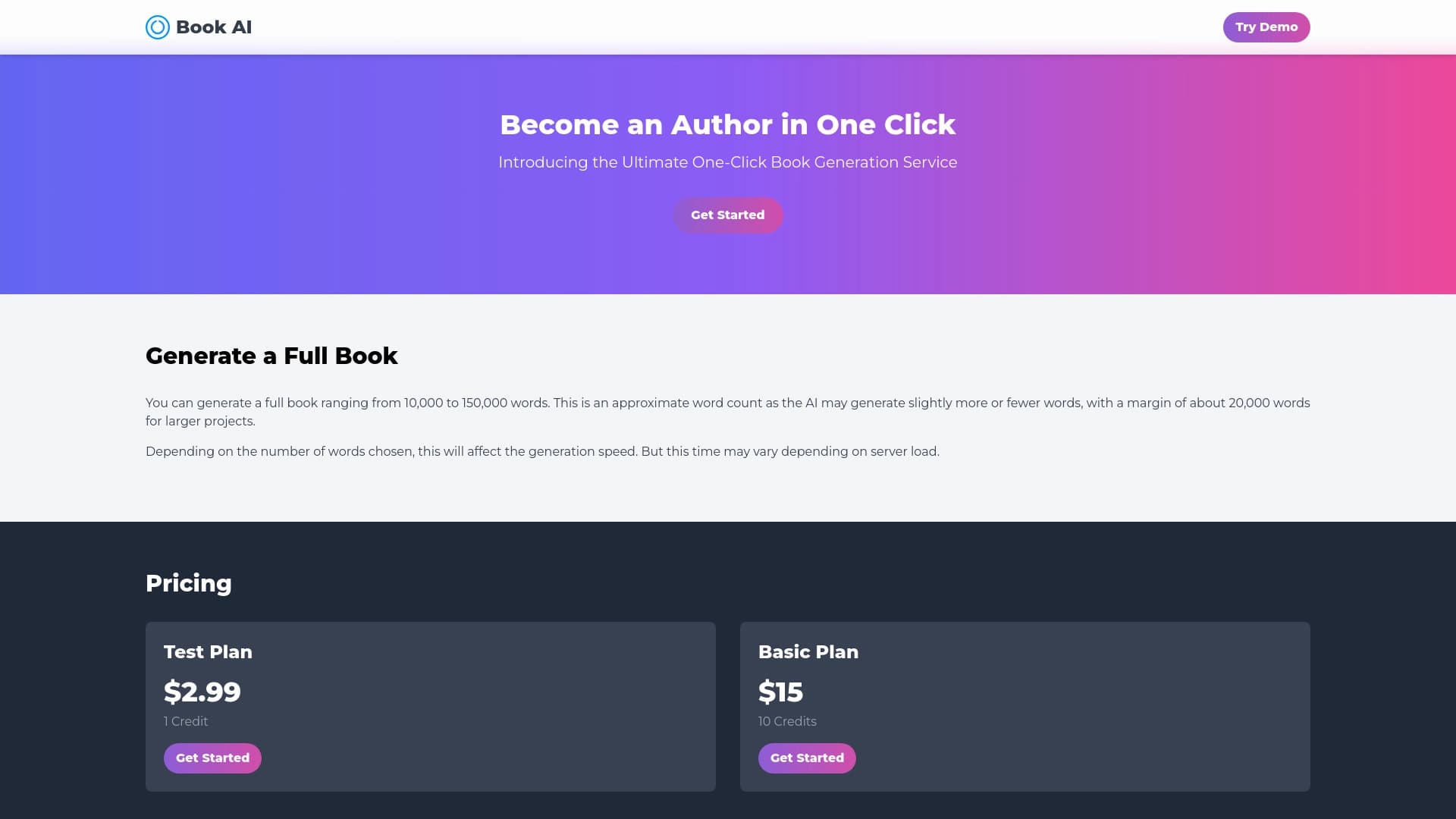

Service en ligne pour générer des textes complets de livres à partir d'une seule demande.

Une plate-forme pour générer des images, vidéos et audio en utilisant l'intelligence artificielle à partir de descriptions de texte.


Un add-in pour Microsoft Word qui utilise des réseaux neuronaux pour automatiser la création, l'édition et l'analyse de contrats juridiques.

Plateforme d'IA pour le dépistage rapide de reprise qui aide les recruteurs à sélectionner les candidats appropriés.

Service Web pour générer des images à partir d'invites de texte et convertir des photos et des vidéos en œuvres d'art.


Service Web pour générer des images à partir de descriptions de texte et communiquer avec des caractères virtuels.

Une plateforme d'automatisation du soutien à la clientèle qui analyse les demandes et aide les opérateurs à réagir plus rapidement.