
AI Prompt Manager
Extensão para Chrome que ajuda a armazenar, organizar e encontrar rapidamente prompts para GPT.
Visão geral
AI Prompt Manager Neural Network Descrição
AI Prompt Manager é uma extensão de navegador gratuita para o Google Chrome, projetada para usuários que trabalham regularmente com modelos de linguagem da família GPT. A ferramenta resolve o problema clássico do caos imediato: em vez de manter dezenas ou centenas de alertas em notas, documentos ou memória, você pode guardá-los em um só lugar.
A extensão permite agrupar prompts em pastas e categorias, instantaneamente encontrar o prompt certo através de pesquisa integrada, e saltar para ChatGPT chat com um único clique. Além disso, exportar e importar recursos para coleções tornam a ferramenta conveniente para backup de dados ou compartilhamento de trabalho com colegas. O desenvolvedor (Tootify) afirma o princípio operacional como simplicidade e velocidade de acesso à sua biblioteca de prompt.
Recursos do Gerenciador de Prompt de IA
| Característica | Valor |
|---|---|
| Tipo | Extensão do navegador |
| Plataformas | Chrome |
| Preço | Nível livre disponível |
| Desenvolvimento | Toolify |
| Categoria | Diversos |
| Modelo de distribuição | Livre (com níveis pagos) |
Para quem é apropriado o gerente de IA Prompt?
Usuários trabalhando intensivamente com GPT
A ferramenta foi projetada para aqueles que usam ChatGPT diariamente no trabalho ou estudo e acumularam um grande número de avisos repetitivos ou similares. Se você gastar tempo tentando lembrar uma formulação rápida bem sucedida, esta extensão irá ajudá-lo a organizar sua biblioteca prompt.
Equipas e Freelancers
Graças à exportação e importação de coleções, o AI Prompt Manager atende a pequenas equipes que trabalham com IA. Você pode exportar sua base prompt e compartilhá-la com um colega — então todos os participantes do projeto usam formulações prompt consistentes e comprovadas.
Como usar o AI Prompt Manager?
Instalação e Configuração Inicial
Para começar, vá à Chrome Web Store, encontre a extensão do AI Prompt Manager e instale-a no seu navegador. Após a instalação, você precisará configurar categorias — criar pastas para suas tarefas típicas (por exemplo, "Escrever", "Código", "Marketing").
Adicionar e Trabalhar com Prompts
Adicione prompts às pastas apropriadas conforme necessário. Quando você tem muitos prompts, use a busca integrada — ela rapidamente encontra o prompt certo mesmo entre centenas de entradas salvas. Para começar a trabalhar com o modelo, basta clicar em um botão dedicado de acesso rápido que abre o chat ChatGPT.
Exportar e Importar Coleções
Em alguns cliques, você pode exportar toda a sua coleção de prompts para um arquivo para backup ou compartilhamento com outro usuário. Importar funciona da mesma forma — envie o arquivo, e todas as instruções com categorias aparecem no extensão.
Principais características do AI Prompt Manager
Armazenando e Organizando Prompts
A extensão permite classificar prompts em pastas e categorias, criando uma estrutura de armazenamento clara. Isto é especialmente útil quando o número de alertas atinge dezenas ou centenas.
Pesquisa Rápida e Acesso ao ChatGPT
Built-in busca funciona instantaneamente e encontra o prompt necessário entre todos os salvos. Um botão dedicado de acesso rápido abre o chat GPT para que você possa imediatamente colar o prompt encontrado sem se distrair com a navegação.
Importação e Exportação de Colecções
O recurso de exportação salva todos os prompts para um arquivo que pode ser usado como backup ou compartilhado com outra pessoa. A importação permite restaurar a coleção em outro dispositivo ou depois de reinstalar o navegador.
Vantagens do AI Prompt Manager
Ordem em Pedidos
Todos os prompts GPT podem ser organizados em categorias, criando uma estrutura que faz sentido para você. Isso elimina a necessidade de manter prompts em diferentes aplicativos e documentos.
Acesso rápido ao Prompt Certo
A pesquisa incorporada permite encontrar o prompt necessário em segundos, mesmo que a coleção tenha mais de cem entradas. Não há necessidade de percorrer listas ou lembrar qual arquivo você salvou o prompt.
Transferência de Coleção Fácil
A exportação e importação de coleções leva apenas alguns cliques. Isso é conveniente para criar backups, mudar para outro computador ou compartilhar uma base desenvolvida com sua equipe.
Desvantagens do AI Prompt Manager
Funcionalidade limitada
A extensão só executa funções básicas de armazenamento e pesquisa. Falta automação de fluxo de trabalho, cadeias de ação complexas, integrações com outros serviços ou suporte à colaboração em equipe em tempo real.
Preocupações com a segurança dos dados
No momento da escrita, não há informações claras sobre como a extensão protege os dados do usuário. Isto pode ser um dissuasor para aqueles que trabalham com informações sensíveis.
Apenas Chrome
A extensão funciona exclusivamente no navegador Google Chrome. Não há suporte para Firefox, Safari, Opera ou dispositivos móveis, o que limita a mobilidade do usuário.
Que problemas o AI Prompt Manager resolve?
Organizando Prompts
A extensão resolve o problema de trazer ordem aos prompts espalhados do GPT. Em vez de vários arquivos, notas e favoritos, você obtém um único banco de dados estruturado.
Acelerando a Busca Prompt
Com um grande número de prompts, encontrar o certo pode levar muito tempo. O AI Prompt Manager reduz este processo a segundos graças à pesquisa integrada e a um sistema de categorias.
Partilhar Colecções
O recurso de exportação e importação resolve o problema de transferir prompts entre dispositivos ou entre membros da equipe. Isso elimina a necessidade de copiar manualmente prompts através de messengers ou email.
AI Prompt Manager Preços
A extensão utiliza um modelo freemium. Estão disponíveis três níveis de preços:
- Livre — fornece acesso à funcionalidade principal: armazenamento imediato, pesquisa, exportação/importação. Nenhuma assinatura necessária, nenhuma taxa oculta.
- Padrão — assinatura mensal paga.
- Prémio — assinatura mensal paga.
Informações sobre quais recursos adicionais específicos são desbloqueados nos níveis pagos não são divulgadas em fontes disponíveis.
Termos de Uso para Gerenciador de Prompt de IA
Para começar, você precisa instalar a extensão da Chrome Web Store — isso é gratuito e não requer registro. A extensão está disponível para todos os usuários do navegador Chrome, quer eles usem a camada gratuita ou paga. Não são indicados requisitos especiais para hardware de computador ou sistema operacional.
Disponibilidade do Gerente de Prompt de IA
O AI Prompt Manager está disponível apenas como extensão de navegador para o Google Chrome. A instalação é feita através da Web Store Chrome oficial. A extensão não funciona em dispositivos móveis (smartphones e tablets), nem em outros navegadores — Firefox, Safari, Opera ou Edge. Se você usar exclusivamente dispositivos móveis ou navegadores alternativos, esta ferramenta não é para você.
Como AI Prompt Manager Difere de alternativas
A principal diferença entre AI Prompt Manager e soluções semelhantes é sua estreita especialização. A extensão foca apenas em armazenar, pesquisar e compartilhar prompts para GPT, sem tentar cobrir outras tarefas, como automação, integrações ou colaboração em tempo real. Ao contrário de muitas ferramentas que exigem uma assinatura para uso básico, o AI Prompt Manager tem uma camada livre completa sem restrições ocultas. A interface simples e o sistema de pastas claras tornam a extensão acessível mesmo para iniciantes, enquanto alternativas muitas vezes têm configurações mais complexas e uma curva de aprendizado mais íngreme.
Conclusão
AI Prompt Manager é uma ferramenta prática e simples para usuários que querem trazer ordem para seus prompts GPT. A extensão cumpre suas funções declaradas: armazenamento por categorias, busca rápida, exportação e importação de coleções e acesso rápido ao chat ChatGPT. A versão gratuita cobre necessidades básicas sem assinaturas ou taxas ocultas. No entanto, limitações devem ser consideradas: a extensão funciona apenas no Chrome, carece de automação complexa e integrações, e não fornece informações claras sobre proteção de dados. Para usuários individuais e pequenas equipes trabalhando no Chrome, é uma escolha sólida, mas aqueles que precisam de recursos avançados ou suporte multiplataforma devem considerar alternativas.
Perguntas mais frequentes
Consulte também


Plataforma para criar e conversar com personagens de IA, cada um com sua própria personalidade e história.


Gerador de vídeos, posts e criativos publicitários em alta, baseado em ideias, imagens e consultas de texto.


Uma ferramenta para criação de conteúdo automatizado SEO com pesquisa de palavras-chave e geração de texto de longa forma.


Plataforma com IA para geração de documentos legais, análise de contratos e obtenção de informações legais.
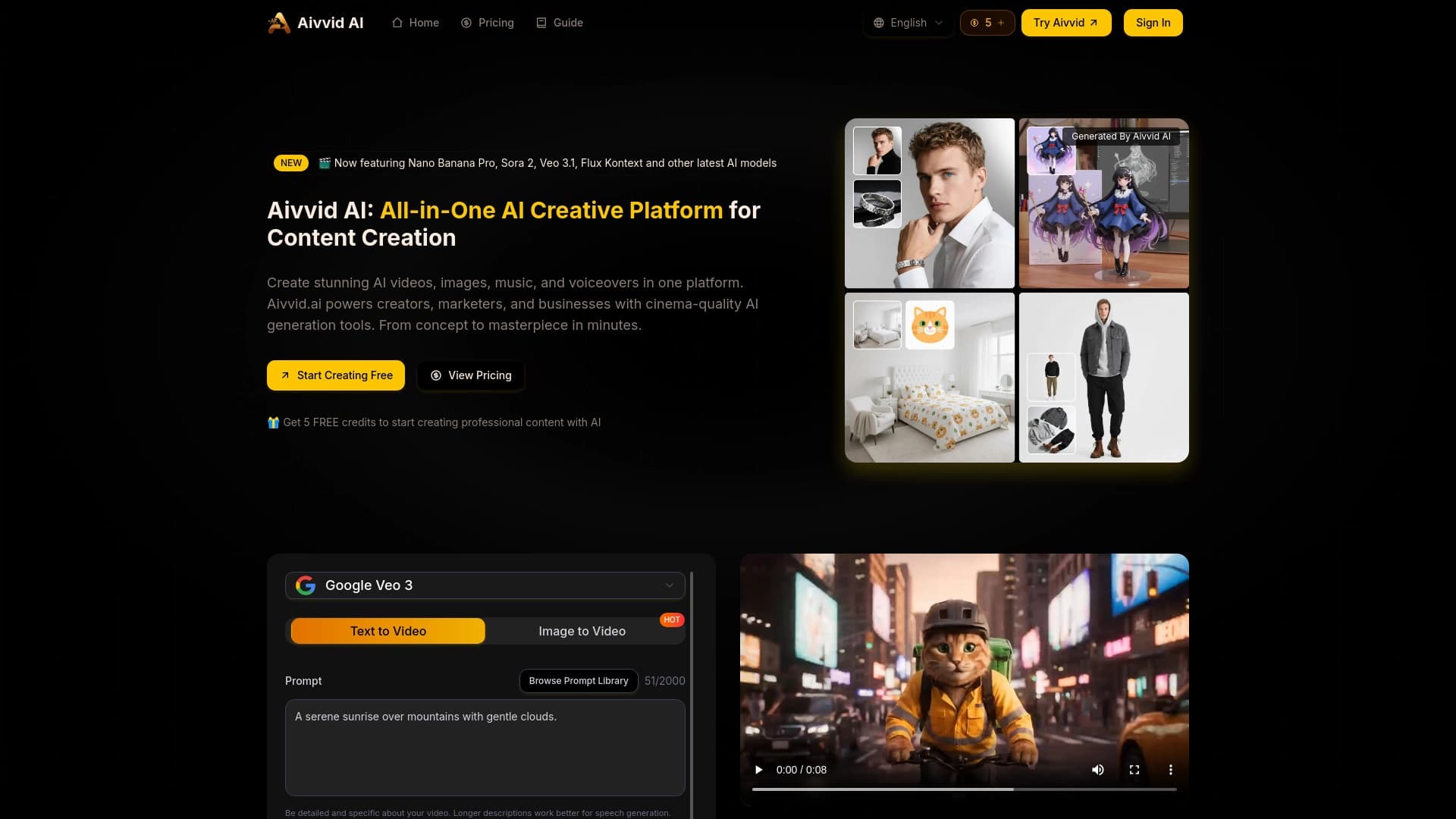
Serviço para geração de vídeos a partir de descrições textuais e imagens, utilizando redes neurais modernas.
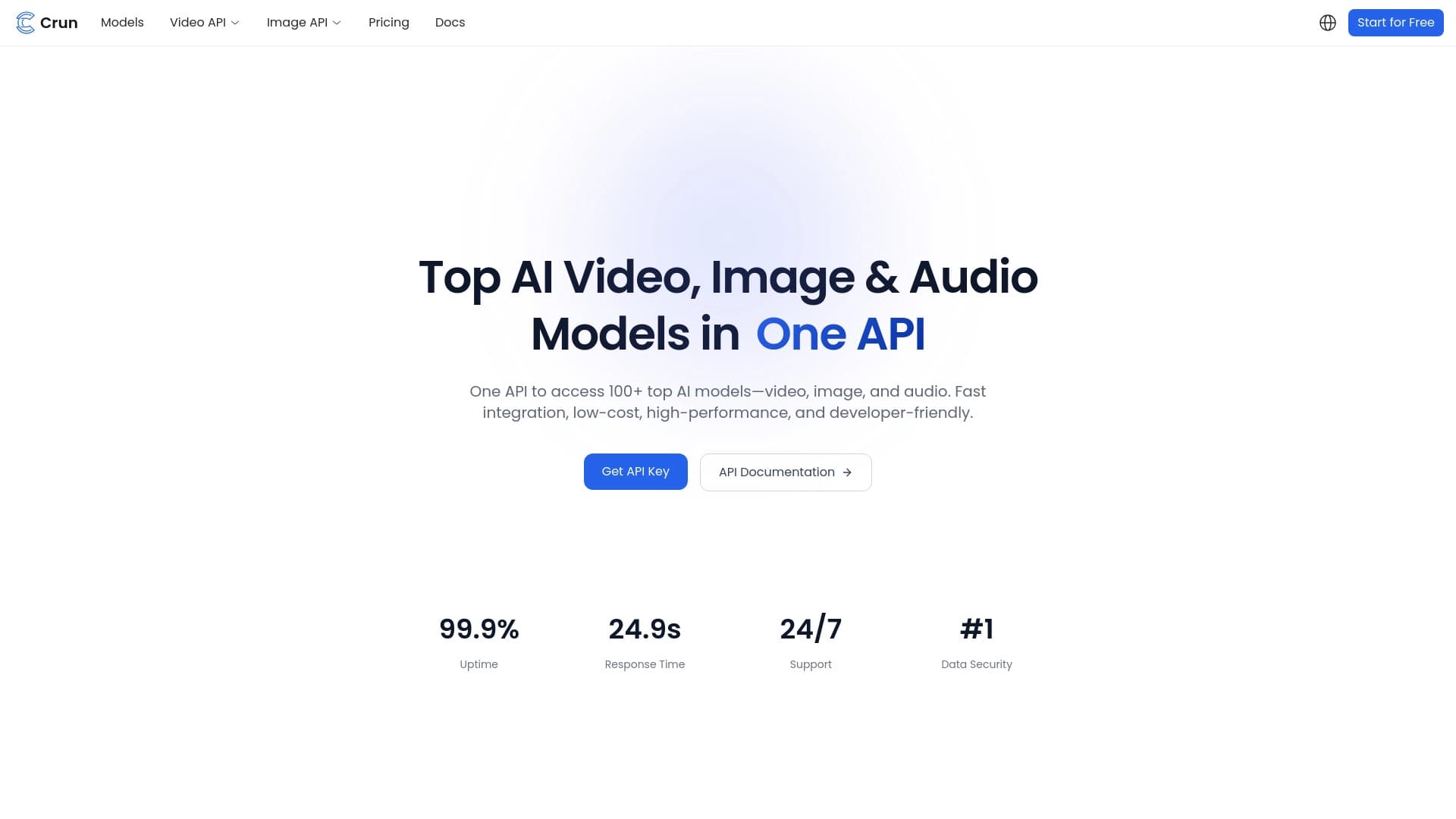
API unificado para acesso a mais de 100 modelos populares de IA para desenvolvedores.

Assistente de IA para empresas que ajuda a gerenciar tarefas e automatizar a rotina por meio de diálogo.


AI Slide Studio é um serviço baseado em IA para criar rapidamente apresentações personalizáveis sobre um determinado tema.