
AI Poster Maker
Generator poster berdasarkan deskripsi teks dan seleksi gaya.
Tinjau
Overview Pembuat Al Poster
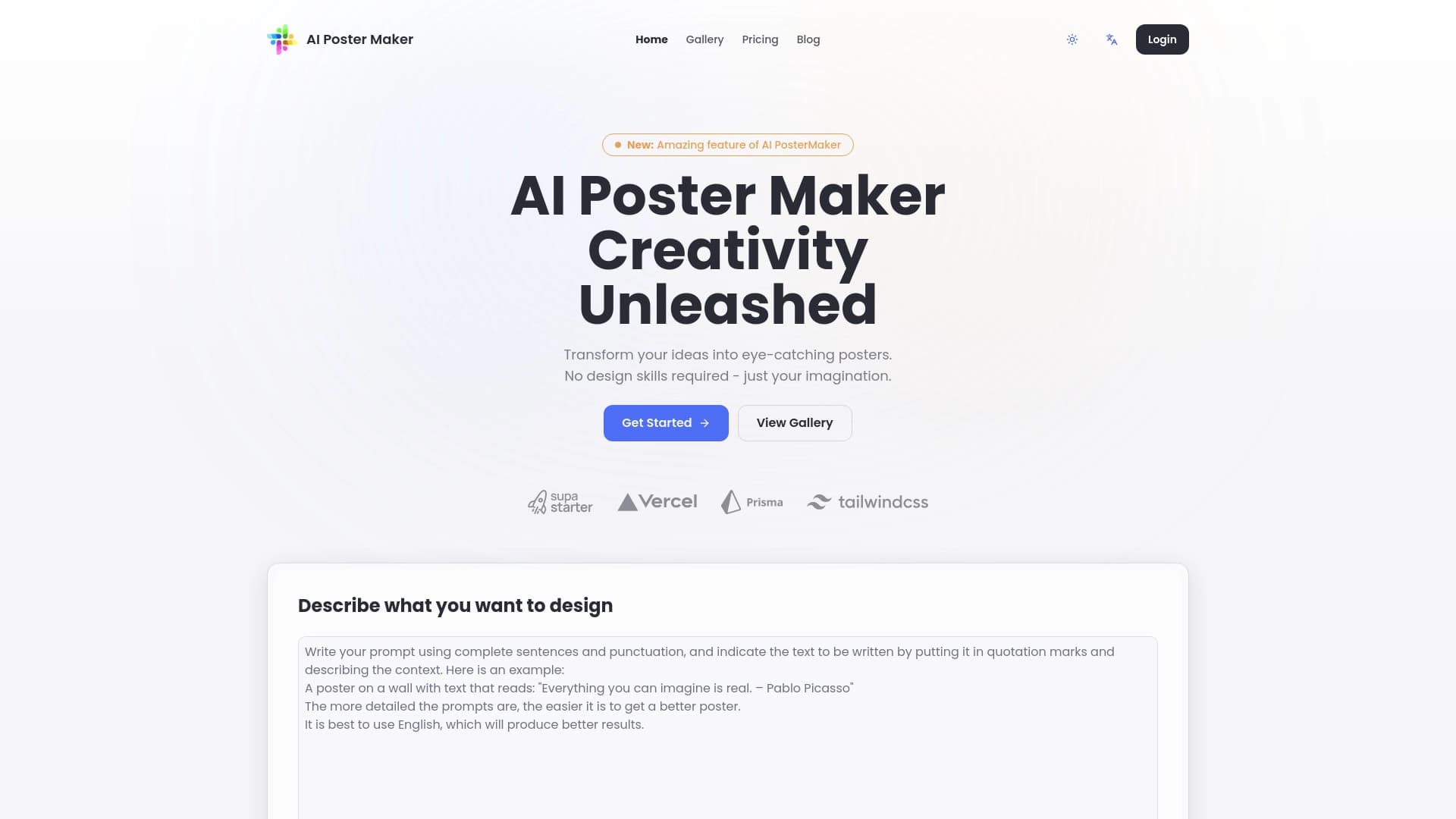
Al Poster Maker adalah poster generator online yang didukung oleh kecerdasan buatan. Alih-alih editor grafis kompleks, Anda hanya menjelaskan dalam kata-kata apa desain yang Anda butuhkan, memilih gaya - dan jaringan saraf akan menawarkan layout siap dibuat dalam beberapa menit. Layanan secara otomatis menangani komposisi, memilih gambar dan fonta, dan setelah generasi memungkinkan Anda untuk membuat edits manual.
Fitur kunci alat adalah fungsi Magic Prompt. Ini membantu "menjelaskan lebih lanjut" ide Anda ke jaringan saraf: jika Anda belum sepenuhnya merumuskan permintaan Anda, AI akan mengklarifikasi rincian dan menambahkan unsur-unsur yang hilang untuk deskripsi. Ini mengurangi jumlah usaha gagal dan mempercepat pekerjaanmu.
Layanan ini berfokus pada kecepatan dan kesederhanaan. Ini cocok untuk menciptakan poster peristiwa, kartu media sosial, spanduk, dan bahan visual lainnya ketika Anda membutuhkan hasil "di sini dan sekarang".
Fitur Pembuat Al Poster
| Fitur | Nilai |
|---|---|
| Tipe | Generator Poster, alat desain grafis, generator banner |
| Pengembang | Lab Al Poster Maker |
| Platform | Situs web (versi web) |
| Rencana gratis | Ya |
| Kunjungan bulanan | 388.9K |
| Ketersediaan | Ai- post- maker.com |
Siapa Al Poster Maker cocok untuk?
Pemula tanpa pengalaman desain
Layanan ini dirancang untuk pengguna sehari-hari yang tidak tahu Photoshop atau Illustrator. Untuk mendapatkan poster, Anda hanya perlu menulis beberapa kalimat tentang apa yang ingin Anda gambarkan. Jaringan saraf akan merakit tata letak sendiri, memilih gambar dan fonta. Semua yang tersisa untuk pengguna adalah untuk mencari rincian lagu jika dibutuhkan.
Perancang profesional
Untuk pro, alat bekerja sebagai akselerator untuk tugas rutin. Alih-alih menghabiskan satu jam pada tata letak rancangan, Anda dapat menghasilkan beberapa pilihan dalam satu menit dan menggunakan yang terbaik sebagai titik awal. Hal ini berguna untuk brainstorming atau cepat memvisualisasikan ide-ide untuk klien.
Bagaimana menggunakan AI Poster Maker?
Bekerja dengan layanan sangat sederhana dan hanya mengambil beberapa langkah:
- Masukkan deskripsi teks dari poster yang diinginkan dalam bidang khusus - apa yang harus digambarkan, teks apa, mood apa.
- Pilih opsi tambahan dan gaya desain.
- Menjalankan generasi - jaringan saraf proses permintaan dan menghasilkan tata letak siap dalam waktu sekitar satu menit.
Jika hasilnya tidak memuaskan, Anda dapat menyesuaikan permintaan atau menggunakan Prompt Magic sehingga AI menambahkan rincian deskripsi sendiri. Setelah generasi, Anda memasukkan mode penyuntingan dengan opsi fine- tuning: mengganti frasa, gambar, mengubah skema warna dan fonta.
Fitur kunci dari pembuat AI Poster
- Pembuatan poster dari deskripsi teks - arus kerja utama: pengguna menggambarkan desain yang diinginkan dalam kata-kata.
- Prompt Magic - Permintaan cerdas peningkatan. AI secara independen mengisi rincian, perbaikan kata-kata, dan menambahkan unsur-unsur hilang untuk deskripsi sehingga hasil akhir lebih dekat dengan harapan.
- Warna, fonta, dan penyesuaian gaya - Setelah pembuatan tata letak, Anda dapat menyesuaikan parameter visual: palet, typeface, gaya desain keseluruhan.
- Mengganti teks dan gambar - Semua elemen poster dapat disunting. Anda dapat memasukkan headline, captions Anda sendiri, atau menggantikan gambar yang disarankan oleh jaringan saraf.
- Manajemen fonta - Pemilihan tipografi tersedia untuk elemen tata letak yang berbeda.
- Online dan free - layanan berjalan di browser, tidak memerlukan instalasi perangkat lunak, dan fitur dasar tersedia tanpa biaya.
Kemajuan pembuat AI Poster
- Aksebilitas. Alat ini bekerja di peramban, termasuk pada perangkat mobile. Siapapun bisa menggunakannya tanpa keahlian khusus.
- Hasil perubahan Fleksibel. Tidak seperti banyak generator yang hanya mengeluarkan gambar terakhir, di sini tata letak dapat disempurnakan: mengubah fonta, warna, gambar, dan teks melalui pengaturan sederhana.
- Penyimpanan waktu yang penting. Generasi mengambil detik - apa yang akan mengambil jam desainer dibuat hampir langsung di sini.
Pemutusan pembuat AI Poster
- Templat - seperti hasil. AI cenderung menawarkan komposisi standar, sehingga poster yang dihasilkan dapat berakhir tampak mirip satu sama lain. Jangan mengharapkan rincian individual dibuat.
- Tergantung pada kualitas deskripsi. Jika permintaan ini buruk atau terlalu abstrak, hasilnya akan jauh dari harapan. Anda mungkin akan memerlukan regenerasi tata letak beberapa kali.
- Kesulitan dengan ide-ide tidak konvensional. Jaringan saraf tidak selalu mengambil rincian halus, metafora, atau lelucon dalam deskripsi - hasil akhirnya rata-rata dan "dipoles".
Tugas apa yang diselesaikan Al Poster Maker?
- Membuat poster untuk pameran. Sebuah skenario klasik: menggambarkan acara, menambahkan rincian - dan dalam lima menit Anda memiliki poster siap untuk cetak atau publikasi.
- Membuat gambar untuk Cerita Instagram. Alat ini memungkinkan Anda dengan cepat menghasilkan serangkaian kartu visual dalam format vertikal bagi media sosial tanpa terganggu oleh tata letak manual.
Secara keseluruhan, layanan mencakup kebutuhan untuk generasi visual cepat tanpa menyelam ke dalam perangkat desain profesional.
Harga Pembuat Al Poster
Layanan beroperasi pada model Freemium - ada rencana gratis dan dua tiers dibayar:
- Bebas - Fitur dasar, menciptakan poster sederhana.
- Standar - Templat diperpanjang dan resolusi yang lebih tinggi untuk file akhir.
- Premium - poster tak terbatas, akses ke semua fitur, dukungan prioritas.
Ketentuan penggunaan untuk pembuat AI Poster
Layanan diakses melalui website. Untuk menggunakan jaringan saraf, Anda hanya menulis permintaan teks di bidang yang sesuai - pendaftaran wajib tidak disebutkan dalam data sumber. Tidak ada batasan pada format berkas akhir dinyatakan baik, tapi rencana yang dibayar menjanjikan resolusi gambar yang lebih tinggi.
Al Poster Maker tersedia
Layanan tersedia di ai- post- maker.com.. Tidak ada pembatasan bahasa atau blok regional yang disebutkan, dan tidak ada informasi tentang membutuhkan VPN. Hal ini dapat diasumsikan situs bekerja untuk pengguna dari negara yang berbeda, meskipun kepastian penuh kurang.
Bagaimana Al Poster Maker berbeda dari alternatif
Al Poster Maker menonjol dari pesaing dengan menggabungkan program berbasis teks dengan penyuntingan manual selanjutnya. Banyak jaringan saraf seperti Midjourney atau Kandinsky membuat gambar "seperti" - Anda tidak dapat mengubah teks pada poster atau menukar warna latar belakang sesudahnya; Anda harus regenerasi dari awal. Di sini, setelah tata letak dibuat, pengguna dapat menggantikan takarir, gambar, dan memilih fonta yang sesuai.
Dibandingkan dengan layanan seperti Leonardo.ai atau Yandex Seni, alat ini lebih khusus diarahkan ke poster dan spanduk daripada gambar apapun. Lebih mudah untuk digunakan untuk desainer non-tapi jatuh pendek dalam berbagai artistik. Sedangkan alternatif dapat menghasilkan gambar yang lebih unik dan kreatif, Al Poster Maker berfokus terutama pada kecepatan mempersiapkan tata letak publikasi-siap.
Kesimpulan
Al Poster Maker adalah alat online pragmatis untuk cepat membuat poster, selebaran, dan kartu media sosial. Tidak memerlukan keterampilan desain: cukup gambarkan ide Anda dalam kata-kata, pilih gaya, dan tunggu tata letak siap. Pengaturan Fleksibel memungkinkan Anda menyempurnakan hasilnya - mengubah teks, warna, fonta, dan gambar. Ada rencana gratis yang cukup untuk tugas-tugas dasar, ditambah penghitung gaji bagi mereka yang membutuhkan template diperpanjang dan resolusi tinggi.
Yang mengatakan, layanan memiliki batasan objektif: AI sering menghasilkan contoh-seperti hasil dan tergantung banyak pada kualitas deskripsi teks. Untuk ide yang kompleks, tidak konvensional, alat mungkin tidak cocok. Tetapi jika tujuannya adalah untuk cepat mendapatkan poster dipoles tanpa menyelam ke dalam desain, Al Poster Maker menanganinya dengan mengagumkan.
Harga
Pertanyaan yang sering ditanyakan
Lihat juga


Sebuah platform terbuka untuk menghasilkan gambar dan konten visual lainnya dari deskripsi teks menggunakan AI.
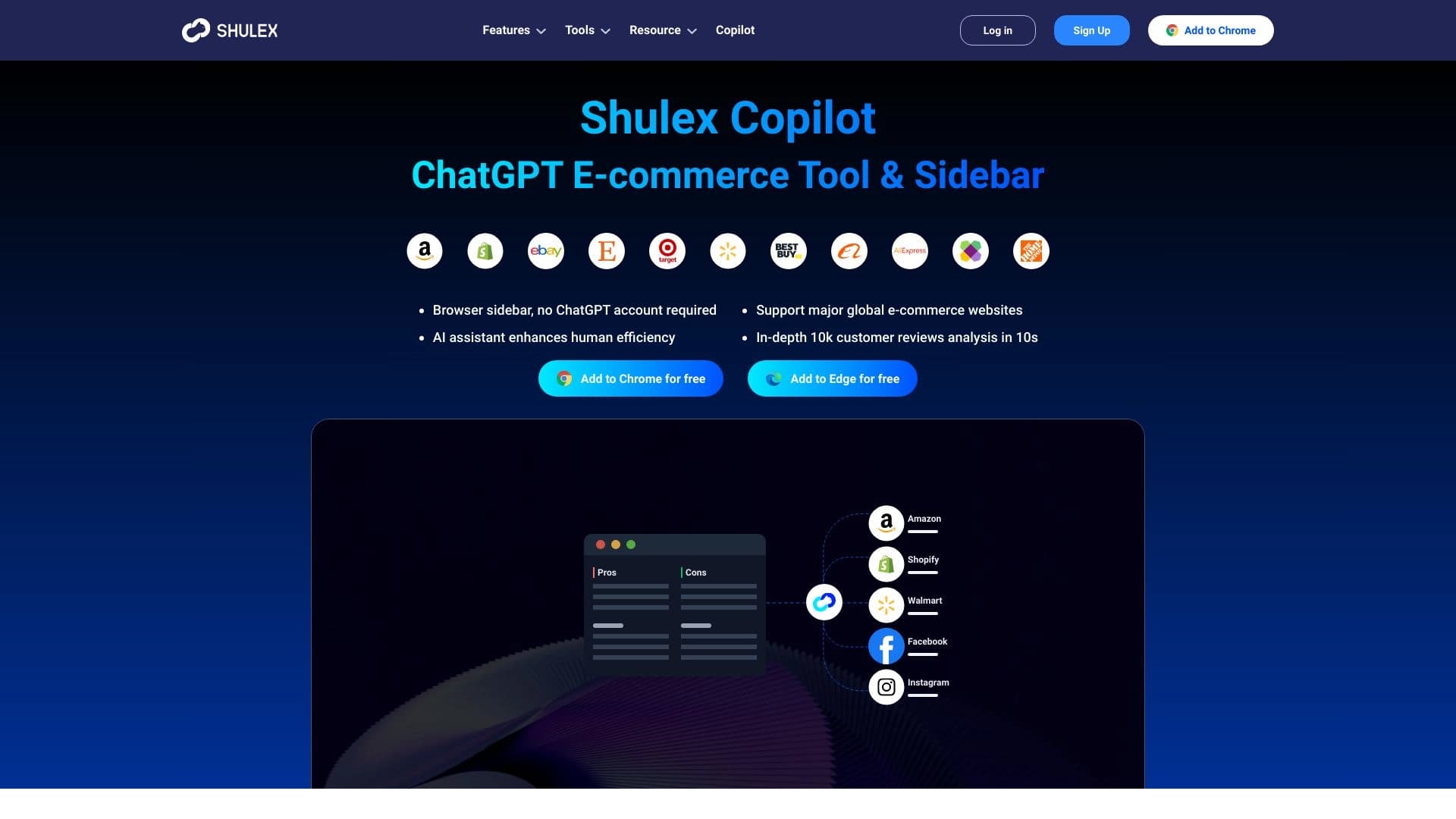
Asisten AI untuk e- commerce yang membantu menganalisis ulasan pelanggan dan mengoptimalkan daftar produk.
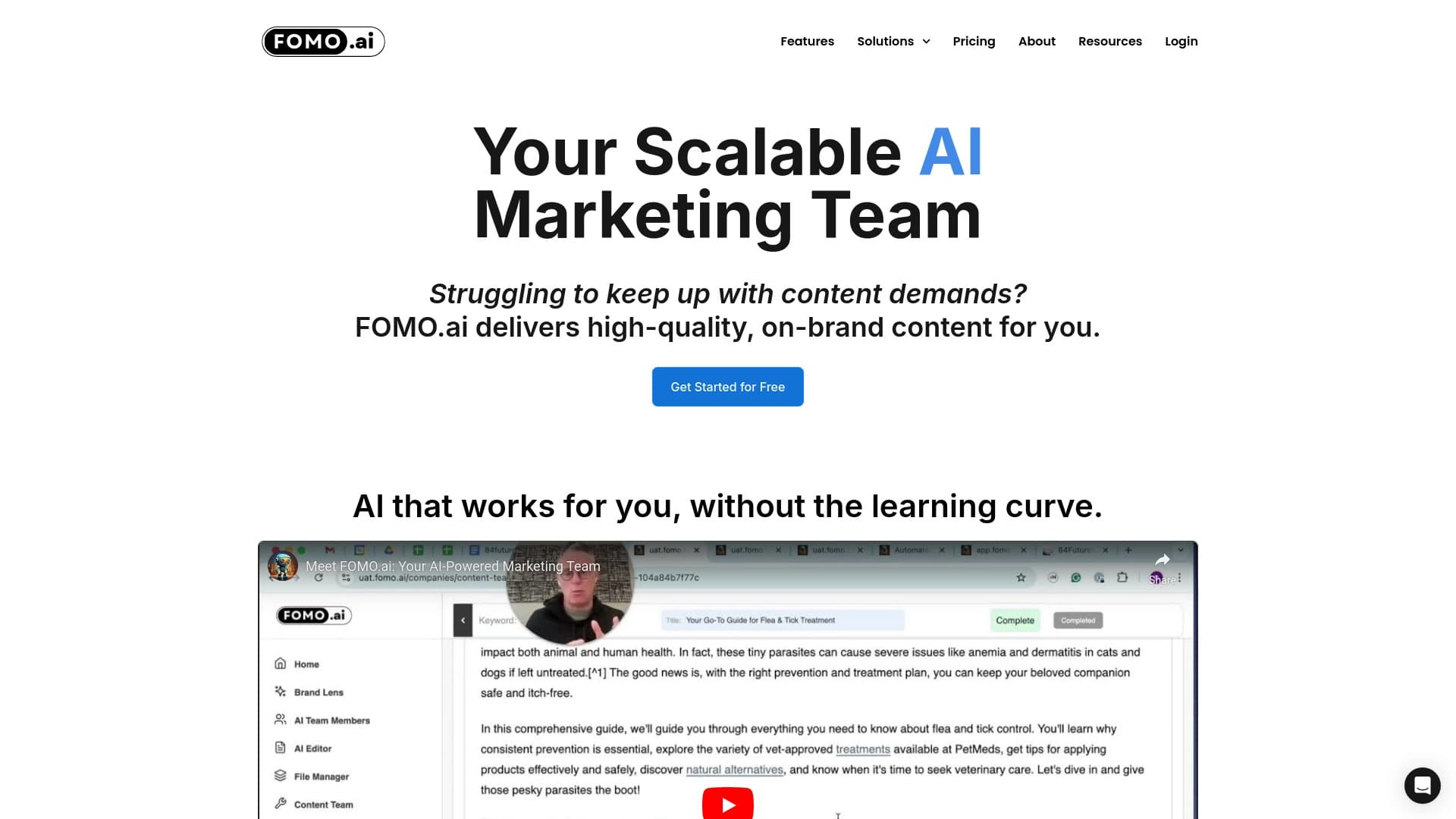

Peron untuk meningkatkan lalu lintas organik dan menciptakan konten dengan bantuan AI dan partisipasi ahli.


Asisten AI multifungsional untuk menghasilkan teks, gambar, dan audio.
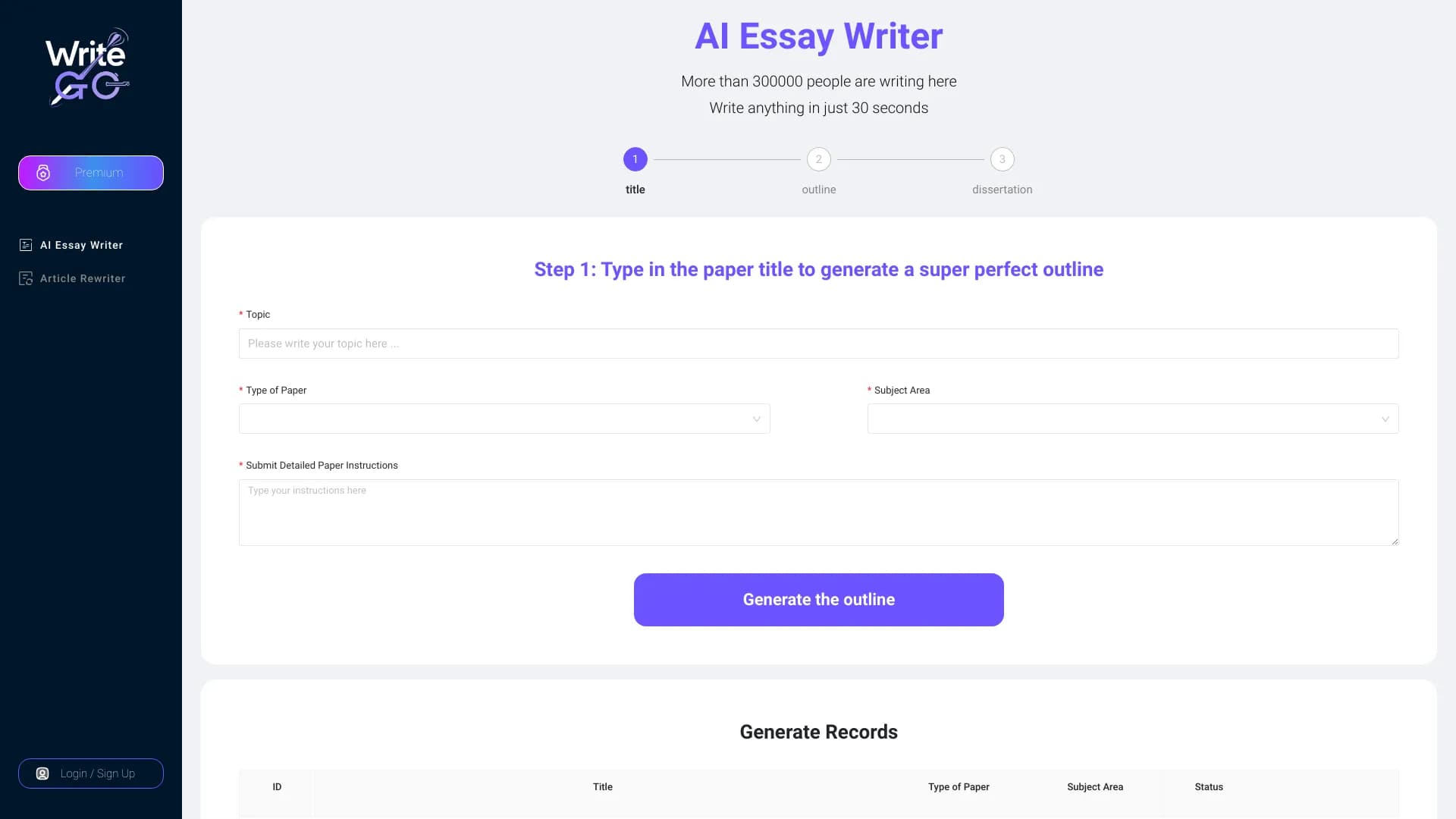

WriteGOA.I adalah platform menulis AI memperbaiki tekstur akademik dan isinya untuk target yang berbeda.

Sebuah platform AI universal untuk pembuatan penyuntingan dan animasi gambar dan video.


Al toolkit untuk pembuatan video dan editing, termasuk avatar, lip- sync, and voice cloning.

Platform email kolaboratif dan alat komunikasi tim.