

AI Photo Forge
Telegram bot that turns your selfies into stylized digital portraits using a neural network.
Overview
AI Photo Forge Neural Network Description
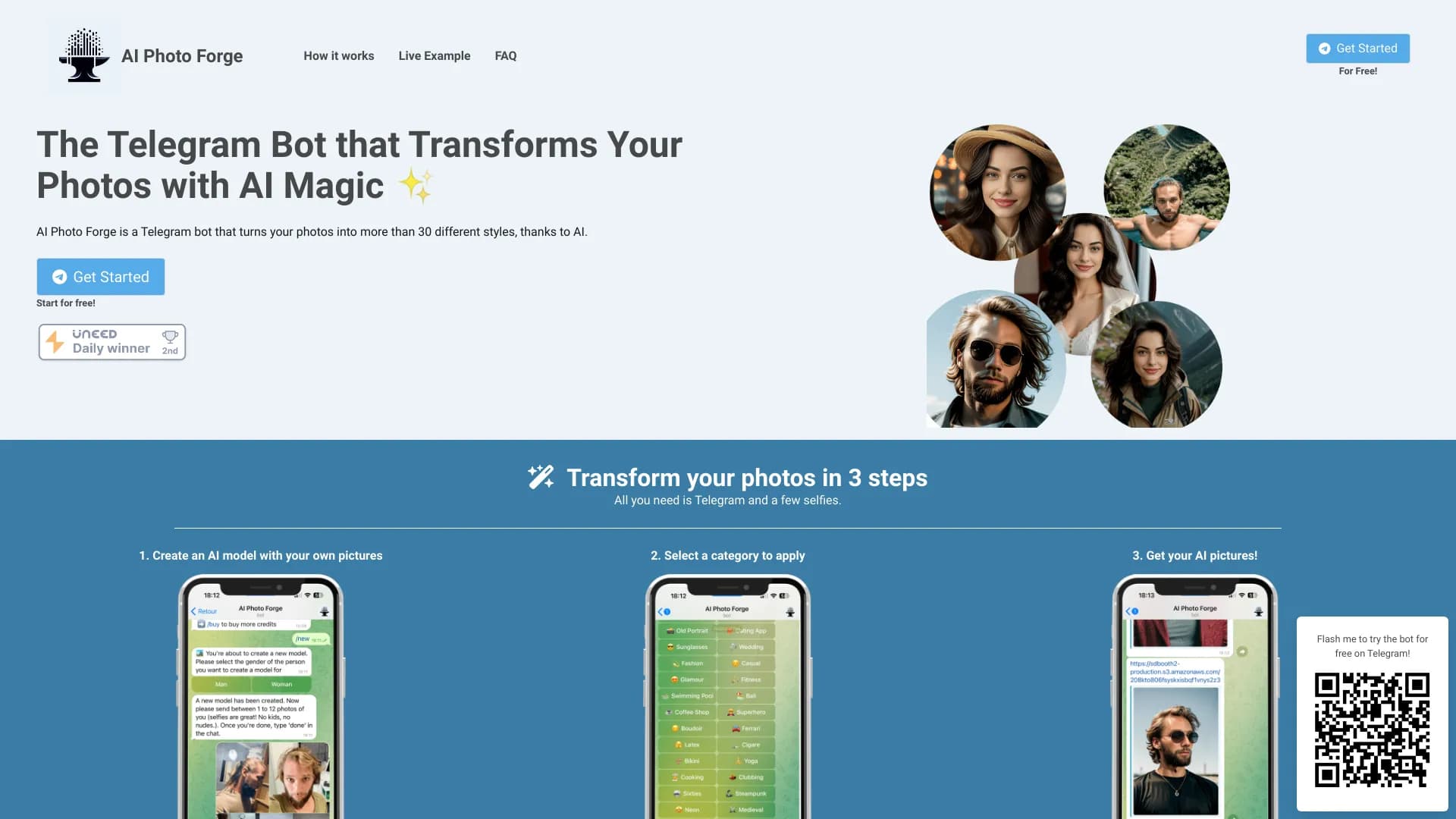
AI Photo Forge is a service that operates within the Telegram messenger and is designed to turn ordinary selfies into stylized digital portraits. Users don't need to install a separate app or go through complex registration — the entire process happens directly in the chat with the bot.
The core principle of the service is quite simple: you upload several of your photos, and the neural network creates a digital portrait based on them, which can then be processed in various artistic styles. The service focuses on producing high-quality, realistic images rather than simple filters or masks. After the digital copy is created, users can browse through available processing options until they find a suitable result.
Essentially, it's a tool for quickly getting unusual portraits without needing to understand complex graphic editors or neural network settings. The entire cycle — from uploading photos to receiving the final result — takes about a minute.
AI Photo Forge Features
| Feature | Value |
|---|---|
| Type | Telegram bot for AI-powered photo transformation |
| Category | Image and photo generators |
| Platforms | Telegram (bot) |
| Monthly visits | 388.9K |
| Developer | AI Photo Forge |
| Release date | September 10, 2025 |
| Pricing | Free tier, Standard, Premium |
Who Is AI Photo Forge For?
AI Photo Forge can be useful for a wide range of users, but there are several groups for whom it will be especially relevant.
Those who want to refresh their avatars and profiles
Social media and messenger users often look for ways to stand out with original profile pictures. The service lets you quickly get a stylized portrait in an unusual style that can be used as an avatar on Telegram, Instagram, and other networks.
Those unfamiliar with graphic editors
AI Photo Forge is designed for people who don't want to learn Photoshop or other complex tools. The workflow is built on a simple chain of actions: send a photo, choose a style, get the result. This makes the service accessible even to those who have never worked with neural networks or editors.
Those who need quick art pieces
If you need an unusual image for a presentation, a personal blog, or just for inspiration, the bot can be a quick solution. There's no need to commission a designer or spend time editing yourself — just upload a photo and pick a suitable style.
How to Use AI Photo Forge
The workflow with AI Photo Forge is designed so that users can figure it out in literally a minute. Below is the main interaction scenario with the bot.
Step 1: Uploading selfies
To get started, you need to send the bot several of your photos. This is necessary for the neural network to create an accurate digital copy of your appearance. The more high-quality shots you send, the more accurate the portrait will be.
Step 2: Creating a digital copy
After uploading the photos, the AI processes them and creates a digital portrait of the user. This model becomes the foundation for all further work — all subsequent images will be generated taking into account facial features and appearance characteristics.
Step 3: Choosing a style and getting the result
Once the digital portrait is ready, the user is offered a choice of over 30 available styles. After selecting one, you wait about a minute — and the bot delivers the finished image. If needed, you can change the style as many times as you like, processing the same photo in different ways.
Key Features of AI Photo Forge
The bot's functionality focuses on two key capabilities that together define the service's value.
Converting photos into realistic images
The main function of AI Photo Forge is turning ordinary selfies into high-quality digital portraits. The neural network creates images that look realistic rather than like a cheap filter. This is achieved by first building a digital model of the user's appearance.
A library of over 30 styles
The second important feature is a large set of processing styles. Users can browse different options — from realistic to artistic — and choose the one that looks most suitable. All styles are modern and up-to-date, and their number covers most common requests.
AI Photo Forge Advantages
The service has several strong points that set it apart from competitors and make it convenient for everyday use.
Unique processing approach
Photos are processed using an original approach that differs from standard filters. The result looks stylish and realistic, without the "cheap Photoshop" effect. This matters for users who want not just an edited selfie but a full-fledged art piece.
Wide selection of current styles
Over 30 styles is a significant advantage. Users aren't limited to three to five basic options but can browse various directions until they find one that truly fits their mood or task.
Ease of use
The workflow is built on the formula "send — choose — receive." The service requires no additional software installation, separate registration, or reading instructions. Even an inexperienced user will figure out the bot within a minute.
AI Photo Forge Limitations
Despite the obvious advantages, the service also has limitations that are important to know before you start using it.
Tied to Telegram
AI Photo Forge works only within Telegram. This means users of other messengers won't be able to use the service. If you don't use Telegram or prefer other platforms, this tool isn't for you.
Privacy concerns
Transparency around data storage and deletion leaves much to be desired. It's unclear how the service stores uploaded photos and digital copies, and whether they are deleted after the work is done. For users who take the privacy of personal photos seriously, this could be a deterrent.
No style customization
Users cannot modify details of a chosen style or combine multiple styles. Only selection from a preset set is available — there's no fine-tuning of processing parameters.
What Tasks Does AI Photo Forge Solve?
The service focuses on solving two main tasks that users face when working with personal photos.
Enhancing portrait shots
If you have good selfies but want to make them more expressive or unusual, AI Photo Forge lets you quickly achieve the desired effect. Within a minute of choosing a style, you'll have a finished portrait ready to publish.
Creating unusual art pieces
For those who want to get something more than just an edited photo, the service offers artistic styles. Such images are suitable for use as creative avatars, blog illustrations, or even gifts.
AI Photo Forge Pricing
The service operates on a subscription model with three pricing plans. Basic functionality is available for free but with limits on the number of transformations. Paid plans are available for more active use.
- Basic plan — free. Includes a limited number of transformations. Suitable for one-off use and getting familiar with the service.
- Standard plan. Expanded style selection and a larger number of transformations. Aimed at users who regularly create portraits.
- Premium plan. Unlimited use of all features and styles. Designed for those who actively work with the service or need unrestricted access.
Terms of Use for AI Photo Forge
To get started with AI Photo Forge, all you need is a Telegram account and a few of your photos. No additional software installation is required, nor is there a separate registration process on a third-party website.
To create your own model, you need to send the bot several selfies. Based on them, the neural network builds a digital portrait that becomes the foundation for all subsequent processing. After that, you can browse available styles, and each new image will take into account your facial features.
The number of styles is over 30. You can change the look an unlimited number of times: if one style doesn't fit, you can always pick another and process the photo again.
AI Photo Forge Availability
AI Photo Forge is available exclusively as a Telegram bot. This means that using the service requires the Telegram messenger in any case. Everything happens online within the app — nothing needs to be downloaded.
You won't be able to run the bot in other messengers: it's tied specifically to the Telegram platform. If you use other communication apps, you'll either need to install Telegram to work with AI Photo Forge or skip the service.
How AI Photo Forge Differs from Alternatives
There are several popular image generation tools on the market that AI Photo Forge competes with. These include Leonardo.ai, Nano Banana, Kandinsky, Flux.1, Midjourney, and Yandex Art.
The key difference of AI Photo Forge is its focus on portrait images and ease of use within Telegram. While Midjourney and Flux.1 offer broad capabilities for generating images from text descriptions, AI Photo Forge focuses specifically on working with the user's photos. It's a kind of specialized tool that solves a specific task — creating stylized portraits.
If Midjourney or Leonardo.ai require a certain level of expertise and understanding of prompts, AI Photo Forge works on an extremely simple scheme. There's no need to formulate text queries — just pick a ready-made style from the list.
Conclusion
AI Photo Forge is a practical Telegram bot for quickly transforming selfies into stylized portraits. The service requires no software installation, works right in the messenger, and delivers results in about a minute. It's a good option for those who want to create unusual avatars and art pieces without learning complex tools. The main limitations are the tie to Telegram, the lack of style customization, and unclear data storage practices. For those willing to accept these trade-offs, the service is a fast and convenient way to upgrade portrait photos.
Pricing
Frequently asked questions
See also


A tool for generating 3D models based on text descriptions, images, or sketches.


Free web tool from Google that uses machine learning to turn rough sketches into neat icons and illustrations.


Online image editor with AI-powered features for photo processing, design, and content generation.


A platform for automating software development using a visual builder for AI agents.


AI assistant for quickly creating and editing texts in various formats.

Service for creating personalized avatars and photo shoots using AI based on uploaded selfies.
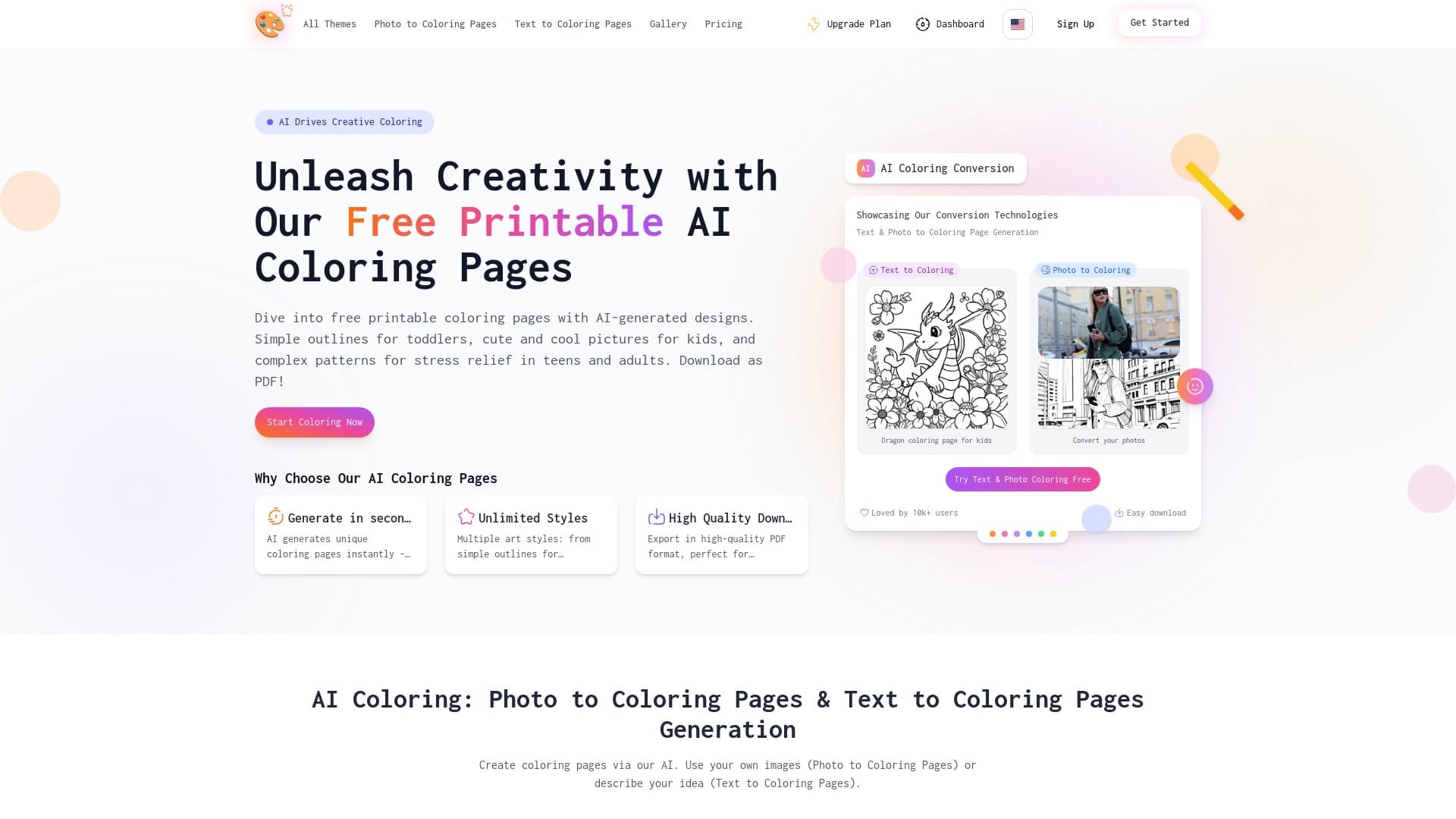

AI-powered coloring book generator that creates pages from text descriptions or uploaded images.


A platform for creating and interacting with AI characters, each with their own personality and story.