
AI Photo Enhancer
AI-powered online tool for automatic photo quality enhancement, including sharpening, noise reduction, and upscaling to 4K.
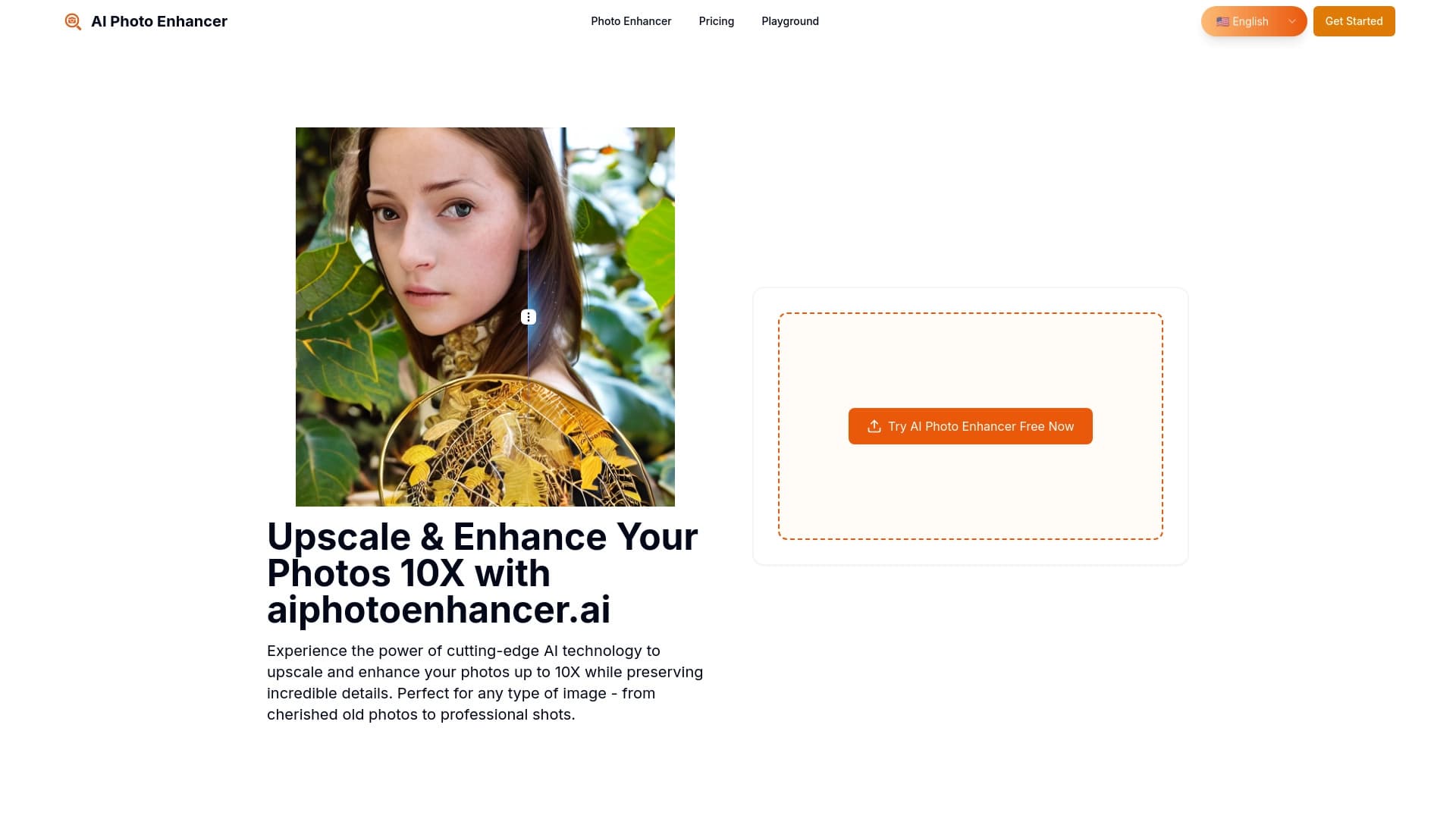
Overview
AI Photo Enhancer is a web service designed to automatically enhance photos using artificial intelligence algorithms. The tool's main goal is to eliminate the need for manual image adjustments: the neural network independently analyzes each photo and applies optimal corrections.
How the service works
The tool operates entirely in the browser. Users don't need to install additional software or learn professional graphic editors. Simply upload a file, and the algorithm starts the processing pipeline, which includes sharpening, noise reduction, and image upscaling up to 4K resolution.
Which images it supports
The service works with popular graphic formats — PNG, JPG, JPEG, and WEBP. The maximum upload file size is 10 MB. This covers most typical use cases, from old family photos to shots taken on modern smartphones.
Interaction model
Files can be uploaded in three ways: dragging and dropping into a dedicated zone (drag & drop), pasting from the clipboard, or using the standard file picker dialog. After uploading, users don't need to select presets or adjust sliders — the neural network automatically picks the right settings for each specific photo.
AI Photo Enhancer specifications
| Specification | Value |
|---|---|
| Type | Online tool for photo quality enhancement |
| Categories | Image enhancement (upscaling), photo processing |
| Supported formats | PNG, JPG, JPEG, WEBP |
| Maximum file size | 10 MB |
| Maximum resolution | up to 4K |
| How it works | Browser, drag & drop, clipboard paste, file picker |
Who is AI Photo Enhancer for?
Beginners and casual users
The service is designed for those who don't want to learn complex tools like Photoshop or Lightroom. Automatic parameter selection delivers an improved result with almost no effort from the user — just upload a file and wait for processing. This approach suits smartphone owners who want to quickly "refresh" less-than-perfect shots.
Professional users
Despite its simplicity, AI Photo Enhancer can also be useful in professional workflows. Quickly preparing large batches of images for presentations, printing, or social media saves time that specialists would otherwise spend on manual correction. Upscaling to 4K makes photos suitable for marketing materials and print production.
How to use AI Photo Enhancer
Step-by-step workflow
The tool requires no complex setup and is designed for the shortest possible path from upload to result.
- File upload. Users can drag an image into the dedicated area, paste it from the clipboard, or select it via the file browser.
- Automatic processing. The neural network independently analyzes the photo, determines the degree of blur, noise level, and other defects, then selects optimal enhancement parameters.
- Getting the result. The processed image becomes available after processing — the entire flow takes one click, with no intermediate steps or manual adjustments.
The only technical limitation is that the source file size must not exceed 10 MB.
Key features of AI Photo Enhancer
Sharpening and blur removal
The algorithm analyzes object contours in the photo and enhances their sharpness. This helps fix images that came out slightly blurry due to camera shake or subject movement.
Upscaling to HD and 4K
The tool can increase the resolution of the source image while preserving detail. This is especially useful for old low-resolution photos or for images that were cropped and lost their original quality.
Automatic setting selection
The neural network determines which corrections a specific image needs. No user intervention is required — this is the key difference between the service and traditional graphic editors.
Support for popular formats
Support for PNG, JPG, JPEG, and WEBP covers virtually all common use cases, from saving screenshots to publishing photos on websites.
Advantages of AI Photo Enhancer
Simplicity and zero learning curve
Anyone can use the service, even without specialized knowledge of image processing. There's no need to learn curves, levels, or masks — the entire process is automated. This sets the tool apart from complex professional software.
Equally useful for different user groups
The tool works for both personal tasks (fixing an old family photo) and professional goals (preparing images for publication or print). Professionals can use it as a quick draft-processing tool, saving time on routine operations.
Drawbacks of AI Photo Enhancer
File size limitation
The maximum upload size is 10 MB. This is sufficient for most smartphone photos, but when working with highly detailed images, especially in PNG format, the limit can become an obstacle.
No manual control
Full automation is both an advantage and a drawback. Users who want fine-grained control over the result (for example, adjusting the level of noise reduction or sharpness) won't have that option. The service offers no manual correction tools.
Unclear pricing
The service page contains no information about usage costs. Only instructions for paying for a subscription are mentioned, but specific rates and terms are not disclosed in available sources. This may raise questions for users who want to estimate costs in advance.
What problems does AI Photo Enhancer solve?
Restoring old photos
Over time, photos lose their original sharpness: grain appears, contrast drops, and details become blurry. The neural network can partially restore such images by increasing sharpness and removing noise.
Fixing poor smartphone shots
Not every photo turns out right the first time — shots often come out slightly blurred or with visible digital noise in low-light conditions. AI Photo Enhancer helps improve such images without retaking them.
Working with crops and compressed images
After cropping or repeated compression, images lose some quality and detail. The service can increase the resolution of such files and restore their sharpness, making them usable again.
Preparing images for commercial and public use
Improving photo quality for print, marketing materials, presentations, and social media is another use case. The ability to upscale to 4K makes the service a useful tool for anyone working with visual content on a regular basis.
AI Photo Enhancer pricing
No public information about the cost of using the service is available. The tool's page contains no price list, no subscription plans, and no free trial terms. The only mention is instructions for paying for a subscription, which indirectly suggests the service operates on a subscription model. However, specific figures, including cost and available plans, are not provided in open sources.
Terms of use for AI Photo Enhancer
Since detailed information about the user agreement, privacy policy, and data processing rules is not disclosed in available sources, only the basic technical conditions can be described. The service requires a modern browser with internet access. Each uploaded file must not exceed 10 MB, and the source image resolution has limits related to the maximum output of up to 4K. More detailed terms of use, including legal aspects, cannot currently be described due to the lack of official data.
Availability of AI Photo Enhancer
AI Photo Enhancer is a fully online tool that runs in the browser. Users don't need to install software on their computer or mobile device — just visit the service's website and upload an image. This approach ensures accessibility from any internet-connected device, regardless of the operating system.
How AI Photo Enhancer differs from alternatives
Comparison with professional editors
Unlike desktop programs that require training and have complex interfaces, AI Photo Enhancer works on a one-click principle. Users don't control the correction process but fully trust the neural network. This dramatically lowers the entry barrier but removes flexibility.
Position among other AI tools
The market offers several similar solutions, including Kolors by Kuaishou, Pixlio AI, ImgExpand, and other image processing tools. The main differences between them usually lie in the set of supported formats, maximum resolution, additional features (for example, watermark removal in Gemini Watermark Remover), and pricing. AI Photo Enhancer's unique combination of features includes sharpening, noise reduction, and upscaling to 4K with an extremely simple interface.
Conclusion
AI Photo Enhancer is a practical online service for automatically improving photo quality. The tool solves three key tasks: sharpening, noise removal, and upscaling to 4K resolution. The service's main advantage is full automation: the neural network selects settings on its own, and users only need to upload a file and get the result. The tool supports popular formats (PNG, JPG, JPEG, WEBP) and works in the browser without installing software. With a 10 MB file size limit, the service suits most typical scenarios — from restoring old photos to preparing images for print and social media. Thanks to its ease of use, AI Photo Enhancer is equally useful for beginners and professionals who need to process images quickly without manual parameter adjustments.
Frequently asked questions
See also


AI-powered platform for generating and editing images and videos.


Free web tool from Google that uses machine learning to turn rough sketches into neat icons and illustrations.


Web service for generating anime images from text prompts using AI.


AI-powered virtual clothing try-on service.


Online image editor with AI-powered features for photo processing, design, and content generation.

Service for creating personalized avatars and photo shoots using AI based on uploaded selfies.

Cloud platform for creating videos using AI avatars, synthesized speech, and automatic translation of clips into dozens of languages.

A platform for generating images, videos, and audio using artificial intelligence from text descriptions.