
AI PDF Assistant от Smallpdf
Ferramenta online baseada em IA para trabalhar com arquivos PDF diretamente no navegador.

Visão geral
AI PDF Assistant by Smallpdf é uma ferramenta online que usa inteligência artificial para executar várias operações com arquivos PDF diretamente no navegador. A solução é posicionada como uma assistente "agente": não apenas recomenda ações, mas executa-as imediatamente no documento. Isso significa que os usuários têm uma única janela de trabalho onde eles podem lidar com a maioria das tarefas de PDF do dia-a-dia — da conversão para análise de conteúdo inteligente.
A ferramenta destina-se a uma ampla audiência: de trabalhadores de escritório a estudantes que precisam extrair rapidamente a essência de um grande documento. Graças a nenhum registro obrigatório e uma camada livre, o serviço está disponível para testes instantâneos. Smallpdf também presta atenção à segurança: a conexão é protegida pelo protocolo TLS, e a empresa declara conformidade com os requisitos do GDPR e possui um certificado ISO/IEC 27001.
Assistente AI PDF por Smallpdf Funcionalidades
| Característica | Valor |
|---|---|
| Tipo | Assistente de IA online para trabalhar com PDF |
| Categoria | PDF e documentos, Resumindo |
| Plataformas | Web (browser) |
| Nível livre disponível | Sim (gratuito, sem registo) |
| Sítio Web | smallpdf.com |
| Característica chave | Usa IA agente para executar ações com arquivos |
| Segurança | TLS, GDPR, ISO/IEC 27001 |
Para quem é AI PDF Assistant por Smallpdf?
Trabalhadores de escritório e gestores
A ferramenta se adequa àqueles que trabalham regularmente com contratos, relatórios e apresentações. O assistente ajuda a preparar rapidamente um documento para envio ou assinatura, e também comprime arquivos para entrega por e-mail.
Estudantes e investigadores
Para trabalhar com artigos científicos, livros didáticos e textos grandes, o recurso de análise de conteúdo torna-se indispensável. A IA permite encontrar os fragmentos certos e obter respostas para perguntas sobre o texto, economizando horas de revisão manual do material.
Usuários sem experiência técnica
Como o serviço funciona no navegador e não requer instalação de software, é ideal para aqueles que evitam software complexo. A interface simples e a falta de registo obrigatório reduzem a barreira de entrada.
Como usar AI PDF Assistant por Smallpdf
Fluxo de trabalho passo a passo
Para começar, basta abrir o site e carregar um arquivo PDF no navegador. Após o upload, o usuário pousa em uma única janela de trabalho onde todas as operações principais estão disponíveis. O assistente permite converter formatos, comprimir arquivos, excluir ou rearranjar páginas e preparar documentos para envio ou assinatura — todas as ações são realizadas em um só lugar sem alternar entre tabulações e ferramentas.
Não é necessário registar
O uso gratuito não requer a criação de uma conta ou a inserção de dados pessoais. Isso acelera o acesso à funcionalidade e torna a ferramenta conveniente para tarefas pontuais.
Principais características de AI PDF Assistant por Smallpdf
Operações de arquivos
- Conversão de formato PDF — conversão para outros formatos e retrocessos.
- Compressão de arquivos — redução do tamanho dos documentos para facilitar o envio.
- Edição da página — suprimir e reorganizar as páginas num PDF.
Análise inteligente dos documentos
- Análise de texto — a IA examina o conteúdo PDF.
- Encontrando fragmentos relevantes — localização rápida de informações específicas.
- Formulação de respostas — o serviço responde a perguntas sobre o conteúdo do documento.
- Processamento mais rápido de documentos grandes — poupar tempo ao trabalhar com longos relatórios, contratos e manuais.
Preparação para utilização
- Preparação de documentos para envio ou assinatura — um polimento final do processo.
Vantagens de AI PDF Assistant por Smallpdf
Vantagens tecnológicas
- IA agente — o sistema não apenas sugere, mas imediatamente executa ações com arquivos.
- Trabalhar numa única janela — não é necessário alternar entre diferentes serviços em linha.
- Sem instalação — todas as operações são efectuadas no browser.
Segurança e conformidade das normas
- Protocolo de TLS protegido — encriptação de dados durante a transmissão.
- Conformidade com o GDPR — o instrumento alinha-se à regulamentação europeia em matéria de protecção de dados.
- Certificação ISO/IEC 27001 — confirmou o cumprimento da norma internacional de segurança da informação.
Acessibilidade
- Livre de utilizar — as características básicas estão disponíveis sem qualquer custo.
- Sem registo — pode começar a trabalhar imediatamente.
Drawbacks of AI PDF Assistant by Smallpdf
Fontes abertas não listam quaisquer inconvenientes críticos do serviço. No entanto, dado o modelo de distribuição freemium, é razoável supor que alguns recursos avançados ou volumes de uso podem ser limitados na versão livre. Também vale a pena notar que a ferramenta requer uma conexão de internet estável, uma vez que o produto não tem versão desktop. Usuários que precisam de formatação complexa ou operações PDF altamente especializadas podem precisar combinar este serviço com outro software profissional.
Que tarefas AI PDF Assistant por Smallpdf resolve?
Tarefas do documento operacional
- Convertendo PDF para outros formatos e voltar.
- Comprimir PDF para reduzir o tamanho do arquivo.
- Editando páginas PDF — excluir e reorganizar páginas.
- Preparando documentos para envio ou assinatura.
Tarefas analíticas
- Analisando e procurando informações dentro de um PDF.
- Acelerando o trabalho com grandes documentos: relatórios, contratos, manuais, apresentações.
A ferramenta abrange todo o ciclo de necessidades do usuário: do processamento mecânico de arquivos à extração inteligente de dados.
Assistente AI PDF por Smallpdf Preços
O serviço opera em um modelo freemium. Há uso gratuito sem registro que permite avaliar as capacidades centrais do assistente. Isso dá aos usuários a oportunidade de testar a funcionalidade antes de decidirem mudar para um plano pago. Informações detalhadas sobre o preço do plano pago não são divulgadas nas fontes fornecidas, então para as figuras atuais você precisará visitar o site oficial smallpdf.com.
Termos de uso para AI PDF Assistant por Smallpdf
A ferramenta não requer registro e trabalha de graça. Os usuários podem começar logo após visitar o site e carregar um arquivo PDF. Este modelo torna o serviço extremamente amigável para novos usuários e não cria barreiras para completar tarefas pontuais. Limitações de nível livre e termos de uso comercial específicos podem ser descritos no site oficial da empresa.
Disponibilidade de AI PDF Assistant por Smallpdf
O serviço é uma ferramenta online e funciona em qualquer navegador moderno. Nenhuma instalação de software em um computador ou dispositivo móvel é necessária. O único requisito é uma conexão estável à internet. Esta abordagem garante compatibilidade entre plataformas: a ferramenta funciona igualmente bem em navegadores Windows, macOS, Linux ou móveis.
Como AI PDF Assistant por Smallpdf difere das alternativas
A principal diferença de AI PDF Assistant por Smallpdf é sua implementação do conceito de AI agente. Em vez de um conjunto de ferramentas díspares, o usuário obtém um único assistente que não só pode analisar o conteúdo do documento, mas também aplicar imediatamente os resultados da análise para executar ações. A maioria dos serviços similares separam funções de conversão e análise de IA, exigindo que os usuários mudem entre diferentes interfaces.
Outra distinção importante é a combinação de segurança e acessibilidade. Ter certificações GDPR e ISO/IEC 27001 enquanto a ferramenta está disponível gratuitamente e sem registro é incomum. Muitos concorrentes requerem o registro obrigatório para qualquer ação ou não oferecem tais garantias de segurança graves em uma categoria livre. Finalmente, trabalhar em uma única janela sem alternar entre ferramentas economiza tempo e simplifica o fluxo de trabalho em comparação com serviços similares.
Conclusão
AI PDF Assistant by Smallpdf é uma ferramenta on-line gratuita baseada em IA agentic para trabalhar com PDF, permitindo aos usuários realizar operações de documentos principais (conversão, compressão, edição de páginas) e analisar conteúdo diretamente no navegador sem registro. A combinação de funcionalidade, facilidade de uso e elevados padrões de segurança tornam-na uma solução atraente para uma ampla gama de usuários, desde estudantes até profissionais que trabalham com grandes volumes de documentação. Nenhum registro obrigatório e uma camada livre permitem avaliar as capacidades do serviço nos primeiros minutos de uso.
Perguntas mais frequentes
Consulte também


Serviço baseado em IA para geração automática de conteúdo de texto em vários formatos.

Extensão de navegador e serviço web com funções de assistente de IA: respostas a consultas, sumarização de vídeos e documentos, tradução de texto.
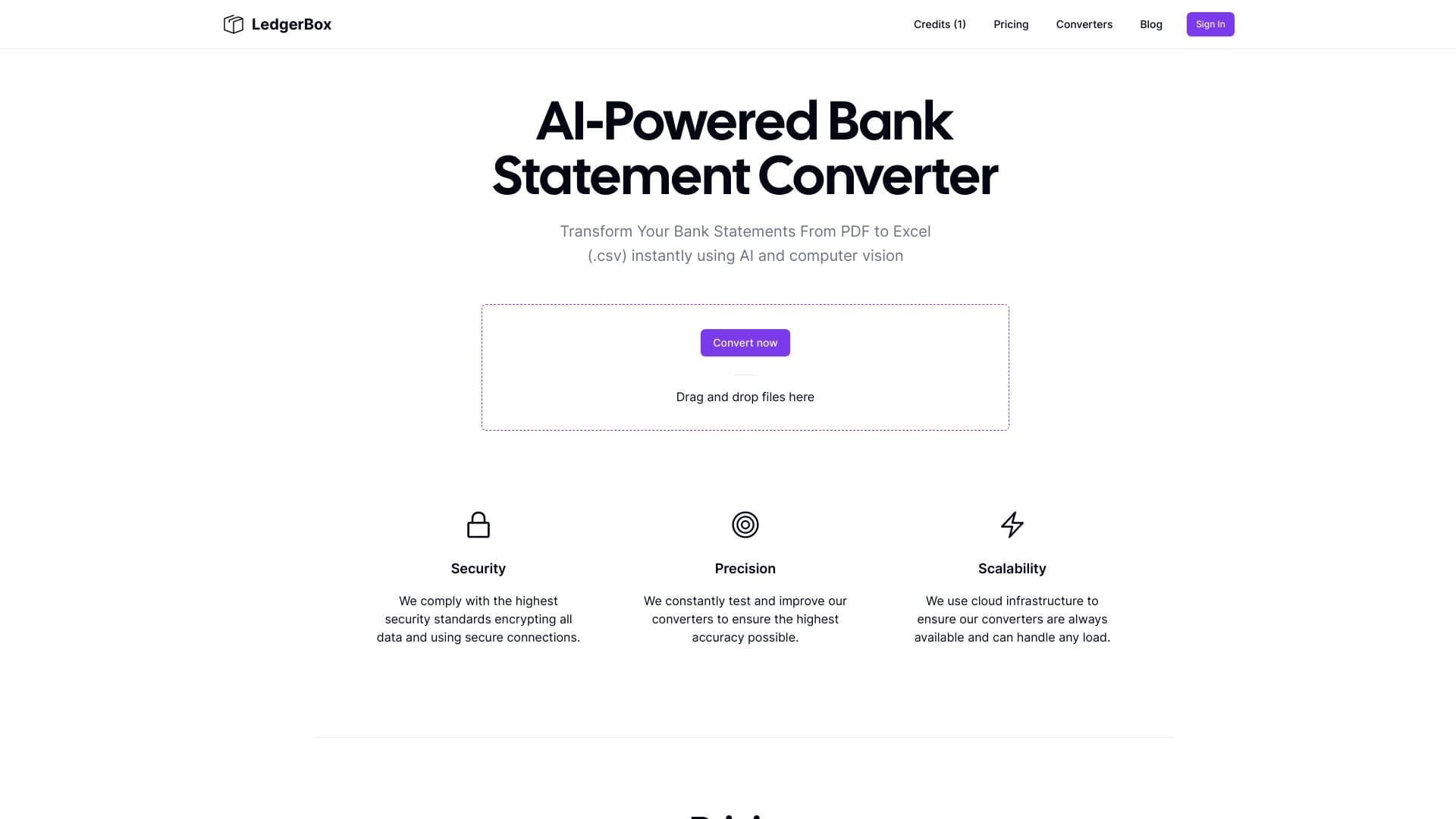
Extração automática de dados financeiros de documentos PDF e conversão para Excel ou CSV.

Uma rede neural para análise de documentos que extrai informações-chave, cria resumos e responde perguntas sobre o conteúdo dos arquivos carregados.

Teclado de IA para dispositivos Apple que acelera a digitação com correções, tradução e geração de respostas.


Um complemento para o Microsoft Word que usa redes neurais para automatizar a criação, edição e análise de contratos legais.

Conjunto de ferramentas multimídia de IA para editar e aprimorar fotos, vídeos e documentos PDF.


Assistente de IA para verificar gramática, ortografia e estilo do texto em inglês, disponível como extensão de navegador e editor web.