
AI ON THE GO - Chrome Extension
Extensão para Chrome que permite processar textos em qualquer página da web diretamente no contexto, sem copiar.
Visão geral
AI ON THE GO - Chrome Extension é uma extensão do navegador que se integra ao Google Chrome e altera fundamentalmente a forma como você trabalha com informações textuais na internet. A ideia central do serviço é libertar os usuários da rotina tediosa de copiar texto, alternar entre tabulações e esperar por serviços de terceiros para carregar, fornecendo processamento instantâneo de qualquer fragmento no contexto da página web.
Ao selecionar qualquer texto em um site com o mouse, os usuários ganham acesso às capacidades dos modelos de linguagem ChatGPT e GPT-4. O sistema permite não só parafrasear ou encurtar o fragmento selecionado, mas também traduzi-lo para outras línguas, obtendo uma explicação detalhada de formulações complexas, e gerando uma resposta automática com base no conteúdo do texto selecionado - tudo isso acontece na mesma página onde o material original foi encontrado.
A filosofia chave da extensão é construída sobre o princípio de "selecionar — obter o resultado". A ferramenta é projetada para acelerar operações de texto típicas: escrever cartas comerciais, processar materiais de estudo, preparar mensagens de mídia social ou reescrever conteúdo. O modelo de distribuição do programa não está oficialmente especificado, mas está disponível para instalação no catálogo de extensões do Chrome.
AI NO GO - Características de extensão do Chrome
| Característica | Valor |
|---|---|
| Tipo | Extensão do navegador |
| Categoria | Assistentes de escrita, Ferramentas de processamento de texto, ferramentas de resposta automatizada, geradores de resposta baseados em IA |
| Plataformas | Chrome |
| Desenvolvimento | AI EM VIGOR |
| Nível livre | Sim (gratuito, características básicas) |
| Nível normal | Assinatura mensal paga |
| Nível Premium | Assinatura mensal paga |
| Visitas mensais | 388,9K |
| Data de publicação | 10 de setembro de 2025 |
| Internet necessária | Sim. |
| Registo | Criação de conta necessária |
Para quem é AI NO GO - Extensão do Chrome?
Profissionais que trabalham com grandes volumes de texto
A extensão é voltada para pessoas cujas atividades cotidianas envolvem processamento intensivo de informações textuais. Funcionários de escritório, editores, copywriters e gerentes que regularmente precisam reescrever cartas de negócios, adaptar documentação ou preparar relatórios apreciarão a capacidade de obter imediatamente formulações alternativas sem perder tempo cópia e colagem.
Estudantes e alunos
Para aqueles que se preparam para aulas, redação de ensaios, ou estudar fontes estrangeiras, a extensão torna-se uma ajuda útil. Traduzir fragmentos, resumir parágrafos longos e explicar definições complexas ajuda a absorver o material mais rápido e preparar notas sem recorrer ao uso de múltiplos programas ao mesmo tempo.
Usuários de mídia social e blogueiros
As pessoas envolvidas ativamente em mídias sociais enfrentam regularmente a necessidade de criar conteúdo baseado em publicações existentes. Com esta ferramenta, você pode instantaneamente parafrasear um texto que você gosta, encurtar para caber um formato de legenda pós, ou adaptá-lo a um estilo diferente — tudo isso acontece diretamente na página que você está vendo.
Como usar AI NO GO - Extensão do Chrome?
Instalação e configuração inicial
Começar não requer nenhuma habilidade técnica especial. Você precisa instalar a extensão Chrome do catálogo oficial, após o qual você deve recarregar suas abas de navegador aberto para o plugin para ativar corretamente. O próximo passo é criar uma conta, que dará acesso à interface e configurações da ferramenta.
Trabalhando com o texto selecionado
O principal cenário de uso é extremamente simples. Depois de ativar a extensão, basta selecionar o fragmento de texto que você está interessado em qualquer página da web e clique no ícone de extensão no painel do navegador. Um menu suspenso mostrará as ações disponíveis: parafrase, comprimir, traduzir, explicar o significado ou gerar uma resposta. O sistema processará instantaneamente sua solicitação e exibirá o resultado, que você pode copiar ou usar imediatamente.
Principais características da IA ON THE GO - Extensão do Chrome
Acesso rápido e relâmpago a modelos de linguagem
A extensão fornece acesso direto às capacidades do ChatGPT e do GPT-4 sem necessidade de abrir tabulações separadas ou digitar prompts manualmente. Integração do navegador minimiza o número de etapas intermediárias: uma única seleção e clique é tudo o que é preciso para obter um resultado processado.
Processamento instantâneo do fragmento selecionado
A ferramenta suporta cinco operações de texto chave: parafraseamento (reescrever em palavras diferentes enquanto preserva o significado), compressão (sumprezação de uma longa passagem), tradução em várias línguas, explicação de termos complexos ou construções, e geração de uma resposta automática com base no conteúdo do fragmento selecionado. Todas as ações são realizadas instantaneamente e não necessitam interromper seu trabalho na página.
Vantagens da IA NO GO - Extensão do Chrome
Trabalhando no contexto da página
A principal vantagem da extensão é a capacidade de processar praticamente qualquer texto sem sair da página web atual. Usuários não precisam realizar ações multi-passo: copiar, navegar para um serviço separado, colar o texto, esperar para o resultado, e retorno à página original. Todas as operações acontecem dentro da interface do navegador, economizando uma quantidade significativa de tempo.
Poupança de tempo significativa
A ferramenta reduz drasticamente o tempo gasto em tarefas de rotina. Não ter que alternar entre abas e visitar sites de terceiros permite que você se concentre em seu fluxo de trabalho principal. Além disso, a extensão garante alta velocidade de execução, o que é especialmente perceptível quando se trabalha regularmente com grandes volumes de informações.
Tradução de alta qualidade e adaptação de texto
A extensão suporta tradução em vários idiomas, lidando com a tarefa de forma rápida e com alta precisão para formulações padrão. Isso torna a ferramenta adequada para trabalhar com fontes estrangeiras, estudar documentação e preparar materiais bilíngues, diferenciando-os dos tradutores básicos integrados em navegadores por padrão.
Desvantagens da IA NO GO - Extensão do Chrome
Como qualquer ferramenta, a extensão tem limitações que vale a pena saber antes de começar a usá-la. Uma desvantagem significativa é que ao trabalhar com formulações não padronizadas, expressões complexas, ou terminologia especializada, o significado do texto pode às vezes ser distorcido durante a tradução ou parafraseamento. As redes neurais tendem a interpretar certas construções literalmente, o que pode levar a resultados imprecisos para materiais altamente especializados.
Também é importante notar que a extensão depende inteiramente de uma ligação à Internet. Sem acesso à rede, a ferramenta não funciona, pois todas as operações são realizadas em servidores remotos ao invés de localmente no dispositivo do usuário. Além disso, existem preocupações de privacidade: todos os dados selecionados são transmitidos a um servidor externo para processamento de texto, de modo que os usuários que trabalham com informações sensíveis devem ter cuidado e evitar o processamento de documentos confidenciais através da extensão.
Que tarefas AI ON THE GO - Chrome Extension resolve?
Reescrever e parafrasear
A extensão permite que você obtenha rapidamente formulações alternativas para o texto selecionado. Esta é uma ferramenta indispensável quando você precisa adaptar conteúdo para diferentes requisitos, evitar a repetição em seus próprios textos, ou simplesmente encontrar melhores expressões.
Compressão e sumarização
A função para encurtar fragmentos longos ajuda a destacar os pontos principais de artigos longos, documentos ou páginas web. Os usuários obtêm uma digestão compacta do conteúdo, que é especialmente valiosa ao preparar anotações, comentários, ou simplesmente quando você precisa avaliar rapidamente a essência de um material.
Tradução e geração de resposta
A tradução automática de vários fragmentos é realizada em um clique sem perder o contexto. Além disso, os usuários podem pedir à rede neural uma resposta baseada no texto selecionado — por exemplo, quando você precisa reagir a um comentário, e-mail ou discussão. O sistema irá formular uma resposta adequada que você pode então refinar manualmente.
AI NO GO - Preços de Extensão do Chrome
O serviço opera em um modelo freemium, oferecendo aos usuários uma escolha de três planos de preços, dependendo de suas necessidades e intensidade de uso. Abaixo está uma comparação dos planos disponíveis:
| Plano | Custo | Objecto |
|---|---|---|
| Livre | Livre | Recursos básicos e capacidades de processamento de texto limitadas |
| Padrão | Mês pago | Ferramentas avançadas e um modelo de IA melhorado |
| Prémio | Mês pago | Acesso total a todos os recursos e uso ilimitado |
A escolha de um plano específico depende de quão intensamente você planeja usar a extensão. O plano gratuito permite avaliar a funcionalidade básica, enquanto os níveis pagos desbloqueiam recursos avançados e melhor qualidade de processamento de texto.
Termos de uso da IA NO GO - Extensão do Chrome
O registro é obrigatório para começar a usar a extensão — você deve criar uma conta no sistema. Sem uma conta, usar a ferramenta é impossível, mesmo no plano livre.
Uma ligação estável à Internet é um requisito fundamental. A extensão funciona apenas em modo online, pois todo o processamento de texto é realizado em servidores remotos. Sem uma conexão de rede, a ferramenta fica completamente indisponível.
Os usuários também devem estar cientes de que todos os textos selecionados são enviados para um servidor para processamento pela rede neural. Isto significa que os dados tratados através da extensão passam por infra-estrutura externa, que acarreta certos riscos para a confidencialidade da informação.
Disponibilidade da IA NO GO - Extensão do Chrome
Plataforma e suporte linguístico
A extensão é desenvolvida exclusivamente para o navegador Google Chrome e é instalada a partir do catálogo de extensões oficiais. A ferramenta suporta vários idiomas para tradução, permitindo que seja usada para trabalhar com fontes estrangeiras e comunicar com especialistas de diferentes países.
Requisitos de utilização
Para uma operação adequada, você precisa de uma versão atualizada do navegador Google Chrome e acesso à internet. A extensão não requer instalação adicional de software e não coloca altas demandas no desempenho do computador, uma vez que os principais cálculos são realizados lado servidor.
Como AI NO GO - Extensão do Chrome difere das alternativas
A principal característica que diferencia a extensão dos concorrentes é sua capacidade de trabalhar diretamente no navegador sem a necessidade de copiar texto. Ao contrário dos serviços tradicionais que usam o ChatGPT, os usuários não precisam alternar entre tabulações, copiar fragmentos e colá-los em interfaces separadas. Basta selecionar texto em qualquer página — e obter assistência de IA imediatamente, o que realmente economiza tempo e frustração durante o trabalho intensivo com informações.
Comparado com outras ferramentas populares, como ChatGPT, Polymer, Julius AI, Jasper AI, Albert AI, ou Powerdrill AI, que muitas vezes funcionam como aplicações web autônomas ou requerem integração através de plugins adicionais, AI ON THE GO oferece a experiência de usuário mais perfeita. Em vez de mudar o contexto entre diferentes aplicações, os usuários permanecem em seu ambiente de trabalho do navegador, o que é especialmente importante para tarefas que exigem alta concentração e multitarefa.
Conclusão
AI ON THE GO - Chrome Extension é uma solução prática para usuários que lidam com processamento de texto diariamente e querem minimizar o tempo gasto em operações de rotina. Incorporar a funcionalidade de modelos de linguagem global diretamente no navegador é um passo óbvio na evolução das ferramentas de produtividade. A extensão combina com sucesso a facilidade de uso, uma ampla gama de recursos e uma política de preços razoável, tornando as tecnologias avançadas de inteligência artificial acessíveis para Um público amplo. No entanto, antes do uso ativo, é importante considerar preocupações de privacidade de dados e dependência de uma conexão à internet. No geral, é um assistente de processamento de texto confiável que simplifica as tarefas diárias e permite que você se concentre em aspectos verdadeiramente importantes do seu trabalho.
Perguntas mais frequentes
Consulte também

Cabina AI é uma plataforma unificada para trabalhar com diferentes redes neurais generativas, permitindo criar textos, imagens e vídeos.


Assistente de IA para verificar gramática, ortografia e estilo do texto em inglês, disponível como extensão de navegador e editor web.


Plataforma para automatizar a aquisição de clientes e campanhas de email personalizadas com enriquecimento de dados de mais de 150 fontes.
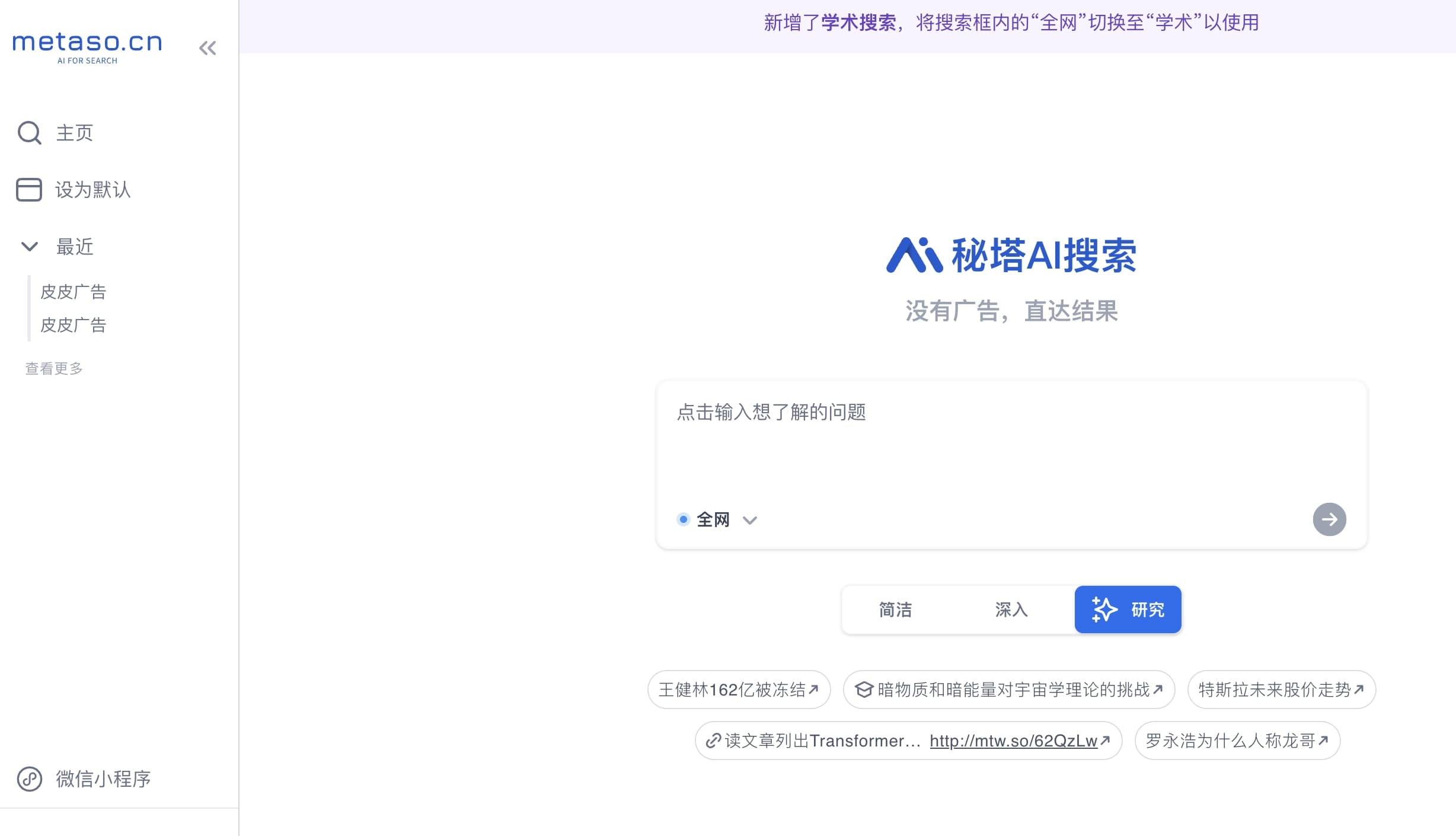
Assistente de voz multimodal da Yandex baseado na rede neural YandexGPT, que responde a perguntas, gera textos e imagens, analisa arquivos e controla a casa inteligente.

Ferramenta para criar diagramas e mapas mentais a partir de descrições textuais em linguagem natural.
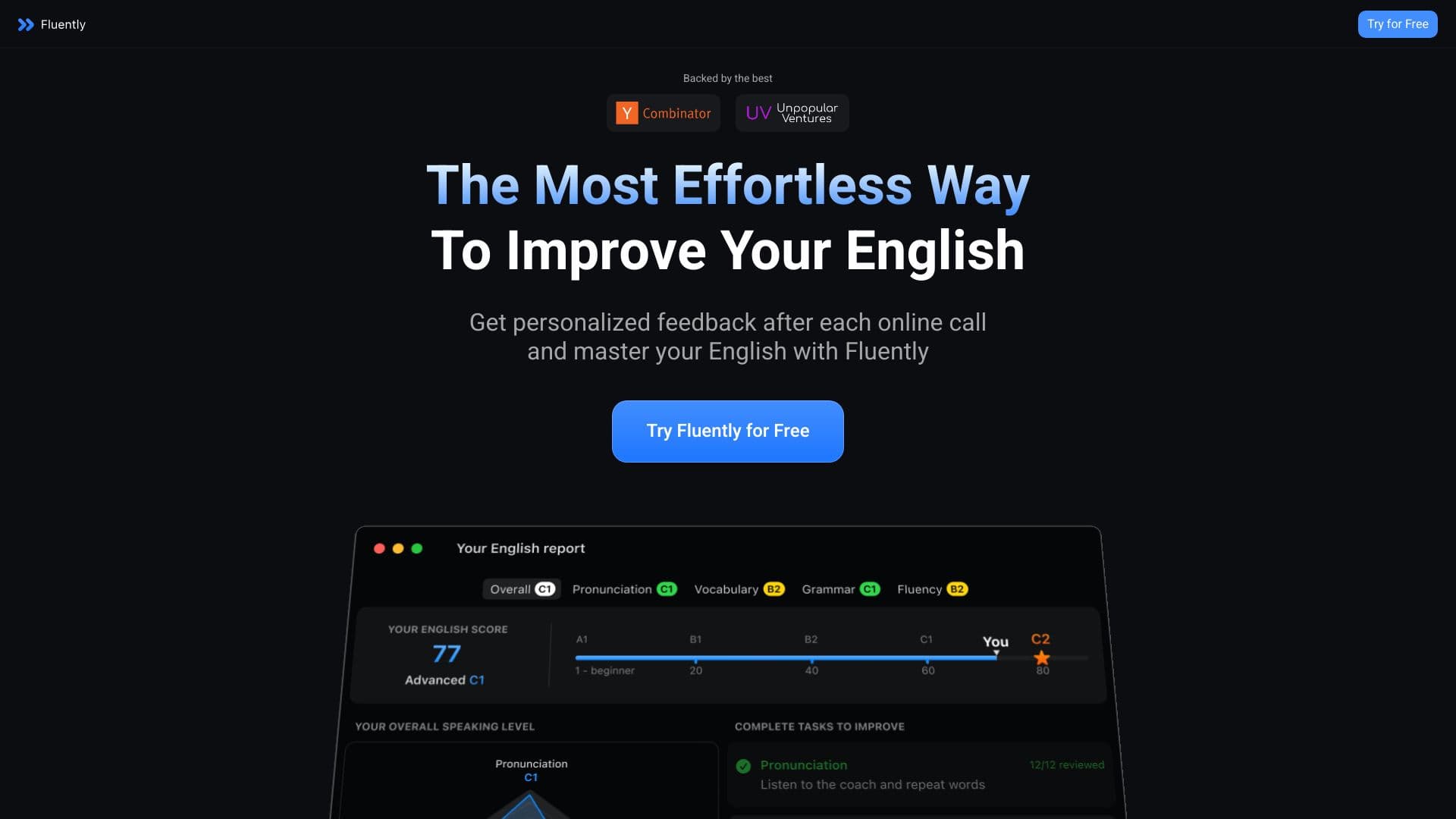

Treinador de conversação com IA que fornece feedback em tempo real durante chamadas e conversas do dia a dia.


Plataforma agregadora que reúne diversas ferramentas de IA e modelos de linguagem, com pagamento apenas pelo uso efetivo.


Um serviço online que reconhece o texto nas páginas manga e manhwa, o traduz em diferentes idiomas, e o incorpora de volta à imagem sem danificar a arte original.