

AI Mirror
मोबाइल ऐप जो न्यूरल नेटवर्क की मदद से फोटो और वीडियो को स्टाइल करता है।
अवलोकन
AI मिरर न्यूरल नेटवर्क विवरण
एआई मिरर एक मोबाइल एप्लिकेशन है जो सामान्य फोटो और वीडियो को कलात्मक शैलियों में बदलने के लिए कृत्रिम बुद्धिमत्ता का उपयोग करता है: मोबाइल और कॉमिक्स से वीडियो गेम कैरेक्टर लुक। सेवा "एक तस्वीर अपलोड करें" के सिद्धांत पर काम करती है: उपयोगकर्ताओं को जटिल संपादकों को समझने या डिजाइन कौशल बनाने की आवश्यकता नहीं है।
स्थैतिक स्टाइलीकरण के अलावा, ऐप छवियों को अलग कर सकता है - उन्हें छोटे एनिमेटेड वीडियो में बदल सकता है। यह व्यक्तिगत अवतार पीढ़ी, स्टिकर निर्माण और एक मजेदार "fortune" सुविधा भी प्रदान करता है। वितरण मॉडल फ्रीमियम है: बुनियादी सुविधाएँ मुफ्त में उपलब्ध हैं, जबकि कार्यों का एक विस्तारित सेट सदस्यता की आवश्यकता होती है।
एआई मिरर विशेषताएं
| फ़ीचर | मूल्य |
|---|---|
| प्रकार | मोबाइल अनुप्रयोग |
| श्रेणियाँ | स्टाइलाइजेशन और फिल्टर, अवतार और चित्र, एनिमेशन और कार्टून |
| प्लेटफार्म | Android, iOS |
| इंटरफ़ेस भाषा | रूसी, अंग्रेज़ी |
| नि: शुल्क उपलब्ध टायर | हाँ (सीमित कार्यक्षमता के साथ मुफ्त संस्करण) |
| सदस्यता लागत | $6.99 |
| उपलब्धता | गूगल प्ले, ऐप स्टोर |
एआई मिरर कौन है?
जो लोग फोटो और वीडियो को स्टाइल करना चाहते हैं
ऐप उन लोगों के लिए डिज़ाइन किया गया है जो जल्दी से साधारण शॉट्स को अद्वितीय सामग्री में बदलना चाहते हैं: एक मोबाइल स्टाइल चित्र, एक कॉमिक बुक फ्रेम, या एक वीडियो गेम चरित्र की भावना में एक छवि। कोई विशेष ज्ञान की आवश्यकता नहीं है - सिर्फ एक फोटो और एक उपयुक्त प्रभाव चुनें।
सोशल मीडिया के लिए सामग्री निर्माता
एआई मिरर सोशल मीडिया खातों के प्रबंधन के लिए सुविधाजनक है जहां नियमित रूप से दृश्य विविध पदों को प्रकाशित करना महत्वपूर्ण है। ऐप के साथ, आप अद्वितीय अवतार, स्टिकर और एनिमेशन उत्पन्न कर सकते हैं जो आपकी प्रोफ़ाइल को बाहर खड़े कर देगा।
मनोरंजन एआई उपकरण के प्रशंसक
बिल्ट-इन "फॉरटेन बताने" फीचर उन उपयोगकर्ताओं को लक्षित करता है जो सिर्फ एक संपादक से अधिक चाहते हैं - वे खेल और मनोरंजन का एक तत्व चाहते हैं। यह एक अतिरिक्त विकल्प है जिसे गंभीर दृष्टिकोण की आवश्यकता नहीं है।
एआई मिरर का उपयोग कैसे करें?
स्थापना और पहली लॉन्च
ऐप गूगल प्ले या ऐप स्टोर से डाउनलोड किया गया है। स्थापना के बाद, इसे खोलें और गैलरी और कैमरे तक पहुंच प्रदान करें - यह फोटो अपलोड करने और ऐप में सीधे नए शॉट लेने के लिए आवश्यक है।
एक स्टाइल छवि बनाना
उपयोगकर्ता गैलरी से एक तस्वीर का चयन करता है या एक नया लेता है। फिर उपलब्ध पुस्तकालय से वांछित शैली या प्रभाव का चयन करें, इसे लागू करें , और प्रक्रिया खत्म करने के लिए प्रतीक्षा करें। अंतिम परिणाम उपकरण की स्मृति में बचाया जा सकता है।
परिणाम की बचत और प्रकाशन
संसाधित छवि को गैलरी में बचाया जा सकता है या तुरंत सोशल नेटवर्क के माध्यम से साझा किया जा सकता है - ऐप त्वरित साझा करने के लिए लोकप्रिय प्लेटफार्मों के साथ एकीकरण का समर्थन करता है।
एआई मिरर की मुख्य विशेषताएं
फोटो को कलात्मक शैलियों में परिवर्तित करना
ऐप की मुख्य क्षमता फोटो को मोबाइल, कॉमिक बुक और वीडियो गेम कैरेक्टर शैलियों में बदल देती है। विभिन्न फिल्टर और प्रभाव उपलब्ध हैं जो मूल छवि की धारणा को बदल देते हैं।
स्थैतिक छवियाँ
एआई मिरर स्थैतिक तस्वीरों से एनिमेटेड वीडियो बना सकता है। यह आपको "जीवन में लाने" चित्रों और दृश्यों की अनुमति देता है, जो आपकी सामग्री को गतिशीलता जोड़ता है।
अवतार और स्टिकर बनाना
ऐप अपलोड की गई छवियों के आधार पर व्यक्तिगत अवतार और स्टिकर बनाता है। यह प्रोफाइल, मैसेंजर और टिप्पणियों को सजाने के लिए उपयोगी है।
मनोरंजन और सहायक सुविधाएँ
एक "fortune" विशेषता है - एक मनोरंजन तत्व जो कोई व्यावहारिक मूल्य नहीं रखता है लेकिन विविधता जोड़ता है। शैलियों और प्रभावों की लाइब्रेरी नियमित रूप से अद्यतन की जाती है।
एआई मिरर लाभ
ऐप का मुख्य लाभ सुविधाओं के एक महत्वपूर्ण हिस्से तक मुफ्त पहुंच है। उपयोगकर्ता बिना किसी प्रारंभिक निवेश के स्टाइलाइजेशन, एनीमेशन और अवतार पीढ़ी का परीक्षण कर सकते हैं। यह भी उपयोग की आसानी को ध्यान में रखते हुए लायक है: पूरे प्रसंस्करण कार्यप्रवाह कुछ ही चरणों में लेता है और कोई सीखने की आवश्यकता नहीं होती है। कई भाषाओं और दोनों लोकप्रिय मोबाइल प्लेटफार्मों पर उपलब्धता के लिए समर्थन एक व्यापक दर्शकों के लिए सुलभ सेवा बनाते हैं।
एआई मिरर डिस्डेंटेज
उपलब्ध डेटा के आधार पर, सुविधाओं का पूरा सेट केवल भुगतान की गई सदस्यता के साथ खुला है। मुफ्त संस्करण कार्यक्षमता में सीमित है, जो उपयोगकर्ताओं के लिए उपयुक्त नहीं हो सकता है जो प्रतिबंध के बिना सभी शैलियों और प्रभावों का उपयोग करना चाहते हैं। सीमाओं की सटीक सूची स्रोत सामग्री में प्रकट नहीं होती है, न ही सदस्यता अवधि या परीक्षण अवधि की उपलब्धता होती है।
क्या समस्याएं एआई मिरर को हल करती हैं?
फोटो और वीडियो संपादन और स्टाइलाइजेशन
ऐप कलात्मक प्रसंस्करण वर्कफ़्लो को स्वचालित करता है: जटिल मैनुअल समायोजन के बजाय, उपयोगकर्ताओं को अपनी चुनी हुई शैली में एक तैयार परिणाम मिलता है।
सोशल मीडिया के लिए सामग्री बनाना
एआई मिरर दृश्य विविध पदों, अद्वितीय अवतारों और स्टिकर, साथ ही प्रकाशन के लिए एनिमेटेड छवियों को उत्पन्न करने में मदद करता है।
डिजिटल छवियों को वैयक्तिकृत करना
सेवा उपयोगकर्ताओं को अपनी खुद की तस्वीरों के आधार पर कस्टम छवियां बनाने की अनुमति देती है - प्रोफाइल अवतारों से "एक अलग शैली में स्वयं" के मनोरंजक संस्करणों के लिए।
एआई मिरर मूल्य निर्धारण
वितरण मॉडल फ्रीमियम है। एप्लिकेशन का मूल संस्करण मुफ्त में उपलब्ध है, लेकिन सुविधाओं का एक सीमित सेट के साथ। सभी क्षमताओं के लिए पूर्ण पहुंच को अनलॉक करने के लिए $ 6.99 की लागत वाला एक सदस्यता आवश्यक है। मूल्य निर्धारण योजनाओं, सदस्यता शर्तों और उपलब्ध भुगतान विधियों के बारे में अतिरिक्त विवरण स्रोत डेटा में निर्दिष्ट नहीं हैं।
एआई मिरर उपयोग की शर्तें
सेवा का उपयोग करने के लिए, आपको ऐप को आधिकारिक ऐप स्टोर से इंस्टॉल करना होगा। पहले लॉन्च पर, आपको डिवाइस की गैलरी और कैमरा तक पहुंच प्रदान करनी चाहिए - इसके बिना, मौजूदा फ़ोटो अपलोड करना या नया बनाना असंभव है। कोई अन्य आवश्यकता नहीं, जैसे कि अनिवार्य पंजीकरण या खाता सत्यापन, स्रोत सामग्री में उल्लेख किया गया है।
एआई मिरर उपलब्धता
ऐप Android और iOS उपयोगकर्ताओं के लिए उपलब्ध है और इसे आधिकारिक Google Play और ऐप स्टोर के माध्यम से वितरित किया जाता है। इंटरफ़ेस रूसी और अंग्रेजी का समर्थन करता है, जो एक व्यापक अंतरराष्ट्रीय दर्शकों के लिए सुविधाजनक सेवा बनाता है। अन्य भाषा संस्करण स्रोत डेटा में सूचीबद्ध नहीं हैं।
कैसे एआई मिरर विकल्प से अलग है
एआई मिरर और कई समान सेवाओं के बीच महत्वपूर्ण अंतर एक ही ऐप में कई विशेषताओं का संयोजन है। फोटो और वीडियो स्टाइलाइजेशन, स्थैतिक छवियों का एनीमेशन, अवतार और स्टिकर पीढ़ी, और एक मनोरंजन "अग्रिम" सुविधा सभी एक साथ उपलब्ध हैं। यह उन उपयोगकर्ताओं की जरूरतों को कवर करता है जिन्हें अन्यथा कई अलग-अलग ऐप इंस्टॉल करना होगा। एक अतिरिक्त प्लस पूरी तरह से मुक्त स्तर है, जो उपयोगकर्ताओं को सदस्यता खरीदने से पहले सेवा का मूल्यांकन करने की अनुमति देता है। बहु भाषा समर्थन भी कई विकल्पों के अलावा ऐप को सेट करता है जो अक्सर केवल अंग्रेजी स्थानीयकरण प्रदान करते हैं।
निष्कर्ष
एआई मिरर रचनात्मक फोटो और वीडियो प्रसंस्करण के लिए एक मोबाइल एप्लिकेशन है जो मोबाइल, कॉमिक बुक और वीडियो गेम कैरेक्टर स्टाइलाइजेशन, फोटो एनिमेशन, अवतार और स्टिकर निर्माण और मनोरंजन सुविधाओं को जोड़ती है। सेवा एक फ्रीमियम मॉडल पर काम करती है: बुनियादी सुविधाएँ मुफ्त हैं, जबकि पूर्ण कार्यक्षमता सदस्यता के माध्यम से अनलॉक की जाती है। ऐप ग्राफिक संपादकों में अनुभव किए बिना उपयोगकर्ताओं सहित व्यापक दर्शकों को लक्षित करता है, और बहु भाषा समर्थन के साथ एंड्रॉइड और आईओएस पर उपलब्ध है।
शुल्क
अक्सर पूछे जाने वाले प्रश्न
यह भी देखें


पाठ विवरण से छवियों और लघु वीडियो बनाने के लिए तंत्रिका नेटवर्क।.
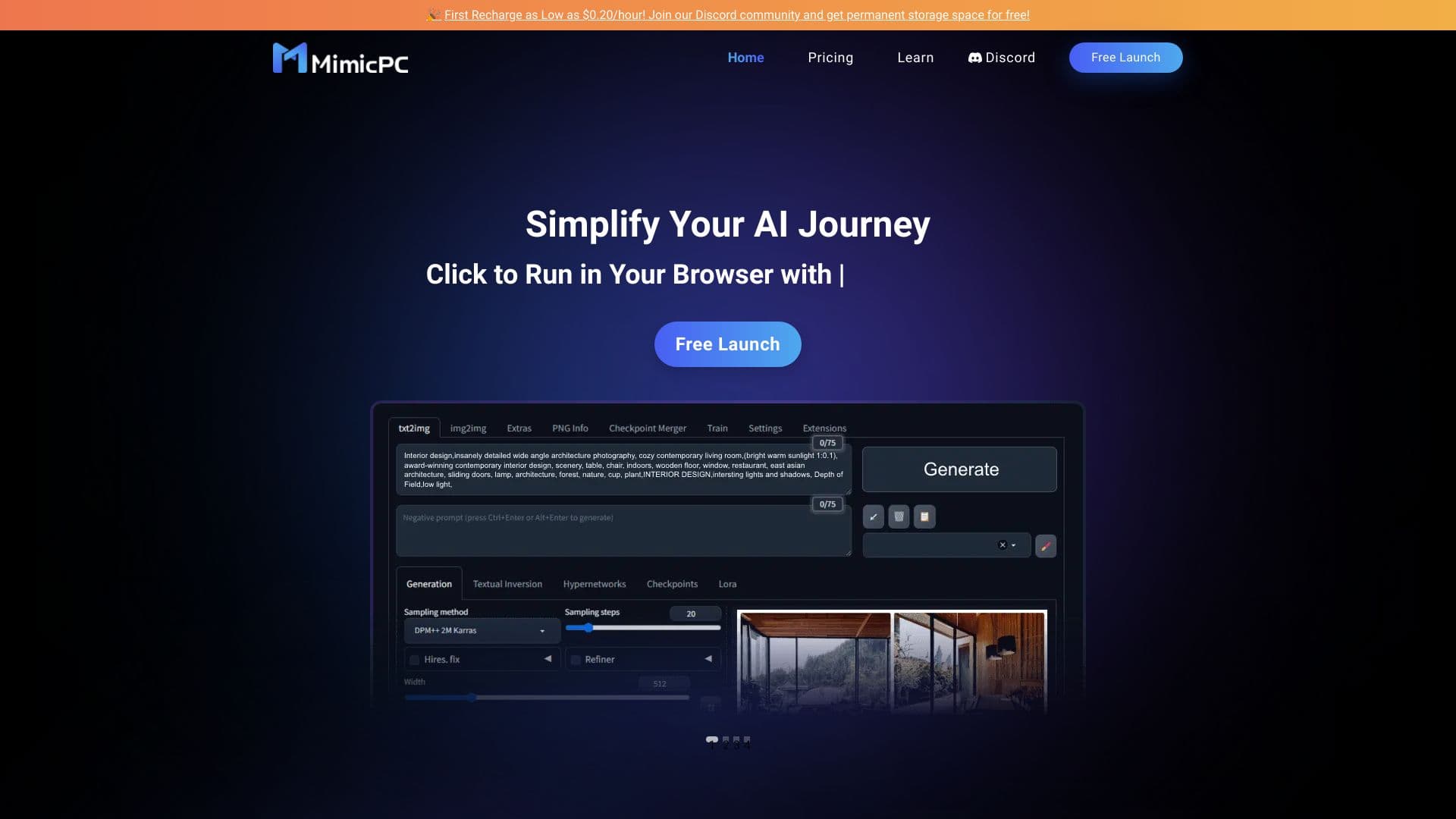
स्थापना के बिना ब्राउज़र में सीधे एआई अनुप्रयोगों को लॉन्च करने के लिए क्लाउड प्लेटफॉर्म।.
ऑनलाइन AI-आधारित फोटो संपादक जो ब्राउज़र में ही छवियाँ बनाने, संपादित करने और बेहतर बनाने की सुविधा देता है।

पाठ और दृश्य सामग्री बनाने के लिए एआई मंच, विपणन कार्यों की ओर उन्मुख।.


वीडियो के त्वरित निर्माण और संपादन के लिए न्यूरल नेटवर्क, जो टेक्स्ट विवरण, छवियों और संदर्भों के आधार पर काम करता है।
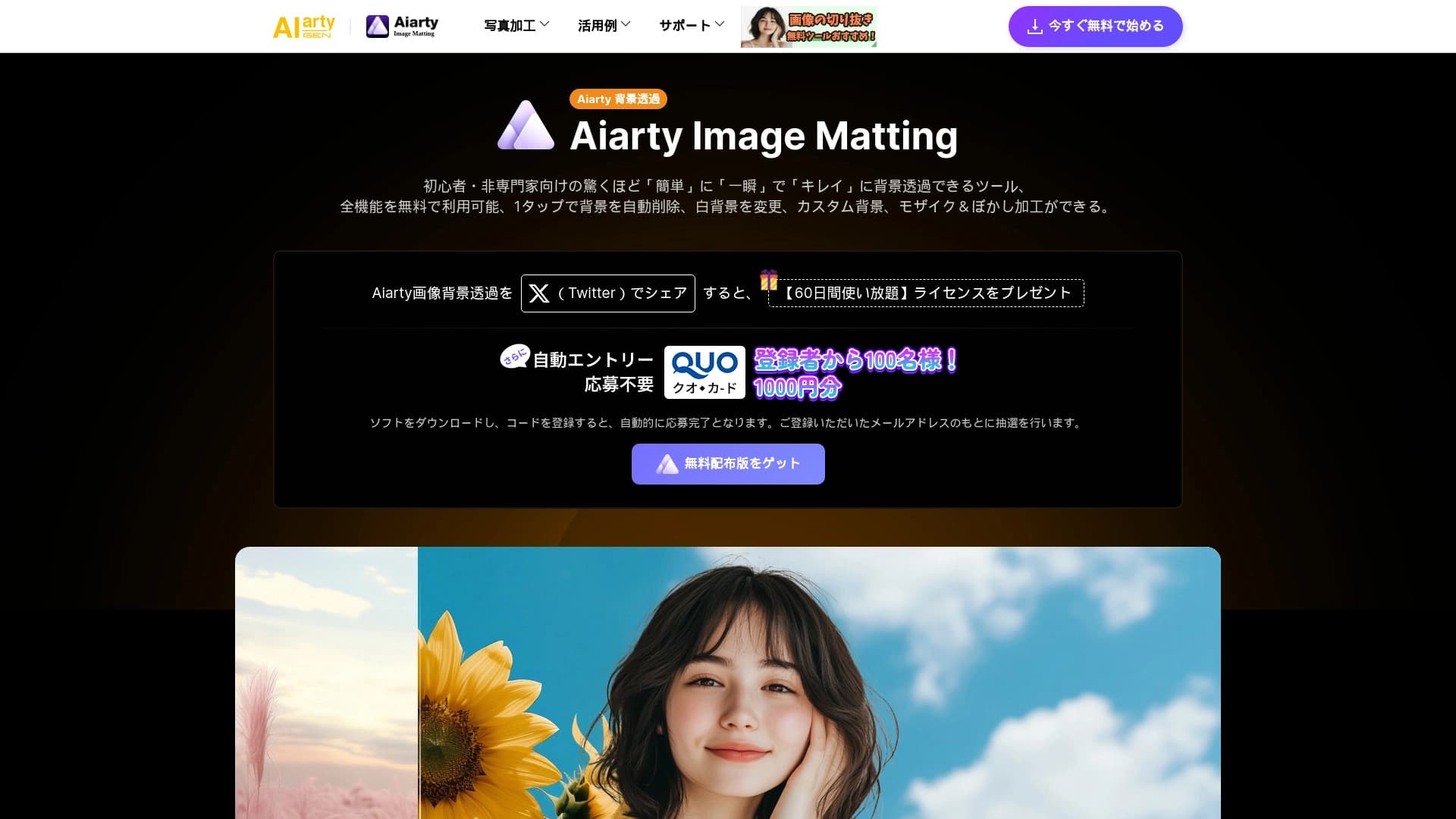
ब्राउज़र में छवियों से स्वचालित रूप से पृष्ठभूमि हटाने के लिए एआई उपकरण।.

जन्मदिन के निमंत्रण और बधाई संदेश बनाने और अनुकूलित करने के लिए एक ऑनलाइन सेवा, जो कृत्रिम बुद्धिमत्ता का उपयोग करती है।

एआई का उपयोग करके वीडियो, चित्र और डिजिटल अवतार बनाने के लिए मंच।.