AI Logo Generator
Logo generator based on text description with customization and download options.

Overview
AI Logo Generator Neural Network Overview
What is AI Logo Generator
AI Logo Generator is an online service that creates logos based on a user's text description. Instead of complex editors and manual vector graphics work, the user simply describes in words what the logo should look like, and the neural network turns that request into ready-made visual options.
How the service works
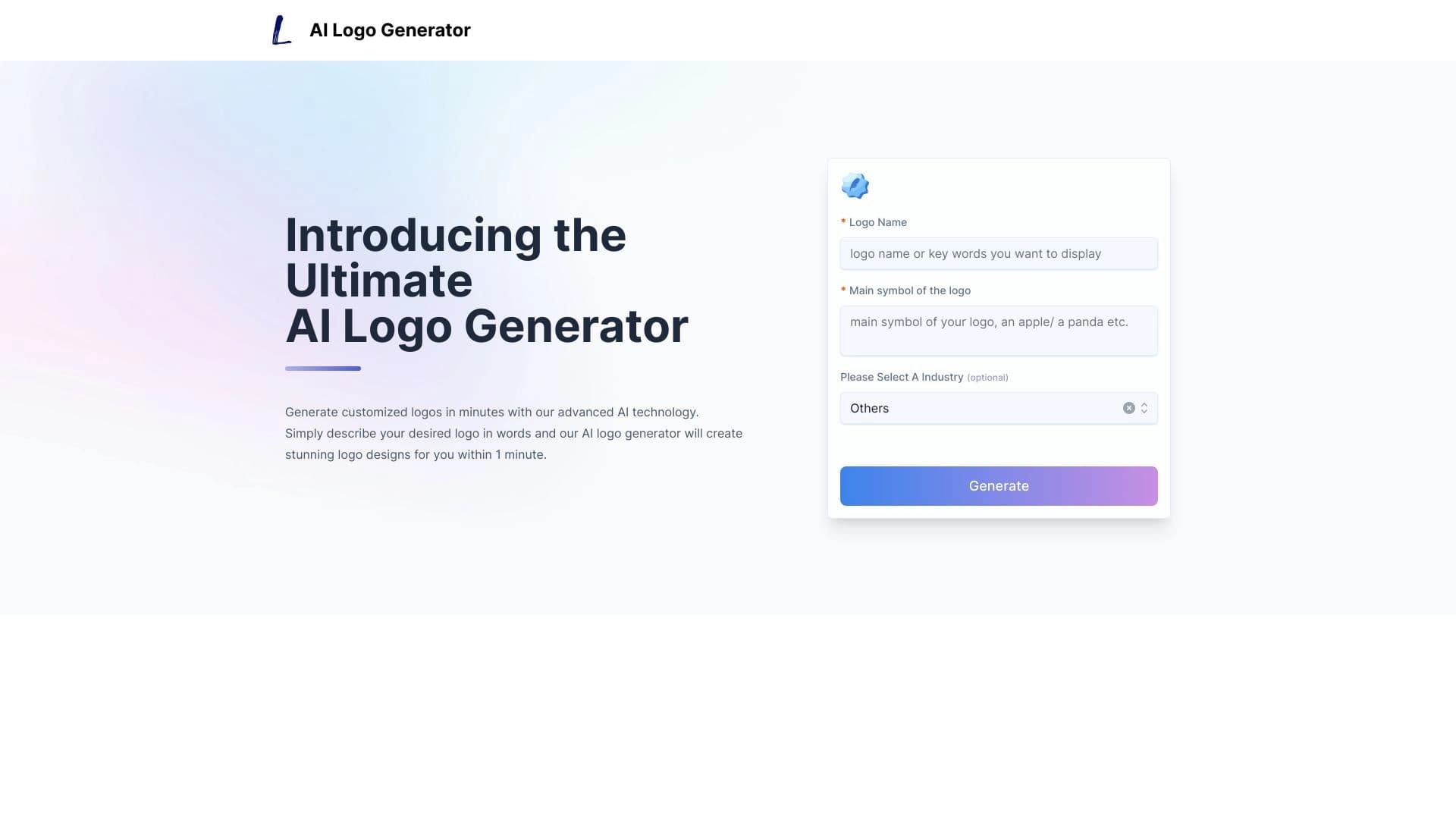
The user enters the company name and design preferences. The neural network, trained on a large dataset of logos, analyzes the request and generates several suitable options. After generation, the user is taken to a gallery where they can choose a preferred option and refine it: change colors, fonts, icons, and the overall composition. The final file is downloaded in one of the popular formats.
AI Logo Generator Features
| Characteristic | Value |
|---|---|
| Type | Logo generator |
| Categories | Design assistants, Logo generation tools, Design generators |
| Developer | Mira Muse LLC |
| Platform | Website, online |
| Free plan | Yes, basic features |
| Monthly visits | 388.9K |
| Interface language | Russian |
| Export formats | PNG, JPG, PDF, SVG |
Who is AI Logo Generator for?
Design beginners
The tool is designed for people without special education or experience in graphic design. The interface is simple and intuitive: no need to understand layers, guides, or Bezier curves. Just formulate a request in text, and the algorithm handles the rest.
Entrepreneurs and startups
Small business owners and startup founders often need quick results at low cost. AI Logo Generator lets you get a working logo in a couple of minutes at the project launch stage when the budget is tight and time is short.
Personal branding specialists
Bloggers, experts, and freelancers can use it to create an avatar or brand mark for their social media, website, or presentations. A simple and neat logo for a personal brand doesn't require a complex creative concept.
How to use AI Logo Generator?
Step-by-step creation process
First, enter the company or project name and a text description of the desired logo — style, mood, key imagery. After submitting the request, the service generates a gallery of options from which you can choose one or more you like.
Customization and export
After selecting an option, a customization stage is available: you can change the color palette, fonts, and icons, and adjust the composition to your preferences. When you're satisfied with the result, the logo is downloaded in the required format — for screen, print, or merchandise.
Key features of AI Logo Generator
Generation from text description
The service creates logos based on the user's name and preferences. The more detailed the description, the more accurate the result.
Support for various visual styles
The neural network works with different styles — from minimalism and geometry to more decorative directions. The specific list of styles is not disclosed on the page, but a basic set of graphic solutions is available.
Export to popular formats
The finished logo can be saved in four formats: PNG for web, JPG for universal use, PDF for print, and SVG for scaling without quality loss. This covers the main use cases — website, print materials, merchandise.
Advantages of AI Logo Generator
- Speed. A logo is created in a couple of minutes, which is critical when project launch deadlines are tight.
- Flexible customization. The user is not limited to one option — colors, fonts, and composition can be changed until the desired result is achieved.
- No entry barrier. No design skills or knowledge of professional software are required.
- Popular output formats. PNG, JPG, PDF, and SVG cover most tasks: from a social media avatar to a vector file for printing.
Disadvantages of AI Logo Generator
- Template-like results. Outputs often look similar to each other, especially when using generic wording in the description. Logo uniqueness is questionable.
- Dependence on request quality. The more vague the description, the less predictable the result. You may need to rephrase the request or manually refine the options.
- Limitations for complex ideas. The service is not suitable for creative and unconventional concepts that require original graphics and non-trivial solutions. The algorithm assembles a logo from known patterns rather than inventing one from scratch.
What tasks does AI Logo Generator solve?
- Quick logo creation. Suitable for a business at the start or a personal project when you need an acceptable result without long consultations with a designer.
- Generation without design skills. The user doesn't need to learn graphic editors — just formulate a request in words.
- Export to required formats. Files are suitable for websites, print, and merchandise, covering most typical small business needs.
AI Logo Generator Pricing
Free plan
Basic features are available for free. This is enough to create a simple logo and download it in a limited set of formats.
Paid plans
- Starter — $7/month. Includes additional generation styles and expanded export options.
- Premium — $13/month. Unlocks all features, priority support, and commercial use of generated logos.
Terms of use for AI Logo Generator
The service page does not specify terms of use. Users should review the offer and privacy policy themselves before starting. This is especially relevant for those planning to use the logo for commercial purposes. Commercial use is stated as available on the premium plan, but detailed terms are not disclosed.
AI Logo Generator Availability
The service works as a web application in the browser; no software installation is required. The interface is fully localized, making it convenient for users. No information about regional restrictions or VPN requirements is provided on the page.
How AI Logo Generator differs from alternatives
The service page does not provide a direct comparison with competitors. Based on the description, the main difference is its focus on a user-friendly experience with natural language requests. Many alternatives, such as Midjourney or Leonardo.ai, require either English descriptions or more complex prompts. AI Logo Generator simplifies the process to entering a name and preferences. At the same time, in terms of customization capabilities and generation quality, the service is inferior to more advanced generators, but wins in simplicity and speed.
Conclusion
AI Logo Generator is a practical tool for quickly getting a logo without design skills. It solves the basic tasks of small businesses, startups, and personal branding: it creates a decent logo in a couple of minutes and allows downloading it in popular formats. However, simplicity comes at the cost of template-like results — this tool is not suitable for a unique creative concept. If you need a neat and clear mark "here and now" — the service will handle it. If you need an original idea and complex graphics — it's better to turn to professional designers or more advanced neural networks.
Frequently asked questions
See also

Online neural network service that transforms ordinary photos into stylized artistic portraits and avatars.

Online service for creating anime images from a text description in seconds.

Online AI tool for creating deepfakes and editing images.

A presentation creation service that uses multiple AI agents for information gathering, design, and data analysis.

Cabina AI is a unified platform for working with various generative neural networks, enabling you to create texts, images, and videos.

Online editor for removing unwanted objects, text, and defects from photos using a neural network.
Service for creating personalized avatars and photo shoots using AI based on uploaded selfies.

A neural network-powered cloud service for generating 3D models, textures, and animations from text descriptions or images.