
AI Lime
Serviço para upload de documentos e interação com eles via chat para extração de informações.
Visão geral
AI Cale Neural Network Descrição
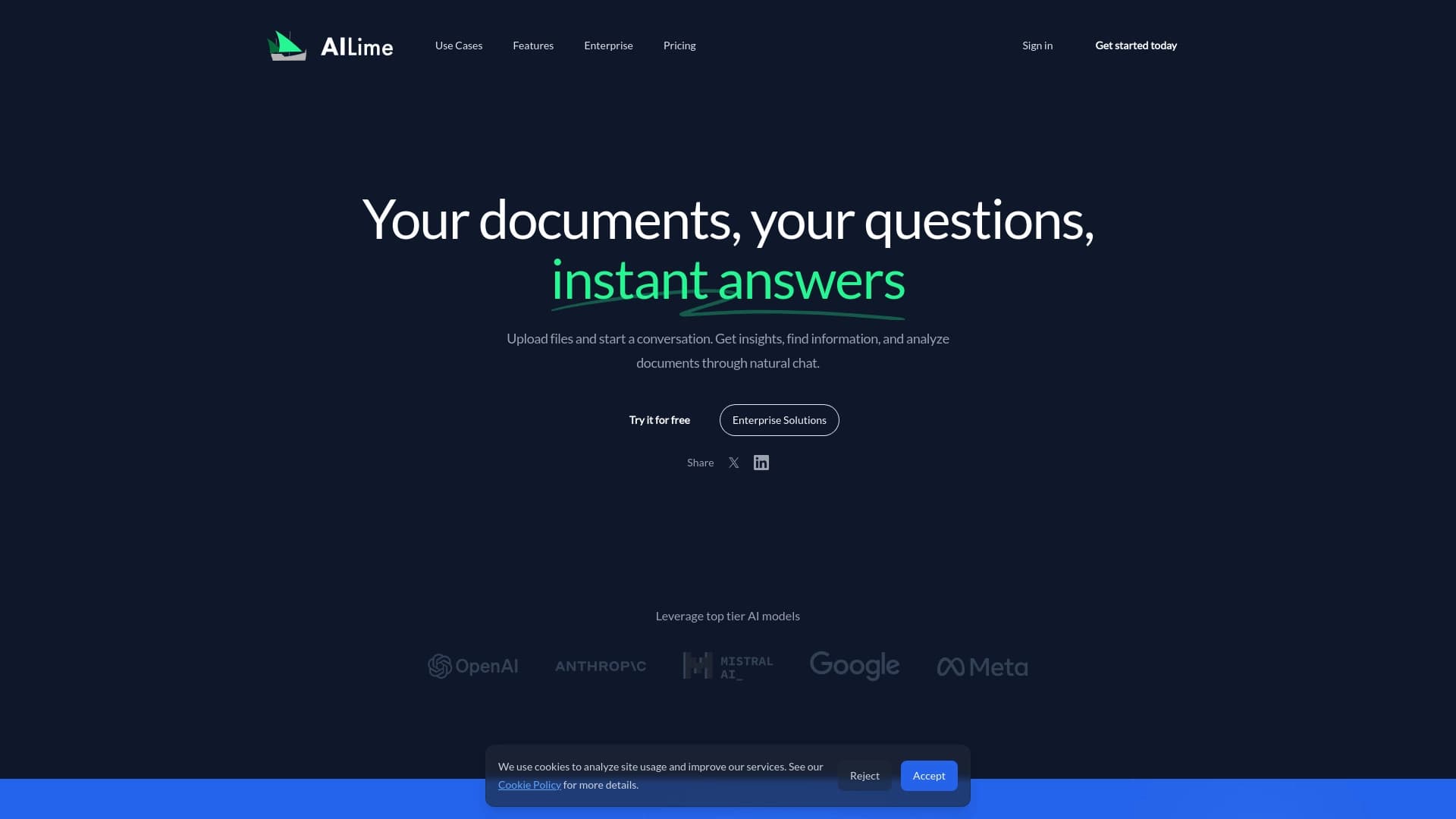
AI Lime é um serviço online que transforma o trabalho do documento em uma conversa regular. Em vez de passar manualmente por páginas procurando o parágrafo certo, você envia arquivos para o serviço e simplesmente faz perguntas em um bate-papo. A rede neural analisa o conteúdo e retorna respostas com base nos textos enviados.
O serviço suporta o upload de vários arquivos em diferentes formatos ao mesmo tempo — você pode colocar um contrato, um artigo científico e um relatório em um chat. O sistema processa todos os documentos juntos, o que é especialmente conveniente quando você precisa comparar dados de diferentes fontes. A interação funciona como uma conversação: você faz uma pergunta, obtém uma resposta, esclarece detalhes — e assim por diante até obter as informações necessárias ou formar uma conclusão final.
Características de cal de AI
| Característica | Valor |
|---|---|
| Tipo | Assistente online para análise de documentos |
| Categorias | Assistentes de redação, ferramentas de redação de relatórios, ferramentas de resumo, suporte legal, publicações científicas, processamento de texto, manipulação de PDF, extração de dados de documentos, gestão de documentos, pesquisa |
| Plataformas | Sítio Web (serviço online) |
| Plano livre | Sim (limitada) |
| Desenvolvimento | Cal de AI |
| Visitas mensais | 86.4K |
Para quem é o Al Lime?
A ferramenta é projetada para profissionais que lidam com grandes volumes de informações textuais diariamente e têm que passar horas em busca de redação, figuras ou provisões específicas.
Advogados
Trabalhar com contratos, decisões judiciais e regulamentos requer atenção aos detalhes. IA Lime ajuda a encontrar rapidamente as cláusulas certas, comparar a redação em diferentes versões de documentos e preparar breves resumos de casos.
Estudantes e investigadores
O trabalho acadêmico envolve estudar dezenas de fontes. O serviço permite que você faça upload de artigos científicos e livros, faça perguntas sobre eles e obtenha respostas focadas — economizando tempo na preparação de artigos, teses e revisões de literatura.
Trabalhadores de escritório e analistas de negócios
Relatórios, regulamentos, memorandos — tudo isso pode ser enviado para o chat e rapidamente extraído para obter métricas-chave ou resumido sem ler o documento completo. Isso é especialmente útil quando você precisa avaliar rapidamente a documentação recebida e tomar uma decisão.
Como utilizar AI Lime?
O processo não requer habilidades especiais e leva apenas alguns minutos.
Passo 1: Registro e login
Para começar, você precisará criar uma conta em o site de serviços. O acesso à funcionalidade não é fornecido sem registro — este é um requisito padrão para ferramentas online que funcionam com arquivos de usuário.
Passo 2: Envio de documentos
Depois de entrar em sua conta, você precisa enviar arquivos para o sistema. AI Lime aceita documentos em vários formatos — do Word ao PDF. Nenhuma conversão é necessária: o serviço processa o próprio arquivo e extrai texto dele. Você pode enviar vários documentos de uma vez.
Passo 3: Conversar com a rede neural
Uma vez que os arquivos são carregados, o palco principal começa — a conversa. Você faz perguntas no chat, e a rede neural procura respostas nos documentos enviados e as formula de forma clara. Você pode continuar o diálogo, esclarecer detalhes e mergulhar mais fundo no tópico, até que você obtenha informações abrangentes.
Características chave de lima de IA
- Conversar com documentos — em vez de procurar manualmente através do texto, interage com documentos através de uma janela de diálogo, fazendo perguntas naturais.
- Trabalhar com vários arquivos simultaneamente — você pode carregar vários documentos em um chat, e a rede neural os analisa em conjunto.
- Enviar formatos diferentes sem conversão — PDF, Word e outros são reconhecidos diretamente; os usuários não precisam converter arquivos para um único formato antes do upload.
- Extração de informações — o serviço encontra os fragmentos, citações e dados necessários, salvando-o de ler todo o documento.
Vantagens do AI Lime
- Interação rápida com arquivos — não é necessário inverter as páginas manualmente; as respostas vêm em segundos.
- Envio flexível de diferentes formatos — não há necessidade de converter arquivos antes de enviar economiza tempo e simplifica o fluxo de trabalho.
- Ajuda a extrair detalhes importantes de documentos complexos — a rede neural pode destacar disposições-chave de textos jurídicos ou técnicos longos, reduzindo a carga de trabalho dos especialistas.
Desvantagens de calcário AL
- O plano livre é muito limitado — apenas 10 pedidos mensais, o que não é claramente suficiente para utilização regular.
- Preocupações com a privacidade dos dados — apesar da encriptação e do cumprimento do GDPR, o envio de documentos altamente confidenciais para um serviço em nuvem continua a ser arriscado.
- A qualidade de saída depende dos arquivos de origem — documentos mal digitalizados ou ficheiros com estruturas complexas podem produzir erros de reconhecimento e respostas inexactas.
Que tarefas AL Lime resolve?
Pesquisa rápida de informações
Quando você precisa encontrar uma cláusula específica sobre sanções ou rescisão em um contrato de 200 páginas, a rede neural faz isso em segundos. Basta formular uma consulta no chat — e o sistema retorna o fragmento necessário com o contexto.
Gerando resumos breves
Se você precisar resumir um longo relatório ou artigo, AI Lime pode condensar o texto em pontos-chave, preservando as principais figuras e conclusões.
Tarefas jurídicas
Encontrar cláusulas, condições e referências em contratos é um trabalho legal de rotina que pode ser delegado na rede neural. Encontra o texto certo mais rapidamente do que a análise manual do documento.
Assistência académica
Para estudantes e pesquisadores, o serviço ajuda a encontrar fontes em artigos científicos enviados e criar resumos para trabalhos a termo e outros trabalhos, eliminando a necessidade de reler textos inteiros.
AI cal preço
O serviço oferece três planos de preços com diferentes níveis de acesso.
| Plano | Preço | Incluído |
|---|---|---|
| Livre | $0 | Modelo padrão, 10 pedidos por mês, uploads de arquivos até 5 MB |
| Basic | $15/mês | Todos os modelos, até 100 pedidos por mês, contexto token 1M |
| Prémio | 30 dólares/mês | Até 500 pedidos, contexto de token 3M, suporte prioritário |
A versão gratuita é suficiente para tarefas pontuais, mas para trabalhos regulares com grandes volumes de documentos, você precisará pelo menos do plano básico.
Termos de Uso de Cal AI
O registro no site é necessário para usar o serviço. O plano gratuito tem limites rigorosos: apenas 10 solicitações por mês e uploads de arquivos até 5 MB. Se seus documentos são maiores ou você precisa de mais pedidos, você precisará comprar uma assinatura paga.
O serviço criptografa arquivos carregados e promete conformidade com o GDPR. No entanto, recomenda-se evitar o upload de dados altamente confidenciais — como em qualquer serviço na nuvem, o risco de acesso de terceiros não pode ser completamente eliminado.
Disponibilidade de Cal AI
A AI Lime está disponível como um serviço web e funciona através do site — nenhuma instalação de software adicional é necessária. Tudo o que você precisa é de um navegador e uma conexão à internet.
Como AI Cal difere das alternativas
Existem vários serviços de documentos com tecnologia de IA no mercado, e a AI Lime tem várias características distintas.
Foco em vários documentos
Ao contrário de alguns concorrentes, AI Lime permite que você faça upload de vários arquivos em um chat e trabalhe com eles como um único conjunto. Isso é conveniente quando se comparam diferentes versões de um contrato ou dados de referências cruzadas de vários relatórios.
Estrutura de preços flexível
A AI Lime oferece preços relativamente acessíveis, especialmente no plano básico. Enquanto isso, concorrentes como Perplexity IA ou SigmaChat podem ter diferentes modelos de preços voltados para clientes corporativos, tornando o AI Lime mais acessível para usuários individuais.
Conclusão
AI Lime é uma ferramenta online prática para trabalhar com documentos que substitui a busca manual de informações com um diálogo rápido com uma rede neural. Será útil para advogados, estudantes, pesquisadores e funcionários de escritório que lidam com grandes volumes de texto. O serviço suporta o upload de vários arquivos em diferentes formatos, pode encontrar os fragmentos necessários, e gerar breves resumos. No entanto, o plano livre é fortemente limitado, e a qualidade da resposta pode depender da condição de documentos fonte — arquivos mal digitalizados podem levar a erros. No geral, o AI Lime é uma solução sólida para quem quer acelerar o trabalho do documento, mas vale a pena pesar riscos de privacidade antes de carregar materiais importantes.
Tarifas
Perguntas mais frequentes
Consulte também


Professor de idiomas com IA em formato de extensão de navegador e serviço web para prática, tradução e explicação de materiais linguísticos.

Serviço online baseado em IA que converte automaticamente extratos bancários em PDF para arquivos CSV estruturados.

Serviço online que permite conversar com documentos PDF por chat: fazer perguntas e obter respostas objetivas com indicação da fonte.
Assistente inteligente para advogados, que acelera a busca e a análise de informações jurídicas.


Serviço de transcrição automática de áudio e vídeo em texto com suporte a mais de 100 idiomas.
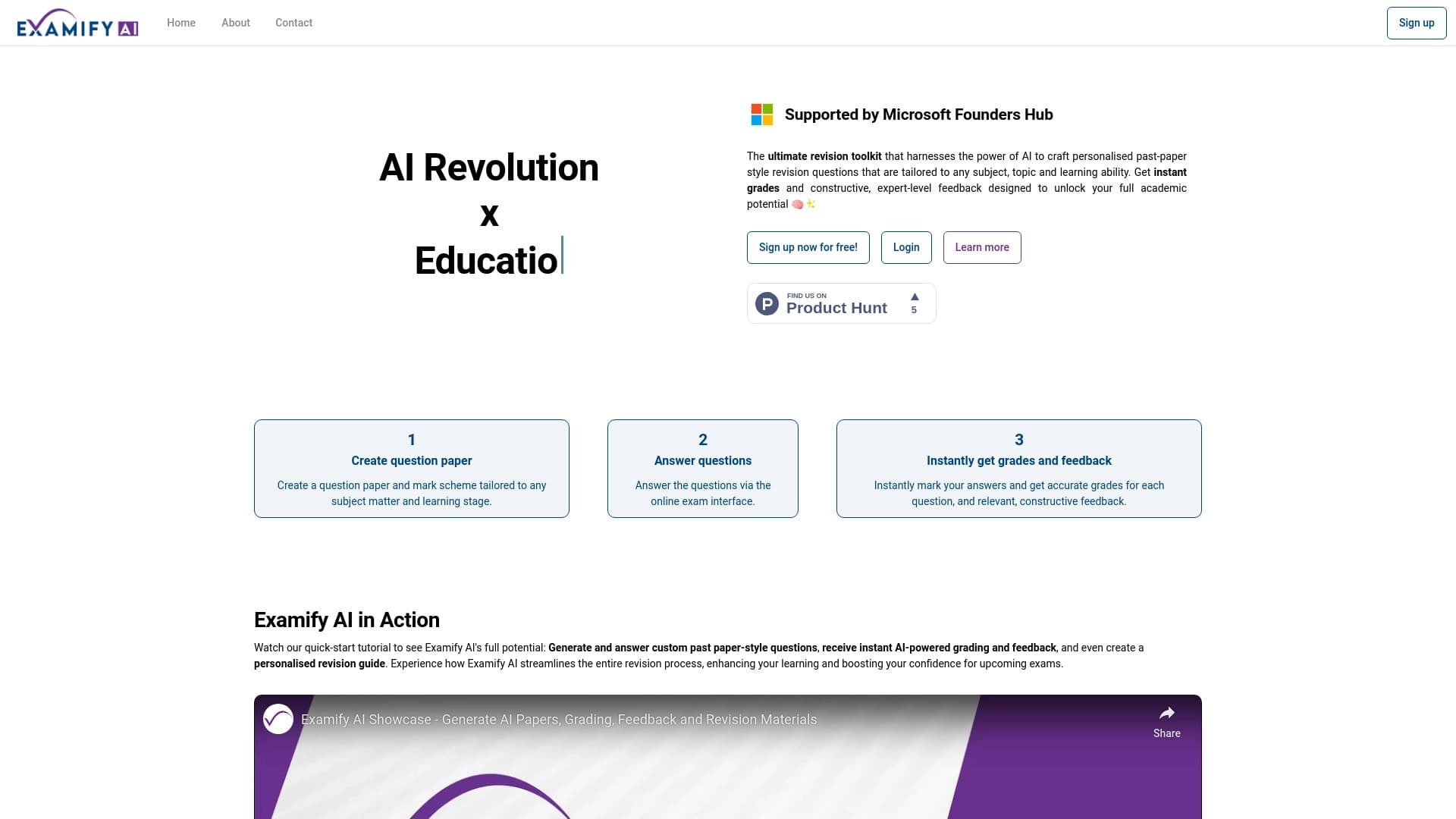
Plataforma baseada em IA para criação e verificação automática de exames e testes.

Serviço para criação de apresentações que utiliza vários agentes de IA para coleta de informações, design e análise de dados.


Serviço para monitorar menções à marca em respostas de redes neurais generativas.