

AI invitation generator
विभिन्न आयोजनों के लिए वैयक्तिकृत पाठ और निमंत्रण डिज़ाइन जनरेटर।
रैंकिंग में स्थान
अवलोकन
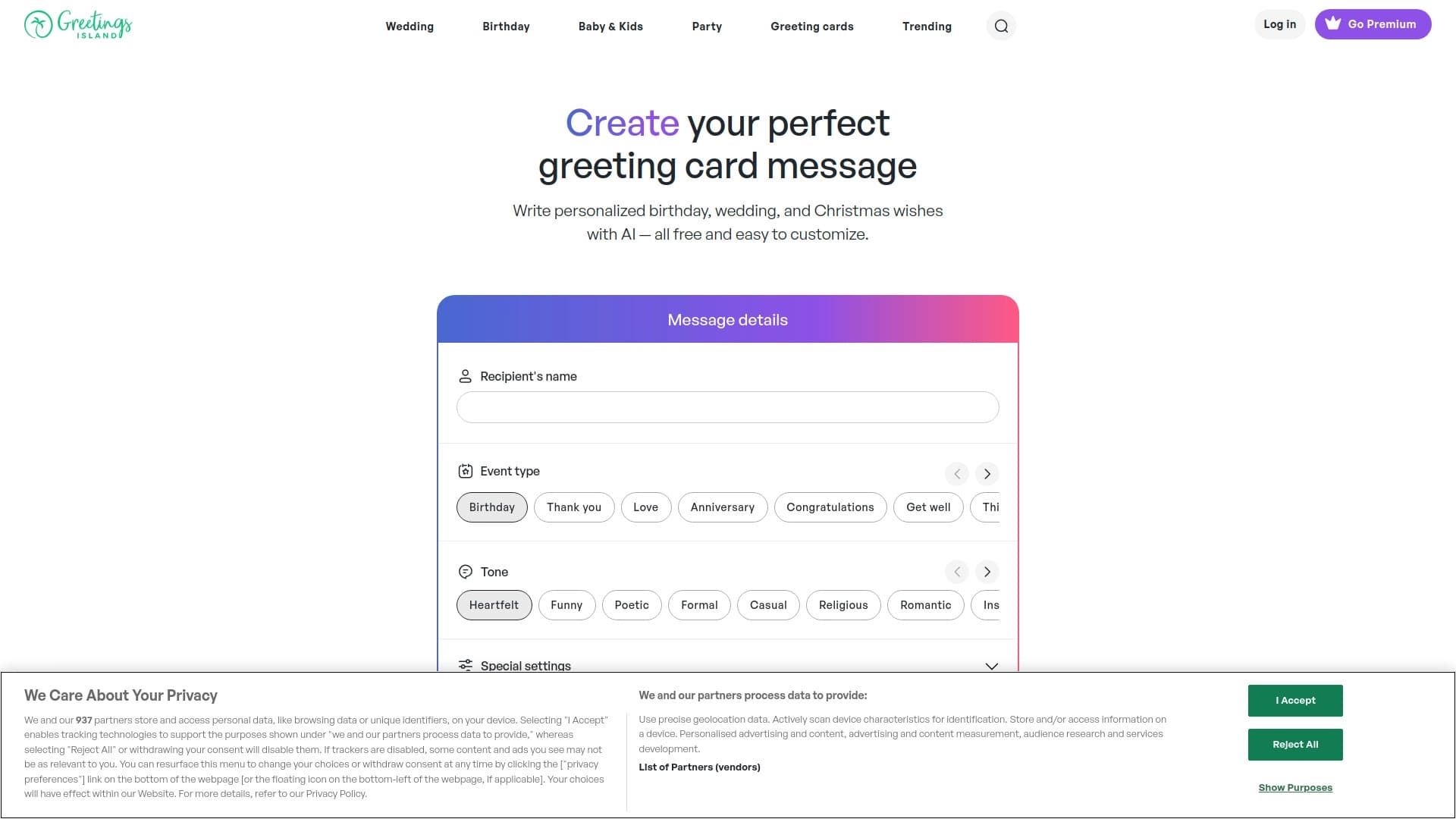
एआई आमंत्रण जनरेटर ग्रीटिंग्स द्वीप मंच से एक उपकरण है जो विभिन्न घटनाओं के लिए व्यक्तिगत निमंत्रणों के निर्माण को स्वचालित करता है। खरोंच से शुरू होने के बजाय, उपयोगकर्ता अपने स्वयं के शब्दों में घटना का वर्णन करते हैं - तारीख, समय, स्थान, विषय-और एआई एक तैयार, संपादन योग्य निमंत्रण डिजाइन में वर्णन करता है।
सेवा दो दिशाओं में काम करती है। सबसे पहले, यह बधाई पाठ और निमंत्रण शब्द उत्पन्न कर सकता है: बस अवसर और शैली चुनें, प्राप्तकर्ता को निर्दिष्ट करें, और सिस्टम कई विकल्पों का सुझाव देगा। दूसरा, घटना के संक्षिप्त विवरण के आधार पर, एआई एक पूर्ण निमंत्रण डिजाइन बनाता है जिसे तब अंतर्निहित संपादक में परिष्कृत किया जा सकता है।
उपकरण की एक प्रमुख विशेषता ग्रीटिंग्स द्वीप कार्ड बिल्डर के साथ इसकी तंग एकीकरण है। उत्पन्न पाठ या डिजाइन एक स्थिर छवि नहीं रहता है: इसे संपादक में खोला जा सकता है, जहां फोंट और रंग बदल सकते हैं, और फोटो, स्टिकर या आरएसवीपी लिंक जोड़ा जा सकता है। बुनियादी पीढ़ी मुफ्त में उपलब्ध है, जबकि उन्नत सुविधाओं जैसे कि उच्च-रिज़ॉल्यूशन डाउनलोड या अतिरिक्त पीढ़ी क्रेडिट - सदस्यता के माध्यम से अनलॉक किए जाते हैं।
एआई निमंत्रण जनरेटर सुविधाएँ
| फ़ीचर | मूल्य |
|---|---|
| श्रेणी | लेटर जनरेशन, एआई फोटो एंड इमेज जेनरेटर, एआई फ्लायर जेनरेटर, एआई डिजाइन जेनरेटर |
| उपकरण प्रकार | बधाई पाठ और निमंत्रण डिजाइन के जनरेटर |
| मंच | वेब |
| एकीकरण | ग्रीटिंग्स द्वीप ऑनलाइन कार्ड और निमंत्रण के साथ एकीकृत |
| मूल्य निर्धारण मॉडल | फ्रीमियम (मुक्त बुनियादी पीढ़ी) |
| प्रीमियम लागत | प्रति माह $3.49 से $26.99 प्रति वर्ष (37% बचत) |
| क्रेडिट कार्ड की आवश्यकता | नहीं |
| लाइफटाइम प्लान | नहीं |
| तारीख जोड़ा | जनवरी 14, 2026 |
| इंटरफ़ेस भाषा | निर्दिष्ट नहीं |
| क्षेत्र | वैश्विक |
एआई निमंत्रण जनरेटर कौन है?
निजी उपयोगकर्ताओं और परिवारों
उपकरण मुख्य रूप से व्यक्तिगत घटनाओं की योजना बनाने वाले लोगों के लिए डिज़ाइन किया गया है: जन्मदिन, शादियों, बच्चों की पार्टियों, बच्चे के स्नान, या लैंगिक प्रकट पार्टियों। शब्दों और लेआउट के लिए समय लेने के बजाय, उपयोगकर्ता अपने शब्दों में घटना का वर्णन करते हैं और एक तैयार पाठ और डिजाइन प्राप्त करते हैं। यह उन लोगों के लिए विशेष रूप से सुविधाजनक है जो कार्ड से टेम्पलेट वाक्यांशों का उपयोग नहीं करना चाहते हैं लेकिन परिवार, दोस्तों और सहयोगियों के लिए व्यक्तिगत बधाई पसंद करते हैं।
कार्यक्रम आयोजकों और छोटे व्यवसायों
यह सेवा घटना प्रबंधकों, छोटी कंपनियों और सामुदायिक संगठनों के लिए उपयोगी होगी, जिन्हें नियमित रूप से कॉर्पोरेट पार्टियों, गैलास या पेशेवर बैठकों के लिए घोषणाएं बनाने की आवश्यकता होती है। डिजाइनर या लेआउट कौशल के बिना अनुकूलन निमंत्रण बनाने की क्षमता संसाधनों को बचाती है। अंतर्निहित RSVP फ़ंक्शन और पंजीकरण लिंक अतिथि प्रतिक्रियाओं को इकट्ठा करने में आसान है।
डिजाइन कौशल के बिना उपयोगकर्ता
मुख्य दर्शक वह व्यक्ति है जो टाइपोग्राफी, रचना या रंग संयोजन को समझने के बिना एक पॉलिश परिणाम चाहता है। एआई डिजाइन निर्माण को संभालती है, जबकि संपादक सहज ज्ञान युक्त ट्वीक्स की अनुमति देता है: पाठ बदलना, तत्वों को पीछे हटाना, फ़ोटो जोड़ना। प्रवेश बाधा न्यूनतम है - बस प्राकृतिक भाषा में एक अनुरोध को वाक्यांश देने में सक्षम है।
एआई निमंत्रण जनरेटर का उपयोग कैसे करें?
चरण 1: जनरेटर खोलें और घटना का वर्णन करें
ग्रीटिंग्स द्वीप वेबसाइट पर जाएं और एआई निमंत्रण जनरेटर अनुभाग खोलें। सादे भाषा में घटना का वर्णन करें: तिथि, समय, स्थान, विषय या अवसर निर्दिष्ट करें। सिस्टम प्राकृतिक भाषा अनुरोधों को समझता है - जटिल संकेतों को तैयार करने की आवश्यकता नहीं है। यदि वांछित है, तो आप पीढ़ी को मार्गदर्शन करने के लिए एक शैली, रंग पैलेट और लेआउट का चयन कर सकते हैं।
चरण 2: फ़ोटो अपलोड करें और सेटिंग्स को समायोजित करें
यदि आप व्यक्तिगत फ़ोटो का उपयोग करने की योजना बना रहे हैं, तो उन्हें मैजिक फोटो फीचर के माध्यम से अपलोड करें - एआई आपकी छवियों को निमंत्रण डिजाइन तत्वों में बदल देती है। यह विशेष रूप से शादी की बचत तारीखों, बच्चों की पार्टियों या बच्चे के स्नान के लिए सुविधाजनक है जहां व्यक्तित्व मायने रखता है। फ़ोटो अपलोड करने और सेटिंग्स का चयन करने के बाद, एआई एक संपादन योग्य डिजाइन बनाता है।
चरण 3: पाठ और डिजाइन संपादित करें
उत्पन्न परिणाम बिल्ट-इन ग्रीटिंग्स द्वीप संपादक में खुलता है। यहां आप निमंत्रण पाठ को बदल सकते हैं, फ़ॉन्ट चुन सकते हैं, स्टिकर जोड़ सकते हैं और तत्व प्लेसमेंट को समायोजित कर सकते हैं। आप RSVP और अतिथि पंजीकरण लिंक भी जोड़ सकते हैं। सभी तत्व पूरी तरह से संपादन योग्य हैं - एआई नींव प्रदान करता है, जबकि अंतिम स्टाइल ऊपर है आपके लिए
चरण 4: ऑनलाइन डाउनलोड, प्रिंट या भेजें
समाप्त निमंत्रण को एक फ़ाइल, मुद्रित या सीधे प्लेटफॉर्म से ईमेल द्वारा भेजा जा सकता है। ऑनलाइन भेजने के लिए, ईमेल वितरण और आरएसवीपी प्रबंधन के साथ एकीकरण उपलब्ध है। ध्यान दें कि एक बार डाउनलोड करने के बाद, डिजाइन स्थिर हो जाता है - इसके बाद संपादन अब संभव नहीं है।
एआई निमंत्रण जनरेटर की प्रमुख विशेषताएं
पाठ विवरण से डिजाइन पीढ़ी
एआई एक तैयार निमंत्रण लेआउट में एक घटना का एक प्राकृतिक भाषा विवरण बदल जाता है। उपयोगकर्ता स्वतंत्र रूप से विवरण प्रदान कर सकते हैं, और एआई स्वतंत्र रूप से रचना का चयन करता है, चयनित शैली और रंग पैलेट को ध्यान में रखते हुए। यह मुख्य विशेषता है जो सरल टेम्पलेट पुस्तकालयों के अलावा उपकरण सेट करती है।
मैजिक फोटो: एआई निमंत्रण में तस्वीरें बदलना
मैजिक फोटो फीचर के साथ, अपलोड की गई छवियों को डिजाइन में एकीकृत किया गया है। एआई फोटो को संसाधित करता है और उन्हें लेआउट में एम्बेड करता है ताकि वे समग्र संरचना के साथ स्वाभाविक रूप से मिश्रण हो। इस उपकरण का उद्देश्य व्यक्तिगत तस्वीरों के साथ व्यक्तिगत निमंत्रण बनाना है - बच्चों के पार्टियों से शादियों तक।
ग्रीटिंग्स द्वीप संपादक में पूरी तरह से संपादन योग्य डिजाइन
स्टैंडअलोन एआई जेनरेटर के विपरीत जो एक स्थिर छवि को आउटपुट करते हैं, यहां परिणाम एक पूर्ण फीचर्ड संपादक में खुलता है। उपयोगकर्ता पाठ, फ़ॉन्ट्स, तत्व आकार, स्टिकर और फोटो जोड़ सकते हैं, और ब्लॉक को पीछे छोड़ सकते हैं। कोई तत्व तय नहीं है - हर्थिंग मैन्युअल रूप से समायोजित किया जा सकता है।
बधाई पाठ और निमंत्रण शब्दकरण की पीढ़ी
एक अलग मोड आपको जल्दी से व्यक्तिगत पाठ प्राप्त करने देता है: जन्मदिन की शुभकामनाएं, शादी बधाई, छुट्टी बधाई, बच्चों की घटना संदेश। उपयोगकर्ता अवसर, शैली (टचिंग, मजाकिया, औपचारिक, कविता) का चयन करते हैं और प्राप्तकर्ता को निर्दिष्ट करते हैं। सिस्टम सेकंड में विकल्प उत्पन्न करता है, जिसे तब एक कार्ड, मैसेंजर या ईमेल में संपादित और डाला जा सकता है।
डाउनलोड, प्रिंट, ईमेल भेजने और आरएसवीपी प्रबंधन
तैयार निमंत्रण फ़ाइलों के रूप में निर्यात किया जा सकता है, मुद्रित करने के लिए भेजा जाता है, या मेहमानों के लिए ईमेल किया जाता है। अंतर्निहित RSVP सुविधा उपस्थिति प्रतिक्रियाओं को एकत्र करती है और पंजीकरण या उपहार सूची लिंक जोड़ने की अनुमति देती है। यह एक साधारण जनरेटर से एक घटना प्रबंधन उपकरण में सेवा बदल जाता है।
एआई निमंत्रण जनरेटर के लाभ
समय बचत और कोई टेम्पलेट नहीं
टूल पार्टी तैयारी के समय को कम करता है: शब्दों और लेआउट के लिए लंबी खोज के बजाय, उपयोगकर्ताओं को सेकंड में एक समाप्त परिणाम मिलता है। उसी समय, उत्पन्न किए गए ग्रंथों को टेम्पलेट नहीं दिखना चाहिए - विशिष्ट प्राप्तकर्ता और अवसर के लिए एआई दर्जी, स्टोर-बॉट कार्ड में पाए गए मानक clichés से बचने में मदद करना।
संपादन योग्य डिजाइनों का तत्काल निर्माण
फास्ट जनरेशन केवल प्रक्रिया का पहला हिस्सा है। मुख्य लाभ यह है कि प्रत्येक उत्पन्न लेआउट पूरी तरह से संपादन के लिए खुला है। उपयोगकर्ता एआई के आउटपुट द्वारा सीमित नहीं हैं: किसी भी विस्तार को बदला जा सकता है - बटन रंग से टेक्स्ट वर्डिंग तक। यह मैनुअल समायोजन की लचीलापन के साथ स्वचालन की गति को जोड़ती है।
आसान साझाकरण और निर्मित RSVP
मंच एक फ़ाइल बनाने में नहीं रुकता है - निमंत्रण ऑनलाइन भेजा जा सकता है, अतिथि सूचियों का प्रबंधन किया है, और पंजीकरण और आरएसवीपी लिंक जोड़ा गया है। अंतर्निहित संचार सुविधाएँ संगठनात्मक पक्ष को सरल बनाती हैं: मैसेंजर या स्प्रेडशीट में अलग-अलग प्रतिक्रियाओं को इकट्ठा करने की कोई आवश्यकता नहीं है।
मुफ्त पीढ़ी और पारदर्शी डेटा नीति
मूल पीढ़ी किसी लागत पर उपलब्ध नहीं है- उपयोगकर्ता सदस्यता लेने से पहले एआई की गुणवत्ता का मूल्यांकन कर सकते हैं। इसके अतिरिक्त, सेवा एक स्पष्ट गोपनीयता कथन प्रदान करती है: एआई को प्रशिक्षित करने के लिए अपलोड किए गए फ़ोटो और घटना विवरण का उपयोग नहीं किया जाता है।
एआई निमंत्रण जनरेटर के नुकसान
नि: शुल्क स्तरीय सीमाएं
उन्नत निर्यात और उच्च-रिज़ॉल्यूशन डाउनलोड को प्रीमियम सदस्यता की आवश्यकता होती है। बुनियादी मुफ्त कार्यक्षमता निमंत्रण उत्पन्न करने और संपादित करने की अनुमति देती है, लेकिन गुणवत्ता मुद्रण या पेशेवर उपयोग के लिए, एक भुगतान योजना की आवश्यकता है। इसमें कोई आजीवन लाइसेंस नहीं है - केवल सदस्यता।
वेब केवल मंच
सेवा विशेष रूप से ब्राउज़र के माध्यम से उपलब्ध है - मूल मोबाइल ऐप आधिकारिक तौर पर पुष्टि नहीं की जाती है। यह उन उपयोगकर्ताओं के लिए असुविधाजनक हो सकता है जो त्वरित संपादन के लिए ऑफ़लाइन कार्य या मोबाइल ऐप्स पसंद करते हैं।
परिणाम की गुणवत्ता अनुरोध स्पष्टता पर निर्भर करती है
एआई डिजाइन की गुणवत्ता सीधे इस बात पर निर्भर करती है कि घटना कितनी स्पष्ट रूप से वर्णित है। अनुरोध को कम करने की संभावना, लेआउट को मैनुअल रिफाइनमेंट की आवश्यकता होगी। जो उपयोगकर्ता विस्तृत विवरण लिखने के लिए उपयोग नहीं कर रहे हैं उन्हें संपादक में संपादन पर समय बिताने की आवश्यकता होगी।
बंद स्रोत और सीमित पारदर्शिता
सेवा में कोई सार्वजनिक भंडार या ओपन सोर्स कोड नहीं है। मॉडल विवरण और इंटरफ़ेस भाषाओं का खुलासा नहीं किया जाता है। अधिकांश उपयोगकर्ताओं के लिए यह महत्वपूर्ण नहीं है, लेकिन तकनीकी रूप से प्रेमी दर्शकों को इसे एक सीमा के रूप में देख सकते हैं।
एआई निमंत्रण जनरेटर किस कार्य को हल करता है?
व्यक्तिगत समारोह के लिए निमंत्रण बनाना
उपकरण जन्मदिन, वर्षगांठ, पार्टियों और पारिवारिक समारोहों के निमंत्रण तैयार करने के लिए मुख्य आवश्यकता को कवर करता है। एक लघु घटना विवरण पर्याप्त है-सेवा पाठ के साथ एक लेआउट प्रदान करती है जो सम्मान के अतिथि के लिए अनुकूलनीय बनी हुई है।
शादी और पूर्व शादी की घटनाओं को डिजाइन करना
शादी की बचत तारीखों और मुख्य निमंत्रण के लिए, सेवा अनुकूलन लेआउट प्रदान करती है। उपयोगकर्ता जोड़े की तस्वीरें अपलोड कर सकते हैं, एक सुरुचिपूर्ण शैली चुन सकते हैं और उपहार रजिस्ट्री या घटना वेबसाइट के लिए लिंक जोड़ सकते हैं। मैजिक फोटो व्यक्तिगत तस्वीरों के साथ रोमांटिक डिजाइन बनाने में मदद करता है।
बच्चे के स्नान और लैंगिक प्रकट दलों को तैयार करना
मैजिक फोटो के साथ, माता-पिता अल्ट्रासाउंड छवियों या थीम्ड दृश्यों की विशेषता वाले निमंत्रण बना सकते हैं। एआई एक उत्सव डिजाइन उत्पन्न करता है और इस अवसर से मेल खाते हुए पाठ का चयन करता है - हास्य को छूने से।
कॉर्पोरेट घटनाओं और पेशेवर घोषणाओं
सेवा व्यापार बैठकों, गैलास, सम्मेलनों और आंतरिक कॉर्पोरेट समारोहों का सूट करती है। औपचारिक शैलियों और पंजीकरण लिंक जोड़ने की क्षमता छोटे व्यापार और घटना आयोजक कार्यों के लिए उपयुक्त उपकरण बनाती है।
हॉलिडे कार्ड, धन्यवाद नोट्स, और पोस्टर
Beyond निमंत्रण, जनरेटर छुट्टी कार्ड, धन्यवाद नोट्स और घटना पोस्टर बना सकते हैं। संपादक की लचीलापन मेहमानों और ग्राहकों के साथ संचार के विभिन्न प्रकार के लिए उत्पन्न पाठ और लेआउट को अनुकूलित करने की अनुमति देता है।
एआई निमंत्रण जनरेटर मूल्य निर्धारण
सेवा एक फ्रीमियम मॉडल पर काम करती है। मूल निमंत्रण और पाठ पीढ़ी मुफ्त है- उपयोगकर्ता भुगतान करने के बिना उपकरण का परीक्षण कर सकते हैं, और सरल उपयोग के मामलों के लिए कोई अनिवार्य पंजीकरण की आवश्यकता नहीं है।
प्रीमियम सदस्यता उन्नत सुविधाओं और लागत को अनलॉक करती है:
- मासिक बिलिंग के साथ प्रति माह $ 3.49;
- प्रति वर्ष $26.99 (37% मासिक योजना की तुलना में बचत).
प्रीमियम टियर में 10,000+ प्रीमियम डिज़ाइन, कोई विज्ञापन या वॉटरमार्क नहीं, एक विशेष फ़ॉन्ट पुस्तकालय, फोटो काम के लिए असीमित जादू क्रेडिट, छवि पृष्ठभूमि हटाने, उन्नत लेआउट, असीमित ईमेल निमंत्रण और अनुसूचित भेजने शामिल हैं।
सदस्यता के लिए क्रेडिट कार्ड की आवश्यकता नहीं है। कोई लाइफटाइम प्लान उपलब्ध नहीं है।
एआई निमंत्रण जनरेटर के लिए उपयोग की शर्तें
बेसिक आमंत्रण पीढ़ी सभी उपयोगकर्ताओं के लिए स्वतंत्र है। प्रीमियम सुविधाओं तक पहुंच के लिए एक सदस्यता की आवश्यकता होती है - जैसा कि प्लेटफॉर्म पर खाता निर्माण के साथ, हालांकि पंजीकरण को मुफ्त उपयोग के मामले के लिए अनिवार्य नहीं बताया गया है।
एक महत्वपूर्ण शर्त गोपनीयता से संबंधित है: उपयोगकर्ताओं द्वारा अपलोड की गई तस्वीरें और वर्णित घटना विवरण एआई को प्रशिक्षित करने के लिए उपयोग नहीं किए जाते हैं। यह आधिकारिक तौर पर कहा जाता है और कई समान उपकरणों के अलावा सेवा सेट करता है जो मॉडल को बेहतर बनाने के लिए उपयोगकर्ता सामग्री का उपयोग करते हैं।
समाप्त निमंत्रण डाउनलोड करते समय ध्यान रखें कि निर्यात के बाद संपादन अब संभव नहीं है - डाउनलोड करने से पहले सभी बदलाव किए जाने चाहिए। RSVP और ईमेल वितरण कार्यक्षमता भी प्रीमियम योजना शर्तों द्वारा नियंत्रित है: मुक्त स्तर पर, इन सुविधाओं को सीमित किया जा सकता है।
एआई निमंत्रण जनरेटर उपलब्धता
उपकरण ग्रीटिंग्स द्वीप वेबसाइट के माध्यम से एक वेब अनुप्रयोग के रूप में उपलब्ध है। मूल मोबाइल ऐप के बारे में आधिकारिक जानकारी अनुपस्थित है, यह सुझाव देता है कि मूल मोबाइल ऐप के बारे में जानकारी अनुपस्थित है। प्राथमिक-और संभावना केवल-प्लेटफॉर्म ब्राउज़र संस्करण है।
यह सेवा वैश्विक रूप से सुलभ है। एनालिटिक्स डेटा के अनुसार, उपयोगकर्ताओं का सबसे बड़ा हिस्सा संयुक्त राज्य अमेरिका से आता है, इसके बाद भारत, यूनाइटेड किंगडम, कनाडा और दक्षिण अफ्रीका होता है।
इंटरफ़ेस भाषाओं को आधिकारिक तौर पर सूचीबद्ध नहीं किया गया है; हालांकि, प्लेटफॉर्म की उत्पत्ति और उपयोगकर्ता भूगोल को देखते हुए, सेवा कम से कम अंग्रेजी का समर्थन करती है। प्रीमियम सुविधाओं को इंटरनेट कनेक्शन और संभावित खाता निर्माण की आवश्यकता होती है; मुफ्त पीढ़ी पंजीकरण के बिना काम कर सकती है।
कैसे एआई निमंत्रण जनरेटर विकल्प से अलग है
स्थैतिक छवियों के बजाय पूर्ण संपादन क्षमता
स्टैंडअलोन AI इमेज जेनरेटर से मुख्य अंतर है इसका परिणाम स्थिर चित्र नहीं है। जबकि कई एआई उपकरण एक पूर्ण छवि का उत्पादन करते हैं जो संशोधित करना मुश्किल है, ग्रीटिंग्स द्वीप पूरी तरह से संपादन योग्य डिजाइन बनाता है। उपयोगकर्ता संपादक में लेआउट खोलते हैं और किसी भी तत्व को बदल सकते हैं: पाठ, फ़ॉन्ट, रंग, ब्लॉक प्लेसमेंट, और अपनी खुद की तस्वीरें और स्टिकर जोड़ते हैं।
अंतर्निहित RSVP और पंजीकरण लिंक
अधिकांश डिज़ाइन जेनरेटर के विपरीत जो फ़ाइल बनाने में रुकते हैं, यह सेवा इवेंट मैनेजमेंट को एकीकृत करती है। निमंत्रण ऑनलाइन भेजा जा सकता है, और आरएसवीपी समारोह स्वचालित रूप से अतिथि प्रतिक्रियाओं को एकत्र करता है। पंजीकरण और उपहार सूची लिंक जोड़ना उपकरण को एक व्यापक घटना संगठन समाधान में बदल देता है।
एक्स्टेंसिव लाइब्रेरी और ग्रीटिंग्स द्वीप पारिस्थितिकी तंत्र
ग्रीटिंग्स द्वीप के लंबे समय तक चलने वाली लाइब्रेरी (10,000+ प्रीमियम डिज़ाइन) के लिए धन्यवाद, उपयोगकर्ताओं को एआई की क्षमताओं के पूरक तैयार लेआउट और फ़ॉन्ट्स के विशाल आधार तक पहुंच मिलती है। प्रीमियम सदस्यता पीढ़ी की सीमाओं को हटा देती है और विशेष टाइपोग्राफिक समाधान प्रदान करती है - कुछ अक्सर अतिरिक्त शुल्क के लिए भी अन्य सेवाओं में अनुपलब्ध होते हैं।
उपयोगकर्ता डेटा गोपनीयता
एक विशिष्ट प्रतिस्पर्धी लाभ डेटा प्रोसेसिंग नीति है। ग्रीटिंग्स द्वीप स्पष्ट रूप से बताता है कि उपयोगकर्ता फ़ोटो और घटना विवरण एआई को प्रशिक्षित करने के लिए उपयोग नहीं किए जाते हैं। कई सामान्य सेवाएं ऐसी गारंटी नहीं देते हैं, जिससे यह उपकरण व्यक्तिगत फ़ोटो और पारिवारिक समारोहों के विवरण अपलोड करने के लिए एक सुरक्षित विकल्प बन जाता है।
निष्कर्ष
अभिवादन द्वीप से एआई निमंत्रण जनरेटर जल्दी से व्यक्तिगत निमंत्रण और बधाई बनाने के लिए एक व्यावहारिक उपकरण है। इसका मुख्य मूल्य एक पूर्ण फीचर्ड संपादक के साथ जेनेरेटिव क्षमताओं के संयोजन में निहित है: AI पाठ और लेआउट बनाने के ग्राउंडवर्क को संभालती है, जबकि उपयोगकर्ता अंतिम परिणाम पर पूर्ण नियंत्रण बनाए रखते हैं। मुक्त स्तरीय निवेश के बिना पीढ़ी की गुणवत्ता का मूल्यांकन करने की अनुमति देता है, जबकि प्रति माह $ 3.49 से शुरू होने वाली प्रीमियम सदस्यता उच्च रिज़ॉल्यूशन और असीमित मैजिक क्रेडिट जैसी उन्नत सुविधाओं को अनलॉक करती है। उपकरण निजी उपयोगकर्ताओं के लिए परिवार के समारोह की योजना बना रहे हैं और घटना आयोजकों के लिए जो जल्दी से एक डिजाइनर को शामिल किए बिना निमंत्रण बनाने की जरूरत है। मुख्य सीमा - सेवा केवल वेब पर उपलब्ध है बल्कि मूल ऐप के बजाय - उपयोग में आसानी और अंतर्निहित निमंत्रण प्रबंधन सुविधाओं द्वारा ऑफसेट है।
अक्सर पूछे जाने वाले प्रश्न
यह भी देखें
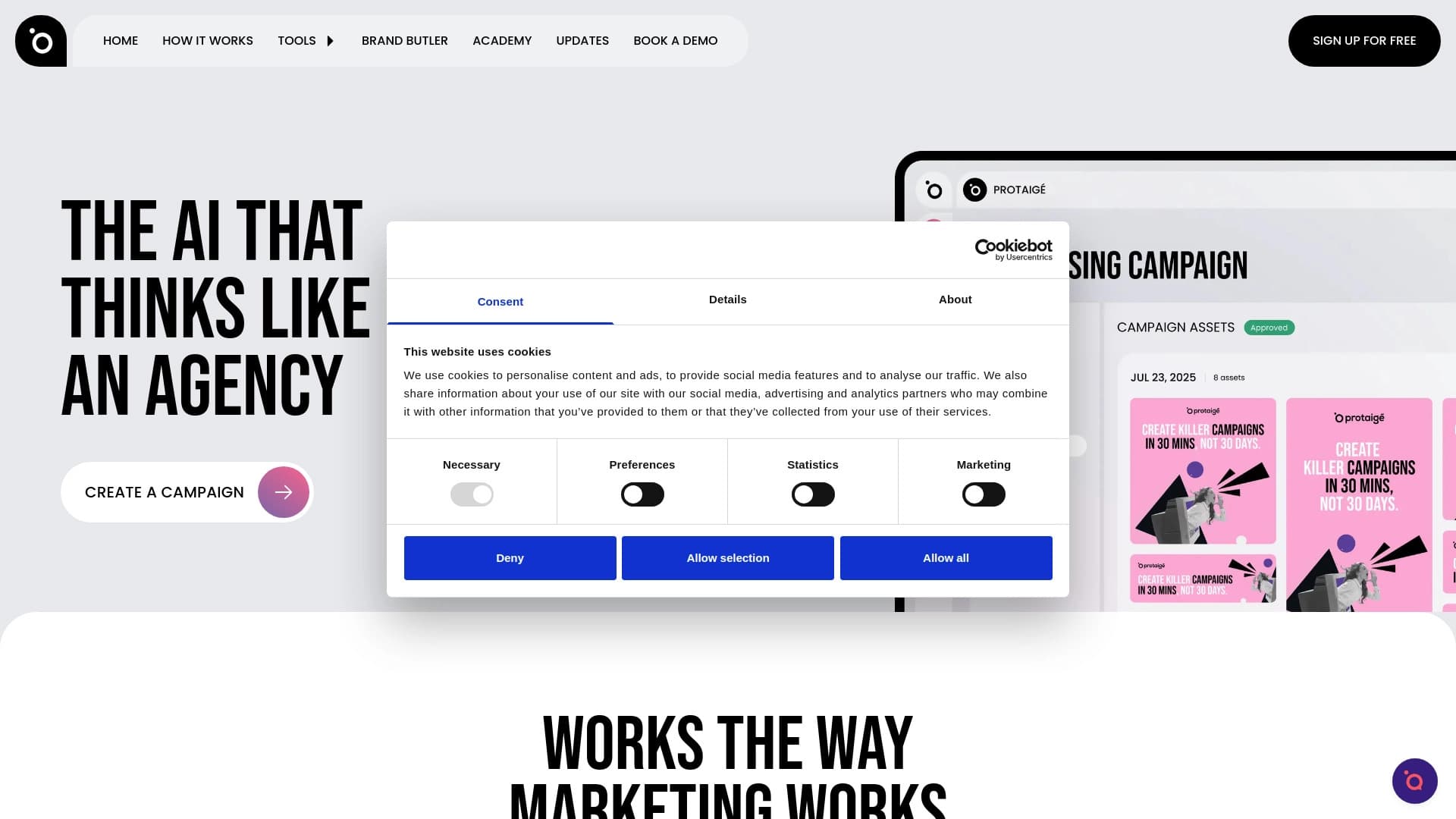
बहु-एजेंट मार्केटिंग न्यूरल नेटवर्क जो रणनीति से लेकर तैयार क्रिएटिव तक विज्ञापन अभियान स्वचालित रूप से बनाता है।

यह Chrome एक्सटेंशन TikTok पर लाइक और कमेंट्स को स्वचालित करके सहभागिता बढ़ाने में मदद करता है।
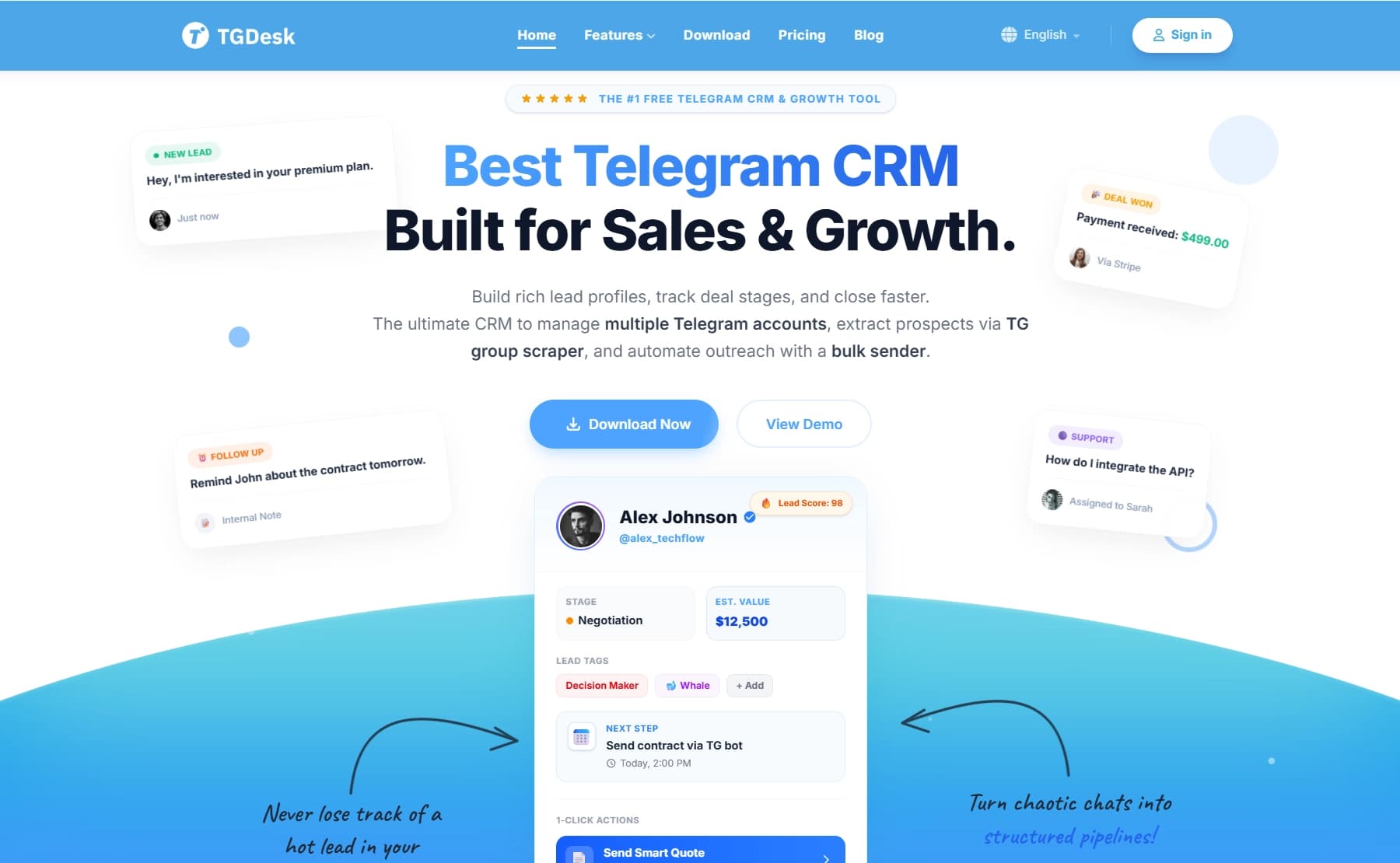

टेलीग्राम के लिए बॉट जो समूहों को प्रबंधित करने, लीड इकट्ठा करने और सदस्यों की सहभागिता बढ़ाने में मदद करता है।
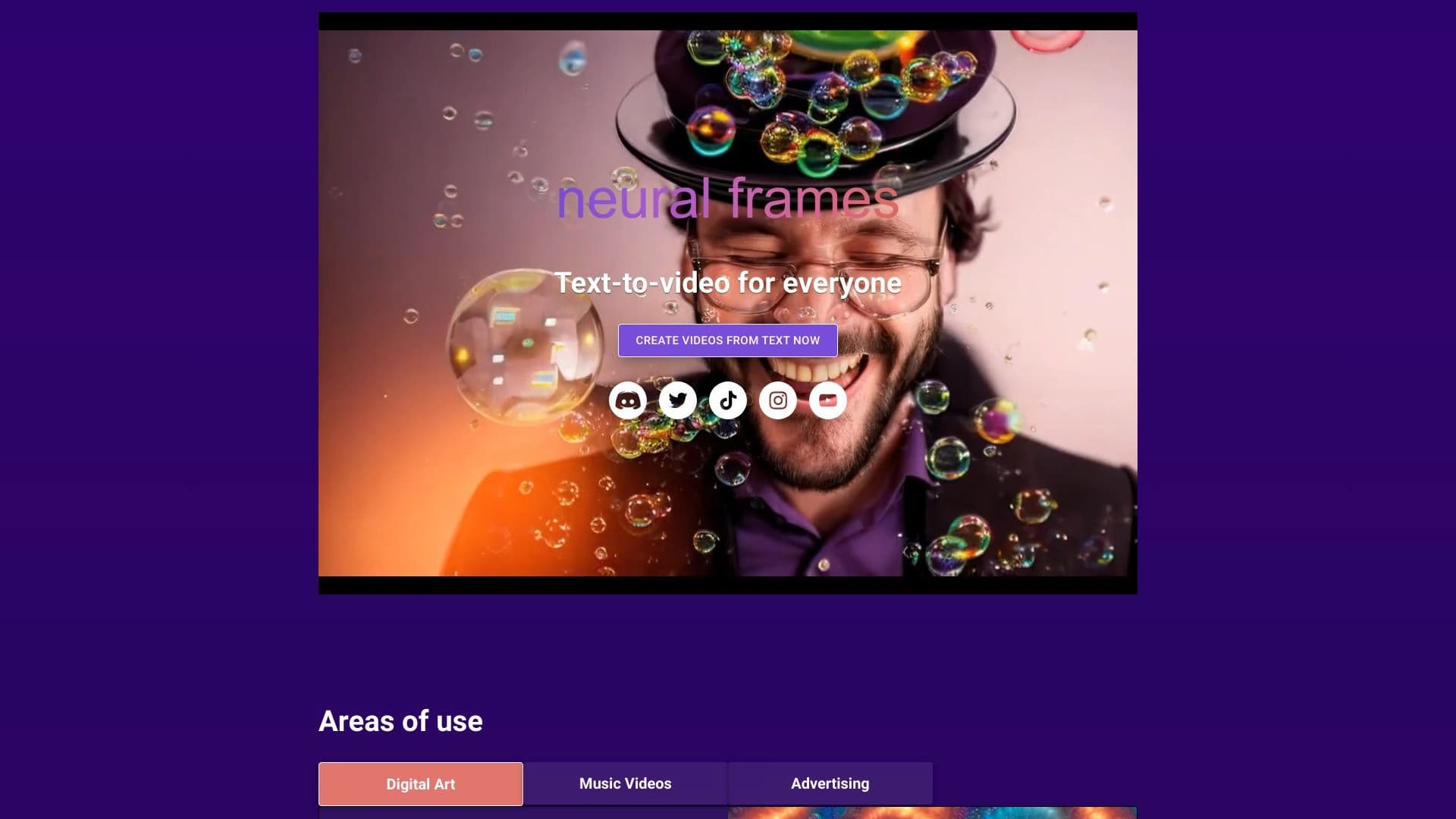
एआई वीडियो जनरेटर जो संगीत के साथ एनीमेशन को सिंक्रोनाइज़ करता है।
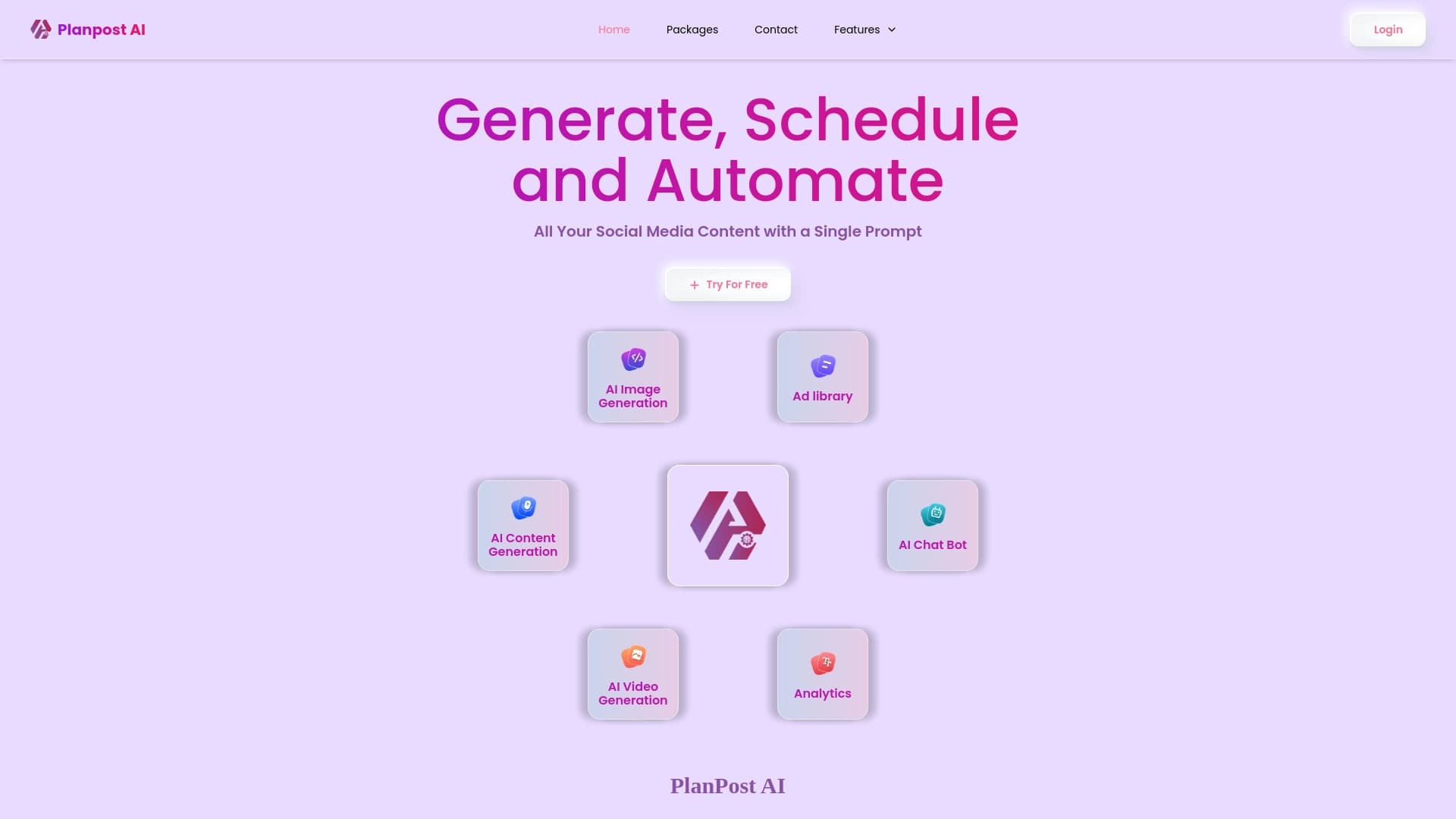
सोशल मीडिया सामग्री बनाने और शेड्यूल करने के लिए AI-संचालित प्लेटफ़ॉर्म।
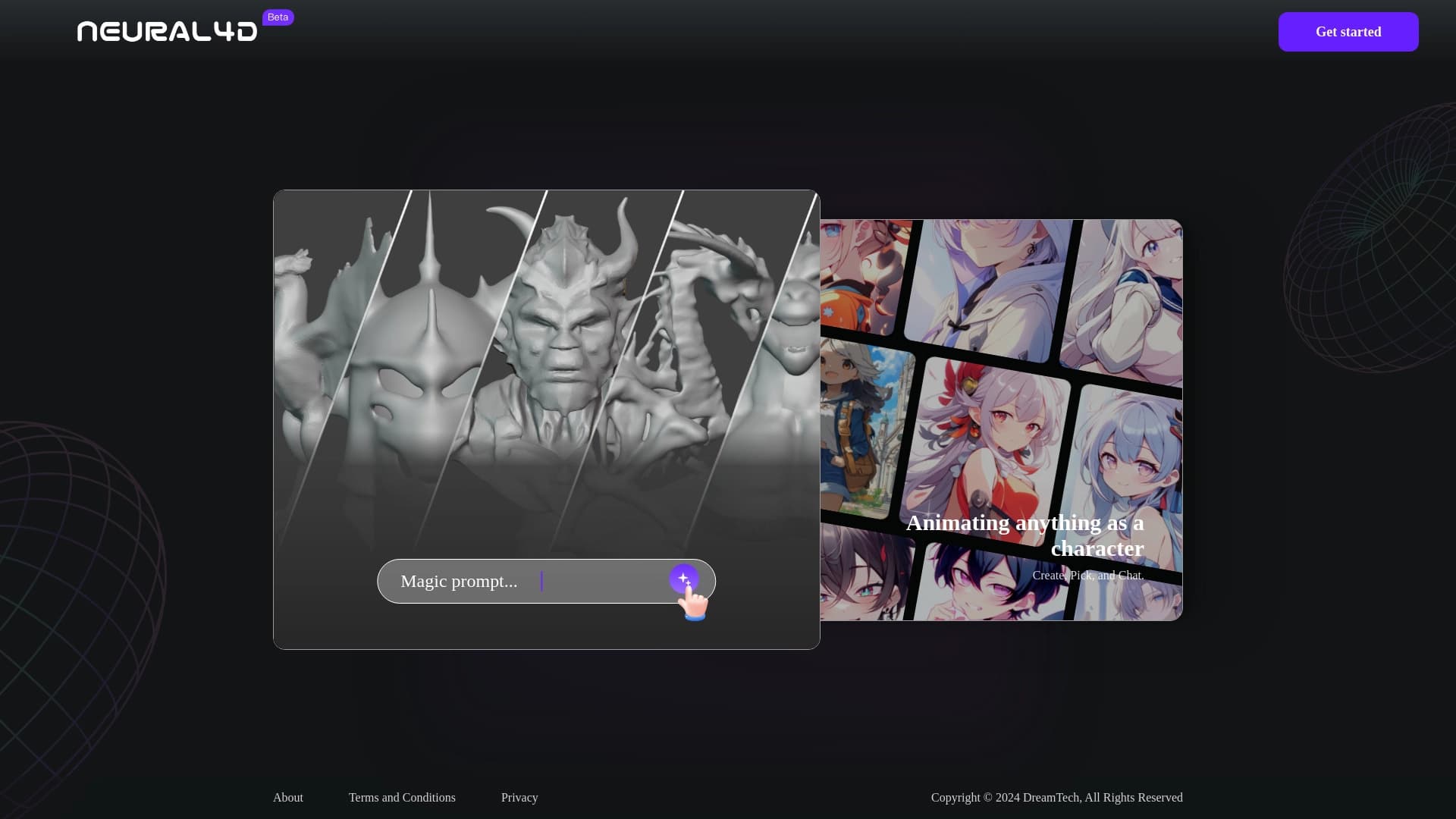

न्यूरल4डी — यह कृत्रिम बुद्धिमत्ता की मदद से 3D मॉडल और एनीमेशन बनाने का एक प्लेटफ़ॉर्म है।

कीबे एक एआई बिक्री स्वचालन मंच है जिसमें चैट, ग्राहक डेटा प्रबंधन और वर्कफ़्लो स्वचालन शामिल है।.
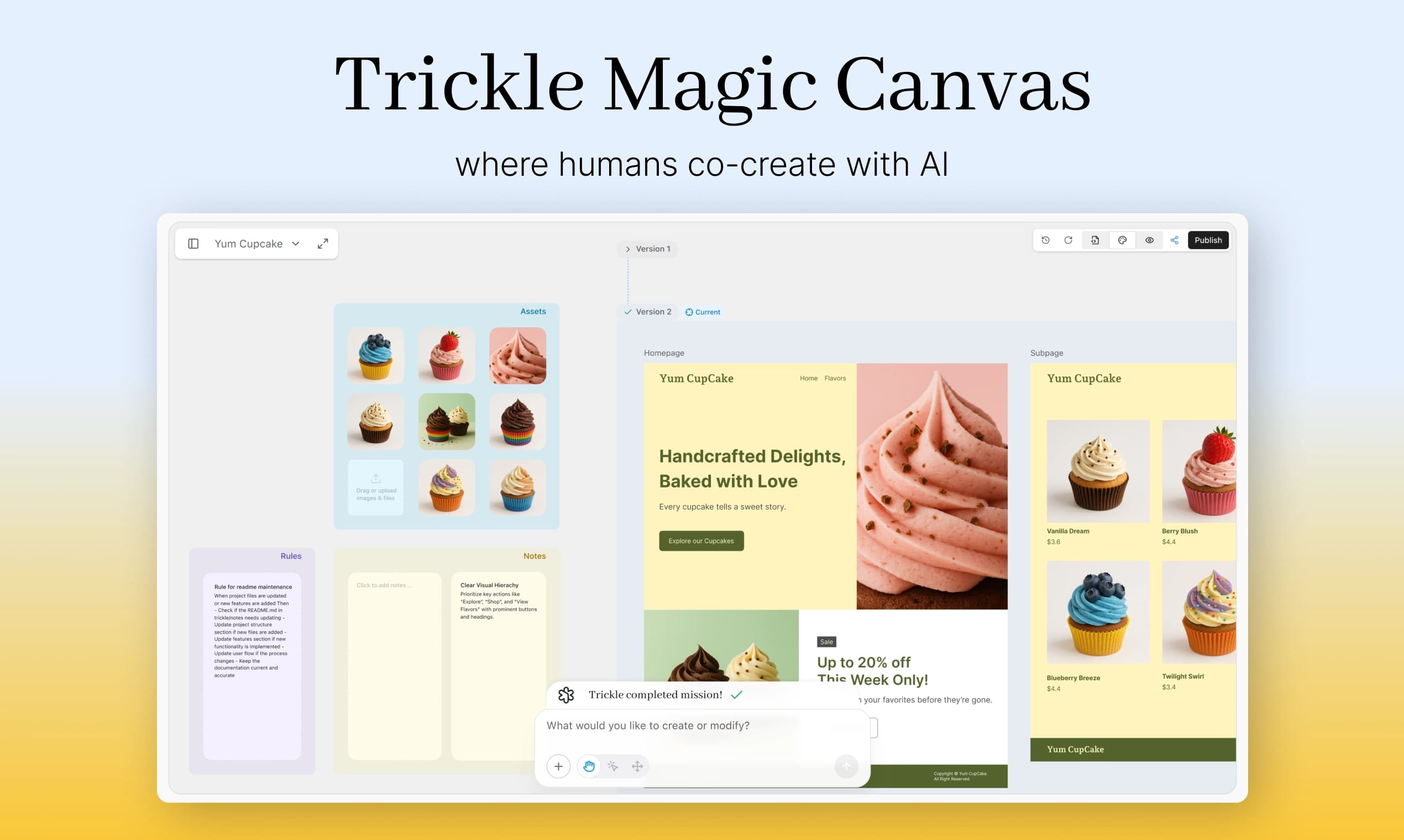

वेब ऐप्स और वेबसाइट बनाने का प्लेटफ़ॉर्म, जो AI की मदद से टेक्स्ट विवरण के आधार पर उन्हें तैयार करता है।