AI Image Upscaler

FreeFree trialPaid

AI-powered online service for increasing image resolution and improving their quality.

AI Image Upscaler

Ranked in

Overview

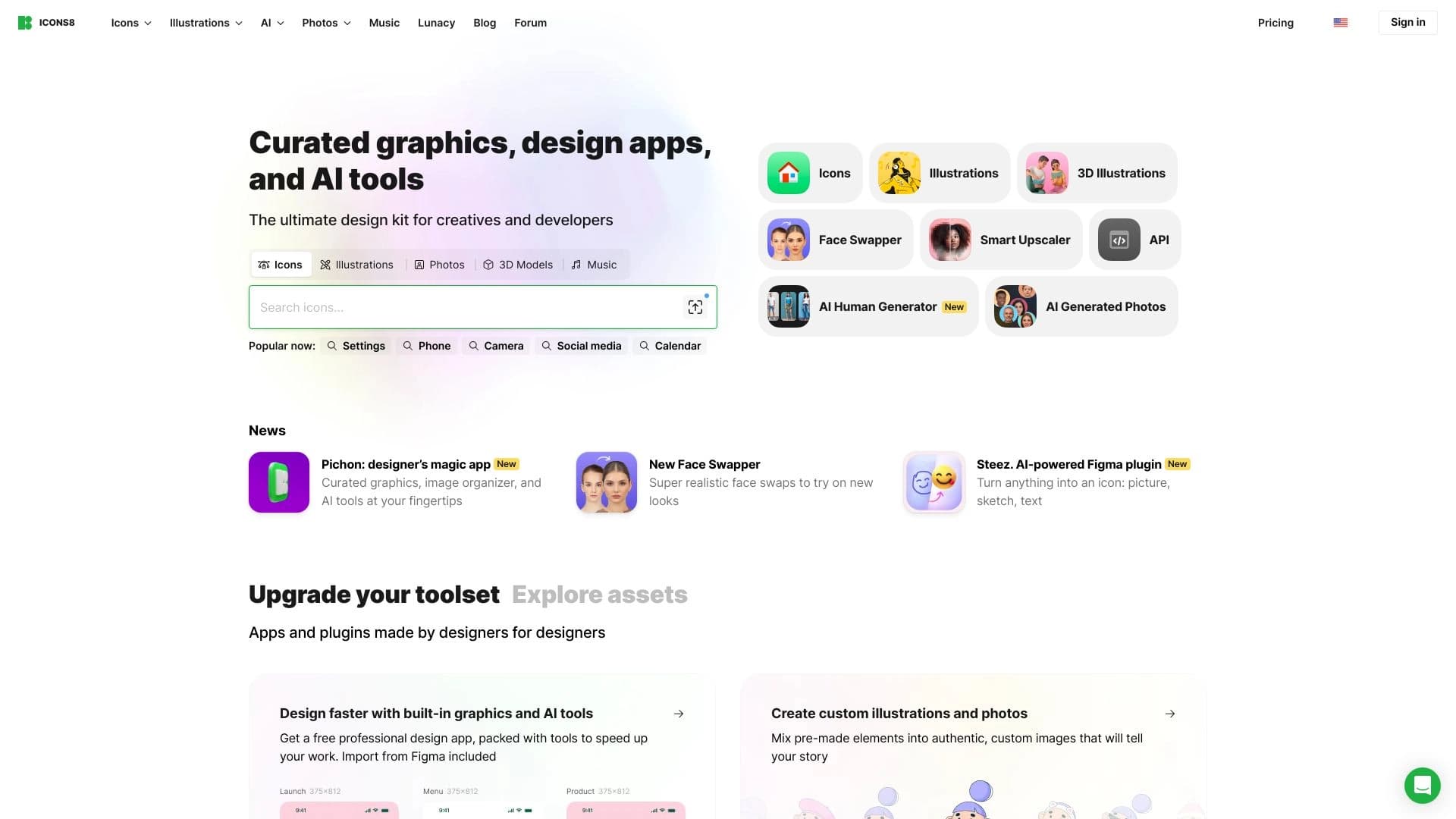
AI Image Upscaler is an online service by Icons8 LLC that uses artificial intelligence to increase image resolution and improve their quality. The tool allows scaling photos and pictures up to eight times, with the neural network filling in missing details, enhancing sharpness, and removing artifacts that typically appear when an image is stretched using standard methods.

The service works entirely through the browser, requires no additional software installation, and is designed for both one-time users and companies that need process automation via API. The developers state that uploaded files are stored in a secure zone, are not used to train models, and are not shared with third parties.

AI Image Upscaler Features

FeatureValue
TypeOnline tool for image upscaling
CategoryQuality enhancement (upscaling), photo processing
DeveloperIcons8 LLC
Maximum upscalingup to 8x
Supported formatsJPG, PNG, WebP
Batch processingup to 500 images at once
IntegrationAPI for developers
PlatformWeb-based, works in the browser
Distribution modelFreemium
Monthly visits388.9K

Who is AI Image Upscaler for?

Designers and content creators

Designers can use the service to prepare images for print, create high-quality visuals for presentations and portfolios. The ability to increase resolution without losing quality allows taking small stock images and using them in layouts of any scale.

Marketers and website owners

For marketers and online store owners, the service is useful when preparing large volumes of content: product images, advertising banners, illustrations for articles. Batch processing of up to 500 files at once saves hours of manual work, and the result looks natural to the end consumer.

Companies and developers

Thanks to the API, the service can be integrated into your own applications and workflows. This is convenient for companies that regularly process large numbers of images and want to automate this stage, as well as for developers building products with photo editing features.

How to use AI Image Upscaler?

Uploading an image

Using the service is extremely simple: go to icons8.com, upload an image through the browser — by simply dragging and dropping the file into the upload window or pasting it from the clipboard. No software installation is required; the entire process happens online.

Settings and getting the result

After uploading the file, you need to configure the upscaling parameters: select the desired scale (up to 8x) and, if necessary, activate the face enhancement module if there are portraits in the frame. Then wait for processing — and download the finished result. Multiple images can be uploaded simultaneously for batch processing.

Key features of AI Image Upscaler

Upscaling up to 8x

The service's key feature is increasing image resolution up to eight times while maintaining sharpness. The AI analyzes the photo and fills in missing pixels, so the result looks natural even with significant scaling.

Batch processing

The service supports uploading up to 500 images at once. This is especially relevant for working with large content libraries — for example, when preparing online store catalogs or advertising campaigns where hundreds of files need to be processed in a single session.

Face enhancement module

A separate feature of the service is restoring facial features in portrait shots. The neural network smooths noise, removes blur, and increases detail, making portraits sharper even if the original photo was of low quality.

Advantages of AI Image Upscaler

Result quality

Images become noticeably sharper: the AI extracts details from blurry photos without introducing visible artifacts or blur. The neural network was trained on a large amount of data, so the result looks natural.

Scalability for business

The service easily handles large workloads: you can process many files in a single session, and through the API — build an automated image processing pipeline within your own product.

API accessibility

API integration allows developers to embed upscaling functions into their applications and services without having to develop their own algorithms, saving time and resources.

Disadvantages of AI Image Upscaler

Quality limitations when upscaling

With strong upscaling (especially close to the maximum 8x), blurry areas or strange details that the neural network could not correctly restore may appear in the image. This should be considered when working with low-quality source files.

Privacy and network dependency

Since the service works online, files are sent to an external server, which may raise concerns for users with high privacy requirements. Additionally, the service depends on a stable internet connection — without a network, the tool is unavailable.

What tasks does AI Image Upscaler solve?

Preparing images for print

The service is suitable for preparing photos and illustrations for printing in any size — from postcards to large-format banners. Upscaling resolution up to 8 times allows achieving print quality even from small source files.

Improving old and unsuccessful photos

The tool helps increase the detail and sharpness of old photos, as well as fix unsuccessful shots taken with a low-resolution camera or in poor lighting.

Preparing content for online stores and advertising

Batch processing and support for popular formats make the service convenient for preparing large volumes of product images, advertising creatives, and illustrations for websites and social media.

AI Image Upscaler Pricing

The service operates on a freemium model: basic features are available for free, while paid plans are offered for active use. According to source data, the cost of paid plans is:

  • Prepaid package — 940 rubles for 50 images;
  • Limited subscription — 850 rubles per month for 100 images with the ability to roll over unused ones to the next period;
  • Unlimited subscription — 9350 rubles per month with no limits on the number of images.

The exact terms of the free tier, including upload limits and available features, are not detailed in the source data.

Terms of Use for AI Image Upscaler

The service works entirely online, and only a browser and internet access are required to use it. According to source data, the developers state that uploaded files are stored in a secure zone and are not used for other purposes — neither for training models nor for sharing with third parties. No additional conditions, such as restrictions on commercial use, are specified in the available materials.

AI Image Upscaler Availability

AI Image Upscaler is available as a web service at icons8.com. A stable internet connection is required. There is no information about regional restrictions or the need to use a VPN in the source data. It is also mentioned that Icons8 offers a number of other AI tools for designers, including an illustration generator and a platform with icons, photos, and music.

How AI Image Upscaler differs from alternatives

There are many tools on the market for increasing image resolution, but AI Image Upscaler stands out with a combination of several factors. First of all, it's batch processing of up to 500 files at once — most competitors offer limits of 10–50 images. The second difference is the API, which allows embedding the upscaling function into your own applications, making the service attractive to developers.

Also worth noting is the separate face enhancement module that automatically corrects facial features and removes noise in portraits — a feature not all competitors have. At the same time, it's important to consider that the service has limitations: artifacts may appear with strong upscaling, and the cost of the unlimited subscription is quite high compared to competitors. Among the closest alternatives are Kolors by Kuaishou, Pixlio AI, ImgExpand, AI Image Combiner, as well as more well-known neural networks such as Leonardo.ai, Midjourney, and Yandex Art, which also solve image enhancement tasks.

Conclusion

AI Image Upscaler by Icons8 is a practical online tool for increasing image resolution up to 8 times using neural network algorithms. The service will be useful for designers, marketers, website owners, and developers who need to quickly improve image quality without installing heavy software. Key advantages include batch processing of up to 500 files, support for popular formats JPG, PNG, and WebP, a dedicated face enhancement module, and an API for integrations. At the same time, limitations should be considered: artifacts may appear with strong upscaling, and the service's operation depends entirely on the internet connection. Nevertheless, thanks to its flexible freemium model and moderate pricing for paid plans, AI Image Upscaler is a worthy option for solving a wide range of image enhancement tasks.

Preparing photos for printing
Enhancing image quality for websites and social media
Automated image processing via API

Pricing

PlanPriceFeaturesLimits
Prepaid package940 rubles for 50 imagesImage upscaling, batch processing, face enhancement50 images
Limited subscription850 rubles per month for 100 imagesImage upscaling, batch processing, face enhancement100 images per month, rollover of unused images
Unlimited subscriptionPrice on requestImage upscaling, batch processing, face enhancementNo limits on the number of images

Frequently asked questions

See also

AI Image Upscaler – Upgrade photos to 8x online