

AI Image To Video Pro
Layanan untuk membuat video pendek dari gambar dan teks menggunakan AI.
Peringkat
Tinjau
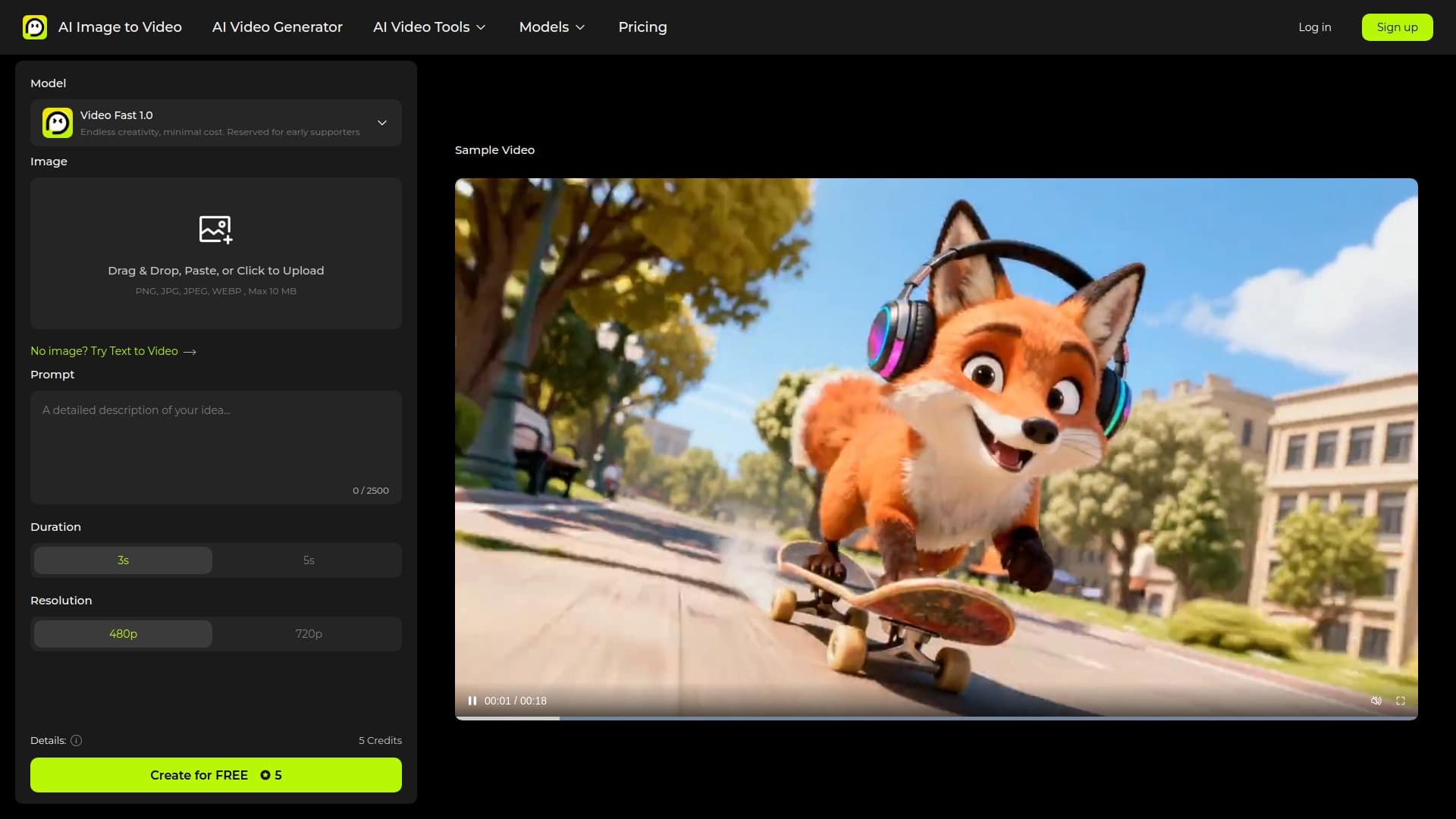
AI Image To Video Pro adalah alat yang memecahkan tugas sederhana tapi tidak diinginkan: mengubah gambar menjadi klip video yang pendek dan dinamis. Alih-alih animasi secara manual setiap elemen, pengguna mengunggah suatu gambar dan menambahkan deskripsi teks dari bagaimana konten harus bergerak. Jaringan saraf secara independen menafsirkan permintaan dan menciptakan klip video yang cocok dengan deskripsi.
Fokus utama layanan adalah kecepatan dan kemudahan penggunaan. Ini bukan editor video profesional dengan lusinan trek dan lapisan, tapi generator khusus yang memberikan hasil selesai hanya dalam beberapa menit. Berkat penggunaan model kecerdasan buatan, layanan dapat membuat video dalam kualitas HD tanpa menerapkan watermark. Hal ini membuat alat ini menjadi solusi praktis bagi mereka yang membutuhkan konten visual bersih tanpa elemen branding yang tidak perlu.
AI Image To Video Pro Features
126; Feature 126; Value 12.4; 126; --- 128; --- 128; 126; * * Tipe tugas * * 124; Membuat video pendek dari gambar 126; 126; * * Masukan data * * 14; Gambar Statik + teks prompt 126; Video HD tanpa tanda air 126. 142; * * Teknologi Key * * 124; Model Kecerdasan Buatan = = 124; 126; * * Tujuan utama * * 134; Fast penciptaan konten visual 126; 164, spesialis SMM 124;
Siapa Al Image To Video Pro yang cocok?
# # Untuk pencipta konten media sosial
Blogger dan penulis saluran sering perlu untuk membawa foto statis untuk hidup untuk menarik perhatian lebih banyak penonton. Klip animasi pendek mendapatkan lebih banyak pandangan dan keterlibatan daripada gambar biasa. Layanan memungkinkan Anda untuk cepat memproduksi konten tersebut tanpa pengetahuan mendalam tentang penyuntingan video.
# # Untuk iklan dan profesional pemasaran
Ketika mempromosikan produk, penting untuk Tampilkan produk dalam gerakan. Mengubah suatu katalog foto menjadi urutan video menggunakan deskripsi teks memungkinkan Anda untuk membuat variasi kreatif ad untuk platform yang berbeda. Ketiadaan watermark membuat lebih mudah untuk menggunakan video yang dihasilkan untuk tujuan komersial.
# # Untuk siapa saja yang membutuhkan hasil cepat
Bahkan jika Anda tidak profesional dalam pemasaran, alat ini dapat berguna untuk membuat salam video asli, presentasi animasi, atau posting yang menarik. Kriteria kunci memiliki gambar dan ide teks yang perlu diubah menjadi gerak.
Bagaimana menggunakan AI Image To Video Pro?
# # Menyiapkan sumber bahan
Proses dimulai dengan memilih gambar yang cocok. Ini bisa menjadi foto, ilustrasi, atau gambar statis lainnya. Elemen kedua yang diperlukan adalah singkat teks di mana Anda menjelaskan apa yang harus terjadi dalam video: arah pergerakan, aksi objek, dan sudut kamera berubah.
# # Membuat dan mendapatkan hasil
Setelah mengunggah gambar dan merumuskan permintaan, pengguna memulai generasi. Jaringan saraf memproses data masukan dan menciptakan klip video yang cocok dengan deskripsi. Klip berkualitas HD-selesai dapat diunduh dan digunakan tanpa khawatir tentang jejak layanan yang ditinggalkan di atasnya.
Fitur Kunci AI Image To Video Pro
-
-
- animasi Gambar * *: Mengkonversi gambar statis ke adegan dinamis.
-
-
-
- Teks- berbasis kontrol * *: Menggunakan teks mendorong untuk mengontrol gerak dan isi video.
-
-
-
- Generasi berkualitas HD-* *: Membuat klip resolusi tinggi.
-
-
-
- No watermarks * *: Mendapatkan video yang bersih tanpa logos berlapis.
-
-
-
- Format pendek * *: Fokus pada pembuatan klip kecil yang cocok untuk media sosial dan iklan.
-
Kemajuan Gambar AI Untuk Video Pro
Keuntungan utama terletak pada kecepatan penciptaan konten. Tidak perlu menguasai perangkat lunak kompleks - sebuah prompt sederhana sudah cukup. Ini menghemat waktu di tahap persiapan video. Plus kedua adalah kebersihan dari bahan keluaran. Ketidakhadiran watermark sangat penting jika video ditujukan untuk proyek komersial atau untuk penerbitan pada platform dimana elemen-elemen extraneous tidak diinginkan. Kualitas HD menjamin bahwa hasilnya akan terlihat profesional di layar modern.
Kekecewaan gambar AI To Video Pro
Informasi tentang layanan terbatas. Berdasarkan data yang tersedia, dapat diasumsikan bahwa alat difokuskan secara eksklusif pada klip pendek, yang mungkin tidak cocok untuk membuat urutan video panjang. Informasi akurat tentang kemampuan fine- tuning, seperti jumlah frame atau durasi, tidak tersedia. Juga tidak diketahui adalah keterbatasan pada jenis gambar atau kompleksitas teks mendorong bahwa model dapat menangani dengan benar.
Tugas apa yang dikerjakan Al Image To Video Pro?
Alat memecahkan tugas ide visualisasi cepat. Alih-alih menghabiskan jam untuk syuting dan mengedit, pengguna bisa mendapatkan video animasi dari gambar yang ada. Layanan membantu membuat konten untuk posting biasa ketika Anda perlu cepat menghasilkan kreatif pendek dalam jumlah besar. Sebagai tambahan, ini memungkinkan Anda untuk membawa gambar arsip hidup, mengubahnya menjadi bentuk video modern untuk platform hari ini.
Al Image To Video Pro Harga
Informasi harga saat ini tidak diungkapkan. Tidak ada data tentang ketersediaan tingkat bebas, periode percobaan, atau langganan bulanan. Hal ini juga tidak diketahui apa batas pada jumlah generasi berada di tempat. Pengguna potensial disarankan untuk menghubungi saluran resmi layanan untuk rincian harga dan opsi yang tersedia.
Akhir Penggunaan Gambar AI Untuk Video Pro
Istilah yang tepat untuk layanan tidak diungkapkan secara terbuka. Pembatasan pada penggunaan komersial dari klip yang dihasilkan, gambar meng-upload aturan, dan kemungkinan batas-batas limit tidak diketahui. Mengingat bahwa video diciptakan tanpa watermark, dapat diasumsikan bahwa layanan dirancang untuk penggunaan luas konten selesai. Namun, untuk kejelasan hukum, perlu meninjau perjanjian pengguna pada situs resmi produk.
Ketersediaan gambar AI To Video Pro
Layanan ini diposisikan sebagai solusi online yang diakses melalui antarmuka web. There is no data on the avability of mobile apps for iOS or Android. Persyaratan sistem juga tidak dinyatakan - karena pekerjaan utama dilakukan oleh model AI pada sisi server, persyaratan untuk perangkat pengguna kemungkinan kecil. Pembatasan akses geografis belum diumumkan saat ini.
Bagaimana AI Image To Video Pro berbeda dari alternatif
Keuntungan utama dari pesaing adalah kombinasi dari parameter kunci: generasi dalam kualitas HD tinggi dan tidak adanya watermark lengkap. Banyak layanan baik membatasi resolusi klip bebas atau memaksakan logo untuk mempromosikan merek mereka. Di sini, pengguna mendapat produk bersih yang segera siap untuk publikasi atau penggunaan komersial. Aspek kedua adalah fokus pada prompt teks, yang menyediakan fleksibel dalam mengendalikan plot dan gerak, daripada hanya menerapkan efek acak pada gambar.
Kesimpulan
AI Image To Video Pro adalah alat khusus dan praktis untuk cepat membuat video pendek dari gambar statis. Kekuatan utamanya mudah digunakan melalui perintah teks, kualitas tinggi dari bahan keluaran, dan tidak adanya tanda air. Layanan ini ditujukan pada pembuat konten dan pemasar yang membutuhkan hasil yang cepat dan berkualitas tinggi. Meskipun rincian tentang harga dan istilah yang tepat tetap dirahasiakan, kemampuan menyatakan membuatnya layak perhatian untuk tugas-tugas yang melibatkan membawa konten visual untuk hidup.
Pertanyaan yang sering ditanyakan
Lihat juga
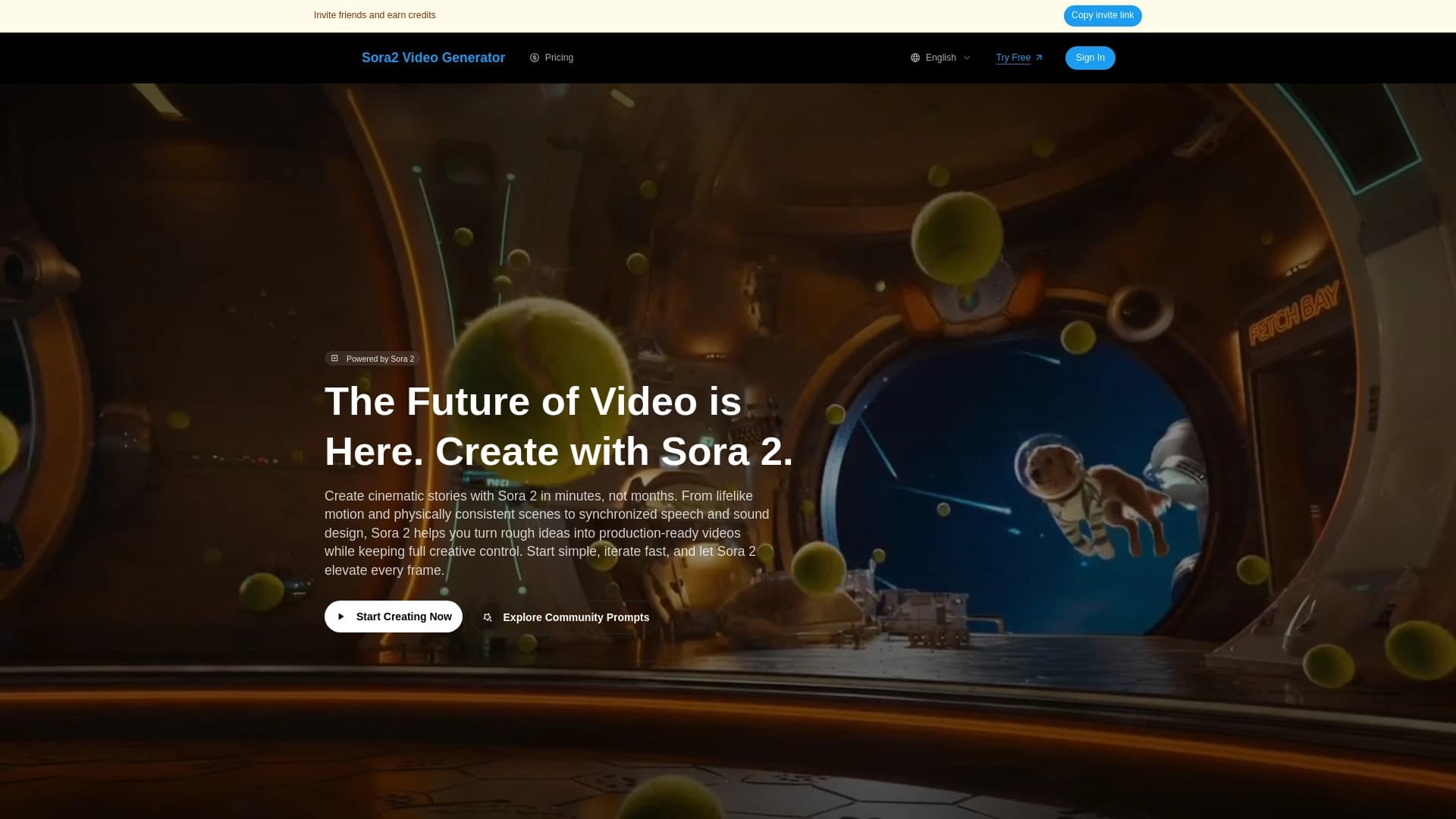
Alat untuk video generasi cepat dalam gaya sinematik.
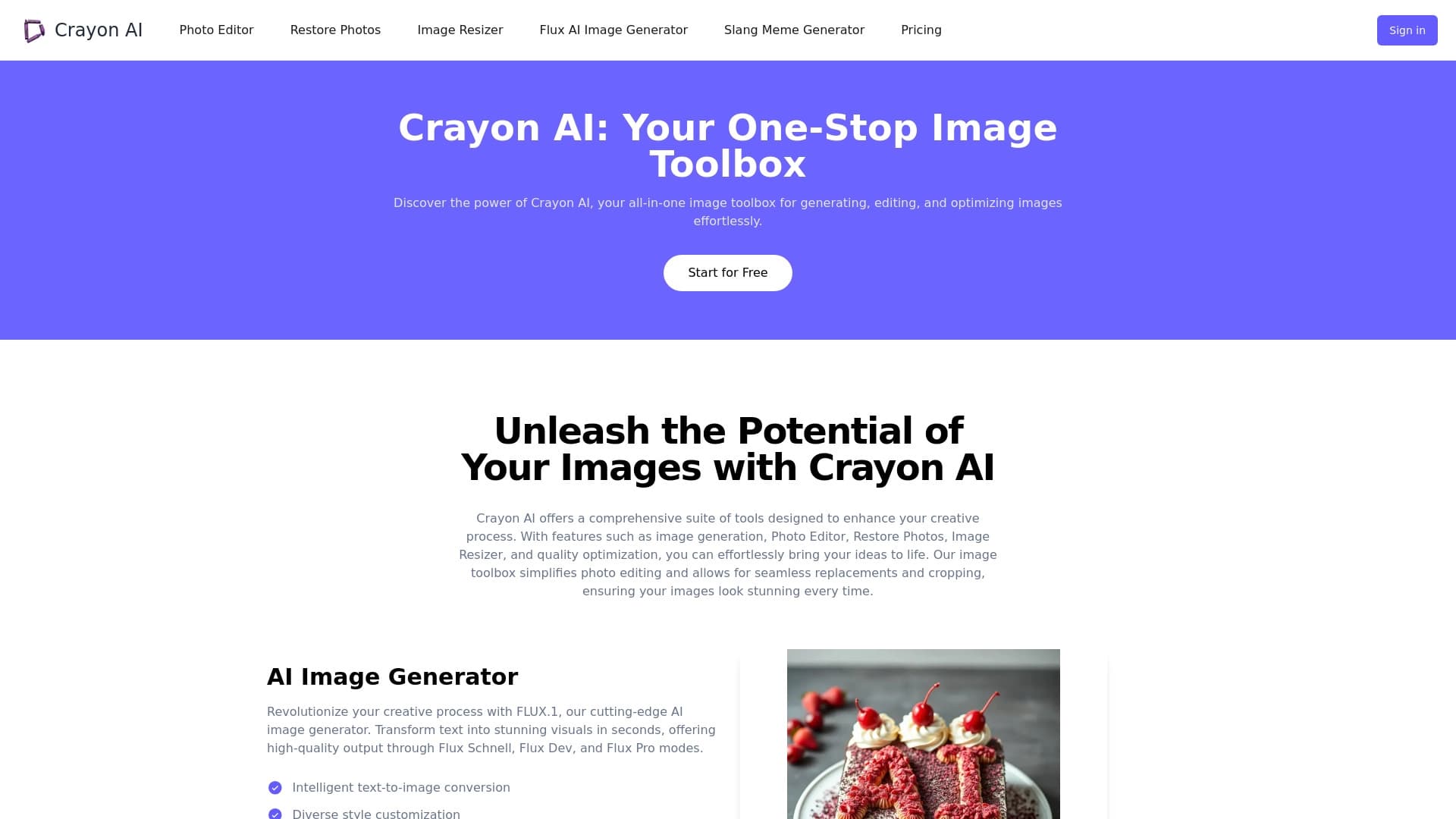
Penyunting foto online untuk membuat, menyunting, dan meningkatkan gambar langsung di peramban Anda.


Layanan online untuk membuat gambar anime dari deskripsi teks dalam detik.
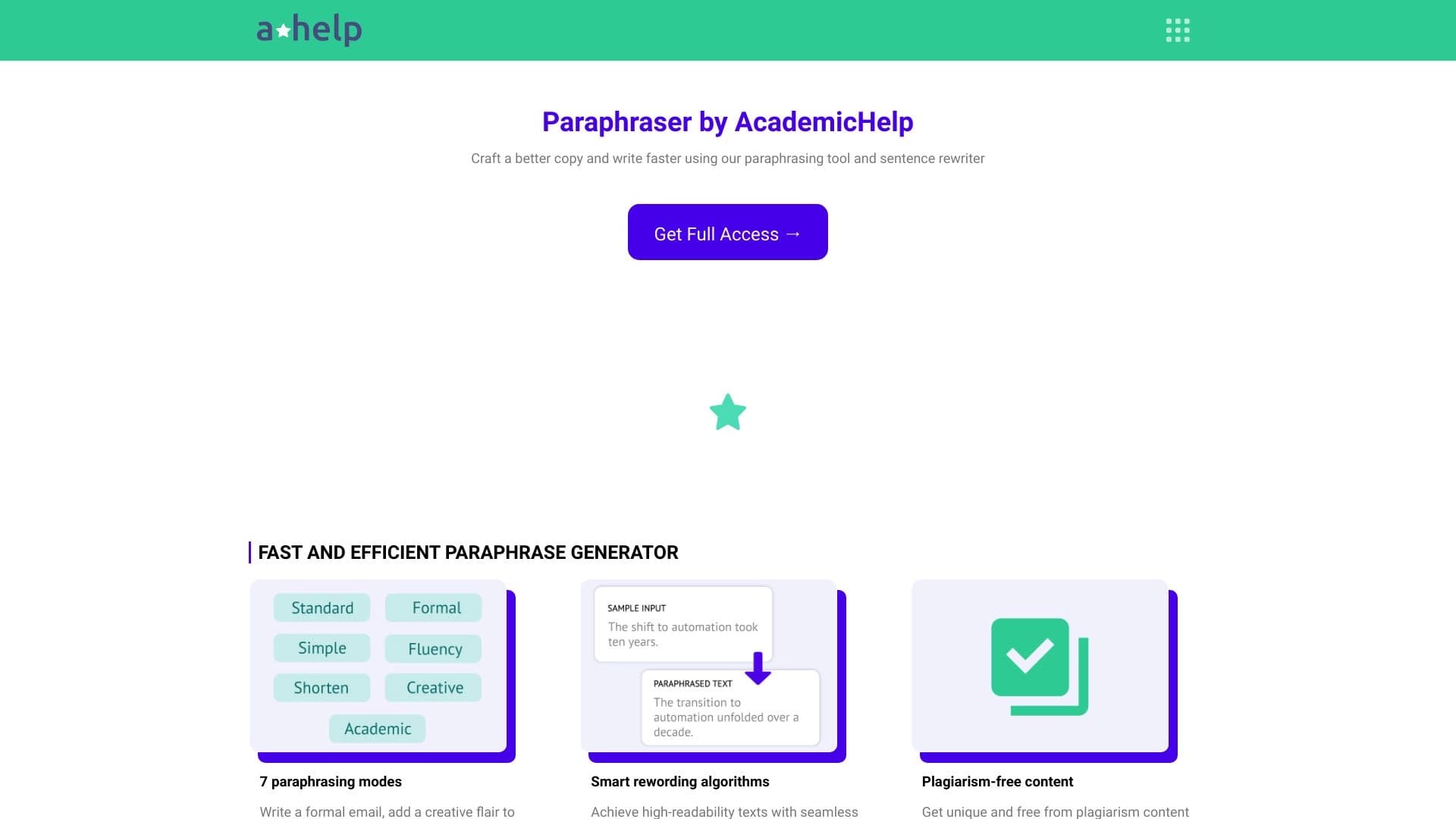

Layanan daring untuk teks paraphrasing dengan tujuh mode, membantu Anda membuat konten unik.

Alat AI untuk memproses gambar produk dan menghasilkan foto profesional dengan model virtual.


ComicLLM adalah alat AI untuk membuat komik dari deskripsi teks atau template yang sudah dibuat.
Layanan untuk transformasi otomatis video panjang dalam klip vertikal pendek untuk jejaring sosial.
Katalog penyunting video gratis tanpa tanda air untuk membuat dan mengedit video.