

AI Image to Caption Generator
Application mobile qui génère automatiquement des légendes de texte et des hashtags pour les photos en utilisant l'IA.

Aperçu général
AI Image to Caption Generator est une application mobile qui crée automatiquement des légendes de texte et des hashtags pour les photos utilisant l'intelligence artificielle. L'outil est conçu pour les utilisateurs qui publient régulièrement des images sur les médias sociaux et veulent gagner du temps sur les légendes d'écriture. Au lieu de chercher manuellement des mots, il suffit de télécharger une image dans l'application — et le réseau neuronal analyse le contenu visuel, reconnaît les objets, l'humeur et le contexte, puis suggère plusieurs options de légendes prêtes à l'emploi.
L'application fonctionne sur les appareils Apple — iPhone, iPad et Mac. Une caractéristique particulière est que l'analyse d'image se produit directement sur l'appareil, sans envoyer de données à des serveurs externes. Cela garantit une vitesse élevée et maintient vos photos téléchargées en privé. L'utilisateur peut choisir l'une des options générées, l'éditer ou l'utiliser comme base pour son propre poste unique.
Le service utilise un modèle de freemium: les caractéristiques de base sont disponibles gratuitement sans restrictions, tandis que les plans payants couvrent les capacités avancées.
Caractéristiques du générateur d'image à caption AI
| Fonctionnalité | Valeur |
|---|---|
| Type | Application mobile |
| Catégorie | Assistants, légendes et descriptions des médias sociaux, hashtags et tags |
| Développeur | Outiller l'IA |
| Plateformes | iOS (iPhone, iPad), macOS (Mac) |
| Répartition | App Store |
| Plan gratuit | Oui (les fonctionnalités principales sont gratuites) |
| Modèle d'entreprise | Fromage |
| Traitement des images | Sur les appareils, aucun accès web |
| Visites mensuelles | 388.9K |
| Enregistrement | Non mentionné |
| Langues | Non spécifié sur la page |
Pour qui est AI Image to Caption Generator?
Blogueurs et créateurs de contenu
L'outil est principalement destiné aux blogueurs qui gèrent régulièrement des comptes sur Instagram, TikTok, et autres plates-formes visuelles. L'application aide à créer rapidement des légendes pour chaque poste sans interrompre le processus créatif. Il est particulièrement utile lorsque vous avez besoin de publier plusieurs photos dans une rangée et manque d'inspiration pour écrire du texte.
Utilisateurs des médias sociaux
Les utilisateurs réguliers des médias sociaux qui publient des photos de voyages, d'événements ou de la vie quotidienne trouveront également cet outil utile. Au lieu de penser à ce qu'il faut écrire sous une photo, vous pouvez obtenir une option prête en quelques secondes et publier le post immédiatement. L'application convient à n'importe quel niveau de compétence — vous pouvez le comprendre en seulement quelques minutes.
Spécialistes de la commercialisation et du SMM
Pour les marketeurs gérant des comptes commerciaux, l'application peut servir d'outil supplémentaire pour accélérer les flux de travail. Les légendes produites peuvent être utilisées comme brouillons ou comme source d'idées, qui sont ensuite affinées pour correspondre à la stratégie de marque et de marketing. L'utilisation commerciale des textes générés est autorisée.
Ceux qui n'aiment pas écrire
Les gens qui luttent pour exprimer leurs pensées ou tout simplement n'aiment pas écrire apprécieront la génération automatique. Le réseau neuronal gère la partie linguistique, laissant à l'utilisateur le choix de l'option la plus appropriée parmi les suggestions.
Comment utiliser l'image d'IA pour le générateur de légendes?
Installation et premier lancement
Pour commencer, installez l'application depuis l'App Store sur un appareil iOS ou macOS. L'installation est standard et ne prend pas longtemps. Après l'ouverture de l'application, vous devrez accorder l'accès à la galerie de photos de l'appareil, ce qui est nécessaire pour télécharger des images. L'inscription et la création de compte ne sont pas mentionnées dans la description de service.
Télécharger une image et obtenir une légende
L'interface de l'application est simple : vous sélectionnez une photo dans votre galerie, et le réseau neural l'analyse automatiquement. Le processus prend seulement quelques secondes — pendant ce temps, l'IA reconnaît les objets, la scène, l'humeur du tir , et génère plusieurs options de légende avec des hashtags. L'utilisateur examine juste les suggestions et choisit celle qui convient le mieux.
Choisir et modifier le résultat
Après génération, vous pouvez sélectionner l'option que vous aimez ou l'utiliser comme point de départ pour votre propre texte. Les capacités d'édition dans l'application sont limitées — vous travaillez principalement avec des options prêtes à l'emploi. Vous pouvez aussi simplement copier la légende et la coller dans un message de médias sociaux. Le jeu de hashtag suggéré par le réseau neuronal est basé sur le contenu de la photo.
Principales caractéristiques du générateur d'images AI à caption
Génération automatique de légendes
Le noyau de l'application est un réseau neuronal qui analyse le contenu visuel d'une photo et crée une description texte. L'IA a été formée à une vaste collection d'images variées — paysages, portraits, objets, animaux. Cela lui permet de générer des légendes significatives pour pratiquement tout format de photo compréhensible. Chaque photo n'a pas qu'une seule , mais plusieurs options à choisir.
Suggestions de hashtag automatique
En plus de la légende du texte, l'application suggère automatiquement des hashtags pertinents qui correspondent au contenu de l'image. Cela permet d'économiser du temps sur la recherche de tags populaires et aide à augmenter la portée post. Les hashtags sont générés avec la légende et offerts en un seul paquet.
Transformer les photos en mini-histoires
Le réseau neural ne décrit pas seulement ce qu'il y a dans le plan, il s'efforce de créer un récit cohérent. Une photo ordinaire devient une petite histoire qui peut être plus engageante pour les adeptes. Cela vous aide à vous démarquer parmi des messages similaires et stimule l'engagement du public.
Prise en charge de différents formats d'images
L'application prend en charge différents formats de photos, donnant aux utilisateurs de la flexibilité lors du choix du contenu pour la publication. Aucune préparation d'image spéciale n'est nécessaire avant le téléchargement.
Avantages de l'image d'IA au générateur de légende
Haute vitesse
Le principal avantage du service est la vitesse. Les captures sont générées en secondes, ce qui permet d'économiser beaucoup de temps lors de la préparation des messages. Cela est particulièrement visible lorsque vous travaillez avec un grand nombre de photos, par exemple lorsque vous devez sous-titrer un album entier à partir de vacances ou d'événements.
Facilité d'utilisation
L'application ne nécessite aucune formation ni aucune compétence particulière. Tout le processus prend quelques étapes: choisir une photo — obtenir des légendes — choisir la bonne. Cela rend l'outil accessible aux personnes de tout âge et niveau de compétence technique.
Vie privée et autonomie
Le traitement de l'image se fait sur le périphérique, sans envoyer de données à des serveurs externes. Cela signifie que vos photos ne quittent jamais votre appareil, ce qui est particulièrement important pour des photos personnelles. En outre, l'application n'exige pas d'accès au Web — tout fonctionne hors ligne, accélérant le processus et éliminant la dépendance à une connexion Internet.
Fonctionnalité de base gratuite
Le service est disponible gratuitement avec des fonctionnalités de base illimitées. Les utilisateurs peuvent commencer à utiliser l'application sans aucun investissement et évaluer ses capacités. C'est une excellente façon d'essayer l'outil avant de décider sur abonnement payant.
Meilleur engagement
Les légendes générées aident à transformer des photos simples en billets intéressants avec un récit. Cela attire plus de likes et de commentaires et vous aide à vous démarquer parmi les contenus répétitifs dans le flux.
Inconvénients du générateur d'image de l'IA
La qualité de capture n'est pas toujours précise
Parfois la description manque l'essence de l'image ou se sent trop générique. Le réseau neuronal peut mal interpréter des scènes complexes ou ambiguës, ce qui entraîne des légendes étranges ou non pertinentes. Les utilisateurs doivent examiner la sortie et la corriger manuellement au besoin.
Personnalisation limitée
L'application offre des options prêtes à choisir, mais les possibilités d'édition manuelle à l'intérieur de l'application sont minimes. Les utilisateurs ne peuvent pas définir le style de texte, le ton ou la direction de la légende. En conséquence, les textes générés peuvent se sentir répétitifs, en particulier avec une utilisation fréquente.
Modèles récurrents
Avec l'utilisation active, vous pouvez remarquer des phrases récurrentes et des structures de gabarit. Le réseau neuronal est limité par ses exemples de formation et ne peut pas toujours produire une formulation vraiment unique. Cela réduit la valeur des légendes pour ceux qui publient du contenu quotidiennement.
Écosystème limité
L'application est uniquement disponible sur les appareils Apple – iPhone, iPad et Mac. Les utilisateurs d'Android et ceux qui préfèrent les services Web ne peuvent pas utiliser cet outil. En outre, la qualité des légendes peut ne pas correspondre à certaines alternatives avec des paramètres plus avancés.
Quels problèmes AI Image to Caption Generator résout-il?
Création de légendes pour les médias sociaux
Le travail principal de l'outil est d'accélérer la préparation après. Au lieu de passer des minutes à élaborer chaque texte, les utilisateurs obtiennent une option prête en quelques secondes. Cela libère le temps qui peut être consacré à d'autres aspects de la gestion d'un blog.
Générer des idées pour de nouveaux postes
Lorsque l'inspiration manque, l'application aide à trouver un point de départ. Les légendes générées peuvent suggérer un angle ou un cadre inattendu pour une photo que l'utilisateur n'avait pas considéré. Ceci est particulièrement utile pour maintenir un calendrier d'affichage uniforme.
Sélection automatique des hashtags
L'application choisit indépendamment les hashtags pertinents en fonction du contenu de l'image. Cela sauve les utilisateurs de la recherche manuelle des étiquettes populaires dans leur niche et aide à élargir la portée post sans effort supplémentaire.
Économies de temps
Dans l'ensemble, les économies de temps peuvent être importantes, en particulier pour ceux qui gèrent plusieurs comptes ou affichent quotidiennement. L'application coupe le temps de préparation du post de quelques minutes à quelques secondes seulement.
Prix du générateur d'images AI à caption
Le service fonctionne sur un modèle de freemium et offre trois plans de prix:
Plan gratuit
Les caractéristiques de base sont disponibles sans restriction et sans frais. Les utilisateurs peuvent générer des légendes pour les photos, utiliser la fonctionnalité principale et évaluer les capacités du réseau neuronal. Ce plan est adapté pour essayer l'outil et l'utilisation occasionnelle.
Plan de démarrage
Un plan payant avec des capacités de génération de légendes élargies. Les abonnés ont accès à des fonctionnalités supplémentaires non disponibles dans la version gratuite. Ce plan cible les utilisateurs qui ont besoin d'options plus avancées pour l'affichage régulier.
Plan professionnel
Le plan de haut niveau avec un accès complet aux fonctionnalités premium. Il comprend toutes les capacités de service et le soutien prioritaire des utilisateurs. Convient pour les blogueurs professionnels, les marketeurs, et ceux qui utilisent application à des fins commerciales.
Conditions d'utilisation pour AI Image to Caption Generator
Accès et utilisation commerciale
Le service est gratuit et ouvert à tous. Fait important, les légendes générées peuvent être utilisées à des fins commerciales : publicité, comptes d'affaires et blogs personnels. Cela rend l'outil adapté au travail professionnel, pas seulement à un usage personnel.
Prescriptions techniques
Un appareil Apple — iPhone, iPad ou Mac — est requis. L'installation depuis l'App Store et l'accès à la galerie photo de l'appareil sont nécessaires. L'enregistrement et la création de compte ne sont pas mentionnés, ce qui simplifie le démarrage.
Modèle de distribution
Le service utilise un modèle de distribution freemium : fonctionnalité de base gratuite et plans payants pour les fonctionnalités avancées. Les utilisateurs peuvent commencer par la version gratuite et passer à un plan payant au besoin.
Disponibilité de l'image d'IA pour le générateur de légendes
L'application est disponible exclusivement sur les appareils Apple : iPhone, iPad et Mac. La distribution passe par l'App Store — le marché officiel des applications d'Apple. L'application doit être installée sur un appareil; aucune version web n'est disponible.
Puisque le traitement d'image se produit sur l'appareil, l'application ne nécessite pas de connexion Internet constante. Cela garantit des performances stables dans toutes les conditions et maintient les photos téléchargées en privé.
L'information sur les langues supportées et les régions disponibles n'est pas spécifiée sur la page de l'application, de sorte que l'empreinte de distribution réelle peut être limitée par la disponibilité dans des segments spécifiques de l'App Store régional.
Pour les utilisateurs Android ou ceux qui préfèrent les services web, cet outil n'est pas disponible — ils devraient envisager des solutions de génération de légendes alternatives.
Comment AI Image to Caption Generator diffère des alternatives
Opération entièrement hors ligne
La principale différence par rapport aux alternatives comme Caption AI et Copy.ai est l'autonomie complète. L'application fonctionne localement sur l'appareil et ne nécessite aucun accès web. Cela assure un traitement plus rapide et élimine la dépendance à une connexion Internet. Les données photos ne sont pas envoyées aux serveurs développeurs, ce qui est un avantage en termes de confidentialité.
Vitesse supérieure à la qualité
AI Image to Caption Generator priorise la vitesse et la facilité d'utilisation — c'est sa force. Cependant, la qualité des légendes est parfois insuffisante : des textes génériques ou non liés se produisent. Alors que Copy.ai offre plus de réglages et d'options de réglage manuel, cet outil fonctionne sur un principe "pick a ready-made option" - la fonctionnalité d'édition en application est limitée.
Orientation de la plate-forme
Contrairement aux services web accessibles depuis n'importe quel appareil, cette application s'adresse exclusivement à l'écosystème Apple. Cela peut être à la fois un avantage (optimisation pour des appareils spécifiques) et une limitation (indisponible sur d'autres plateformes).
Simplicité sans compromis
L'outil n'essaie pas d'être une solution universelle. Son positionnement est un assistant maximal simple et rapide pour la génération de légendes sans réglages supplémentaires. Les utilisateurs qui ont besoin d'un outil flexible avec un contrôle de style à grain fin et l'édition profonde préféreront probablement des alternatives plus riches en fonctionnalités.
Conclusion
AI Image to Caption Generator est un outil de niche facile à utiliser pour créer rapidement des légendes et des hashtags pour les photos sur les appareils Apple. Ses principales forces sont la vitesse, le fonctionnement hors ligne et le traitement privé. L'application profitera aux blogueurs, aux marketeurs et aux utilisateurs réguliers des médias sociaux qui veulent gagner du temps sur le texte post. En même temps, une personnalisation limitée, des modèles récurrents et une compréhension peu précise du contexte de l'image peuvent l'empêcher d'être utilisés par des professionnels. L'outil est mieux considéré comme un assistant de soutien — il excelle à générer des idées et des ébauches que vous pouvez ensuite affiner pour répondre à vos besoins.
Foire aux questions
Voir aussi
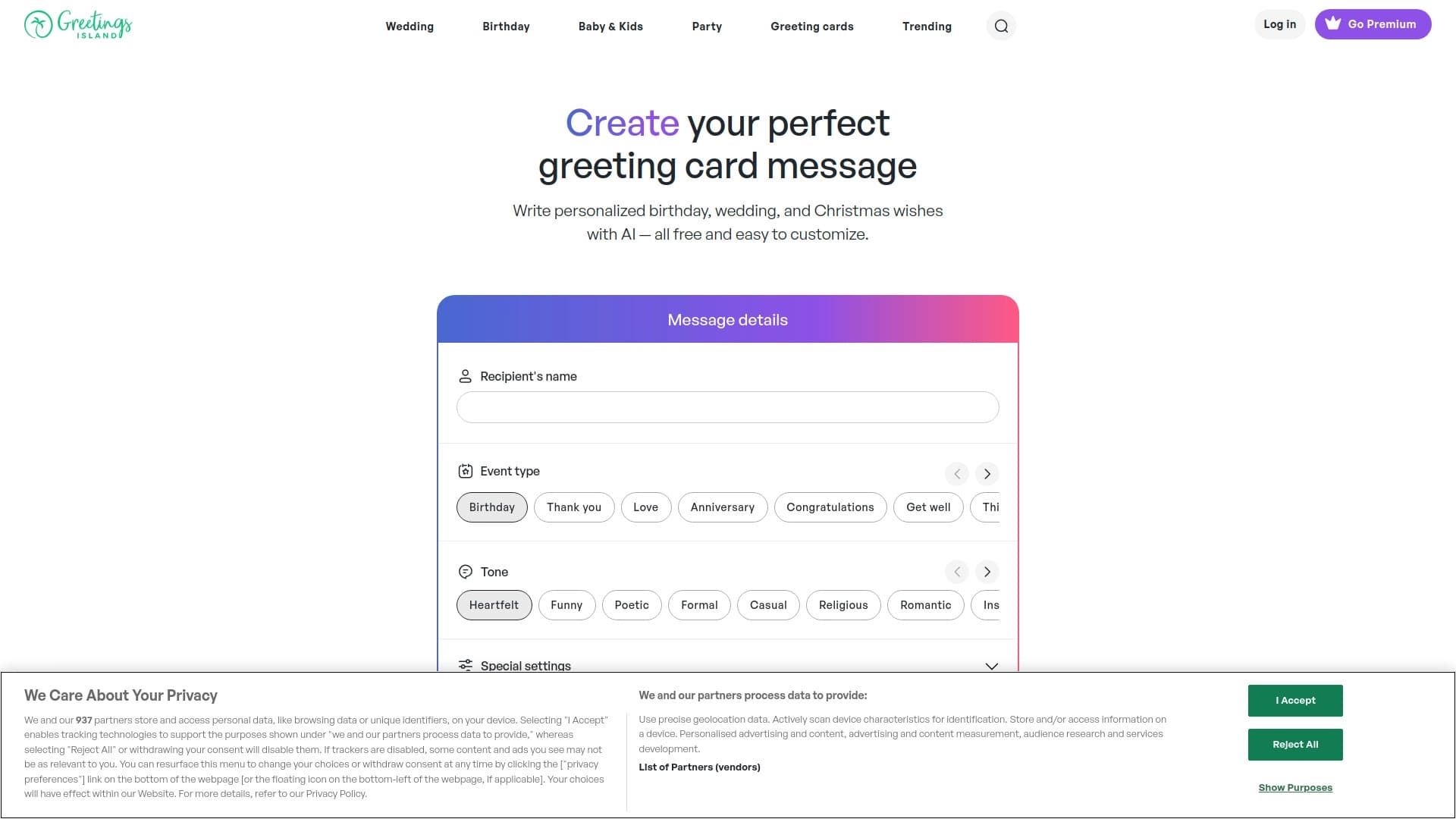

Générateur de textes d'invitation personnalisés et de dessins pour divers événements.
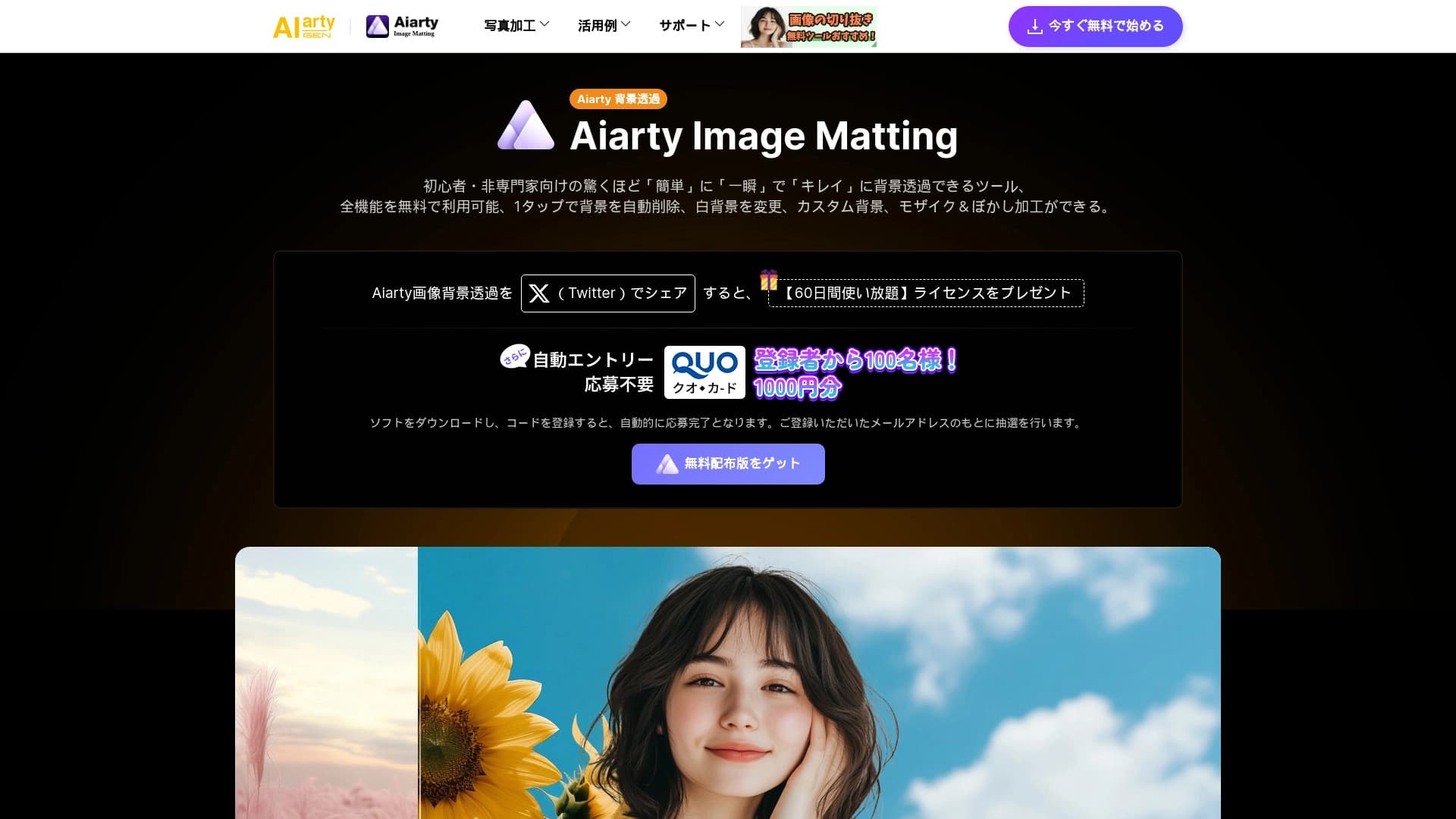
Outil AI pour supprimer automatiquement les arrière-plans des images directement dans le navigateur.

Service en ligne pour créer et personnaliser des invitations et des félicitations d'anniversaire utilisant l'intelligence artificielle.


Assistant universel d'IA qui analyse des vidéos et des pages Web, répond aux questions et crée des résumés.


Outil d'IA pour automatiser le marketing des médias sociaux, y compris la production de contenu, l'horaire de poste et l'analyse.


Plateforme pour la création de systèmes d'IA multi-agents et de chatbots pour automatiser le support client et la production de plomb.


Averi est une plateforme de marketing qui réunit la planification de campagne, la création de contenu et l'analyse dans une seule interface.


Réseau neuronal pour générer des images et des vidéos courtes à partir de descriptions textuelles.