
AI Image Extender
Service en ligne qui utilise un réseau neuronal pour élargir les limites de l'image en remplissant les détails de fond manquants.
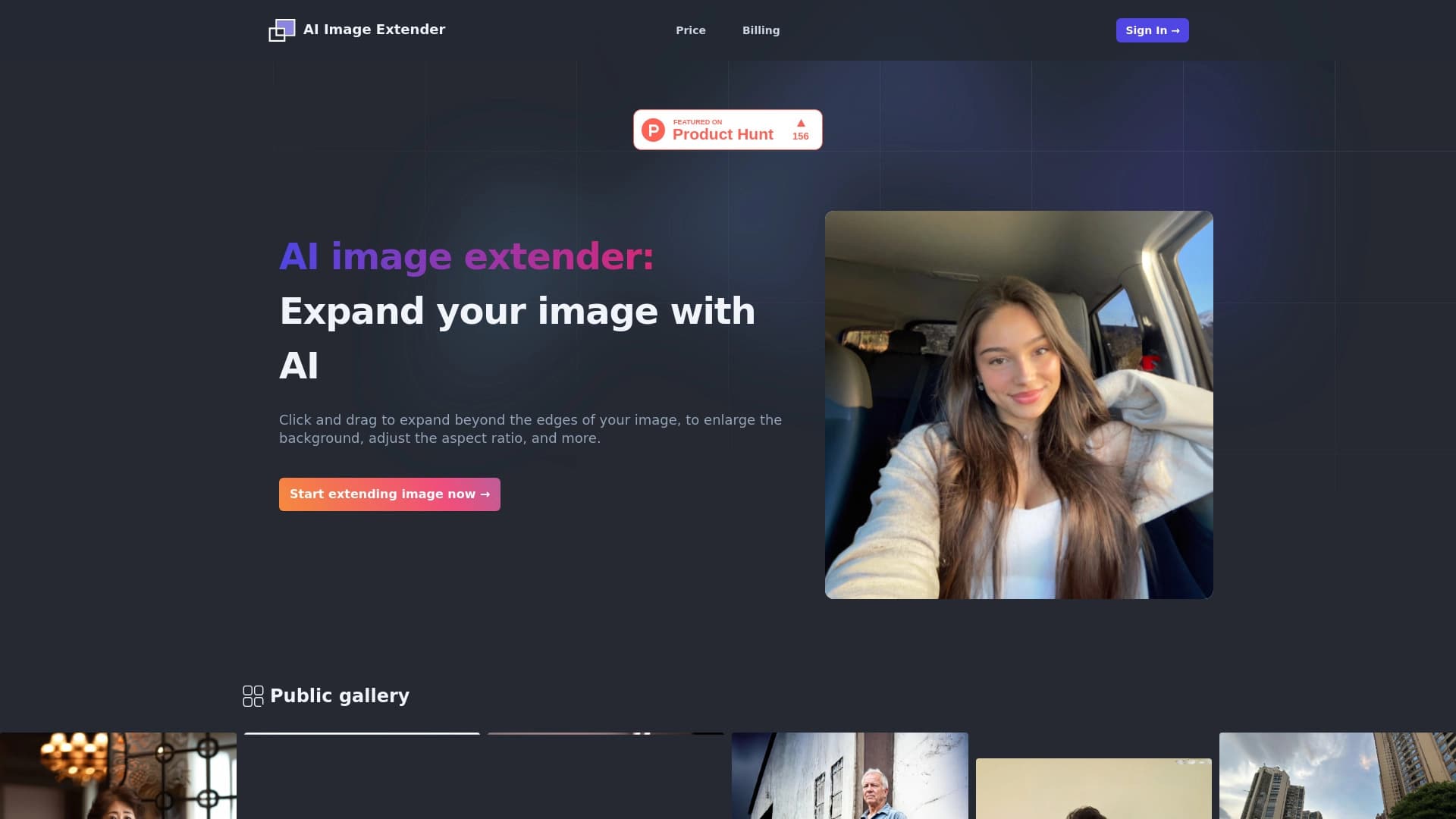
Aperçu général
Description de l'extension d'image AI
AI Image Extender est un service web spécialisé qui résout une tâche spécifique : étendre les limites des photos en utilisant l'intelligence artificielle. Au lieu de remplir manuellement l'arrière-plan dans un éditeur graphique, l'utilisateur télécharge simplement une image et traîne son bord dans la direction souhaitée — le réseau neuronal remplit indépendamment la zone vide résultante, imitant le style, la texture et l'éclairage du cadre d'origine.
L'outil fonctionne selon le principe "click & drag" : vous sélectionnez le côté par lequel vous voulez étendre l'image, et l'IA génère les détails manquants au-delà de la composition originale. L'intégrité visuelle de la scène est préservée — le nouveau fond ressemble à une suite naturelle de la photo, et non à un insert séparé.
La principale valeur du service réside dans sa rapidité et sa simplicité. Élargir une image ne prend que quelques secondes et ne nécessite aucune compétence pour travailler avec des logiciels complexes. Cela rend l'outil utile pour toute personne qui a besoin régulièrement d'adapter des photos à différents formats : messages Instagram carrés, larges bannières, couvertures ou mises en page d'impression.
Caractéristiques de l'extension d'image AI
| Fonctionnalité | Valeur |
|---|---|
| Type | Service en ligne |
| Catégorie | Traitement de photos, montage de fond |
| Site Web | aiimageextender.com |
| Modèle de distribution | Freemium (version de base gratuite + abonnement payant) |
| Comment ça marche | "Cliquez sur & glisser" — glisser le bord de l'image pour l'étendre |
| Langue de l'interface | changements climatiques |
Pour qui est AI Image Extender adapté?
Spécialistes et créateurs de contenu SMM
Pour ceux qui gèrent les médias sociaux, le problème de l'adaptation de la même image à différentes plateformes se pose régulièrement. Une photo qui semble géniale dans un flux Instagram n'est pas adapté pour une couverture Facebook ou une bannière YouTube. AI Image Extender vous permet de changer rapidement le rapport d'aspect sans perdre des éléments importants du cadre et sans recadrage.
Designers et photographes
Pour les professionnels, l'outil est utile comme auxiliaire : lorsque vous devez préparer rapidement un projet de mise en page ou montrer à un client à quoi ressemblera une version élargie d'une image. Les photographes peuvent utiliser le service pour changer l'orientation d'un cadre — par exemple, transformer un portrait vertical en un portrait horizontal tout en préservant la composition.
Créateurs de contenu et petites entreprises
Propriétaires de magasins en ligne, blogueurs, auteurs de matériel publicitaire — toute personne qui travaille avec des visuels mais manque de temps ou de compétences pour travailler à Photoshop. Il suffit de télécharger une photo et de glisser le bord — le réseau neural fera le reste lui-même.
Comment utiliser AI Image Extender?
Téléchargement d'une image
La première étape consiste à télécharger la photo originale. Le service accepte les formats graphiques standard, et le processus n'est pas différent du téléchargement d'un fichier à tout autre outil en ligne.
Extension via le mécanisme "click & glisser"
La principale différence entre AI Image Extender et ses analogues réside dans la méthode d'interaction. Vous n'avez pas besoin d'entrer les coordonnées, les pourcentages ou les paramètres d'expansion. Il suffit de glisser le bord de l'image dans la direction souhaitée, et l'IA commencera instantanément à remplir la nouvelle zone. Le mécanisme "click & drag" rend le processus intuitif même pour un utilisateur qui n'a jamais travaillé avec les réseaux neuronaux.
Obtenir le résultat
Une fois que vous relâchez le bord, le réseau neural dessine dans le fond manquant. Le résultat apparaît presque instantanément — le service ne vous fait pas attendre pour un long traitement. L'image résultante peut être téléchargée et utilisée pour être publiée ou éditée dans d'autres programmes.
Principales fonctionnalités de l'extension d'image AI
Élargir les limites de l'image
La fonction de base du service est d'étendre n'importe quel côté d'une photo : en haut, en bas, à gauche ou à droite. Le réseau neuronal analyse le contenu du cadre original et génère une continuation de la scène, en préservant le style et la palette de couleurs.
Fond automatique et achèvement des détails
L'IA n'étire pas seulement les pixels — il crée de nouveaux éléments qui s'intègrent organiquement dans la scène. Si la photo contient du ciel, de l'herbe ou de l'architecture, Le réseau neuronal les poursuivra en tenant compte de la perspective et de l'éclairage.
Modification du rapport d'aspect
L'utilisateur peut transformer une image d'un format à l'autre : un cadre vertical en carré, un carré en horizontal, etc. C'est une fonction clé pour adapter les visuels aux exigences des différentes plateformes.
Préserver l'intégrité visuelle
Malgré l'achèvement de nouvelles zones, la partie originale de l'image reste intacte. Les objets importants et les éléments de composition ne sont pas taillés ou déformés.
Galerie publique d'exemples
Le site de service dispose d'une galerie d'œuvres créées avec AI Image Extender. Cela vous permet d'évaluer les capacités du réseau neuronal avant de l'utiliser et de comprendre les résultats attendus.
Avantages de l'extension d'image AI
Interface simple
Le service n'exige aucune compétence dans les éditeurs graphiques. Le mécanisme "click & drag" est si simple que même un débutant peut le gérer. C'est une différence fondamentale par rapport à Photoshop et à d'autres outils professionnels, où une opération similaire nécessiterait l'apprentissage du clonage et des outils de retouche.
Vitesse de fonctionnement
Contrairement à l'édition manuelle, qui peut prendre de quelques minutes à une heure, AI Image Extender effectue l'expansion en quelques secondes. Le réseau neuronal analyse automatiquement l'image et génère un nouveau fond sans intervention de l'utilisateur.
Disponible sans installation
Le service fonctionne dans le navigateur — pas besoin de télécharger et installer des logiciels, traiter des exigences du système, ou des mises à jour. Il suffit d'ouvrir le site et de télécharger une photo.
Inconvénients de l'extension d'image AI
Il n'existe aucune information détaillée sur les désavantages du service dans les sources publiques. Cependant, en fonction des caractéristiques de l'outil, on peut supposer que la qualité de l'achèvement dépend de la complexité de l'image originale : plus l'arrière-plan de la photo n'est pas uniforme, plus les artefacts de la génération sont visibles. De plus, la version gratuite a probablement des limites au nombre d'images traitées ou à la résolution du fichier final. Les limites exactes doivent être vérifiées directement sur le site Web du service.
Quelles tâches AI Image Extender résout-il ?
Élargir le fond et modifier le format de l'image
La tâche principale de l'outil est d'augmenter la zone d'image en complétant le fond. Cela permet de changer le rapport d'aspect d'une photo sans perdre la qualité et sans avoir besoin de cultiver l'original.
Adapter les photos à différentes plateformes
La même photo peut être préparée pour Instagram (carré 1:1), pour une couverture Facebook (format horizontal), ou pour une bannière (format large) — sans recadrage d'éléments importants. Ceci est particulièrement pertinent pour les spécialistes et les spécialistes de la MSS qui doivent publier le même contenu sur différents canaux.
Développement créatif de la composition
L'outil vous permet de "imaginer" la scène : ajouter plus de ciel au-dessus d'un objet architectural, étendre le paysage sur les côtés, ou augmenter l'espace autour d'un portrait. Cela ouvre des possibilités supplémentaires pour le traitement créatif de photos.
Prix de l'extension d'image AI
Le service fonctionne sur un modèle freemium. La version de base est disponible gratuitement, elle permet d'agrandir les images avec certaines limitations. Pour les utilisateurs qui ont besoin de capacités avancées, un abonnement payant est disponible.
La tarification exacte et la liste des caractéristiques incluses dans le plan payé devraient être vérifiées séparément sur le site web du service — des chiffres spécifiques ne sont pas publiés dans les sources disponibles. Il est recommandé de visiter le site officiel aiimageextender.com pour des informations à jour sur les prix et les conditions.
Conditions d'utilisation pour AI Image Extender
AI Image Extender est un service entièrement en ligne qui fonctionne dans le navigateur. Aucune installation de logiciel ou enregistrement de compte complexe n'est nécessaire pour commencer. Allez sur le site et téléchargez une image.
Comme la plupart des services gratuits, AI Image Extender peut utiliser des images téléchargées pour améliorer les algorithmes du réseau neuronal, mais les conditions exactes de traitement des données personnelles et de copyright devraient être vérifiées dans l'accord utilisateur sur le site.
Pour accéder à la fonctionnalité complète, les utilisateurs devront s'abonner, dont les termes sont également décrits sur le site officiel.
AI Image Extender Disponibilité
Le service est disponible n'importe où dans le monde avec un accès Internet — seul un navigateur est nécessaire pour travailler avec. L'outil n'est pas lié à un système d'exploitation et fonctionne également bien sur Windows, macOS, Linux, ainsi que sur les appareils mobiles avec Android et iOS.
Le traitement des images se fait sur les serveurs du réseau neuronal, de sorte que les exigences pour votre ordinateur sont minimes. La principale restriction est la qualité de la connexion Internet, car le téléchargement et le téléchargement d'images nécessitent une connexion réseau stable.
Comment AI Image Extender diffère des analogues
Pas besoin d'apprendre Photoshop
La principale différence entre le service et les méthodes d'édition traditionnelles est l'absence totale de travail manuel. Dans Photoshop, l'extension du fond nécessite l'utilisation d'outils de clonage, de retouches, de travail avec des couches et des masques. AI Image Extender fait tout le travail automatiquement: l'utilisateur ne définit que la direction de l'expansion.
Le principe "clic & glisser"
La plupart des services d'extension d'image offrent une entrée de paramètre à travers des champs de texte ou des curseurs. Ici, une approche plus intuitive est utilisée : vous faites littéralement glisser le bord de l'image, et le réseau neuronal remplit la nouvelle zone en temps réel.
Vitesse d'obtention des résultats
Contrairement à de nombreux outils AI qui font la file d'attente pour le traitement, AI Image Extender génère des résultats presque instantanément. Cela rend le service pratique pour les tâches de travail où la rapidité compte.
Spécialisation dans une tâche
Au lieu d'être un éditeur de photos universel avec des dizaines de fonctionnalités, AI Image Extender se concentre sur une seule opération — élargissement des frontières. Cela rend l'interface aussi simple que possible et la qualité de résultat prévisible.
Conclusion
AI Image Extender est un outil en ligne hautement spécialisé qui résout la tâche d'élargir les limites de la photo rapidement et sans effort inutile. Grâce au principe "click & drag", le service est accessible même aux utilisateurs non préparés, et la rapidité de fonctionnement et la préservation de l'intégrité visuelle de l'image originale le rendent utile pour les spécialistes SMM, les concepteurs et tous ceux qui adaptent régulièrement les images à différents formats. La version gratuite vous permet de vous familiariser avec les capacités du réseau neuronal, tandis que l'abonnement ouvre l'accès à des fonctionnalités étendues pour des tâches professionnelles.
Prix
Foire aux questions
Voir aussi


Plateforme AI pour la planification automatique des journées de travail, la gestion des tâches et la hiérarchisation.


Assistant d'IA multifonctionnel pour la génération de textes, d'images et d'audio.
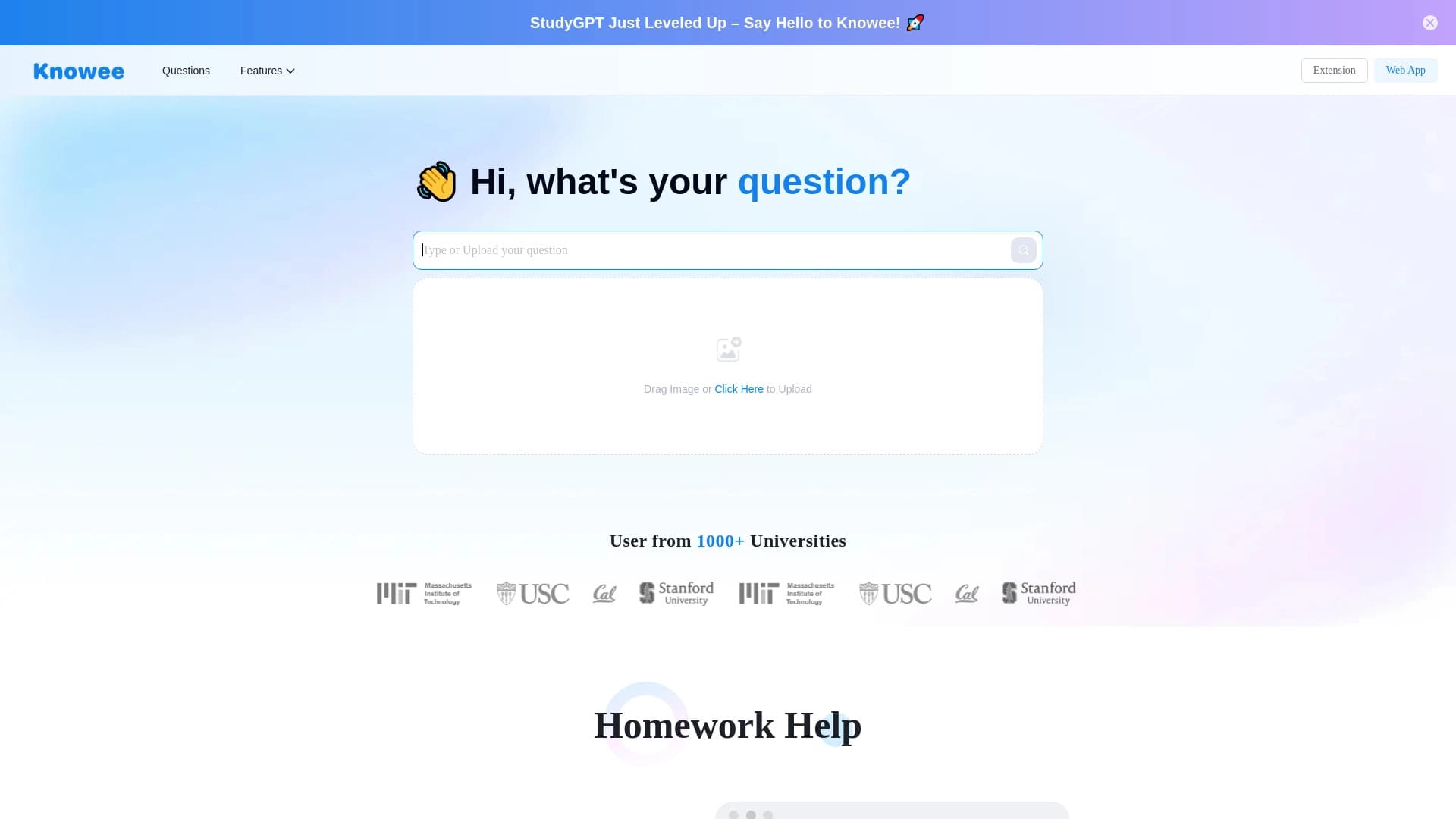
Assistant d'IA pour l'écriture académique qui aide à créer des essais et des documents de recherche avec des citations appropriées.


Boîte à outils AI pour la production et l'édition de vidéos, y compris les avatars, les lip-sync et le clonage vocal.


Plateforme pour augmenter le trafic organique et créer du contenu avec l'aide de l'IA et la participation d'experts.
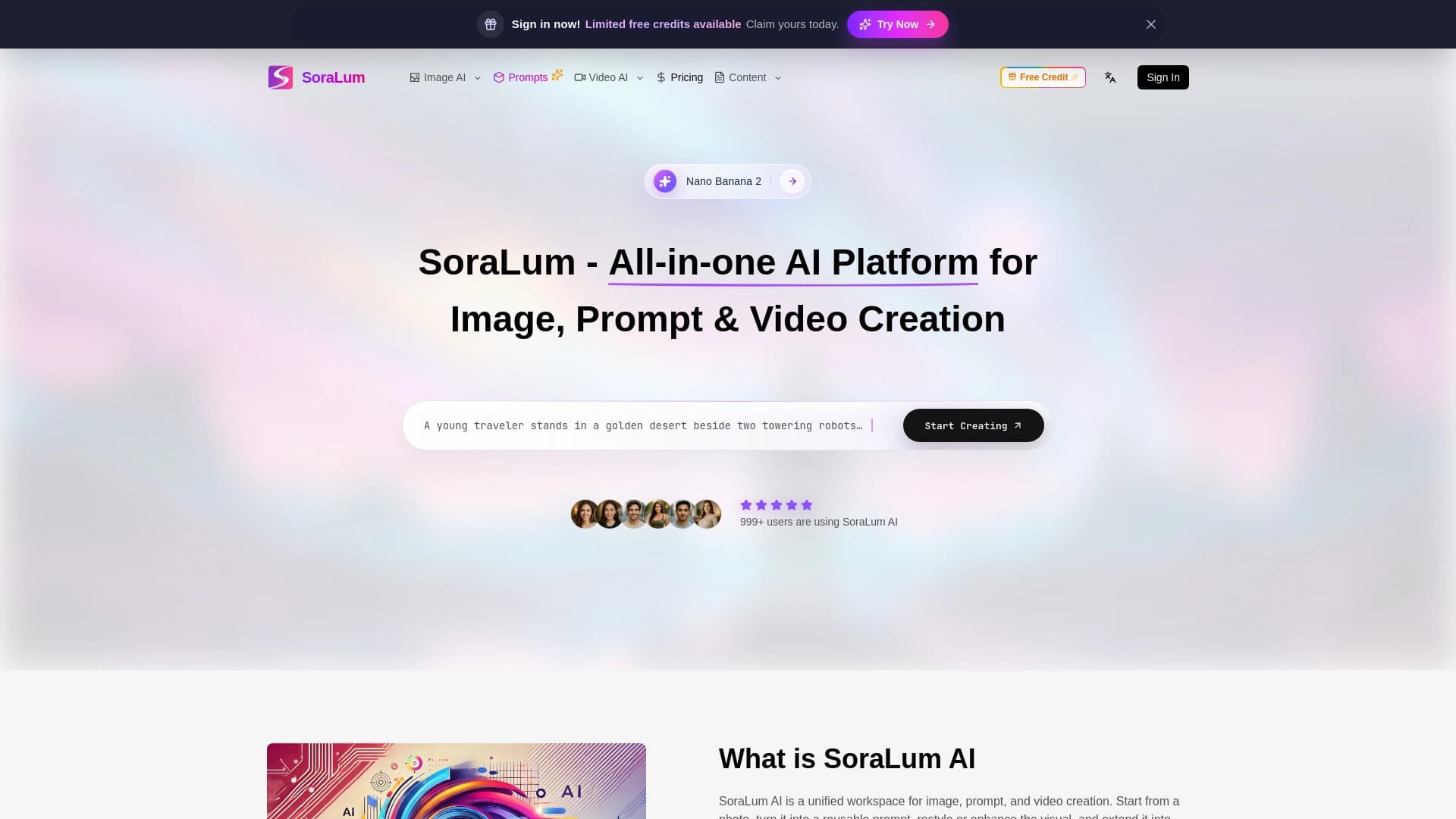

Une plateforme universelle d'IA pour l'édition et l'animation d'images et de vidéos.
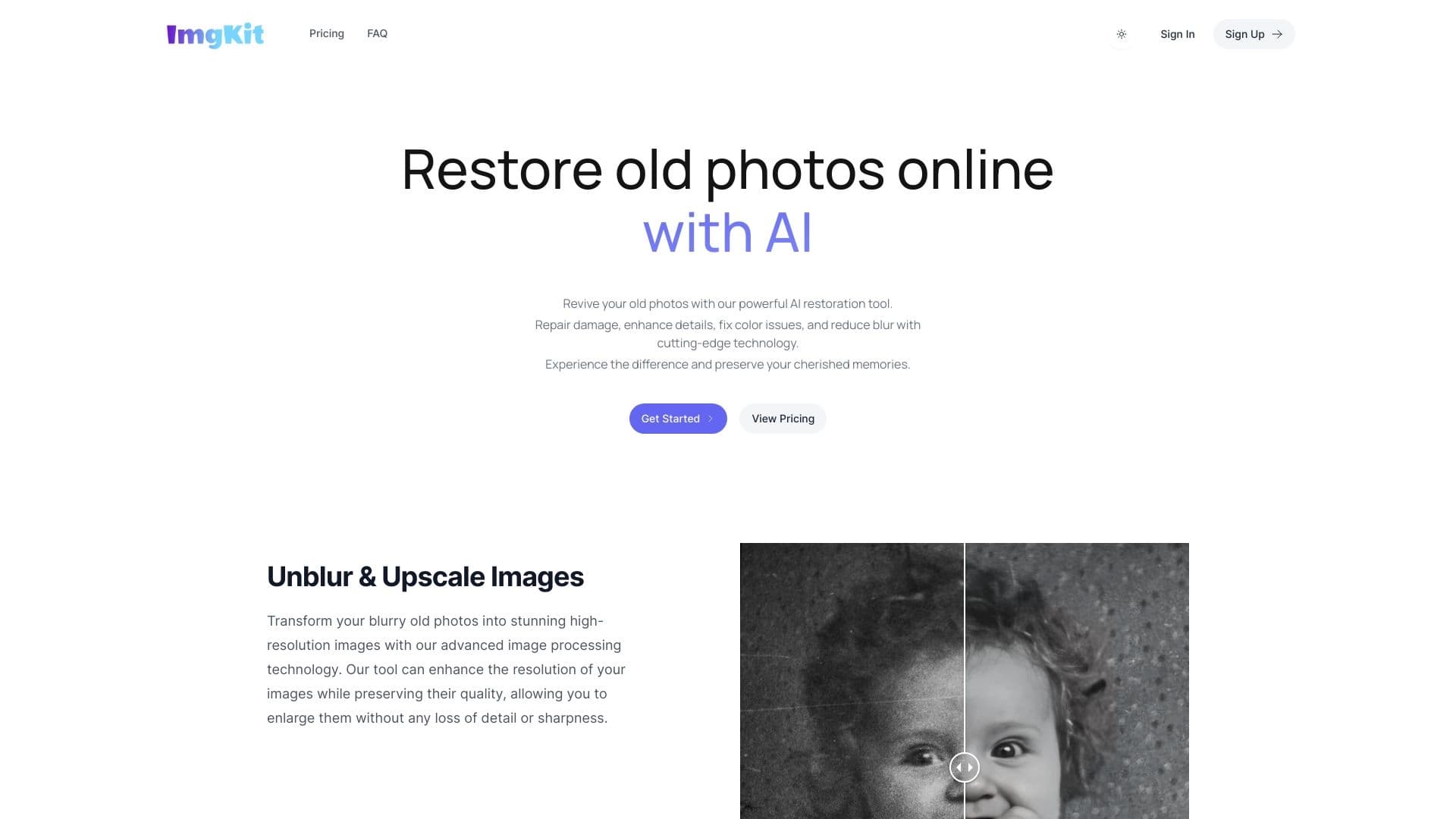
Service en ligne alimenté par des réseaux neuronaux pour la restauration automatique de photos anciennes et endommagées.
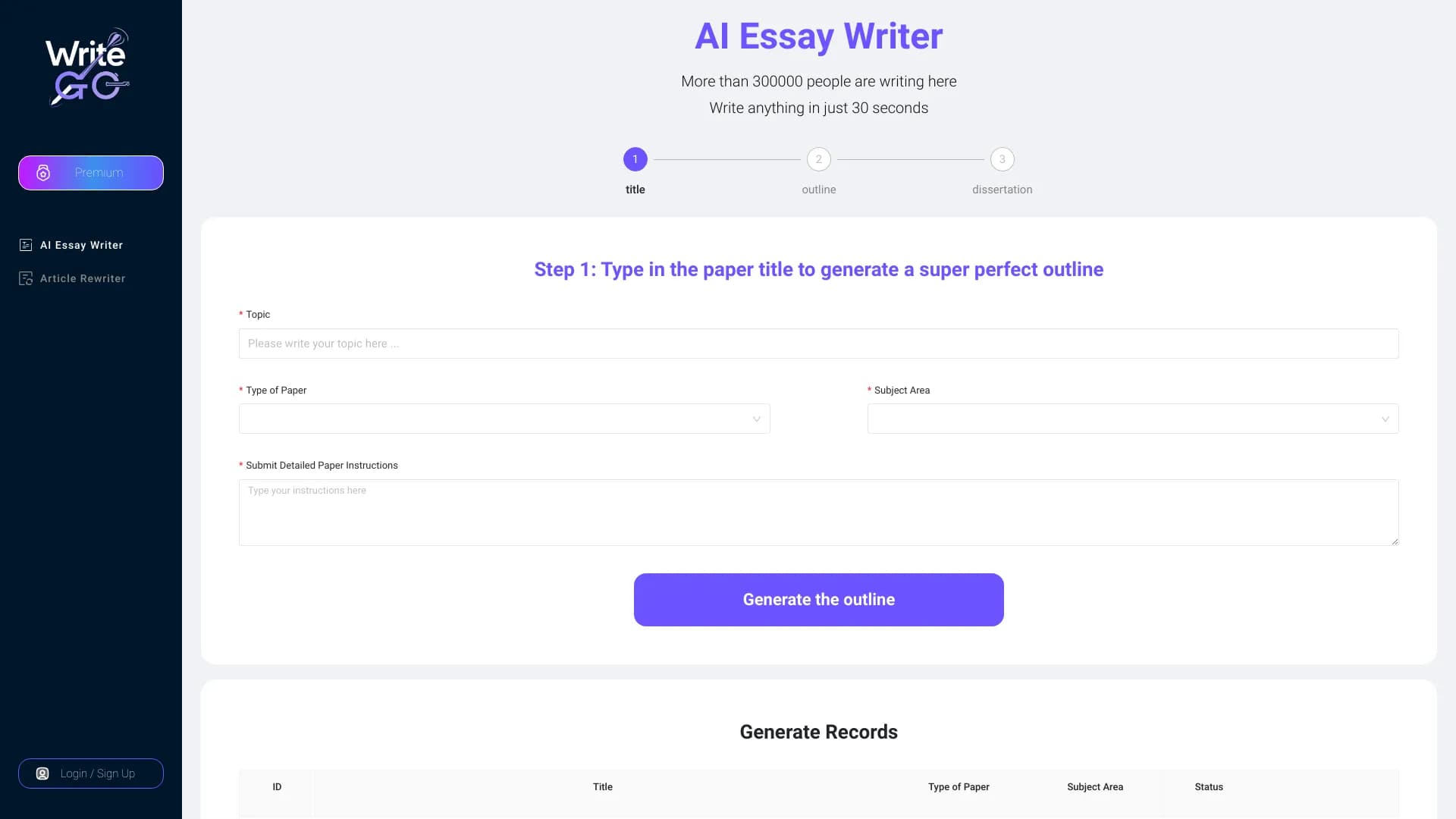

WriteGO.AI est une plateforme d'écriture AI améliorant la texture académique et le contenu pour différentes cibles.