
AI Headshot Creator - Chrome Ex...
Extension Chrome qui crée des portraits de profil réalistes basés sur une photo téléchargée.
Aperçu général
AI Headshot Creator est une extension de navigateur Chrome qui vous permet de créer des portraits de profil réalistes en utilisant un réseau neuronal. L'outil a été développé par l'équipe Toolify AI et est destiné aux utilisateurs qui ont besoin d'une photo de haute qualité rapidement sans engager un photographe.
Le principe est simple : vous téléchargez votre photo, et l'IA génère un nouveau portrait basé sur elle. Vous pouvez ajuster des paramètres d'image individuels tels que l'arrière-plan, le style et l'expression faciale pour adapter le résultat à une plateforme spécifique – les médias sociaux, un CV ou un profil d'entreprise.
L'extension fonctionne sur un modèle freemium: les fonctionnalités de base sont disponibles gratuitement, tandis que les plans payants sont disponibles pour une utilisation régulière.
AI Headshot Creator - Chrome Ex...
| Fonctionnalité | Valeur |
|---|---|
| Type | Extension Chrome |
| Catégorie | Générateurs de photo profil, générateurs d'image et de photo |
| Développeur | Outiller l'IA |
| Plateforme | Chrome (extension de navigateur) |
| Plan gratuit | Oui (pour l'essai) |
| Coût du plan professionnel | 9 dollars par mois |
| Coût du plan d'affaires | 16 dollars par mois |
| Visites mensuelles | 388.9K |
| Disponibilité | Magasin Web Chrome |
| Exigences | Connexion Internet |
Qui est AI Headshot Creator - Chrome Ex... pour?
Demandeurs d'emploi et professionnels
L'outil convient à ceux qui veulent se démarquer des autres candidats à la recherche d'un emploi. Un portrait de qualité pour un CV ou un profil sur les plateformes d'affaires est un élément important d'une marque personnelle, et AI Headshot Creator vous permet de l'obtenir sans perdre de temps et d'argent.
Utilisateurs des médias sociaux
L'extension est également utile pour ceux qui veulent mettre à jour leur avatar sur les réseaux sociaux mais ne peuvent pas embaucher un photographe. Grâce à l'arrière-plan et à la personnalisation de style, vous pouvez obtenir un plan soigné et moderne qui semble naturel.
Propriétaires de comptes d'entreprise
L'outil convient également aux pages d'entreprise, aux sites Web et aux profils commerciaux. Les conditions du service permettent une utilisation commerciale, et la qualité des images générées les rend adaptées à des fins de travail.
Comment utiliser AI Headshot Creator - Chrome Ex...?
Envoi d'une photo source
Pour commencer, vous devez télécharger votre propre photo. C'est l'étape de base à partir de laquelle commence la génération du portrait.
Réglage des paramètres
Après avoir téléchargé la photo, vous pouvez ajuster les paramètres clés de la future prise de vue. Le fond, le style d'image et l'expression faciale peuvent tous être modifiés. Cela vous permet d'adapter le portrait à une tâche spécifique.
Obtenir le résultat
Une fois les réglages terminés, le réseau neuronal génère un portrait fini. Le processus ne prend que quelques minutes, et le résultat peut être utilisé immédiatement pour un profil de médias sociaux, un curriculum vitae ou un compte d'entreprise.
Principales caractéristiques de AI Headshot Creator - Chrome Ex...
Générer des avatars pour les médias sociaux
L'extension crée des portraits nets et réalistes adaptés à l'utilisation comme avatars sur les réseaux sociaux. La qualité d'image est comparable à la photographie professionnelle.
Portraits HD et personnalisation des paramètres
L'outil prend en charge la création de portraits haute résolution. Vous pouvez changer le fond, l'éclairage et les détails individuels du visage pour obtenir un résultat naturel et réaliste.
Traitement rapide
Tout le processus de génération prend un minimum de temps et se fait en quelques clics. Aucune action complexe n'est requise de l'utilisateur.
Avantages de AI Headshot Creator - Chrome Ex...
Qualité de la photo professionnelle
Les images générées semblent avoir été prises par un photographe professionnel. La netteté, le réalisme et l'attention aux détails sont les forces clés de l'outil.
Personnalisation selon les préférences individuelles
Vous pouvez changer le fond, le style et l'expression faciale pour obtenir un portrait qui correspond le mieux à vos attentes. Cela rend chaque tir unique.
Vitesse et facilité d'utilisation
Aucune compétence particulière n'est nécessaire pour obtenir des résultats. Le processus complet prend seulement quelques minutes et ne nécessite pas de quitter le navigateur.
Plan d'évaluation gratuit
Le service dispose d'une version gratuite qui vous permet d'essayer l'outil avant d'acheter un abonnement payant.
Inconvénients de l'IA Headshot Créateur - Chrome Ex...
Ensemble limité de paramètres
Le nombre de paramètres réglables est faible, donc créer un portrait vraiment unique est assez difficile.
Artefacts de génération possibles
Dans certains cas, le réseau neuronal peut faire des erreurs : peau contre nature, proportions déformées, couleurs incorrectes. C'est un problème typique pour de nombreux générateurs d'images AI.
Dépendance à Internet
Le service ne fonctionne qu'avec une connexion Internet stable, ce qui limite son utilisation en mode hors ligne.
Quelles tâches AI Headshot Creator - Chrome Ex... résoudre ?
Mise à jour d'un profil des médias sociaux
L'outil vous permet d'obtenir rapidement une photo de qualité pour votre page personnelle, ce qui améliore la perception de votre profil et augmente la confiance entre les adeptes.
Créer un portrait d'entreprise
Pour les propriétaires de comptes d'affaires et les demandeurs d'emploi, l'extension résout la tâche d'obtenir un tir professionnel pour un CV, site Web de l'entreprise, ou LinkedIn sans engager un photographe.
Temps économisé
Au lieu de passer du temps à trouver un photographe et à organiser un tournage, vous pouvez obtenir un portrait terminé dans votre navigateur en quelques minutes.
AI Headshot Créateur - Chrome Ex...
L'extension fonctionne sur un modèle freemium. Trois plans de prix sont disponibles :
- Plan gratuit — pour les essais avec des caractéristiques de base.
- Plan professionnel — 9 $ par mois pour la création régulière de portraits.
- Plan d'activités — 16 dollars par mois pour une utilisation prolongée, y compris à des fins commerciales.
Conditions d'utilisation pour AI Headshot Creator - Chrome Ex...
Une connexion Internet stable est nécessaire pour utiliser l'extension. L'outil est installé par le Chrome Web Store, sans besoin supplémentaire de matériel. Le service est conçu pour une utilisation dans le navigateur Chrome et ne prend pas en charge d'autres plateformes.
Disponibilité de AI Headshot Creator - Chrome Ex...
L'extension est disponible pour une installation gratuite via le Chrome Web Store. Pour commencer, vous devez installer l'extension dans le navigateur Chrome et vous connecter à Internet. L'outil est à la disposition de tous les utilisateurs quel que soit leur emplacement géographique.
Comment AI Headshot Creator - Chrome Ex... diffère des alternatives
Focus sur les portraits
Contrairement aux générateurs d'images à usage général, AI Headshot Creator se concentre spécifiquement sur la création de portraits de profil. Cela donne des résultats plus prévisibles pour des tâches spécifiques.
Simplicité et vitesse
L'extension n'est pas surchargée de paramètres complexes, et l'interface est intuitive même pour les utilisateurs inexpérimentés. Vous pouvez obtenir un portrait dans quelques minutes.
Intégration du navigateur
Parce que l'outil fonctionne comme une extension Chrome, il est toujours à portée de main et ne nécessite pas de commutation entre onglets ou programmes.
Fonctionnalité limitée
Dans le même temps, par rapport à des services comme Leonardo.ai, Midjourney ou Kandinsky, AI Headshot Creator a beaucoup moins de paramètres et d'options pour le travail créatif. Il s'agit d'un compromis entre facilité d'utilisation et flexibilité.
Conclusion
AI Headshot Creator est une extension Chrome pratique qui résout une tâche étroite : obtenir rapidement un portrait de profil de qualité. L'outil est adapté aux demandeurs d'emploi, aux utilisateurs des réseaux sociaux et aux propriétaires de comptes d'affaires, offrant un plan d'évaluation gratuit et des abonnements payants pour une utilisation régulière. Cependant, l'ensemble limité de paramètres et d'objets de génération possibles doit être pris en compte avant de choisir cet outil pour les tâches professionnelles.
Foire aux questions
Voir aussi

Plateforme basée sur l'IA pour générer de la musique et des chansons à partir d'une description texte.
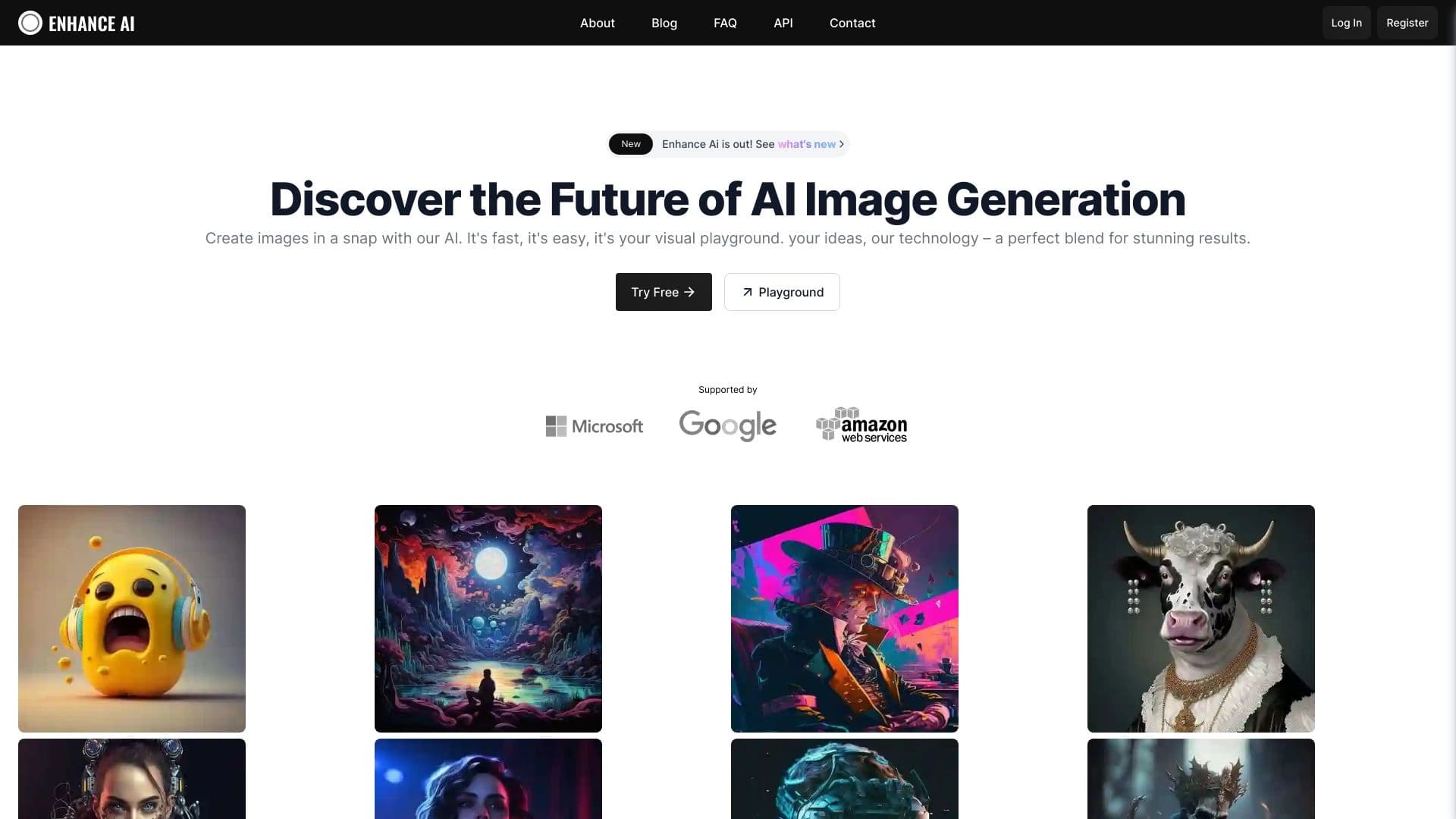
Plateforme en ligne alimentée par l'IA pour générer et traiter des images.


Réseau neuronal de Google pour générer et éditer des images à partir de descriptions de texte, basé sur des modèles Gemini.


Plateforme alimentée par l'IA pour générer et éditer des images et des vidéos.


Service Web pour générer des images animées à partir d'invites de texte en utilisant l'IA.


Assistant d'IA multifonctionnel pour la création de chat, de texte et d'image, la traduction et l'aide à la programmation.
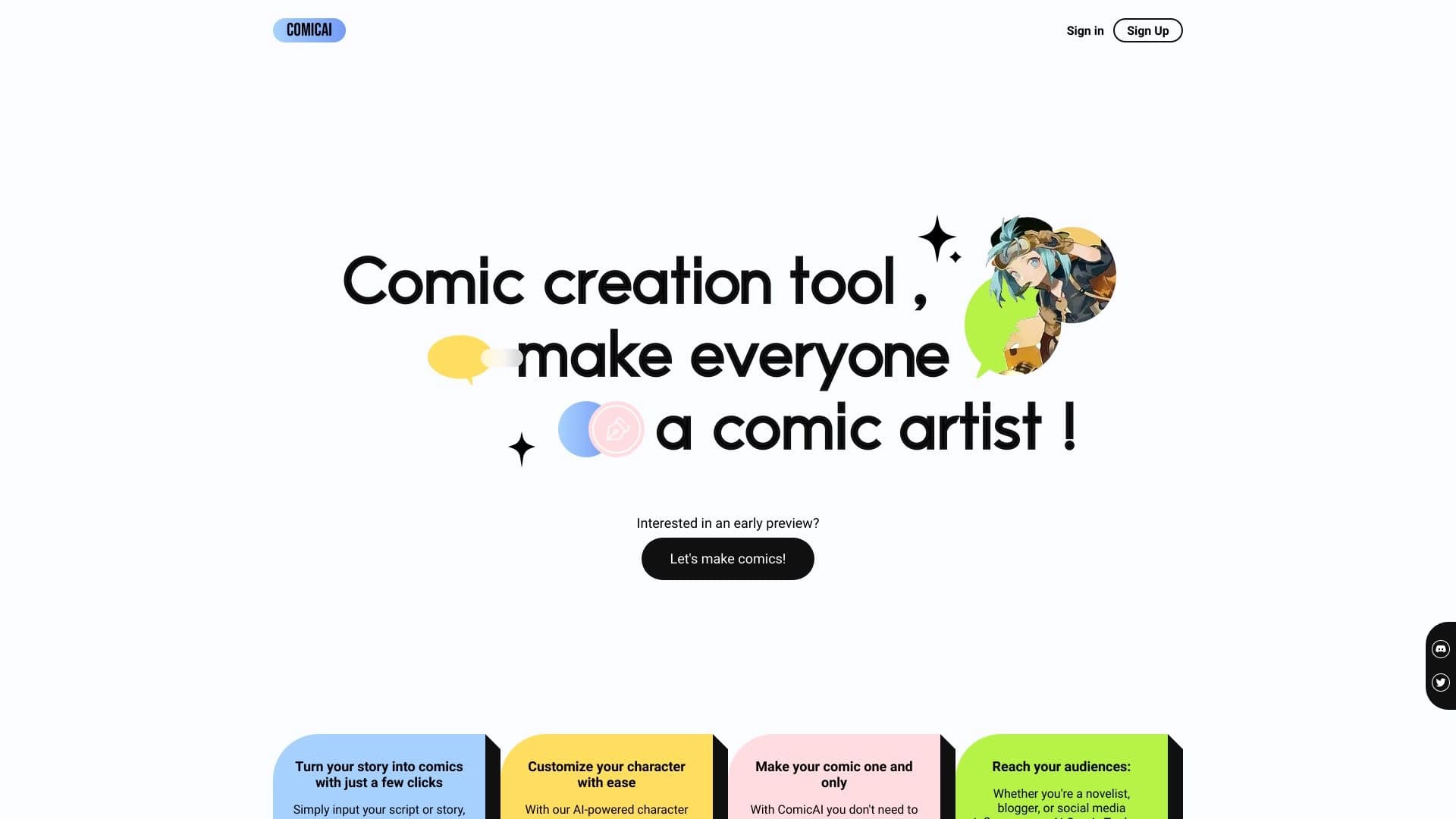
Outil AI pour créer automatiquement des bandes dessinées et des mangas à partir de textes et d'histoires.

Un outil pour créer des diagrammes et des cartes mentales à partir de descriptions de texte en langage naturel.