
AI Excel Translator
Outil pour traduire le contenu des tableaux Excel et CSV tout en préservant la structure du document.
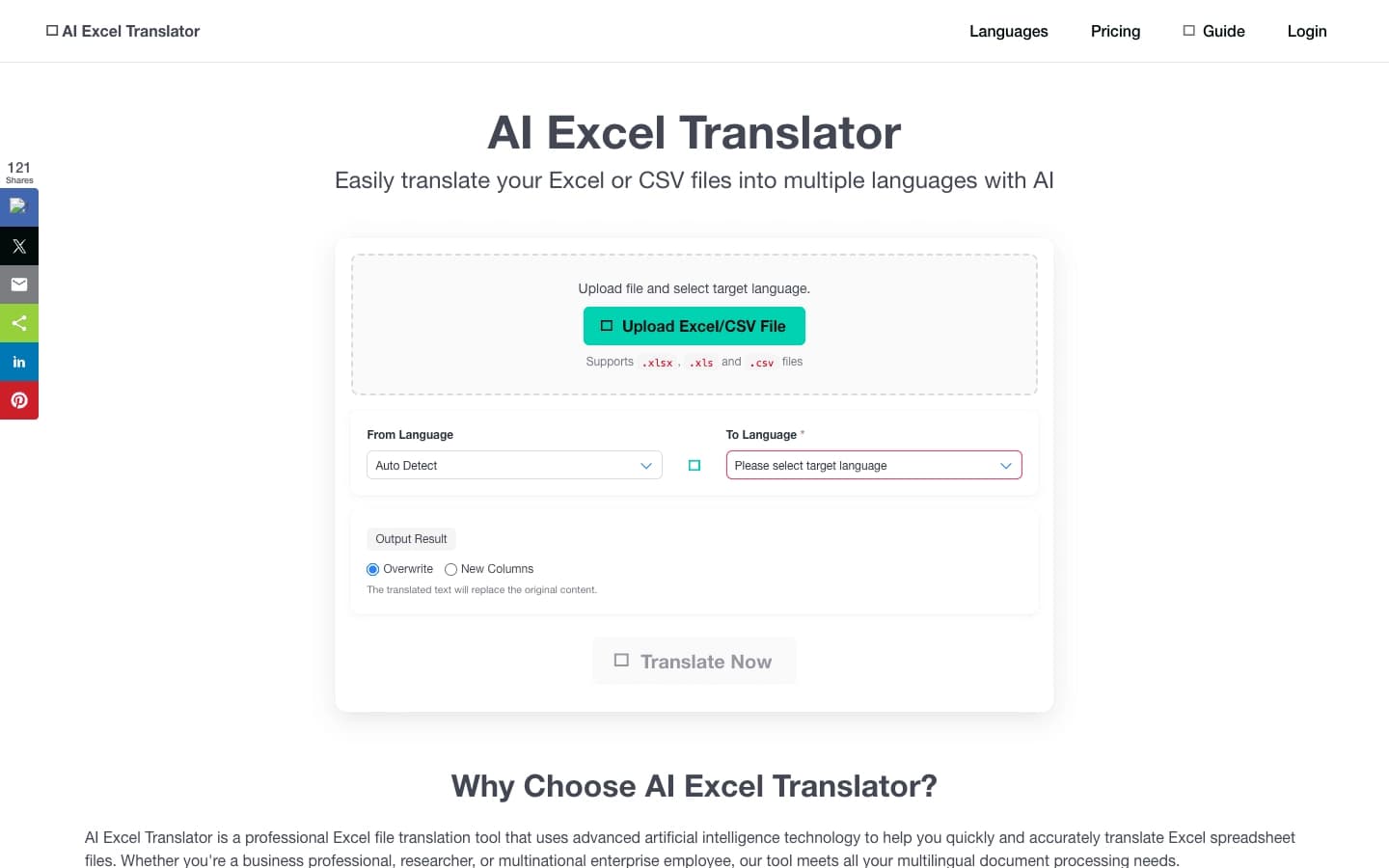
Aperçu général
AI Excel Traducteur est un outil web spécialisé qui automatise la traduction des données tabulaires dans les fichiers Excel et CSV. Sa caractéristique clé est de préserver la structure originale du document tout en remplaçant seulement le contenu textuel des cellules. Cela signifie que les formules, les styles de formatage, les polices et les schémas de couleurs restent inchangés.
Le service est conçu pour traiter les tâches liées aux données multilingues : de la traduction des rapports financiers et des propositions commerciales à la localisation des bases de données clients et à l'échange d'informations avec des partenaires internationaux. L'utilisation du réseau neuronal simplifie considérablement les flux de travail et élimine le travail fastidieux de transfert de l'information entre les tableurs.
Caractéristiques du traducteur AI Excel
| Fonctionnalité | Valeur |
|---|---|
| Type d'outil | Outil AI pour la traduction des données tabulaires |
| Catégorie | Formules et Excel, traduction texte |
| Formats pris en charge | Excel, CSV |
| Langues prises en charge | Anglais, espagnol, français, allemand, chinois, japonais, coréen et autres |
| Formatage de la conservation | Oui (formules, styles de cellules, polices, couleurs) |
| Disponibilité | Site web aiexceltranslator.com |
Pour qui est AI Excel Traducteur?
Analystes et professionnels financiers
Les employés qui travaillent régulièrement avec un grand nombre de données structurées apprécieront la capacité de traduire rapidement les rapports sans perdre de précision. L'outil est particulièrement utile lors de la préparation des documents consolidés où la préservation de la logique de calcul des fichiers originaux est essentielle.
Gestionnaires et chefs de projet
Pour les professionnels qui interagissent avec des équipes ou des clients internationaux, la traduction des listes de prix, des propositions commerciales et de la documentation interne devient nettement moins exigeante en main-d'oeuvre. Préserver le formatage permet d'envoyer des documents de partenaires qui semblent professionnels et s'harmonisent avec le style d'entreprise.
Spécialistes en localisation et traduction
Les professionnels qui adaptent le contenu à différents marchés peuvent utiliser l'outil pour le traitement initial des données tabulaires avant la correction finale. Cela réduit le temps consacré à la traduction courante des entrées récurrentes et permet de se concentrer sur la signification sémantique du texte.
Comment utiliser AI Excel Traducteur
Travailler avec le Service
L'utilisation de l'outil ne nécessite aucune installation de logiciel supplémentaire. Le processus entier se produit par l'intermédiaire d'un navigateur sur le site officiel. L'utilisateur doit télécharger un fichier source dans l'un des formats pris en charge, puis spécifier la source et les langues cibles, après quoi le réseau neuronal traite le contenu du document.
Obtenir le résultat
Une fois le traitement terminé, le système retourne un fichier prêt avec des données textuelles traduites. Il est important de noter que l'utilisateur reçoit un document avec la traduction intégrée dans la structure originale, pas un fichier texte séparé ou un dictionnaire de correspondances. Cela fait du service une solution complète pour les tâches de travail plutôt qu'une étape de traduction intermédiaire.
Principales caractéristiques du traducteur AI Excel
- Traduction automatique des tables Excel et CSV — le réseau neuronal traite les données textuelles dans toutes les cellules, en identifiant leur contenu et en sélectionnant correctement les équivalents dans la langue cible.
- Préservation du formatage original — après traduction, les formules restent fonctionnelles, et les styles de cellules, les polices et les couleurs restent inchangés, ce qui est critique pour les documents complexes avec formatage conditionnel.
- Prise en charge de plusieurs langues — l'outil fonctionne avec les grandes langues du monde, y compris européennes et asiatiques, ce qui le rend adapté à la plupart des scénarios internationaux.
Avantages de AI Excel Traducteur
Réduction du risque d'erreurs
Automatiser le processus élimine les erreurs associées à la copie manuelle du texte traduit d'un tableur à un autre. Lorsque vous travaillez avec de grands documents, la probabilité de disparition de cellules ou de modification accidentelle de formules est réduite à zéro.
Économies de temps
Le traitement des fichiers est beaucoup plus rapide que la traduction manuelle ou l'utilisation d'une combinaison de plusieurs programmes. La préparation des documents destinés à être envoyés à des partenaires ou à un usage interne dans un environnement multilingue s'accélère à maintes reprises.
Inconvénients du traducteur AI Excel
L'information sur les inconvénients du service n'est pas disponible dans les sources publiques. Lors du choix de l'outil, il vaut la peine de considérer que, comme tout service d'IA, il peut exiger un examen expert de termes spécifiques et vocabulaire hautement spécialisé après traduction automatique. De plus, les détails sur la performance avec des dossiers extrêmement importants ou des limites sur le nombre de documents traités n'ont pas été divulgués.
Quels problèmes se résolvent AI Excel Traducteur
Traduction de rapports multilingues
L'outil permet de préparer rapidement des versions des rapports financiers et de gestion dans différentes langues pour les cadres, les actionnaires ou les organismes de réglementation.
Localisation des listes de prix et des bases de données
Les propositions commerciales, les catalogues de produits et les bases de données des clients peuvent être traduits tout en maintenant une structure unifiée et un formatage, ce qui est important pour maintenir le style d'entreprise.
Échange de données avec les partenaires internationaux
La préparation courante de données en vue de la collaboration avec des contreparties étrangères n'exige plus la traduction manuelle de chaque tableur. Il suffit de télécharger le fichier, de sélectionner les langues et de recevoir un document prêt qui peut être envoyé immédiatement.
Prix du traducteur AI Excel
L'information actuelle sur le coût d'utilisation du service et les plans de tarification disponibles n'a pas été publiée dans les données sources. Pour plus de détails sur les prix et les conditions d'accès à la fonctionnalité complète, il est recommandé de visiter le site officiel aiexceltranslator.com.
Conditions d'utilisation pour AI Excel Traducteur
Les conditions exactes d'utilisation du service, y compris la politique de traitement des données téléchargées et les limites possibles de la taille des fichiers, ne sont pas divulguées dans les sources disponibles. Il est recommandé d'examiner l'accord utilisateur et la politique de confidentialité directement sur le site Web du service avant de télécharger des documents confidentiels.
Disponibilité du traducteur AI Excel
Le service fonctionne via une interface web et est disponible sur le site officiel aiexceltranslator.com. Le modèle de distribution n'est pas spécifié, mais l'absence d'exigences d'installation indique une architecture basée sur le cloud. Cela signifie qu'une connexion Internet stable est nécessaire pour utiliser l'outil.
Comment AI Excel Traducteur diffère des alternatives
Plusieurs outils alternatifs sont disponibles sur le marché, dont Gemini 3.5 Live Translate, Kimi Work, ChartGen AI et ChartMagic. La différence clé de AI Excel Traducteur réside dans sa spécialisation étroite dans les documents de tableur avec la préservation de format complet. De nombreux traducteurs universels d'IA ne garantissent pas la préservation correcte des formules et du formatage de style lors du traitement des fichiers Excel complexes. Ce service se concentre exclusivement sur les tables, ce qui assure potentiellement une plus grande précision et fiabilité dans ce domaine spécifique.
Conclusion
AI Excel Traducteur est un outil pratique pour automatiser la traduction des données tabulaires tout en préservant le formatage. Il résout l'importante tâche de traiter les rapports multilingues, les listes de prix et les bases de données des clients, en réduisant les coûts de main-d'oeuvre et en minimisant les risques d'erreurs lors du transfert manuel de données. Ce service s'adresse aux analystes, aux gestionnaires et aux spécialistes de la localisation qui travaillent régulièrement avec des données multilingues structurées.
Foire aux questions
Voir aussi

Plateforme d'IA multifonctionnelle pour la création de contenu, combinant synthèse vocale, génération de texte, création d'avatar et montage vidéo.
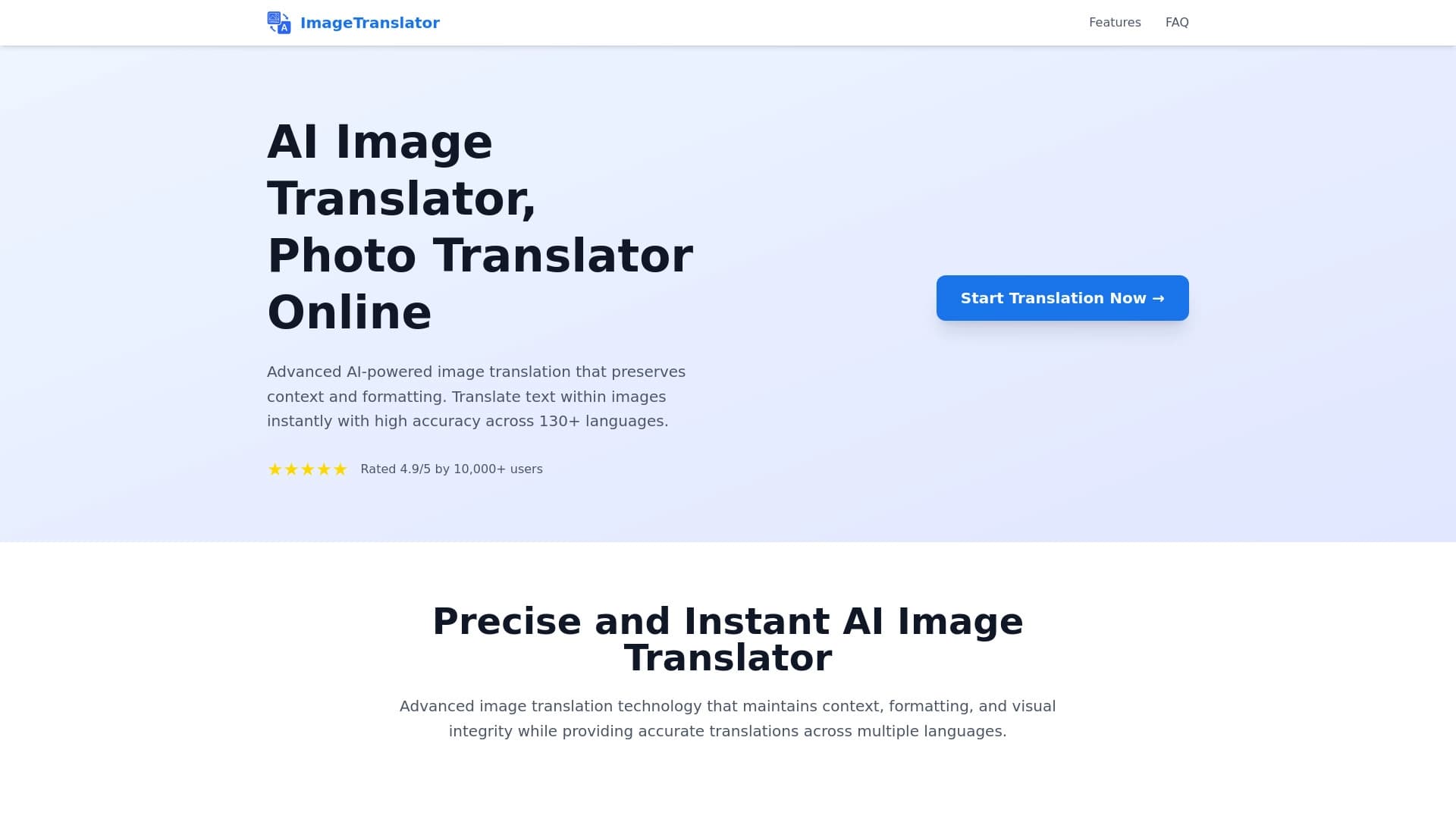
Outil pour traduire du texte directement en images tout en préservant le design original.

Service en ligne alimenté par l'IA qui convertit automatiquement les relevés bancaires de PDF en fichiers CSV structurés.


Professeur de langue AI sous forme d'extension de navigateur et de service Web pour la pratique, la traduction et l'explication du matériel linguistique.


Un service en ligne qui reconnaît le texte sur les pages manga et manhwa, le traduit dans différentes langues, et l'intègre dans l'image sans endommager l'œuvre originale.

Plate-forme Cloud pour la création de vidéos utilisant des avatars AI, la synthèse de la parole et la traduction automatique de clips dans des dizaines de langues.


Service de transcription automatique de l'audio et de la vidéo dans le texte avec support pour plus de 100 langues.

Une plateforme pour agréger les nouvelles mondiales en utilisant l'IA pour analyser et réduire les biais.