
AI Employe
Ekstensi peramban untuk aksi pengulangan otomatis di internet.
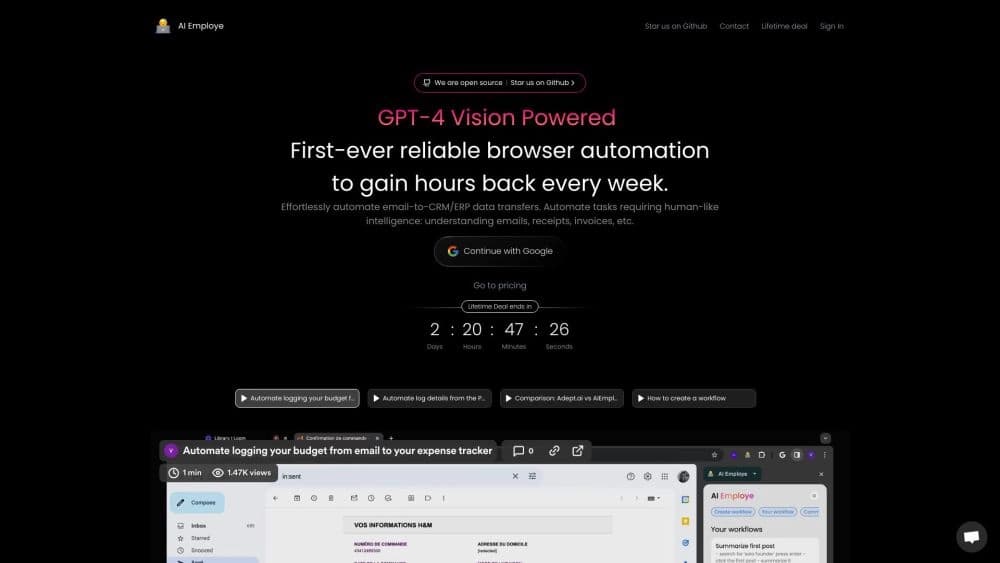
Tinjau
Deskripsi Jaringan Neural Karyawan AI
AI Employe adalah ekstensi peramban Chrome yang otomates aksi berulang di internet. Alat ini bekerja pada prinsip perekaman skenario: pengguna melakukan rantai aksi dalam peramban sekali, setelah itu jaringan saraf mengingat urutan dan mereproduksinya secara independen. Ini menghilangkan operasi rutin seperti mengisi bentuk yang sama atau mentransfer data antar sistem.
Fitur khas Al Employe adalah kemampuannya untuk bekerja tidak hanya dengan klik dan masukan teks sederhana, tetapi juga dengan data yang tidak dapat diperoleh secara langsung. Jaringan saraf dapat mengenali informasi dalam gambar, grafik, email, faktur, dan penerimaan, dan kemudian menggunakannya dalam proses otomatis. Pendekatan ini mengubah ekstensi menjadi alat yang lebih dekat dengan RPA (otomatisasi proses robot) daripada makro peramban sederhana.
Fitur Karyawan AI
| Fitur | Nilai |
|---|---|
| Tipe | Ekstensi peramban (Chrome) |
| Kategori | Lain-lain |
| Pengembang | Karyawan AI |
| Kunjungan bulanan | 64.7K |
| Rencana bebas tersedia | Ya (rencana bebas dengan akses ke fitur otomatisasi inti) |
| Ketersediaan | Ekstensi krom |
Untuk siapa Al Employe cocok?
Profesional data
Alat ini akan berguna bagi mereka yang secara teratur mentransfer informasi dari satu sumber ke yang lain: misalnya, dari email ke sistem CRM atau ERP. AI Employe mengambil alih bagian rutin dari pekerjaan yang berhubungan dengan menyalin dan menempelkan data, serta pemrosesan awal.
Penjualan dan dukungan staf
Manajer yang harus mengisi banyak bentuk yang sama, kartu pelanggan, atau laporan akan dapat mengurangi waktu dihabiskan untuk operasi ini. Anda hanya perlu merekam skenario sekali, dan jaringan saraf akan mengulanginya sebagai diperlukan.
Pengguna tanpa keterampilan teknis
Al Employe tidak membutuhkan keterampilan pemrograman. Prinsip operasi menyerupai pelatihan magang: Anda menunjukkan apa yang perlu dilakukan, dan jaringan saraf mengingat dan mereproduksi tindakan. Hal ini membuat alat dapat diakses oleh penonton yang luas.
Bagaimana menggunakan AI Employe?
Merekam skenario
Untuk memulai, Anda perlu menginstal ekstensi dan secara manual melakukan urutan aksi yang ingin otomatis sekali. Ini dapat berupa proses multi- step yang melibatkan navigasi antar halaman, entri data, dan klik tombol.
Memutar kembali rekaman
Setelah merekam skenario, jaringan saraf dapat secara independen mengulanginya pada perintah Anda. Penting untuk dicatat bahwa AI mereproduksi logika tindakan daripada hanya merekam koordinat klik, yang memungkinkan untuk beradaptasi dengan perubahan kecil pada halaman.
Kontrol dan penyesuaian
Jika perlu, Anda dapat ikut campur dalam proses otomatisasi secara manual. Jika jaringan saraf tidak dapat menangani konteks kompleks, beberapa intervensi manual mungkin diperlukan untuk menyelesaikan operasi.
Fitur Kunci Karyawan AI
Automasi proses peramban
AI Employe mengotomatisasi operasi online rutin: mengisi formulir, navigasi halaman, klik tombol, dan aksi berulang-ulang lainnya. Jaringan saraf dapat menangani tidak hanya sederhana tetapi juga kompleks multi- langkah skenario.
Transfer data antar sistem
Alat ini dapat mengekspor data dari email ke sistem CRM atau ERP. Hal ini memungkinkan pemrosesan otomatis perintah, permintaan, dan data masuk lainnya tanpa penyalinan manual.
Mengekstrak informasi dari gambar dan grafik
Berkat teknologi OCR, Al Employe mengakui teks dan data dalam gambar, grafik, faktur, dan penerimaan. Fitur ini secara signifikan memperluas kemampuan otomatisasi, memungkinkan pemrosesan data dari sumber yang tidak mendukung ekspor langsung.
Kemajuan Karyawan AI
Tabungan waktu
Keuntungan utama adalah mendelegasikan tugas rutin untuk kecerdasan buatan. Pengguna berhenti menghabiskan waktu untuk operasi berulang dan dapat fokus pada tugas yang lebih penting.
Bekerja dengan skenario kompleks
Tidak seperti banyak alat otomatisasi, Al Employe dapat menangani proses multi- tahap, termasuk transfer data antara sistem yang berbeda. Ini sangat berharga untuk menggabungkan email dengan CRM.
Pemrosesan data cerdas
Jaringan saraf menganalisis isi email, faktur, penerimaan, dan gambar dengan grafik, mengekstrak informasi yang diperlukan dari mereka. Ini membuat otomatisasi lebih cerdas daripada hanya mengulang aksi yang direkam.
Keburukan Karyawan AI
Batas dalam pemahaman konteks
Dalam beberapa kasus, jaringan saraf mungkin tidak memahami konteks kompleks dari tugas dan membutuhkan campur tangan pengguna manual. Hal ini terutama relevan untuk situasi atypical yang melampaui skenario dicatat.
Kebutuhan untuk internet stabil
Ekstensi memerlukan koneksi jaringan konstan untuk bekerja. Kurangnya internet stabil sepenuhnya menghentikan proses otomatisasi.
Risiko privasi
Alat ini meminta akses ke email dan dokumen, yang menciptakan risiko potensial untuk data rahasia. Pengguna bekerja dengan informasi sensitif harus mempertimbangkan faktor ini.
Tugas apa yang dikerjakan Al Employe?
Mempercepat operasi online yang berulang
AI Employe mengambil alih otomatisasi tindakan rutin yang perlu dilakukan secara teratur. Tugas yang digunakan untuk mengambil waktu yang signifikan sekarang diselesaikan dalam hitungan detik.
Data otomatis dimuat ke CRM atau ERP
Alat ini membantu otomatis proses mentransfer data dari email yang masuk ke sistem perusahaan. Ini menghilangkan kebutuhan untuk masukan data manual dan mengurangi kemungkinan kesalahan.
Harga Karyawan AI
Rencana gratis
Pengguna memiliki akses ke rencana bebas yang termasuk fitur otomasi inti. Ini cukup untuk terbiasa dengan alat dan menangani tugas-tugas dasar.
Rencana dasar
Rencana dasar menyediakan kemampuan dan dukungan utama pengguna.
Rencana premium
Berlangganan premium membuka akses penuh ke semua fitur alat, termasuk arus kerja tak terbatas.
Use Karyawan AI
Untuk menggunakan layanan, Anda perlu menginstal ekstensi di peramban Chrome. Alat ini tersedia secara gratis, tapi langganan dibayar diperlukan untuk sepenuhnya menggunakan semua fitur. Penting untuk dicatat bahwa Al Employe meminta akses ke data, termasuk email dan dokumen, yang menempatkan kewajiban tertentu pada pengguna untuk memastikan kerahasiaan informasi. Sebuah koneksi internet konstan diperlukan untuk operasi stabil.
Al Employe Affibility
AI Employe tersedia sebagai ekstensi bagi peramban Google Chrome. Pemasangan dilakukan melalui katalog ekstensi resmi. Layanan memiliki halaman web sendiri dengan sekitar 64.7 ribu kunjungan per bulan, yang menunjukkan popularitas alat di antara pengguna.
Bagaimana Al Employe berbeda dari alternatif
AI Employe posisi sendiri sebagai ekstensi RPA pertama untuk Chrome dengan kecerdasan buatan. Perbedaan kunci dari alat otomatisasi lain adalah kemampuannya untuk bekerja dengan sumber data kompleks seperti gambar dan grafik, serta mentransfer informasi antara sistem tanpa keterlibatan pengguna langsung. Tidak seperti makro sederhana yang hanya mekanis mereproduksi klik rekaman, Al Employe menganalisis data dan membuat keputusan dalam skenario direkam.
Kesimpulan
AI Employe adalah alat praktis untuk melakukan peramban berulang otomatis yang akan berguna bagi siapa saja yang menghabiskan waktu yang signifikan operasi online rutin. Merekam skenario yang menyerupai pelatihan magang, dan kemampuan untuk mengekstrak data dari gambar dan email set alat ini selain pesaing. Meskipun beberapa keterbatasan terkait dengan pemahaman konteks kompleks dan persyaratan untuk Internet stabil, Al Employe dapat menjadi asisten yang dapat diandalkan untuk profesional bekerja dengan volume besar data dan tugas serupa. Ketersediaan dari sebuah rencana bebas memungkinkan Anda mengevaluasi kemampuan alat tanpa investasi keuangan.
Pertanyaan yang sering ditanyakan
Lihat juga


Platform berbasis-untuk membuat dan mengedit gambar produk dan video bagi penjual e- commerce.

Hasilkan iklan UGC video dengan aktor virtual tanpa film nyata.
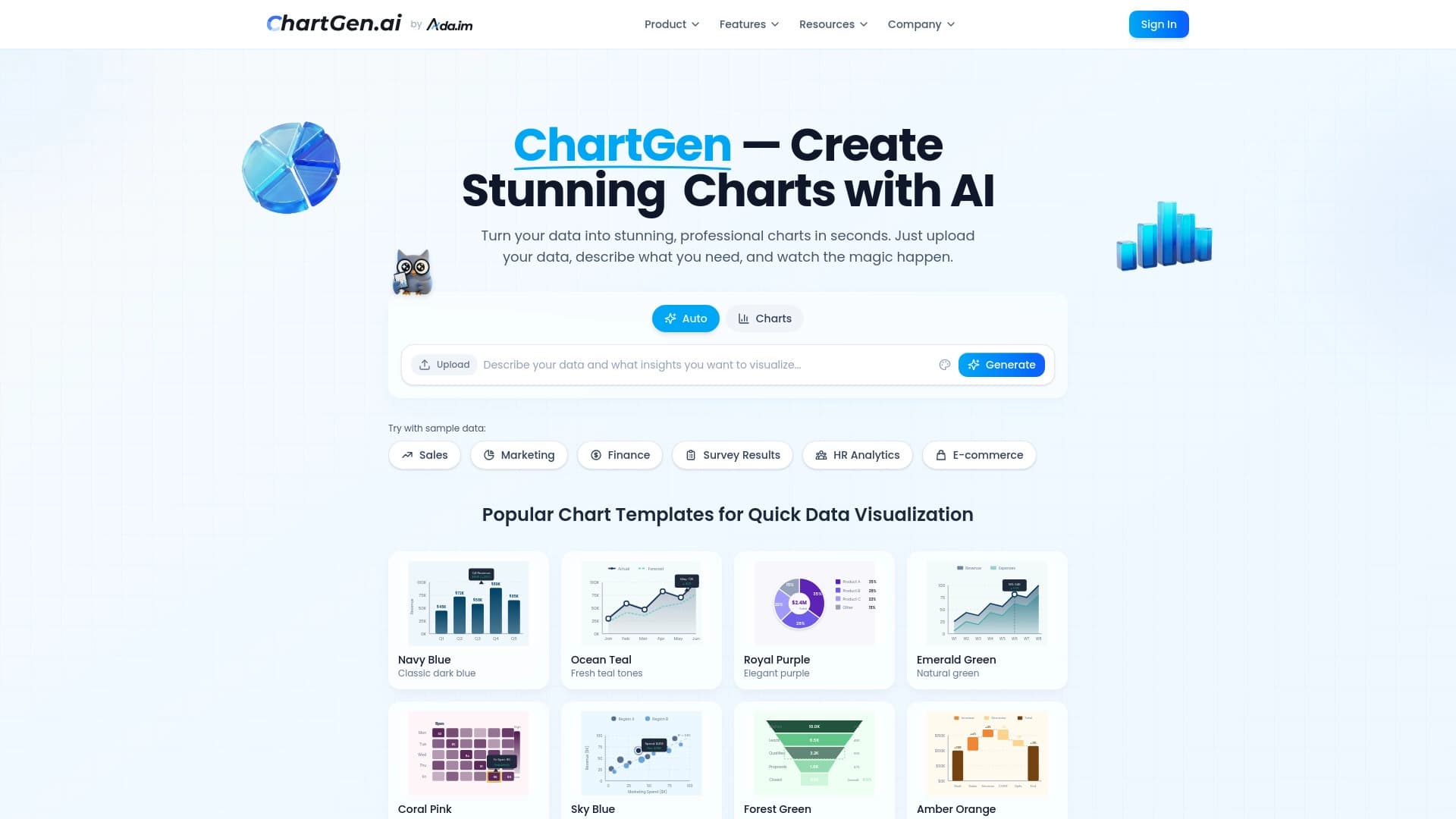

Diagram dan bagan generator dari data upload berdasarkan deskripsi bahasa alami.


Asisten AI untuk membuat ringkasan video, dokumen PDF, dan halaman web.


Sebuah platform untuk pengembangan perangkat lunak otomatis menggunakan pembangun visual untuk agen AI.
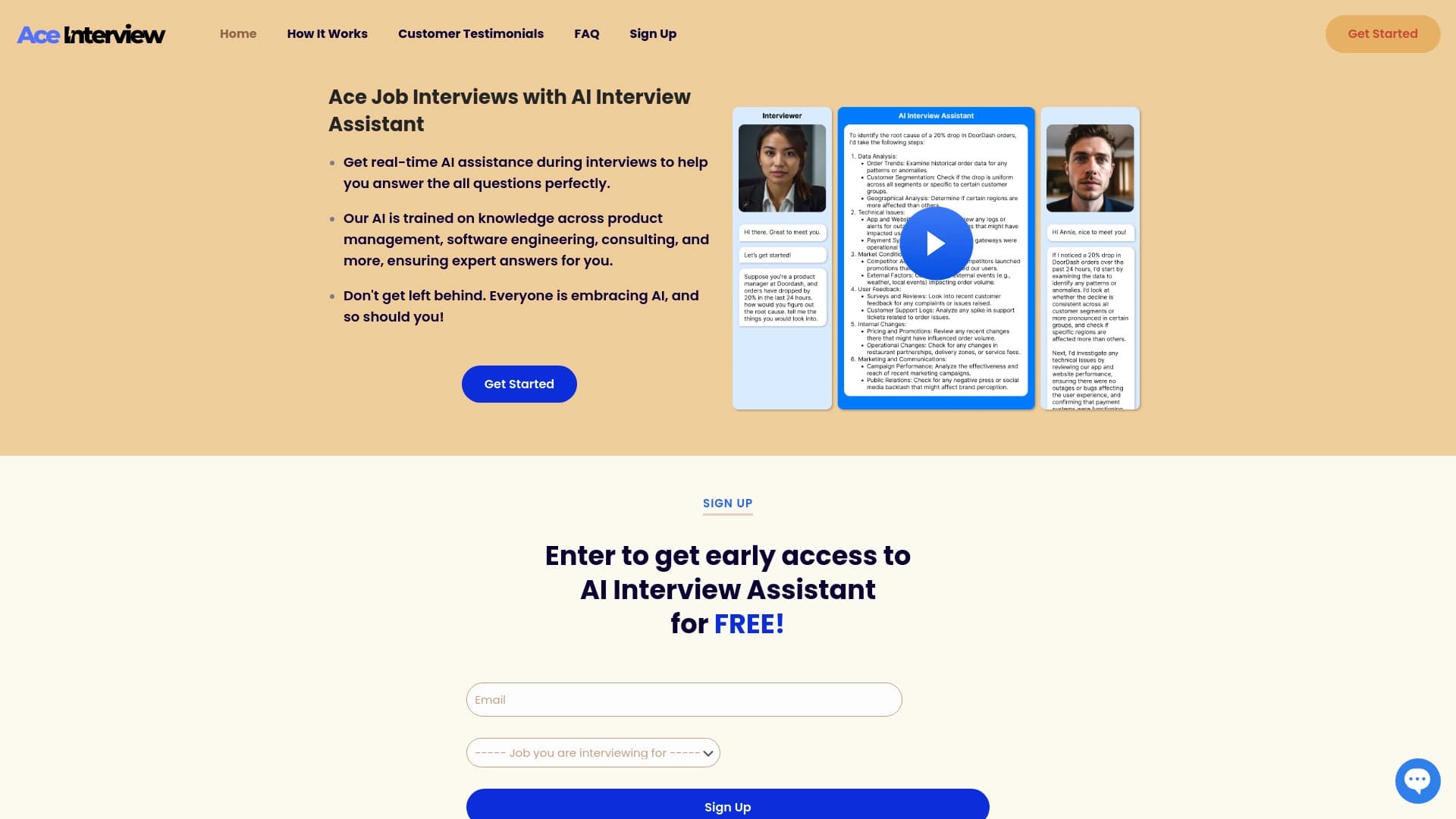

Asisten AI untuk petunjuk waktu nyata selama wawancara online.
Asisten cerdas dari Microsoft, dibangun dalam mesin pencari Bing dan browser Edge, didukung oleh GPT-4.


Add- in untuk Microsoft Word yang menggunakan jaringan saraf untuk otomatisasi penciptaan, editing, dan analisis kontrak hukum.