

Ai Drawing Generator
Generator gambar online yang mengubah sketsa dan deskripsi teks menjadi ilustrasi warna penuh.
Tinjau
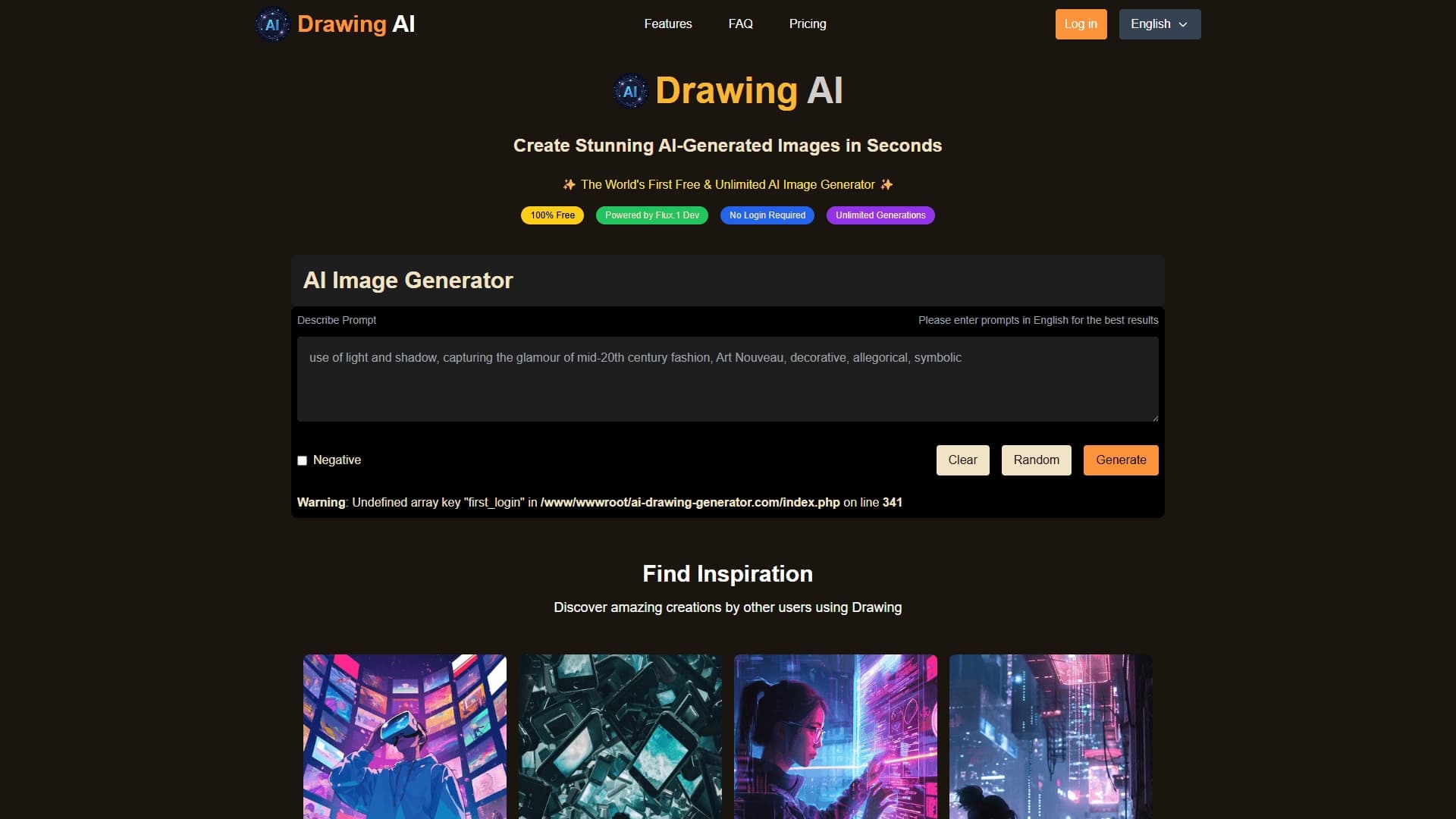
Ai Drawing Generator adalah layanan online yang mengubah sketsa sederhana, draft, atau gambar skema menjadi ilustrasi warna penuh. Prinsipnya sederhana: pengguna mengunggah sketsa (misalnya, foto gambar kertas atau berkas dengan garis luar) dan menambahkan deskripsi teks tentang seperti apa bentuk hasil akhir. Jaringan saraf menganalisis kedua masukan dan mengisi rincian yang hilang, menambah kedalaman dan tekstur, menciptakan gambar lengkap.
Alat ini bekerja dalam peramban, tidak memerlukan instalasi perangkat lunak tambahan, dan juga dapat diakses dari perangkat seluler. Layanan ini diposisikan sebagai solusi untuk visualisasi ide cepat: dari corat-coret anak-anak ke mockups desainer. Tergantung pada rencana dan model yang digunakan, generasi mengambil mana saja dari beberapa detik ke menit.
Features Generator Gambar Ai
| Fitur | Nilai |
|---|---|
| Tipe | Generator gambar dari teks / sketsa |
| Kategori | Gambar, gambar, dan sketsa, seni digital, Anime dan ilustrasi |
| Platform | Layanan daring (situs web ai- drawing -generator.com), bekerja dari telepon |
| Model | 5.1 Dev (dalam versi bebas), juga menggunakan ControlNet untuk meningkatkan model difusi |
| Rencana gratis | Ya, mode tak terbatas sepenuhnya bebas dalam versi dasar |
| Pendaftaran | Tidak diperlukan |
| Pengembang | Lab Generator Gambar Ai |
Untuk siapa Ai Drawing Generator?
Pemula dan non-profesional
Layanan dirancang untuk mereka yang kurang keterampilan menggambar tapi ingin cepat mendapatkan gambar yang layak dari sketsa mereka. Cukup menggambar diagram dasar atau mengunggah sketsa dari ponsel Anda, menambahkan deskripsi teks, dan alat melakukan sisanya. Ini adalah cara yang nyaman untuk memvisualisasikan ide tanpa harus menguasai editor grafis.
Desainer, artis, dan pemasar
Bagi ilustrator dan desainer, layanan ini berguna ketika tenggat waktu yang ketat dan konsep perlu ditampilkan kepada klien atau rekan cepat. Pemasaran dapat menggunakan generator untuk membuat pratilik, konten media sosial, dan bahan visual yang cepat. Profesional dapat bereksperimen dengan gaya yang berbeda dengan mengubah deskripsi teks, mempercepat proses menemukan ide yang tepat.
Bagaimana menggunakan Ai Drawing Generator?
Menyiapkan sketsa
Langkah pertama adalah mempersiapkan rancangan sumber. Ini bisa jadi gambar kertas yang perlu difoto, atau sketsa digital yang dibuat di setiap penyunting. Sangat penting bahwa garis luar cukup rapi: sketsa ceroboh kemungkinan akan menghasilkan hasil yang aneh.
Deskripsi teks
Selanjutnya, menambahkan deskripsi teks tentang apa hasil akhir seharusnya. Misalnya, jika sketsa adalah lingkaran dan beberapa garis, deskripsi seperti "kucing dalam setelan ruang angkasa" akan membimbing jaringan saraf ke arah yang benar. Semakin rinci dan jelas deskripsi, semakin menarik dan akurat gambar akhir akan.
Generasi dan unduh
Setelah mengunggah file dan memasuki teks, semua yang tersisa adalah untuk menekan tombol menghasilkan dan menunggu pemrosesan. Dalam versi bebas, ini butuh beberapa detik atau lebih sebentar. Gambar yang telah selesai dapat diunduh dan digunakan dalam proyek, presentasi, atau media sosial.
Fitur kunci dari Ai Drawing Generator
Mengubah sketsa menjadi ilustrasi
Fungsi utama layanan adalah mengubah gambar skema dan sketsa sederhana menjadi rinci, penuh warna gambar. Jaringan saraf secara independen mengisi unsur-unsur, menambahkan kedalaman, dan pemurnian rincian yang hanya mengisyaratkan dalam draft asli.
Bekerja dengan deskripsi teks
Selain masukan visual, alat menerima perintah teks. Hal ini memungkinkan Anda untuk mengubah gaya, menambahkan elemen, atau memperbaiki rincian tanpa menggambar ulang sketsa. Anda dapat menggabungkan kedua tipe input untuk mencapai hasil terbaik.
Generasi instan dan skala
Versi gratis berdasarkan Flep.1 Dev memberikan hasil dalam detik. Pada rencana yang dibayar, layanan menggunakan ControlNet untuk meningkatkan kualitas model difusi dan dapat menangani beban berat pada server yang kuat, mempercepat pekerjaan bahkan dengan permintaan yang kompleks.
Kemajuan dari Ai Drawing Generator
Aksesibilitas dan kesederhanaan
Keuntungan utama layanan adalah mode penggunaan bebas dan tak terbatas tanpa registrasi yang diperlukan. Tidak ada subscriptions tersembunyi atau batas pada jumlah generasi. Antarmuka sangat sederhana - bahkan pemula dapat mencari tahu. Alat ini bekerja di peramban dan tidak memerlukan instalasi.
Kecepatan dan eksperimen
Generasi waktu diukur dalam detik, yang mempercepat proses menyajikan konsep atau bekerja pada tata letak. Karena tidak ada batas yang ketat, Anda dapat bereksperimen dengan bebas: mengubah deskripsi, menambahkan rincian, mencoba gaya yang berbeda sampai Anda mendapatkan hasil yang diinginkan.
Penyesalan dari Ai Drawing Generator
Batas kualitas
Kadang-kadang gambar dihasilkan berakhir mencari terlalu mirip satu sama lain - itu terlihat bahwa model dilatih pada contoh yang sama, yang mengurangi keunikan hasil. Selain itu, AI tidak selalu menangani permintaan kompleks dan abstrak dengan baik, dan distorsi mungkin.
Ketergantungan pada sketsa sumber
Hasilnya tergantung seberapa rapi sketsa yang diunggah. Sebuah ceroboh atau terlalu skema gambar dapat menyebabkan aneh dan hasil yang tak terduga. Memproduksi ilustrasi kualitas membutuhkan beberapa usaha dalam mempersiapkan bahan sumber.
Tugas apa yang diselesaikan Ai Drawing Generator?
Alat ini cocok dengan berbagai tugas: dari mengubah corat-coret anak menjadi ilustrasi penuh ke visualisasi cahaya-cepat dari ide-ide untuk mockups desainer. Layanan memungkinkan Anda untuk membuat seni konsep, pratilik proyek, menghasilkan ide-ide desain, dan menghasilkan konten media sosial. Hal ini juga dapat membuat serangkaian ilustrasi dengan gaya yang konsisten, yang berguna untuk desain dan presentasi web.
Ai Drawing Generator Harga
Versi dasar layanan benar-benar bebas dan tak terbatas - tidak ada pendaftaran dan tidak ada biaya tersembunyi. Bagi pengguna yang membutuhkan kemampuan terekspansi, rencana yang dibayar tersedia:
- Standar - $5 per bulan: gambar tak terbatas dan antrian generasi prioritas.
- Premium - $12 per bulan: fitur diperluas, hak penggunaan komersial, dan dukungan pelanggan prioritas.
Akhir penggunaan untuk Ai Drawing Generator
Versi gratis tidak memerlukan pendaftaran dan tidak memiliki batas pada jumlah permintaan. Layanan menyediakan akses ke fitur dasar tanpa kewajiban apapun. Dibayar rencana membuka kemampuan tambahan, termasuk pemrosesan prioritas dan penggunaan konten komersial, tetapi untuk kebanyakan tugas dasar mode bebas cukup.
Ketersediaan dari Ai Drawing Generator
Layanan tersedia sebagai platform online melalui situs web i- drawing -generator.com. Alat ini bekerja dalam peramban pada komputer dan perangkat seluler, tidak memerlukan instalasi perangkat lunak tambahan. Hal ini membuatnya nyaman untuk digunakan di mana saja dengan koneksi internet.
Bagaimana Ai Menggambar Generator berbeda dari alternatif
Model bebas tanpa batas
Tidak seperti banyak generator gambar populer seperti Midjourney atau Leonardo.ai, Ai Drawing Generator menawarkan mode gratis dan tak terbatas tanpa registrasi. Hal ini membuat dapat diakses untuk penonton yang luas, termasuk mereka yang tidak siap untuk membayar untuk berlangganan. Pada saat yang sama, layanan telah membayar rencana bagi mereka yang membutuhkan fitur diperluas dan pengolahan prioritas.
Fokus pada sketsa, bukan hanya teks
Perbedaan kunci layanan dari kebanyakan alternatif adalah kemampuannya untuk bekerja dengan draf terunggah, bukan hanya deskripsi teks. Alat ini menggunakan ControlNet untuk meningkatkan kualitas model difusi, mengizinkannya untuk melestarikan struktur sketsa asli ketika menghasilkan gambar akhir.
Kesederhanaan dan kecepatan
Antarmuka layanan ini secara signifikan lebih sederhana daripada raksasa industri seperti Midjourney atau Falep.1, yang membutuhkan belajar kompleks perintah dan parameter. Ai Drawing Generator dirancang untuk generasi cepat dengan hambatan entri minimal, meskipun dapat lag di belakang alternatif dalam kualitas dan keunikan output.
Kesimpulan
Ai Drawing Generator adalah layanan daring yang dapat diakses dan sederhana untuk mengubah sketsa dan deskripsi teks menjadi gambar-gambar rinci. Alat kekuatan utama adalah benar-benar bebas mode tak terbatas tanpa registrasi, antarmuka intuitif, dan kecepatan generasi tinggi didukung oleh FASC. 1 Dev. Layanan sesuai dengan baik pemula yang ingin cepat memvisualisasikan ide tanpa keterampilan menggambar dan profesional singkat pada waktu untuk menciptakan mockups dan konsep seni. Pada saat yang sama, perlu dicatat bahwa permintaan unik dan kompleks mungkin memerlukan perbaikan tambahan, dan kualitas gambar akhir sebagian besar tergantung pada seberapa rapi sketsa sumber.
Pertanyaan yang sering ditanyakan
Lihat juga
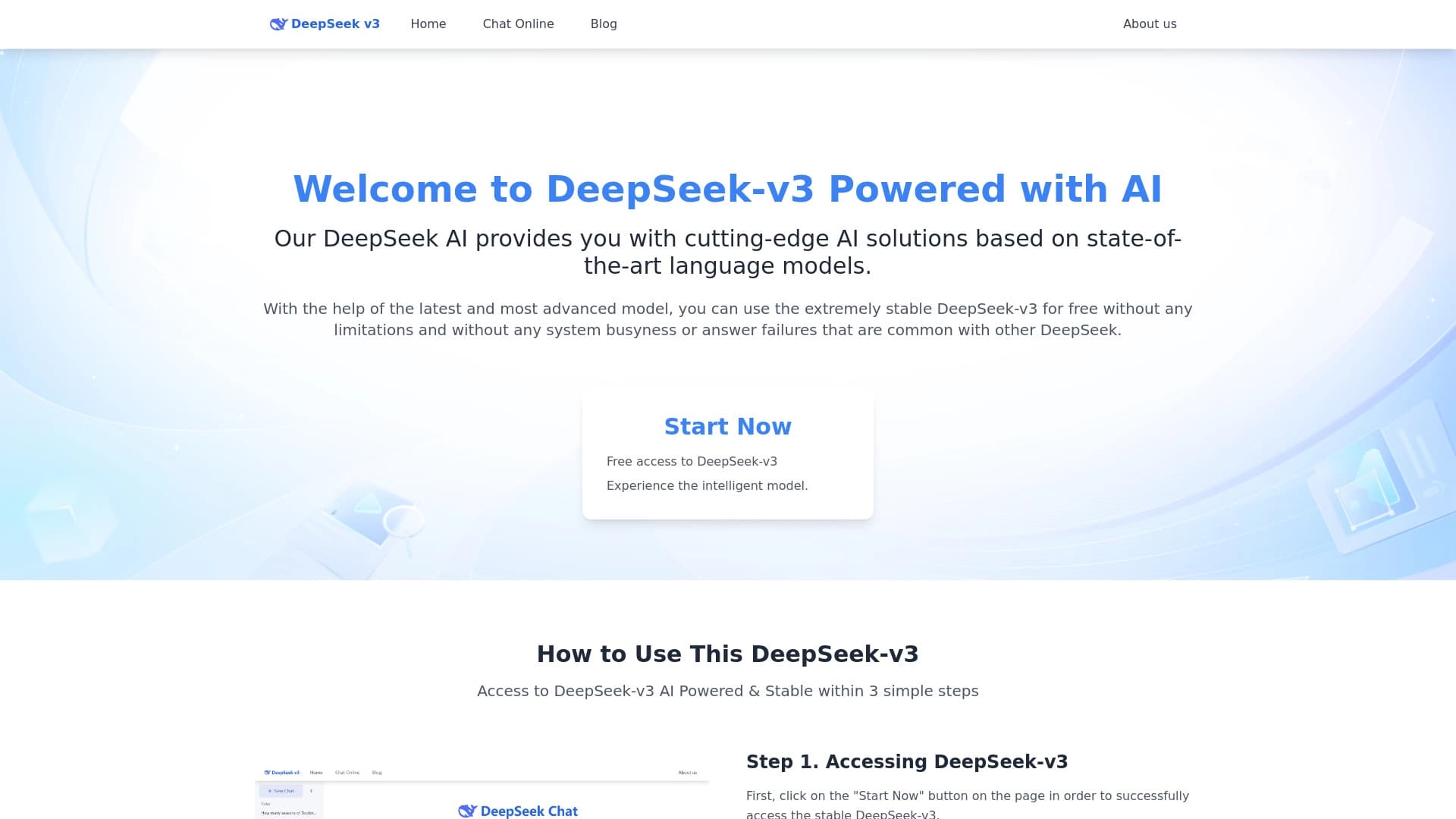
Model bahasa open-source gratis khusus dalam penalaran, matematika, dan pemrograman.

Keyboard AI untuk perangkat Apple yang mempercepat mengetik dengan koreksi, terjemahan, dan generasi respon.


Alat AI untuk membuat konten multibahasa SEO- teroptimasi.


Sebuah browser dengan built-in AI alat untuk chatting dengan jaringan saraf, menghasilkan teks dan gambar, menerjemahkan dan merangkum halaman.


ComicLLM adalah alat AI untuk membuat komik dari deskripsi teks atau template yang sudah dibuat.

Agen AI untuk melakukan peramban rutin otomatis, seperti mengisi formulir dan mengumpulkan data.
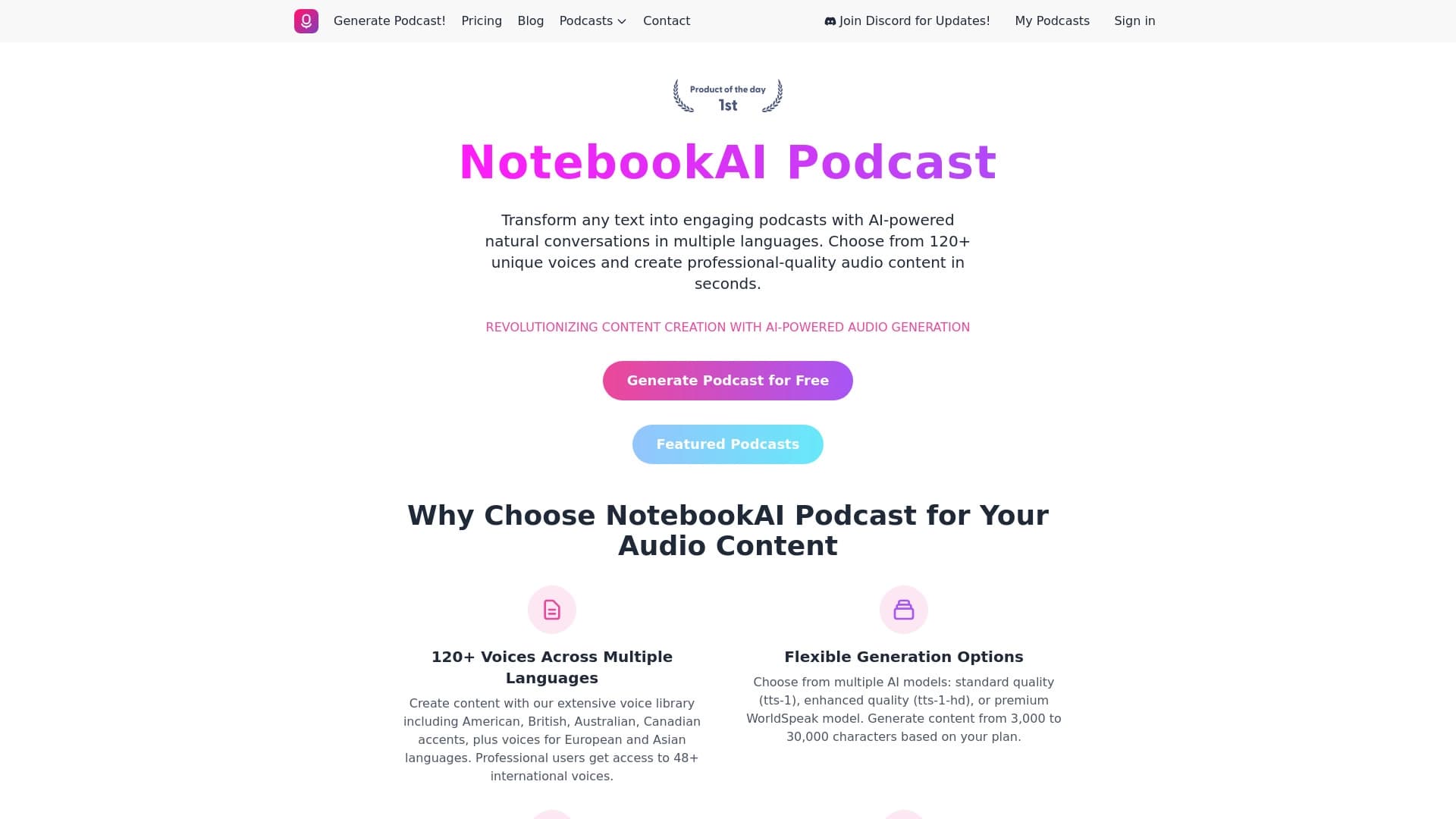

Layanan untuk mengubah teks menjadi podcast dengan suara alami dalam berbagai bahasa.


Agen AI untuk membantu pemrograman dan mengoptimalkan alur kerja pembangunan.