

AI Design Generator
Générateur de conception graphique en ligne basé sur des descriptions de texte et des images téléchargées.
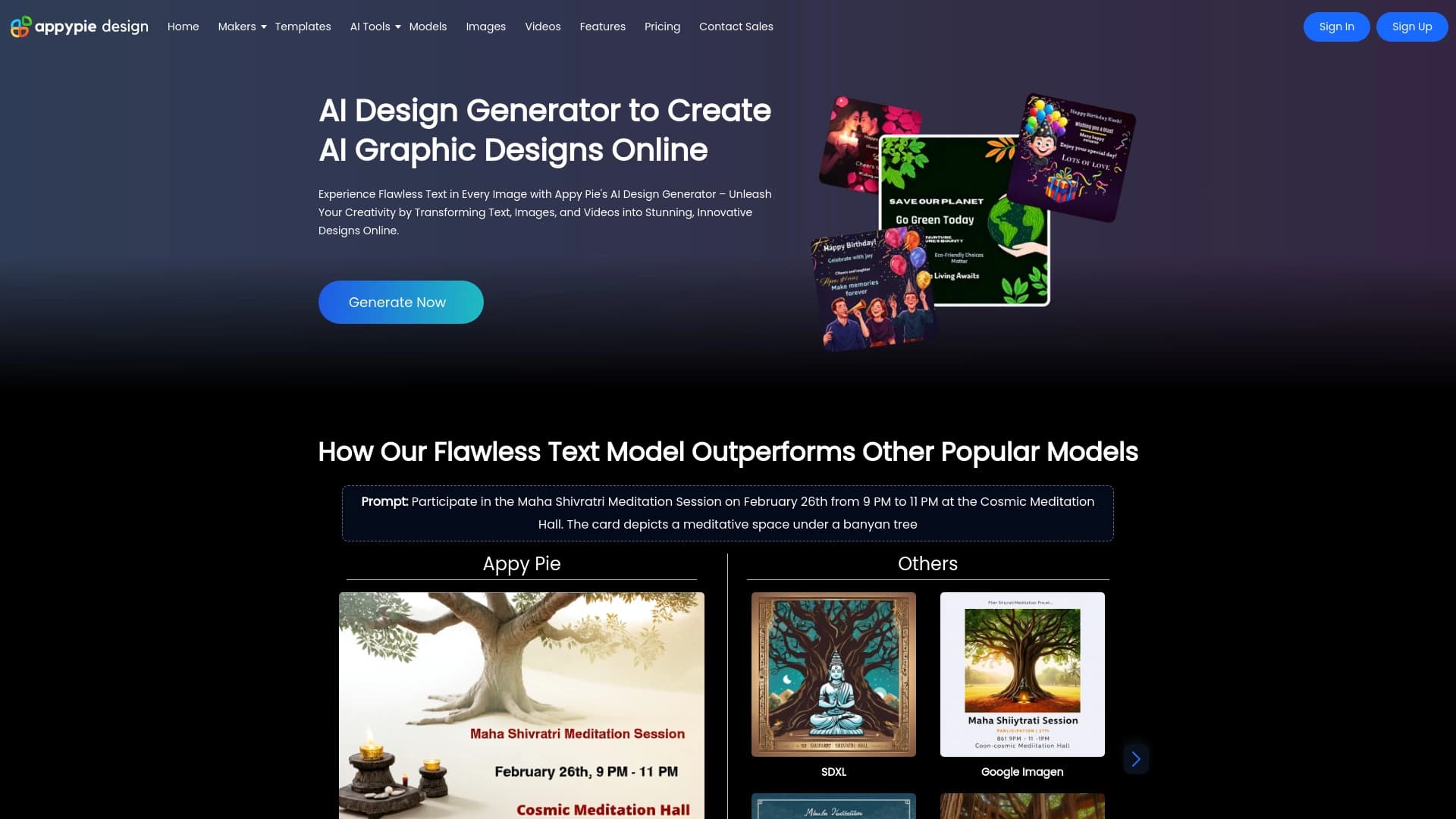
Aperçu général
Réseau neuronal du générateur de conception d'IA Description
AI Design Generator est un outil en ligne de Appy Pie qui utilise des réseaux neuronaux pour créer des dessins graphiques. Au lieu de travailler manuellement dans un éditeur, vous décrivez le résultat souhaité dans le texte ou téléchargez une image source — et l'intelligence artificielle génère indépendamment du matériel visuel prêt à l'emploi.
Le service est axé sur la vitesse et la simplicité. L'utilisateur n'a pas besoin de comprendre la composition, la sélection des couleurs ou la typographie — les algorithmes gèrent la partie technique. La plateforme dispose également d'une bibliothèque de modèles prêts à l'emploi pour différents formats : des messages de médias sociaux aux cartes d'affaires et bannières. Après génération, le résultat peut être ajusté manuellement dans un éditeur pratique.
Caractéristiques du générateur de conception AI
| Fonctionnalité | Valeur |
|---|---|
| Type | Générateur de conception |
| Catégories | Outils d'édition de photos, générateurs de texte à image, générateurs de photo de profil, générateurs d'images et de photo, outils de mise en valeur de photos, outils de génération de logos, outils de mise en valeur d'images, générateurs GIF, outils de conception graphique, générateurs émoji, générateurs de conception, générateurs d'art numérique, générateurs AI avatar, outils de suppression de fond, générateurs de texte à vidéo, outils de conversion image à vidéo, outils de gestion YouTube, assistants de gestion Twitter, générateurs vidéo, assistants de réseaux sociaux, outils de gestion Facebook, assistants Instagram, outils de création d'annonces, générateurs de publicités, générateurs vidéo animés |
| Développeur | Appy Pie LLP |
| Plan gratuit | Disponible (caractéristiques de base) |
| Plateforme | Service en ligne (web) |
Pour qui est AI Design Generator adapté?
Pour les débutants sans expérience de conception
C'est le principal public cible du service. Si vous n'avez jamais travaillé dans Photoshop ou des programmes similaires, AI Design Generator vous permet d'obtenir des résultats acceptables sans apprendre les outils professionnels. L'interface est construite de sorte que les utilisateurs peuvent simplement entrer une description et obtenir une mise en page terminée qui ne nécessite que des ajustements mineurs.
À usage professionnel et personnel
L'outil est également utile pour les tâches personnelles (comme la création d'un avatar ou d'une carte de vœux) et à des fins professionnelles – concevoir des pages de médias sociaux, préparer du matériel promotionnel ou créer des cartes de visite. Pour les entreprises, la capacité de produire rapidement une série de matériaux graphiques similaires sans embaucher un concepteur est particulièrement précieuse.
Comment utiliser AI Design Generator?
Étape 1: Enregistrement et choix du type de matériel
Tout d'abord, vous devez vous inscrire sur la plateforme Appy Pie. Après vous être connecté à votre compte, vous choisissez le type de matériel que vous souhaitez créer : une image, une carte de visite, une vidéo ou un autre format.
Étape 2: Saisir une description ou télécharger un fichier source
Il y a deux chemins possibles. La première consiste simplement à décrire en texte ce qui doit être généré. La seconde consiste à télécharger votre propre image ou vidéo, que le réseau neural utilisera comme base pour créer un nouveau design.
Étape 3: Modifier le résultat
Après que le réseau neural produit un résultat, vous pouvez changer manuellement des éléments individuels : couleurs, polices, blocs de texte, placement d'objets. Cela vous permet d'adapter la conception générée à des tâches spécifiques.
Principales caractéristiques du générateur de conception d'IA
- Générer des dessins à partir de descriptions textuelles — il suffit de formuler une demande pour ce dont vous avez besoin, et le réseau neuronal proposera une option appropriée.
- Travailler avec des images et des vidéos — vous pouvez télécharger vos propres fichiers, et l'algorithme les transformera en un nouveau format visuel.
- Interface simple et intuitive — même les utilisateurs sans formation technique peuvent naviguer dans le processus de création, car les étapes sont logiquement organisées et ne sont pas surchargées de paramètres.
Avantages du générateur de conception d'IA
- Vitesse de création — un design est prêt en quelques minutes, ce qui est critique si l'on travaille rapidement avec les médias sociaux ou les campagnes publicitaires.
- Accessible aux débutants — pas besoin d'apprendre des éditeurs complexes abaisse la barrière d'entrée.
- Large bibliothèque de modèles — des modèles pour différentes tâches sont disponibles pour chaque goût, en accélérant le travail.
Inconvénients du générateur de conception d'IA
- Répétition du modèle — les œuvres générées se ressemblent souvent les unes aux autres, et la création d'un design vraiment unique exige un perfectionnement manuel des détails.
- Dépendance sur le matériau source — la qualité du résultat est directement déterminée par la qualité de la description ou de l'image que vous fournissez au réseau neuronal.
- Faible performance sur les tâches créatives — si vous avez besoin d'une approche non conventionnelle ou d'un concept complexe, l'IA peut ne pas faire face et produira un résultat trop formulel.
Quelles tâches est AI Design Generator résoudre?
Les principaux cas d'utilisation consistent à créer rapidement du contenu visuel pour les médias sociaux, y compris des messages pour Instagram, Facebook et d'autres plateformes. Le service est également pratique pour préparer des cartes de visite et des dépliants. De plus, les bannières, les logos simples, les textes et le contenu vidéo sont pris en charge. Le principal avantage est la vitesse à laquelle vous pouvez obtenir un produit fini sans vous enliser dans les détails techniques.
Prix du générateur de conception AI
Le service fonctionne sur un modèle freemium. Il existe un plan gratuit avec des fonctionnalités de génération de base sans restrictions sur les capacités clés. Pour ceux qui en ont besoin, des abonnements payants sont disponibles : « Starter » - qui débloque des modèles élargis et des ressources premium, et « Professional » - avec un ensemble complet de fonctionnalités, des capacités de collaboration d'équipe et un soutien prioritaire.
Conditions d'utilisation pour le générateur de conception AI
Pour commencer, vous devez vous inscrire sur la plateforme Appy Pie. Il n'y a pas d'exigences particulières pour le matériel ou les logiciels — tout navigateur moderne fonctionnera. Le forfait gratuit n'a pas de frais cachés, vous permettant de tester confortablement le service avant de passer à un abonnement.
AI Design Generator Disponibilité
L'outil est disponible en tant que service web. Ouvrez simplement le site Web dans un navigateur, connectez-vous et commencez à créer des conceptions. Aucune installation logicielle supplémentaire ou application mobile n'est nécessaire, rendant le service pratique à utiliser sur n'importe quel appareil avec accès Internet.
Comment AI Design Generator diffère des alternatives
La principale différence est la combinaison de « génération neuronale + Appy Pie-based builder ». Contrairement à de nombreux réseaux neuronaux purs qui ne génèrent qu'une image et s'arrêtent là, ici le résultat peut être immédiatement édité avec des outils intégrés après la création. Ceci est pratique lorsque vous avez besoin non seulement d'une image unique, mais une mise en page entièrement terminée.
De plus, le service cible un large public - des débutants aux utilisateurs commerciaux. Les alternatives Niche comme Midjourney ou Leonardo.ai nécessitent une compréhension plus approfondie du processus et ne fournissent souvent pas de modèles intégrés pour des tâches spécifiques comme les cartes de visite ou les bannières. Pendant ce temps, les constructeurs traditionnels sans AI vous forcent à tout faire manuellement. AI Design Generator occupe une niche intermédiaire, combinant les deux approches.
Conclusion
AI Design Generator de Appy Pie est un outil en ligne pratique pour créer rapidement des matériaux graphiques basés sur des invites de texte, des images et des vidéos. Il convient à la fois aux débutants et aux utilisateurs d'affaires, permet d'économiser du temps sur les tâches courantes grâce à la génération automatisée, et fournit un éditeur simple pour finaliser le résultat. Le service a certaines limites, y compris des résultats de formule, mais pour les tâches standard - postes, cartes de visite, bannières - c'est une option solide avec une barrière d'entrée faible.
Foire aux questions
Voir aussi
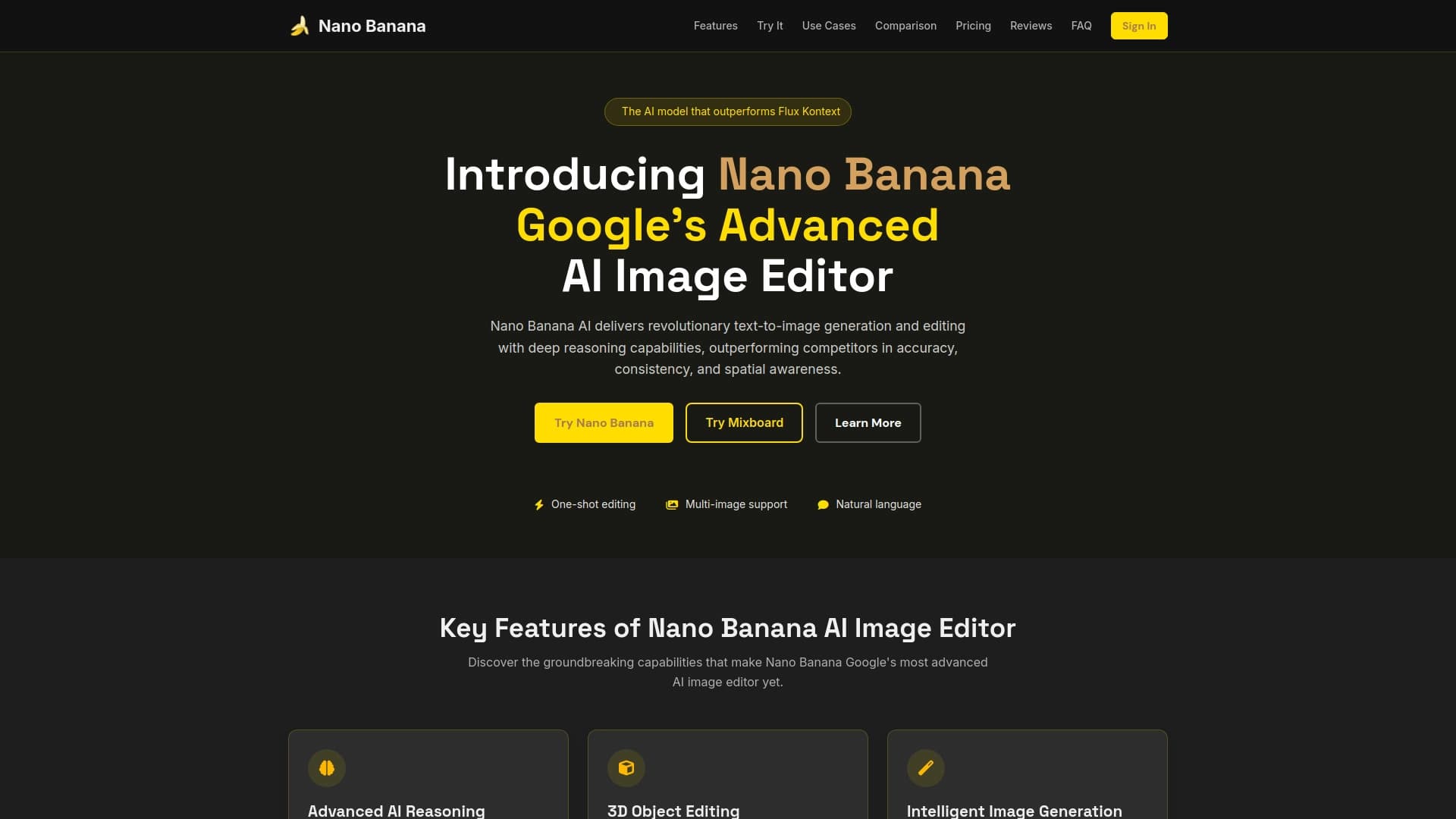

Modèle Google pour générer et éditer des images à partir de descriptions de texte avec support 4K et préservation de l'identité de caractère.
Catalogue d'éditeurs vidéo gratuits sans filigranes pour créer et éditer des vidéos.


Plateforme basée sur l'IA pour la création de logos et d'identité de marque.


ComicLLM est un outil AI pour créer des bandes dessinées à partir de descriptions de texte ou de modèles prêts à l'emploi.

Un service cloud réseau neuronal pour générer des modèles, textures et animations 3D à partir de descriptions de texte ou d'images.

Service d'animation de photos et de création de vidéos avec des avatars numériques utilisant l'intelligence artificielle.
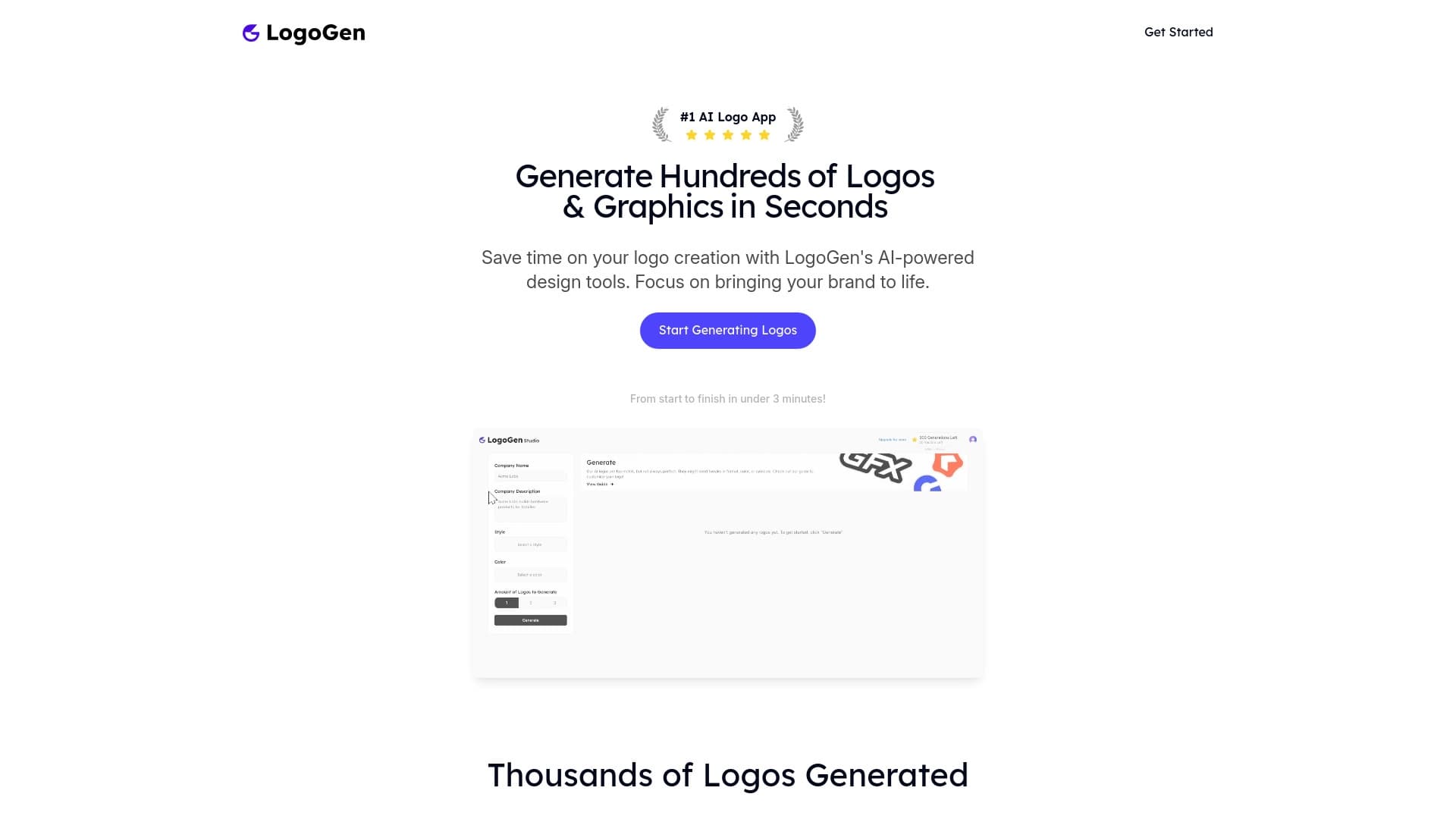

LogoGen est un outil d'IA pour générer rapidement des logos professionnels.


AI chatbot pour automatiser la communication client et la qualification de leader.