
AI Content Detector - Chrome Ex
Una extensión de Chrome que determina si el texto seleccionado fue escrito por una inteligencia humana o artificial.
Examen
Detector de contenidos AI es una extensión del navegador de Google Chrome desarrollada por Sapling AI que resuelve un problema apremiante: determinar rápidamente el origen del texto. Analiza un fragmento seleccionado directamente en una página web, ya sea un post de redes sociales, artículo de noticias o entrada de blog, y entrega un veredicto, ya sea que el contenido fue creado por un humano o generado por inteligencia artificial.
La característica principal de la herramienta es su integración perfecta en la navegación diaria. Usted no necesita copiar texto y cambiar a un servicio separado: simplemente resaltar el párrafo relevante, haga clic en el botón "Detect AI", y el resultado aparece en la página como un porcentaje de confianza. Al mismo tiempo, los desarrolladores y usuarios señalan que en textos fuertemente editados, mixtos o no convencionales, la herramienta puede cometer errores, por lo que el resultado debe ser tratado como una estimación más que una verdad absoluta.
Detector de contenidos AI - Características de Chrome Ex
| Características | Valor |
|---|---|
| Tipo | Extensión del navegador (Google Chrome) |
| Desarrollador | Sapling AI |
| Categoría | Herramientas universales de detección de IA; herramientas de detección de contenidos AI; Generadores de contenido de texto |
| Visitas mensuales | 388,9K |
| Plan libre | Sí (funcionalidad de núcleo) |
| Precios del plan pagado | Profesional — disponible en una suscripción mensual; Negocios — disponible en una suscripción mensual |
| Plataforma | Google Chrome extensión |
¿Quién es el Detector de Contenidos de AI - Chrome Ex adecuado para?
La herramienta está diseñada para una amplia gama de usuarios que encuentran contenido online diariamente y se preocupan por su calidad y fiabilidad.
Editores y gestores de contenidos
Para los profesionales que revisan los materiales antes de la publicación, esta es una forma de filtrar rápidamente los textos escritos por AI y asegurar que el contenido cumpla con los requisitos de originalidad.
Usuarios de redes sociales
Para lectores activos de noticias y publicaciones de redes sociales, la extensión ayuda a verificar la fiabilidad de la información que ven y evitan la difusión de publicaciones falsas o artificialmente infladas.
Cualquier persona que se preocupa por la calidad de la información
Cualquier persona que desee distinguir el texto original del contenido generado sin un análisis prolongado encontrará esta herramienta útil para la verificación rápida de la información.
Cómo utilizar Detector de Contenidos de AI - Chrome Ex?
El proceso de uso es extremadamente simple y toma sólo unos segundos — esta es una de las ventajas clave de la extensión.
Paso 1: Seleccione el texto
Mientras visita cualquier página web en Chrome, resaltar el fragmento de texto relevante. Esto puede ser un artículo completo, un solo párrafo, o incluso una frase corta.
Paso 2: Haga clic en el botón "Detect AI"
Después de seleccionar el texto, active la función de verificación haciendo clic en el botón "Detect AI" en la interfaz de la extensión.
Paso 3: Evaluar el resultado
El resultado aparece instantáneamente en la página como un porcentaje de confianza. Si ha revisado el texto, puede enviarlo para volver a comprobar si el veredicto ha cambiado.
Características principales del detector de contenidos AI - Chrome Ex
La funcionalidad de la extensión está limitada pero cubre plenamente las necesidades básicas de los usuarios para la verificación rápida de texto.
Verificación de texto seleccionado para la autoría humana o AI
La herramienta analiza cualquier fragmento de texto seleccionado en una página web y determina quién lo escribió: una inteligencia humana o artificial. Esto funciona sin necesidad de visitar sitios web de terceros.
Mostrando un porcentaje de confianza
En lugar de una respuesta abstracta "sí/no", la extensión muestra un porcentaje de confianza en la determinación del autor del texto. Esto permite a los usuarios evaluar el resultado de manera más flexible y tomar sus propias decisiones.
Re-checking after editing
Los usuarios pueden editar el texto y enviarlo para la reverificación. Esto es especialmente útil cuando se trabaja con sus propios proyectos o textos mixtos.
Ventajas de Detector de Contenidos de AI - Chrome Ex
La herramienta de Sapling AI tiene varias fortalezas que lo hacen útil en el uso cotidiano.
Alta precisión sobre textos complejos
Los desarrolladores afirman que la extensión detecta el contenido de AI con bastante precisión, incluyendo casos complejos y disfrazados donde el texto se ve "como humano".
Relámpagos sin copiar
La principal ventaja es la velocidad y comodidad. La verificación ocurre directamente en el sitio, sin copiar, pegar o cambiar a otros servicios. Esto ahorra tiempo.
Ayuda en la lucha contra las falsificaciones
La extensión ayuda a los usuarios a evitar información y falsificaciones poco fiables, que es especialmente relevante para las fuentes de noticias y las redes sociales.
Desventajas de Detector de Contenidos de AI - Chrome Ex
A pesar de sus fuerzas obvias, la herramienta tiene varias limitaciones que son importantes para considerar al utilizarla.
Los resultados no son absolutamente exactos
Los resultados no siempre son 100% exactos. La extensión puede confundir el texto humano con AI y viceversa. Esto debe ser considerado al tomar decisiones importantes basadas en el cheque.
Dependencia sobre la estructura de texto
La precisión de detección depende en gran medida de la estructura de texto. Si el texto ha sido muy reelaborado, reescrito o mezclado con el estilo original de una persona, la calidad de detección se degrada notablemente.
Concentración estrecha
La herramienta trabaja exclusivamente con texto. No está diseñado para analizar imágenes, vídeos u otros tipos de contenido.
¿Qué tareas resuelve el Detector de Contenidos de AI - Chrome Ex?
La extensión está dirigida a resolver tareas prácticas relacionadas con la verificación de contenidos en Internet.
Cheques de autenticidad de contenido rápido
La herramienta le permite determinar instantáneamente si un texto es original o generado, sin análisis prolongado o servicios complejos.
Filtrar materiales cuestionables
Se puede utilizar para filtrar materiales cuestionables y generados por IA, que es importante para mantener la calidad y transparencia en publicaciones en oficinas editoriales y blogs.
Detectar falsificaciones en redes sociales
La extensión ayuda a identificar publicaciones falsas y artificialmente infladas en plataformas sociales como LinkedIn, Reddit, Facebook y otros.
Detector de contenidos AI - Chrome Ex Precios
La extensión se distribuye bajo un modelo de freemium, lo que le permite comenzar a usarlo de forma gratuita y actualizar a los planes extendidos cuando sea necesario.
Plan libre
La funcionalidad básica está disponible, incluyendo comprobar el texto seleccionado y mostrar un porcentaje de confianza. Esto es suficiente para uso ocasional.
Plan del cuadro orgánico
Proporciona herramientas adicionales para la comprobación de textos a granel y la generación de informes. Adecuado para usuarios activos y pequeños equipos editoriales.
Plan de negocios
Incluye acceso completo a API y funciones avanzadas de equipo, lo que le permite integrar cheques en los flujos de trabajo de la empresa.
Términos de uso para Detector de Contenidos AI - Chrome Ex
La extensión está disponible para descarga gratuita y uso a través de Chrome Web Store. Para empezar, simplemente instale la extensión en el navegador Google Chrome. Utilizar el plan gratuito no requiere condiciones adicionales, activación o detalles de pago. La herramienta funciona directamente en el navegador y no requiere registro en sitios de terceros o navegación a enlaces externos.
Disponibilidad de Detector de Contenidos AI - Chrome Ex
La extensión está disponible exclusivamente para el navegador Google Chrome. Dada la popularidad de este navegador, la herramienta se puede utilizar en la mayoría de los dispositivos: ordenadores personales, laptops, y dispositivos que ejecutan Chrome OS. La extensión no está destinada a dispositivos móviles u otros navegadores.
Cómo Detector de Contenidos AI - Chrome Ex difiere de alternativas
Existen varias herramientas para detectar contenido de IA en el mercado, como GPTZero, Turnitin, ZeroGPT, Originalidad. AI y otros. La diferencia clave de la extensión Sapling AI es su integración del navegador y se centra en la verificación instantánea del texto seleccionado sin la necesidad de copiar y pegar en un campo separado. Los competidores suelen trabajar a través de una interfaz web, que es menos conveniente para operaciones rápidas.
Entre sus ventajas sobre las alternativas se encuentran la exactitud reclamada sobre textos complejos y disfrazados, así como la disponibilidad de un plan libre. Sin embargo, vale la pena señalar que muchas herramientas similares también ofrecen versiones gratuitas. El intercambio principal de la extensión es su alcance limitado (sólo texto) y dependencia de la estructura de texto, que es típico de la mayoría de los detectores de IA. La mayoría de las alternativas ofrecen funcionalidades más amplias, incluyendo cheques de plagio, análisis de lotes y API, pero no se ajustan a la conveniencia de la verificación instantánea en el navegador.
Conclusión
El Detector de Contenidos de AI es una extensión conveniente del navegador para comprobar rápidamente los textos de generación de AI en una página web. Sus principales ventajas son la velocidad, la facilidad de uso, y la integración perfecta con Google Chrome. Sin embargo, es importante recordar sus limitaciones: los resultados no siempre son exactos, especialmente en textos editados o no convencionales, y la funcionalidad se limita a analizar contenidos puramente textuales. La herramienta será un asistente útil para editores, gestores de contenidos y usuarios regulares que buscan distinguir el contenido original del material generado, pero no debe ser considerado como un árbitro absolutamente confiable de la verdad.
Preguntas frecuentes
Vea también
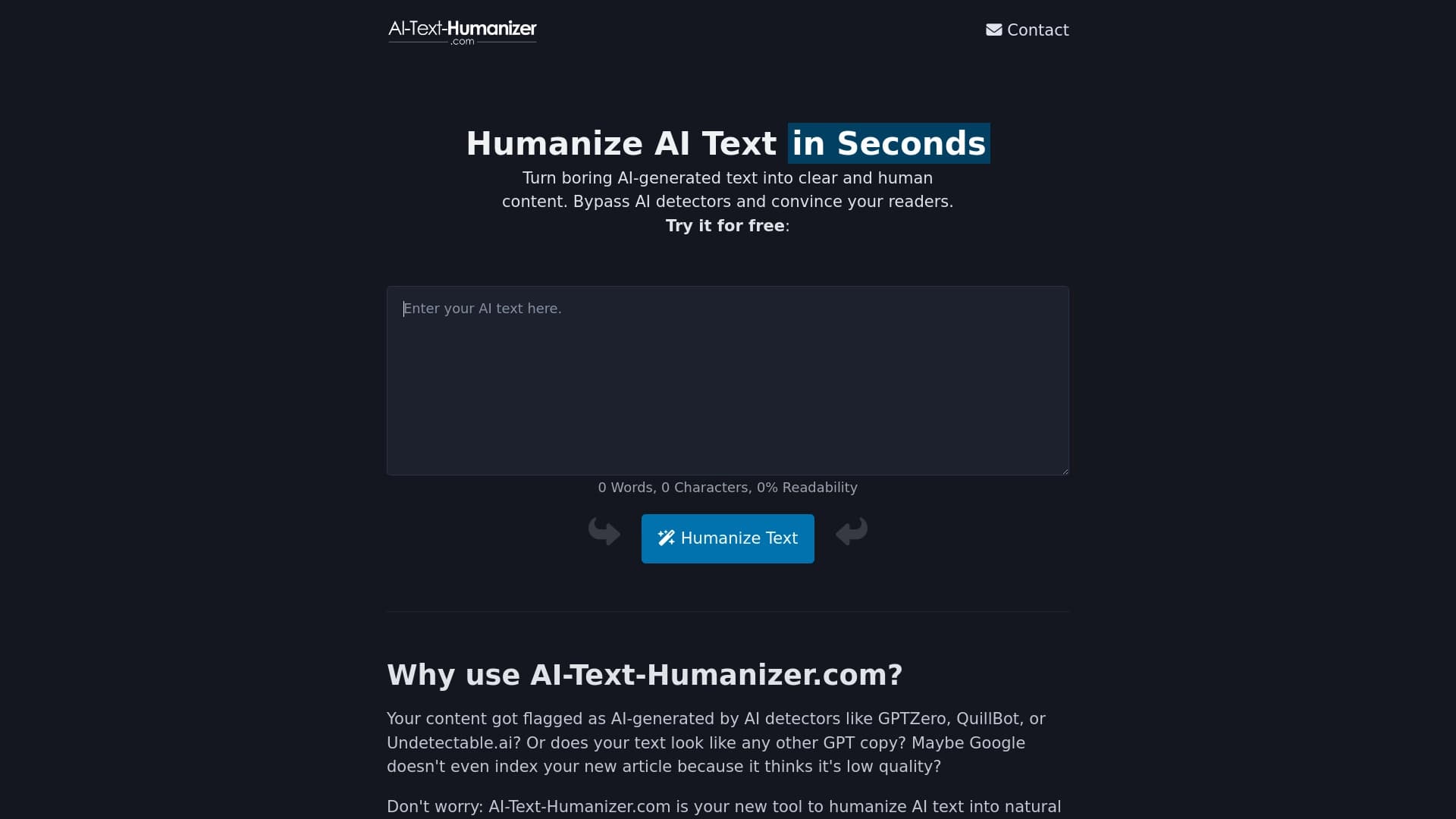
Un servicio en línea que retrata texto creado por una red neuronal para que suene natural e indetectable por detectores de inteligencia artificial.

Agente AI para automatizar las acciones rutinarias del navegador, tales como llenar formularios y recoger datos.
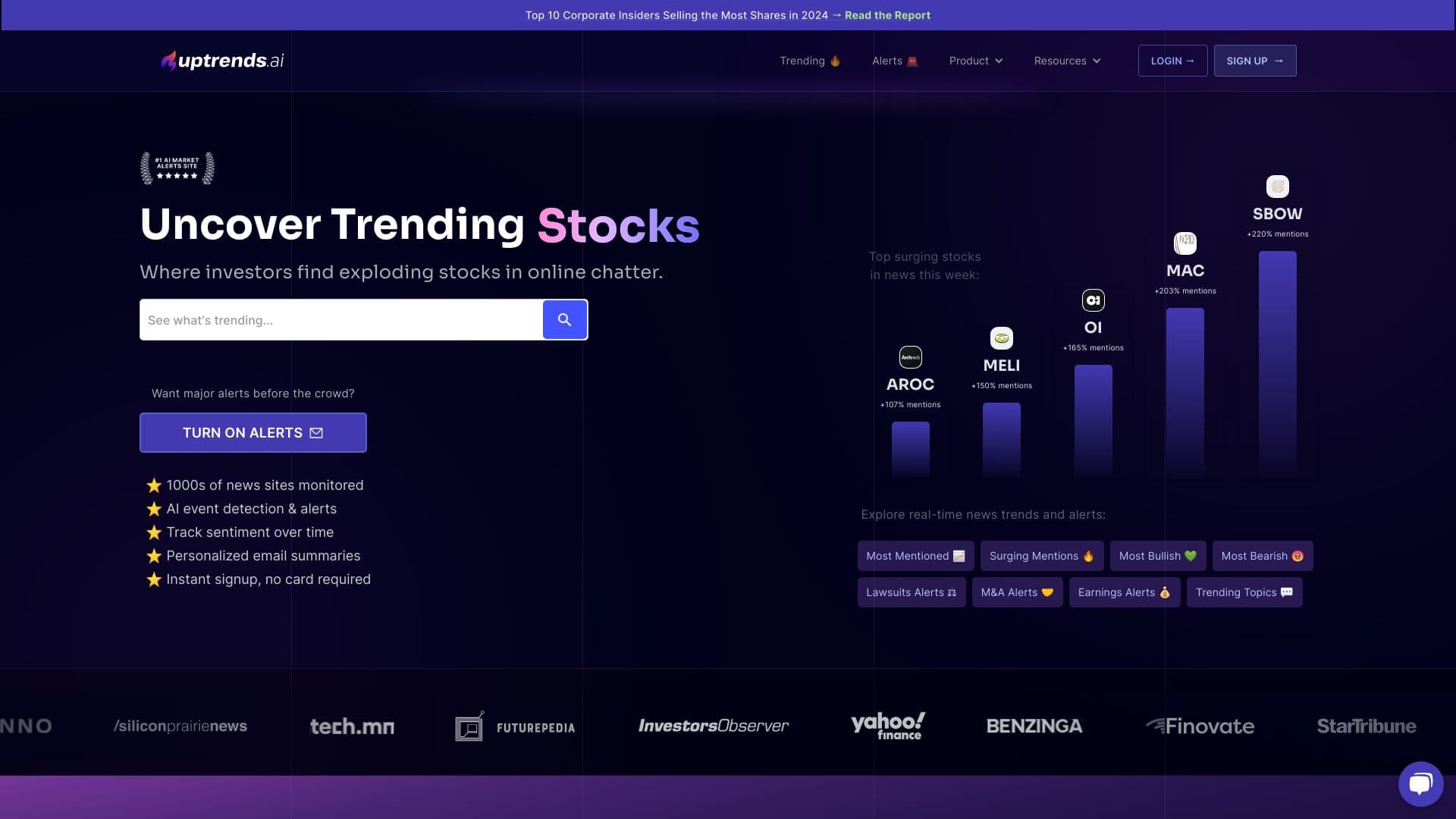

Servicio para el análisis del mercado de valores recopilando noticias y datos de redes sociales en tiempo real.
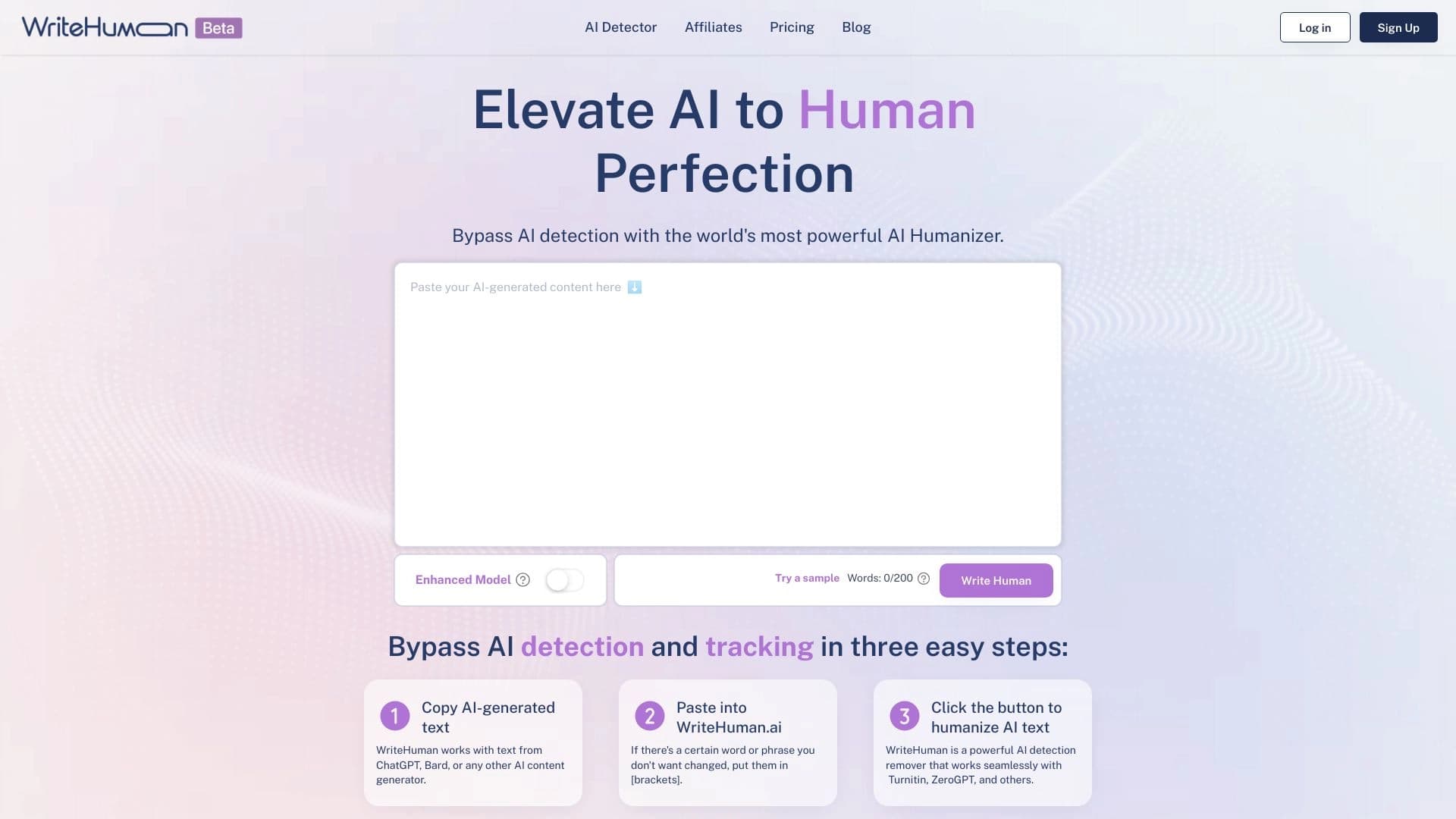

Servicio para transformar el texto generado por AI en una forma más natural que es más difícil para los detectores de inteligencia artificial reconocer.


Panel lateral de IA que ayuda a responder preguntas, trabajar con documentos y generar imágenes.


Ampliación de Chrome que ayuda a gestionar las pestañas, historia y marcadores con un asistente de inteligencia artificial.
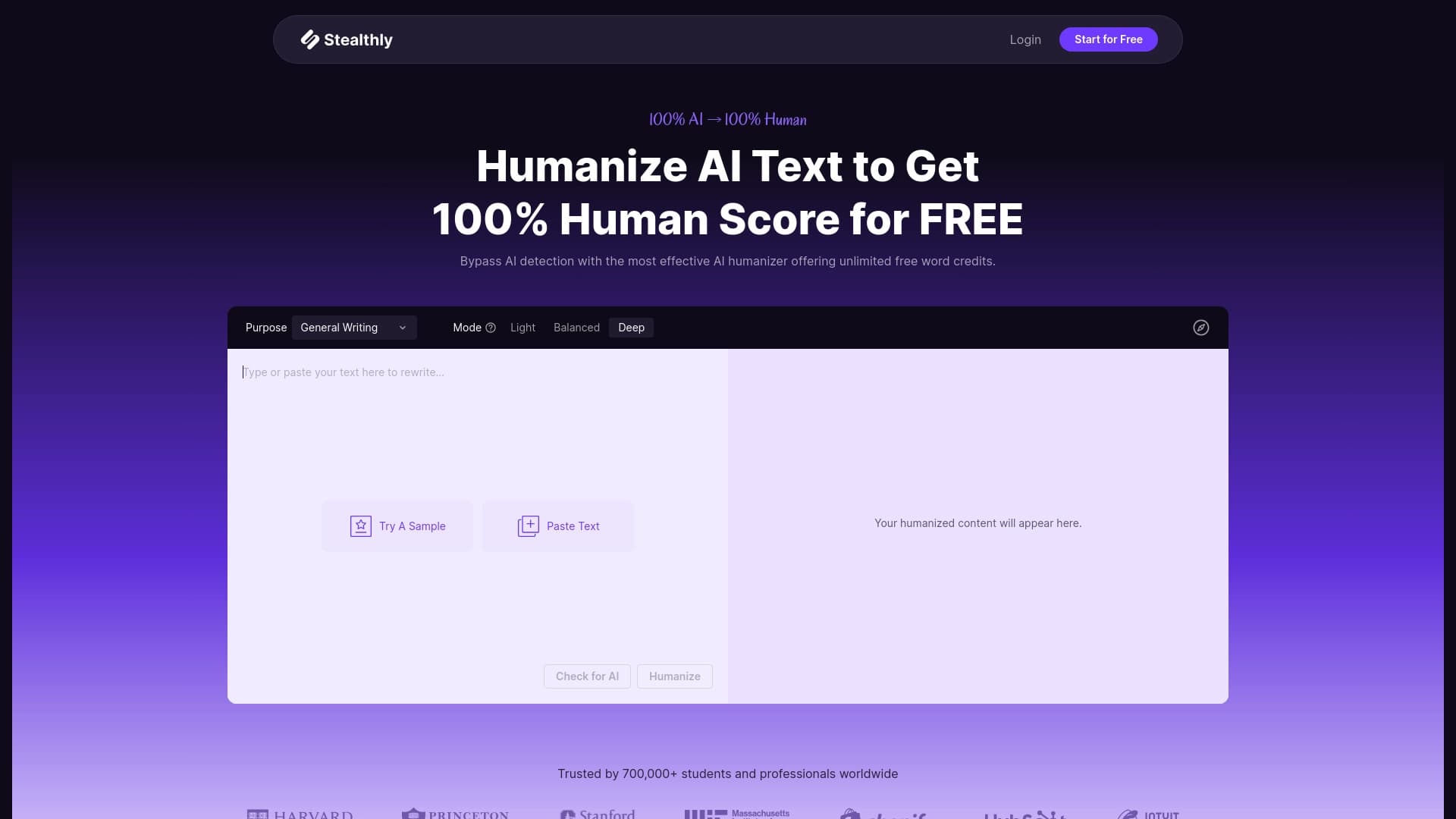

El servicio para traducir textos creó redes neuronales en forma indistinguible del humano escrito.


Extensión del navegador para automatizar acciones rutinarias en cualquier sitio web con la ayuda de AI.