

AI Clothes Remover
Ferramenta online com IA para remover roupas de fotos e vídeos.
Visão geral
AI Removedor de Roupas Neural Network Descrição
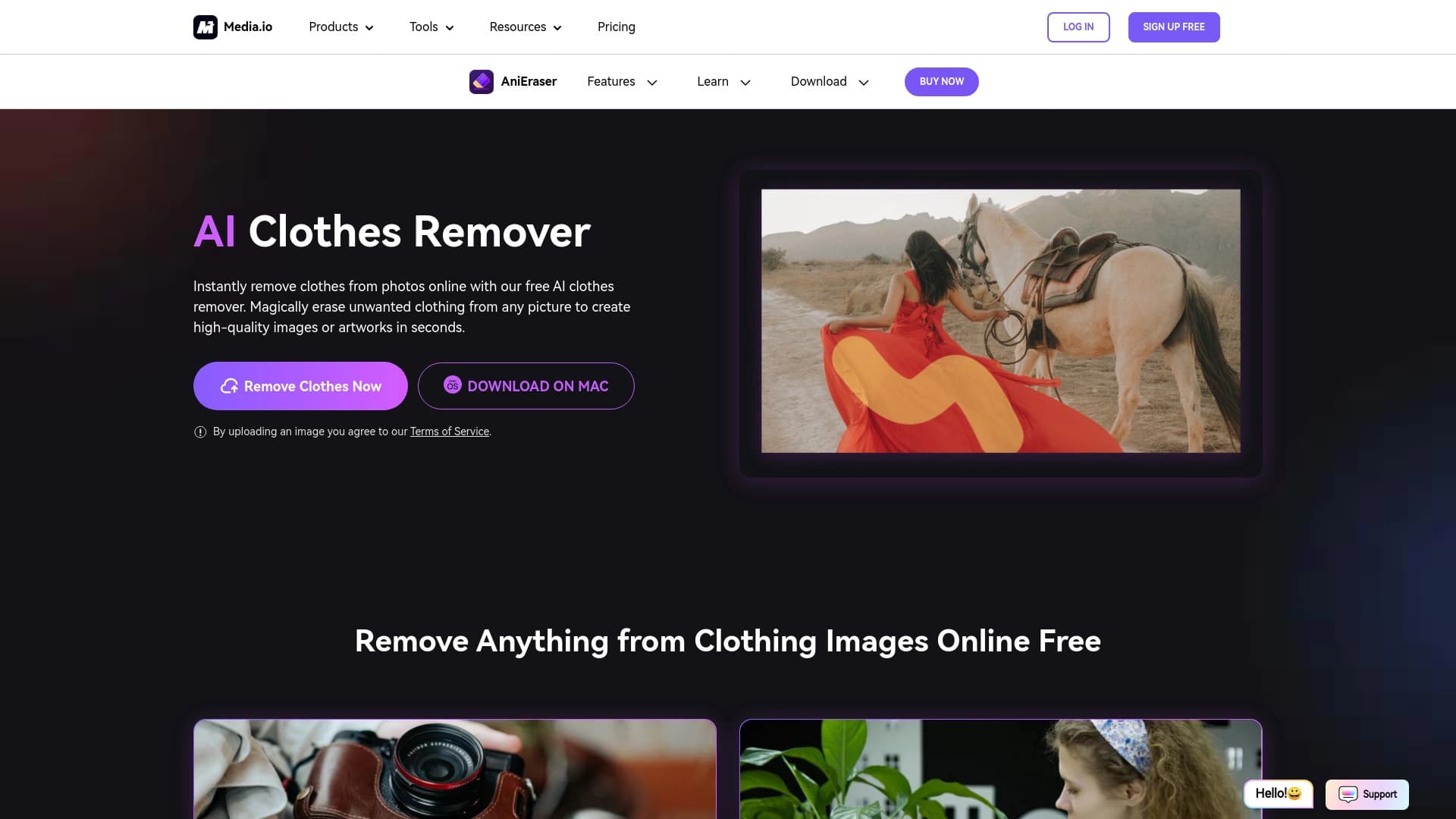
AI Clothes Remover é uma ferramenta online de IA desenvolvida pela Media.io (marca AniEraser) para remover automaticamente roupas de fotos e vídeos. O princípio de trabalho é bastante simples: o usuário carrega um arquivo, marca a área a ser processada com um pincel e lança o algoritmo. A rede neural reconhece os limites do objeto, remove a área selecionada e restaura o fundo, simulando a textura natural da pele e do ambiente.
A solução é posicionada como uma ferramenta para edições rápidas que não requer habilidades de editor gráfico do usuário. Em vez de horas de retoque manual no Photoshop, o algoritmo faz o trabalho principal em segundos. Ao contrário de muitos serviços semelhantes, AI Clothes Remover funciona não só com imagens estáticas, mas também com vídeo, rastreamento objeto movimento frame by frame.
Características do removedor de roupas de IA
| Característica | Valor |
|---|---|
| Tipo | Ferramenta para remover roupas de fotos e vídeos |
| Plataformas | Web, Mac, Windows |
| Categorias | Remoção de roupas AI, Removedor de fundo AI, AI Photo Enhancer, Editor de fotos AI, NSFW |
| Empresa | Wondershare (marca AniEraser) |
| Desenvolvimento | AniEraser / Media.io |
| Nível livre | Sim (acesso limitado às características básicas) |
| Visitas mensais | ~1,5 milhões |
| Data adicionada ao catálogo | 02 de setembro de 2024 |
Para quem é adequado o Removedor de Roupas de IA?
Fotógrafos e designers
Profissionais que trabalham com imagens podem usar a ferramenta para rascunho rápido de edições antes do processamento final. Por exemplo, avaliar a composição sem distrair elementos do guarda-roupa ou criar projetos de arte conceitual.
Criadores de conteúdo e influenciadores
Blogueiros e autores de mídia social às vezes recorrem a tais ferramentas para criar posts criativos, desafios ou soluções visuais provocativas que atraiam a atenção do público.
Usuários regulares
Pessoas sem habilidades especiais de edição podem usar o serviço para experiências de fotos únicas de curiosidade ou para criar imagens engraçadas para os amigos. A interface foi projetada para um limiar mínimo de entrada.
Como utilizar o Removedor de Roupas de IA?
Instruções passo a passo para fotos
O processo é extremamente simples e encaixa em cinco etapas:
- Vá ao site da AniEraser.
- Envie a foto que deseja editar.
- Use o pincel para destacar as áreas de vestuário a serem removidas.
- Clique no botão "Remover" - a IA processará a imagem.
- Baixe a foto editada para o seu dispositivo.
Trabalhar com vídeo
Removedor de roupas de IA também pode trabalhar com arquivos de vídeo. Neste caso, a rede neural não corta apenas um objeto de uma única moldura — ele rastreia seu movimento ao longo de todo o vídeo, removendo suavemente a estrutura de vestuário por quadro. Isso produz um resultado natural sem jitter ou pixel "flickering".
Principais características do removedor de roupas de IA
Remoção de roupas com um clique
A principal e principal característica — remoção automática de roupas de imagens enviadas. O usuário não precisa rastrear manualmente contornos complexos: um contorno de pincel áspero é suficiente, e o algoritmo lida com o resto.
Edição de vídeo
Ao contrário de muitos concorrentes, o serviço suporta o processamento de vídeo. A IA rastreia o movimento do objeto em movimento e processa cada quadro sequencialmente, mantendo transições realistas.
Alta qualidade da imagem final
Os algoritmos são projetados para preservar o detalhe da pele e do fundo após o processamento. A imagem não parece superexposta ou "blurry", e a estrutura dos objetos circundantes não é distorcida.
Vantagens do Removedor de Roupas de IA
Poupança de tempo
Removendo manualmente roupas de fotos no Photoshop é um processo de trabalho intensivo que pode levar horas de trabalho com seleções, máscaras e clonagem. A IA lida com a tarefa em segundos, o que é especialmente crítico ao processar grandes lotes de imagens.
Facilidade de utilização
Não são necessárias competências profissionais para utilizar o serviço. A interface é intuitiva, e o próprio mecânico "upload — select — remove" não requer nenhum estudo de tutoriais.
Qualidade profissional para iniciantes
Mesmo um usuário sem experiência em retoque obtém um resultado comparável em qualidade ao trabalho de um especialista. Os algoritmos preservam a textura da pele e a naturalidade de fundo, produzindo uma imagem limpa.
Desvantagens do Removedor de Roupas de IA
Riscos éticos
Esta é a principal pedra de tropeço. A capacidade de remover roupas das fotos sem o consentimento das pessoas representadas cria sérios riscos de abuso. A tecnologia pode ser usada para criar falhas profundas, conteúdos humilhantes ou violações de privacidade. O quadro jurídico neste domínio está muito aquém do desenvolvimento tecnológico.
Imprecisões em tiros complexos
Os algoritmos não são perfeitos. Em fotos com muitos pequenos detalhes, poses incomuns, fundos complexos, ou baixa resolução, o resultado pode parecer não natural. Artefatos e distorções são possíveis em imagens antigas ou de baixa qualidade.
Preocupações com a privacidade dos dados
Usuários enviam fotos pessoais para um servidor de terceiros. Ao mesmo tempo, a transparência da política de armazenamento de dados não é totalmente divulgada. Não há 100% de garantia de que imagens carregadas não serão usadas para treinar algoritmos ou cair nas mãos de terceiros.
Que tarefas o Removedor de Roupas de IA resolve?
Projetos criativos e artísticos
A ferramenta é adequada para criar edições artísticas, obras de arte conceituais, colagens surreal e colagens de fotos criativas onde a aparência de um objeto precisa ser alterada.
Comercialização e fins comerciais
O serviço pode ser usado para o rápido desenvolvimento de conteúdo para campanhas publicitárias, criação de esboços de design de moda ou preparação de materiais de portfólio. A capacidade de mudar de roupa em fotos permite aos designers experimentar conceitos visuais.
Redes sociais
Influenciadores e blogueiros usam a ferramenta para criar conteúdo incomum que se destaca no feed e aumenta o engajamento do público. Adequado para gerar ideias, posts humorísticos e desafios virais.
Preço do removedor de roupas AI
O serviço opera em um modelo freemium — algumas características estão disponíveis gratuitamente, mas com limitações. Para acesso total às capacidades de edição, são oferecidos planos pagos:
- Plano livre — acesso limitado às características de base.
- Plano normal — cerca de 7 dólares por mês. Inclui acesso total a recursos de edição.
- Plano de prémios — cerca de 14 dólares por mês. Desbloqueia recursos avançados e fornece suporte prioritário.
Vale a pena notar que os preços atuais e o conteúdo do plano podem mudar — é sempre melhor verificar o site oficial para obter informações precisas.
Termos de Uso para Removedor de Roupas de IA
A página oficial do serviço tem uma seção de FAQ que menciona questões sobre requisitos de registro, armazenamento de imagens no servidor, limites no número de fotos carregadas e a possibilidade de uso comercial. No entanto, respostas específicas não são divulgadas na página — após uma revisão detalhada das informações do site, torna-se claro que os termos exatos de uso requerem esclarecimentos do suporte ao cliente ou no contrato de usuário no momento do registro.
Disponibilidade de Removedor de Roupas de IA
O serviço está disponível em três plataformas: através de um navegador web (Web), bem como em sistemas operacionais desktop Mac e Windows. Linguagens de interface e restrições regionais não são explicitamente declaradas no site, mas as análises mostram que o público do serviço consiste principalmente em usuários da Índia, Estados Unidos, Paquistão, Coréia e Filipinas. Isso indica a disponibilidade global da ferramenta sem restrições geográficas rigorosas.
Como removedor de roupas de IA difere de alternativas
Uma das seções do catálogo lista os principais concorrentes do serviço: DeepNude, RetouchMe, BasedLabs AI Clothes Remover e YouCam Editor Online. No entanto, a página não contém análise comparativa direta, então as vantagens só podem ser julgadas por indicadores indiretos.
A principal diferença entre Removedor de Roupas de IA e muitas alternativas é a capacidade de trabalhar com vídeo, não apenas imagens estáticas. A capacidade de rastrear objetos em movimento e processar cada quadro automaticamente é uma vantagem significativa para os criadores de conteúdo.
Nenhuma comparação direta da velocidade de processamento, qualidade do resultado ou precisão de seleção são fornecidas nas fontes, nem há dados sobre como exatamente a ferramenta supera DeepNude ou RetouchMe.
Conclusão
AI Clothes Remover da Media.io é uma ferramenta simples e rápida para remover roupas de fotos e vídeos, voltada para um público amplo: de fotógrafos e designers para usuários regulares que querem experimentar com edição. Ele realmente economiza tempo, não requer habilidades especiais, e oferece resultados de qualidade profissional em tiros simples. No entanto, a tecnologia tem sérias limitações éticas e potenciais riscos de abuso relacionados a violações de privacidade e criação de conteúdo sem o consentimento das pessoas representadas. Os usuários devem abordar conscientemente o uso de tal ferramenta e considerar os aspectos legais e morais.
Perguntas mais frequentes
Consulte também


Editor online para remover objetos indesejados, textos e defeitos de fotos usando rede neural.


Serviço online baseado em rede neural para transformar fotos comuns em retratos artísticos estilizados e avatares.

Conjunto de ferramentas multimídia de IA para editar e aprimorar fotos, vídeos e documentos PDF.

Plataforma em nuvem para criação de vídeos com avatares de IA, fala sintetizada e tradução automática de vídeos para dezenas de idiomas.

Serviço para criar avatares personalizados e sessões de fotos com IA com base em selfies enviadas.


Ferramenta online para criar deepfakes e editar imagens com IA.


Um serviço online que reconhece o texto nas páginas manga e manhwa, o traduz em diferentes idiomas, e o incorpora de volta à imagem sem danificar a arte original.


Rede neural do Google para gerar e editar imagens a partir de descrições de texto, com base em modelos Gemini.