
AI Cap’n - Chrome Extension
Extensión del navegador con una barra lateral impulsada por ChatGPT para preguntas y respuestas rápidas sin cambiar las pestañas.
Examen
AI Cap’n - Chrome Extension Descripción
AI Cap’n es una extensión del navegador Chrome que añade una barra lateral con un asistente de IA de ChatGPT a la interfaz del navegador. La herramienta está diseñada para escenarios donde los usuarios necesitan hacer una pregunta rápidamente, obtener una respuesta, o trabajar con texto sin salir de la página actual o cambiar entre pestañas.
La barra lateral aparece bajo demanda, típicamente a través de un hotkey, y funciona en la parte superior de cualquier sitio web abierto. Esto le permite utilizar el asistente en el contexto de su tarea actual: por ejemplo, aclarar un término de un artículo, reformular un párrafo de un correo electrónico o generar una respuesta corta para una conversación.
La extensión soporta varias opciones útiles: copiar todo el historial de chat con un clic, permitiendo un tema oscuro para un uso cómodo durante la noche, y conectar su propia clave de API. Esta última opción desbloquea el acceso a funciones avanzadas y da a los usuarios más control sobre cómo funciona el asistente.
AI Cap’n se distribuye en un modelo de freemium: el nivel gratuito proporciona acceso limitado a las características básicas, mientras que las suscripciones pagadas añaden funciones y herramientas avanzadas para los equipos.
AI Cap’n - Chrome Extension Características
| Característica | Valor |
|---|---|
| Tipo | Extensión del navegador |
| Categorías | Asistentes de escritura, herramientas de procesamiento de texto |
| Plataformas | Chrome (extensión) |
| Tecnología de base | ChatGPT |
| Visitas mensuales | 38.4K |
| Desarrollador | AiParrot Technologies |
| Tier gratis disponible | Sí (acceso limitado a las características principales) |
¿Quién es AI Cap’n - Chrome Extension para?
Usuarios que frecuentemente trabajan con texto en el navegador
AI Cap’n será útil para aquellos que pasan mucho tiempo en el navegador y se ocupan regularmente de tareas de texto: escribir correos electrónicos, responder en mensajeros y foros, redactar documentos o publicaciones. Gracias a la barra lateral, el asistente está siempre a la mano, sin necesidad de buscar una ventana de chat separada o abrir pestañas adicionales.
Profesionales que necesitan referencias rápidas sin distracción
Los periodistas, editores, estudiantes y trabajadores de oficina a menudo se distraen buscando información. AI Cap'n te permite hacer una pregunta a la AI en la página con la que estás trabajando y volver inmediatamente a tu tarea. Esto reduce el tiempo dedicado a operaciones rutinarias y minimiza el cambio de contexto.
Usuarios que quieren personalizar la AI a sus necesidades
La capacidad de conectar su propia API atrae a usuarios más inteligentes desde el punto de vista técnico que quieren controlar los costos, utilizar su propia cuota o acceder a capacidades modelo más amplias. Para tales usuarios, AI Cap’n sirve como un envoltorio conveniente alrededor de ChatGPT en la interfaz del navegador.
Cómo utilizar AI Cap’n - Chrome Extension?
Instalación y primer lanzamiento
Para empezar, necesita instalar la extensión AI Cap’n del catálogo de extensiones Chrome. Después de la instalación, la extensión añade un icono a la barra de herramientas del navegador y establece un hotkey para abrir rápidamente la barra lateral.
Abrir la barra lateral
La barra lateral con el asistente de AI se abre pulsando un hotkey dedicado. Una vez que el panel aparezca, puede escribir inmediatamente su pregunta: el asistente procesará la solicitud y mostrará la respuesta justo encima de la página actual. Para terminar, simplemente colapsar el panel o presionar el hotkey de nuevo.
Principales acciones con texto y configuración
Varias acciones clave están disponibles en el panel: copiar el historial de chat con un clic, habilitar el modo nocturno y conectar su propia clave API. Para añadir una llave, necesitarás ir a la configuración de extensión y pegar la clave en el campo correspondiente. Esto expandirá las capacidades del asistente y le permitirá personalizar su trabajo para sus tareas.
Características principales de AI Cap’n - Chrome Extension
Acceso instantáneo al asistente AI en el navegador
La característica principal de AI Cap’n es el acceso a ChatGPT en cualquier momento sin cambiar las pestañas. La barra lateral aparece con una prensa clave y le permite hacer preguntas o obtener respuestas en el contexto de la página web actual. Esto acelera el trabajo y minimiza la distracción de su actividad principal.
Generación de texto impulsada por ChatGPT
El asistente puede generar textos basados en solicitudes de usuarios: desde frases cortas hasta respuestas detalladas. Los usuarios pueden solicitar un borrador de correo electrónico, una idea de encabezado o una frase reformulada — el modelo procesa la solicitud y ofrece un resultado.
Edición de la historia del chat y modo nocturno
La extensión le permite copiar todo el historial de conversaciones con la IA en un solo clic, útil para guardar los resultados de la discusión o transferirlos a otro documento. También se incluye un modo nocturno, que reduce el brillo de la interfaz y facilita la tensión del ojo al trabajar después de la oscuridad.
Conectando su propia clave API
Para capacidades avanzadas, puede conectar su propia clave API. Esto proporciona acceso a características adicionales, le permite personalizar el comportamiento del asistente, y le permite utilizar su propia cuota de API en lugar del plan estándar.
Ventajas de AI Cap’n - Chrome Extension
Inicio rápido y rendimiento
El asistente lanza casi instantáneamente — la barra lateral aparece dentro de un segundo de presionar el hotkey. No es necesario abrir servicios separados, esperar a que las pestañas se carguen o configurar un espacio de trabajo.
No distrae de su trabajo principal
La barra lateral no cubre completamente el contenido de la página y no requiere cambiar entre pestañas. Usted se queda en el contexto de su tarea actual mientras es capaz de volver rápidamente a la AI para obtener ayuda. Esto es especialmente valioso cuando se trabaja con grandes volúmenes de información.
Herramientas de texto siempre a mano
Copiar, formatear, generación rápida — todas las operaciones de texto se realizan en el panel sin pasos adicionales. No es necesario destacar fragmentos, cambiar a otras aplicaciones, o utilizar servicios de terceros para el procesamiento de textos.
Drawbacks of AI Cap’n - Chrome Extension
Dependencia sobre la calidad de las consultas
El resultado de la generación depende en gran medida de cómo se formula la pregunta. Con una solicitud pobre o ambigua, la respuesta puede resultar extraña, incompleta o fuera del tema. Los usuarios tendrán que aprender cómo crear los impulsos correctamente para obtener resultados de calidad.
Opciones de personalización limitada
La extensión ofrece pocos ajustes para la personalización. Los usuarios pueden elegir un tema oscuro, conectar una clave de API y ajustar ligeramente el aspecto, pero la personalización más profunda del comportamiento o la interfaz del asistente no está disponible.
Política de privacidad
Dado que la extensión funciona a través de la nube y los servidores de OpenAI de terceros, la confidencialidad de los datos se convierte en una preocupación. AI Cap’n no se recomienda para su uso con información confidencial o confidencial — todas las solicitudes y respuestas pasan a través de servicios externos, que pueden plantear un riesgo de privacidad.
¿Qué tareas AI Cap’n - Chrome Extension resolver?
Generación de texto rápida en el navegador
AI Cap’n ayuda a crear textos sin dejar el navegador o abrir aplicaciones separadas. Los usuarios pueden solicitar un proyecto de respuesta, un puesto de redes sociales o una redacción para un documento del asistente.
Obtener respuestas a las preguntas sin salir del sitio actual
Una de las tareas clave es encontrar información y obtener respuestas a las preguntas en el contexto de la página actual. No es necesario cambiar a un motor de búsqueda o abrir nuevas pestañas — el asistente está disponible de inmediato, directamente en la barra lateral.
Texto de copia y procesamiento
La extensión simplifica el trabajo con correspondencia y otros textos: puede copiar el contenido del chat con un solo clic, procesar un fragmento de texto, reformularlo , o editarlo.
Ahorro de tiempo en las tareas de texto de rutina
AI Cap’n automatiza operaciones repetitivas: encontrar la redacción correcta, revisar texto, generar opciones de respuesta. Esto reduce el tiempo dedicado a tareas rutinarias y disminuye la carga cognitiva.
AI Cap’n - Chrome precio de la extensión
Tigre libre
AI Cap’n ofrece un nivel gratuito con acceso limitado a las características principales. Esto es suficiente para el uso básico — preguntas rápidas, operaciones de texto simples, y familiarizarse con el Capacidades de asistente.
Cuadro orgánico
El nivel profesional incluye características avanzadas, opciones de personalización, soporte prioritario y un conjunto más amplio de herramientas para el trabajo cotidiano.
Titular de negocios
Para equipos y organizaciones, el nivel de "Business" está disponible. Incluye herramientas para la colaboración en equipo e integraciones, lo que le permite configurar el uso colectivo del asistente en los flujos de trabajo.
Términos de uso para AI Cap’n - Chrome Extension
Componentes requeridos
Para utilizar la extensión, usted necesita el navegador Chrome y la extensión AI Cap’n instalado. El nivel gratuito proporciona acceso a las características principales sin configuración adicional; para las capacidades avanzadas, puede conectar su propia clave de API — esto se hace en la configuración de extensión.
Limitaciones de la versión gratuita
El nivel libre tiene limitaciones en el acceso de características. Algunas capacidades, como personalización, apoyo prioritario y herramientas de equipo, sólo están disponibles en planes pagados. Las características básicas —abrir el panel, Qю, copiar la historia— también funcionan en la versión gratuita.
Recomendaciones de seguridad
Debido a que la extensión funciona a través de la nube y servidores de terceros, no se recomienda utilizar AI Cap’n para procesar datos confidenciales. Evite introducir información confidencial en el panel auxiliar: contraseñas, datos personales, secretos corporativos.
Disponibilidad de AI Cap’n - Chrome Extension
AI Cap’n está disponible como una extensión para el navegador Chrome. La instalación se hace a través del catálogo de extensiones de Chrome — simplemente encontrar la extensión por nombre y añadirlo a su navegador. Después de la instalación, la extensión está lista para usar: se establece un hotkey para abrir el panel, y el asistente se pone disponible en todos los sitios abiertos en el navegador.
Cómo AI Cap’n - Chrome La extensión difiere de las alternativas
Centrarse en el escenario del navegador
A diferencia de las aplicaciones web de alto nivel como ChatGPT o Gemini, AI Cap’n está específicamente orientada hacia el uso del navegador. La extensión está integrada en la interfaz de Chrome y no requiere cambiar entre pestañas o abrir ventanas adicionales. Esto lo convierte en una herramienta conveniente para multitarea.
Sidebar en lugar de un chat separado
La principal diferencia de la mayoría de las alternativas es la barra lateral, que no cubre completamente el contenido de la página. Aparece bajo demanda y le permite combinar trabajar en un sitio con interactuar con la AI. Este enfoque reduce la distracción y preserva el contexto de su tarea actual.
Personalización limitada con facilidad de uso
Comparado con servicios como Notion. AI o Mistral Large, AI Cap’n ofrece menos configuraciones y opciones de adaptación de interfaz. Sin embargo, gracias a su simplicidad, gana en la velocidad de inicio y facilidad de aprendizaje — la extensión está lista para usar inmediatamente después de la instalación.
Una opción para aquellos que necesitan acceso rápido a ChatGPT
AI Cap’n se adapta a los usuarios que ya están familiarizados con ChatGPT y quieren un acceso más rápido y más conveniente a él directamente desde el navegador. La extensión actúa como un envoltorio alrededor del modelo, facilitando el uso diario.
Conclusión
AI Cap’n es una extensión práctica de Chrome que añade un asistente de IA de ChatGPT a la barra lateral del navegador. Es adecuado para tareas de texto rápido — generar respuestas, hacer preguntas, procesar y copiar texto— sin la necesidad de cambiar entre pestañas. La herramienta es fácil de aprender, admite un nivel gratuito y permite conectar su propia clave API para ampliar las capacidades. Las limitaciones clave se relacionan con la calidad de la consulta, un pequeño número de ajustes y preocupaciones de privacidad debido a la operación basada en la nube. AI Cap’n será útil para los usuarios que quieran un asistente de inteligencia artificial a mano en el navegador con tiempo mínimo de configuración.
Preguntas frecuentes
Vea también

Plataforma para generar vídeos, imágenes y avatares digitales usando AI.
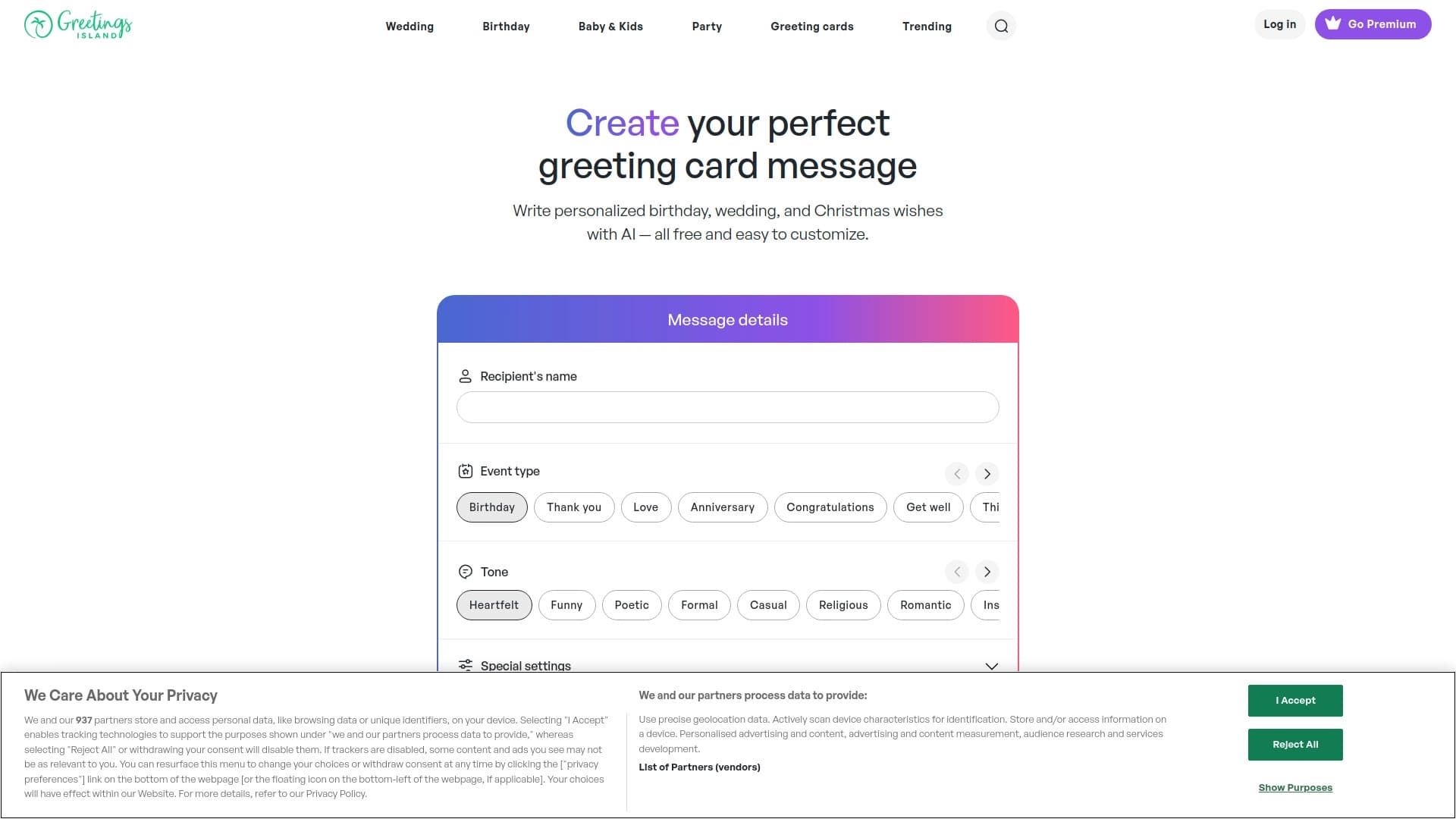

Generador de textos de invitación personalizados y diseños para diversos eventos.


Asistente universal de AI que analiza vídeos y páginas web, responde preguntas y crea resúmenes.


Plataforma para crear sistemas de IA multiagentes y chatbots para automatizar el soporte al cliente y la generación principal.

Servicio en línea para crear y personalizar invitaciones de cumpleaños y felicitaciones usando inteligencia artificial.


Herramienta AI para automatizar el marketing en redes sociales, incluyendo generación de contenidos, programación post y análisis.


Averi es una plataforma de marketing que reúne la planificación de campañas, la creación de contenidos y la analítica en una única interfaz.

Generador de nombre de empresa AI con comprobación de disponibilidad de dominios.