
AI Cad Drawing Generator
Ferramenta para converter imagens e consultas de texto em desenhos técnicos e imagens estilizadas.
Visão geral
AI Cad Drawing Generator é uma ferramenta online que transforma imagens carregadas em desenhos técnicos e trabalhos gráficos estilizados. O serviço opera na intersecção de duas tarefas: por um lado, pode converter fotos e esboços em desenhos precisos, e por outro lado, transformar imagens fontes em estilos artísticos como esboço, anime ou pintura digital.
A ferramenta integra prompts de texto no processo de geração: os usuários podem refinar o resultado desejado com palavras, e o Assistente de Prompt integrado ajuda a criar um pedido adequado e traduzi-lo para o inglês — isso melhora a precisão do modelo. Tudo acontece bem no navegador, sem necessidade de instalação adicional de software.
Características do gerador de desenho AI Cad
| Característica | Valor |
|---|---|
| Tipo de ferramenta | Gerador de imagem e desenho online |
| Categoria | Geração de imagens, estilização e filtros |
| Plataforma | Web (browser) |
| Formatos de envio | PNG, JPG, JPEG |
| Tamanho máximo do arquivo | 20 MB |
| Resolução máxima | 4K |
| Razões de proporções | 1:1, 9:16, 21:9, preservar proporções originais |
| Nível livre disponível | Não especificado |
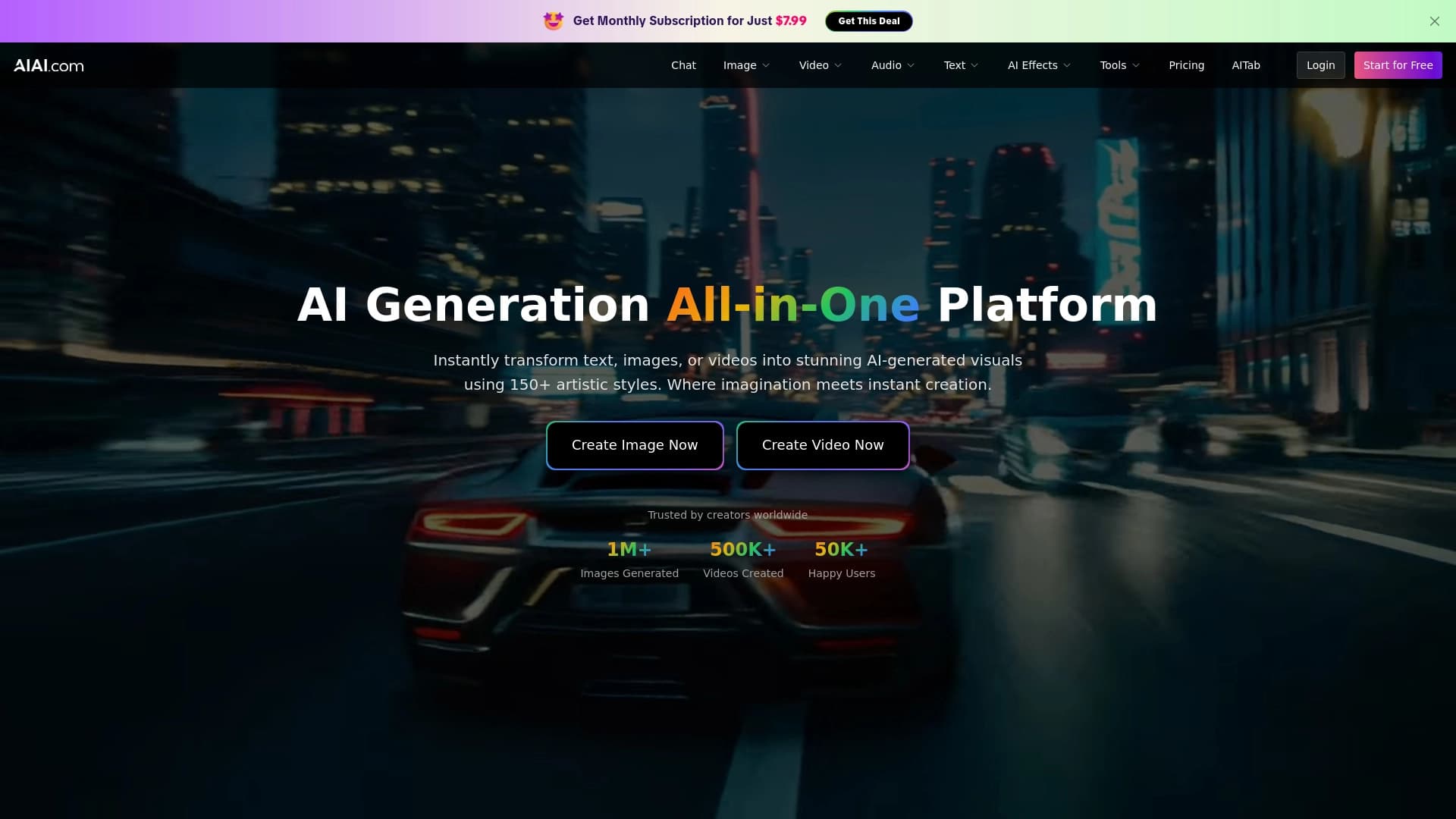
| Sítio Web | www.aiai.com |
Para quem é o Gerador de Desenho AI Cad?
Artistas e designers
Para profissionais gráficos, a ferramenta é útil para converter rapidamente esboços e rascunhos em desenhos técnicos limpos. Artistas também podem experimentar estilos: transformando uma foto regular em um esboço ou ilustração de anime em alguns cliques, sem gastar tempo em renderização manual.
Comercialistas e criadores de conteúdo
Para quem gerencia mídias sociais, prepara apresentações ou materiais impressos, o serviço permite a preparação rápida de opções de design visual. Suporte para 9:16 e 21:9 proporções de aspecto simplifica a criação de imagens para Histórias, posts, ou banners de formato amplo sem corte adicional.
Como usar o gerador de desenho AI Cad?
Processo de geração passo a passo
Trabalhar com a ferramenta envolve três passos. Primeiro, envie uma imagem fonte em um formato suportado (PNG, JPG ou JPEG). Em seguida, descrever o resultado desejado em texto — por exemplo, especificar o estilo de processamento ou requisitos de desenho. Depois disso, começa a geração e o resultado aparece no navegador.
Trabalhar com as instruções de texto
Para resultados mais precisos, recomenda-se a utilização do Assistente de Prompt integrado. Ajuda a refinar o texto de uma solicitação e traduz automaticamente para o inglês — isso torna a interação com o modelo mais previsível e reduz a chance de resultados inesperados.
Principais características do gerador de desenho AI Cad
Convertendo imagens em estilos diferentes
A ferramenta pode processar fotos carregadas em várias direções visuais: de esboço gráfico a anime e pintura digital. O usuário seleciona o estilo desejado, e a rede neural cria uma nova versão da imagem de origem.
Criação de desenhos técnicos
Uma capacidade separada é gerar desenhos precisos com base em esboços, fotos ou descrições de texto. Isto está na demanda de tarefas onde um rascunho desenhado à mão precisa ser transformado em uma imagem esquemática limpa.
Configurações de saída
- Resolução até 4K — adequada para impressão e trabalhos detalhados.
- Selecção da relação de aspecto: 1:1, 9:16, 21:9, ou preservar as proporções do arquivo original.
Vantagens do gerador de desenho AI Cad
- Funciona no navegador — não é necessária uma instalação pesada de software, tudo passa por uma interface web.
- Alta resolução — o suporte 4K fornece imagens de qualidade para várias tarefas.
- Configurações de formato flexíveis — escolher a relação de aspecto para uma plataforma específica: redes sociais, apresentações ou impressão.
- Assistente de prompt incorporado — simplifica a criação de pedidos e traduz automaticamente os alertas para o inglês, melhorando a precisão da geração.
Drawbacks do gerador de desenho AI Cad
Fontes públicas não listam as limitações ou fragilidades do serviço. Não há informações sobre um nível livre, limites de geração, velocidade de processamento de pedidos ou requisitos de registro. A ferramenta só suporta o upload de três formatos de imagem (PNG, JPG, JPEG) e arquivos maiores que 20 MB não podem ser processados. Também não está claro quão bem o serviço lida com complexos esboços técnicos e desenhos — a descrição do site não fornece detalhes sobre isso.
Que tarefas o AI Cad Drawing Generator resolve?
Transformar rapidamente fotos em ilustrações
O serviço permite transformar uma foto fonte em uma ilustração estilizada em pouco tempo — por exemplo, um esboço ou versão anime. Isso é conveniente para criar conteúdo único sem edição manual em ferramentas de design gráfico.
Criando arte conceitual
Designers podem usar a ferramenta para gerar arte conceitual com base em descrições de texto ou esboços ásperos. Isso ajuda a desenvolver uma ideia mais rápido e mostrar ao cliente uma direção antes que a renderização detalhada comece.
Preparação de visuais para mídias sociais e impressão
Graças às configurações de proporção de aspecto e suporte 4K, as imagens podem ser adaptadas diretamente para Instagram, YouTube, apresentações ou materiais de impressão sem pós-processamento adicional.
AI Cad Gerador de Desenho Preços
Informação sobre preços não está listada na página. Desconhece-se se uma camada livre está disponível, quanto custa uma assinatura paga, ou que limites se aplicam aos usuários. Para detalhes de preços atuais, é recomendável verificar o site oficial da ferramenta.
Termos de uso do gerador de desenho AI Cad
Informações sobre acordos de licença, regras para uso comercial de imagens geradas e políticas para armazenar arquivos carregados estão ausentes de fontes públicas. Também não há detalhes sobre limites de geração, se uma conta é necessária, ou se o serviço pode ser usado em fluxos de trabalho automatizados.
Disponibilidade do gerador de desenho AI Cad
A ferramenta está disponível on-line no navegador através do site aiai.com. Nenhuma restrição geográfica ou requisitos VPN são mencionados na página, sugerindo acesso gratuito ao serviço. Tudo o que você precisa é uma conexão de internet estável e qualquer navegador moderno.
Como gerador de desenho AI Cad difere de alternativas
A principal característica do serviço é combinar duas direções: estilização artística de imagem e geração técnica de desenho. Muitas alternativas, como Kolors de Kuaishou ou Nano Banana AI, focam exclusivamente no processamento criativo de fotos, enquanto AI Cad Drawing Generator se posiciona adicionalmente como uma ferramenta para criar desenhos precisos de esboços e descrições de texto.
O Assistente de Prompt integrado com tradução de prompts para o inglês também é digno de nota. Este recurso reduz a barreira de entrada para usuários que não trabalham regularmente com prompts em inglês. O suporte para resoluções de até 4K e uma ampla gama de proporções de aspecto também tornam o serviço versátil para diferentes tipos de conteúdo — desde histórias verticais até imagens de amplo formato.
Conclusão
AI Cad Drawing Generator é uma ferramenta baseada em navegador que combina estilização de imagem e criação de desenho técnico. Ele combina com artistas, designers, profissionais de marketing e criadores de conteúdo que precisam produzir rapidamente resultados visuais de qualidade. Suporte de resolução 4K, configurações de proporção de aspecto flexível e um assistente de alerta embutido são as principais vantagens do serviço. Ao mesmo tempo, a falta de informações de preços públicos torna difícil avaliar a relação custo-eficácia da ferramenta sem verificar mais adiante o site.
Perguntas mais frequentes
Consulte também


Serviço para geração rápida de e-books sobre um tema específico.


Plataforma para criação, edição e tradução automatizadas de videoclipes com IA.


Serviço para monitorar menções à marca em respostas de redes neurais generativas.


Serviço de prova virtual de roupas com IA.


Plataforma de geração para criar imagens realistas e vídeos curtos de texto ou imagens com controle sobre estilo e movimento da câmera.


Ferramenta web gratuita do Google que usa aprendizado de máquina para transformar esboços brutos em ícones e ilustrações organizados.

Serviço para criar avatares personalizados e sessões de fotos com IA com base em selfies enviadas.

Plataforma web para geração de imagens e vídeos cinematográficos com IA, incluindo ferramentas de edição em estúdio.