

AfterShoot
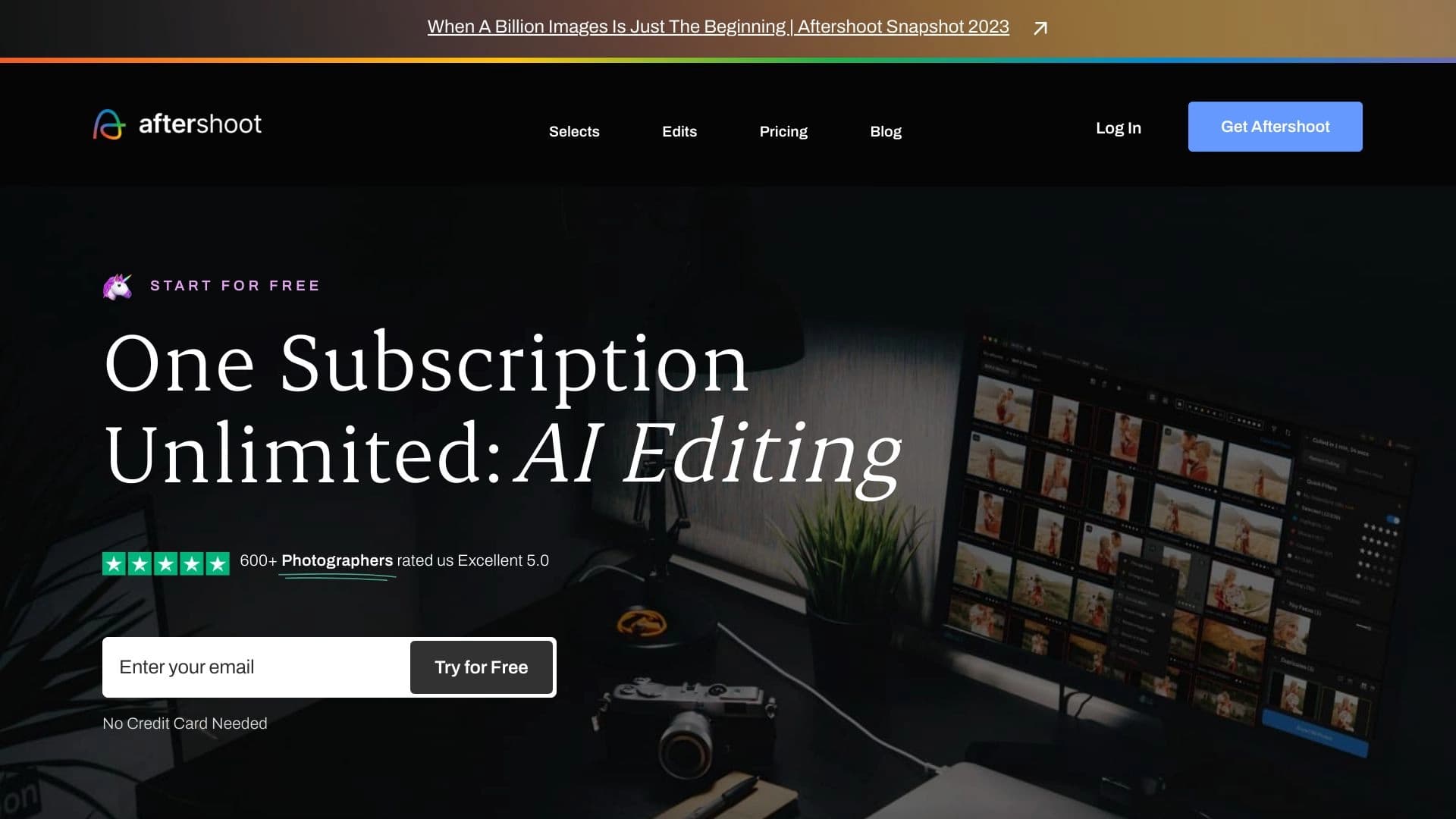
Application de bureau AI pour la sélection et l'édition automatique de photos, conçue pour les photographes professionnels.
Place dans les classements
Aperçu général
Description de l'IA après la fermeture
AfterShoot est une application de bureau conçue pour les photographes professionnels qui veulent accélérer et simplifier les étapes de routine de travail avec des photos. L'outil est basé sur des technologies d'intelligence artificielle et automatise deux processus clés à la fois : la sélection de clichés réussis à partir d'un vaste éventail de documents capturés et l'édition subséquente d'images. Le programme est installé directement sur l'ordinateur de l'utilisateur (Windows ou macOS) et fonctionne en mode entièrement local, ne nécessitant aucune connexion Internet constante.
La principale caractéristique d'AfterShoot est sa capacité à s'apprendre. Le réseau neuronal analyse les actions du photographe, se souvient des clichés qu'ils considèrent comme réussis et qu'ils rejettent, note le style de traitement, et au fil du temps commence à agir le plus étroitement possible en fonction des préférences individuelles de l'utilisateur. En même temps, le nombre d'images traitées n'est aucunement limité, ce qui est particulièrement important lorsque l'on travaille avec des reportages et des photos de mariage, où les volumes matériels peuvent atteindre des milliers de cadres.
Le nom même de l'outil reflète son essence : il fonctionne « après le shoot », prenant tout le travail technique fastidieux qui prend généralement des heures de photographes de travail manuel. C'est une solution simple mais fonctionnelle pour ceux qui apprécient leur temps et veulent se concentrer sur le côté créatif plutôt que de tamiser à travers des duplicatas.
Spécifications après Shoot
| Spécification | Valeur |
|---|---|
| Type de produit | Application bureautique pour la sélection et l'édition de photos |
| Catégorie | Générateurs de photo AI, outils AI pour photographes |
| Plateformes | Fenêtres, macOS |
| Développeur | Aftershoot Pvt Ltd |
| Langue de l'interface | Non précisé sur les pages officielles |
| Niveau libre | Disponible (caractéristiques de base) |
| Note éditoriale | 8,6 sur 10 |
| Note de l'utilisateur | 4.7 sur 5 |
| Date de la révision rédactionnelle | 06.10.2024 |
| Mode hors ligne | Fonctionne sans connexion Internet |
| Limite de quantité de photos | Aucune |
| Compte en ligne requis | Numéro |
Pour qui est AfterShoot AI?
Après Shoot est principalement destiné aux professionnels de la photographie dont le travail implique le traitement de grands volumes d'images. Le programme est conçu comme un assistant qui soulage le spécialiste de la partie la plus laborieuse du workflow.
Photographes professionnels
C'est le public cible principal de l'outil. Alors que pour les photographes de studio qui filment lentement et de manière contrôlée, l'avantage du réseau neuronal peut ne pas être si évident, pour les spécialistes travaillant à un rythme rapide, AfterShoot devient presque indispensable. Les photographes qui filment dans le genre reportage savent de première main combien de temps le tri à travers des milliers d'images après un seul événement prend — c'est exactement le problème que le programme résout.
Photographes de mariage et d'événements
Les spécialistes du mariage et les photographes travaillant à des événements méritent une mention spéciale. En une seule journée, de 1 000 à 3 000 cadres ou plus sont capturés. Passer manuellement par chacun signifie passer plusieurs heures à trier. Après Shoot regroupe automatiquement des clichés similaires, filtre les duplicatas, les yeux fermés, les images floues, et offre au photographe seulement des prises vraiment réussies. Cela permet de livrer un projet terminé aux clients beaucoup plus rapidement.
Les photographes traitent de grands volumes d'images
Tout spécialiste qui doit traiter régulièrement des centaines ou des milliers d'images trouvera AfterShoot un outil utile. Les photographes de portrait travaillant avec un grand flux de clients, les photographes de produits conservant des catalogues, et même les assistants responsables du traitement initial du matériel, tous peuvent réduire le temps de postproduction de plusieurs heures à des dizaines de minutes.
Comment utiliser AfterShoot AI?
Travailler avec AfterShoot ne nécessite aucune connaissance technique particulière et ne prend que quelques étapes. Le programme est conçu pour s'intégrer le plus rapidement possible au workflow d'un photographe.
Étape 1: Installation de l'application
Après Shoot est une application de bureau, vous devez donc commencer par télécharger le fichier d'installation à partir du site officiel du développeur. Le programme est disponible pour deux systèmes d'exploitation: Windows et macOS. L'installation se déroule de la manière standard, pas de différence avec l'installation d'une autre application. Un détail important: AfterShoot n'a pas besoin de créer un compte en ligne — il suffit d'installer le programme et l'ouvrir.
Étape 2: Télécharger des photos
Une fois l'application installée et lancée, vous devez télécharger les photos avec lesquelles vous travaillerez. Ceux-ci peuvent être des prises de vue d'une caméra transférée sur un disque dur ou déjà situé dans un dossier sur votre ordinateur. Après Shoot traite les images en mode batch, sans limite de quantité. Le téléchargement et l'analyse initiale prennent un minimum de temps — selon le développeur, vous pouvez commencer à travailler avec des images triées et éditées dans une minute après le téléchargement.
Étape 3: Tri et édition avec AI
Une fois les photos téléchargées, l'intelligence artificielle s'installe. Le réseau neuronal effectue deux tâches principales : sélectionner automatiquement les meilleurs clichés du tableau global et éditer les images sélectionnées. L'utilisateur n'a besoin que d'examiner le résultat final, d'effectuer des ajustements manuels si nécessaire et d'exporter les fichiers vers leur éditeur préféré (par exemple, Adobe Lightroom) pour le post-traitement final.
Caractéristiques de la clé après le crochet
Après Shoot offre un ensemble de fonctionnalités qui couvrent les besoins d'un photographe aux deux étapes les plus longues - le tri et le traitement de base.
Sélection et tri automatique des clichés
L'intelligence artificielle analyse chaque image et l'évalue par rapport aux paramètres clés : netteté, exposition, composition, et si les yeux des gens sont fermés sur la photo. Le réseau neuronal regroupe des clichés semblables en série, détermine la meilleure prise de chaque série et rejette les variantes infructueuses. Avec le temps, l'algorithme s'adapte au goût du photographe : si l'utilisateur marque régulièrement certains types de clichés comme réussis, l'IA commence à prioriser exactement ces cadres.
AI Editing Formation sur le style d'utilisateur
La deuxième caractéristique la plus importante est le traitement automatique des images sélectionnées. L'utilisateur peut choisir l'un des préréglages prêts à l'emploi intégrés au programme ou former le réseau neuronal selon son propre style de traitement. Pour ce faire, vous devez télécharger plusieurs exemples de votre travail avec le traitement déjà appliqué à AfterShoot — et l'IA étudiera la correction de couleur, tonification, contraste, et d'autres paramètres, puis appliquer un style similaire à toutes les nouvelles photos. La vitesse de cette édition est beaucoup plus rapide que le traitement manuel de chaque image.
AI Culture
L'utilitaire peut également recadrer automatiquement les images. Sur la base de l'analyse de composition, l'IA détermine le cadrage le plus réussi pour chaque prise de vue, corrige l'horizon et supprime les détails inutiles aux bords du cadre. Cette fonctionnalité est particulièrement utile lors de la préparation de photos pour publication sur les médias sociaux, où le format peut différer de l'original.
Exportation vers d'autres éditeurs
Après Shoot n'essaie pas de remplacer des éditeurs à part entière comme Lightroom ou Capture One. Le programme s'intègre au workflow du photographe et permet d'exporter des images sélectionnées et traitées directement vers d'autres applications pour la finition finale. Cela assure une transition transparente entre les programmes et ne perturbe pas le pipeline de travail familier.
Avantages après Shoot
Après Shoot a un certain nombre de forces qui le rendent attrayant pour une utilisation professionnelle. Et bien que le produit ait aussi des faiblesses, les avantages les dépassent pour la plupart des utilisateurs.
Économies de temps importantes
Le principal avantage constaté par tous les utilisateurs est l'énorme économie de temps. Pendant le tri manuel d'un millier de cadres peut prendre un photographe 3-5 heures, AfterShoot gère dans 10-15 minutes. La situation est similaire avec l'édition : le traitement de base d'une série de 1000 photos se produit en arrière-plan tandis que le photographe s'occupe d'autres tâches. Par conséquent, l'ensemble du processus de post-production qui prenait une journée complète s'inscrit maintenant dans 1-2 heures.
Adaptation au style d'utilisateur
Après Shoot est un système d'auto-apprentissage. Plus un photographe utilise le programme, plus il anticipe avec précision ses préférences. Le réseau neuronal se souvient des images que l'utilisateur conserve et qu'il supprime, du style de traitement qu'il préfère, et applique automatiquement cette connaissance. Cela fait de l'outil un assistant vraiment personnel qui fonctionne en harmonie avec la vision créative du propriétaire.
Aucune limite et fonctionnement hors ligne
Après Shoot n'a aucune restriction sur le nombre de photos traitées. Vous pouvez télécharger deux ou dix mille images — le programme traitera tout sans frais supplémentaires. Dans le même temps, l'application fonctionne entièrement localement: les fichiers ne sont jamais envoyés nulle part, aucun internet n'est requis, ce qui garantit à la fois la sécurité du matériel capturé, l'indépendance de la qualité de connexion, et la confidentialité du travail.
Taxe fixe
Le modèle de paiement d'AfterShoot est simple et transparent : l'utilisateur paie un montant d'abonnement fixe et obtient toutes les capacités du service sans frais cachés ou options de bonus supplémentaires. Pas de surprises sous forme de photos traitées ou de préréglages payants.
Désavantages après Shoot
Malgré tous ses avantages, AfterShoot n'est pas une solution universelle pour toutes les situations. L'outil a des limites objectives à considérer avant d'acheter.
Limitations dans la compréhension des Nuances Créatives
L'intelligence artificielle, aussi intelligente soit-elle, ne peut remplacer complètement le goût humain. Après Shoot peut ne pas capturer des détails créatifs uniques, des astuces subtiles de traitement utilisées par un photographe particulier, ou ne pas apprécier une solution de composition non triviale. Il y a une chance qu'une photo qui réussit en termes d'émotion ou d'intention d'auteur soit automatiquement écartée par l'algorithme parce que l'IA la considère officiellement défectueuse.
Risque de perdre des coups d'émotion
Le problème est particulièrement aigu lors de la sélection de reportage et de photos de mariage. L'algorithme évalue la qualité technique d'un cadre, mais le concept de "valeur émotionnelle" lui est étranger. Un coup où une personne est hors de l'attention mais a un vrai sourire sur leur visage, disant plus que n'importe quelle prise parfaitement pointue, peut être rejeté par la machine. Par conséquent, la décision finale demeure toujours avec l'humain, et il n'est pas recommandé de faire entièrement confiance à la sélection automatique sans examen manuel ultérieur.
Dépendance sur les mises à jour des développeurs
Après Shoot est un logiciel qui dépend entièrement de la société développeur. Si les mises à jour sont retardées, les utilisateurs peuvent rencontrer des bogues ou, pire, une incompatibilité avec les nouveaux modèles de caméras qui mettent activement à jour leur firmware et leurs formats de fichiers. Tant que Aftershoot Pvt Ltd prend en charge son produit, il n'y a pas de problèmes, mais un photographe doit se rappeler que leur flux de travail est entièrement lié à des logiciels tiers.
Quels problèmes se résolvent après Shoot?
Après le but principal de Shoot est automatiser les deux étapes les plus fastidieuses du travail d'un photographe, qui nécessitent beaucoup de temps mais Pas d'effort créatif.
Filtrage rapide des tirs non réussis
Même un photographe expérimenté produit des défauts techniques : cadres flous, exposition incorrecte, clignotements, mauvais angles, doublons excessifs. Quand vous photographiez numérique, sortez de mille coups à un mariage, seulement 150-200 pourrait être réussi. Passer manuellement par les 800 restants est une perte de temps inutile. Après Shoot trouve et filtre automatiquement les défauts avec un haut degré de précision, laissant le photographe seulement des variantes potentiellement réussies à examiner. Cela réduit le temps de tri de dizaines de fois.
Réduire le temps après le traitement
La deuxième étape du programme automatise est la correction de couleur de base, le réglage de l'exposition et le recadrage. Après Shoot effectue ces actions au niveau du traitement initial professionnel, en adaptant à la signature du photographe. Au lieu de régler manuellement la lumière et la couleur sur chacune des centaines de photos, l'utilisateur obtient déjà du matériel traité qui n'a besoin d'être affiné manuellement que dans leur éditeur préféré si nécessaire.
Organisation des flux de travail
En plus des deux tâches principales, AfterShoot résout également un problème organisationnel : il construit un pipeline de traitement de photo clair. Télécharger des images — les trier et les modifier — exporter les résultats finis vers un éditeur. Ce système discipline le flux de travail, réduit la probabilité de manquer des photos réussies, et permet au photographe de traiter considérablement plus de commandes sans perdre la qualité.
Prix après Shoot
Après Shoot propose plusieurs plans de prix qui permettent à un photographe de choisir le niveau d'accès approprié en fonction de leurs besoins et de l'échelle de travail.
Plan de démarrage (gratuit)
Un niveau gratuit avec des fonctionnalités de base est disponible pour se familiariser avec l'outil. Il vous permet d'essayer le logiciel en action, de comprendre comment l'IA fonctionne avec les photos et d'évaluer la vitesse de traitement. Les limites du niveau gratuit ne sont pas détaillées sur le site officiel, mais ce plan est généralement insuffisant pour un travail professionnel à part entière.
Régime professionnel (15/mois)
Le plan principal, conçu pour les photographes solos. Pour 15 $ par mois, l'utilisateur obtient des fonctionnalités de programme élargies, y compris la formation complète du réseau neuronal à son style de traitement, et des projets illimités. C'est l'option la plus populaire pour les spécialistes pratiquants qui veulent décharger le travail de routine sans coûts financiers importants.
Plan d'affaires (45$/mois)
Pour les studios photo, les équipes et les organisations où plusieurs personnes manipulent le traitement, un plan d'affaires est disponible pour 45 $ par mois. Il comprend un accès complet à toutes les fonctionnalités du programme, des capacités de collaboration d'équipe (les membres multiples peuvent travailler avec des préréglages et styles partagés) et un soutien technique prioritaire du développeur.
Conditions d'utilisation pour AfterShoot
Pour commencer à travailler avec AfterShoot, un certain nombre de conditions liées à l'équipement technique et au modèle de distribution du programme doivent être remplies.
Prescriptions techniques
AprèsShoot est une application locale qui nécessite une installation sur un ordinateur. Deux systèmes d'exploitation sont pris en charge: Windows et macOS. Pour un fonctionnement stable, il faut un ordinateur doté de ressources suffisantes pour traiter de vastes séries de photos, bien que les exigences minimales du système ne soient pas divulguées sur le site officiel. L'application traite les fichiers multimédia localement, ce qui implique suffisamment d'espace RAM et disque.
Aucun compte requis
Une différence fondamentale entre AfterShoot et de nombreux services SaaS est l'absence de tout besoin de créer un compte en ligne. Le programme est téléchargé, installé et utilisé complètement de manière autonome. Cela simplifie non seulement le démarrage, mais garantit également la confidentialité : le matériel capturé n'est pas téléchargé sur des serveurs tiers, mais reste sur le périphérique de l'utilisateur.
Modèle de distribution
Après Shoot est un produit payé. Le développeur offre un niveau gratuit avec des fonctionnalités de base pour l'évaluation, mais un travail professionnel à part entière nécessite un abonnement payant. Plans moyens : 15 $ par mois pour le niveau professionnel et 45 $ par mois pour le niveau opérationnel avec des fonctions d'équipe. Le paiement mensuel offre une flexibilité: l'utilisateur peut annuler l'abonnement pendant les périodes lentes et le reprendre lors du démarrage du prochain grand projet.
Disponibilité après la fermeture
Les informations sur la disponibilité d'AfterShoot dans différents pays et régions sont limitées. Cependant, il y a plusieurs points importants que les utilisateurs potentiels devraient connaître.
Plateformes
AfterShoot est disponible pour deux grands systèmes d'exploitation de bureau: Windows et macOS. Le programme n'a pas de version Web — c'est une application de bureau à part entière qui fonctionne localement sur l'ordinateur de l'utilisateur. Cette approche assure une plus grande rapidité de traitement et la confidentialité des données, mais nécessite une installation logicielle.
Mode hors ligne
Une fonctionnalité clé de AfterShoot est une opération totalement hors ligne. Le programme ne nécessite pas une connexion Internet constante pour fonctionner. Après l'installation de l'application, un photographe peut trier et éditer des images n'importe où : en studio, à la maison, sur la route, dans des zones à connectivité instable. C'est un avantage important pour ceux qui travaillent sur le terrain.
Comment les différences après Shoot des alternatives
Il y a plusieurs services sur le marché qui résolvent des problèmes similaires, mais AfterShoot occupe une niche unique grâce à son approche du travail.
Mettre l'accent sur le traitement local
La plupart des services d'intelligence artificielle pour l'édition de photos sont basés sur le cloud : l'utilisateur télécharge des images vers un serveur où elles sont traitées, puis télécharge le résultat. AfterShoot, par contre, fonctionne entièrement localement — les photos ne quittent jamais l'ordinateur de l'utilisateur. Cela garantit une vitesse maximale de transfert de données, la protection de la confidentialité du client et des images, et la capacité de travailler sans Internet. Parmi les alternatives telles que Everpixel et Magic Eraser, on trouve rarement.
Spécialisation dans la sélection des clichés
De nombreux outils basés sur l'IA ne traitent que l'édition d'images : correction de couleur, retouche, suppression d'objets. Après Shoot se distingue par la résolution d'une tâche tout aussi importante — tri automatique et sélection des meilleurs clichés. La fonction de formation de style utilisateur permet au programme non seulement de modifier, mais de comprendre le goût du photographe et d'anticiper ses décisions. Un tel niveau de personnalisation est absent chez la plupart des concurrents directs, y compris Benzin.io et SwaperFace.
Modèle de paiement et limites
Après Shoot offre un abonnement fixe sans limitation du nombre d'images traitées. De nombreux concurrents utilisent un modèle de paiement à l'usage — une tarification pour chaque image traitée ou basée sur l'utilisation. Pour un photographe qui traite des milliers d'images par mois, un tel modèle devient rapidement coûteux et imprévisible. Après Shoot résout ce problème avec un simple tarif mensuel fixe qui offre un accès illimité à toutes les fonctionnalités.
Conclusion
Après Shoot est une solution professionnelle pour les photographes qui cherchent à optimiser leur travail. Le programme s'occupe efficacement de deux tâches principales : sélectionner automatiquement des clichés réussis à partir de grands tableaux d'images et les modifier rapidement en fonction du style de l'utilisateur. L'exploitation hors ligne locale, la quantité de photos non limitée et l'adaptation du réseau neuronal au goût spécifique d'un photographe font d'AfterShoot un investissement digne pour les spécialistes du mariage et de l'événement et toute personne dont le travail implique le traitement de grands volumes d'images. Cependant, il est important de se rappeler que l'IA ne peut capter de subtiles nuances émotionnelles et créatives, de sorte que la surveillance humaine finale demeure une condition essentielle pour obtenir des résultats vraiment de qualité.
Foire aux questions
Voir aussi

Cabina AI est une plateforme unifiée pour travailler avec différents réseaux neuronaux génératifs, vous permettant de créer des textes, des images et des vidéos.
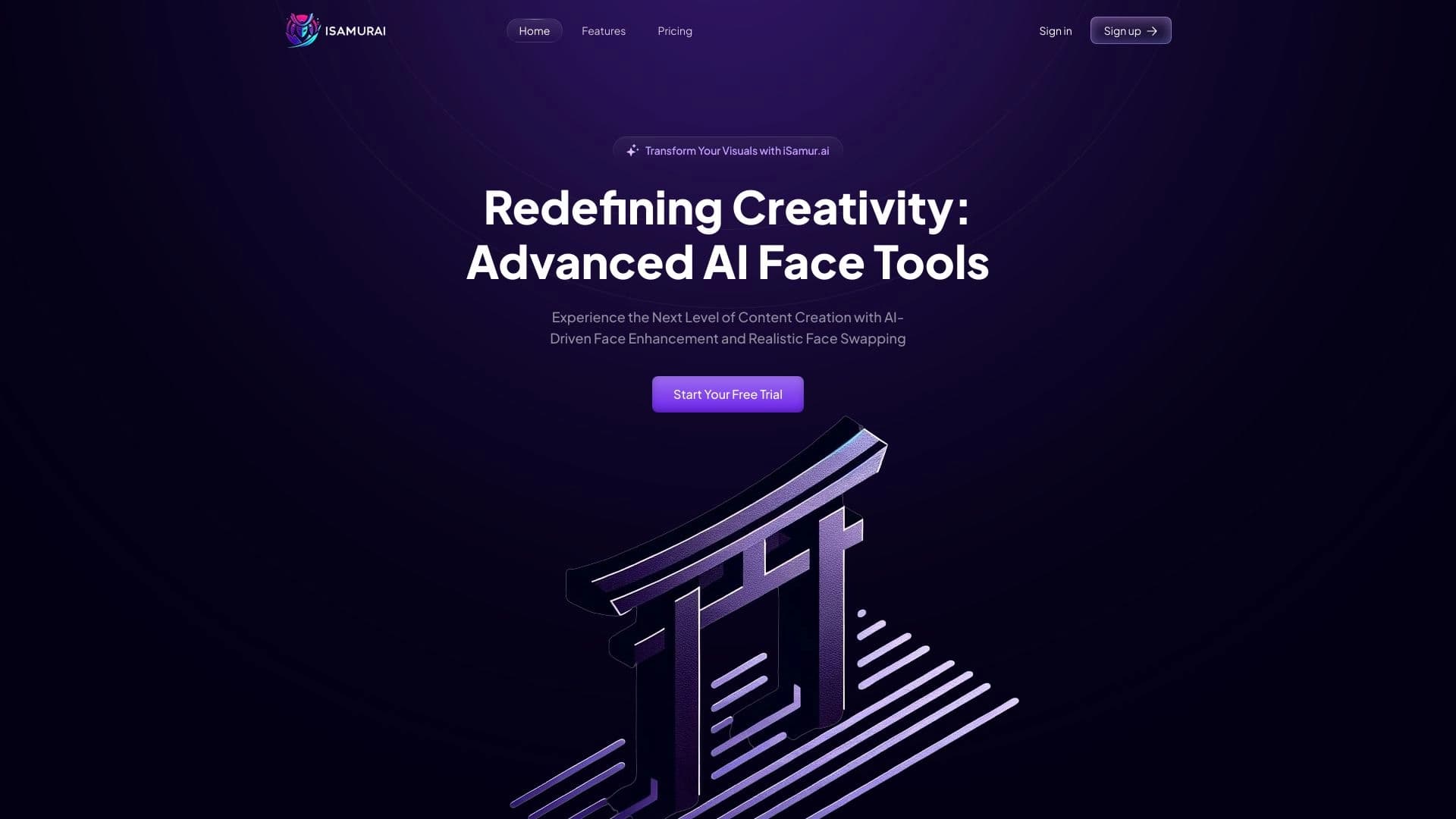

iSamourai est un ensemble d'outils d'IA pour améliorer les images et vidéos de remplacement de récupération.
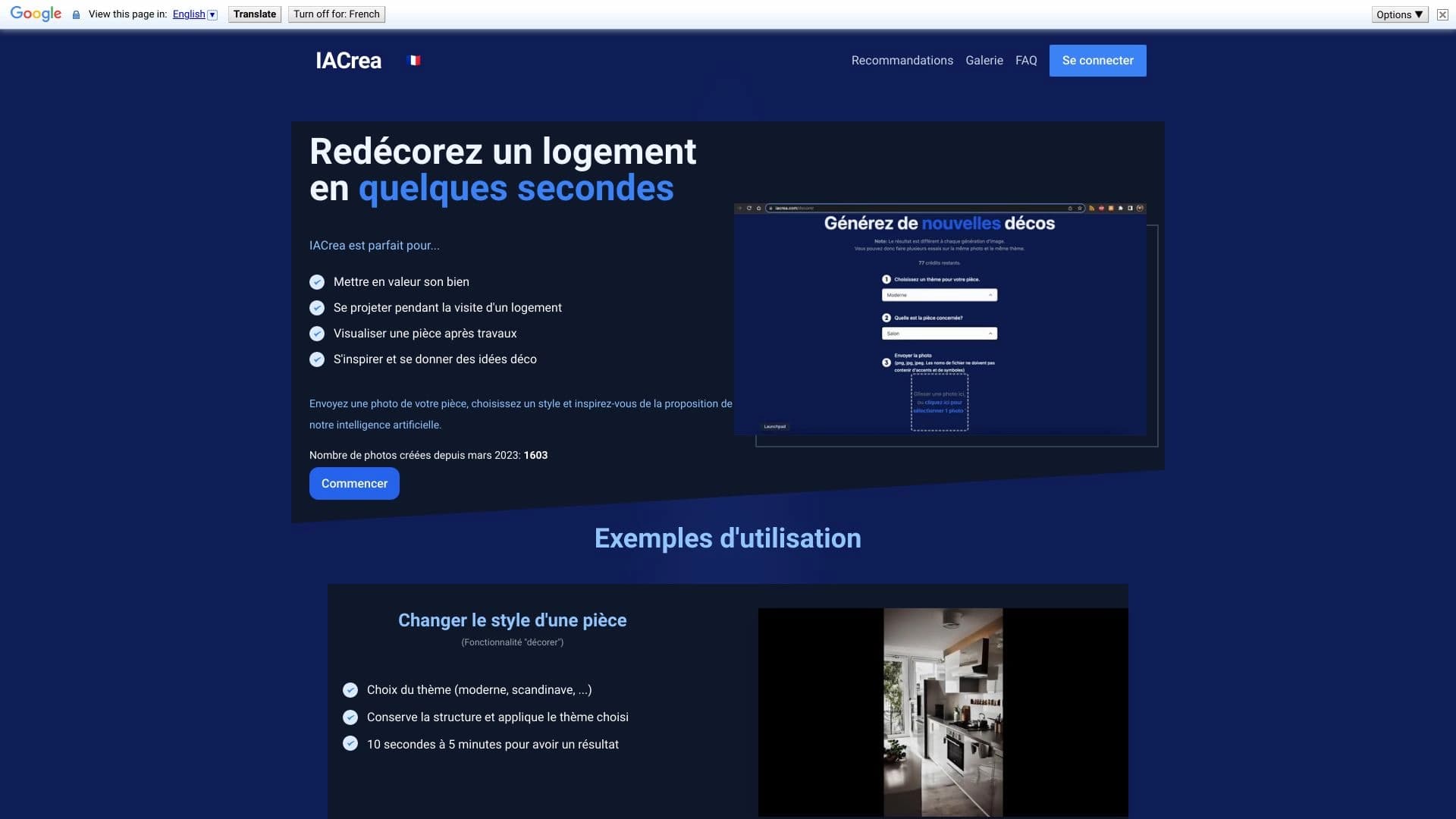

IACrea est un service d'IA pour la mise en scène virtuelle et la visualisation immobilière, vous permettant d'améliorer rapidement les photos intérieures et extérieures.


Éditeur d'image en ligne AI-based conservation du style de caractère et de traitement Commandes texte.
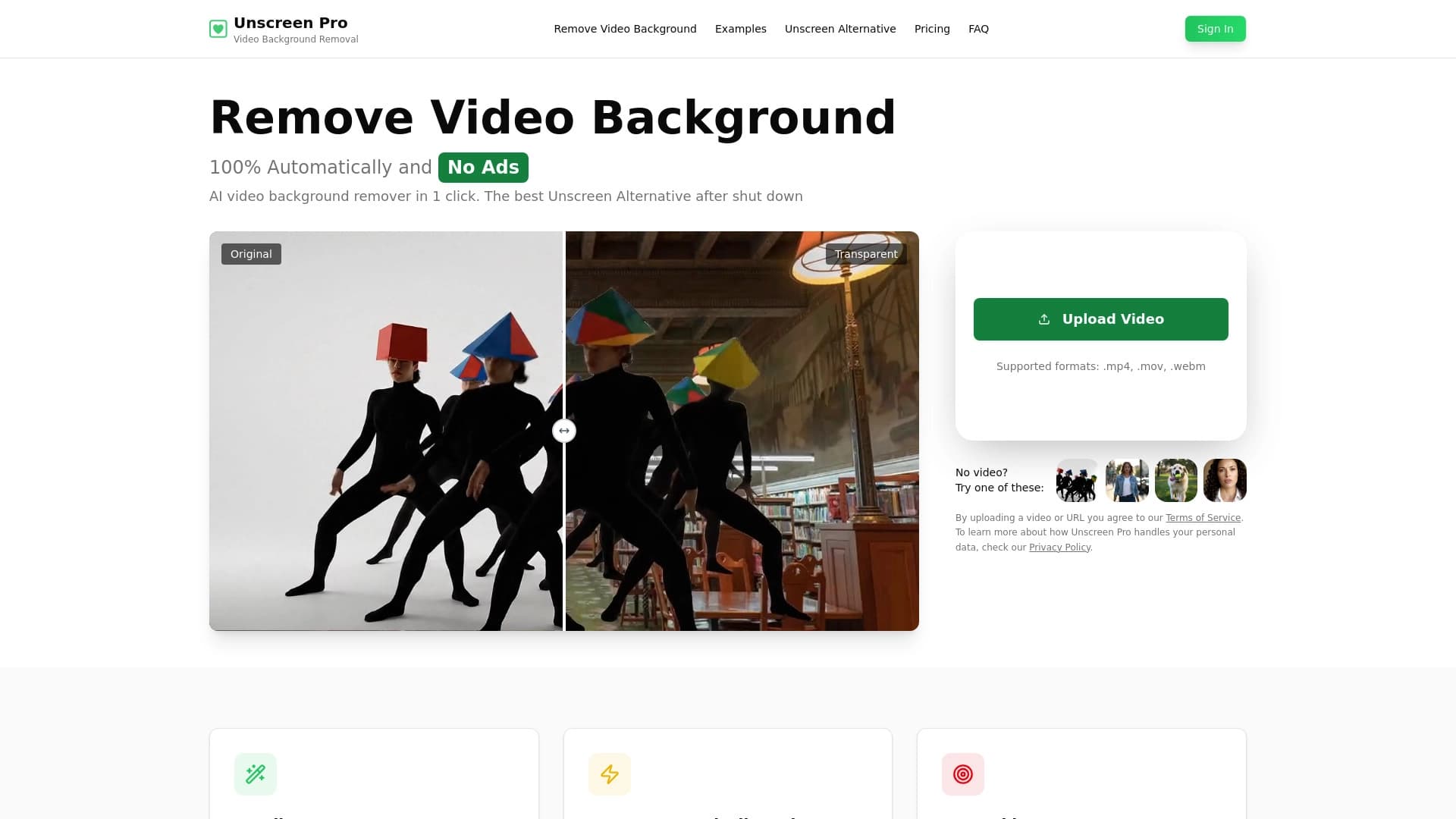

Outil AI pour l'élimination automatique de l'arrière-plan et de l'objet en vidéo sans touche de chroma.
Éditeur d'images AI pour un traitement créatif rapide et de haute qualité sans censure.

Service pour la création d'avatars personnalisés et photos shoots utilisant l'IA basé sur des selfies téléchargés.

Éditeur d'images en ligne alimenté par l'IA qui vous permet de modifier des photos par description texte dans votre navigateur.