
Advanced Website Builder
Tool for creating website HTML code with ChatGPT.
Overview
What is Advanced Website Builder?
Advanced Website Builder is a specialized GPT model that operates within the ChatGPT ecosystem. Its main task is to generate HTML code for websites based on user text prompts. Instead of manually writing markup, styles, and page structure, you describe the desired result in natural language, and the model converts your description into working code.
How does it work?
The principle is simple: you give the model a command (for example, "create a landing page for a photo studio with three sections and a contact form"), and it returns a ready-to-use HTML file. The tool eliminates the need to dive into markup syntax at the initial stage, allowing you to focus on the logic and content of the site. It's a kind of bridge between an idea and its technical implementation.
Category and positioning
The tool belongs to the "Website Builders" category, but unlike full-fledged site builders, it does not offer a drag-and-drop interface or a visual editor. Advanced Website Builder is more of a code generation assistant that produces code you can then save, refine, and use in any editor or development environment. The distribution model is listed as unknown, which could mean either that there is no official standalone website or that it is distributed through ChatGPT.
Advanced Website Builder Features
| Feature | Value |
|---|---|
| Tool Type | ChatGPT Tool (GPT) |
| Category | Website Builders |
| Pricing Model | Free |
| Date Added to Catalog | 13.05.2025 |
| Availability | Via ChatGPT (chat link) |
| Alternatives | Orchids; Lovable; Firebase Studio; Vibe Block |
Who is Advanced Website Builder for?
Beginner Web Developers
If you're just starting to learn HTML and CSS, this model can serve as an excellent learning aid. You can request code for simple layouts, study its structure, and see the result immediately. This helps you understand how block elements, tables, forms, and basic styles work more quickly.
Project Managers and Designers
For those who don't write code professionally but regularly need to show clients or teams what a future website will look like, Advanced Website Builder works as a rapid prototyping tool. Instead of waiting for a developer, you can generate a draft version of a page yourself in minutes.
Freelancers and Small Studios
For professionals taking on small orders for landing pages or corporate sites, this tool helps speed up routine tasks. Creating standard blocks (header, footer, card grids) can be automated, freeing up time for more complex work.
Students and Educators
For educational purposes, the model is useful for demonstrating code examples in class or during lab work. An instructor can quickly generate a task template, and students can analyze and modify it.
How to Use Advanced Website Builder
Step 1: Get Access
To get started, you'll need an active ChatGPT account. The tool itself is distributed for free, but access is through the ChatGPT interface — follow the chat link listed in the tool catalog.
Step 2: Formulate Your Request
Describe the website you want. The more precise your description, the better the result. Specify the page type (landing page, portfolio, blog), the number of blocks, the desired color scheme, and the presence of interactive elements (forms, buttons, menus).
Step 3: Get and Refine the Code
The model will generate HTML code. You can use it immediately by saving it to a file and opening it in a browser, or send it back to the chat with a request for changes — modify colors, add a section, fix element placement. This iterative approach lets you refine the layout to your needs.
Tips for Better Results
Break down your requests into smaller parts: don't ask for the "whole site" at once; instead, request the "header," then the "banner," then the "contacts." This approach makes it easier to manage the code and reduces the chance of layout errors.
Key Features of Advanced Website Builder
- Page Structure Generation: Creates a semantically correct HTML document skeleton with proper tags, headings, sections, and lists.
- Basic Layout Creation: Builds CSS-based grids (including flexbox and grid), aligns elements, and configures padding and margins.
- Style Integration: Writes CSS rules for fonts, colors, backgrounds, and element sizes — either inline or via a separate
<style>block. - Simple Form Development: Creates HTML forms with input fields, submit buttons, and dropdown lists for data collection.
- Text Content Output: Converts your text into clean paragraphs, lists, and quotes within the generated page.
Advantages of Advanced Website Builder
Rapid Prototyping Speed
The tool delivers working code in minutes, significantly faster than manual coding. This is especially valuable when you need to quickly test an idea or align on a layout.
Low Entry Barrier
Users don't need professional-level knowledge of HTML and CSS syntax — just the ability to articulate their needs in words. The model handles the technical side.
Free Distribution Model
According to the catalog data, the tool is free to use, making it accessible to students, enthusiasts, and anyone wanting to try their hand at web development.
Tight ChatGPT Integration
Since the solution is a GPT model, you can discuss edits, ask clarifying questions about the code, and request explanations of how specific lines work — all within the same chat. This is convenient for learning.
Drawbacks of Advanced Website Builder
Limited to Basic Tasks
The tool handles standard structures well, but for complex projects with dynamic content, databases, or specific animations, its capabilities fall short. It's more of a starting point than a production-ready solution.
Dependence on ChatGPT
Using the tool requires access to ChatGPT, which imposes certain limitations: you need an internet connection, an account, and a stable service. The lack of a standalone interface may be inconvenient for some users.
Incomplete Style Detailing
Generated styles are typically minimal and basic. Bringing the layout to a "production-ready" state will require manual refinement in a CSS editor. Don't expect fully responsive design without additional effort.
What Problems Does Advanced Website Builder Solve?
Creating Drafts and Mockups
This is the tool's core purpose. Quickly generating a site skeleton lets you visualize an idea and present it to a client without setting up a full project.
Learning Web Technologies
Users can analyze generated code to understand how tables, forms, or media queries work. The tool acts as a hands-on tutor.
Automating Routine Layout Work
For standard pages — such as contact pages, "about us" sections, or simple landing pages — the model can prepare the basic code, leaving only brand-specific tweaks.
Overcoming the "Blank Page" Hurdle
Starting to code from scratch can be daunting. With a starter version from the model, developers spend less time getting going and can jump straight into making changes.
Advanced Website Builder Pricing
As of the tool's catalog entry (13.05.2025), the pricing model is listed as "Free." This means the tool itself does not charge a separate usage fee. However, keep in mind that access is through ChatGPT, which may have its own pricing plans — such as limitations on the free tier or a paid ChatGPT Plus subscription. No specific rates for using Advanced Website Builder itself are provided in the available data.
Advanced Website Builder Terms of Use
No specific terms for this tool are listed in the catalog. The only mention relates to interaction with the host service: commenting on catalog platforms requires login or registration on the site. Essentially, the tool's terms of use are governed by ChatGPT's platform rules. Users must follow general standards of conduct, comply with laws, and avoid using generated code for malicious purposes. No more detailed requirements are available in public sources.
Advanced Website Builder Availability
Where the Tool Is Available
The tool is available through ChatGPT — meaning it runs in the chat interface via a direct link. There is no separate web platform with its own domain, or no such information exists in the catalog data.
User Requirements
You need a working ChatGPT account and internet access. Since the tool may require modern versions of GPT, availability on the free tier is not guaranteed — this depends on OpenAI's current policies. Also, consider time zones and potential service outages, though these are rare.
How Advanced Website Builder Differs from Alternatives
Key Differences
The catalog lists Orchids, Lovable, Firebase Studio, and Vibe Block as alternatives. The main difference is that Advanced Website Builder is embedded in the ChatGPT environment and uses a conversational interface. Users interact with the model, clarify details, and request code fixes — the entire process happens within a chat conversation.
Comparison with the Reference Approach
Builders like Lovable or Firebase Studio typically offer a more visual and controlled site-building process, with project management at the file level and deployment options. Advanced Website Builder, by contrast, focuses solely on code generation, leaving all subsequent work (saving, hosting, building) to the user. This makes it a simpler, more "disposable" tool for quick drafts, whereas alternatives may be full-fledged development environments.
Complexity Level
Compared to some alternatives, Advanced Website Builder may require more precise text prompts, as it lacks a graphical drag-and-drop interface. This is a plus for those wanting to learn code, but a drawback for those who want to build sites without writing a single line of code.
Conclusion
Advanced Website Builder is a lightweight, free tool accessible through ChatGPT for AI-powered HTML code generation. It's ideal for quick prototypes, learning layout techniques, and handling routine tasks for simple pages. The tool doesn't claim to be a full-fledged development environment, but it fills an important niche — fast starts and generating a foundation for manual refinement. If your goal is to understand how a website works or quickly present a mockup, Advanced Website Builder is a useful digital assistant.
Frequently asked questions
See also

Terminal AI agent for programming that dynamically adapts to developer tasks.


AI-based service for automatic generation of text content in various formats.
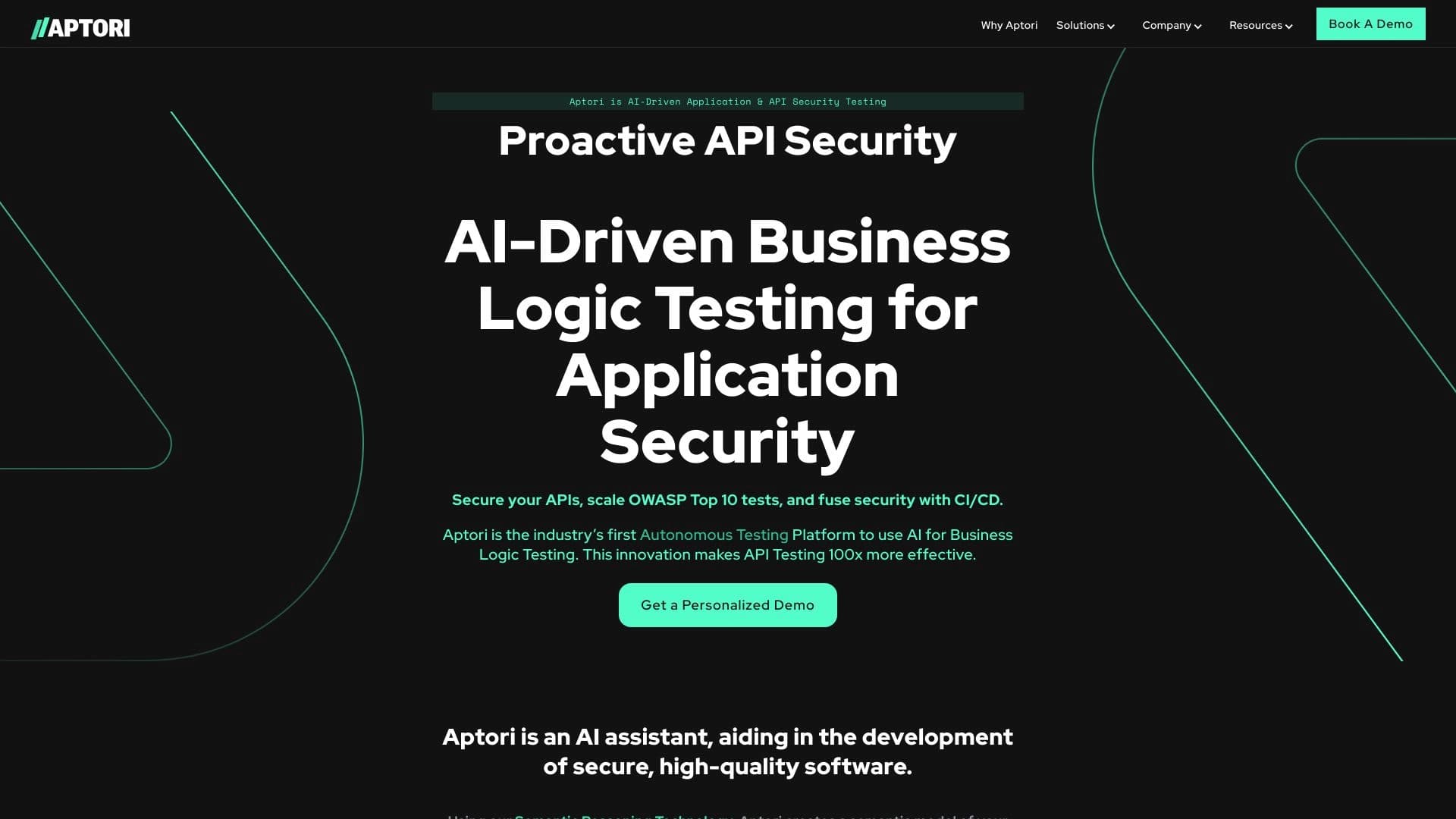

AI-powered platform for automated API security testing and vulnerability discovery in code and cloud infrastructure.


Aggregator platform that brings together various AI tools and language models with pay-as-you-go pricing.


Open neural network for solving complex problems in mathematics, programming, and logic.


AI marketing assistant that helps create promotion strategies and optimize advertising campaigns.

Online service for creating and customizing birthday invitations and congratulations using artificial intelligence.


Project management platform with task assignment, time tracking, and employee workload monitoring features.