

Acetone
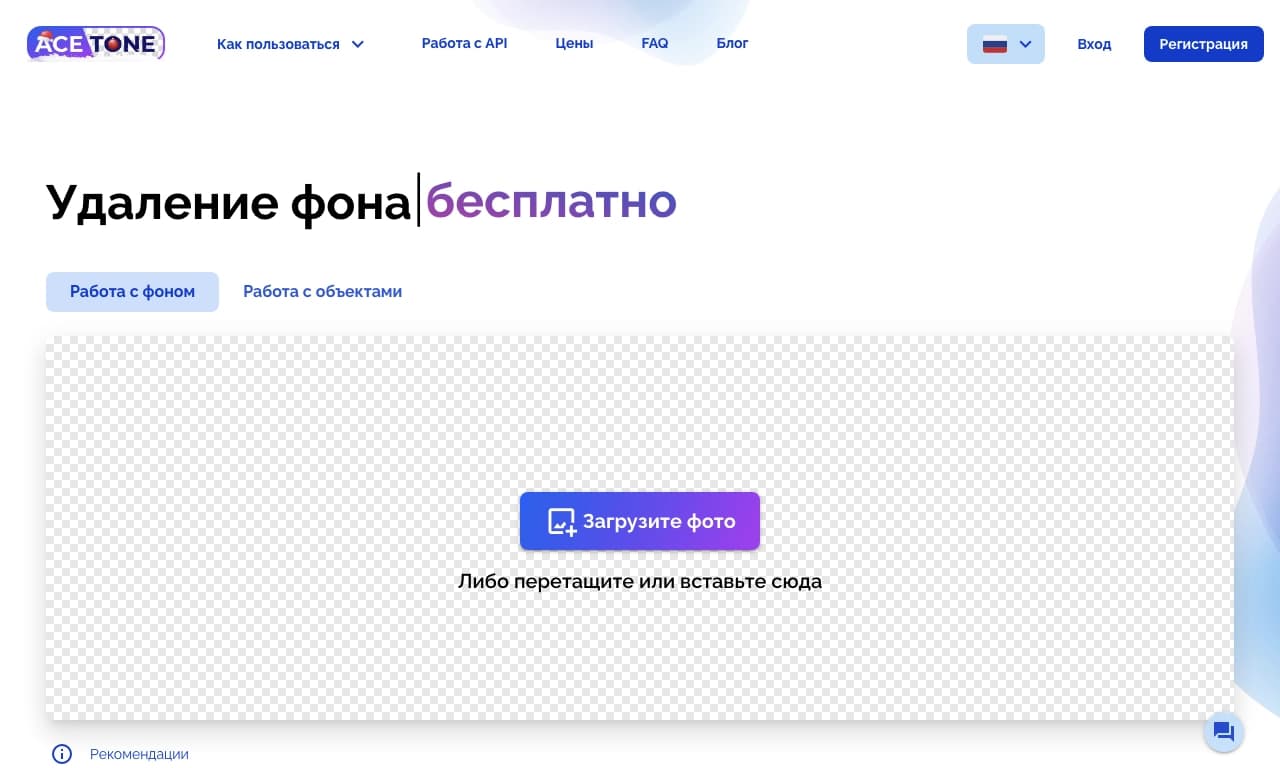
Web service for removing backgrounds and unwanted objects from photos.
Overview
Acetone Neural Network Description
Acetone is a web-based service that solves two popular photo editing tasks: background removal and eliminating unwanted objects. Instead of mastering complex graphic editors, users simply upload a photo in their browser, and the algorithm handles all the technical work of image analysis.
Core Concept
The main focus is on automation. You don't need to manually select objects or work with layers and masks. The neural network itself identifies the boundaries of the main subject, separates it from the background, and removes the background. The same applies to removing accidental people, objects, or defects that ended up in the frame.
Key Value
The tool is fully automated and requires no special technical setup. This makes it accessible to a wide range of users who want to get quality results quickly without unnecessary technical complications.
Acetone Characteristics
| Characteristic | Value |
|---|---|
| Type | Image editor |
| Category | Background and object removal from photos |
| Platforms | Web |
| Interface languages | Russian |
| Country of development | Russia |
| Editorial rating | 8.4 out of 10 |
| User rating | 5.0 (star rating) |
| Distribution model | Not specified |
Who Is Acetone Suitable For?
Photographers
Professionals and enthusiasts who need to quickly prepare a series of shots for publication — removing distracting backgrounds or random details — will be able to significantly reduce post-processing time. The service is suitable for batch tasks where speed matters.
General Users
Since the tool requires no special skills, it suits all kinds of activities: from creating social media content to preparing illustrations for presentations or personal archives. If you need to "clean up" a photo without installing software — Acetone is a convenient solution.
How to Use Acetone?
Uploading an Image
All the user needs to do is open the web service in a browser and upload the desired photo. The interface is fully in Russian, so even a beginner can figure it out.
Processing
After uploading, the neural network automatically analyzes the image. To remove the background, simply select the appropriate option — the algorithm will determine the object's boundaries on its own. To remove unwanted elements, you need to point at them (for example, click on the object), and the system will remove it, filling the gap with plausible content.
Once processing is complete, you can download the finished image in a convenient format.
Key Features of Acetone
Automatic Background Removal
This feature separates the main object from the background in one action. The result can be used for creating collages, designing online store displays, or replacing the background with another one.
Automatic Removal of Unwanted Objects
The tool lets you remove random passersby, trash, wires, or other annoying elements from a photo without traces of intervention. The algorithm reconstructs the background in place of the removed object.
Advantages of Acetone
Ease of Use
No complicated settings — the entire process is automated, and a clear interface lowers the entry barrier.
Unrestricted Accessibility
The service runs stably without requiring any special connection tools, ensuring high speed and no interruptions.
Web-Based Format
No app installation or powerful hardware is required — just a browser and internet access, which is especially convenient when working across different devices.
Disadvantages of Acetone
The provided data does not mention any limitations or weaknesses of the service. Information about technical limits (e.g., maximum file size, number of free processes, or requirements for source image quality) is absent. Users planning to use the tool for complex professional tasks are advised to test its functionality on their own examples.
What Problems Does Acetone Solve?
Image Editing
The service performs basic image cleanup and preparation operations: it removes noise elements, unnecessary details, and adjusts composition by removing unwanted backgrounds.
Background Removal from Images
This is the service's key task — obtaining a clean cut-out object on a transparent background for further use in design, printing, or web content.
Acetone Pricing
Up-to-date information about the cost of using the service and its pricing plans is not available in the source data. It is unknown whether the tool is completely free or uses a Freemium model with limited free access. To clarify the pricing policy, it is recommended to visit the product's official website or contact its representatives.
Terms of Use for Acetone
Detailed information about the license agreement, user data processing policies, rights to uploaded images, and commercial use restrictions is not disclosed in the source information. When using the service, keep in mind that uploaded photos are processed on remote servers, so it is not recommended to upload confidential materials without reviewing the privacy policy.
Acetone Availability
The service is available on a web platform, ensuring it works on any operating system and device with a modern browser. Since the product is developed in Russia and is not blocked in the country, it can be used fully without special workarounds. Although the interface is in Russian, the functionality allows users from any country to work with images.
What Makes Acetone Different from Alternatives
According to the catalog data, similar services include tools such as Genroom, Claid AI, PhotoAiD, and RoomGPT. Each of these services focuses on image processing, but Acetone stands out with several important features.
First of all, Acetone combines background and object removal functions in a single service, allowing users to cover both needs without switching between different tools. While foreign alternatives may have limited accessibility or English-only interfaces, Acetone offers a fully localized product.
Conclusion
Acetone is a convenient, specialized web tool for automatic photo processing. Its main advantages: ease of use, full localization, reliable performance, and sufficient functionality for basic image cleanup operations. Although more powerful software may be needed for professional design, the service is an excellent choice for quick tasks like "remove people from a photo" or "cut out an object." The lack of transparent pricing and limit information can be compensated by testing the functionality in practice — the service is worth bookmarking for anyone who frequently works with images.
Frequently asked questions
See also
Web service for automating the processing of standard documents with minimal human involvement.
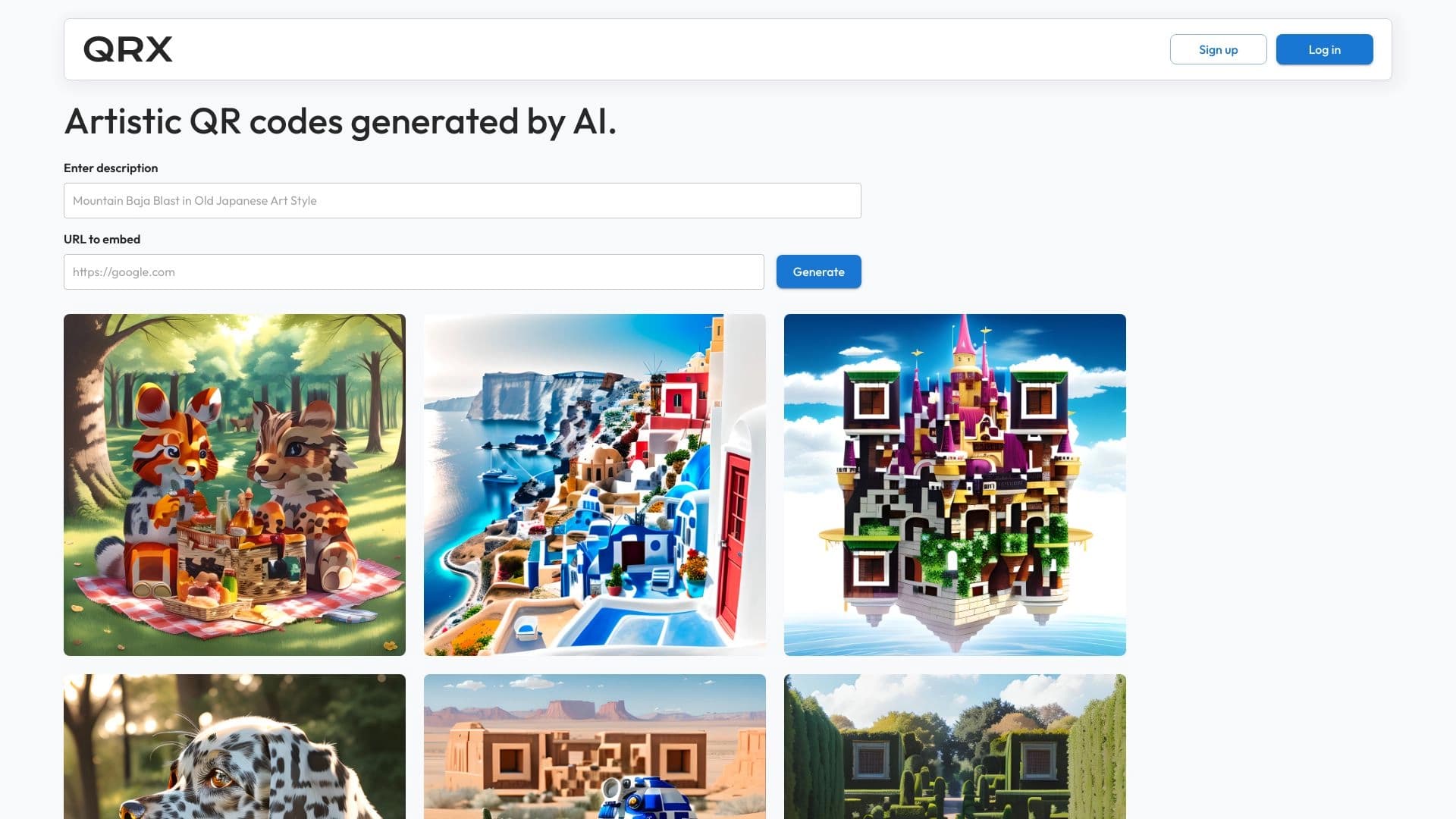
AI platform for Creating Artistic QR Codes who remain fully readable.


AI platform for fast website creation and small business process management.

AI-powered online platform for quickly creating text content, including blogs, articles, and social media posts.

BannsAi is an AI-powered service for quickly creating ad banners based on a text description or reference.
A service that automatically generates enhanced photos for dating site profiles.

AI-powered tool for generating character images and avatars.
A multilingual AI platform for transcribing audio and video into text.