
AcePal
Aplicación móvil que resuelve problemas de matemática, física y química al analizar fotos de asignaciones.

Examen
AcePal AI Assistant Descripción
AcePal es un asistente de IA móvil diseñado para estudiantes y escolares que necesitan ayuda rápida para resolver problemas académicos. La idea central del servicio es extremadamente simple: en lugar de reescribir manualmente un problema o buscar una respuesta en línea, los usuarios simplemente apuntan su cámara de teléfono inteligente en la asignación, y la red neuronal se hace cargo.
La aplicación analiza la foto, reconoce texto o fórmulas, y luego proporciona una solución completa con explicaciones paso a paso. Este enfoque ahorra tiempo significativo y ayuda a los usuarios a entender la lógica detrás de la solución en lugar de copiar la respuesta. AcePal funciona en tiempo real — los resultados aparecen en un par de segundos después de escanear. La funcionalidad básica es completamente libre sin límites en el número de solicitudes, haciendo que el servicio sea atractivo para uso regular.
Características del AcePal
| Característica | Valor |
|---|---|
| Tipo | Educational AI Assistant |
| Categorías | Herramientas de ayuda para tareas, reconocimiento de imágenes, escaneado de imágenes, soporte educativo |
| Plataformas | Aplicación móvil (iOS) |
| Desarrollador | Acepal |
| Tigre libre | Sí (gratis) |
| Visitas mensuales | 388,9K |
| Temas de apoyo | Matemáticas, física, química |
| Método de entrada | Escaneo fotográfico de problemas |
¿Para quién es AcePal AI?
AcePal está dirigido principalmente a escolares y estudiantes que se ocupan regularmente de la tarea y preparación para pruebas o exámenes. El público principal del servicio es aquellos que luchan por resolver problemas en ciencias exactas y quieren obtener no sólo una respuesta sino una explicación clara del proceso de solución.
La aplicación será útil para los estudiantes que carecen de tiempo para trabajar independientemente a través de temas complejos y buscar información en libros de texto y foros. También es adecuado para aquellos que quieren verificar rápidamente la corrección de su propia solución escaneando un problema de un libro de texto. También vale la pena señalar que AcePal está diseñado para usuarios que valoran la simplicidad: no hay ajustes complejos o curvas de aprendizaje largas — todo funciona en el principio de "puntar la cámara y obtener el resultado". Sin embargo, aquellos que resuelven problemas avanzados de nivel olímpico deben ser conscientes de las limitaciones de la red neuronal, que se discuten a continuación.
¿Cómo utilizar AcePal AI?
Para empezar a utilizar AcePal, es necesario instalar la aplicación móvil en un dispositivo iOS. Después de lanzar la aplicación, todo el proceso se reduce a unos pasos simples.
Fotografía de la asignación
Para obtener una solución, simplemente señale su cámara del teléfono inteligente en el texto del problema. AcePal reconoce tanto texto impreso como notas escritas a mano, así como problemas presentados como fórmulas o imágenes. Puedes tomar una foto directamente en la aplicación o subir una imagen existente desde tu galería.
Conseguir una solución paso a paso
Una vez cargada la imagen, la red neuronal la analiza y entrega el resultado en un par de segundos. La solución viene con comentarios detallados para cada paso. La respuesta puede ser guardada inmediatamente o compartida con amigos o compañeros de clase, por ejemplo, a través de mensajero o correo electrónico. La interfaz de aplicación es intuitiva, por lo que puede averiguarlo en el primer intento.
Características clave AcePal
AcePal ofrece un conjunto de características enfocadas en su objetivo principal — rápida y clara solución de problemas académicos.
Escaneo fotográfico de asignaciones
Este es el núcleo del servicio. El usuario fotografía una página de un libro de texto, un libro de trabajo o una hoja impresa con un problema, y la aplicación reconoce automáticamente la declaración del problema. Gracias a la visión de la máquina y las tecnologías de reconocimiento de caracteres ópticos, la red neuronal procesa correctamente símbolos matemáticos, índices y fórmulas.
Desglose paso a paso con explicaciones
AcePal no sólo proporciona la respuesta final — cada solución viene con una descripción secuencial de pasos. Este enfoque ayuda a los usuarios a entender la lógica detrás de la tarea y captar el material, que es especialmente valioso al prepararse para las pruebas. Las explicaciones en las soluciones están escritas en lenguaje claro sin complejidad innecesaria.
Apoyo a tres temas
La aplicación abarca tres disciplinas clave: matemáticas, física y química. AcePal maneja tanto los problemas basados en texto como los presentados como gráficos, diagramas o imágenes igualmente bien.
Proceso de solicitud rápida
Debido a que los cálculos se realizan en tiempo real, los usuarios obtienen respuestas casi instantáneamente — generalmente dentro de un par de segundos. Esto distingue el servicio de búsqueda manual en motores de búsqueda o foros.
Ventajas de AcePal
Utilizando AcePal ofrece a los usuarios varios beneficios significativos que lo convierten en un compañero de estudio diario conveniente.
Velocidad de obtener respuestas
La fuerza principal de la aplicación es la eficiencia. Sólo apunta la cámara en la asignación, y la solución aparece en pantalla en segundos. Esto acelera significativamente la terminación de la tarea y elimina la necesidad de pasar tiempo buscando respuestas en línea.
Soluciones claras y precisas
La red neuronal construye una cadena de solución lógica y consistente, explicando cada paso. Esto ayuda a los usuarios no sólo a obtener el resultado final, sino también a aprender el algoritmo, que será útil más adelante al resolver problemas similares de forma independiente. Para la mayoría de las asignaciones escolares y universitarias estándar, las respuestas son correctas.
Interfaz sencilla y amigable
La aplicación está diseñada para que los usuarios pasan el tiempo mínimo aprendiendo cómo utilizarla. No se sobrecarga con elementos innecesarios, y el flujo de trabajo baja a tomar una foto y obtener el resultado. Con acceso gratuito y sin anuncios, el servicio es cómodo y seguro de usar.
Desventajas de AcePal
A pesar de todas las ventajas obvias, AcePal tiene una serie de limitaciones que vale la pena saber de antemano para que usted no establece expectativas irrealistas.
Falta de problemas complejos
La red neuronal no siempre maneja problemas no estándar y de nivel olímpico de dificultad avanzada correctamente. Si un problema requiere un enfoque creativo o una combinación de métodos no obvios, AcePal puede producir una solución incompleta o incorrecta. Por lo tanto, para un estudio a fondo de un tema o preparación para olympiads, es mejor utilizar recursos especializados.
Posibilidad de errores de cálculo
Como cualquier AI, AcePal no es inmune a las imprecisiones. En casos raros, se puede saltar un paso, puede ocurrir un error de cálculo, o se puede usar un texto confuso. Esto no es un problema sistémico, pero requiere que los usuarios verifiquen críticamente el resultado, especialmente para un trabajo importante.
No adapt to knowledge level
La aplicación proporciona explicaciones uniformes para todos los usuarios. No evalúa el nivel de preparación del estudiante ni ajusta la complejidad de las explicaciones al individuo. Para algunos, las explicaciones pueden parecer demasiado detalladas; para otros, no lo suficientemente detalladas.
¿Qué problemas resuelve AcePal?
La gama de problemas AcePal aborda los principales escenarios académicos relacionados con las ciencias exactas.
- Solución de problemas de física, química y matemáticas. La aplicación reconoce problemas de cualquier complejidad de los programas escolares y parcialmente universitarios y ofrece una solución correcta con la respuesta final.
- Desglose paso a paso de las asignaciones. En lugar de un resultado seco, los usuarios obtienen una explicación detallada de cada etapa, lo que les ayuda a entender el material y a aprender a resolver problemas similares de forma independiente.
- Ahorra tiempo buscando respuestas. AcePal elimina la necesidad de pasar a través de manuales de solución, buscar problemas similares en foros, o compañeros de mensaje — todo lo que necesita está en una aplicación.
AcePal Precios
AcePal funciona en un modelo de Freemium: las características básicas están disponibles para todos sin costo.
| Plan | Precio | Características |
|---|---|---|
| Gratis | $0 | Acceso completo a funciones básicas, preguntas ilimitadas, sin anuncios |
| Estándar | $2.99 / mes | Capacidades de solución avanzada y soporte de usuario prioritario |
| Premium | $5.99 / mes | Todas las características de servicio, recomendaciones personalizadas y procesamiento de solicitudes más rápido |
El plan gratuito no impone límites al número de solicitudes, haciendo innecesarias las suscripciones pagadas para la mayoría de los usuarios. Los planes pagados pueden recurrir principalmente a aquellos que necesitan un procesamiento especialmente rápido de tareas complejas y apoyo personal. Los términos actuales de precios y suscripción siempre pueden ser revisados en la propia aplicación.
Términos de uso de AcePal
El acceso al servicio no requiere pasar por un proceso de registro con verificación de correo electrónico o teléfono. El único requisito es descargar la aplicación a tu dispositivo y lanzarla. AcePal no utiliza suscripciones forzadas: incluso en el plan libre, no hay límites en el número de solicitudes o anuncios que podrían interrumpir el proceso de aprendizaje.
AcePal Disponibilidad
Actualmente, AcePal está disponible como una aplicación móvil para dispositivos iOS — se puede descargar desde App Store. No hay información pública sobre una versión de Android o soporte para idiomas y regiones específicos. Si se necesita un VPN para acceder al servicio también no está confirmado. Para una lista actualizada de dispositivos compatibles y disponibilidad para otras plataformas, es mejor comprobar los canales oficiales del desarrollador.
Cómo AcePal difiere de las alternativas
El mercado de herramientas de IA educativa tiene muchos servicios para resolver problemas, pero AcePal tiene sus propias características distintivas que lo distinguen.
Acceso libre sin límites
Aunque muchas aplicaciones competidoras imponen límites al número de soluciones o ocultan explicaciones paso a paso detrás de una suscripción pagada, AcePal ofrece acceso gratuito ilimitado a las características principales. Esto es especialmente importante para los escolares y estudiantes en un presupuesto limitado.
Cobertura entre subjetos
Muchas aplicaciones se especializan en solamente matemáticas o sólo química. AcePal cubre tres temas a la vez, eliminando la necesidad de instalar múltiples aplicaciones.
Facilidad de uso
La mayoría de los competidores trabajan de una manera similar — foto y solución. Sin embargo, AcePal pone especial énfasis en la velocidad y el minimalismo. La aplicación no se sobrecarga con módulos adicionales; se centra específicamente en obtener resultados rápidamente. Al mismo tiempo, a diferencia de poderosas redes neurales de uso general, AcePal tiene su propia especialización en nicho y no trata de cubrir todo, lo que impacta positivamente la precisión de soluciones específicamente para los planes de estudios académicos.
Conclusión
AcePal es una herramienta práctica y conveniente para los escolares y estudiantes que quieren manejar rápidamente y sin esfuerzo la tarea en matemáticas, física y química. El servicio maneja excelentes problemas estándar, ofreciendo soluciones claras paso a paso, y permanece completamente libre sin límites en el número de solicitudes. Las principales limitaciones están relacionadas con problemas complejos no estándar y posibles inexactitudes en soluciones, lo que vale la pena tener en cuenta al utilizar la aplicación. Sin embargo, para el estudio diario y la preparación para exámenes estándar, AcePal será un compañero confiable y útil.
Preguntas frecuentes
Vea también


Servicio de transcripción automática de audio y vídeo en texto con soporte para más de 100 idiomas.


Herramienta web gratuita de Google que utiliza el aprendizaje automático para convertir bocetos ásperos en iconos e ilustraciones neat.

Un servicio en línea que le permite chatear con documentos PDF: hacer preguntas y obtener respuestas concisas con la atribución fuente.


Profesor de idiomas AI en forma de extensión del navegador y servicio web para la práctica, traducción y explicación de los materiales del lenguaje.
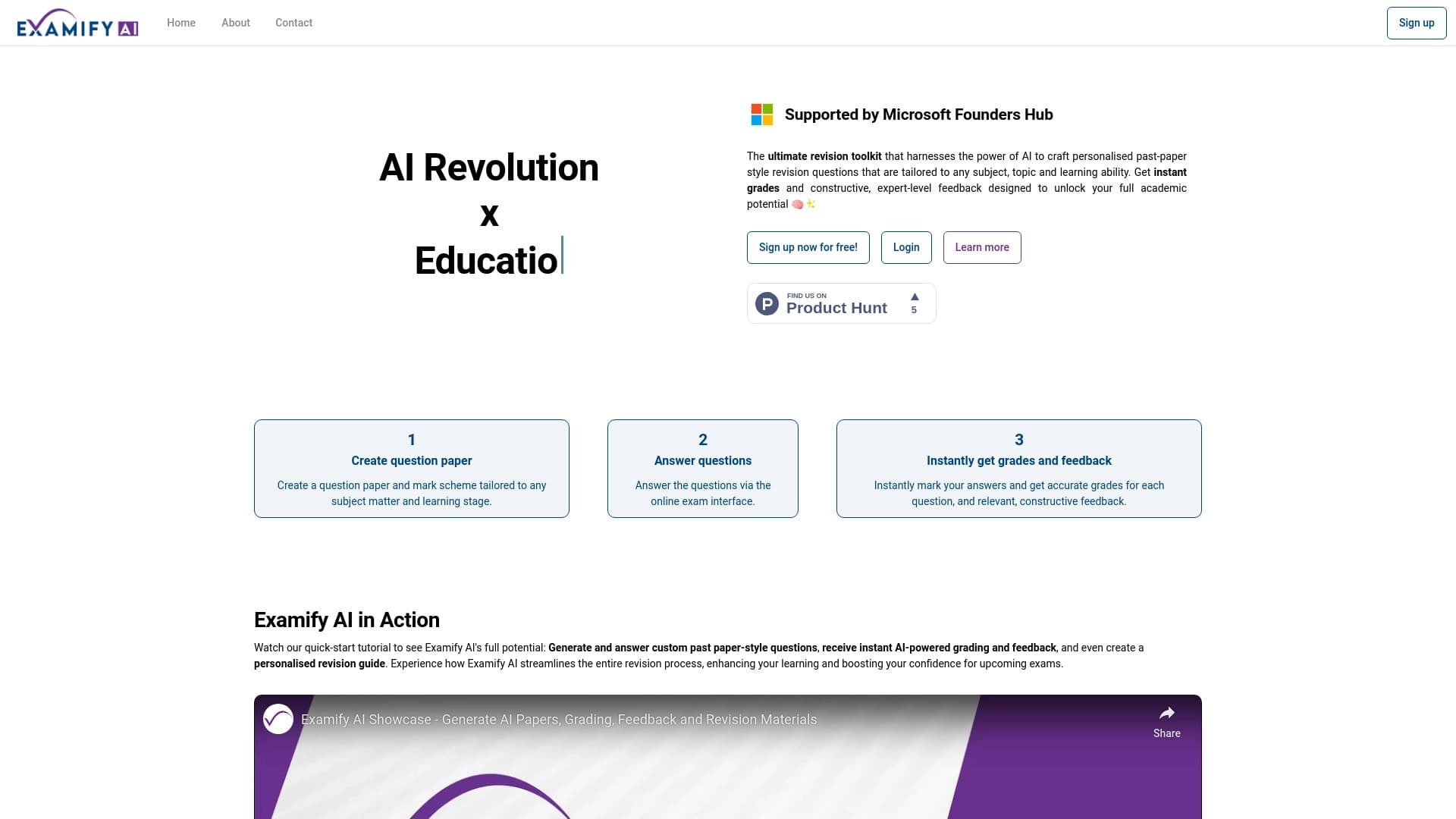
Plataforma impulsada por AI para crear y clasificar automáticamente exámenes y pruebas.

Un servicio de creación de presentaciones que utiliza múltiples agentes de IA para la reunión de información, diseño y análisis de datos.


Asistente de inteligencia para crear y editar textos rápidamente en varios formatos.


Asistente de IA para médicos que automáticamente crea notas SOAP estructuradas de las grabaciones de audio de cita.