
AccessPlus
Extension du navigateur pour simplifier la navigation sur le site Web, créer des résumés de texte et lire des pages à haute voix en utilisant des réseaux neuronaux.
Aperçu général
Description du réseau neuronal AccessPlus
AccessPlus est une extension de navigateur Chrome qui utilise des réseaux neuronaux pour simplifier l'interaction avec les pages Web. L'outil raccourcit automatiquement les textes longs, met en évidence les informations clés, lit le contenu à haute voix et permet aux utilisateurs de personnaliser les interfaces du site en fonction de leurs besoins individuels.
Initialement, les développeurs se sont concentrés sur les personnes ayant des déficiences cognitives et visuelles qui trouvent difficile de traiter des interfaces encombrées et de grands volumes de texte. Cependant, l'outil s'avérera également utile pour les utilisateurs réguliers qui veulent accélérer leur recherche d'informations pertinentes. Une caractéristique importante est que l'extension ne stocke pas l'historique de navigation, fournissant une confidentialité supplémentaire.
Fonctions AccessPlus
| Fonctionnalité | Valeur |
|---|---|
| Type | Extension du navigateur |
| Catégorie | Divers |
| Plateformes | Chrome |
| Plan gratuit | Oui |
| Développeur | AccèsPlus |
| Visites mensuelles | 388,9 K |
| Besoins en réseau | Connexion Internet constante |
| Vie privée | Ne stocke pas l'historique de navigation |
| Appui linguistique | Langues multiples |
A qui AccessPlus convient-il?
Personnes souffrant de troubles cognitifs et visuels
AccessPlus est conçu en fonction des besoins des utilisateurs qui trouvent les interfaces web standard difficiles à traiter. Le texte à la parole, la navigation simplifiée et la personnalisation de l'affichage rendent l'Internet plus accessible aux personnes ayant une déficience visuelle ou des différences de perception.
Étudiants travaillant avec des portails éducatifs
Les plateformes d'apprentissage sont souvent surchargées de menus, de liens et de blocs secondaires. L'extension permet de mettre en évidence les points clés des conférences et du matériel d'étude, réduisant ainsi le temps d'étude.
Professionnels analysant de grands volumes d'information
Pour ceux qui naviguent quotidiennement sur des dizaines de sites Web — journalistes, analystes, chercheurs — la fonction de récapitulation automatique des pages s'avère utile. Au lieu de lire des articles entiers, les utilisateurs peuvent rapidement obtenir des résumés concis.
Comment utiliser le réseau neuronal AccessPlus ?
Installation et premières étapes
Pour commencer, téléchargez l'extension depuis le Chrome Web Store et l'ajouter à votre navigateur. Après l'installation, l'icône AccessPlus apparaîtra dans la barre d'outils, et toutes les fonctions principales seront disponibles directement sur la page actuelle.
Voie quotidienne
Une fois installé, vous pouvez commencer à travailler tout de suite : obtenir des résumés de page concis en un seul clic, activer le texte à la parole et personnaliser l'affichage de l'interface selon vos préférences. Aucune configuration complexe n'est requise — les principales options sont intuitives.
Fonctions clés AccessPlus
Résumation automatique du contenu
Le réseau neuronal analyse le contenu de la page Web, raccourcit le texte et le structure en mettant en évidence les principales idées. Cela vous permet de saisir rapidement l'essence d'un article ou d'un document sans le lire complètement.
Texte à la parole
Les pages peuvent être écoutées, ce qui est pratique lorsque vos yeux sont fatigués ou lorsque vous devez combiner la lecture avec d'autres tâches. Text-to-speech fonctionne aussi pour les matériaux longs.
Personnalisation de l'interface
Les utilisateurs peuvent modifier l'affichage des sites Web : simplifier les menus, ajuster les polices et les couleurs et supprimer les éléments inutiles. Ceci est particulièrement important pour les personnes ayant une déficience visuelle.
Assistant personnel
L'assistant intégré aide à résoudre les tâches quotidiennes, offre des conseils et guide les utilisateurs tout en naviguant sur le web. La fonction de l'assistant dépend du plan d'abonnement.
Avantages AccessPlus
Navigation simplifiée sur des sites Web complexes
L'intelligence artificielle raccourcit automatiquement et structure le texte, éliminant ainsi la nécessité de passer par des interfaces encombrées. Cela permet de gagner du temps en travaillant avec des ressources nouvelles ou mal organisées.
Amélioration de l'accessibilité du contenu
Des options de personnalisation et des interfaces simplifiées permettent de rendre Internet plus accessible aux personnes ayant des déficiences visuelles ou perceptives. L'extension réduit les barrières lorsqu'on travaille dans l'environnement numérique.
Confidentialité et sécurité
L'extension ne stocke pas l'historique de navigation, permettant aux utilisateurs de naviguer sans se soucier de la confidentialité de leurs activités en ligne.
Inconvénients d'accèsPlus
Dépendance sur la connexion Internet
AccessPlus nécessite une connexion réseau constante pour fonctionner — l'extension ne fonctionne pas en mode hors ligne. Cela peut être gênant avec une connexion instable ou en voyage.
Erreurs éventuelles sur des sites Web complexes
Sur des pages non standard ou techniquement complexes, des problèmes peuvent se produire : un passage incorrect de texte à texte pour certains éléments, une simplification excessive du menu ou la perte de certaines fonctionnalités.
Localisation incomplète
Bien que l'extension supporte plusieurs langues, pour certaines langues certaines fonctionnalités peuvent être traduites incorrectement ou ne pas fonctionner dans leur intégralité.
Quelles tâches AccessPlus résout-elle ?
Navigation rapide du site Web
L'extension aide les utilisateurs à trouver leur chemin autour de n'importe quelle ressource Web, leur permettant de localiser les sections et l'information nécessaires plus rapidement sans passer le temps à apprendre la structure du site.
Aperçus concis des pages
Au lieu de lire de longs textes, les utilisateurs peuvent obtenir de brefs résumés contenant l'essence principale. Ceci est pratique lorsque vous travaillez avec un grand nombre de sources.
Assurer l'accessibilité de l'information
Pour les personnes ayant une déficience cognitive ou visuelle, l'extension devient un pont qui leur permet d'utiliser Internet sans aide extérieure.
Tarifs AccessPlus
Plan gratuit
Un ensemble de caractéristiques de base est fourni gratuitement. Il comprend des fonctions de résumé de base, de texte à texte et de personnalisation de l'interface.
Plan type
Capacités avancées d'assistant personnel et options supplémentaires de personnalisation de l'interface. Convient aux utilisateurs qui trouvent la fonctionnalité de base insuffisante.
Régime de primes
Toutes les fonctionnalités d'extension, y compris le multitâche et le soutien prioritaire. Niveau maximum d'accès pour les utilisateurs actifs.
Conditions d'utilisation AccessPlus
Pour commencer, vous devez installer l'extension à partir du Chrome Web Store. Il n'y a pas d'exigences supplémentaires ni de procédures d'enregistrement complexes. Les utilisateurs peuvent choisir un plan approprié ou commencer par la version gratuite.
Disponibilité AccessPlus
AccessPlus est disponible comme extension pour le navigateur Chrome. L'outil prend en charge plusieurs langues, permettant aux utilisateurs de différents pays de l'utiliser. Une connexion Internet stable est nécessaire pour une fonctionnalité complète.
Comment AccessPlus diffère des alternatives
AccessPlus se distingue parmi d'autres extensions de simplification de navigation web en raison de son approche globale. De nombreuses alternatives, telles que Blureasy, BLUUBRIDGE, Blumo AI, Bottom Line Up Front, Chat Privacy Extension ou Bberry Copilot, se concentrent sur une ou deux fonctions : par exemple, ne cacher que des éléments d'interface ou seulement résumer du texte. AccessPlus combine la somme, le texte à la parole, la personnalisation de l'interface et un assistant personnel en un seul outil.
Une différence importante est l'accent mis sur les personnes ayant des déficiences cognitives et visuelles. Alors que la plupart des extensions ciblent les utilisateurs réguliers qui veulent supprimer le bruit visuel, AccessPlus prend en compte les besoins spéciaux et offre une adaptation d'interface plus profonde. En outre, l'extension garantit la confidentialité en ne stockant pas l'historique de navigation, que tous les concurrents n'offrent pas.
Conclusion
AccessPlus est une extension Chrome fonctionnelle qui rend le surf web plus simple et plus accessible. Grâce à l'auto-sommarisation, au text-to-speech, à la personnalisation de l'interface et à un assistant intégré, il sera utile à la fois pour les personnes ayant des différences cognitives ou visuelles et pour les utilisateurs réguliers qui veulent accélérer leur travail avec l'information. La disponibilité d'un plan gratuit vous permet d'évaluer les capacités sans investissement financier, tandis que les plans payés débloquent la fonctionnalité d'assistant étendue. Lors du choix, considérez la nécessité d'une connexion Internet constante et les limitations possibles sur les sites web non standard.
Foire aux questions
Voir aussi


Service de transcription automatique de l'audio et de la vidéo dans le texte avec support pour plus de 100 langues.


Professeur de langue AI sous forme d'extension de navigateur et de service Web pour la pratique, la traduction et l'explication du matériel linguistique.

Un service en ligne qui vous permet de discuter avec les documents PDF : posez des questions et obtenez des réponses concises avec l'attribution des sources.


Extension Chrome qui aide à gérer les onglets, l'historique, et les signets avec un assistant AI.

Un service de création de présentation qui utilise plusieurs agents d'IA pour la collecte d'information, la conception et l'analyse de données.

Service en ligne pour la création d'un clone de voix réaliste à partir d'un court enregistrement audio et texte-à-parler.
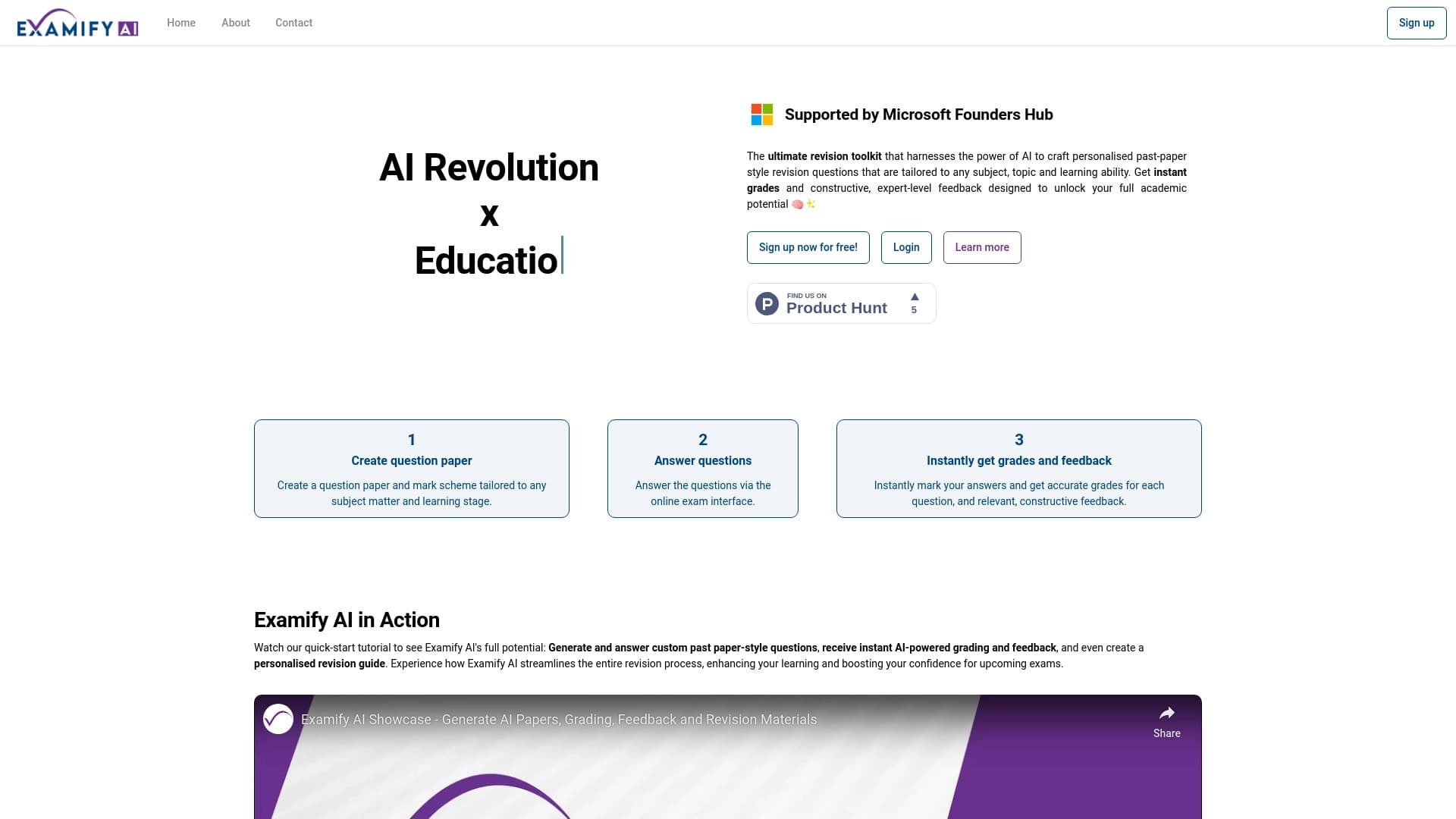
Plateforme alimentée par l'IA pour la création et le classement automatique des examens et des tests.


Assistant AI pour les médecins qui créent automatiquement des notes SOAP structurées à partir d'enregistrements audio de rendez-vous.