
8Flow
Ekstensi krom yang mendukung tugas dan proses IT dengan AI.
Tinjau
Deskripsi AI 8Flow
8Flow adalah ekstensi peramban Chrome yang menggunakan kecerdasan buatan untuk mengotomatisir tugas dukungan pelanggan dan proses IT. Tujuan utama dari alat ini adalah membebaskan karyawan dari pekerjaan rutin. Jaringan saraf menganalisa bagaimana spesialis melakukan tugas mereka, mengidentifikasi skenario berulang, dan menawarkan solusi yang sudah dibuat untuk memproses permintaan dan tiket.
Alat ini belajar dari tindakan karyawan, jadi seiring waktu mulai mengantisipasi operasi dan secara otomatis melakukan bagian dari pekerjaan. 8Flow dirancang untuk tim yang ingin mengurangi penanganan respon waktu dan membuat proses mereka lebih transparan. Terima kasih untuk membangun-dalam analisis, manajer dapat melihat di mana botol terjadi dan bagaimana mempercepat pekerjaan.
Karakter 8Flow
| Karakter | Nilai |
|---|---|
| Tipe | Ekstensi krom |
| Pengembang | Teknologi 8Flow |
| Kategori | Layanan manajemen Workflow, alat manajemen tugas, alat ekstraksi data dokumen, alat pembuatan chatbot, perangkat auto- respons, generator respon AI, alat automatisasi CRM, alat dukungan pelanggan, alat analisis data |
| Kunjungan bulanan | 41.2K |
| Rencana gratis | Tersedia (akses ke fitur inti) |
| Membayar harga rencana | Dasar - $2 / mo, Premium - $4 / mo |
| Bahasa antarmuka | Rusia |
Siapa yang cocok untuk AI 8Flow?
spesialis dukungan pelanggan
8Flow ditujukan pada karyawan yang memproses volume besar permintaan serupa setiap hari. Alat ini menangani pengurutan dan routing pertanyaan, serta otomatis menanggapi pertanyaan umum. Operator berhenti menghabiskan waktu pada pekerjaan mekanik dan fokus pada tugas kompleks dan tidak standar yang memerlukan keterlibatan manusia.
spesialis IT dan tim teknis
Untuk departemen IT, ekstensi membantu otomatis pemrosesan tiket dan permintaan pengguna. Jaringan saraf menentukan prioritas tugas dan rute mereka ke assignnees kanan, mempercepat resolusi masalah teknis. Ini mengurangi penundaan dan meminimalkan downtime dalam perusahaan.
Pemimpin tim dan manajer operasi
8Flow berguna bagi mereka yang mengelola kinerja tim: AI menganalisis komunikasi pelanggan dan daerah highlights untuk perbaikan. Manajer mendapatkan data tentang di mana penundaan terjadi dan dapat menyesuaikan proses berdasarkan data obyektif daripada asumsi.
Bagaimana menggunakan 8Flow AI?
Pendaftaran dan pengaturan
Untuk memulai, Anda perlu mendaftar account pada situs resmi 8Flow. Setelah membuat profil, Anda mendapatkan akses ke pengaturan ekstensi dan integrasinya. Pendaftaran wajib - tanpa itu, alat tidak dapat digunakan.
Integrasi dengan sistem dukungan
Langkah berikutnya adalah menghubungkan sistem dukungan yang telah digunakan tim Anda. 8Flow menawarkan integrasi untuk sinkronisasi data otomatis: tiket, pertanyaan pelanggan, dan dasar pengetahuan ditarik ke antarmuka ekstensi. Konfigurasi membutuhkan waktu, terutama jika perusahaan memiliki infrastruktur IT kompleks.
Automatisasi dan pemantauan
Setelah setup selesai, jaringan saraf mulai menganalisis tindakan karyawan dan membangun permintaan skenario pemrosesan. Beberapa tugas rutin beralih ke autopilot. Sangat penting untuk memantau sistem selama beberapa hari pertama untuk menyesuaikan aturan routing dan filter jika perlu.
Fitur 8Flow Kunci
Deteksi otomatis tugas berulang
AI independen mengidentifikasi operasi yang dilakukan karyawan secara teratur dan dengan cara yang sama. Sistem mendeteksi pengulangan dan menunjukkan otomatis tugas tersebut. Semakin lama ekstensi digunakan, semakin akurat memprediksi pekerjaan rutin.
Pengurutan dan routing dari pertanyaan
8Flow mendistribusikan pertanyaan pelanggan tanpa keterlibatan manusia: itu menentukan topik permintaan, prioritasnya, dan rute tiket ke karyawan atau departemen yang sesuai. Ini menghilangkan pengurutan manual dan mengurangi waktu respon.
Analisis komunikasi pelanggan
Ekstensi menganalisa korespondensi pelanggan dan menemukan pola: sering bertanya, masalah khas, dan titik lemah dalam layanan. Berdasarkan data ini, skrip respon dapat disesuaikan dan kualitas dukungan meningkat.
Gedung Workflow
Berdasarkan tindakan karyawan, 8Flow secara otomatis membangun skenario kerja yang optimal. Sistem ini melihat koneksi antara tahap tugas dan menunjukkan cara untuk mempercepat proses, menghemat waktu dan mengurangi kesalahan. Modul ini efektif untuk membangun operasi reguler.
Kemajuan 8Flow
Mengurangi beban karyawan
Operasi berulang dilakukan secara otomatis, membebaskan tim dari rutinitas. Karyawan beralih ke tugas yang lebih bermakna yang memerlukan pemikiran analitis atau pendekatan kreatif. Ini mengurangi kelelahan dan meningkatkan keterlibatan.
Permintaan pemrosesan lebih cepat
AI langsung semacam pertanyaan, rute mereka melalui saluran yang tepat, dan menunjukkan siap-dibuat respon untuk pertanyaan-pertanyaan umum. Pelanggan menunggu kali menurun, dan permintaan kecepatan pemrosesan meningkat.
Sedikit kesalahan
Automasi mengurangi faktor manusia: sistem tidak lupa tenggat waktu, tidak mencampur prioritas, dan mengikuti aturan set. Hal ini terutama relevan untuk tim dengan volume tinggi operasi berulang di mana kesalahan terjadi karena kelelahan atau tergesa-gesa.
Transparansi proses yang lebih besar
Terima kasih kepada analisis 8Flow, manajemen dapat melihat bagaimana tugas dilakukan, dimana penundaan terjadi, dan bagian mana dari proses dapat dioptimalkan. Transparansi membantu membuat keputusan manajemen informasi.
8Flow Disadvantages
Kompleks implementation
Operasi penuh memerlukan integrasi dengan sistem dukungan dan konfigurasi skenario yang ada. Dalam kasus infrastruktur kompleks, proses implementasi akan membutuhkan waktu tambahan. Tidak ada peluncuran cepat keluar dari kotak - Anda harus menggali ke dalam pengaturan.
Masalah dengan tugas-tugas tidak standar
8Flow menangani skenario khas dengan baik tetapi tidak selalu efektif dengan permintaan standar tidak. Jika pelanggan menjelaskan masalah unik yang berada di luar skenario terlatih, intervensi manusia masih diperlukan. AI tidak dapat sepenuhnya menggantikan spesialis hidup dalam kasus yang kompleks.
Risiko keamanan
Jika ekstensi salah konfigurasi, ada potensi ancaman dari pelanggan atau kebocoran data karyawan. Sejak alat memproses informasi sensitif, konfigurasi hak akses yang cermat dan audit keamanan reguler diperlukan. Menghilangkan langkah-langkah ini dapat menyebabkan akses yang tidak sah.
Tugas apa yang 8Flow selesaikan?
Permintaan pemrosesan otomatisasi
Alat ini dirancang untuk bekerja dengan tiket dan permintaan berulang. Sistem ini mengidentifikasi jenis penyelidikan dan melakukan tindakan yang diperlukan menurut skenario pra-dibangun, membebaskan karyawan pekerjaan mekanis.
Penginapan routing pelanggan
8Flow mengklasifikasi permintaan masuk dan rute mereka ke spesialis atau departemen yang tepat tanpa keterlibatan manusia. Ini menghilangkan kebingungan, mengurangi waktu respon, dan memastikan penyelidikan mencapai tangan yang tepat.
Dukung analisis kualitas
Ekstensi mempelajari sejarah komunikasi pelanggan, menemukan pola dalam pertanyaan dan keluhan, dan daerah highlights membutuhkan perbaikan. Tim mendapatkan gambaran obyektif kualitas layanan dan dapat menyesuaikan pendekatan kepada pelanggan.
Optimisasi aliran kerja
8Flow mengidentifikasi botol dalam proses operasional dan menunjukkan bagaimana untuk menghilangkan mereka. Tim membangun skenario kerja yang lebih efisien dan meningkatkan produktivitas secara keseluruhan tanpa menambahkan beban kerja karyawan.
Harga 8Flow
Rencana gratis
Menyediakan akses ke fitur otomatisasi arus kerja inti. Cocok untuk membiasakan diri dengan alat dan untuk tim kecil yang tidak perlu fungsionalitas canggih.
Rencana dasar - $2 per bulan
Termasuk perangkat manajemen tugas yang canggih dan bonus dukungan tambahan sistem. Dirancang untuk tim yang membutuhkan lebih banyak pilihan untuk arus kerja mereka.
Rencana premium - $4 per bulan
Buka kunci fungsionalitas platform penuh: semua alat otomatisasi, dukungan prioritas pengguna, dan pemrosesan data prioritas. Disarankan untuk tim besar dan organisasi di mana produktivitas maksimum sangat penting.
Terminal 8Flow dari Penggunaan
Menggunakan 8Flow membutuhkan pendaftaran akun pada situs resmi layanan. Setelah membuat profil, Anda perlu mengkonfigurasi integrasi dengan sistem dukungan yang sudah digunakan di perusahaan - ini adalah kondisi wajib bagi ekstensi untuk bekerja sepenuhnya. Pengguna juga memerlukan peramban Chrome, karena alat ini tersedia secara eksklusif sebagai ekstensi bagi peramban ini.
Sebelum memulai, Anda harus mengalokasikan waktu untuk proses konfigurasi dan menyesuaikan sistem ke kebijakan internal Anda. Semakin kompleks infrastruktur perusahaan, implementasi lebih lama akan mengambil. Perhatian hati-hati harus dibayar untuk mengakses hak-hak dan pengaturan keamanan untuk menghindari potensi kebocoran informasi.
Ketersediaan 8Flow
Ekstensi tersedia untuk instalasi di peramban Chrome. 8Flow mendukung antarmuka bahasa Rusia - halaman alat diterjemahkan ke Rusia, yang menyederhanakan penggunaan untuk tim berbahasa Rusia. Versi pertama diterbitkan pada 10 September 2025. Alat ini saat ini berfokus terutama di pasar Rusia, seperti yang ditunjukkan oleh harga dan sepenuhnya antarmuka bahasa.
Bagaimana 8Flow berbeda dari alternatif
Fokus pada analisis tindakan karyawan
Perbedaan kunci antara 8Flow dan classic chatbot pembangun atau sistem auto- response adalah kemampuannya untuk belajar dari tindakan karyawan. Alih-alih secara manual mengatur skenario, sebagai dengan Botmother atau Aimylogic, 8Flow secara independen menganalisa proses kerja dan menunjukkan solusi yang telah dibuat. Ini menurunkan penghalang entri untuk tim tanpa spesialis teknis.
Integrasi dengan sistem dukungan yang ada
Tidak seperti platform universal seperti Botpress dan Botsify, yang membutuhkan robot dari awal, 8Flow mengintegrasikan ke dalam proses yang sudah berjalan. Alat ini menghubungkan ke sistem dukungan yang ada dan meningkatkan kemampuan mereka daripada membutuhkan migrasi ke platform baru.
Keseimbangan harga dan fungsionalitas
Dibandingkan dengan platform perusahaan seperti Leadtex atau SaleBot, 8Flow menawarkan rencana yang lebih terjangkau: biaya rencana dasar hanya $2 per bulan. Pada saat yang sama, alat ini mencakup kebutuhan otomatisasi dukungan inti dari tim berukuran menengah - dari penyelidikan routing ke analitik layanan pelanggan.
Kesimpulan
8Flow adalah ekstensi praktis Chrome yang otomatis pelanggan dukungan rutin tugas dan IT proses dengan belajar dari tindakan karyawan. Alat kekuatan utama adalah mengurangi beban kerja tim, mempercepat proses permintaan, dan meningkatkan transparansi operasional. AI menemukan pola, menunjukkan skenario optimal, dan menangani bagian mekanis dari pekerjaan. Namun, sebelum implementasi, Anda harus mempertimbangkan kompleksitas pengaturan, kebutuhan untuk keterlibatan manusia dalam situasi tidak standar, dan potensi risiko keamanan. Ini adalah pilihan yang tepat untuk tim yang bersedia untuk menginvestasikan waktu dalam konfigurasi untuk jangka panjang penghematan sumber daya.
Pertanyaan yang sering ditanyakan
Lihat juga


Asisten AI multifungsional untuk percakapan, teks dan pembuatan gambar, terjemahan, dan bantuan pemrograman.

Layanan online yang didukung secara otomatis mengubah laporan bank dari PDF menjadi berkas CSV terstruktur.

Sebuah platform dukungan pelanggan otomatisasi yang menganalisis pertanyaan dan membantu operator merespon lebih cepat.
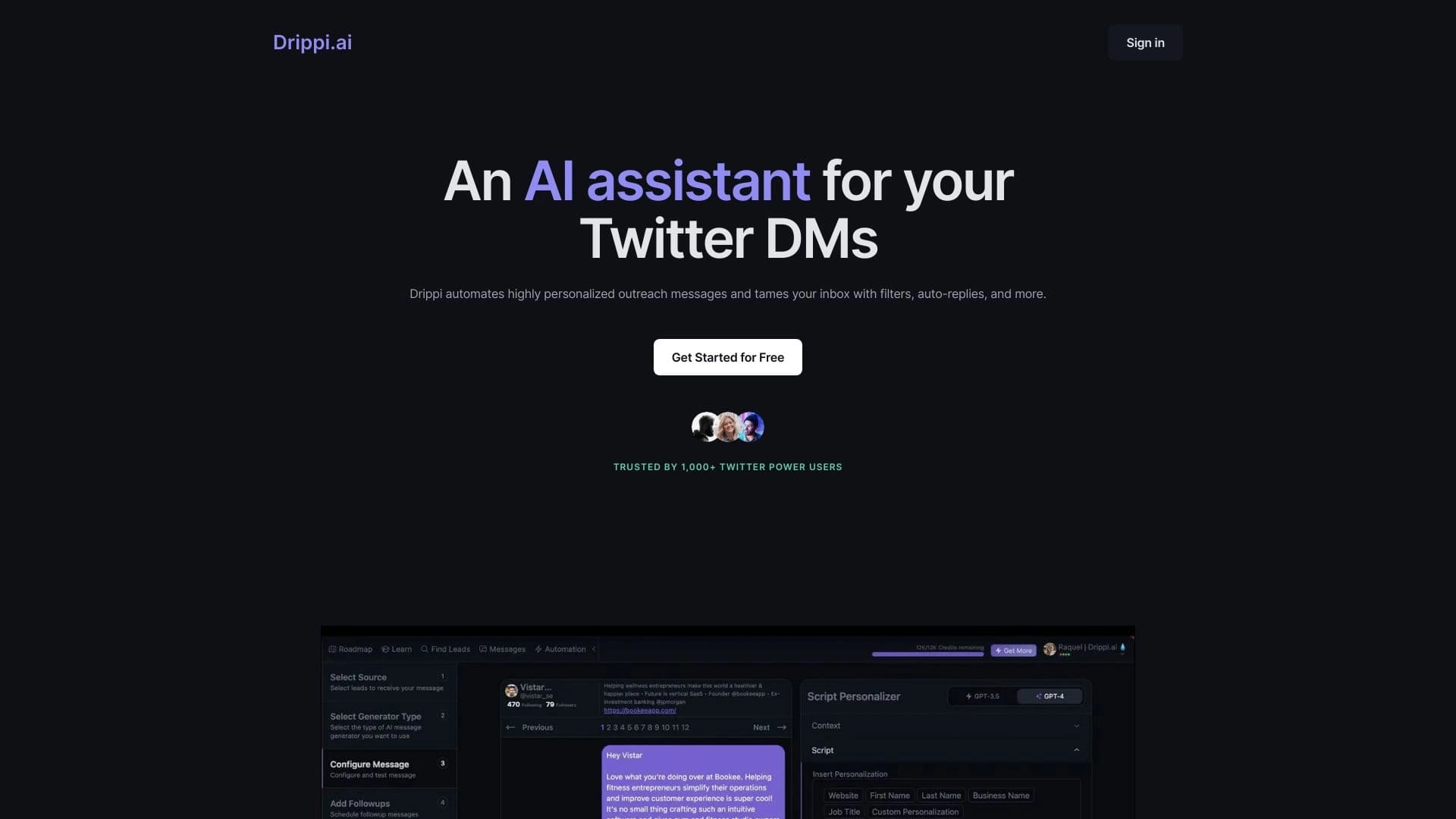

Otomatis mengirim pesan langsung pribadi di X (Twitter) untuk jangkauan dingin.


Platform untuk mengorganisir live chat dan berkomunikasi dengan pengunjung situs, menawarkan widget obrolan gratis untuk dukungan pelanggan.


AI Chatbot untuk otomatisasi komunikasi pelanggan dan memimpin kualifikasi.
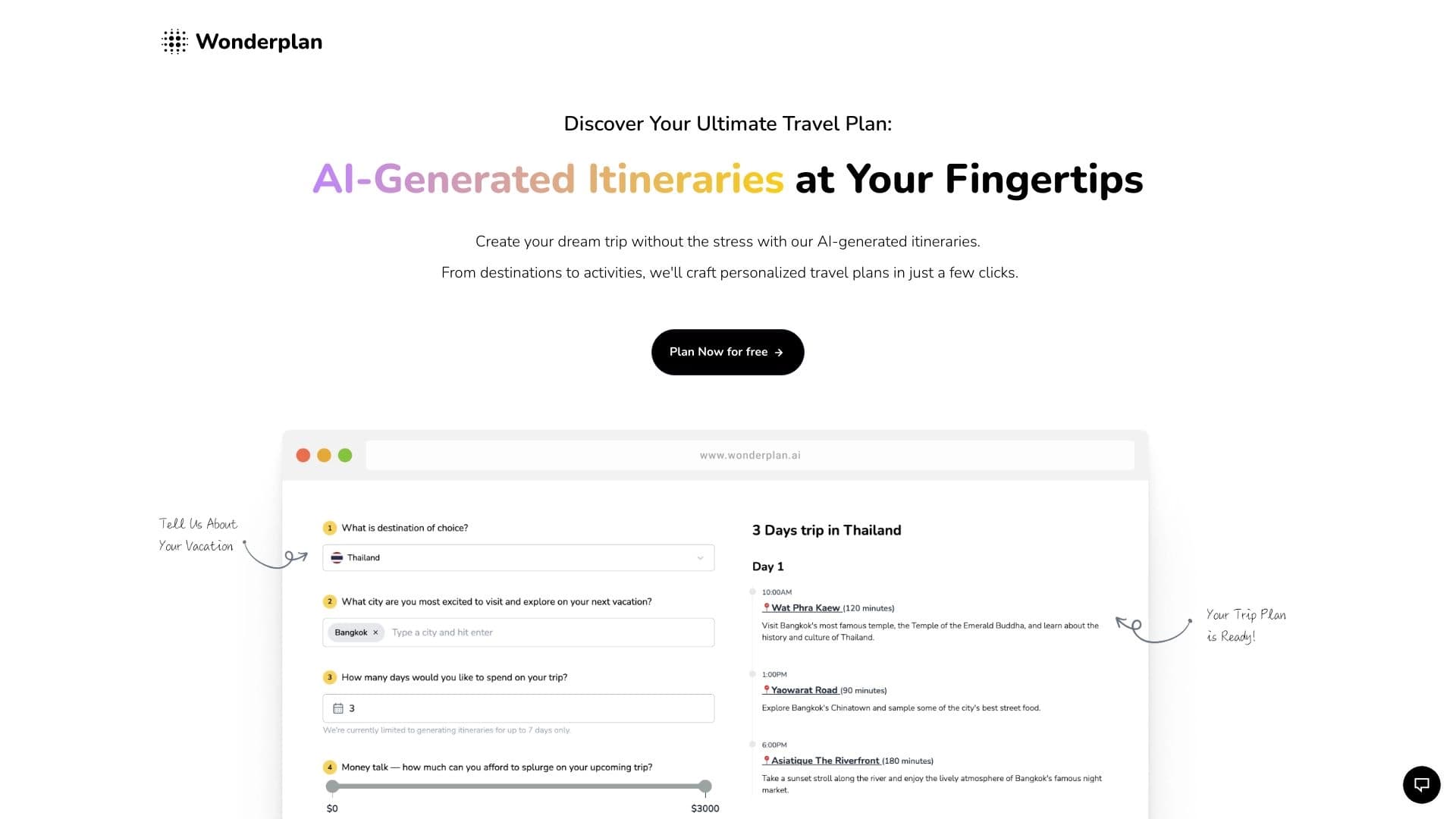

Asisten perencanaan perjalanan AI yang menciptakan jadwal rinci berdasarkan preferensi, anggaran, dan durasi perjalanan.
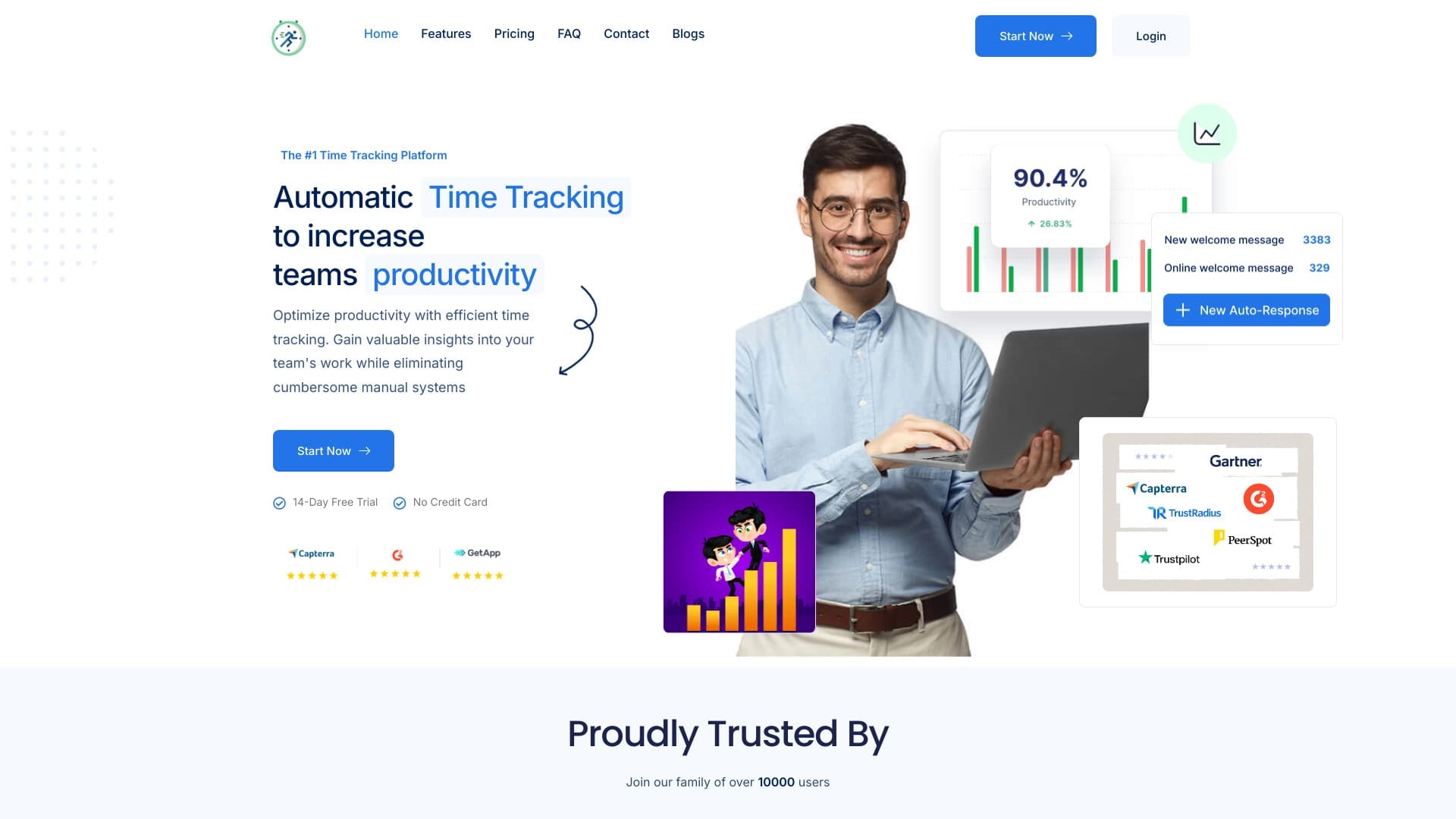

Platform untuk otomatis pelacakan waktu kerja dan analisis produktivitas tim.