
20Paths - Chrome Extension
Extensão para Chrome que cria automaticamente instruções interativas passo a passo, gravando as ações do usuário em aplicativos web.
Visão geral
20Paths - Chrome Extension Descrição
20Paths é uma extensão do navegador Google Chrome que cria automaticamente instruções interativas passo a passo. A ferramenta registra as ações do usuário em qualquer aplicativo web, captura imagens de etapas chave e adiciona pistas visuais a eles. Algoritmos de IA automaticamente colocam destaques, setas e geram explicações de texto para cada passo.
O material resultante pode ser editado para atender às suas necessidades: alterar o texto, substituir imagens e personalizar o estilo de design. Isso permite que você adapte rapidamente instruções à marca corporativa e requisitos. O plugin funciona na nuvem, então uma conexão estável à internet é necessária para usá-lo. O serviço é voltado para usuários que precisam criar rapidamente materiais de treinamento e documentação sem layout manual.
20Paths - Características de Extensão do Chrome
| Característica | Valor |
|---|---|
| Tipo | Extensão do navegador |
| Categoria | Ferramentas de treinamento de IA, automação de processo, criação de base de conhecimento, gerenciamento de conhecimento, suporte ao cliente, edição de fotos |
| Plataformas | Chrome |
| Desenvolvimento | 20 Caminhos |
| Nível livre | Sim. |
| Visitas mensais | 388,9K |
Quem é 20Paths - Extensão Chrome adequada para?
Especialistas em formação de trabalhadores
Aqueles responsáveis pela integração de novos funcionários e upskilling sua equipe pode usar a extensão para transformar rapidamente fluxos de trabalho em manuais visuais. Não há necessidade de descrever manualmente cada clique — basta percorrer o processo no aplicativo uma vez.
Equipas de apoio ao cliente
Agentes de suporte podem usar guias prontos para responder às perguntas comuns do usuário. Instruções visuais ajudam a explicar aos clientes como resolver uma tarefa específica na interface mais rapidamente.
Equipes construindo bases de conhecimento e documentação
Para aqueles que mantêm documentação interna, 20Paths acelera o processo de tirar imagens e escrever explicações. As instruções podem ser acumuladas em uma única base de conhecimento e utilizadas como material de referência.
Especialistas em automação de processos
Se sua empresa repete regularmente as mesmas operações em aplicativos web, a extensão ajuda a capturar o fluxo de trabalho e passá-lo ligado a colegas sem longas explicações.
Como usar 20Paths - Extensão do Chrome?
Instalação e primeiro lançamento
Para começar, instale a extensão do catálogo do Chrome e coloque o ícone na barra de ferramentas do navegador. Em seguida, abra o aplicativo web onde você planeja gravar a instrução.
Acções de gravação
Inicie a extensão e comece a executar ações na aplicação. 20Paths captura automaticamente cada passo, cria capturas de tela e as monta em uma cadeia sequencial.
Processamento final
Após a gravação completa, o sistema usa IA para gerar legendas para cada passo, adicionar setas e destaques. O material acabado pode ser revisado, editado ou salvo para uso futuro.
Principais características de 20Paths - Extensão do Chrome
Criação automática de instruções passo a passo
O sistema rastreia as ações do usuário e as converte em uma sequência interconectada de passos com capturas de tela. Esta é a principal função da extensão e a principal razão pela qual ela está instalada.
Elementos visuais interativos
Clique em destaques, setas indicando a direção das ações e anotações de texto são automaticamente adicionadas a cada captura de tela. Esses elementos ajudam os usuários a se concentrarem em detalhes importantes.
Edição de materiais acabados
Após a geração, a instrução pode ser modificada: editar textos, substituir imagens, alterar o estilo de design e inserir logotipos da empresa. O editor permite que você adapte modelos básicos ao seu estilo de marca.
Vantagens de 20Paths - Extensão do Chrome
Poupança de tempo no trabalho de rotina
Criar instruções acontece no piloto automático. Os usuários não precisam tirar imagens manualmente, elementos de círculo ou apresentar descrições — leva minutos, não horas.
Clareza e compreensibilidade dos materiais
Acentos visuais — setas, destaques, legendas — tornam processos complexos intuitivamente compreensíveis. Usuários de instrução não precisam adivinhar qual elemento de interface olhar ou o que clicar.
Resultados rápidos
A extensão funciona na nuvem e fornece um guia finalizado em segundos após o término da gravação. Isto torna a ferramenta adequada para tarefas urgentes quando uma instrução é necessária imediatamente.
Desvantagens de 20Paths - Extensão do Chrome
Imprecisões com interfaces complexas
Em interfaces desordenadas ou não-padrão, a rede neural pode cometer erros ao destacar os elementos certos. Capturas de tela podem ter destaques extras ou ausentes.
Dependência da Internet
A extensão usa computação em nuvem, então não funciona offline. Com uma conexão instável, o processo de criação de instruções pode ser interrompido.
Materiais acabados semelhantes a modelos
As instruções geradas automaticamente frequentemente parecem as mesmas e carecem de individualidade. Edição manual adicional no editor é necessária para dar-lhes um estilo único.
Que problemas o 20Paths - Chrome Extension resolve?
Criação de materiais e guias de formação
A ferramenta é adequada para preparar rapidamente guias passo a passo para trabalhar com serviços web e aplicações. Tais materiais podem ser usados no treinamento corporativo e na integração.
Construção de uma base de conhecimentos
A extensão ajuda a criar uma biblioteca de instruções com explicações visuais. Materiais podem ser organizados e usados para o auto-serviço do usuário.
Preparação de demonstrações de produtos
As equipes de vendas e marketing podem criar rapidamente demonstrações visuais de recursos do produto. Tais apresentações são úteis para potenciais clientes e parceiros.
Automatizando a criação de instruções corporativas
Em vez de escrever documentação manualmente, você pode percorrer o processo no aplicativo uma vez e obter um fluxo de trabalho pronto para os funcionários. Isso simplifica a padronização dos procedimentos de trabalho.
20Paths - Preços de Extensão Chrome
O serviço opera em um modelo freemium. O nível básico é livre e inclui características de criação de instruções principais. Planos pagos estão disponíveis para cenários mais avançados:
- Profissional — inclui capacidades avançadas, exportação de materiais e acesso a modelos de projecto.
- Negócios — fornece o conjunto máximo de recursos para a colaboração em equipe: integrações, acesso compartilhado e configurações avançadas.
Termos de uso para 20Paths - Extensão Chrome
Para usar o serviço, você precisa instalar a extensão no navegador Google Chrome. A ferramenta não requer habilidades técnicas especiais — todas as operações são realizadas através da interface de extensão. Usar recursos pagos requer registro de conta e uma assinatura.
Disponibilidade de 20Paths - Extensão Chrome
A extensão está disponível para download no catálogo Chrome Web Store. A ferramenta é executada na infraestrutura de nuvem, então é necessária uma conexão constante com a internet. Estabilidade e velocidade dependem da qualidade da conexão e da carga de infraestrutura na nuvem.
Como 20Paths - Extensão do Chrome difere das alternativas
A principal diferença entre 20Paths e outras soluções no mercado é o seu foco estreito na criação de instruções passo a passo diretamente no navegador. Enquanto muitas alternativas, como Leonardo.ai, Midjourney, Kandinsky, ou Yandex Art, estão focadas na geração de imagens, 20Paths foca em automatizar a documentação de ações em aplicações web. Esta abordagem torna a extensão uma ferramenta única para o treinamento de funcionários e manutenção de bases de conhecimento em um formato "gravado — obteve uma instrução". Ao mesmo tempo, o serviço é inferior aos editores universais em termos de flexibilidade de design visual e requer refinamento manual para interfaces complexas.
Conclusão
20Paths é uma extensão prática do Chrome que assume o trabalho de rotina de criar instruções visuais passo a passo. É útil para treinamento de funcionários, preparação de materiais para equipes de apoio e construção de bases de conhecimento. A ferramenta funciona rapidamente e não requer habilidades especiais; no entanto, erros em destaques automáticos são possíveis em interfaces complexas, e refinamento manual é necessário para projetos exclusivos. No geral, é uma solução eficaz para tarefas de documentação de processo web padrão.
Perguntas mais frequentes
Consulte também

Aplicativo para criar e personalizar companheiros virtuais de IA com diferentes personalidades e estilos de comunicação.
Assistente de voz multimodal da Yandex baseado na rede neural YandexGPT, que responde a perguntas, gera textos e imagens, analisa arquivos e controla a casa inteligente.


Assistente de IA para verificar gramática, ortografia e estilo do texto em inglês, disponível como extensão de navegador e editor web.
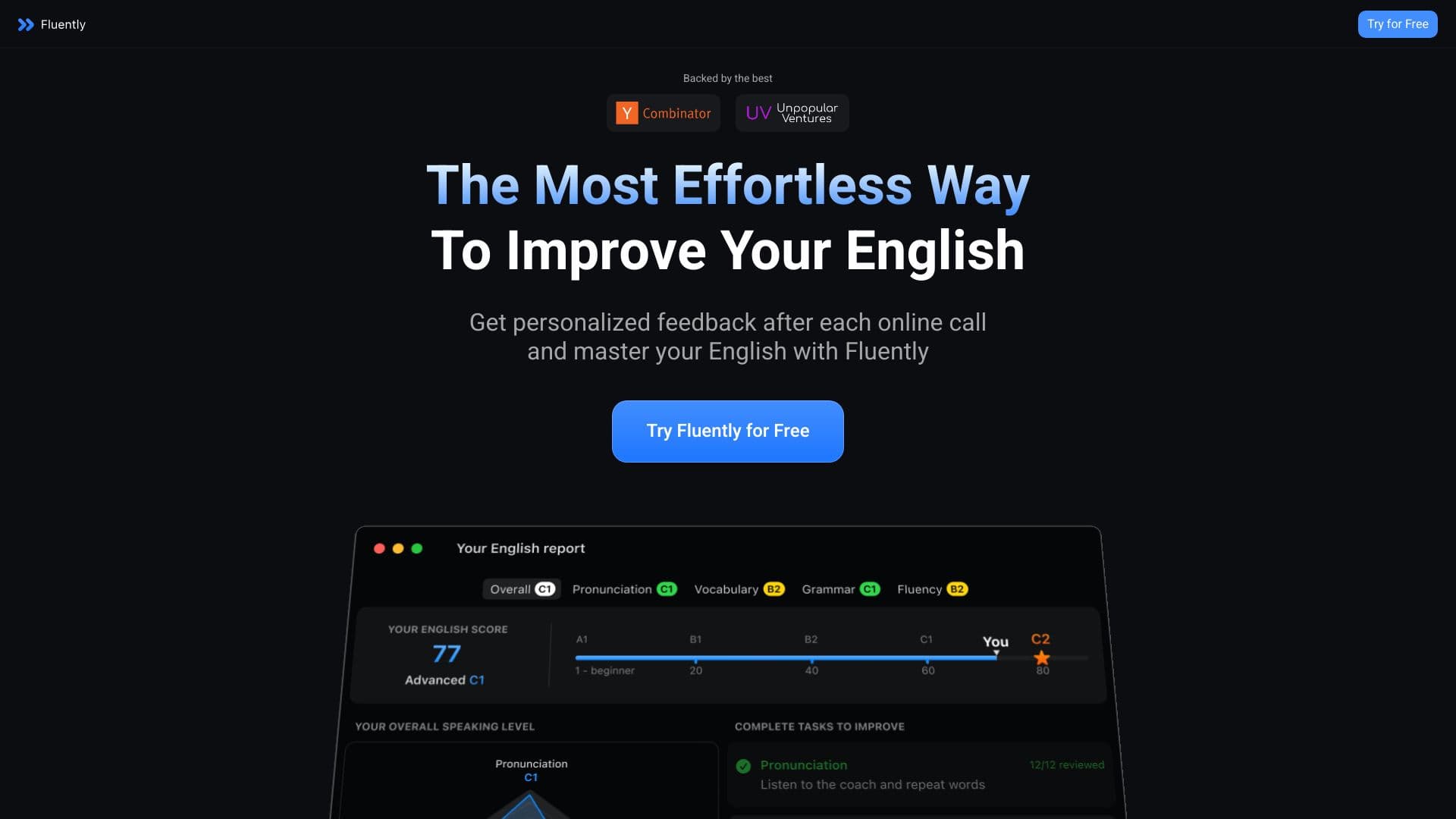

Treinador de conversação com IA que fornece feedback em tempo real durante chamadas e conversas do dia a dia.

Ferramenta para criar diagramas e mapas mentais a partir de descrições textuais em linguagem natural.


Plataforma agregadora que reúne diversas ferramentas de IA e modelos de linguagem, com pagamento apenas pelo uso efetivo.


Plataforma para automatizar a aquisição de clientes e campanhas de email personalizadas com enriquecimento de dados de mais de 150 fontes.


Plataforma Web para comunicação e RPG com caracteres IA.