123Colorize
Online service for automatic colorization of black-and-white photos using AI.

Overview
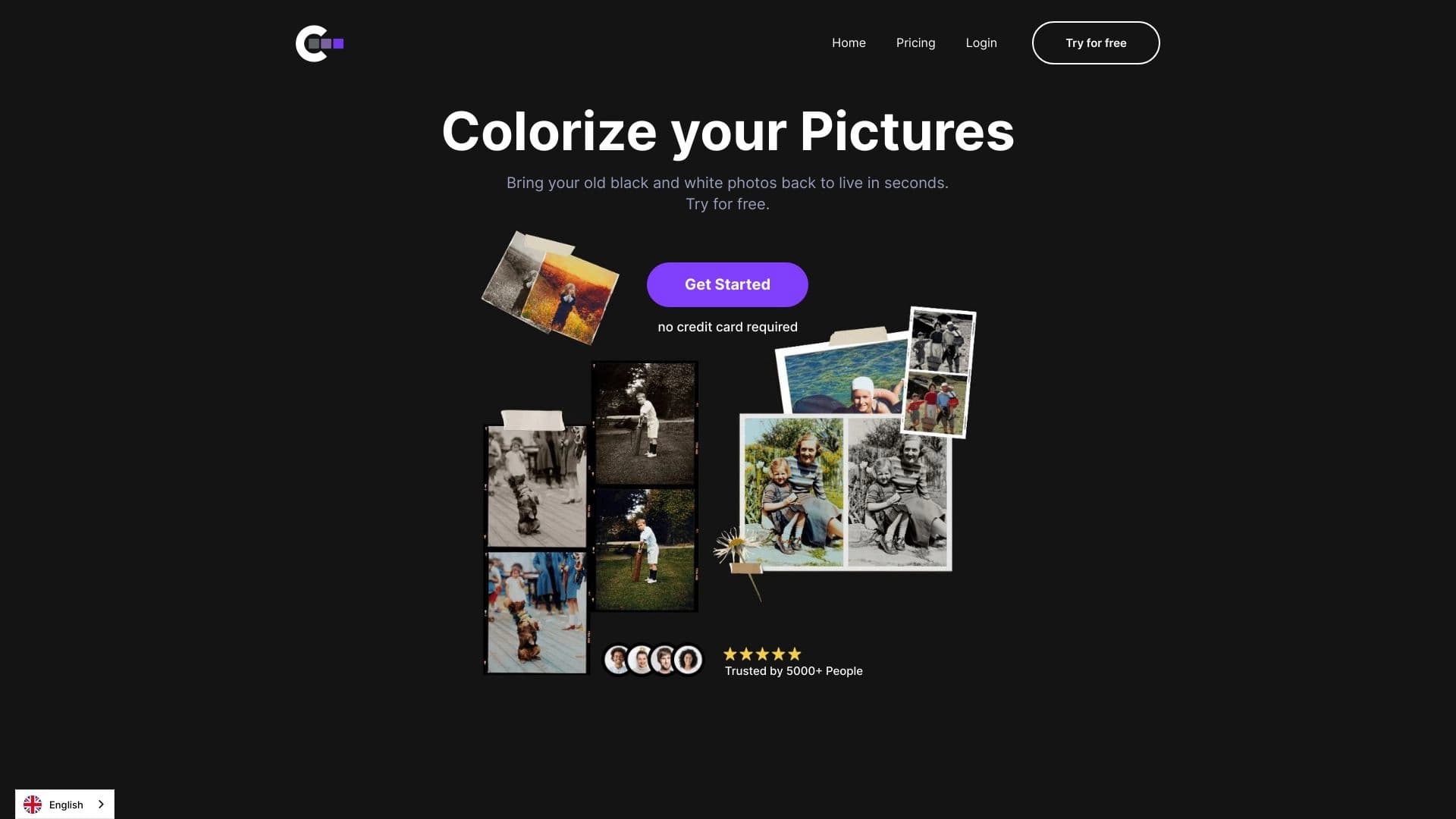
123Colorize is an online service that uses artificial intelligence algorithms to automatically colorize black-and-white photos. The service works in a simple way: users upload a monochrome image to the website, and the neural network automatically recognizes objects in the photo (people, nature, household items, architecture) and selects realistic colors for them. The tool requires no software installation or special skills — the entire process happens in the browser, and the finished result can be downloaded to your device right away. The service targets a broad audience and is most commonly used to restore old family archives or bring new life to historical documents.
123Colorize Features
| Feature | Value |
|---|---|
| Type | AI Colorize / Automatic colorization tool |
| Categories | AI Colorize, AI Color Palette Generator, AI Coloring Book Generator, AI Hair Color Changer |
| Platform | Web-based (online) |
| Developer | 123Colorize Labs |
| Date added | Jun 18 2024 |
| Free plan | Yes (free download of results) |
| Credit card required | No |
| Lifetime plan | No |
| Monthly visits | 30.0K |
| Open source | No |
Who is 123Colorize for?
Digital professionals and enthusiasts
The tool is useful for a wide range of users interested in working with images. This includes photographers, graphic designers, and genealogy specialists who regularly deal with old black-and-white material and want to speed up the process without manual work in graphic editors.
Historians and researchers
For historians and people researching family history, the service offers a new way to look at archival photos. The tool can also be used to enhance historical documents and artistic reconstructions where visual appeal and clarity matter more than absolute accuracy.
Regular users
Thanks to its extremely low entry barrier, the service suits even those who have never worked with photo editors. Art lovers and owners of old family albums don't need to study complex guides — just upload a photo and get a ready color version.
How to use 123Colorize
Step-by-step guide
The colorization process takes just a few clicks and requires no special knowledge. To use the service:
- Go to the official website 123colorize.com.
- Register (create an account).
- Click the "Start" button.
- Drag and drop a black-and-white image into the upload field.
- Wait for processing to finish (usually takes a few seconds).
- Download the resulting color image.
Process details
The neural network analyzes the uploaded photo, matches it against a database of already colorized images, and automatically selects a palette for each element: skin, clothing, sky, vegetation, and so on. The user doesn't need to manually adjust shades or select objects — the algorithm does everything on its own. No additional settings for fine-tuning are provided, which keeps the service extremely simple.
Key features of 123Colorize
- AI colorization: automatic color addition to black-and-white images.
- User-friendly interface: intuitive upload and download process.
- Fast processing: generates a color version in just a few seconds.
- No watermarks: finished images can be downloaded without overlaid logos.
- Online access: works right in the browser, no additional software needed.
- Free result download: processed photos can be downloaded at no cost.
Advantages of 123Colorize
Automation and speed
The main advantage is full process automation. Instead of hours of manual work in Photoshop, users get a finished result in seconds. This is especially valuable for batch processing of large old photo archives, saving a significant amount of time.
Simplicity and accessibility
The tool requires no professional skills or complex software installation. The platform runs in a web browser, is available anytime and from any device, including smartphones. The absence of watermarks on output images makes the service attractive for personal use.
Realistic results
Although the algorithm works from general templates, colors on most standard photos come out natural and vivid. Old photos look almost real, offering a fresh perspective on family history.
Limitations of 123Colorize
Color accuracy issues
Since the AI guesses colors based on typical scenarios, results don't always match historical reality. On complex photos (group shots, unusual lighting, many small details), the algorithm can struggle: faces may blur, and colors may look uneven or unnatural.
Limited functionality and information
The service's main page provides little information about features, pricing, and technical details. Another notable drawback is the lack of mobile apps and browser extensions, which limits user mobility. Additionally, the service is not open source, ruling out customization or algorithm inspection.
Additional requirements
Working with printed photos requires digitizing them first using a scanner or smartphone camera. The service offers no manual refinement features and doesn't guarantee a perfect match with the original palette.
What tasks does 123Colorize solve
The tool addresses several key tasks:
- Restoring old family photos: bringing color back to yellowed and faded pictures from family albums.
- Enhancing historical documents: creating clearer, more engaging versions of historical images for publications or exhibitions.
- Graphic design projects: quickly producing color versions of vintage images for commercial or creative purposes.
- Artistic reconstructions: helping visualize historical events and figures.
- Genealogical research: adding color to ancestor photos for a more vivid sense of family history.
123Colorize Pricing
According to available data, the service doesn't offer a free tier in the traditional sense, but downloading the finished result at no cost is available. For more extensive use, three paid plans are offered:
- "10 images" plan — includes HD colorization, no watermarks, results stored for 10 days, and 24/7 user support.
- "30 images" plan — similar terms, with files stored on the server for 30 days.
- "125 images" plan — the largest package, with results stored for 30 days.
Current prices and details may change, so it's recommended to visit the official website 123colorize.com before purchasing.
Terms of use for 123Colorize
Registration and account creation are required to start using the service. Right after registering, you can upload a photo for free and get a color result. The number of images you can process depends directly on your chosen plan. Finished files are stored on the platform for a limited time — from 10 to 30 days (depending on the plan), after which they are likely deleted, so downloading results promptly is recommended. Internet access and a modern browser are required to use the service.
Availability of 123Colorize
The service is fully accessible through a web browser, working on both desktop computers and laptops. The tool also works properly on mobile devices and tablets, offering mobility and convenience at any time. No software installation is required, and anyone with internet access can use it. However, note that the service has no dedicated mobile apps or browser extensions.
How 123Colorize differs from alternatives
Several alternative services for colorizing black-and-white photos exist on the market, including Palette.fm, VanceAI, Colourise.com, DeepAI, IMGCololorize. Unlike some of them, 123Colorize offers free result downloads, which is a significant advantage for non-commercial use. The service also prioritizes speed and simplicity: the minimalist interface requires just a couple of clicks with no need to dive into fine settings. At the same time, unlike more advanced platforms, it provides no manual correction tools, relying solely on automatic mode. Another key difference is its clear per-image pricing structure, while several competitors use subscription models. It's also worth noting that, unlike general-purpose neural networks (Midjourney, Stable Diffusion, and others), 123Colorize is highly specialized — it doesn't generate images from scratch but only transforms photos uploaded by users.
Conclusion
123Colorize is a simple and effective AI-powered online tool for automatic colorization of black-and-white images. Its key strengths are accessibility, high processing speed, and the ability to download results for free without watermarks. It's ideal for bringing family archives back to life and requires no special skills. The main limitations relate to the lack of a guarantee of historical color accuracy — the algorithm works from templates and can make mistakes on complex photos. Still, for most user needs, the service offers a convenient and fast solution.
Pricing
Frequently asked questions
See also

A multimedia AI toolkit for editing and enhancing photos, videos, and PDF documents.

Online neural network service that transforms ordinary photos into stylized artistic portraits and avatars.

An online service that recognizes text on manga and manhwa pages, translates it into different languages, and embeds it back into the image without damaging the original artwork.

Cloud platform for creating videos using AI avatars, synthesized speech, and automatic translation of clips into dozens of languages.

Online AI tool for creating deepfakes and editing images.

Online editor for removing unwanted objects, text, and defects from photos using a neural network.
Service for creating personalized avatars and photo shoots using AI based on uploaded selfies.

Google's neural network for generating and editing images from text descriptions, based on Gemini models.